lock VOLKSWAGEN JETTA 2007 Owners Manual
[x] Cancel search | Manufacturer: VOLKSWAGEN, Model Year: 2007, Model line: JETTA, Model: VOLKSWAGEN JETTA 2007Pages: 477, PDF Size: 77.6 MB
Page 462 of 477
Booklet 3.4 Premium Sound System
Track selecting
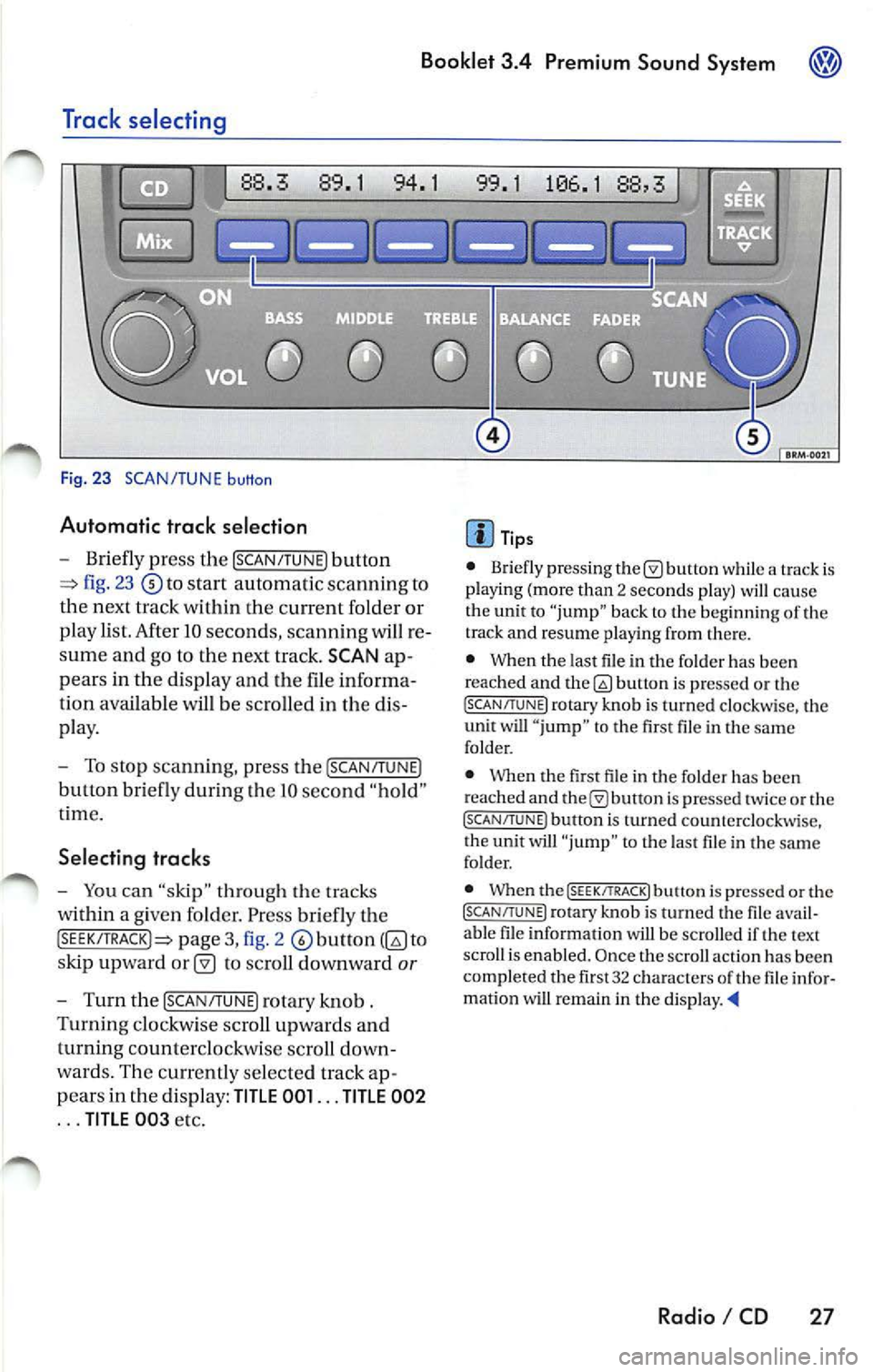
Fig. 23 SCAN/TUNE button
Automatic trac k selection
-Briefly press the !SCAN/TUNE) button
fig. 23 to sta rt automatic scannin g to
the next track within the curre nt folder or
p lay list. After 10 seconds , scannin g will re
sume and go to the next track. SCAN ap
pears in the display and the file informa
tion available
be scro lled in the dis
pla y.
- To stop scannin g, pre ss the [SCAN/T UNE)
button bri efly during Lhe IO seco nd "hold "
t ime.
Selecting tracks
-You can "skip" through th e trac ks
within a given fo lder. Pr ess briefly th e
pag e 3, fig. 2 to
s kip upward
to scroll downward or
- Turn th e !SCAN/TUNE) rotary knob .
Turnin g clo ckw ise sc roll up wards and
turning counterclockwi se scroll down
wa rds. Th e curr en tly se lected track ap
p ears in the di spl ay:
TITLE 001 ... TITLE 002
... TITLE 00 3 etc.
Tip s
• Briefly press ing butt on while a track is
pla ying (mo re than 2 seco nds play) cau se
the unit to "jump" bac k to the beginning of th e
track and resume pla yin g from there.
• When the last file in the fo lder has been
reached and
bu non is pre ssed or th e (SC AN/TUNE! rotary knob is turned clockwi se, the
unit will " jump " to th e first file in th e same
folder.
• Whe n the first fil e in t he folder has been
r eached and
is pr essed tw ice or the (SCAN/TUNE ) button is turned counterclockwise,
t he unit will "ju mp " to t he last file in the sa me
fo lder.
• When the
(SEEK/TRACK! butt on i s pre ssed or the (SCAN/TUNE) rotary kno b is turn ed the fil e avail
a bl e fil e in formation will be scro lled if th e text
scro ll is enabl ed. Once the scroll actio n ha s be en
comp le ted the fir st 32 characters
th e fil e infor
matio n wi U remain in the di sp la y. •
Radio I CD 27
Page 469 of 477
Booklet 3.4 Premium Sound System
Anti-Theft Coding
Convenience radio coding
For techni cal reason s, the convenience radio
coding is not a vailable for all vehicle models .
In the past , it u sed to be that you h ad to manu
ally reco de th e rad io whe neve r the unit was re
moved from the veh icle (fo r examp le, if the unit
wa s removed to be repa ired), or whenever the
vehicle battery was disconnected (for example ,
if you brought yo ur vehicle in to the dealership
for service and it was necessary to disconnect
the banery ). In either case , th e power supply to
t he unit was cut off.
That ha s all ch anged with th e new conve nien ce
radio coding function: Once the code number
has been inplll in the rad io, i t w ill then synchro
nise itself wi th "it s" veh icle!
I f th e curr ent supply has been interrupted the
radio will automaticall y ch eck to see if it is still in
Canceling the Electronic Lock
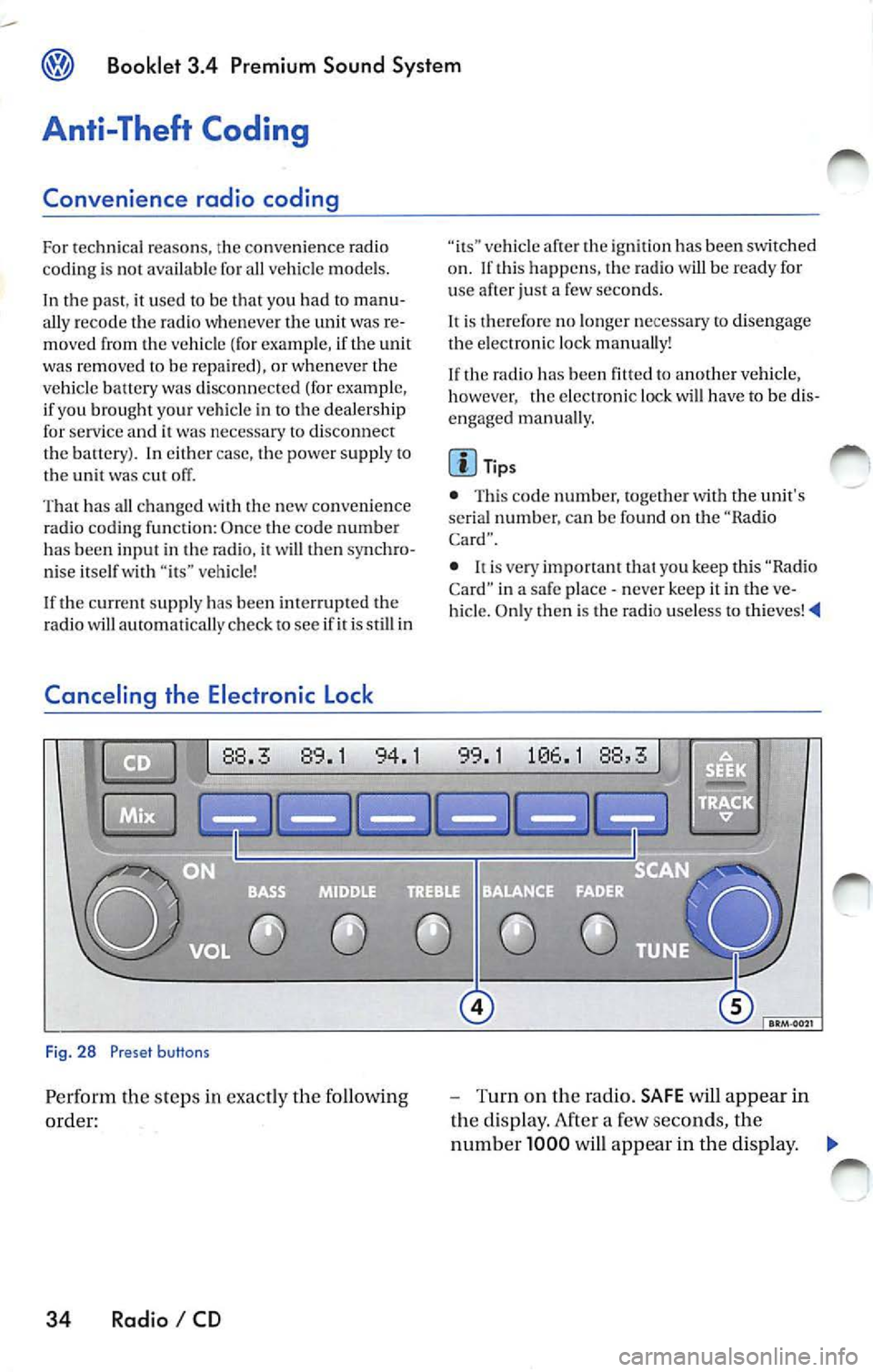
Fig. 28 Preset buttons
Pe rform th e steps in exact ly the fo llowing
order:
34 Radio I CD
vehicle af te r th e ig niti on has been switched
o n . If thi s happ ens, the radio will be read y for
u se after just a few seco nds.
It is therefore no longe r n ecess ary to disengag e
the e lectro nic lock manua lly!
If the radio has been
to another vehicle,
however , the electronic lock will have to be dis
engaged manua lly.
Tip s
• This code number, togeth er w ith the unit's
se rial numb er. ca n be found on the "Ra dio
Card".
• never keep it in the ve
hicle. Only then is th e radio use less to thieves!
-Turn on the radio. SAFE will appear in
the disp lay. After a few seconds, the
numb er 1000 will appear in the display. ._
Page 470 of 477
Booklet 3.4 Premium Sound System ®
-Use the radio stat io n pr ese t button s 1 to
4
page 34, fig. 28 to ent er the code
numb er fo un d on your R adio Card. Use
pre set button
l to ent er t he fir st digit in the
code numb er. U se button 2 to en te r the
seco nd digit , e tc. Th e valu e range for each
of the 4 di git s is O ... 9. T he digit will in
c rease by l eac h tim e you tap the pr ese t
bu tton. The number r etu rns to O afte r 9.
- After you finish ent ering th e code, press
the sta tion p reset button below
word
OK in th e di spl ay. It usual ly is th e las t sta
tion pre set button. You w ill hear a n au
dibl e signa l.
-If you have en te red t he co de number
c orr ect ly, a radio frequency will app ear in
th e d isp lay.
Wrong Code Number
lfyou have accide ntally ent ered a wrong code
number , SAFE will ap pear in th e di spl ay and
th en the number 1000 will app ear.
Yo u can re p ea t the procedu re agai n on e time .
T he num ber of attempt s will app ear in the dis
p lay. lf you acci dent all y ent er a wrong code
number a seco nd tim e
SAFE will appea r in the
d isp lay.
lfth e wrong cod e number i s enter ed aga in, th e
uni t w ill be di sab le d for about I hour. Lea ve th e
unit O N for this hour . After th e hour has
e la p se d, the numb er of att em pts will stop bei ng
displayed and you can cancel th e elec tronic lock
once again.
Remembe r, the cycle i s ...
• 2 attempt s
• one hour lo cked.
Tips
If y ou loose your Rad io Card, contact yo ur au
t ho riz ed VO LKSWAGEN
ered by a re pl ace ment pa rts warra nty. This re
pl acement serv ice w ill not b e availab le, how
eve r, it th e unit h ousing is damaged or if un au- th
oriz ed per sons have att empt ed to make re
pair s.
Antenna Care
Th e an tenna i s des ig n ed to achieve optim al per
fo rmance with the radio and is located at a pos i
tion where reception is good and su sce pti bili ty
to int erfer ence is low.
Ve hicle s equ ipped wi th antenna s emb edd ed in
t he winds hield o r backlights offer the furth er ad
vantages o f being completely pro tec te d f rom
damage and wear.
No antenna car e is r equir ed for vehicles
e quipped with roof moun te d
Radio I CD 35
Page 471 of 477
Booklet 3.4 Premium Sound System
Technical description
Anti-theft protection
T he unit is e lectro nica lly locked whenever the
power source is inte rrupted.
It can on ly be re
turned to working condition by enteri ng th e cor
rec t cod e number.
Frequ ency rang es
F M and AM.
Band selection
Mome ntary-co ntact butto ns
Displays
Fre quenc y, band, b ass, bala n ce, treb le, middle
freq ue ncies, preset button, CD functions ,
functions.
Illumination
The control s and d isp lay are illum inated glar e
fr ee from the interior (nig ht dri vin g des ign)
maximum brightn ess when drivi ng lig h ts a re off.
When the dr ivi ng lig hts are on, the intensity is
co ntr olled toget11er with th e in strument panel
i nte nsit y.
Station selectio n
In th e rad io m ode, t he unit automa tica lly plays
th e la st sta tion selecte d whe n the unit was
turn ed off (las t sta tion memo ry).
Soft Clipping• I f th e volu me is se t to maximum, you m ay notice
that the rad io outp ut
will be come distorted . The
So ft Clippin g fun ction detec ts t his di stort ion
and will au tomat ica lly adj ust
vo lum e to pro
v id e th e m ost dist orti on free output.
36 Radio I CD
Radio
A utom atic and manu al !linin g. Six sta tion
p rese t buttons each for FM !, FM2, FM AUTO.
AMI, AM A UTO, SAT!, SAT2 and SAT3 . Ma nual
t unin g is poss ible in
directions. Micropro
cesor-controlled stabiliza tion of sta tion fr e
quencies (PLL quartz tuning) .
E xternal CD changer•
Remote contro lled via radio sou nd sys te m uni t.
C han ge r ma gaz ine for 6 CDs w ith moto r-dri ven
eje ction, 6 CD selec tion button s. Mix mod e, au
t omat ic track scan
I seek.
Sound reproduction
S te reo ( rad io, sate llite radio,
ad justa ble
t r eble control, ba ss co ntrol, middl e frequ en cies,
fader control and ba la n ce co ntrol integra te d in
th e ra dio, multipl e spe ake r sys te m .
Max. power output
4 x 20 Watt (maximum).
Options
Externa l CD ch ange r. Add itiona l informa tion o n
th ese options is ava ilab le from auth ori zed
VOLKSWAGEN dealers.
Int erference suppression
Th e automatic interference supp ressio n cir
cu itry integ rated in th e unit eliminates mos t
outside interfere nce in th e FM band .
Specia lly tun ed interferenc e suppressors e lim i
n ate nea rly a ll int erf erence puls es from t he en
g ine and other part s of th e elect rical system su ch
as the heater blower, w in dshie ld wipers and ra
d ia tor fan .
Page 472 of 477
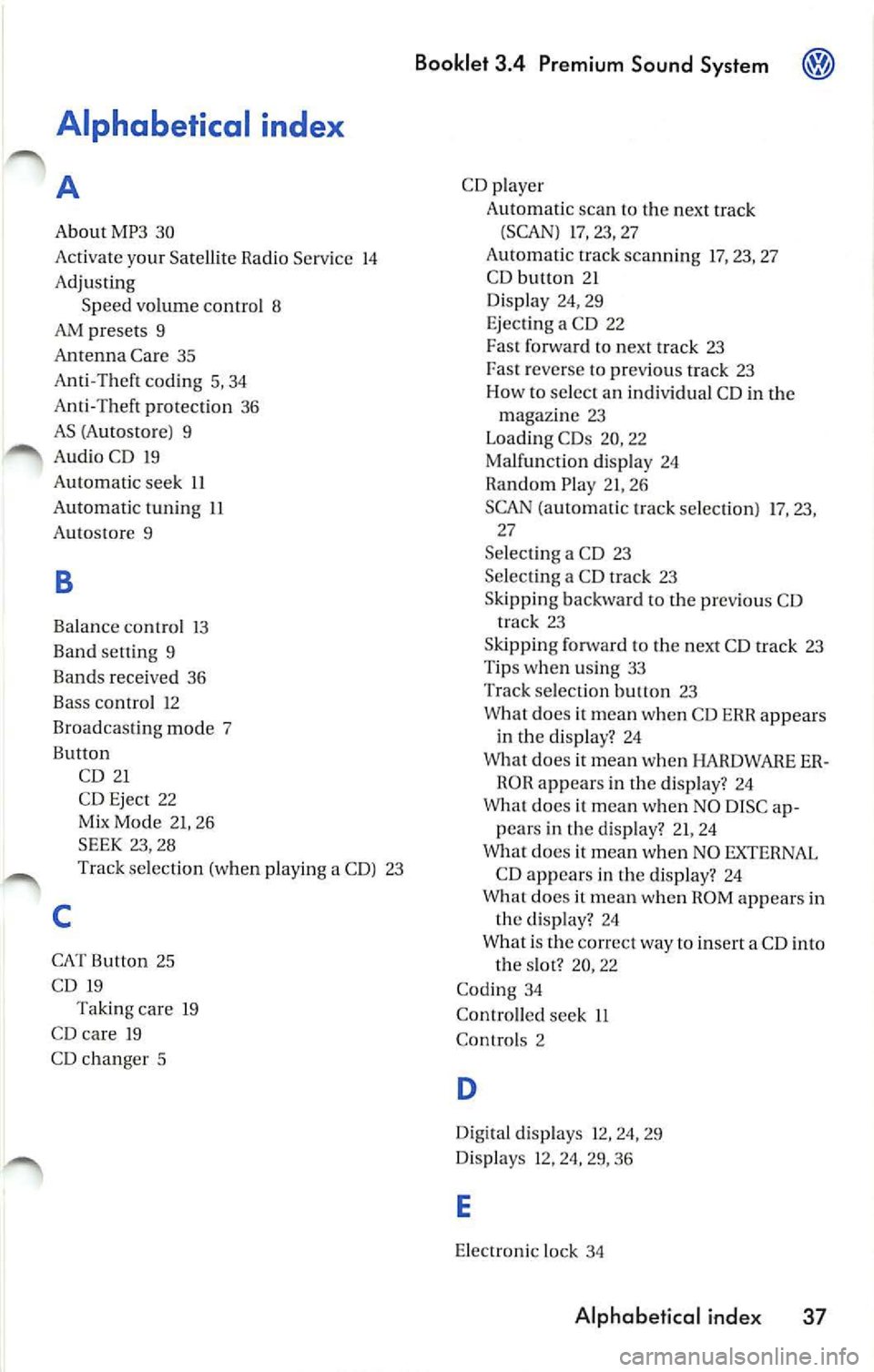
Alphabetical index
A
About MP3 30
Activate your Satell ite Radio Serv ice 14
Adjusting Speed volume contro l 8
AM presets 9
Antenna Care 35
Anti-Theft coding 5, 34
Anti-Thef t pro tec tion 36
AS (Autostore ) 9
Au dio CD 19
Automatic seek 11
Automatic tuning
11
Autostore 9
B
Balanc e contro l 13
Band setting 9
Bands received 36
Bass control 12
Broadcasting mode 7
Button
C
CD 21
CD Eject 22
Mix Mode 21, 26
SEEK 23, 28
Track selection (when playing a CD) 23
CAT Button 25
CD 19
Taking care 19
CD ca re 19
CD changer 5
Booklet 3 .4 Premium Sound Sy stem
CD player
Automat ic sc an to the next track
(SCAN) 17, 23, 27
Au tomatic track scanning 17 , 23, 27
C D button 21
Display 24, 29
E jecting a CD 22
Fa st forward to next track 23
reverse to previous track 23
How to se lect an individual CD in the
maga zin e 23
Loading CDs 20, 22
Malfunction display 24
Random Play 21, 26
SCAN (a utomatic track selection ) 17, 23,
27
Se lect ing a CD 23
Se lect ing a CD track 23
Skipping backward to the previous CD track
23
Ski pping forw ard to the next CD track 23
Tips w hen usin g 33
Track select ion
23
What does it mean when CD EHH appears
in the disp lay? 24
What does it mean when HARDWARE ER
ROH appear s in the display? 24
What does it mean when NO DISC ap
pears in the display? 21, 24
What does it mean when NO EXTERNAL
CD appear s in the disp lay? 24
What does it mean when HOM appears in
the display? 24
What i s the correct way to insert a CD into
the slot? 20, 22
Cod ing 34
Contro lled see k LL
Con trols 2
D
Digital disp lays 12, 24, 29
Disp lays 12, 24, 29, 36
E
Electronic lock 34
Alphabetical ind ex 37
Page 473 of 477
Booklet 3.4 Premium Sound System
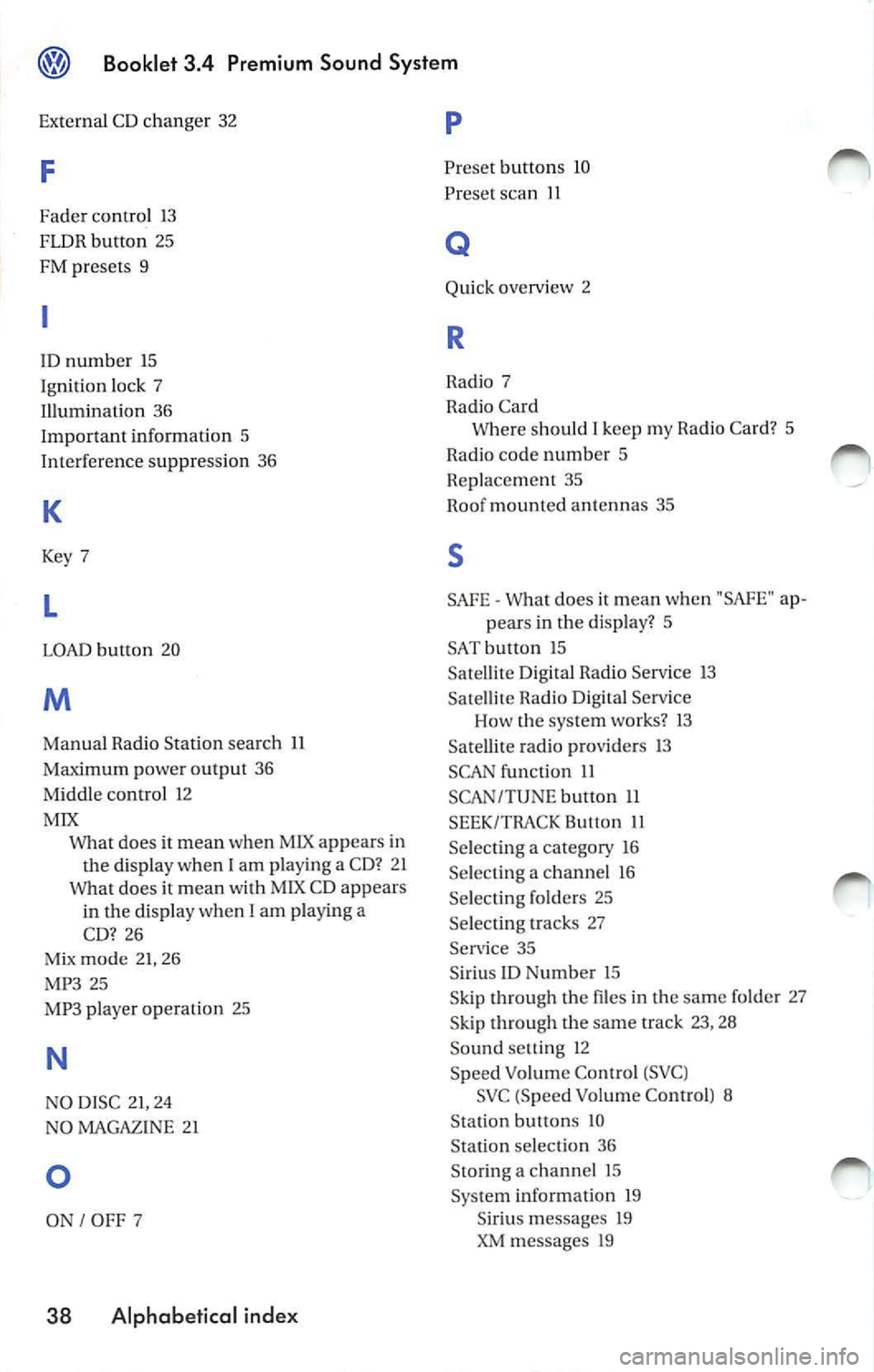
External CD changer 32
F
Fader control 13
FLDR button 25
FM presets 9
ID number 15
Ignition lock 7
Illumination 36
Important information 5
Interference suppress ion 36
K
Key 7
L
LOAD button 20
M
Manual Radio Station search 11
Maximum power output 36
Middle control 12
MIX
does it mean when MIX appears in
the display when
I am playing a CD? 2 1
Wha t does it mean with MIX CD appears
in the disp lay when I
am playing a
CD? 26
Mix mode 21, 26
MP3 25
MP3 player operation 25
N
NO DISC 21, 24
NO MAGAZINE 21
0
ON I OFF 7
38 Alphabetical index
p
Preset button s 10
Preset scan
11
Q
Quick overvi ew 2
R
Radio 7
Radio Card Where should
I keep my Rad io Card? 5
Radio code numb er 5
Replacement 35
Roof mount ed antennas 35
s
SAFE What does it mean w hen "SAfE" ap-
pears in the display? 5
SAT button 15 Sa tellite Digital Radio Service 13
Satellite Radio D igital Serv ice
Ho w the system works?
13
Satellite radio providers 13
SCAN function 11
SCAN/TUNE button 11
SEEK/TRACK Button 11
Se lecting a category 16
Selecting a chan nel 16
Se lecting folders 25
Se lectin g tracks 27
Service 35
S iriu s
ID Numb er 15
Skip through the files in the same folder 27
S kip through the same track 23, 28
Sound setti ng 12
Speed Vo lume Co ntro l (S VC )
SVC (Speed Volume Contro l) 8
Station buttons 10
Station selection 36
Sto ring a channel 15
System information 19
Siriu s message s 19
XM messages 19