radio VOLKSWAGEN PASSAT 2000 User Guide
[x] Cancel search | Manufacturer: VOLKSWAGEN, Model Year: 2000, Model line: PASSAT, Model: VOLKSWAGEN PASSAT 2000Pages: 483, PDF Size: 78.54 MB
Page 340 of 483
PREMIUM
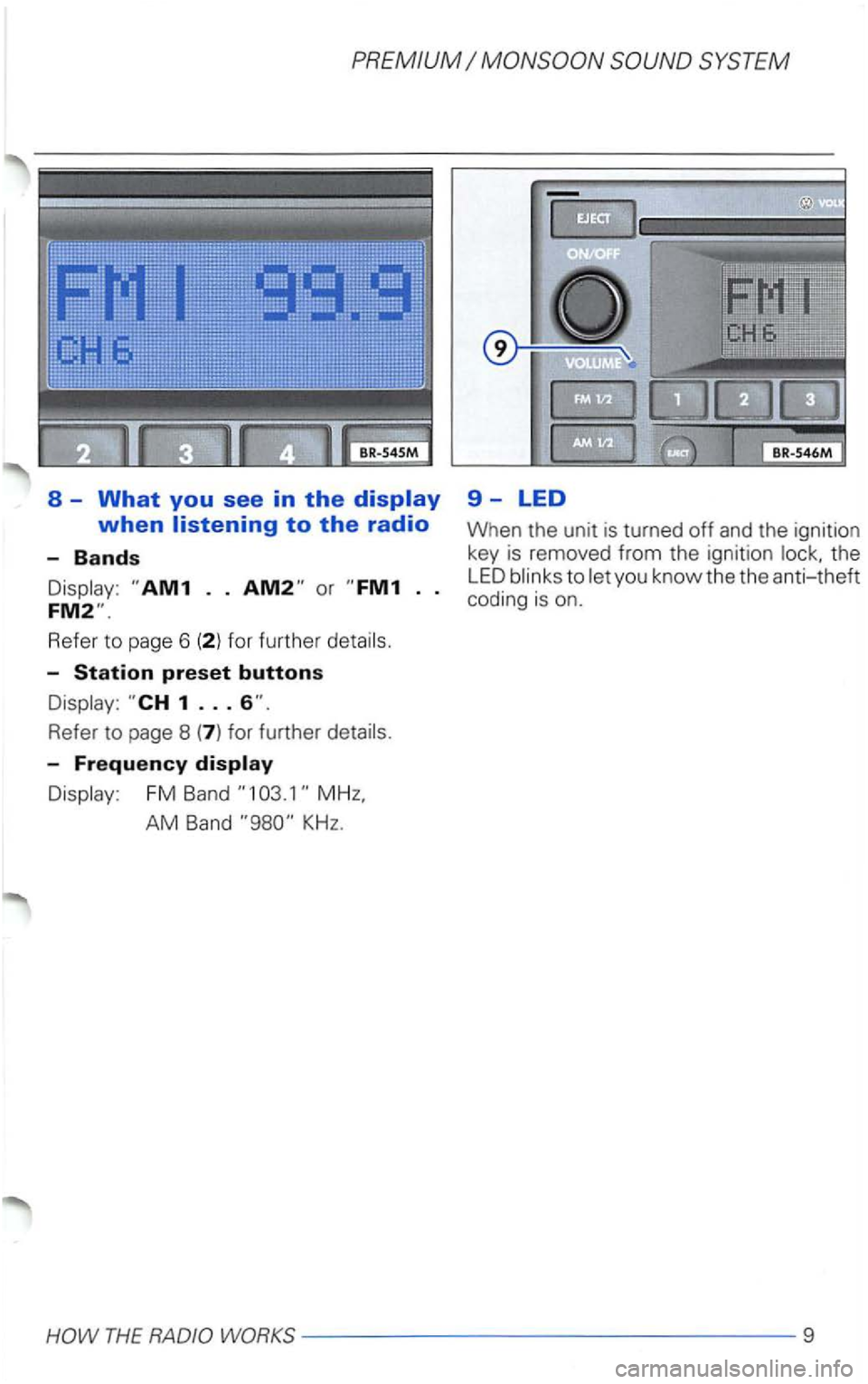
8 -What you see in the
Refe r to page 6
Refe r to page 8
Display : FM Band
AM Band KHz.
9-LED
When the unit is turned off and the ignition
key is removed from the ignition the
LED blinks to let yo u know the the anti-theft coding is on .
THE RADIO WORKS--- -------------9
Page 341 of 483
Cassette
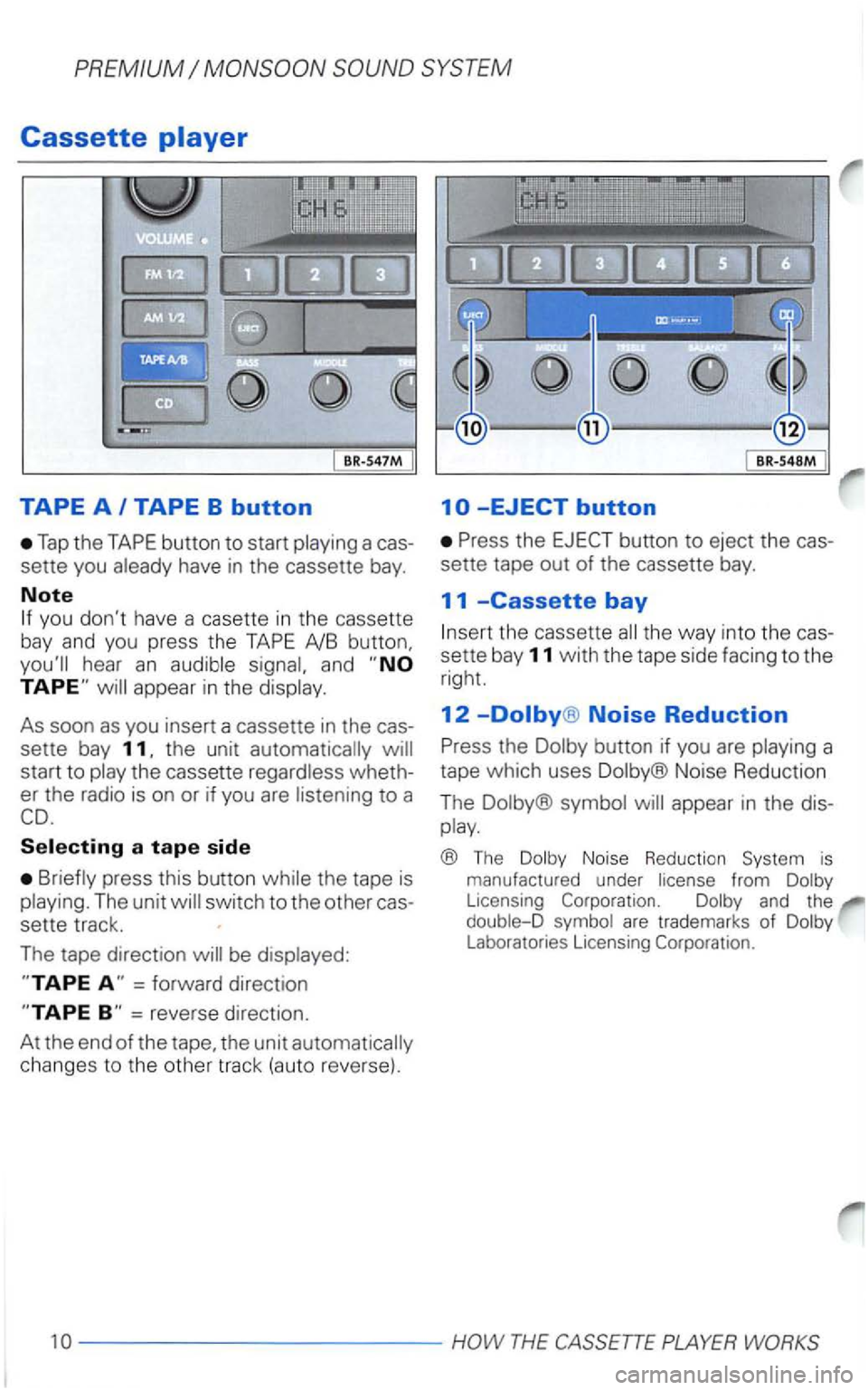
Tap the
have in the cassette bay.
Note
you don't have a casette in the cassette
bay and you press the
hear an
start to wheth
er the radio is on or if you are
to a
the tape is
be
=forward direction
changes to the other track (auto reve rse) .
the
the way into the cas
sette bay 11 with the tape side facing to the
right.
12 Noise Reduction
b utton if you are
Noise Reduction
The
appear in the dis
play.
® The Dolby Noise Reduction System is manu factured under license from Dolby Licensing Corporation. Dolby and the
double-D symbol are trademarks of Dolby Laboratorie s Licensing Corporation.
10------------PLAYER
Page 350 of 483
this
anti-theft coding
prevents
the unit from being re-used by
rized persons.
The
i s
syste m
- the battery is disconnec ted
- the radio fuse burns out.
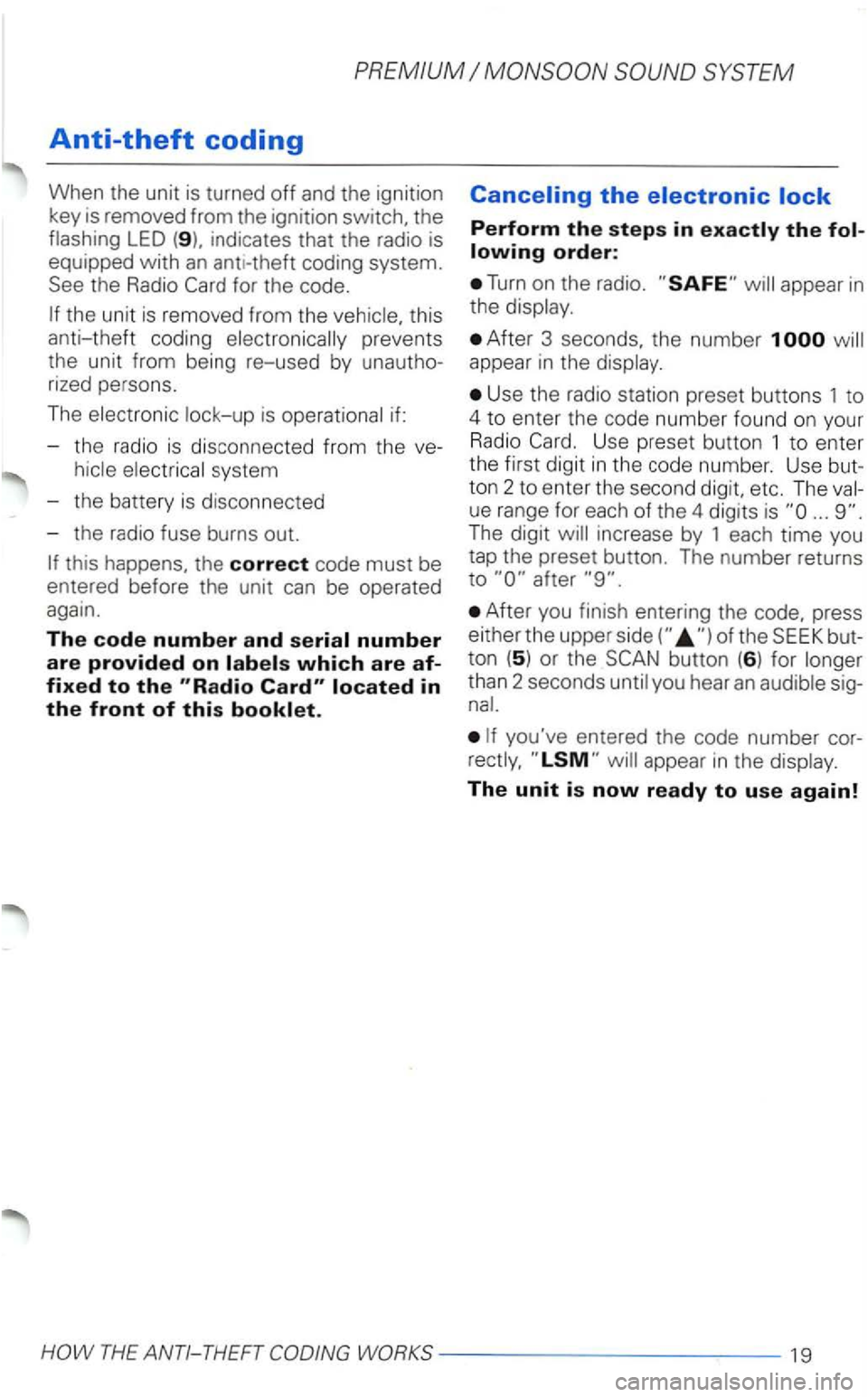
Perform the steps in
Turn on the radio .
After 3 seconds. the number appear in the
Use the radio station preset buttons 1 to
4 to enter the code number found on your Radio Use preset butto n 1 to enter
the first digit in the code number. Use
ue range for eac h of the 4 dig its is
After you finish entering the code, press
e it he r the uppe r
than 2 seconds
The unit is now ready to use again!
Page 353 of 483
Technical Description
Anti-theft protection
The unit is whenever
the power source is in terrupted. can
Momentary -contact buttons
Frequency, band, bass, pre
set button, cassette functions.
functions. coding
The
from the interior (night driving de
sign) -maximum brightness when driving
off. Wher1 the driving are on,
the intensi ty is
together with the
instrument intensity.
station
tun ing is in both
directions . Microprocesor-controlled stabi
of station frequencies (PLL quartz
tuning).
Cassette
Low-wear, high performance tape head,
buttons for fast forward and re
verse, auto-reverse, Music Search System
Noise Reduction, automatic
detection of
cassettes.
CD changer*
Remote via radio sound system
unit. magazine for 6 with mo
tor-driven ejectio
n, 6 buttons.
Mix mode, automatic track scan seek.
bass fader inte
grated in the radio,
changer. information on these options is
tuned interference suppressors interference
windwipers and radiator fan.
® The from Licen
sing
22 -------- --- -----
Page 355 of 483
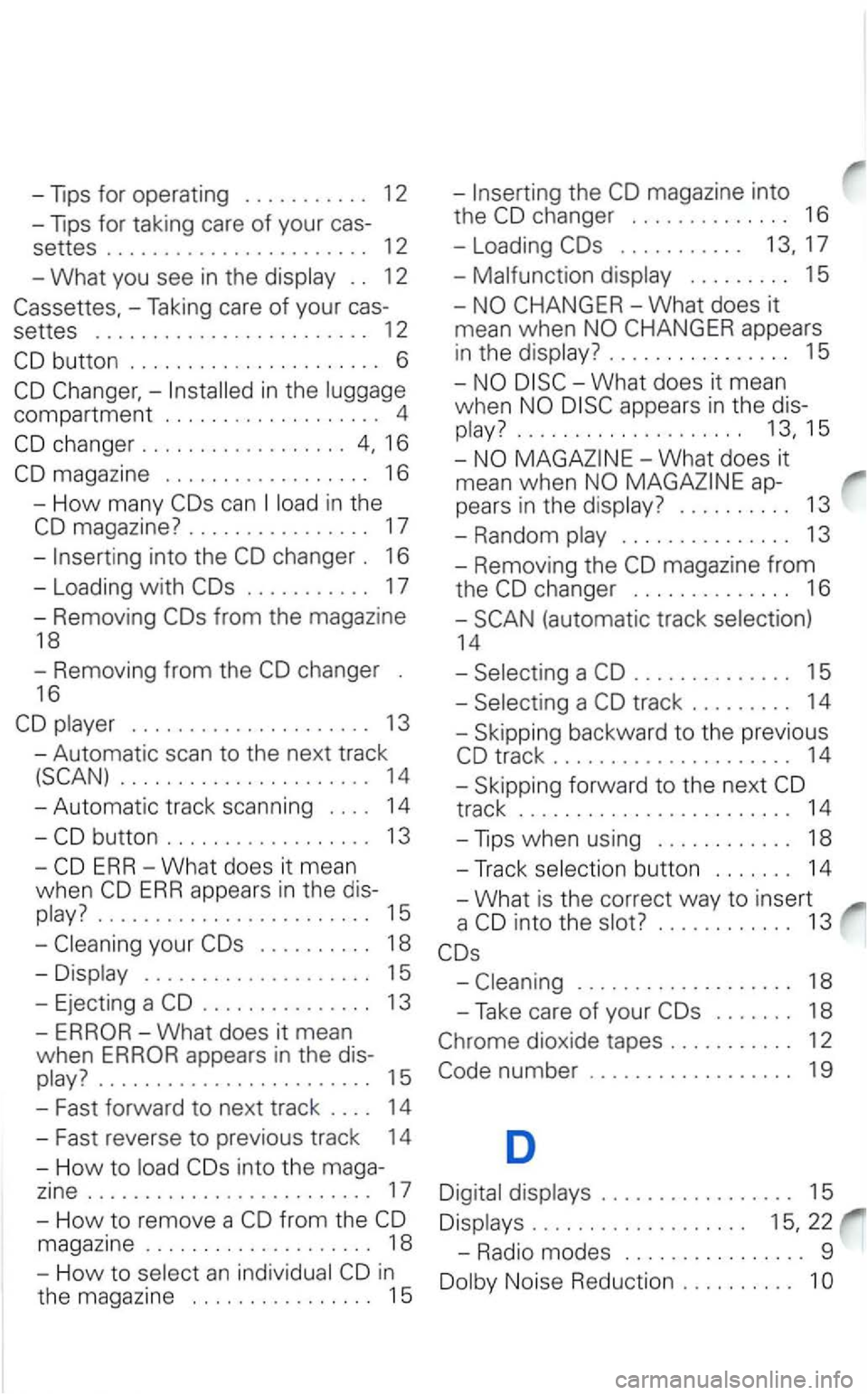
-Tips for oper ating . . . . . . . . . . . 12
-Tips for taking care of your cas-
settes ....................... 12
- What you see
in the . . 12
-Taking care of your cas-
settes
.............. .......... 12
in the
compa rtment . . . . . . . . . . . . . . . . . . . 4
magazine . . . . . . . . . . . . . . . . . . 16
- Ho w many
in the
magazine? . . . . . . . . . . . . . . . . 17
-into the
. . . . . . . . . . . 17
-Removing
. . . . . . . . . . .
appears
in the
. . . . . . . . . . . . . . . . 15
What does it mean
when
appears in the dis-
............ ........ 13,15
ap
pears in the . . . . . . . . . . 13
- Random
. . . . . . . . . . . . . . . 13
- Removing the
changer . . . . . . . . . . . . . . 16
-
14
- Removing
from the . . . . . . . . . . . . . . 15
16 -
........ 13 - Skipping backward to the previous
-Automatic scan to the next track
........ 14 -Skipping forward to the next
ERR-What does it mean -Track button . . . . . . . 14
w hen
ERR appears in the dis-_What is the correct way to insert
.... 15 a
your . . . . . . . . . . 18
-. . . . . . . . . . . . . . . . . . . . 15
- Ejecting a
. . . . . . . . . . . . . . . 13
-
appears in the dis-........................ 15
- Fast forward
to next track . . . . 14
-
Fast rever se to prev ious track 14
- H
ow to into the maga-
zine ......................... 17
-
How to rem ove a from the
magazine . . . . . . . . . . . . . . . . . . . . 18
- H
ow to an in
t h e magazine . . . . . . . . . . . . . . . . 15
. . . . . . . . . . . . . . . . . . . 18
-Take care of your . . . . . . . 18
dioxi de tapes . . . . . . . . . . . 12
number . . . . . . . . . . . . . . . . . . 19
D
. . . . . . . . . . . . . . . . . 15
. . . . . . . . . . . . . . . . . . . 22
-Radio modes . . . . . . . . . . . . . . . . 9
Noise Reduction . . . . . . . . . . 1
Page 356 of 483
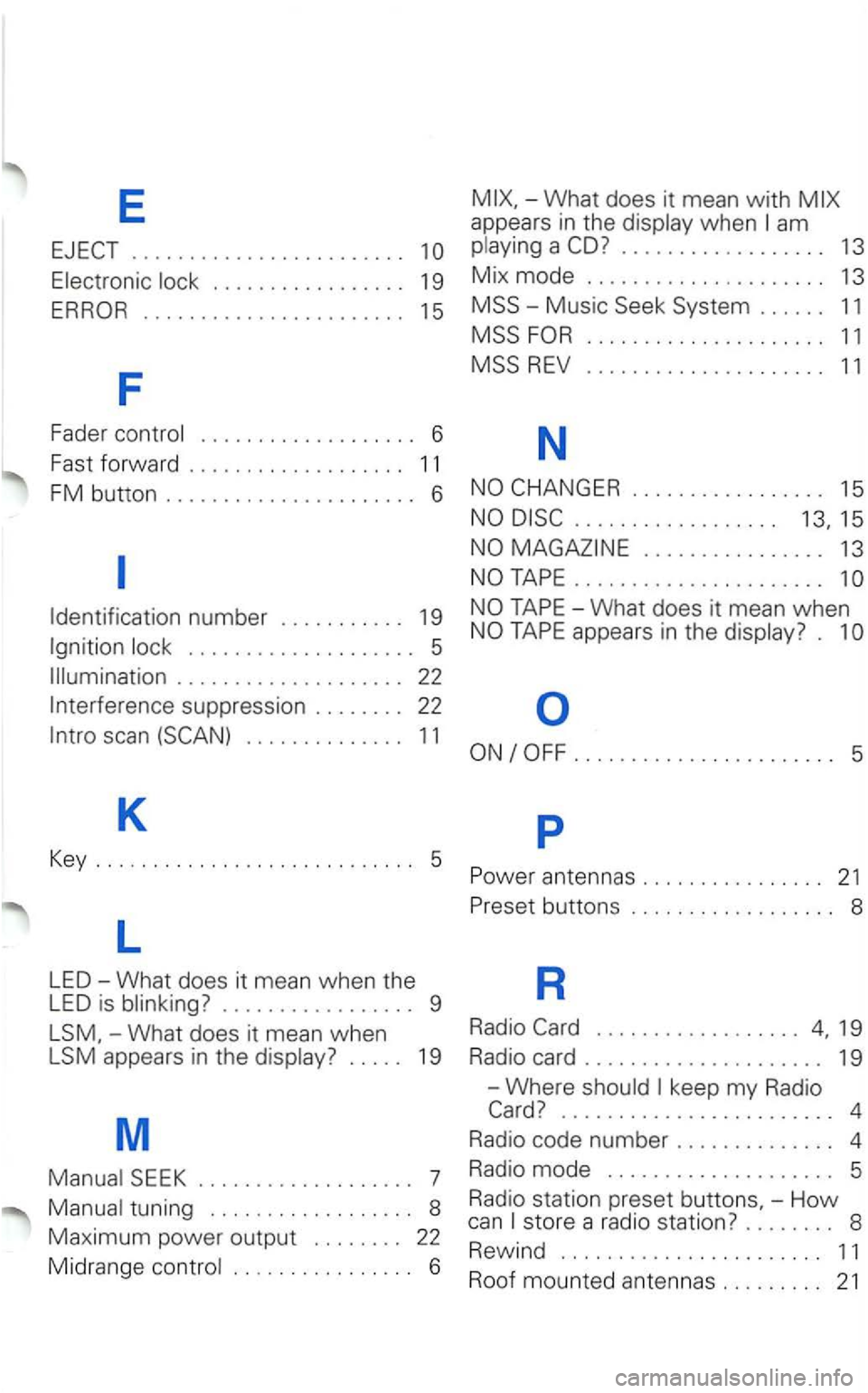
E
........................
....................... 1 5
F
Fader control . . . . . . . . . . . . . . . . . . . 6
Fast
forward . . . . . . . . . . . . . . . . . . . 1 1
FM button ...................... 6
am
.................. 13
M ix mode ..................... 13
MSS -Music Seek System . . . . . . 11
MSS
. . . . . . . . . . . . . . . . . 15
. . . . . . . . . . . . . . . . . . 1 5
. . . . . . . . . . . . . . . . 13
......................
Identification number . . . . . . . . . . . 19
Ignition . . . . . . . . . . . . . . . . . . . . 5
. . . . . . . . . . . . . . . . . . . . 22
In
terference suppression . . . . . . . . 22
-What does it mean when
LSM appears in the display? . . . . . 19
M
tuning . . . . . . . . . . . . . . . . . . 8
Maximum power output . . . . . . . . 22
Midrange control . . . . . . . . . . . . . . . . 6
....................... 5
p
buttons . . . . . . . . . . . . . . . . . . 8
R
Radio
........................ 4
Radio code number . . . . . . . . . . . . . . 4
Radio
mode . . . . . . . . . . . . . . . . . . . . 5
R adio station
preset -How can store a radio station? . . . . . . . . 8
R
ewind ....................... 11
Roof mounted anten nas ......... 21
Page 357 of 483
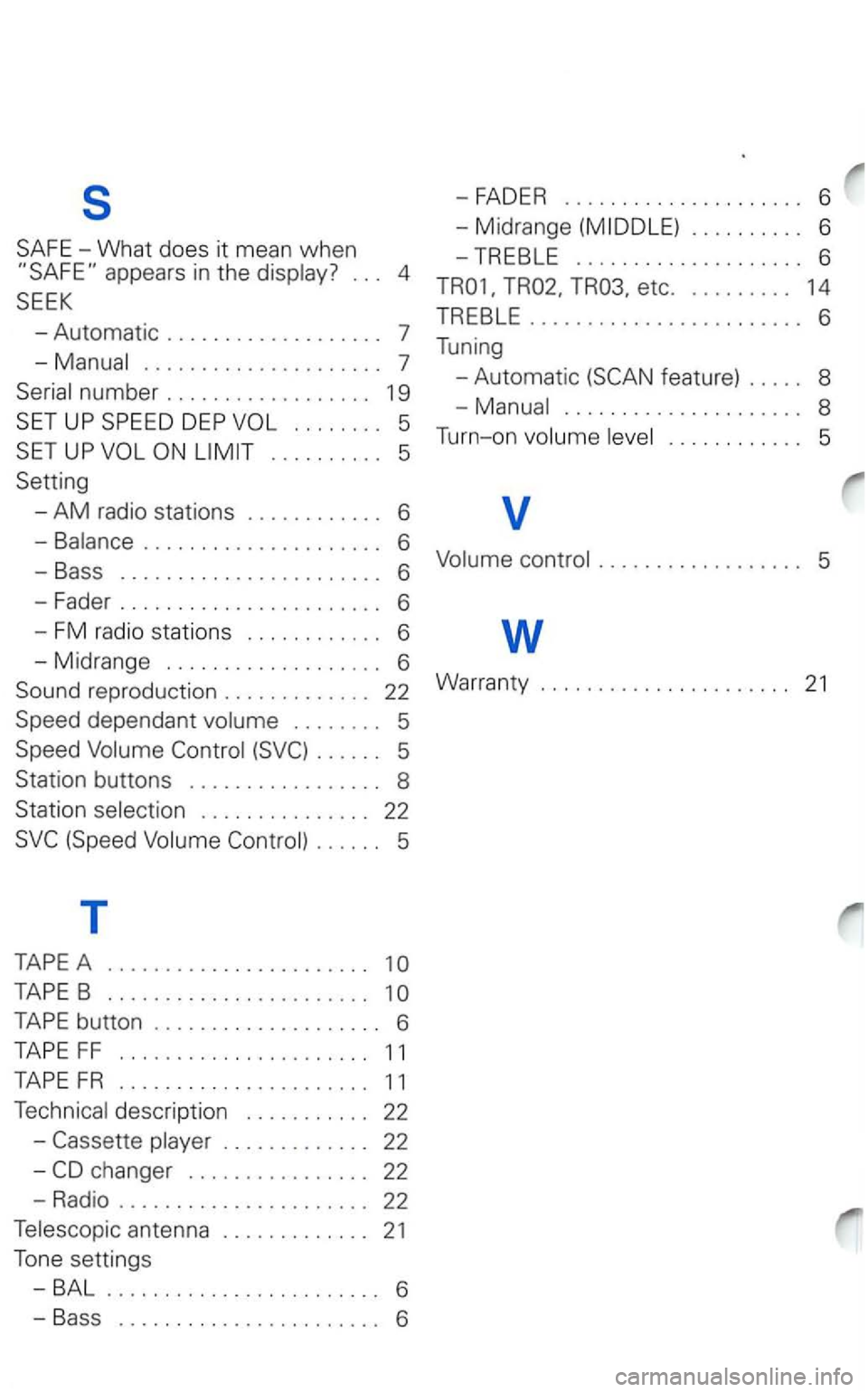
s
..................... 7
UP
. . . . . . . . . . 5
Setting
-
AM radio stations . . . . . . . . . . . . 6
-Balance ..................... 6
-Bass ....................... 6
-Fader ....................... 6
- FM radio stations . . . . . . . . . . . . 6
-Midrange ................... 6
dependant . . . . . . . . 5
. . . . . . 5
Station buttons . . . . . . . . . . . . . . . . . 8
Station selection . . . . . . . . . . . . . . . 22
. . . . . . 5
T
TAPE A .......................
TAPE B .......................
TAPE button .................... 6
TAPE FF ...................... 11
TAPE FR ...................... 11
Technical description . . . . . . . . . . . 22
-
etc. . . . . . . . . . 14
TREBLE
........................ 6
Tuning
- Automatic
feat ure) . . . . . 8
..................... 8
T
urn-on
Page 410 of 483
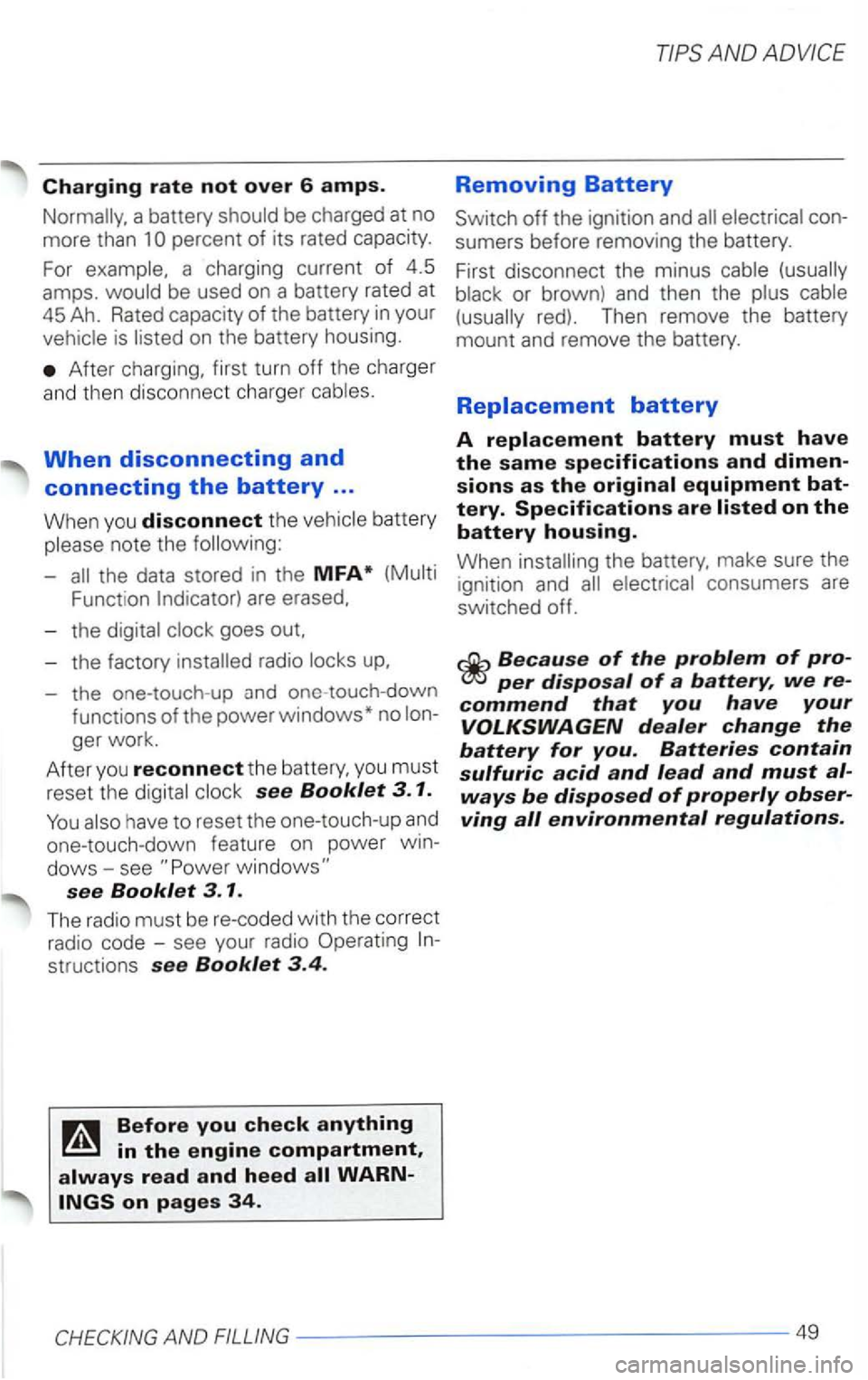
Charging rate not over 6 amps.
be charged at no
more than
is
After charging, first turn off the charger
and th en discon nect charge r
When disconnecting and
connecting the battery ...
When you disconnect the battery
note the
Funct ion are erased.
- the
- the one-touch -up
see Booklet 3. 1.
see Booklet 3. 1 .
The radio mu st b e re-coded with the correct
radio code -see your radio Operating
structions see Booklet 3.4 .
Removing Battery
off the ignition and
the battery, make sure the
ignition and consumers are
switched off.
per disposal of a battery, we
Page 435 of 483
Replacing
is becoming more and more to
This
are pressurized and can
life-threatening injuries can
For your safety, we recommend that you ha
ve your authorized
has necessary the correc t and the expe rtise.
I replacing
a radio
The factory
connections may not be
Therefore, we recommend that you have
your authorized
with the techniThey
Radios with the
necessary
Page 436 of 483
radio in
side the
withou t an outside antenna,
the high frequency energy (resonance ef
fect)
emitted inside the
AND ADVICE
Emergency Starting
if an outside antenna is
Before connecting
a jumper