ignition VOLKSWAGEN PASSAT 2000 Owner's Manual
[x] Cancel search | Manufacturer: VOLKSWAGEN, Model Year: 2000, Model line: PASSAT, Model: VOLKSWAGEN PASSAT 2000Pages: 483, PDF Size: 78.54 MB
Page 213 of 483
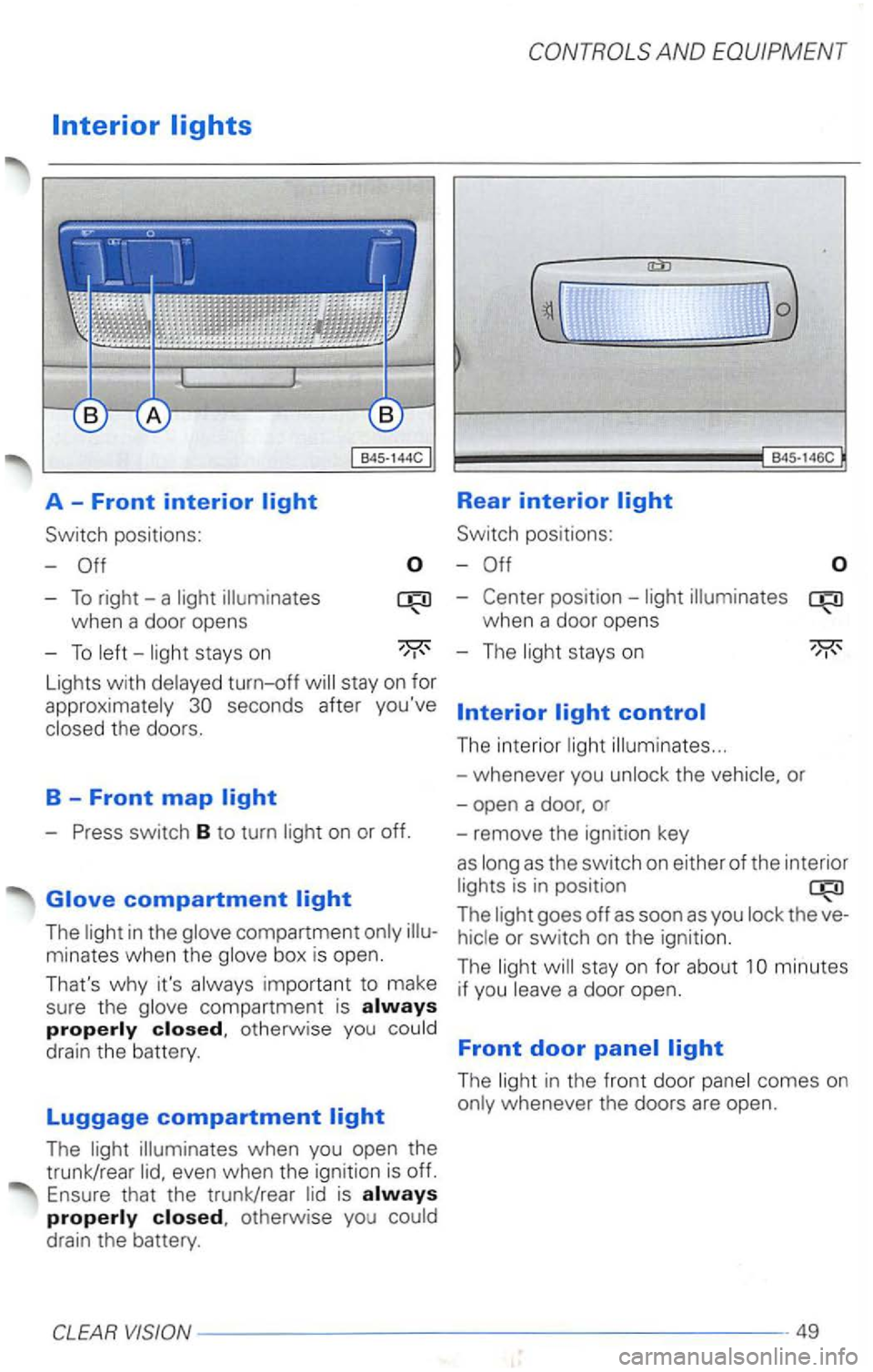
Rear interior
Switch positions:
-
-To right-a light
Lights with delayed turn-off
- Press switch B to turn light on or off.
The light in the glove compartment only
The light illuminates when you open the
trunk/rear
when a door opens
- The light stays on
The interior light illuminates ...
-whenever you unlock the vehicle, or
-open a door, or
- remove the ignition key
as long as the switch on either
of the inter ior
lights is in position
The light goes off as soon as you lock the
minutes
if you leave a door open.
Front door
The light in the front door panel comes on
only whenever the doors are open.
Page 214 of 483
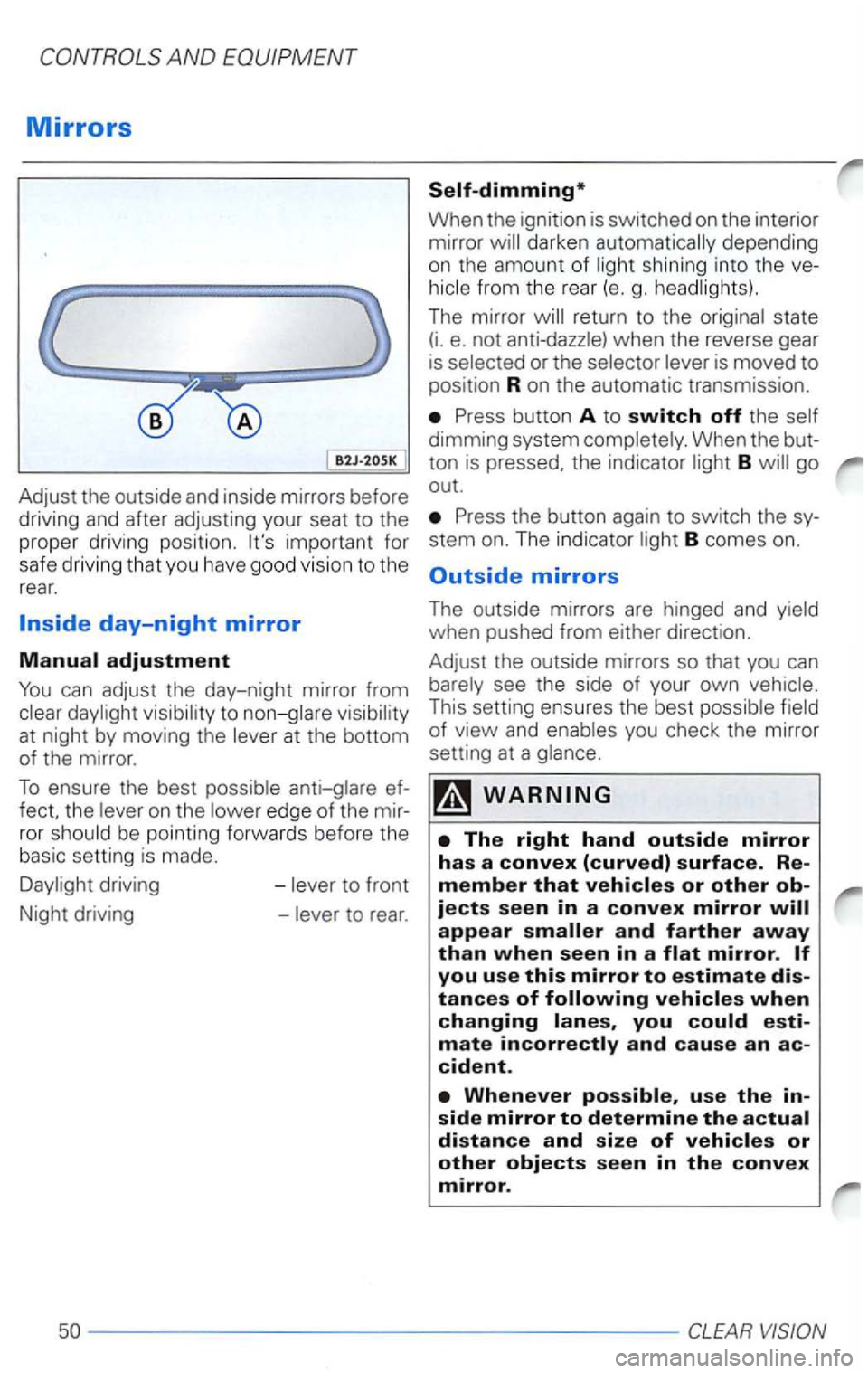
Adjust the outside and inside mirrors before
driving and after adjusting your seat to the
prope r dr iv in g posi tion .
fect, the on the edge of the ror
driving -
When the ignition is switched on the interior
mirror darken
shining into th e
The mirror state (i. e. not
Press button A to switch off the
dimming system
B go
out.
Press the button again to switch the
stem on. The indicator B comes on.
Outside mirrors
The outside mirrors are hinged and when pushed from either direct ion.
Adjust the outside mirrors
so that you can
This setting ensures the best of view and you check the mirror
setting at a
you mate and cause an cident.
use the
Page 218 of 483
AND
code garage door
opener to operate from your
Homelink®
Transmitter, these steps after
portion of this text (the aid of a sec
ond person may make the training quicker
and easier):
1 - Locate and
press and the
training
(or button on the
garage door opener motor head unit.
(Exact
there is the training
button, reference the garage door ope
ner owner's
free:
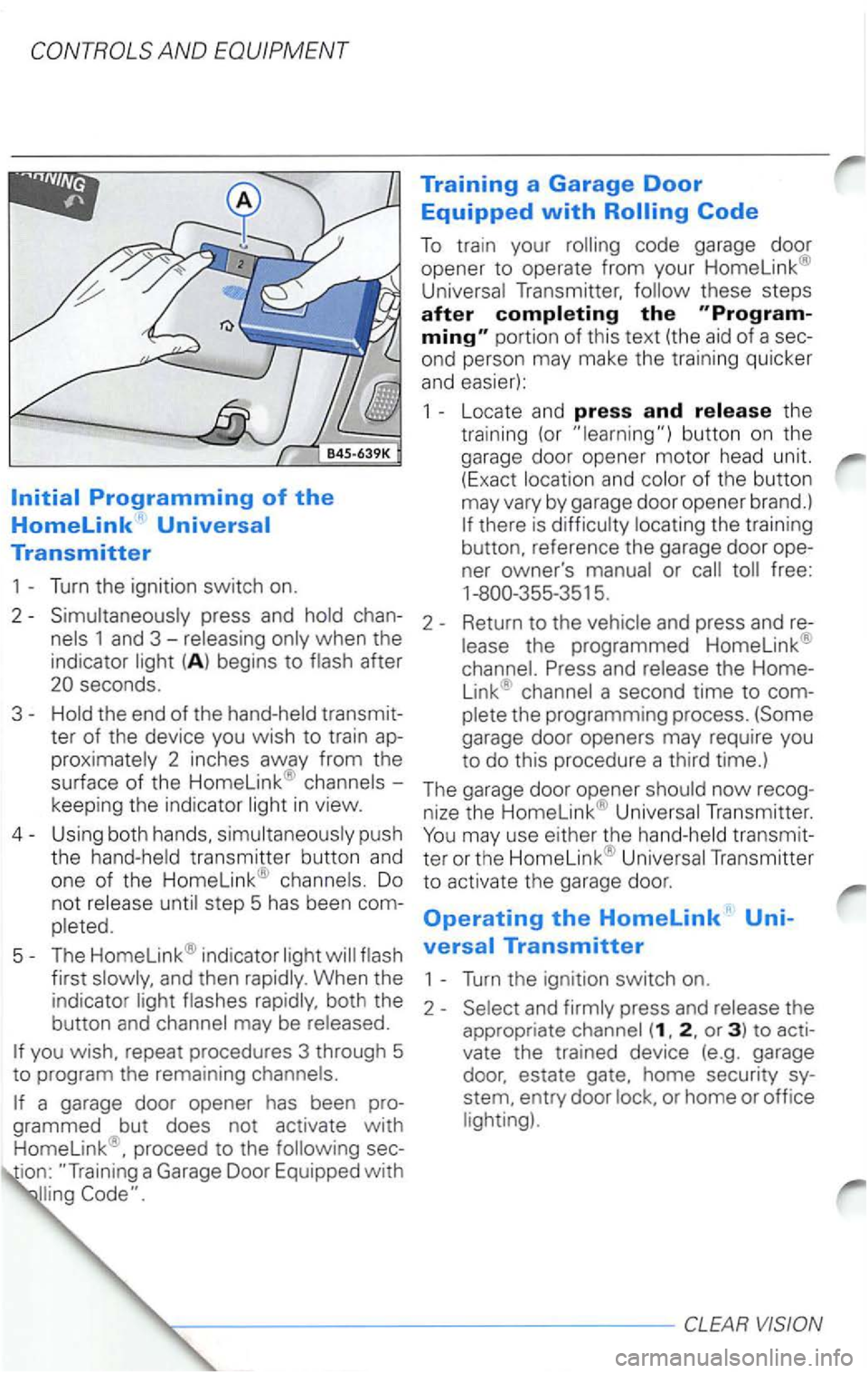
2 -pres s and
(A ) begins to
and press and re
seconds.
3-the end of the
2 inches away from the
surface of the Homelink® -
keep ing the indicator
transmitter button and one of the Homelink® Do
not step 5 has been com
The garage door opener
Transmitter
to activate the gar
age door.
Operating the Homelink' Uni
versal Transmitter
first and then Turn the ignition switch on.
(1 , 2 , or 3) to acti
vate the trained device (e.g. garage
door, estate gate, home security sy
stem, entry door
or home or office
proceed to the sec
ion:
Page 219 of 483
Erasing the Homelink Univer
sal Transmitter's Programming
1 -Turn the ignition switch on.
2 -
chan
1 and 3 the indicator be
gins to seconds.
3-
codes.
T he
Transmitter is
now in the train (or programming) mode and
can be programmed at any time
a Homelink'"
the desired Home link®
button for
seconds.
Do
not step 3 has been
2-When the indicato r begins to position the transmit
ter
surface. Press and
When the indicator
The previous device has now been erased
and the
new device has been programmed
into This procedure
Transmitter are
Notes
This device part 15. Operation is subject to conditions:
1 - This device may not cause any
Changes or modifications not
1763 264
Prince
55
Page 226 of 483
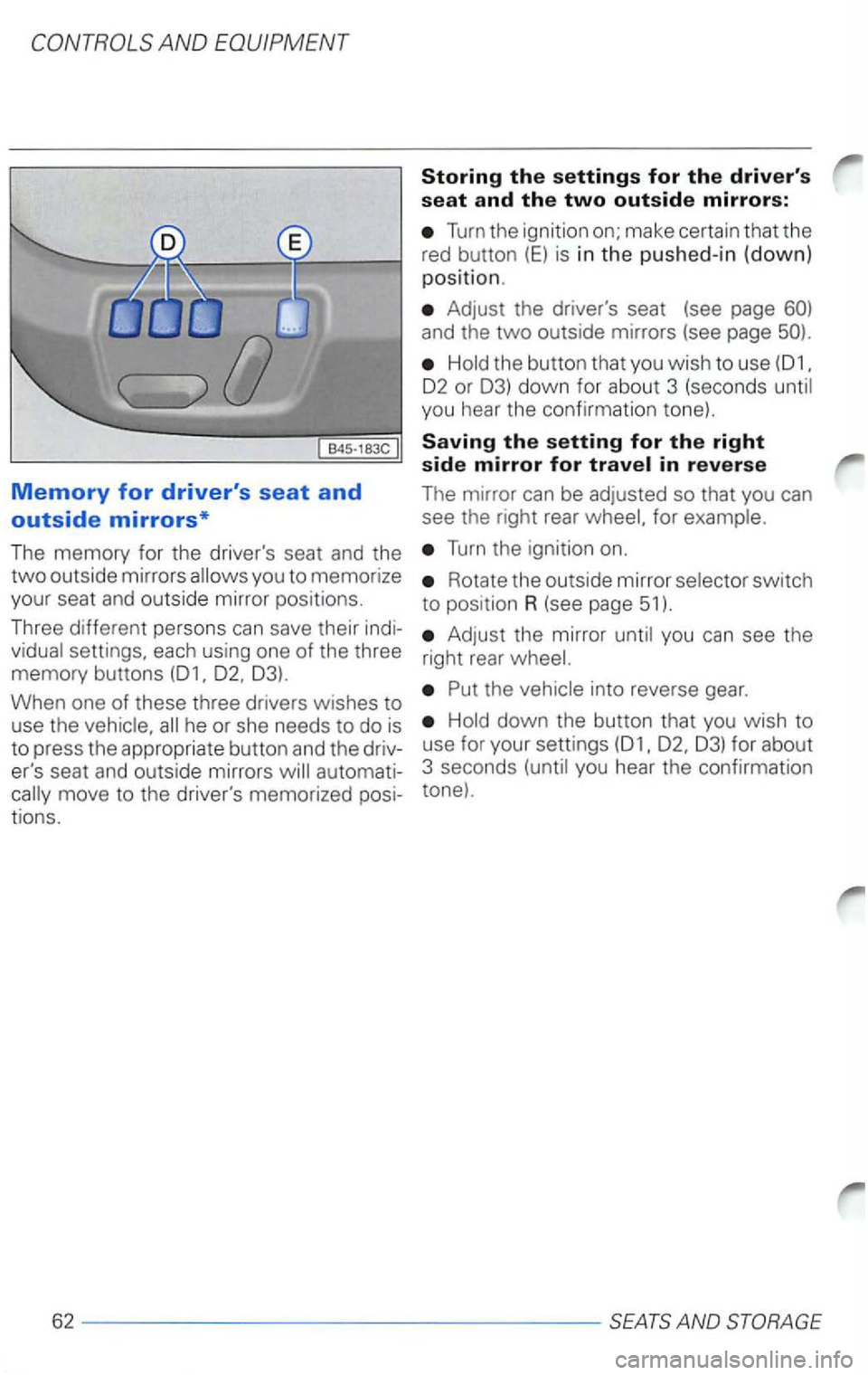
Turn the ignition on; make certain that the
red button
(E) is in th e pus hed-in (down)
position.
Adju s t the driver's seat (see page
Hold the button that you wish to use
02 or 03) down for abo ut 3 (seconds until
you hear the confirmation tone).
Saving the setting for the right side mirror for
Turn the ignition on.
Rotate the outside mirror selector switch
to position R (see page 51).
Thr ee different persons can save their indi-
Adjust the mirror until you can see the
vidual settings, each using one of the three right rear wheel.
memory buttons
Hold down the button that you wish to
use for your settings
Page 228 of 483
How to coordinate the remote
can use the remote
seating position stored in memory.
We reco mmend that you coordinate the
master
keys for your
Assigning a seat and mirror setting
to a memory button using the remote
After you have adjusted your seat and the
inside
Remove the key from the ignition
Press the .. open .. button on the remote
(see page 27). and you
hear
an acoustic you know that
the seat and mirror positions have been as
signed to a memory button.
Notes
and then reassign a new setting
using a different
the setting
be erased and the new one
The assignment of a master key to a me
mory button is maintained even if you store
new seat and mirror adjustments to this
button.
the battery is disconnected,
assignments between the remote
SEATS AND STORAGE
Page 229 of 483
Emergency
Use the E (red) button to turn off the
memory function (off = button up).
To
Notes on using the
switch E
After pressing the
By pressing the
procedure that has been interrupte d
not be con tinued.
We recommend you switch the memory off with be
used
battery, you must the memory system,
otherwise is it no
to store
things in memory.
Open the driver's door.
Switch the ignition on.
Move the seat to the front and top stops
(see page 61 ).
Move the backrest forward to the stop
(see page 61 ).
The memory system is now and
thus again
AND STORAGE-----------------65
Page 253 of 483
After you switch off th e ignition:
- your settings
rema in stored .
- i f
was the setting
be eras ed about
be
stored in memory
rent tempera ture.
can set the ins ide temperature
ween 64 and 86 and+29
you a temperature 64 °F
(+ 18 appear in the you a temperature above 86 °F (+29
appear in the
both these settings
tem at maximum
ing or
stays on even if you change the
fan speed up or down for one stage.
Under certain conditions, the system automatically adjust for you r optimum
comfort. For after you start you r air be directed to the This is to preven t the
me.
AND
tronic* system
year round under
most circumsta nces.
Ther e
may be times when you want to override the
settings to operate the system
P ress buttons 15 and 16 to adju st the side temperature.
Use buttons 11 and 12 to in crease or crease the fan speed and/or air
Press button 1 to:
-
switc h off
-switch off air
-defrost the or to keep it from
steaming up (point
or to keep it from
steaming up (point 4 towards the
side wind ows) for someo ne
gets into the
Press button to switch on air recirappears in the
press button 1
Th e air to prevent
fumes (for w hen driving through
a o r stand ing in a traf fic jam) and dust from entering into the interi or.
HEATING. AND AIR COND ITIONIN G---------89
Page 257 of 483
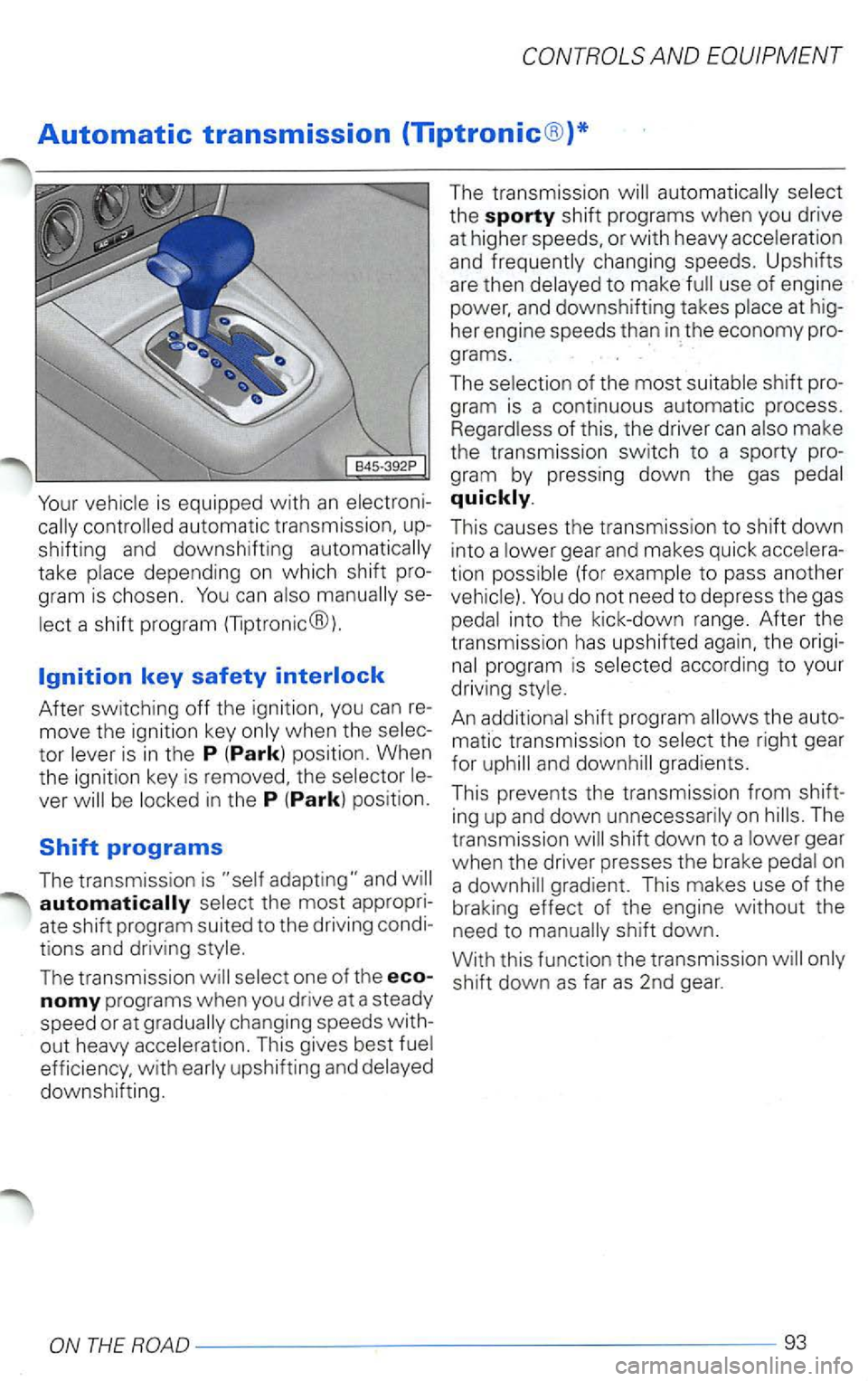
Automatic transmission (Tiptronic®)*
Your
take
After switching off the ignition, you can re
move the ignition key
in the P (Park) position.
The transmission
changing speeds with
out heavy This gives best
efficiency, with
and
This causes the transmission to shift down
into a gear and makes quick
tion (for
into the kick-down range. After the
transmission has upshifted again, the origi
the auto
matic transmission
to and
The
transmission
shift down to a on
a gradient. This makes use of the
braking effect of the engine without the
need to
shift down as far as 2nd gear.
ONTHEROAD---------------------------------------93
Page 259 of 483
Automatic
tomatic Shift Lock (ASL). The ASL is an
the
can be moved out of either
posit ion . This prevents the
from being unintent ionally moved into a
d riving position,
movement.
positions P (Park) and N (Neutral), the instruction*
as a
A time
from when it is moved through
the (Neutral) position (for to The
the in
being depressed.
theN (Neutral) position, the
ve r
AND EQUIPMENT
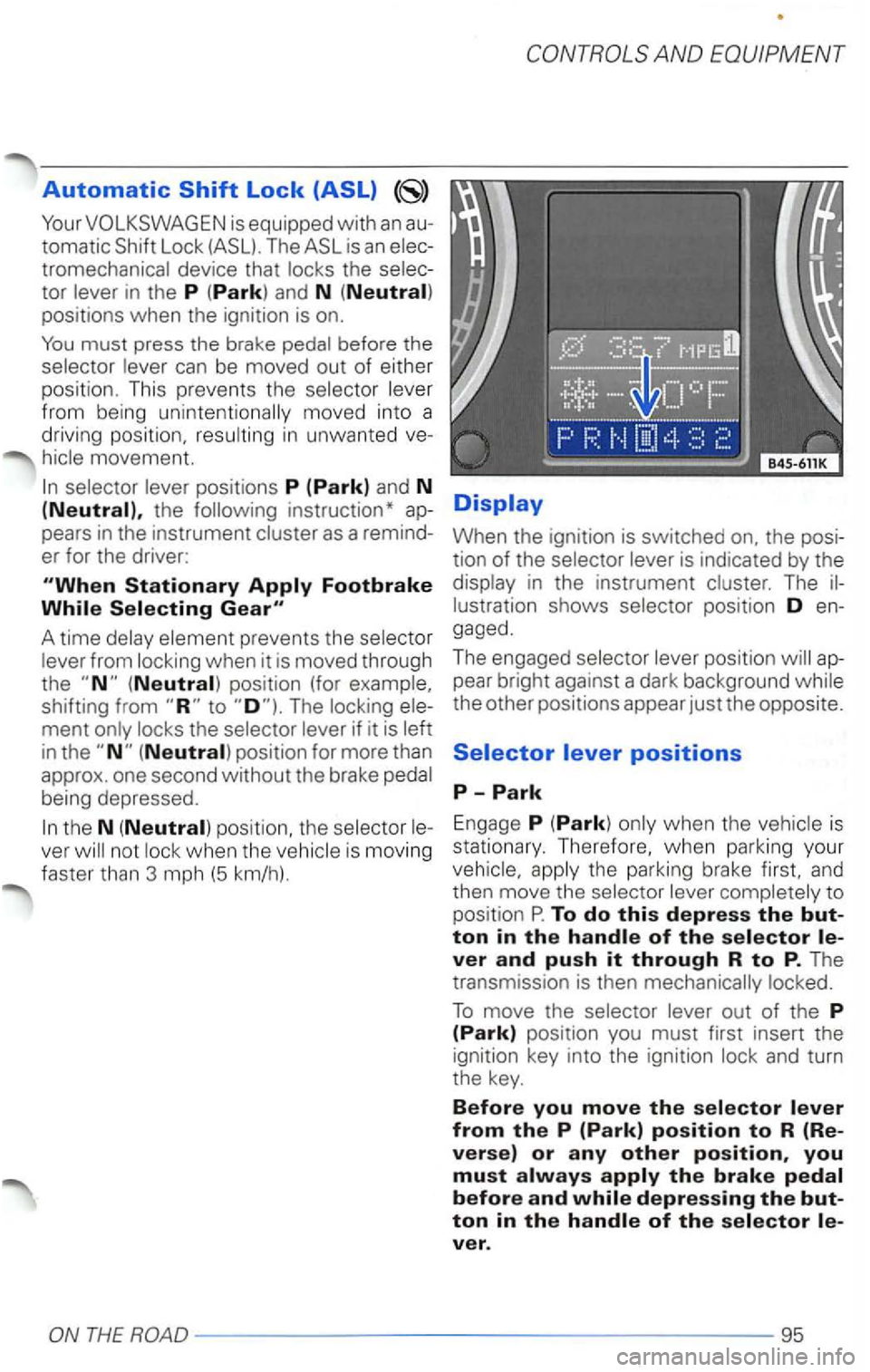
When the ignition is switched the
in the instrument The
gaged .
The engaged
the other positions appear just the opposite.
is
s tationary. Therefore, when
parking your
and then move the to
position P. To do this depress the
out of the P (Park) position you must first insert the
ign itio n key into the ignition
ver.
ONTHEROAD---------------------------------------95