page 41 VOLKSWAGEN PASSAT 2001 Service Manual
[x] Cancel search | Manufacturer: VOLKSWAGEN, Model Year: 2001, Model line: PASSAT, Model: VOLKSWAGEN PASSAT 2001Pages: 483, PDF Size: 78.54 MB
Page 289 of 483
3.2
service is onl y availabl e throughout the Unit ed States (including Hawaii and
Alaska ) an d If a request for service
occurs out side of these areas, communica
tion s
may not be avai labl e, and the
24 hour service.
The is th e heart of your serv ice
-staff ed 2 4 hours a day, 7 days a week wit h
knowl ed gea ble
Adv iso rs. Eve n on
weeke nds a nd holidays there is alwa ys
someo ne ready to help. For further d etails
25.
uses sophisticate d G lobal Positionin g
Sy ste m
satellit es to locate your vehicle,
w ireless technology to provide the commu
nicati
ons link , a n d seamless integration into your ve hicl e. I
f
you make an em erg ency or serv ice call, the
System uses the Global Pos itioni ng
Sys te m
to determine your locati o n au
page 3.
Thi s sys te m allo ws the
vice page 26, the Adv iso rs can access
a n ext en sive
databas e to ass is t yo u with di
rect ions, making reservat io ns, a nd other
conve nient serv ices .
pos itioning in for mation is re laye d to
th e during Button or
Em erge ncy Serv ice Button requests from the
veh icle. Location in for mation w ill be tracked and give n onl y to th e prop er authoriti es in
th e eve nt o f a veh icle th e
ft notifi cation.
How GPS works:
The sig nal bein g sent from the
If th e s ig nal s are obstructe d, the sys te m
will operate but th e co uld
h ave di
fficulty id entifyin g your current loca
ti on. The last
Advisor m ay depend on
yo u to prov id e verba l inform ation regard ing
Introduction 3
Page 294 of 483
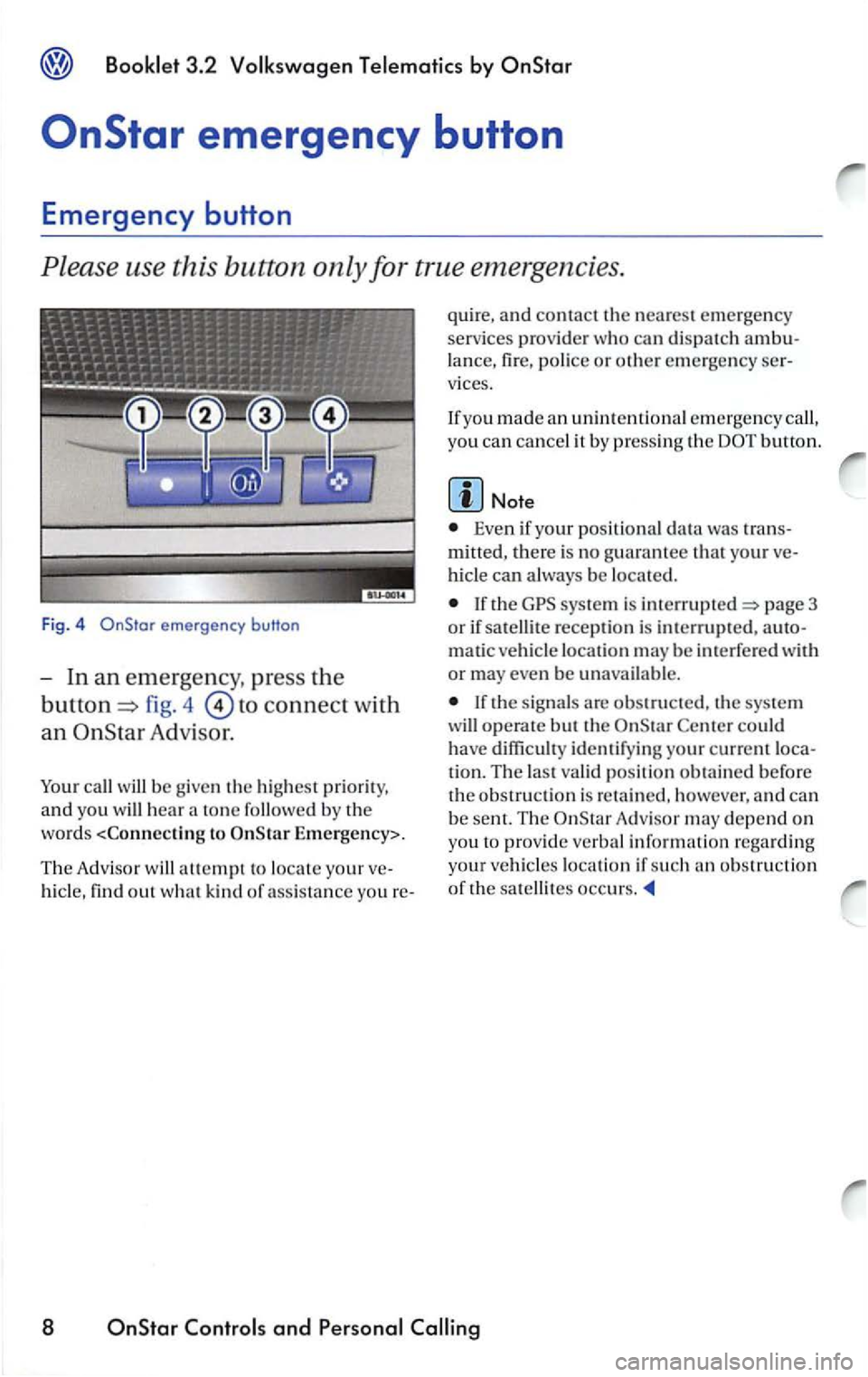
emergency button
fig. 4 to connect with
an Adv is or.
call w ill be g ive n the hi ghest prior ity,
and yo u will hea r a ton e followed b y the
word s
Th e Adv i
sor w ill attempt to locate your
hi cle, find out w hat kin d of a ss ista n ce you re- quire,
a
nd contact th e nearest emerge ncy
services prov id er who ca n di spatch lance , fire , police or other emerg en cy vices.
If yo u made an unintenti onal emergency call,
yo u
can cancel it by p ressin g the
Even if your posit ional data was
mitted, the re is no g uarantee that your
hicl e can always be located.
If the sys te m is page 3
o r if sat ellite reception is interrupted ,
matic ve hicl e location may be int erfe red with
or may even b e unavailable.
Center could have diffi cult y identifyin g your current
tion. The last valid posi tion obtai ned b efore the obs tru ction is re ta in ed , however, a nd can
be sent. The Adv is o r m ay depend on
yo u
to provid e ve rba l informatio n rega rding
your vehicl
es location if such an ob stru cti o n
of th e satellites occurs.
8 OnStar and
Page 298 of 483
Booklet 3 .2 Volk swagen T elemotic s by
the
the page 11,
fig. 8
th e command Memo,
response:
the comman d
starts memo playback from begin
ning,
or
-t h e command R esume,
12
Page 312 of 483
3.2
Star
When you sign up with
You'll need your
in
order to provid e assis tanc e.
This can also be used for access to the
Subscrib er website, and for access to
V irtu al Ad visor9>. W hen u sing
y
our t o access the O nStarV irtual Advisor,
The
prov ides vario us service pl ans
signed to meet th e in div idual need s of
scribers. An servi ce plan is included
for a specific duration with each ve hicle at
time of purc h ase.
rized Volkswage n dealer, an Advisor
or on the Internet in order to determine the
services
that your pl an contain s.
9l USA m ode ls only
26 and Services
say the four digits in a natural way, without
pausing between dig its.
your is easy.
Star and provid e the Advisor with
your current number, and h e or sh e w ill assist you in selling up a new number.lfyou have
forgott en yo ur just call the w ill be
sent to yo u in the mail.
Thi s four digit is used to secure
from unauthorize d u se. you r for more
page 36.
Log in at:
www.vw .co m
(USA)
www .vw.ca
and select the link to
Page 314 of 483
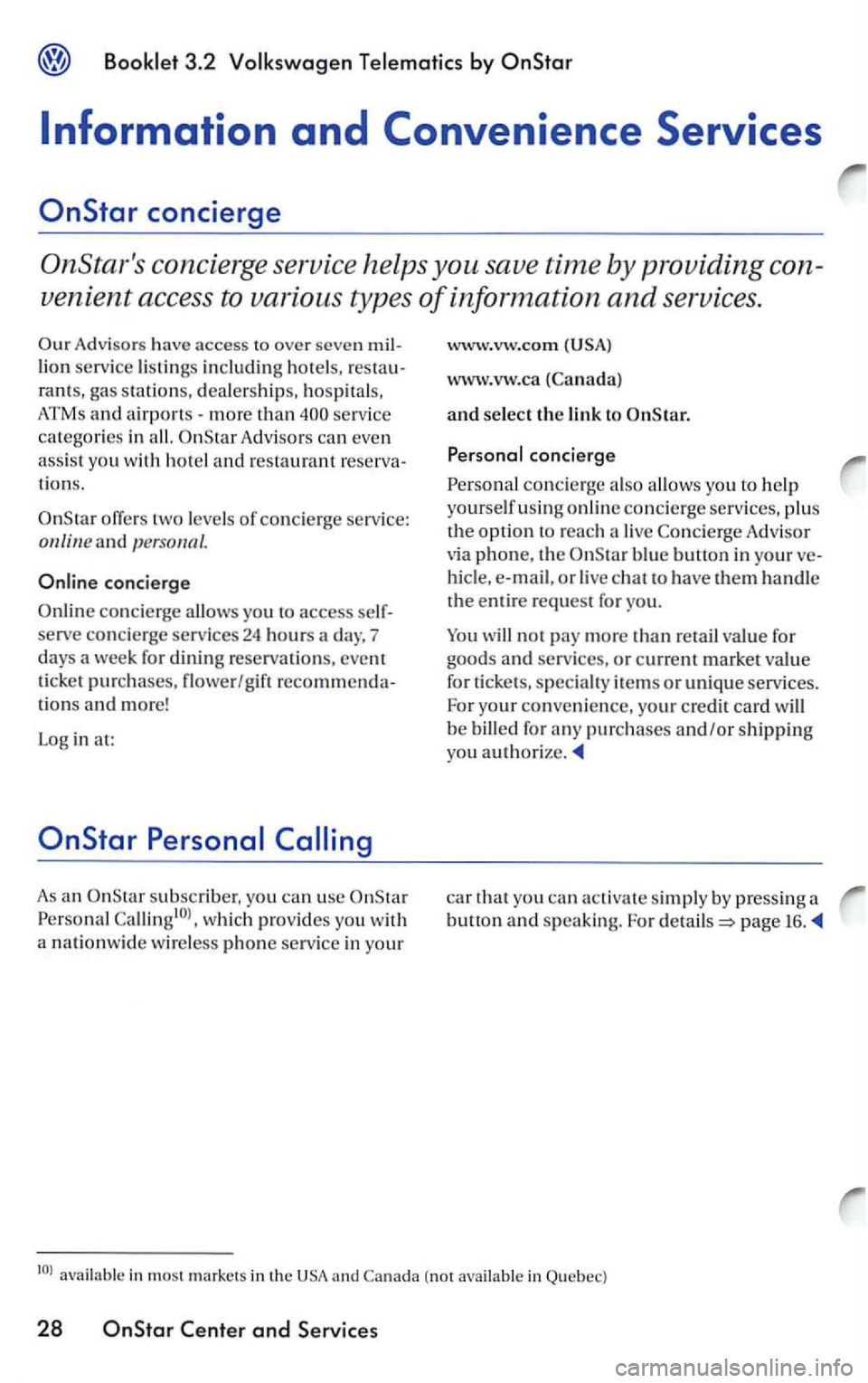
Information and Convenience Services
Advisors have access to over seven million service listings including hotels, res ta u
rants, gas statio ns, deale rships, hospitals,
ATMs a
nd airports -more than Adv isors can eve n
assis t yo u w ith ho te l and restaurant reserva
tion s.
two leve ls of con cie rge service: online and personal.
As an subscriber. you can use
www .vw.ca (Canada)
and select the link to
concierge a lso allows you to help
yo
urself u sin g online co ncie rg e serv ices, plu s
the op
tion to reac h a live Co ncierg e Adv isor
via
phone , the
not pay more than re tail va lue for
goods an d services, or current market va lue
for tick
ets, specia lty items o r unique services.
For yo u r co nven ie n
ce, you r cre d it card will
be billed for an y purch ases and /or shipping you auth orize.
car that you can s impl y by pressin g a
button and speaking. For page 16.
Canada (not
Page 317 of 483
3.2 by
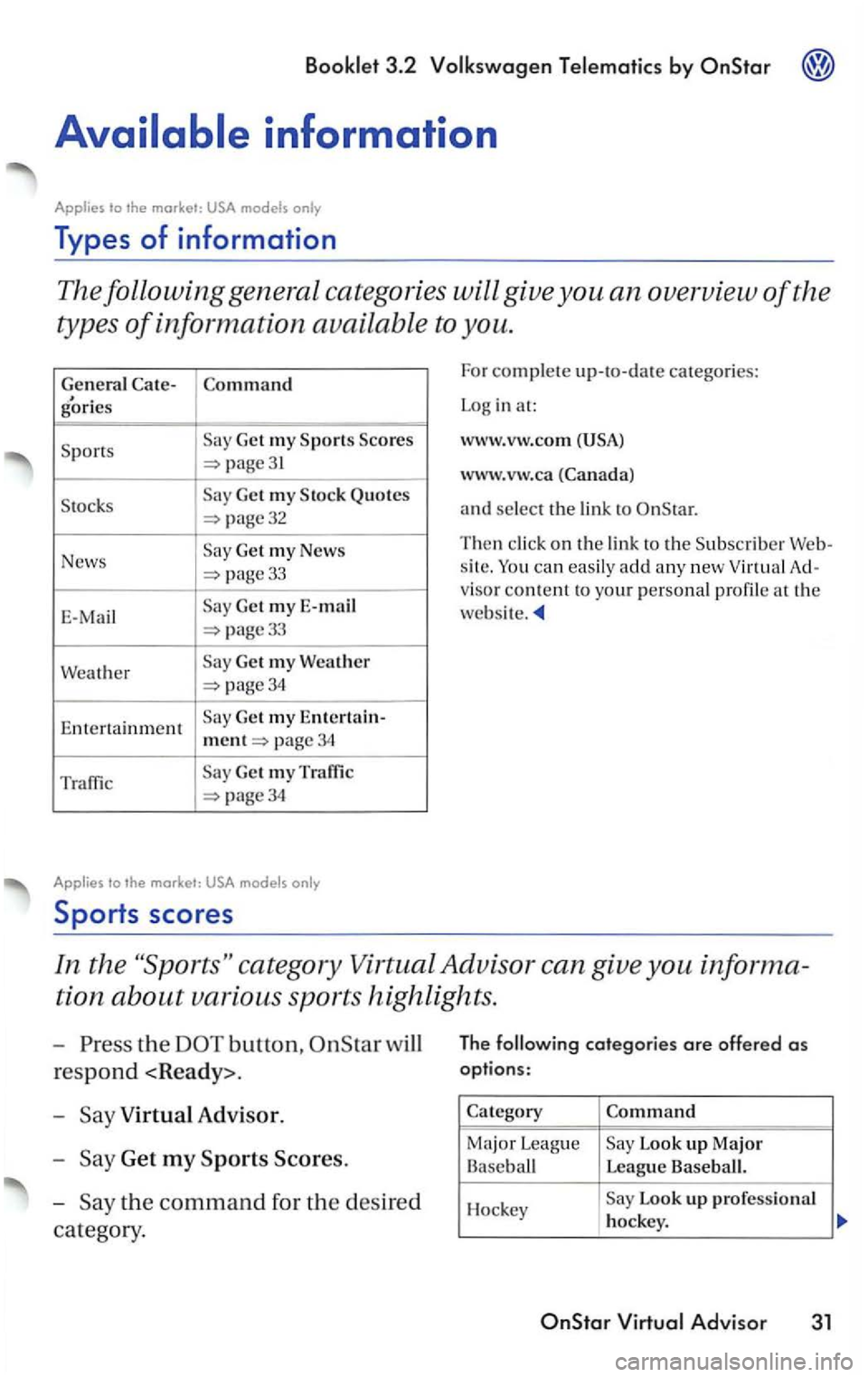
Types of information
The following general catego ries will give you an overview of the
types
of information available to you.
General g'ories
Get my
page31
Get my Quotes
page32
News Get my News
33
E-Mai l Get my E-mail
page33
Weather 34
Entertainment Ge t my Entertain-
ment page 34
Traffic Get my Traffic
34
Applies to
and select the lin k to
Then click on the link to the
s ite .
visor content to your personal profile at the
website.
In the category Virtual Advisor can give you inform a
tion
about various sports highlights.
-the button,
Virtual Advisor.
-
Get my Major League Look up Major Base ball League Baseball.
Hockey Look up professional hockey.
Page 335 of 483
PREMIUM
attention of the driver.
The wide range of sophisticated equipment
details of modern car radios
offter not only
a vast source
of entertainment, but also portant information regarding traffic
dates. road conditions. weather reports.
etc.
But remember, you should only
For example, changing cassettes or reading
song titles on a cassette case when driving
is often the cause
of auto accide nts.
should also set the volume of your radio
system
so that you can hear signals from
othe r drivers at any time.
Always give your
vent unauthorized persons from operating
the unit if it has been removed from the
appears in the display after
switching the radio on, it
can then only be
operated again after entering the correct
code-see page 19.
The radio code number and the radio
serial number can be found on the
and keep it in a safe place -never keep it in the ve
hicle.
by
the
radi o unit. The magazi ne
page
can the
if this
opt ion is for you r
4 ----------------/IMPORTANT
Page 336 of 483
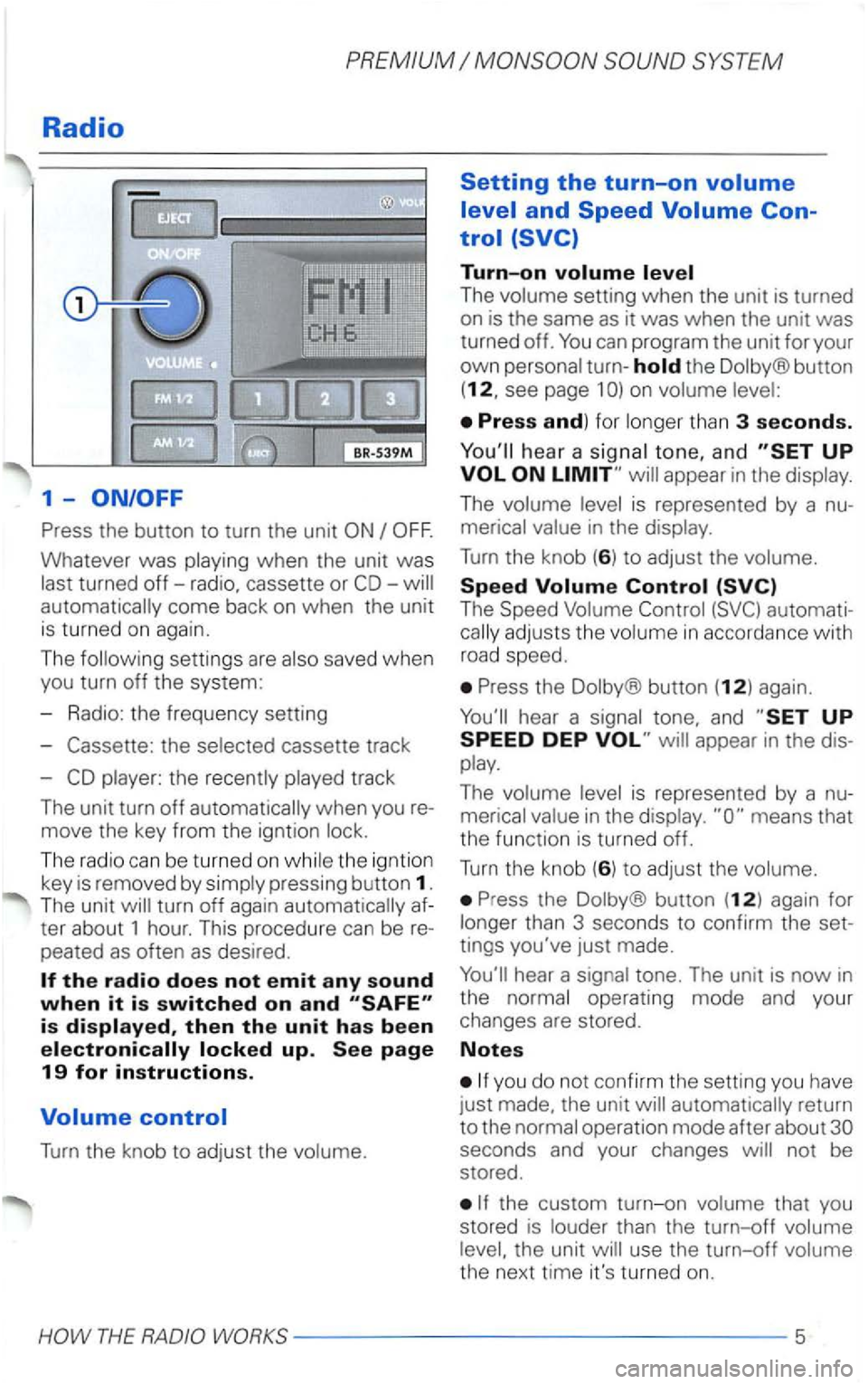
Press the button to turn the unit
come back on when the unit
is turned on again.
The foll
owing settings are also saved w hen
you turn off the system :
- Radio: the frequen cy se
tting
-
Turn the knob to adjust the volume.
Setting the turn-on
The volum e setting when the unit is turned
on is the same as it was when the unit was
turned off.
the Dolby ® button
(12, see page 1
hear a signa l tone, an d
The
Press the Dolby® button (12) again.
hear a sig nal tone, and
Press the Dolby ® button (12) again for
l o ng er th
an 3 secon ds to con firm the set
tings you've just made.
hear a signal tone. The unit is now in
the normal operating mode and your
changes are stored.
Notes
you do not confirm the sett ing you have
j ust made. the unit
return
to the normal operatio n mode after about
WORKS-- --------------5
Page 340 of 483
PREMIUM
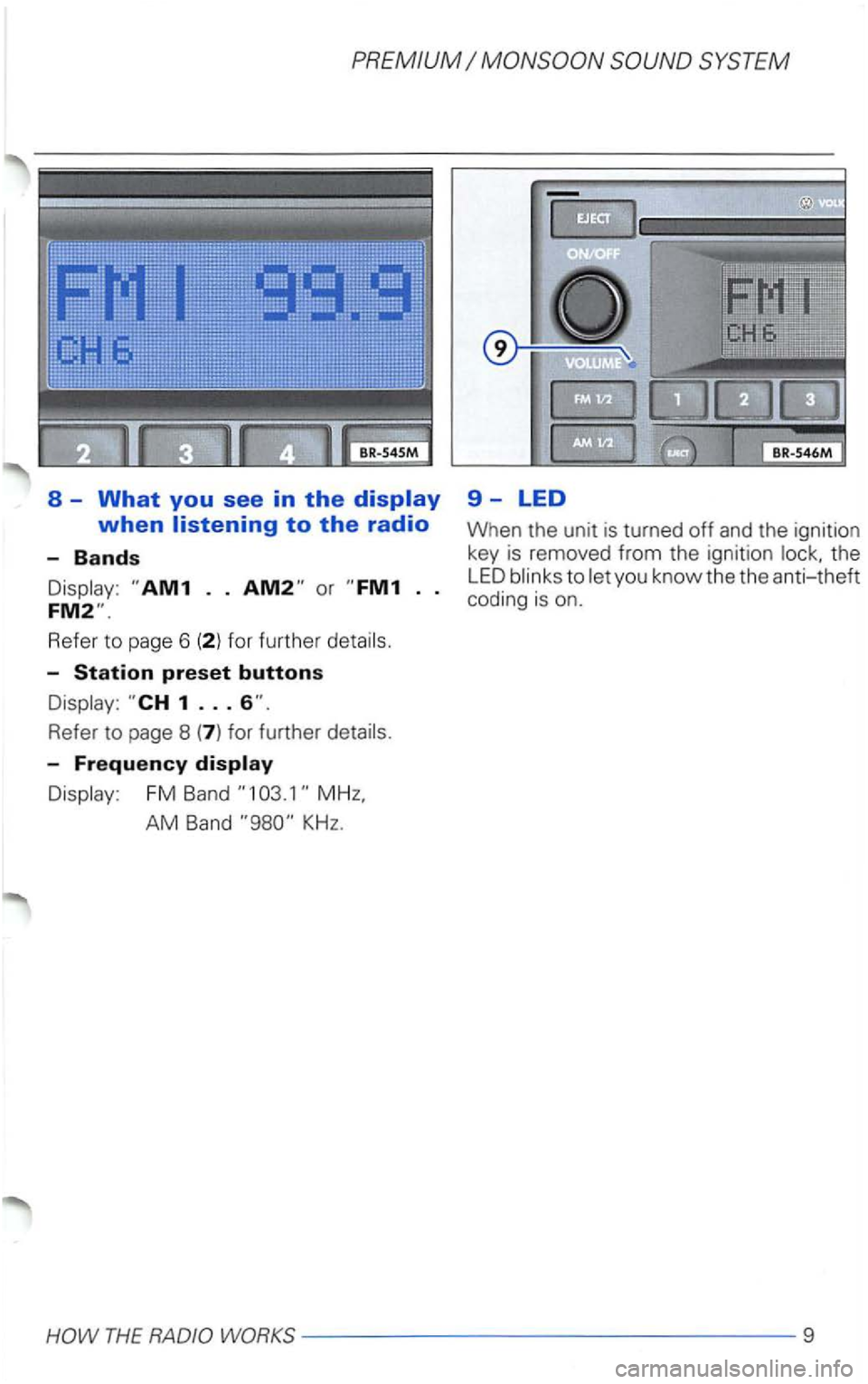
8 -What you see in the
Refe r to page 6
Refe r to page 8
Display : FM Band
AM Band KHz.
9-LED
When the unit is turned off and the ignition
key is removed from the ignition the
LED blinks to let yo u know the the anti-theft coding is on .
THE RADIO WORKS--- -------------9
Page 343 of 483
PREMIUM
What you see in the
Appears when Dolby® Noise Reducti on is
selected.
-
Appears when metal cassettes are played.
-
Shows you which side of the tape is current
ly be ing played.
See page
Noise Reduction
and the are trademarks of
For optimal sound reproduction, we recom
mend or
minutes
cassettes). cassett es are espe
F or very high (above F Remember. the temperature inside your car
can be much higher than the outside tem
perature .
Also, avoid exposing cassettes to direct
sunlight. The best
idea is to store cassettes
in their original cases.
If the sound
of the cassette has a muffled
quality after the unit has been used for a rel
atively long period (about