reset infotainment system VOLKSWAGEN POLO 2015 Owner´s Manual
[x] Cancel search | Manufacturer: VOLKSWAGEN, Model Year: 2015, Model line: POLO, Model: VOLKSWAGEN POLO 2015Pages: 100, PDF Size: 4.14 MB
Page 20 of 100
Downloaded from www.Manualslib.com manuals search engine 12/29/2015Bedienungsanleitung < Service & Zubehör < Volkswagen Deutschland
17/32
Priority 2 warning
message.
YellowYour vehicle could be damaged or break down if there is a fault or if service fluids are running low
→ .
Check the fault as soon as possible. Seek expert assistance if necessary.
Information message.–Information about various procedures within the vehicle.
Mileage displays
The odometer registers the total distance travelled by the car.
The trip recorder (trip) shows the distance travelled since the trip recorder was last reset. The final digit shows distances of 100 m.
Press button in the instrument cluster → Instrument overview briefly to reset the trip recorder to 0.
Time
Press the button to mark either the hours or minutes display → Fig. 10 ④ or → Fig. 11 ④ .
Press the button to set the time → Fig. 10 ⑤ or → Fig. 11 ⑤ . Press and hold to scroll through quickly.
Press the button again to finish setting the clock.
You can also set the time in the infotainment system using the button and the and Time and date function buttons
→ Menu and system settings (SETUP) .
Outside temperature display
If the outside temperature is lower than approx. +4 °C (+39 °F), an acoustic signal in the form of a gong will sound to inform the driver, and a
snowflake symbol will appear in addition to the outside temperature display m/k/s296MK. This symbol flashes and then remains constantly
lit until the outside temperature rises above +6°C (+43°F) → .
When the vehicle is stationary or travelling at very low speeds, the temperature displayed may be slightly higher than the actual outside
temperature as a result of the heat radiated from the engine.
The measuring range lies between -45 ℃ (-49 °F) and +76 ℃ (+169 °F).
Compass display
When the ignition and navigation system are switched on, the instrument cluster display shows the current direction of travel.
Selector lever positions (automatic gearbox)
The gear selected is displayed on the side of the selector lever and can also be displayed in the instrument cluster. In D or S, or in Tiptronic
mode, the display may show which gear has been selected → Changing gear .
Gear-change indicator
While the vehicle is in motion, the instrument cluster may show which gear should be selected to reduce fuel consumption → Changing gear .
Second speed display (mph or km/h)
In addition to the tachometer display, the speed can also be displayed in another unit of measurement (mph or km/h) while you are driving.
Page 24 of 100
Downloaded from www.Manualslib.com manuals search engine 12/29/2015Bedienungsanleitung < Service & Zubehör < Volkswagen Deutschland
21/32
The number of kilometres or amount of time until the next oil change service is shown in the display, followed by the same information for
the next inspection.
Service information → Fig. 14 can also be displayed in the infotainment system by pressing the button and the and
Service function buttons → Menu and system settings (SETUP) .
An overdue service is indicated by a minus sign in front of the mileage or trip reading.
Resetting oil change service
If the oil change service was not performed by a Volkswagen workshop, it can be reset as follows:
Switch off the ignition.
Press and hold down the button in the instrument cluster → Instrument overview .
Restart the ignition.
Release the button.
Confirm the query in the instrument cluster with the button.
Do not reset the display between service intervals. This can lead to incorrect information being displayed.
If you manually reset the service interval display while flexible oil change service is valid, fixed oil change service will be activated. The service
interval will no longer be calculated on an individual basis ⇒ BookletService schedule, .
Resetting inspection
If the inspection was not performed by a Volkswagen workshop, it can be reset as follows:
Switch off the ignition.
Press and hold down the button in the instrument cluster → Instrument overview .
Restart the ignition.
Release the button and press it again.
Confirm the query in the instrument cluster with the button.
The service message will go out after a few seconds once the engine is running or by pressing the /
→ Instrument overview button.
If the vehicle battery is disconnected for long periods in a vehicle with flexible oil change service, the system will not be able to calculate
the time when the next service is due. The service displays could then display incorrect information. If this is the case then please observe the
maximum service intervals shown in ⇒ BookletService schedule, .
Introduction
This chapter contains information on the following subjects:
→ Overview of the menu structure
→ Using the selection menu in the instrument cluster
→ Selection menu
Volkswagen information system
Page 33 of 100
Downloaded from www.Manualslib.com manuals search engine 12/29/2015Bedienungsanleitung < Service & Zubehör < Volkswagen Deutschland
30/32
Time and date–– Time format (12h, 24h),
– Set summer time automatically,
– Time zone,
– Date,
– Date format.
–
Units–
The following functions can be set:
– Distance,
– Speed,
– Temperature,
– Volumes,
– Consumption,
– Pressure.
–
Service–
The following data are displayed:
– Vehicle identification number,
– Date of next inspection,
– Date of next oil change service.
→ Instruments
Factory settings–
The following settings can be reset:
– All settings,
– Driver assistance,
– Parking/manoeuvring,
– Lights,
– Mirror and wipers,
– Opening/closing,
– Multifunction display.
–
Think Blue. Trainer.
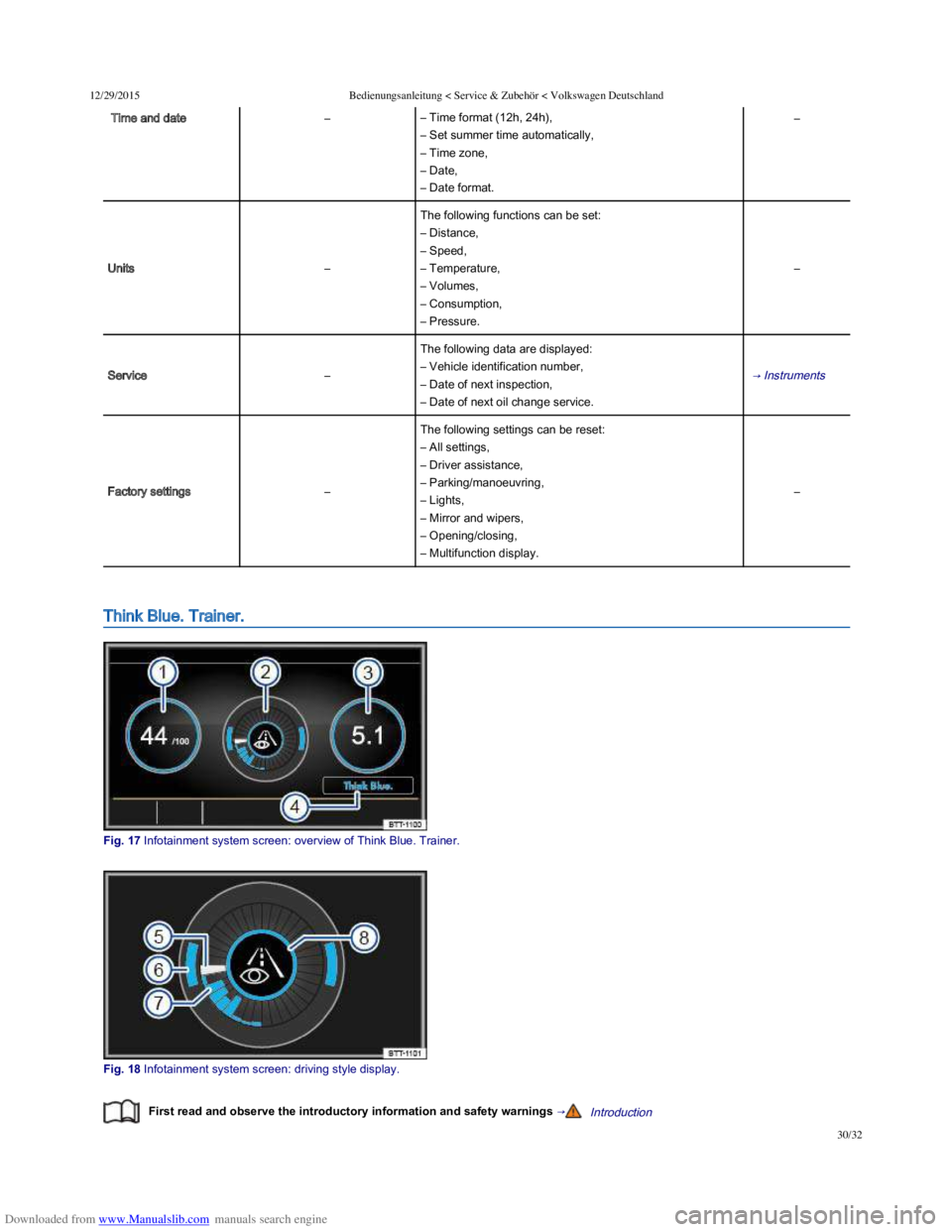
Fig. 17 Infotainment system screen: overview of Think Blue. Trainer.
Fig. 18 Infotainment system screen: driving style display.
First read and observe the introductory information and safety warnings →Introduction