headlights VOLKSWAGEN SCIROCCO 2012 User Guide
[x] Cancel search | Manufacturer: VOLKSWAGEN, Model Year: 2012, Model line: SCIROCCO, Model: VOLKSWAGEN SCIROCCO 2012Pages: 138, PDF Size: 48.59 MB
Page 65 of 138
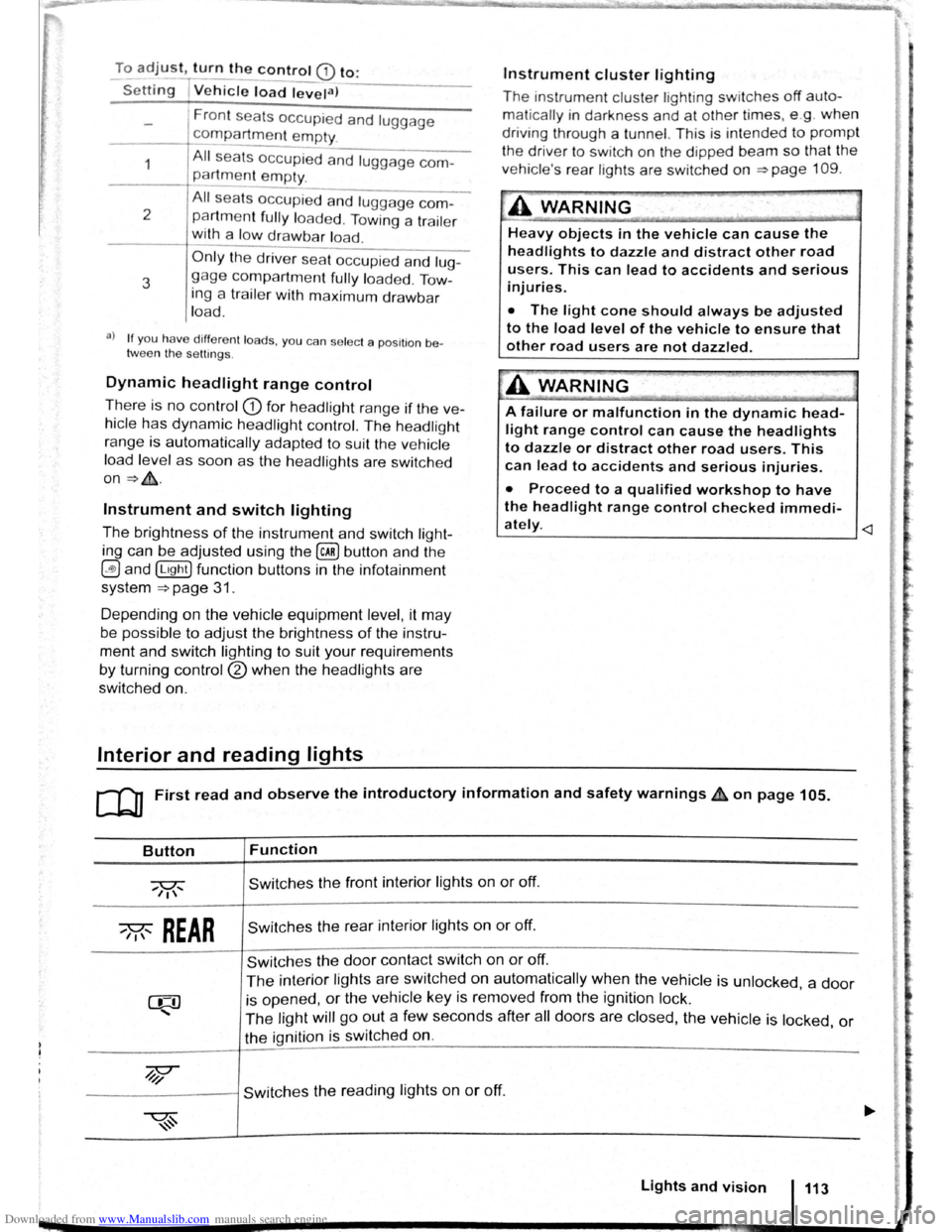
Downloaded from www.Manualslib.com manuals search engine To adjust, turn the control CD to:
-Set~ng I Vehicle load lev~la) -------
1
2
3
Fron t seats occupied and luggage
compa rtment
empty.
All seats occupied and luggage com
partment empty.
All sea ts occ upi ed and luggage com
partm ent fully loaded . Towing a trai le r
wit h a
lo w drawbar load .
Only the driver sea t occupi ed and lug
ga ge compartm ent fully load ed . Tow
ing a trai le r w ith maximum drawbar
l
oad.
a) If you have diff ere nt loads. you can select a positi on be
tween th e settings.
Dynamic headlight range control
Th ere is no control CD for headlight range if the ve
hicle
has dynamic headli ght control. The head light
r ange is
automatically adapted to suit the ve hicle
load level as soon as the headli ghts are switched
on~&.
Instrument and switch lighting
The brightness of the in strument and switch li gh t
ing can be adjusted using the @ill button and the
~and !Ltght] function buttons in the infot ainm ent
system
~page 31 .
Depending on the vehicle equipment level, it may
be possible to adjust the brightness of the instru
ment and switch lighting to suit your requirements
by turning control® when the headlights are
switched on.
Interior and reading lights
Instrument cluster lighting
The instrumen t cl uste r ligh ting sw it c hes off auto
mati cally
in darkness and at other times, e.g . when
driving through a tunnel. This is in tended to prompt
the driver to switch on the dipped beam so that the
v e hi cle' s rea r l
ights are swit c hed on ~page 109.
.A WARNING
-
Heavy objects in the vehicle can cause the
headlights to dazzle and distract other road
users. This can lead to accidents and serious
injuries.
• The light cone should always be adjusted
to the load level of the vehicle to ensure that
other road users are not dazzled.
A WARNING
A failure or malfunction in the dynamic head
light range control can cause the headlights
to dazzle or distract other road users. This
can lead to accidents and serious injuries.
• Proceed to a qualified workshop to have
the headlight range control checked immedi
I
ately. ~--------------- --------------------~
ClJ] First read and observe the introductory information and safety warnings & on page 105.
Button
~REAR
Function
Switches the front interior lights on or off.
Switches the rear interior lights on or off.
Switches the door contact switch on or off.
The interior lights are switche d on automatically when the vehicle is unlocked , a door
is opened, or the ve hicle key is removed from the ignition lock.
The light will go out a few seconds after all doors are closed, the vehicle is locked, or
the ignition is switched on.
/q'j/
---------j Switches the reading lights on or off.
Lights and vision 113
Page 69 of 138
Downloaded from www.Manualslib.com manuals search engine -~
....,
m
.u \ 1n j w v ip r 1 switched on auto
.1t1 ',111 if the front -.. ind creen wipers are
<::' t ' ' r ~ rse gear i eng ged.
m The automatic switch-on function when in. re
W verse gear can be switched on and off us1ng
the@] button and the G and (Mirror and wipers ) func
tion buttons in the infotainment system ~page 31.
ro Fi tread and observe the introductory information and safety warnings & on page 117.
iper response in various situat ions:
\.._e t e e d~ sat na•y
Healed a her jet
Headlight
hen sw1tched on , the wipers will temporarily be switched to the
ext setting down.
T e C hmatromc w1ll sw1tch to air recirculation mode for approxits ru -n a e l 30 seconds to prevent the smell of the windscreen wash-
a s t
er utd from entering the vehicle interior.
T e
rper in tervals are adjusted depending on the vehicle
speed. The faster the vehicle is travelling, the shorter the inter
a!
nses on
ward s the steering wheel when the dipped beam
headlights or main beam are switched on. Clean
off stubborn dirt (msects, etc.) from the headl ights
at regular intervals, for instance when filling the
tank .
In winter, you should remove any snow from the
headligh t w as her nozzles in the
bumper to keep
the headligh t washer system in work ing order. Re
move any ice with a de-icer spray.
r:l The w1per will try to wipe away any obstacles
L!J that are on the wind screen . The w 1per will
sop moving 1f the obstacle blocks its path . Re-
mo e the obstacle and swttch the wiper back on
agam
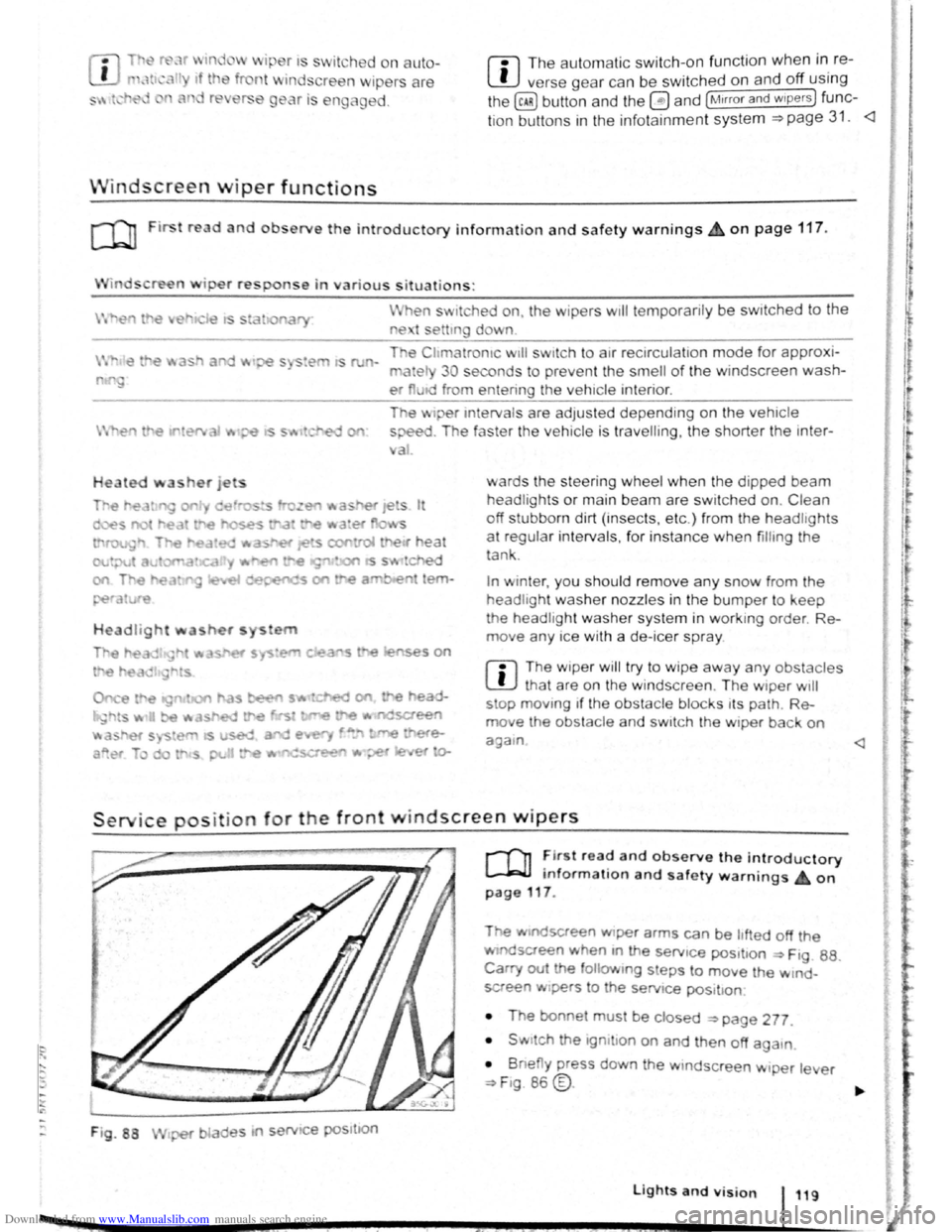
Service position for the front windscreen wipers
F ig . 88
2 -!.
r-T'n ~lr t rea~ and observe the introductory
L-Jr:J.J mformat1on and safety warnings on
page 117 .
Tt>e .vtndscreen Wlper arms can be h fted off the
ndsaeen when 10 the serv1ce pos1t1on ~ Ftg. 88.
Carry out e followtng s eps to move the w rnd
screen w1pers
t o the servtce pos1t1on
• The bonnet must be closed ~page 277.
• Swrtch the 1gntlton on and then off aga
1n
•
B ne y press down the wtndsc reen w1per le er
~F1g. 86 @.
Lights and vision 119
I 3£
Page 112 of 138
Downloaded from www.Manualslib.com manuals search engine Lit up Possible cause => & Solution
ACC is active . No vehicle has been detec----..
~8 ted ahead . The set speed is kept con-
stant.
When displayed in white: ACC active. Ve---
hicle detected ahead. ACC regulates the
~
speed and the distance from the vehicle
ahead .
-When displayed in grey: ACC not active .
System switched on, does not regulate :
-
(") ACC is active .
a) D isplayed in col our on an ins trum ent clust er w ith colo ur display .
Several warning and indicator lamps will light up
bri efly as a functional check when the ignition is
switched on. They will switch oft after a few sec
onds.
~..,.-"~
A WAR_NING
Failure to observe illuminated warning lamps
and text messages can lead to your vehicle
breaking down in traffic, and can cause acci
dent and serious injury.
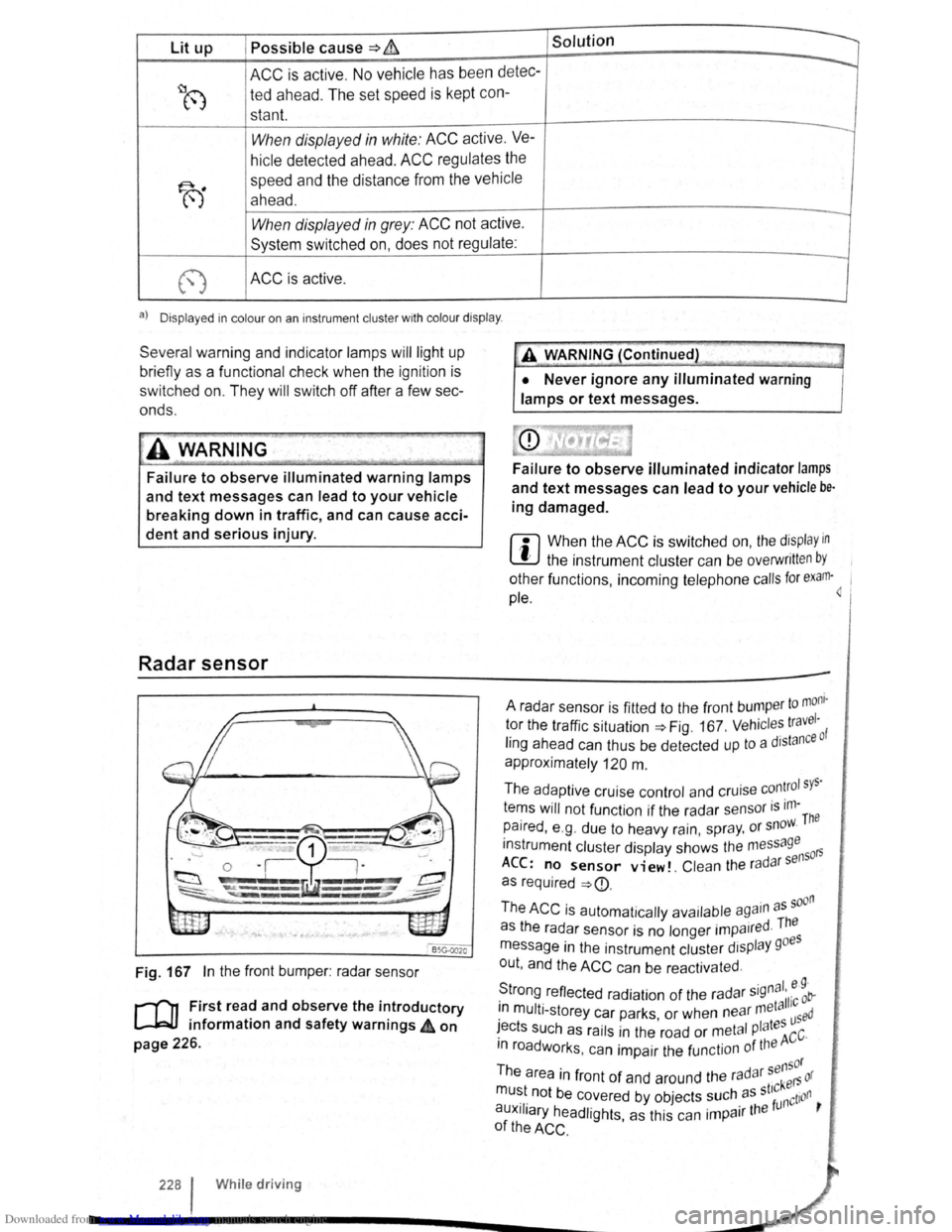
Radar sensor
Fig. 167 In the front bumper : radar sensor
r-('n First read and observe the introductory
L-J=JJ information and safety warnings 4 on
page 226.
228 I Whi le driving
•• --;;>
A V'{ARNING (Continued) ~J
• Never ignore any illuminated warning
lamps or text messages.
Failure to observe illuminated indicator lamps
and text messages can lead to your vehicle be·
ing damaged.
r::l When the ACC is switched on, the display in
~ the instrument cluster can be overwritt en by
other functions , incoming telephone calls for exam·~ 1
pie.
to mom · A radar sensor is fitted to the front bump er 1 tor the traffic situation=> Fig. 167 . Vehicl es travc: ·o f
ling ahead can thus be detected up to a dJstan
approximately
120 m .
The adaptive cruise control and cruise
con~rol sys·
tems will not function if the radar sensor is ,m-The
paired , e .g . due to heavy rain, spr ay, or snow.
instrument cluster display shows the me
ssage 50rs
ACC: no sensor view!. Clean the ra d ar s en
as required
=>
· d The as the radar sensor is no longer impa1re ·
message in the instrument cluster display goes
out , and the
ACC can be reactivated .
S ·gnal. e 9 · trong reflected radiation of the radar 5
' 11·c ob-. meta 1 1n mult i-storey car parks or when near used · ' I tes ~ects such as rails in the road or metal P a ACC·
m roadworks . can impair the function of the
sensor
The area in front of and around the radar kers or
mu~t. not be c~vered by objects ~uch. as st'~nction ,
auxJIJary headlights, as this can 1mpa1r the
of the ACC .
Page 121 of 138
Downloaded from www.Manualslib.com manuals search engine I~
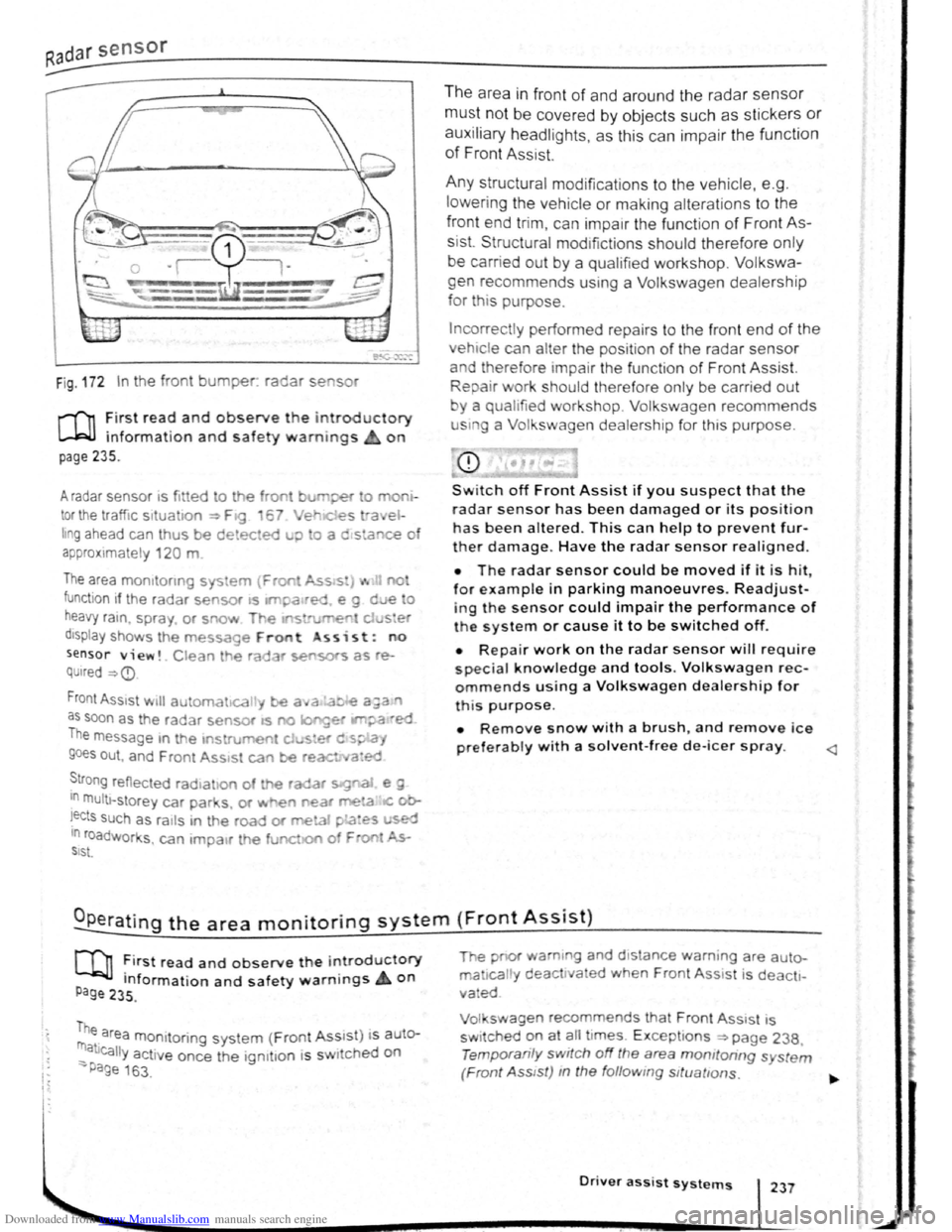
Fig . 172 In the front bumper. radar se sor
r-f'n :irst rea~ and observe the introductory
L....Wl mformat1on and safety warnings on
page 235.
A radar sensor 1s fi tted to the front burr per o mo
tor the traffic situa 1on ~ F19 6 Ver e st-a el
hng ahead can thus be detected u;> o a c stance o
a p
proximate ly 120 m
The area mo mto nng sys em {Fron Ass s:) ... no
function if the radar sensor •s ltl'pa•red e g d e o
heavy ra1n. spra y or snow T~e If'S rurren d ster
d1sptay shows th e message Front ss i s t : no
sensor view!. Clean he ra ar sensors as re
QUired ~
as soon as the radar sensor as no longet IM?a ·ed
The message m the 1ns rument cJ .... s•er d s~.a,
goes out , and F ren t Ass•st can be reac ed
~tro ng reflected rad•ahon of the radar s:g"aJ e g
In multt -storey car par s. or ~ e'l near me!a IC ob
!ects such as ra1ls in t he road or meta1 pLa~es used 10 roadworks , can 1mpa1r th e funct.o of F oo ~ SIS\.
The area in fron t of and around the radar sensor
must not be covered by objects such as stickers or
auxiliary headlights, as this can impair the function
of Front Assist.
Any structural modifications to the vehicle, e .g .
l
owering the vehicle or making alterations to the
front end tri m , can impair the function of Front As
sist. Structural mod1fictions should therefore only
be carried out by a qualifie d workshop. Volkswa
gen recommends using a Volkswagen dealership
for th is purpose.
Incorrectly performed repa irs to the fron t end of the
vehic le can alter the position of the radar sensor
and therefore tmpai r the functi on of Front Assist.
Repair work should therefore only be carrie d out
y a qualified workshop. Volkswagen recommends
u sm g a Volkswagen dealership for this purpose.
CD
Switch off Front Assist if you suspect that the
radar sensor has been damaged or its positio n
has been altered. This can help to prevent fur
ther damage. Have the radar sensor realigned.
• The radar sensor could be moved if it is hit
for example in parking manoeuvres. Readjust-'
ing the sensor could impair the performance of
t h e system or cause it to be switched off.
• Repair work on the radar sensor w ill require
special knowledge and tools. Volkswagen rec
ommends using a Volkswagen dealership for
this purpose.
• Remove snow with a brush, and remove ice
preferably with a solvent-free de-leer spray.
m ~irst read and observe t h e introductory
P Information and safety warnings on age 235 .
me area monitoring system (Front Ass1 s t) i s auter
_ atJcally activ e once the ign1t1on 1s s wi ched on
-Page 163 .
The pnor wam1ng and d 1stance warn ing are auto
ma 1call y deact1va ed when Front Ass 1st i s deacti
vated
Vol swagen recommends that Front Ass1 st is
sw itched
~n at ~11 t imes. E xcept ions ~page 238,
Temporan ly switch off the area momtoring s ystem
(Front Ass tst) m the follow ing sttuattons.
Driver assist systems 237
Page 122 of 138
Downloaded from www.Manualslib.com manuals search engine Activating and deactlv ting th ' r ,
monitoring sy stcn1
Front Assis t can be active t d o r ciE, cllv to d L fnl ..
lo w s when th e igniti on Is witcl1 d on :
• U sing the butt on f or drlv r c , sl." l y.._ \c 1n~~, " n ..
lect the corresp o ndin g m nu opti on ~ pr a ·
• OR : activate or d Clctlv ate tho • s tc n1 ll! I no
the (c AR ) button and the G a nd Drlvtll ,:,: l: ' '"''c ., fun , ..
t ion buttons in the
fo la inm nt sy s t( 111 • png 3 1.
Activating and deactivating advanced
warning
The adv a nced w arning ca n be ocllv nto d or dO;"lCti
va te d using the (tAR) butto n and the G and
(Driver a ss istf m ce ) function buttons in the lnf ot._ lnrn Jlll
syst en1 ~pag e 31.
IIHJ y: lrH ll tl: n ru t:iln· lt1n fH J(Jnnr1111,J tl .
I , •,lltw~
wiH 11 tiH lq11ltlnn "' x t wltt,h n d rJt ':f
V n il . w : t(JOfl r fH,Oir IItH HId ttu d tt HJ ; 1dvqw 1 • '
J W·Hrt
In n yt 1t '"I wlt<.IHJd on tl tlllllrw,·,,
A c
tlvntln J or do a tlv atlnu th <.JI itt"tnc;o
w. r u in g
1 ho <11 tn nc< wru nlno (11 pi:Jy c :u1 b o tu ,llv;''' 'd r1r
d< \cllvnl( cl I If lrl(J ttll ( tARj tHJliCJt ' Hlfj lhtJ f "J ~Httj
Q >rlvnt ru1 iJ ,I,.r~e:t, fune11on t) IJlt CHl In U1 irlfCJ!:Jir tt n rsnt
y~torn >pno 3 1.
h l y! torn nit o r lHir H lho proor:srnrnnrJ (,lt1n g
wi H n l11 lunlll or I noxl witch od or,
V olk . w . oon ror,ornrnf nd UHtl Ulo tJI tnrtt,(j W~rrt·
lng 1:1 'w lt c t lO d on Ht oil tlm' ( .
Temporarily switch off the area monitoring system (Front Assist) in the
following situations
r-f'n First read and observe the introductory
L-Wl information and safety warnings £ on
page 235.
The area monitoring system (Front Assist) s h o uld
b e switched off
in the following situations due to
syst em limit
ations ~ £ .:
• If the ve hicl e is being towed.
• If the ve hicl e is on a rolling road test be d .
• If the radar senso r is faulty.
• On exter na l force on the radar sensor, e .g . afte r
a
rea r-end collision . •
In
the ev nt of mu ltip le unwanted intorventioM
• If tt1e ra d or se nso r Is co ve red tornpo rarily by
a ny a uxili nry equipm ent , e.g . a uxiliury headlights.
• If the vehic le i s being loaded onto a lorry, car
f e rry or m oto rail tr ain.
Failure to switch off Front Assist In the
named situations can cause accident s and
serious injuries.
't ' 1 situa· • Switch off Front Assist In en tea <
tions.
System limits ~
---------------------------------------------------
[Q] ~irst rea~ and observe the introductory
anformatton and safety warnings & on
page 235.
The ~rea monitoring system (Front Assist) has
phys1cal and syste~-relate.d limit s. The driv er m ay
there for e feel that, 1n certa m circums tances s
F
t A . t
. , ome
r o n
ssls react ions occur unexpec te dly or with a
de la y. You should the re fore alw ays be prepare d t
take full control of the vehicle if necessar y. 0
The .following conditions can prevent Front
Assast from reacting, or cause a dela . .
reaction: Y 1
" Its
• In tig ht bends .
• If the acce lerato r is fully depressed .
. a fault
• If Front Ass is t i s s wit c h e d off or there 15
• If TCS is m anu ally swit ch ed off .
• If the ESC is ta king corrective action. tne
• If there is a fa ult in se vera l brake lightsnonnectioO
. · al eo vehtcle or on a traile r with an electnc
to the ve hi cle .
• If the ra d ar senso r is dirty or cove red.
• If the vehicle is re ve rsing .
• Under hard acce le ra tion .
• In snow or hea vy ra in . bikeS·
motor
• In case of n a rrow ve hicl es, e.g . left or
• If ve hicl es are tr ave lling slightly to the
right
of y o ur ve hicl e. vehicle·
• If vehic les are crossing in front of your