ECO mode VOLKSWAGEN T-ROC 2019 User Guide
[x] Cancel search | Manufacturer: VOLKSWAGEN, Model Year: 2019, Model line: T-ROC, Model: VOLKSWAGEN T-ROC 2019Pages: 502, PDF Size: 8.58 MB
Page 176 of 502

WARNING
New brake pads will not have the optimal braking effect when first fitted.
New brake pads cannot generate the full braking effect during the first 300 km and must first be run
in. A reduced braking effect can be increased by applying more pressure to the brake pedal.
In order to reduce the risk of accidents, serious injuries and the loss of control over the vehicle, you
must drive particularly carefully when driving with new brake pads.
Never drive too close to other vehicles during the run-in time for the new brake pads and never
create a driving situation that will place a heavy load on the brakes.
WARNING
Overheated brakes reduce the braking effect and considerably increase the braking distance.
When driving downhill, the brakes are placed under particular strain and become hot very quickly.
Before driving down a long, steep gradient, reduce speed and change to a lower gear (with manual
gearboxes or in Tiptronic mode with the automatic gearbox). This will make use of the engine
braking effect and relieve the load on the brakes.
Non-standard or damaged front spoilers could restrict the airflow to the brakes and cause them to
overheat.
WARNING
Wet brakes or brakes coated with ice or road salt react more slowly and require longer braking
distances.
Carefully apply the brakes to test them.
Always dry brakes and clean off any coating of ice and salt with a few cautious applications of the
brake when visibility, weather, road and traffic conditions permit.
WARNING
Driving without the brake servo can considerably increase the braking distance and thus cause
accidents and serious injuries.
Never switch the engine or ignition off while the vehicle is in motion.
If the brake servo does not function or the vehicle is being towed, the brake pedal will have to be
depressed more forcefully as the braking distance will be increased due to the lack of assistance for
the brake system.
Page 190 of 502
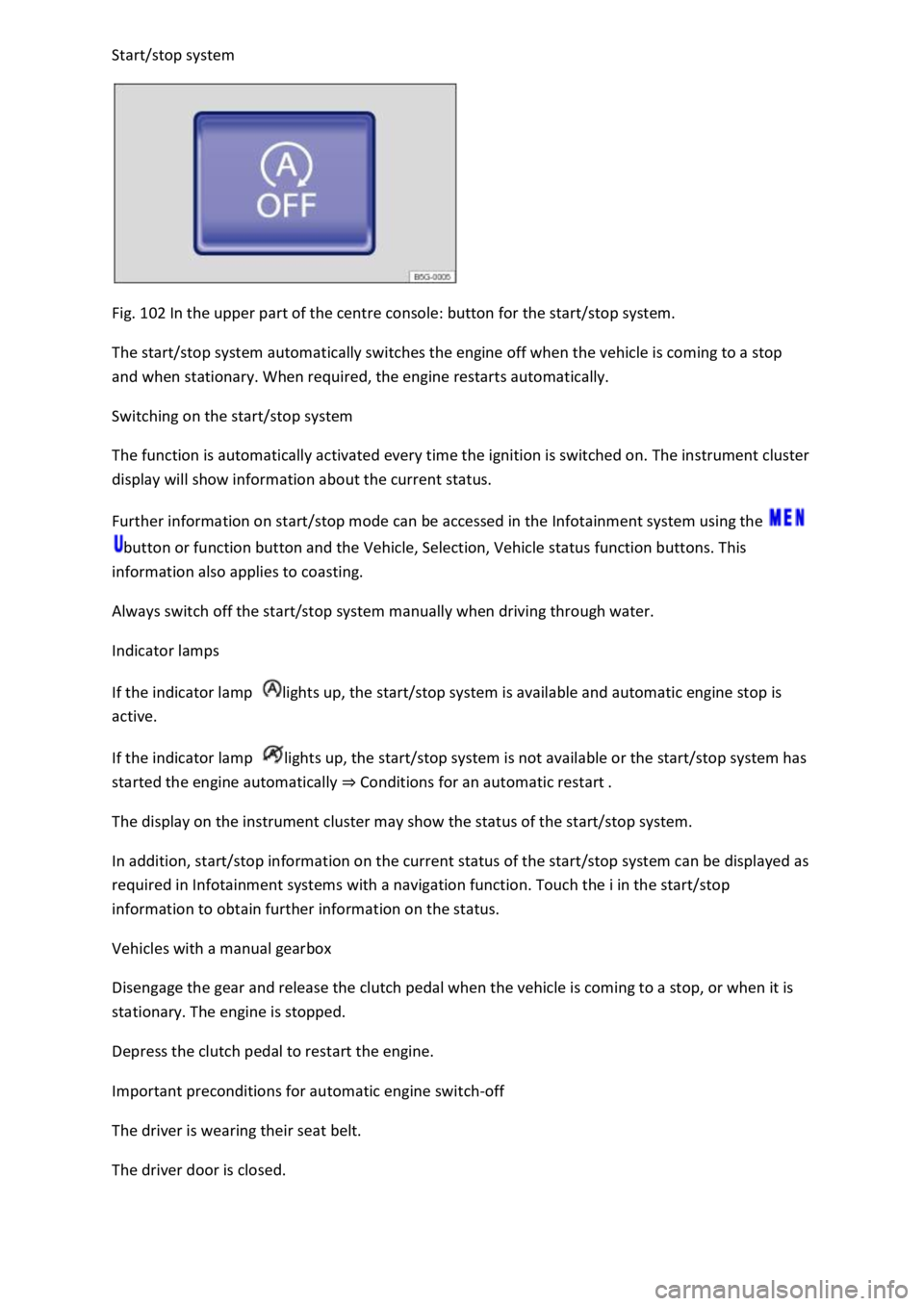
Fig. 102 In the upper part of the centre console: button for the start/stop system.
The start/stop system automatically switches the engine off when the vehicle is coming to a stop
and when stationary. When required, the engine restarts automatically.
Switching on the start/stop system
The function is automatically activated every time the ignition is switched on. The instrument cluster
display will show information about the current status.
Further information on start/stop mode can be accessed in the Infotainment system using the
button or function button and the Vehicle, Selection, Vehicle status function buttons. This
information also applies to coasting.
Always switch off the start/stop system manually when driving through water.
Indicator lamps
If the indicator lamp lights up, the start/stop system is available and automatic engine stop is
active.
If the indicator lamp lights up, the start/stop system is not available or the start/stop system has
started the engine automatically Conditions for an automatic restart
The display on the instrument cluster may show the status of the start/stop system.
In addition, start/stop information on the current status of the start/stop system can be displayed as
required in Infotainment systems with a navigation function. Touch the i in the start/stop
information to obtain further information on the status.
Vehicles with a manual gearbox
Disengage the gear and release the clutch pedal when the vehicle is coming to a stop, or when it is
stationary. The engine is stopped.
Depress the clutch pedal to restart the engine.
Important preconditions for automatic engine switch-off
The driver is wearing their seat belt.
The driver door is closed.
Page 200 of 502
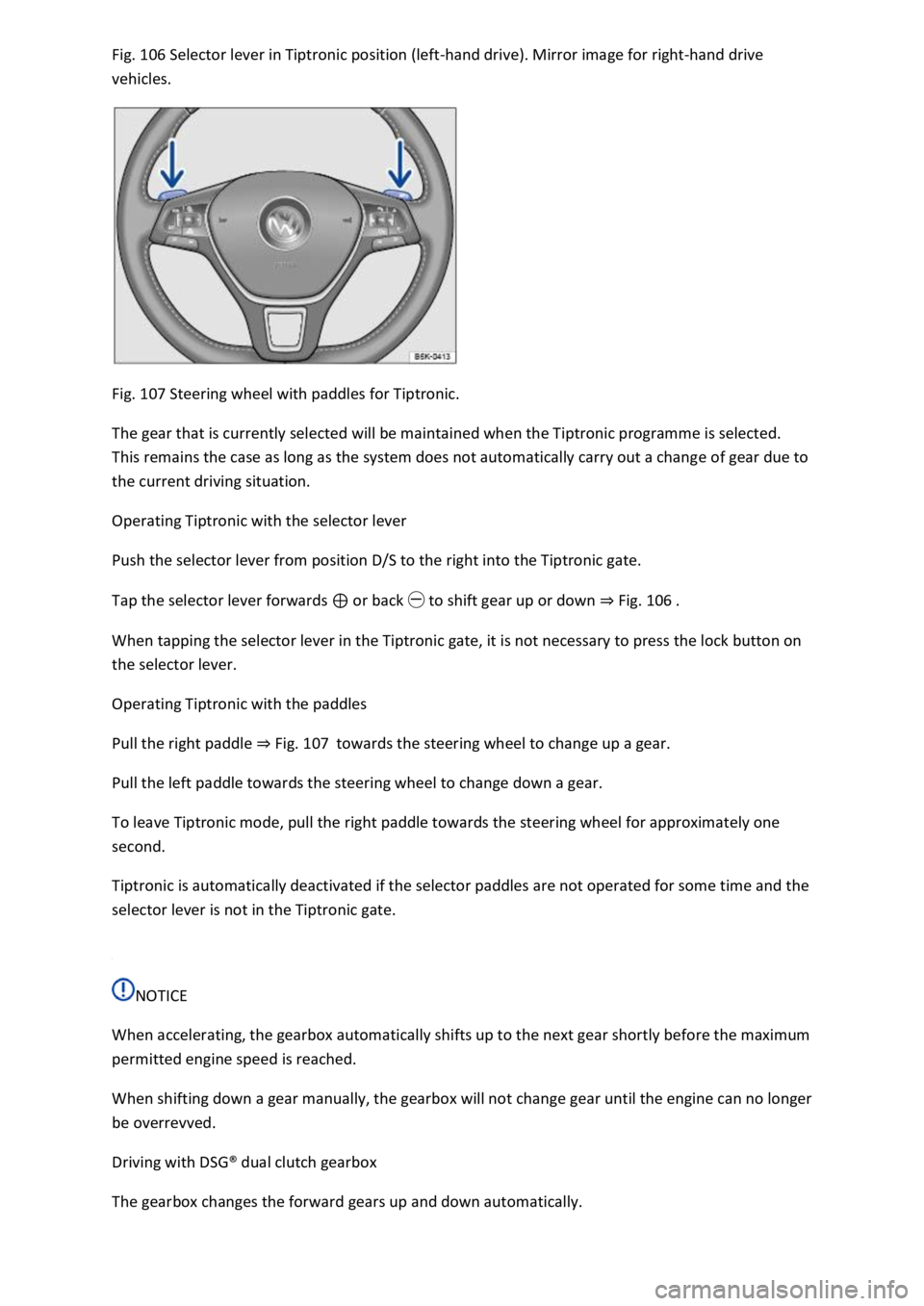
106 Selector lever in Tiptronic position (left-hand drive). Mirror image for right-hand drive
vehicles.
Fig. 107 Steering wheel with paddles for Tiptronic.
The gear that is currently selected will be maintained when the Tiptronic programme is selected.
This remains the case as long as the system does not automatically carry out a change of gear due to
the current driving situation.
Operating Tiptronic with the selector lever
Push the selector lever from position D/S to the right into the Tiptronic gate.
Tap the selector lever forwards or back to shift gear up or down Fig. 106
When tapping the selector lever in the Tiptronic gate, it is not necessary to press the lock button on
the selector lever.
Operating Tiptronic with the paddles
Pull the right paddle Fig. 107towards the steering wheel to change up a gear.
Pull the left paddle towards the steering wheel to change down a gear.
To leave Tiptronic mode, pull the right paddle towards the steering wheel for approximately one
second.
Tiptronic is automatically deactivated if the selector paddles are not operated for some time and the
selector lever is not in the Tiptronic gate.
NOTICE
When accelerating, the gearbox automatically shifts up to the next gear shortly before the maximum
permitted engine speed is reached.
When shifting down a gear manually, the gearbox will not change gear until the engine can no longer
be overrevved.
Driving with DSG
Page 272 of 502
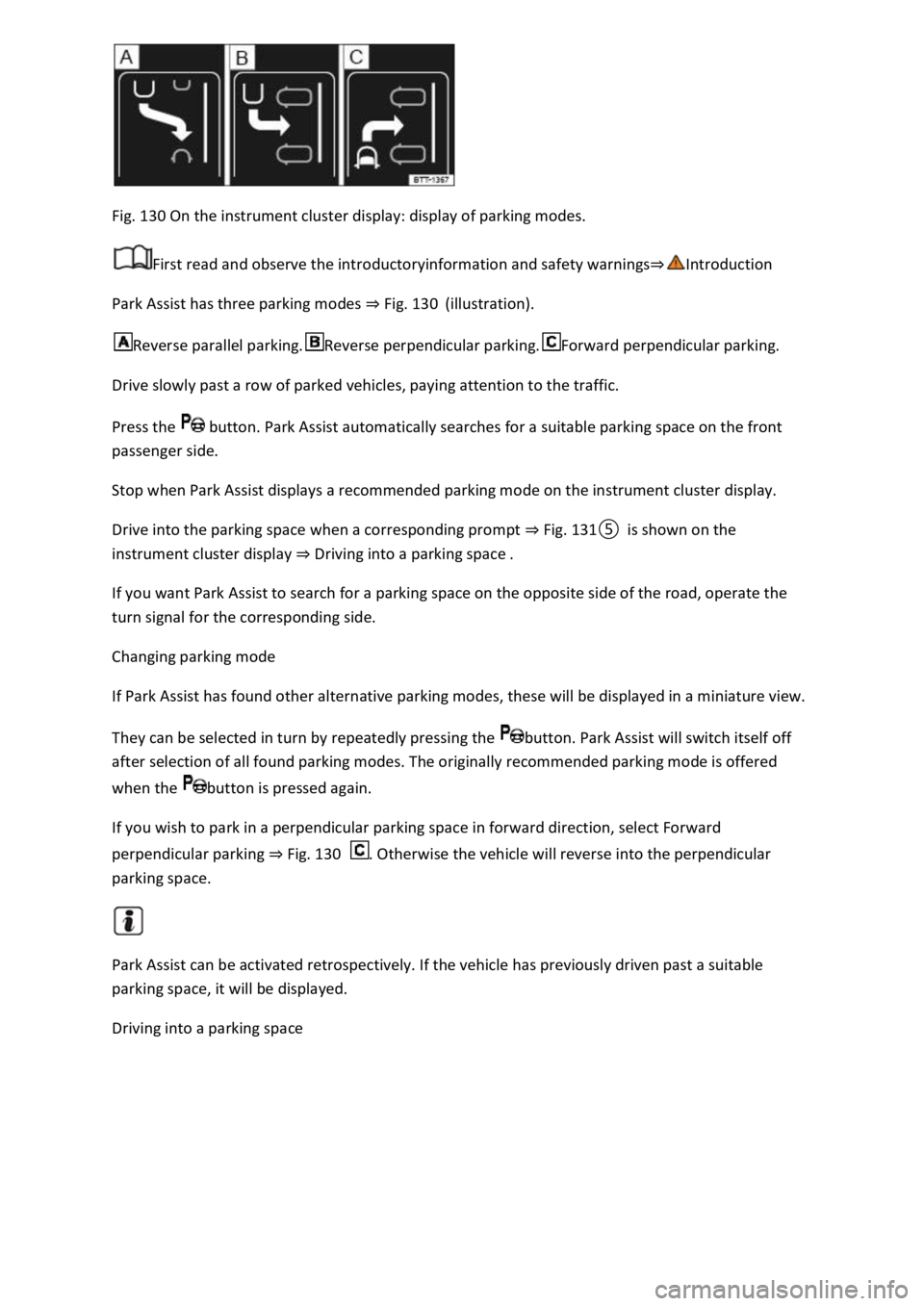
Fig. 130 On the instrument cluster display: display of parking modes.
First read and observe the introductoryinformation and safety warnings
Park Assist has three parking modes Fig. 130(illustration).
Reverse parallel parking.Reverse perpendicular parking.Forward perpendicular parking.
Drive slowly past a row of parked vehicles, paying attention to the traffic.
Press the button. Park Assist automatically searches for a suitable parking space on the front
passenger side.
Stop when Park Assist displays a recommended parking mode on the instrument cluster display.
Drive into the parking space when a corresponding prompt Fig.
Driving into a parking space
If you want Park Assist to search for a parking space on the opposite side of the road, operate the
turn signal for the corresponding side.
Changing parking mode
If Park Assist has found other alternative parking modes, these will be displayed in a miniature view.
They can be selected in turn by repeatedly pressing the button. Park Assist will switch itself off
after selection of all found parking modes. The originally recommended parking mode is offered
when the button is pressed again.
If you wish to park in a perpendicular parking space in forward direction, select Forward
perpendicular parking Fig. 130. Otherwise the vehicle will reverse into the perpendicular
parking space.
Park Assist can be activated retrospectively. If the vehicle has previously driven past a suitable
parking space, it will be displayed.
Driving into a parking space
Page 284 of 502
ge compartment is locked when the key
slot is vertical.
To open: pull the opening lever.
To close: push the stowage compartment upwards.
WARNING
If the stowage compartment on the front passenger side is left open, this can increase the risk of
serious injury in the event of an accident or during sudden braking or driving manoeuvres.
Always keep the stowage compartment closed while the vehicle is in motion.
NOTICE
In some vehicle models, the stowage compartment on the front passenger side contains apertures.
Small items could fall through the apertures and become trapped behind the trim. This could cause
unusual noises and damage to the vehicle.
Stow small objects only in the stowage areas that are intended for such items.
Stowage compartment in the front centre armrest
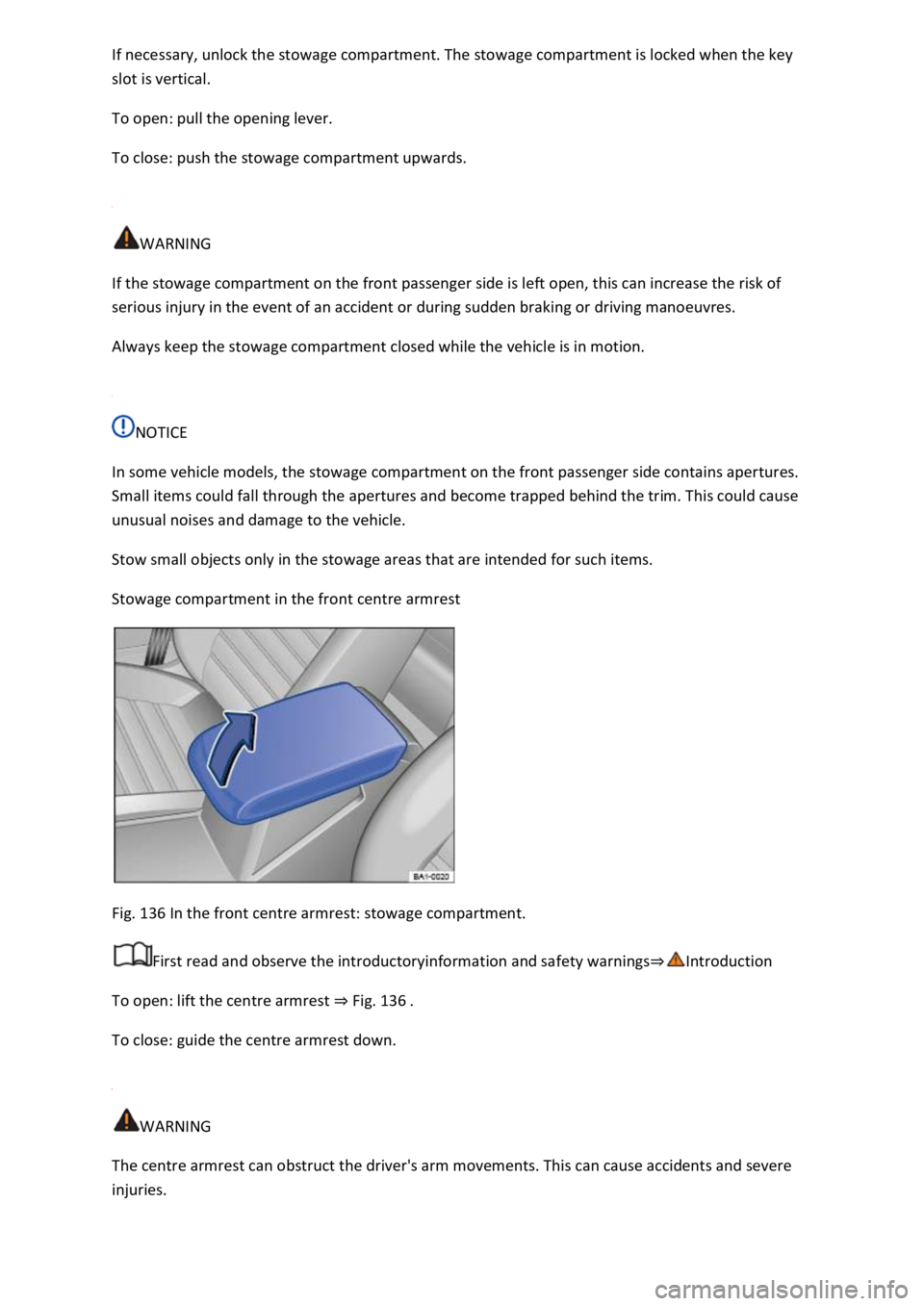
Fig. 136 In the front centre armrest: stowage compartment.
First read and observe the introductoryinformation and safety warnings
To open: lift the centre armrest Fig. 136
To close: guide the centre armrest down.
WARNING
The centre armrest can obstruct the driver's arm movements. This can cause accidents and severe
injuries.
Page 304 of 502

-through hatch is folded forwards or backwards carelessly or in an
uncontrolled way.
Never fold the load-through hatch forwards or backwards while the vehicle is in motion.
Ensure that the seat belt is not trapped or damaged when folding back the load-through hatch.
Always keep hands, fingers, feet and other body parts away from the swivel area when folding the
load-through hatch forwards and backwards.
The load-through hatch has not been secured properly if the red marking can still be seen on the
locking indicator. Always ensure that the red marking is never visible when the load-through hatch is
in the upright position.
Passengers (children in particular) must not use this seat if the load-through hatch is folded forward
or is not engaged securely into place.
Roof carrier
Introduction
This chapter contains information on the followingsubjects:
Securing roof carriers
Loading roof carriers
Notes on use
Depending on the model, the vehicle may be designed for fitting a roof carrier.
Roof carriers can be used to transport bulky items on the roof of the vehicle.
If you are unsure whether a roof carrier can be fitted on your vehicle, please contact a specialist
workshop. Volkswagen recommends using a Volkswagen dealership for this purpose.
Only roof carriers that have been approved by Volkswagen for the vehicle must be used.
If the vehicle is not approved for use with a roof carrier, do not use or retrofit a roof carrier.
WARNING
When transporting heavy or bulky objects on the roof carrier, the vehicle's handling will change due
to a shift in the centre of gravity and an increased susceptibility to crosswinds.
Always secure loads properly using suitable and undamaged lashing, retaining or securing straps.
Loads that are large, heavy, bulky, long or flat will have a negative effect on the vehicle
aerodynamics, centre of gravity and overall handling.
Avoid abrupt and sudden driving and braking manoeuvres.
Always adapt your speed and driving style to suit visibility, weather, road and traffic conditions.
Page 317 of 502
unhitched from the vehicle. The vehicle could move up and down if the load changes or if there is
damage to the tyres, for example. If this happens, a great deal of force will be exerted on the towing
bracket and trailer, which could lead to damage to the vehicle and trailer.
If there is a fault in the vehicle or trailer electrical systems or in the anti-theft alarm, have the vehicle
checked by a qualified workshop.
If the 12-volt vehicle battery charge level is low, the electrical connection to the trailer will be
interrupted automatically.
Loading the trailer
First read and observe the introductoryinformation and safety warnings
Trailer weight and drawbar load
The trailer weight is the weight that the vehicle can pull
The drawbar load is the load that is exerted vertically from above onto the ball head of the towing
bracket.
The figures for trailer weights and drawbar weights that are given on the data plate of the towing
bracket are for certification purposes only. The correct values for your specific model, which may be
lower than these figures, are given in the vehicle registration documents. All data in the official
vehicle documents take precedence over these data.
The maximum permitted drawbar load exerted by the trailer drawbar on the ball head of the towing
bracket must not exceed 80 kg.
In the interest of driving safety, Volkswagen recommends that you always use the maximum
drawbar load. The handling of the vehicle combination will be impaired if the drawbar load is too
low.
The drawbar load increases the weight on the rear axle and reduces the maximum payload of the
vehicle as a result.
Gross combination weight
The gross combination weight is made up of the actual weight of the loaded vehicle and of the
loaded trailer.
In some countries, trailers are divided into different classes. Volkswagen recommends that you
contact a qualified workshop to find out about suitable trailers.
Loading the trailer
The weight of the load should be distributed evenly. The maximum permitted drawbar load should
be utilised. Do not place the load only at the front or the rear of the trailer:
Page 383 of 502

standard 501 14 is available from Volkswagen dealerships.
If this brake fluid is not available and it is necessary to use another high-quality brake fluid instead,
brake fluid that is compliant with DIN ISO 4925 CLASS 4 or US standard FMVSS 116 DOT 4 can be
used.
Not all brake fluids that are compliant with DIN ISO 4925 CLASS 4 or US standard FMVSS 116 DOT 4
have the same chemical composition. Some of these brake fluids may contain chemicals that can
damage or destroy brake system components over time.
Volkswagen therefore recommends the use of brake fluid that is compliant with VW standard 501 14
to ensure sustained proper operation of the brake system.
Brake fluid that is compliant with VW standard 501 14 fulfils the requirements of DIN ISO 4925
CLASS 4 or US standard FMVSS 116 DOT 4.
Brake fluid level
The brake fluid level must always be between the MIN and MAX marking on the brake fluid reservoir
or above the MIN marking
The brake fluid level cannot be checked accurately in all models as engine components may partially
conceal the fluid level in the brake fluid reservoir. If the brake fluid level cannot be read exactly,
please go to a qualified workshop.
The brake fluid level drops slightly during vehicle operation as the brake pads wear and the brakes
are automatically adjusted.
Brake fluid level
The indicator lamp lights up red.
Brake fluid level is too low.
Do not drive on! Check the brake fluid level.
If the brake fluid level is too low, inform a qualified workshop. Have the brake system checked.
Changing the brake fluid
The brake fluid should be changed by a qualified workshop. Volkswagen recommends using a
Volkswagen dealership for this purpose. Only brake fluid that conforms with the required
specification should be used.
WARNING
Brake failure or reduced braking efficiency can be caused by the brake fluid level being too low or by
brake fluid that is too old or unsuitable.