centre console VOLKSWAGEN T-ROC 2020 User Guide
[x] Cancel search | Manufacturer: VOLKSWAGEN, Model Year: 2020, Model line: T-ROC, Model: VOLKSWAGEN T-ROC 2020Pages: 502, PDF Size: 8.58 MB
Page 191 of 502

A minimum engine temperature has been reached.
Vehicles with Climatronic: the temperature of the vehicle interior is within the preset
temperature range, and the humidity level is not too high.
The defrost function of the air conditioning system is not switched on.
The charge level of the 12-volt vehicle battery is sufficient.
The temperature of the 12-volt vehicle battery is not too low or too high.
The vehicle is not on a steep uphill or downhill gradient.
Vehicles with DSG dual clutch gearbox: the steering wheel is not turned too sharply.
The windscreen heating is not switched on.
Reverse gear is not engaged.
Park Assist is not active.
When the conditions for automatic engine switch-off are fulfilled only during a stationary phase, the
engine can also switch off subsequently, e.g. after switching off the defrost function.
Conditions for an automatic restart
The engine can start automatically under the following conditions:
If the temperature inside the vehicle substantially increases or decreases.
If the vehicle starts rolling.
If the electrical voltage of the 12-volt vehicle battery drops.
If the steering wheel is moved.
As a general rule, the engine always starts again automatically when required by the detected
situation and for the vehicle.
Conditions that require a manual engine start
The engine must be started manually in the following conditions:
If the driver door is opened.
If the bonnet is opened.
Manually deactivating and activating the start/stop system
Press the button in the centre console Fig. 102to deactivate the system manually. If the
start/stop system has been deactivated, the indicator lamp in the button lights up.
Press the button in the centre console again Fig. 102to activate the system manually once
more.
Page 205 of 502

electrical wires are positioned correctly.
Using the flat blade of the screwdriver from the vehicle toolkit, carefully push the release lever in the
direction of the arrow and keep it in this position Fig. 109
Press the lock button on the front of the selector lever and move the selector lever into position N.
After manual unlocking, carefully press the cover into the centre console while ensuring that the
electrical wires are positioned correctly.
Emergency programme
There is a fault in the system if all the displays on the instrument cluster for the selector lever
positions have a light background. The DSG
Page 210 of 502
Introduction
This chapter contains information on the followingsubjects:
Setting a driving profile
Individually adapting a driving profile
Troubleshooting
By selecting different driving profiles, the driver can adapt the characteristics of the vehicle systems
to the current driving situation, the desired ride comfort and an economical driving style. The
adaptable vehicle systems include the running gear, engine management system or the air
conditioning system.
Different driving profiles can be selected depending on the vehicle equipment level. The effect on
the vehicle setup in the individual driving profiles varies according to the vehicle equipment.
The Comfort driving profile is available only for vehicles with adaptive chassis control (DCC).
The setting options available depend on the type of drive. Vehicles with front-wheel drive have
onroad driving profiles, while vehicles with all-wheel drive have additional offroad driving profiles
Setting a driving profile
The driving profile can be changed when the vehicle is stationary or while driving
selecting a driving profile, the vehicle settings (excluding engine settings) are switched to the new
driving profile immediately. When traffic conditions allow, briefly take your foot off the accelerator
to activate the newly selected driving profile for the engine also.
WARNING
Selecting a driving profile while the vehicle is in motion can distract you from the road and cause
accidents.
Some settings can be stored in the user accounts of the personalisation function and therefore
change automatically when the user account changes Personalisation
Setting a driving profile
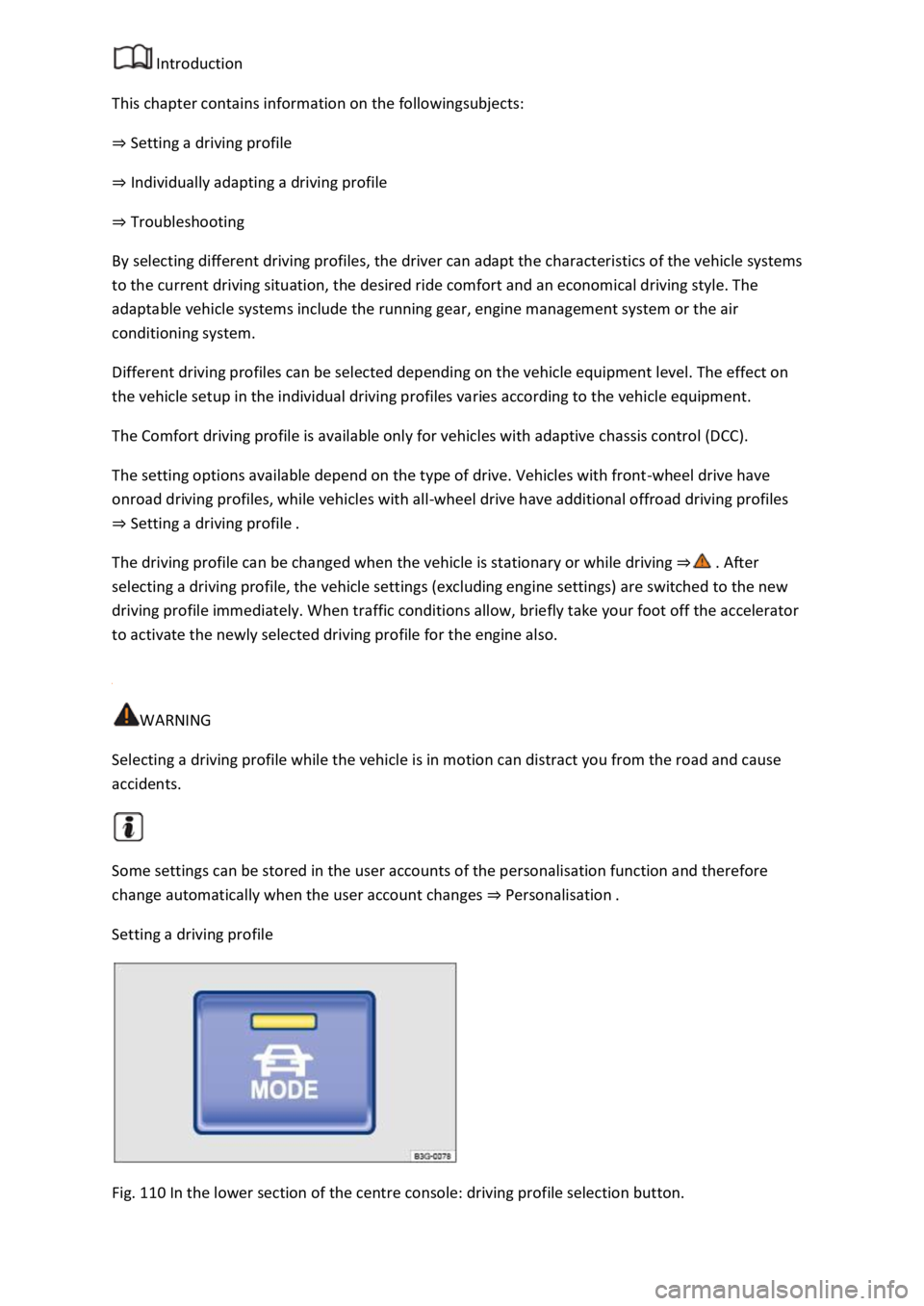
Fig. 110 In the lower section of the centre console: driving profile selection button.
Page 211 of 502
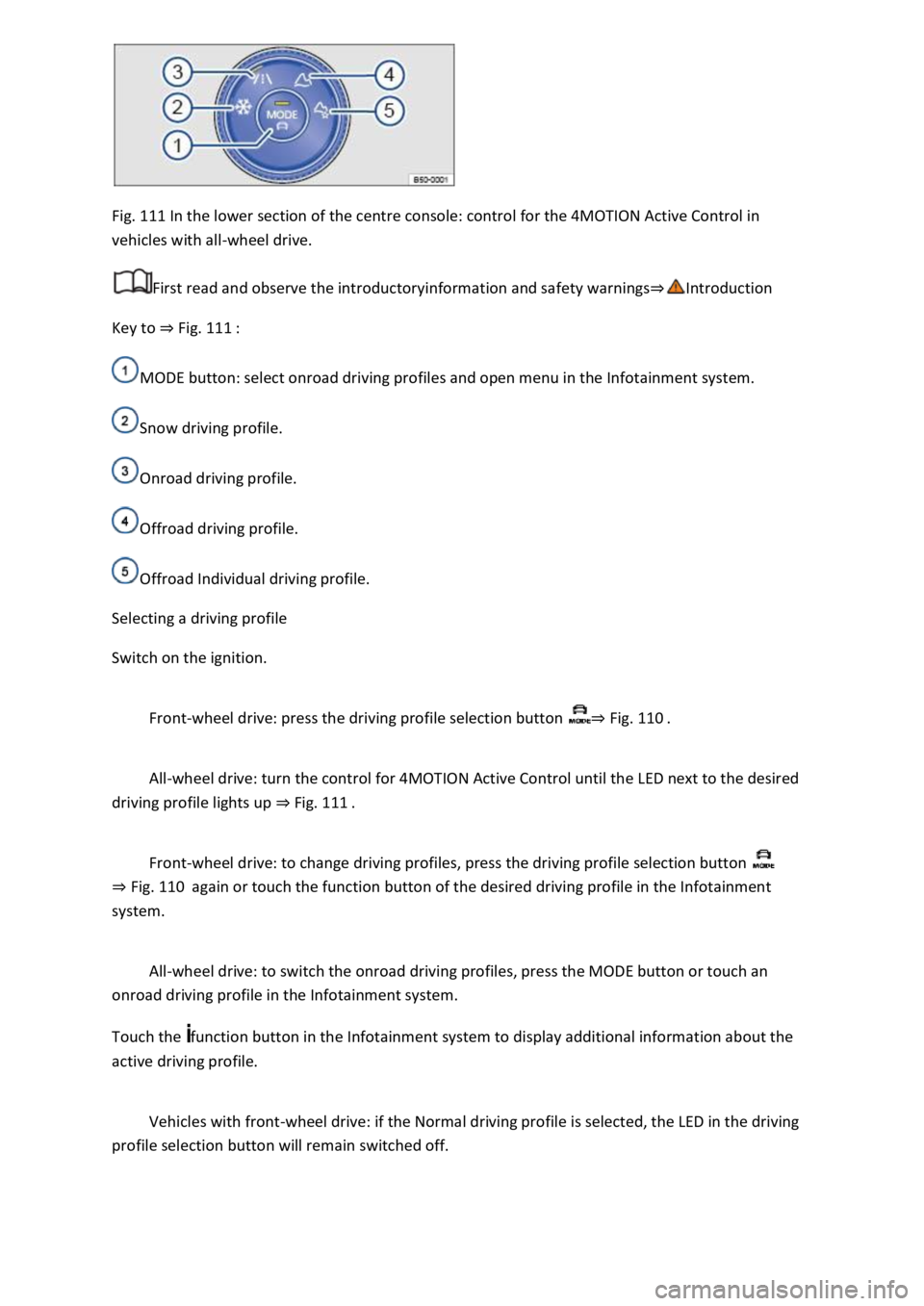
Fig. 111 In the lower section of the centre console: control for the 4MOTION Active Control in
vehicles with all-wheel drive.
First read and observe the introductoryinformation and safety warnings
Key to Fig. 111
MODE button: select onroad driving profiles and open menu in the Infotainment system.
Snow driving profile.
Onroad driving profile.
Offroad driving profile.
Offroad Individual driving profile.
Selecting a driving profile
Switch on the ignition.
Front-wheel drive: press the driving profile selection button Fig. 110
All-wheel drive: turn the control for 4MOTION Active Control until the LED next to the desired
driving profile lights up Fig. 111
Front-wheel drive: to change driving profiles, press the driving profile selection button
Fig. 110again or touch the function button of the desired driving profile in the Infotainment
system.
All-wheel drive: to switch the onroad driving profiles, press the MODE button or touch an
onroad driving profile in the Infotainment system.
Touch the function button in the Infotainment system to display additional information about the
active driving profile.
Vehicles with front-wheel drive: if the Normal driving profile is selected, the LED in the driving
profile selection button will remain switched off.
Page 259 of 502
-lying vehicle components such as the bumper, spoiler and parts of the running gear, engine or
exhaust system could be damaged. Drive carefully through dips in the road and over drive entrances,
ramps, kerbstones and other objects.
Please adhere to relevant legislation when stopping and parking your vehicle.
Electronic parking brake
Operating the electronic parking brake
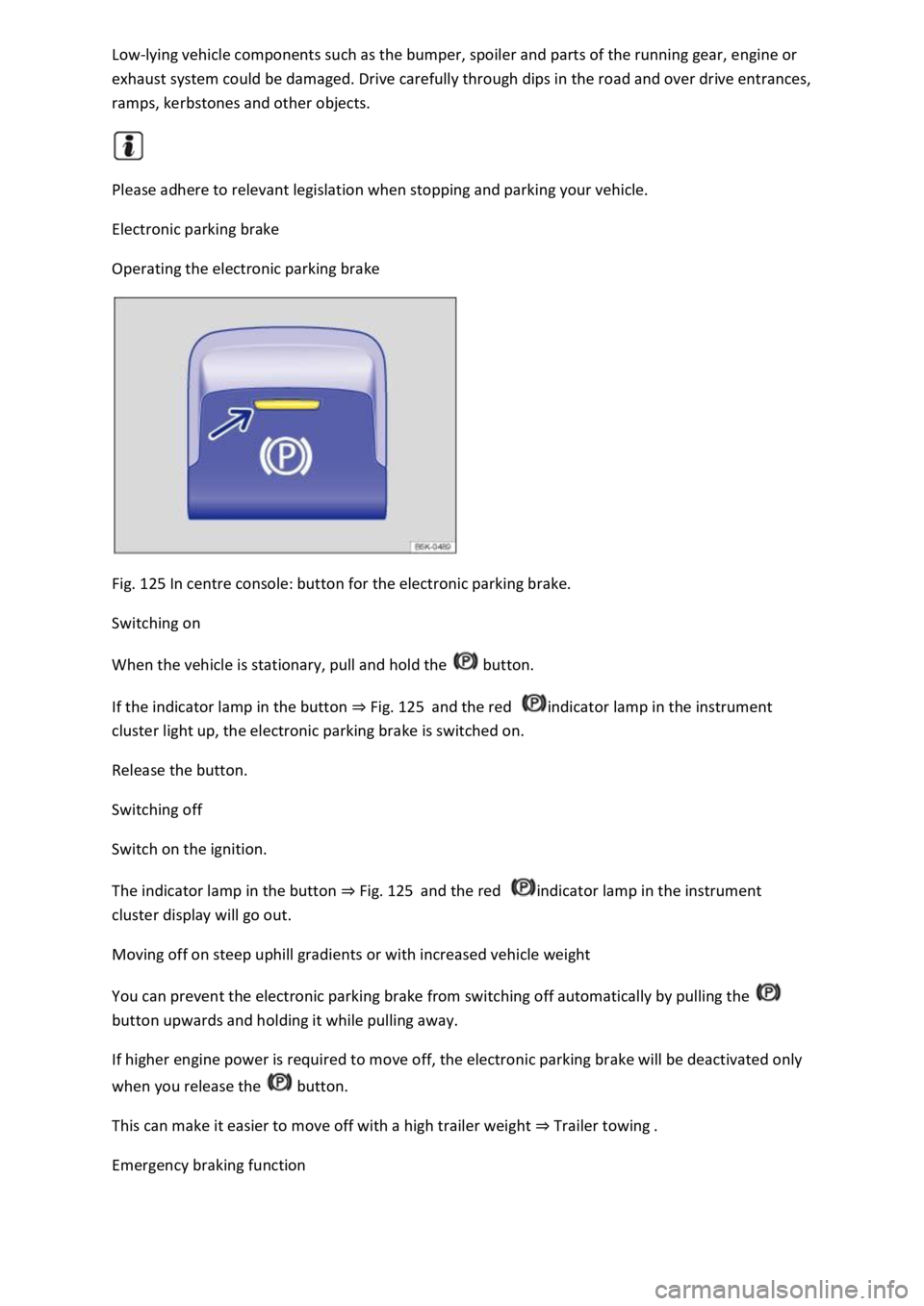
Fig. 125 In centre console: button for the electronic parking brake.
Switching on
When the vehicle is stationary, pull and hold the button.
If the indicator lamp in the button Fig. 125and the red indicator lamp in the instrument
cluster light up, the electronic parking brake is switched on.
Release the button.
Switching off
Switch on the ignition.
The indicator lamp in the button Fig. 125and the red indicator lamp in the instrument
cluster display will go out.
Moving off on steep uphill gradients or with increased vehicle weight
You can prevent the electronic parking brake from switching off automatically by pulling the
button upwards and holding it while pulling away.
If higher engine power is required to move off, the electronic parking brake will be deactivated only
when you release the button.
This can make it easier to move off with a high trailer weight Trailer towing
Emergency braking function
Page 261 of 502
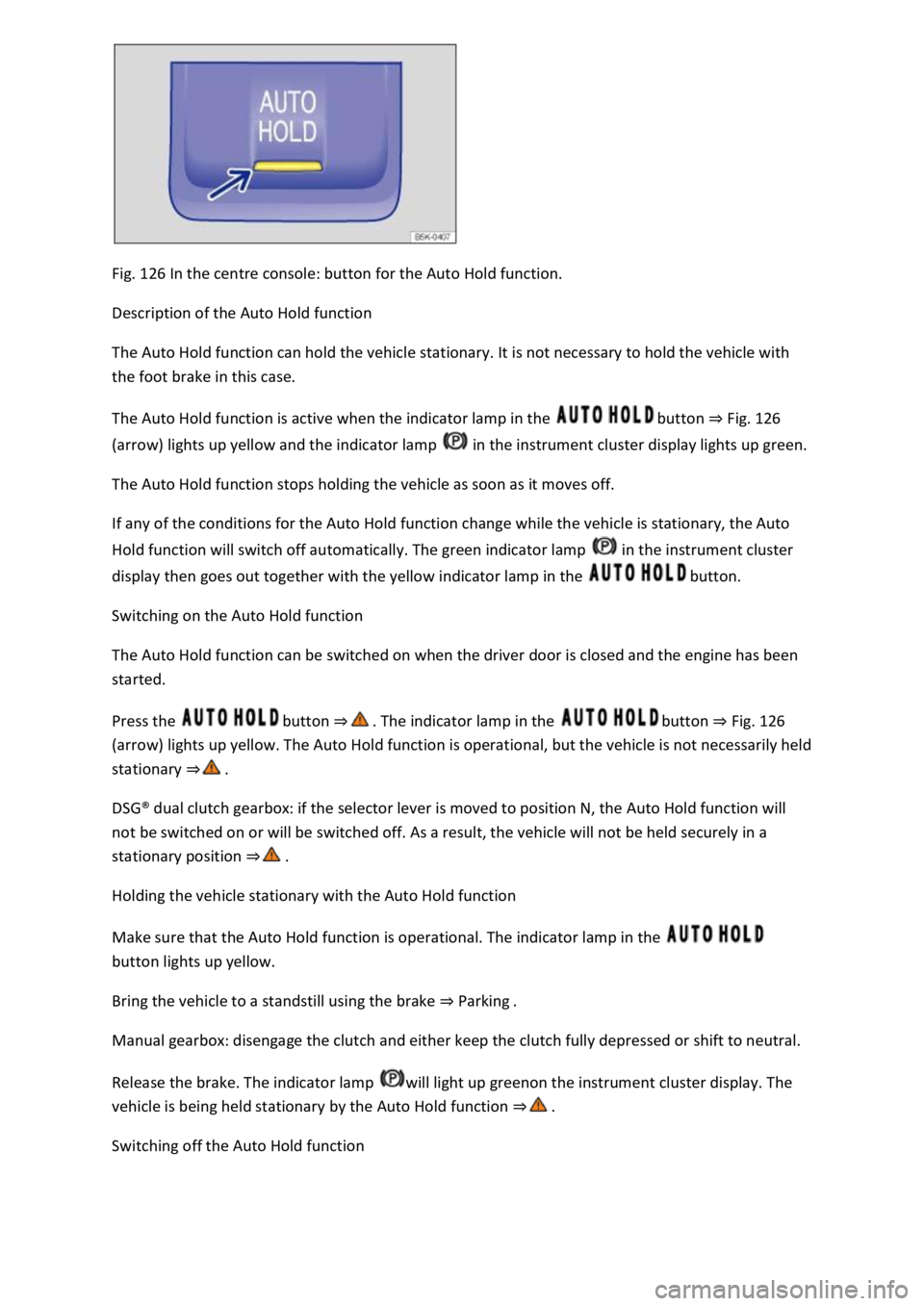
Fig. 126 In the centre console: button for the Auto Hold function.
Description of the Auto Hold function
The Auto Hold function can hold the vehicle stationary. It is not necessary to hold the vehicle with
the foot brake in this case.
The Auto Hold function is active when the indicator lamp in the button Fig. 126
(arrow) lights up yellow and the indicator lamp in the instrument cluster display lights up green.
The Auto Hold function stops holding the vehicle as soon as it moves off.
If any of the conditions for the Auto Hold function change while the vehicle is stationary, the Auto
Hold function will switch off automatically. The green indicator lamp in the instrument cluster
display then goes out together with the yellow indicator lamp in the button.
Switching on the Auto Hold function
The Auto Hold function can be switched on when the driver door is closed and the engine has been
started.
Press the button button Fig. 126
(arrow) lights up yellow. The Auto Hold function is operational, but the vehicle is not necessarily held
stationary
DSG
Page 264 of 502

respond quickly enough to issue a warning.
Volkswagen recommends that drivers practise using the parking systems in a traffic-calmed area or
car park to allow them to familiarise themselves with the systems and their functions.
Park Distance Control
Introduction
This chapter contains information on the followingsubjects:
Switching on and off
Display representation
Troubleshooting
The Park Distance Control system assists the driver when manoeuvring and parking.
Park Distance Control detects the distance from an obstacle by means of sensors in the front and
rear areas of the vehicle. If there is an obstacle in the detection range of the sensors, the system
indicates this on the Infotainment system and by means of signal tones.
Settings
With some equipment levels, settings for Park Distance Control can be made in the Infotainment
system Infotainment system controls and displays
You can save some settings in the user accounts of the personalisation function. The settings change
automatically when the user account is changed Personalisation
Switching on and off
Fig. 127 In the centre console: button for switching Park Distance Control on and off (depending on
equipment).
First read and observe the introductoryinformation and safety warnings
Switching on Park Distance Control
Press the button.
Page 282 of 502

Introduction
This chapter contains information on the followingsubjects:
Stowage compartment on the front passenger side
Stowage compartment in the front centre armrest
Drawers
Coat and bag hooks
Stow only light and small objects in the stowage areas.
There is a stowage compartment for the vehicle wallet under the left front seat. Always keep the
vehicle wallet in this stowage compartment.
The USB socket and the function for wireless charging in accordance with the QI standard
Infotainment system, may be located in the stowage compartment in the lower part of the
centre console.
WARNING
Loose objects may be flung through the vehicle interior in the event of a sudden driving or braking
manoeuvre. This can cause serious injury and can also lead to loss of control of the vehicle.
Do not stow any pets or any hard, heavy or sharp objects in the vehicle's open stowage
compartments, on the dash panel, on the luggage compartment cover or in items of clothing and
bags in the vehicle interior.
Always keep stowage compartments closed while the vehicle is in motion.
WARNING
Objects in the driver footwell can interfere with pedal operation. This can lead to loss of control of
the vehicle and increase the risk of serious injury.
Ensure that all pedals can always be operated without any hindrance.
The floor mats must always be properly secured in the footwell.
No additional foot mats or other floor coverings should be placed over the fitted foot mat.
Ensure that no objects can enter the driver footwell while the vehicle is in motion.
WARNING
Cigarette lighters left in the vehicle can become damaged or may ignite unnoticed. This can cause
serious burns and vehicle damage.
Page 288 of 502
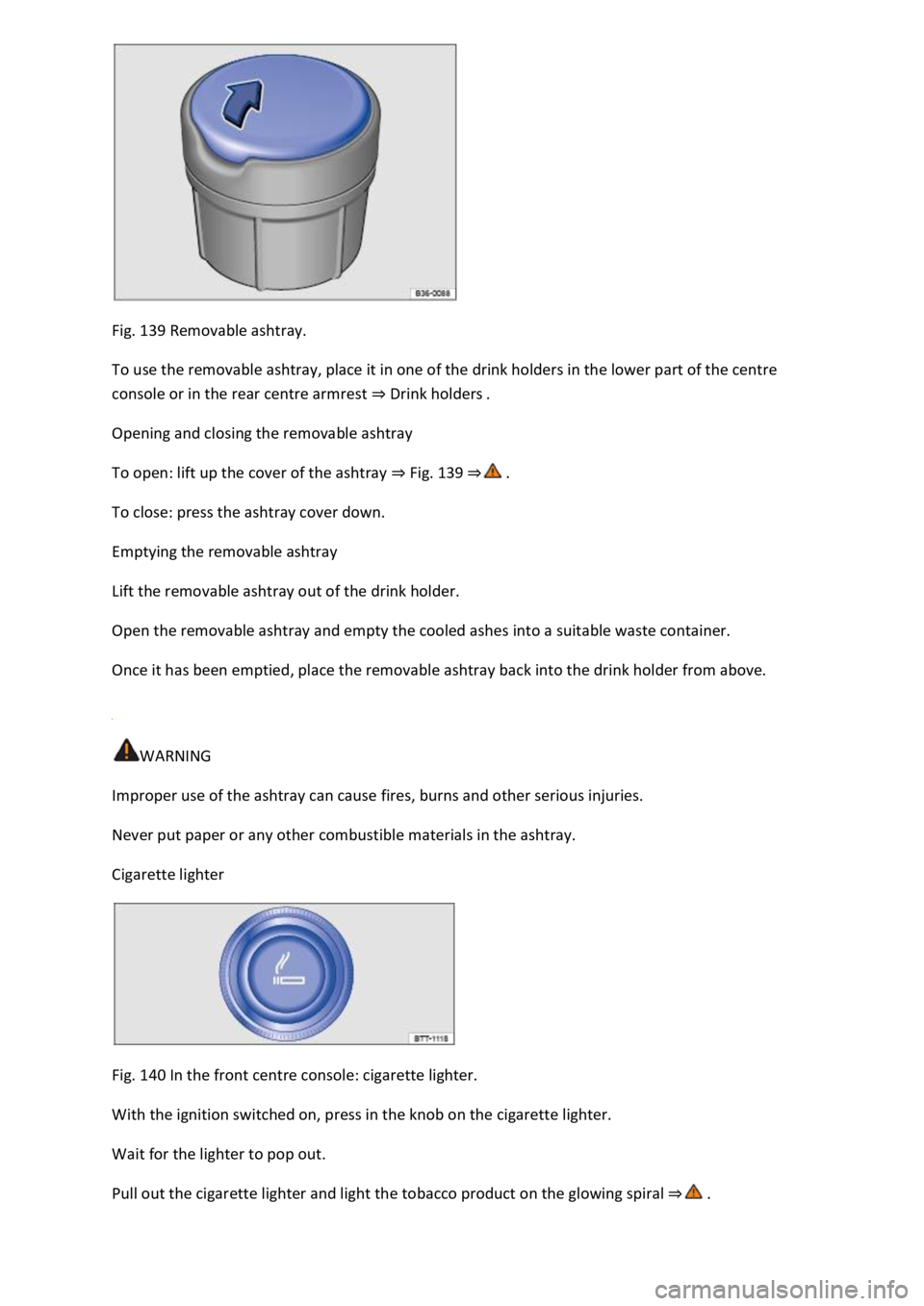
Fig. 139 Removable ashtray.
To use the removable ashtray, place it in one of the drink holders in the lower part of the centre
console or in the rear centre armrest Drink holders
Opening and closing the removable ashtray
To open: lift up the cover of the ashtray Fig. 139
To close: press the ashtray cover down.
Emptying the removable ashtray
Lift the removable ashtray out of the drink holder.
Open the removable ashtray and empty the cooled ashes into a suitable waste container.
Once it has been emptied, place the removable ashtray back into the drink holder from above.
WARNING
Improper use of the ashtray can cause fires, burns and other serious injuries.
Never put paper or any other combustible materials in the ashtray.
Cigarette lighter
Fig. 140 In the front centre console: cigarette lighter.
With the ignition switched on, press in the knob on the cigarette lighter.
Wait for the lighter to pop out.
Pull out the cigarette lighter and light the tobacco product on the glowing spiral
Page 290 of 502
ssary to switch off any connected
electrical consumers.
Never connect electrical devices requiring more than the rated power to a 12-volt socket. The
vehicle's electrical system can be damaged if the maximum power consumption is exceeded.
Observe the operating instructions of the electrical devices!
Using electrical consumers with the engine switched off and the ignition switched on will drain the
12-volt battery.
Unshielded devices can cause interference in the Infotainment system and vehicle electronics.
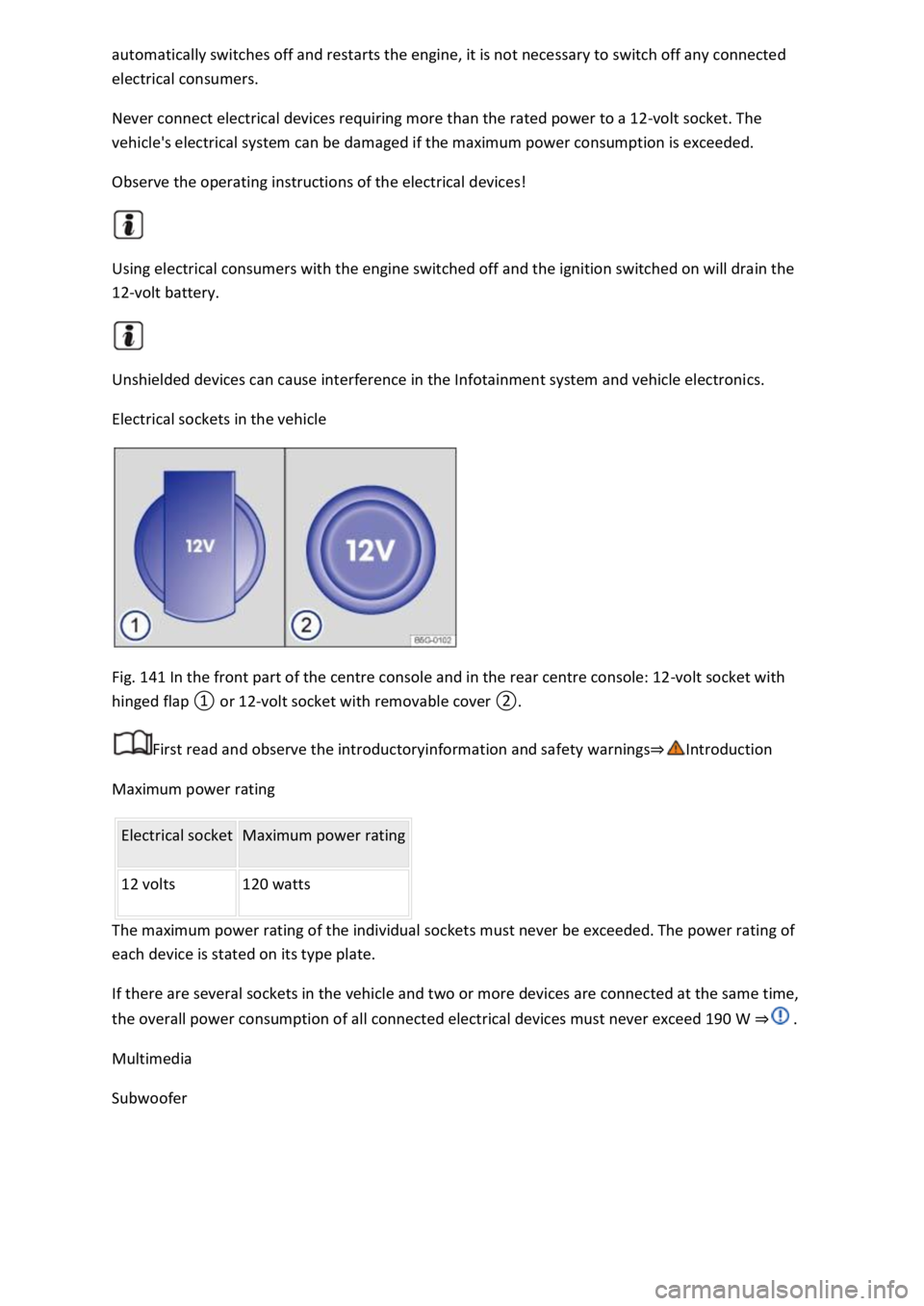
Electrical sockets in the vehicle
Fig. 141 In the front part of the centre console and in the rear centre console: 12-volt socket with
First read and observe the introductoryinformation and safety warnings
Maximum power rating
Electrical socket Maximum power rating
12 volts 120 watts
The maximum power rating of the individual sockets must never be exceeded. The power rating of
each device is stated on its type plate.
If there are several sockets in the vehicle and two or more devices are connected at the same time,
the overall power consumption of all connected electrical devices must never exceed 190 W
Multimedia
Subwoofer