start stop button VOLKSWAGEN T-ROC 2020 User Guide
[x] Cancel search | Manufacturer: VOLKSWAGEN, Model Year: 2020, Model line: T-ROC, Model: VOLKSWAGEN T-ROC 2020Pages: 502, PDF Size: 8.58 MB
Page 114 of 502

66 In the roof: button for the glass roof.
The term glass roof is used as a standard term for the panorama sliding/tilting roof.
The glass roof is a roof opening system featuring two glass elements. The rear glass element is fixed
and cannot be opened.
The button has two positions. First stage: fully or partially tilt, open or close the roof. Second
stage: automatically move the roof to the respective limit position. Press the button again to stop
the one-touch function.
Tilting the glass roof: push the button Fig. 66to the first position. One-touch function: push
button to the second position.
Closing the tilted glass roof: push the button to the first position. One-touch function: push
button to the second position.
Opening the glass roof: push the button to the first position. One-touch function up to
convenience position: push button to the second position.
Closing the glass roof: push the button to the first position. One-touch function: push button
to the second position.
Stopping one-stop function of the opening or closing procedure: push button or again.
WARNING
Careless or unsupervised use of the glass roof can cause serious injuries.
Open and close the glass roof only when you are sure that nobody is obstructing the path of the
roof.
Always take all vehicle keys with you every time you leave the vehicle.
Never leave children or people requiring assistance alone in the car, particularly if they have access
to the vehicle key. Unsupervised use of the vehicle key can lock the vehicle, start the engine, switch
on the ignition and operate the glass roof.
The glass roof can still be opened or closed for a short time after the ignition has been switched off,
provided that the driver door or front passenger door are not opened.
NOTICE
To avoid damage during cold weather, clear any ice and snow off the vehicle roof before opening or
tilting the glass roof.
Always close the glass roof when you leave the vehicle or if it starts to rain. Any rain entering the
vehicle when the glass roof is open or tilted could cause significant damage to the electrical system.
This can result in further damage to the vehicle.
Page 182 of 502
Only attach light objects weighing less than 100 g to the vehicle key.
NOTICE
The 12-volt battery may be discharged unintentionally and prevent the engine from restarting if the
ignition is switched on while the engine is switched off.
Always switch off the ignition before you leave the vehicle.
For vehicles with DSG dual clutch gearbox in some markets: if the vehicle key cannot be
removed from the ignition lock when the vehicle is stopped, move the selector lever to P. If
necessary, press the lock button in the selector lever and then release it.
Starter button
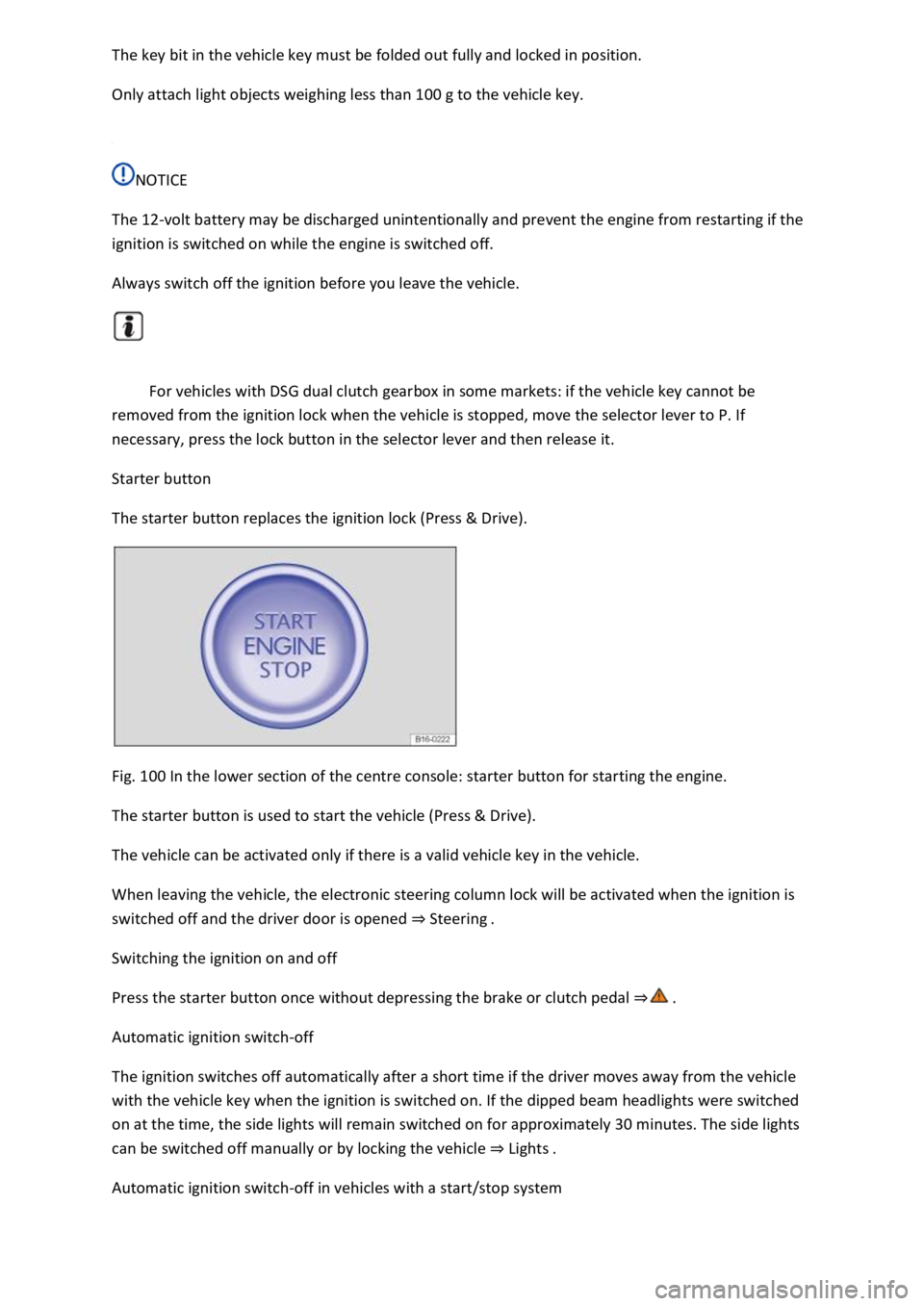
The starter button replaces the ignition lock (Press & Drive).
Fig. 100 In the lower section of the centre console: starter button for starting the engine.
The starter button is used to start the vehicle (Press & Drive).
The vehicle can be activated only if there is a valid vehicle key in the vehicle.
When leaving the vehicle, the electronic steering column lock will be activated when the ignition is
switched off and the driver door is opened Steering
Switching the ignition on and off
Press the starter button once without depressing the brake or clutch pedal
Automatic ignition switch-off
The ignition switches off automatically after a short time if the driver moves away from the vehicle
with the vehicle key when the ignition is switched on. If the dipped beam headlights were switched
on at the time, the side lights will remain switched on for approximately 30 minutes. The side lights
can be switched off manually or by locking the vehicle Lights
Automatic ignition switch-off in vehicles with a start/stop system
Page 190 of 502
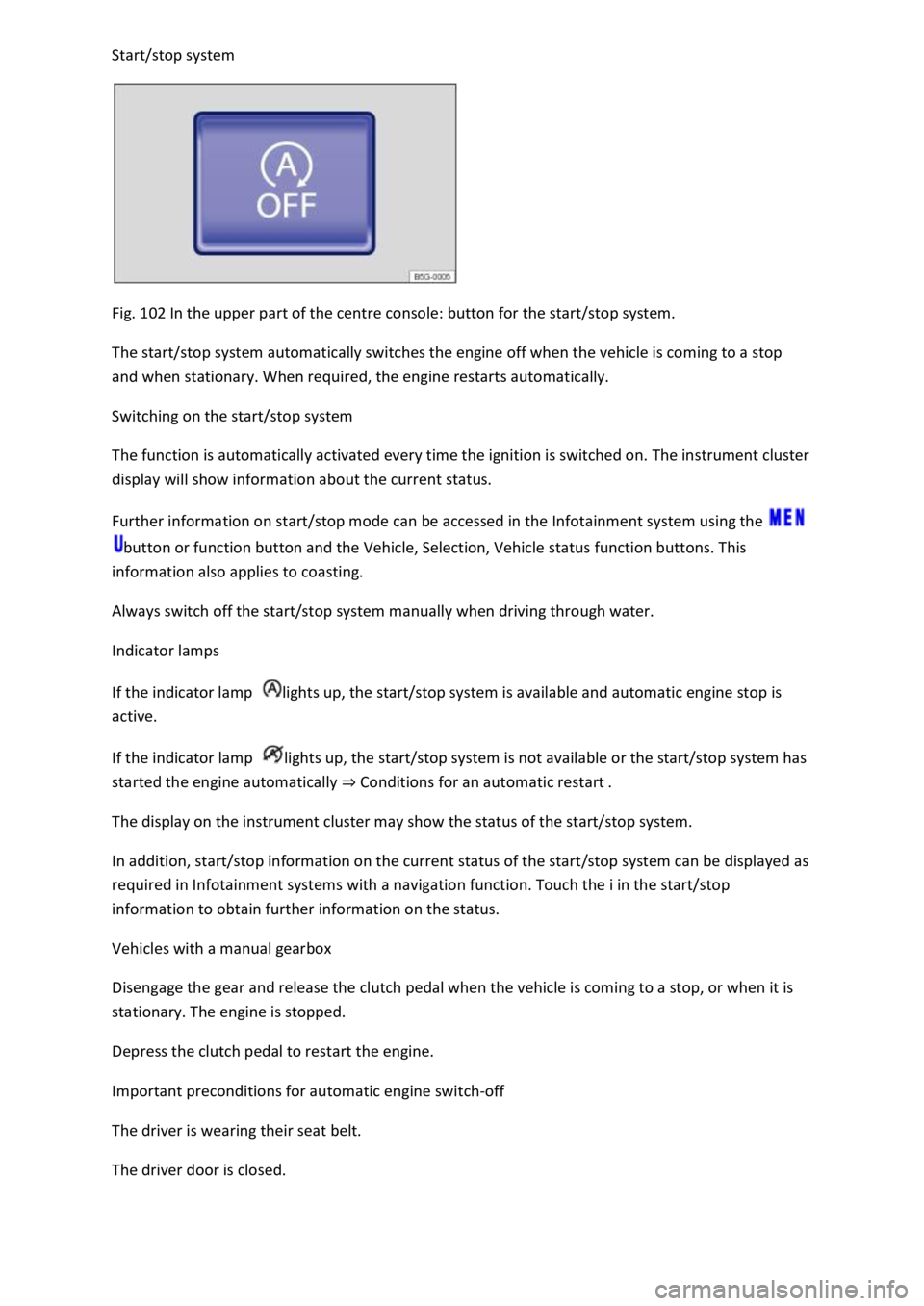
Fig. 102 In the upper part of the centre console: button for the start/stop system.
The start/stop system automatically switches the engine off when the vehicle is coming to a stop
and when stationary. When required, the engine restarts automatically.
Switching on the start/stop system
The function is automatically activated every time the ignition is switched on. The instrument cluster
display will show information about the current status.
Further information on start/stop mode can be accessed in the Infotainment system using the
button or function button and the Vehicle, Selection, Vehicle status function buttons. This
information also applies to coasting.
Always switch off the start/stop system manually when driving through water.
Indicator lamps
If the indicator lamp lights up, the start/stop system is available and automatic engine stop is
active.
If the indicator lamp lights up, the start/stop system is not available or the start/stop system has
started the engine automatically Conditions for an automatic restart
The display on the instrument cluster may show the status of the start/stop system.
In addition, start/stop information on the current status of the start/stop system can be displayed as
required in Infotainment systems with a navigation function. Touch the i in the start/stop
information to obtain further information on the status.
Vehicles with a manual gearbox
Disengage the gear and release the clutch pedal when the vehicle is coming to a stop, or when it is
stationary. The engine is stopped.
Depress the clutch pedal to restart the engine.
Important preconditions for automatic engine switch-off
The driver is wearing their seat belt.
The driver door is closed.
Page 191 of 502

A minimum engine temperature has been reached.
Vehicles with Climatronic: the temperature of the vehicle interior is within the preset
temperature range, and the humidity level is not too high.
The defrost function of the air conditioning system is not switched on.
The charge level of the 12-volt vehicle battery is sufficient.
The temperature of the 12-volt vehicle battery is not too low or too high.
The vehicle is not on a steep uphill or downhill gradient.
Vehicles with DSG dual clutch gearbox: the steering wheel is not turned too sharply.
The windscreen heating is not switched on.
Reverse gear is not engaged.
Park Assist is not active.
When the conditions for automatic engine switch-off are fulfilled only during a stationary phase, the
engine can also switch off subsequently, e.g. after switching off the defrost function.
Conditions for an automatic restart
The engine can start automatically under the following conditions:
If the temperature inside the vehicle substantially increases or decreases.
If the vehicle starts rolling.
If the electrical voltage of the 12-volt vehicle battery drops.
If the steering wheel is moved.
As a general rule, the engine always starts again automatically when required by the detected
situation and for the vehicle.
Conditions that require a manual engine start
The engine must be started manually in the following conditions:
If the driver door is opened.
If the bonnet is opened.
Manually deactivating and activating the start/stop system
Press the button in the centre console Fig. 102to deactivate the system manually. If the
start/stop system has been deactivated, the indicator lamp in the button lights up.
Press the button in the centre console again Fig. 102to activate the system manually once
more.
Page 192 of 502

button is pressed.
If the start/stop system has switched the engine off, it will start again as soon as the system is
deactivated manually with the button.
Always deactivate the start/stop system manually when driving through water.
Start/stop mode when Adaptive Cruise Control (ACC) is active
The engine will be switched off after the Adaptive Cruise Control (ACC) has brought the vehicle to a
standstill via an active braking intervention Adaptive Cruise Control (ACC)
The engine will be switched off after the Adaptive Cruise Control (ACC) has brought the vehicle to a
standstill via an active braking intervention Adaptive Cruise Control (ACC)
Vehicles with dual clutch gearbox DSG: when adaptive cruise control (ACC) is activated, the
dual clutch gearbox DSG
Page 260 of 502

stopped using the foot brake
Pull the button. The vehicle brakes hard. A signal tone can be heard at the same time.
WARNING
Incorrect use of the electronic parking brake can cause accidents and serious injuries.
Never use the electronic parking brake to brake the vehicle, except in emergencies. The braking
distance is considerably longer as only the rear wheels are braked. Always use the foot brake.
WARNING
Failing to park the vehicle properly before leaving it may result in the vehicle rolling away. This can
cause accidents, serious injuries and damage to property.
Always park the vehicle in the specified order Parking
Ensure that the electronic parking brake is switched on before you leave the vehicle and the
indicator lamp in the instrument cluster lights up red after you switch off the ignition.
Troubleshooting
Fault in electronic parking brake
The indicator lamp lights up yellow. Go to a qualified workshop or a Volkswagen dealership.
Electronic parking brake does not switch off
The prerequisites for switch off are not met.
OR: the 12-volt vehicle battery is discharged.
Check whether all requirements for switching off the electronic parking brake are met Switching
off
Use jump leads Jump starting the vehicle
Noises from the electronic parking brake
You may hear noises when the electronic parking brake is switched on and off.
If the electronic parking brake has not been used for a long period, the system will carry out
occasional automatic and audible checks when the vehicle is parked.
Auto Hold function
Page 261 of 502
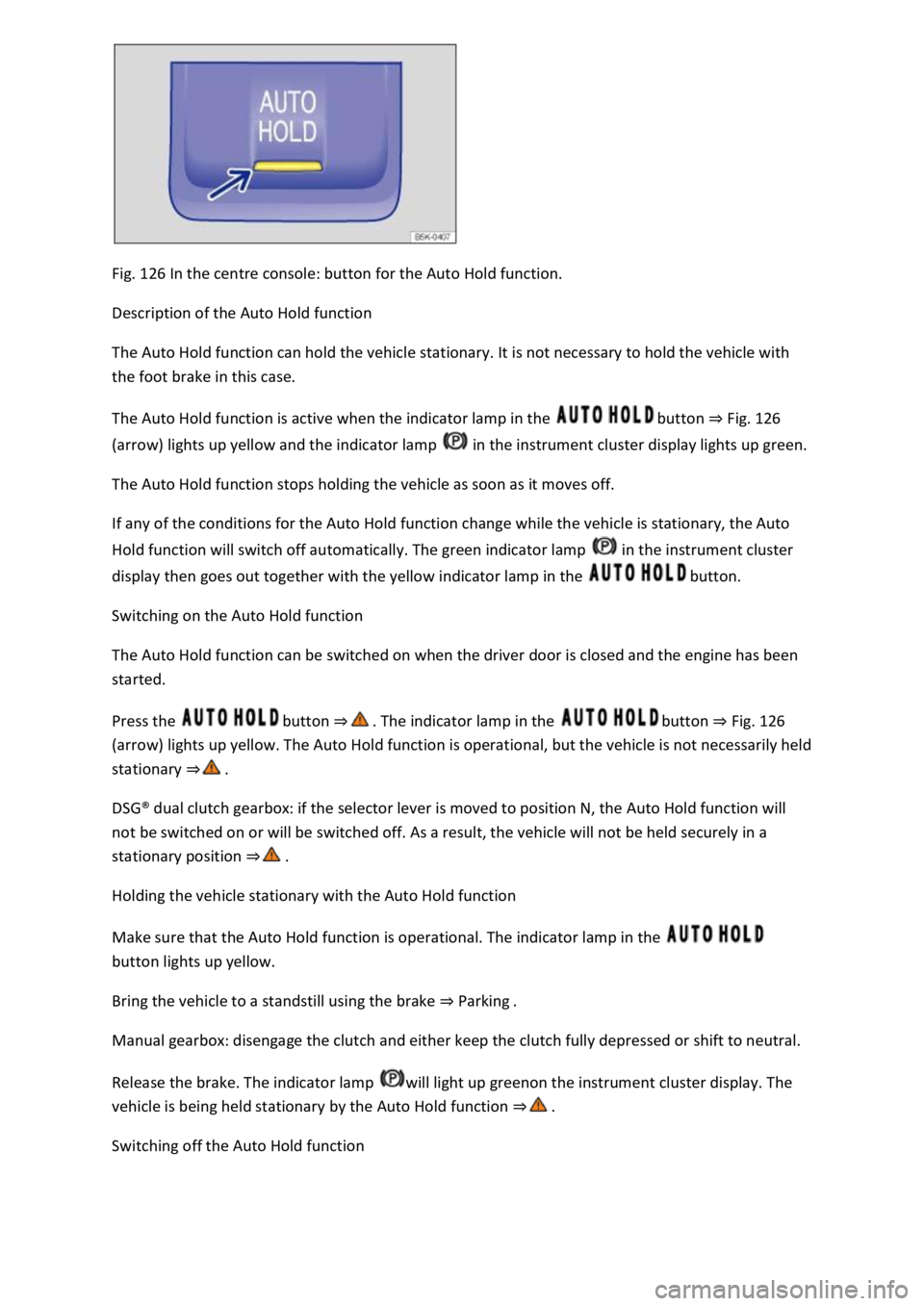
Fig. 126 In the centre console: button for the Auto Hold function.
Description of the Auto Hold function
The Auto Hold function can hold the vehicle stationary. It is not necessary to hold the vehicle with
the foot brake in this case.
The Auto Hold function is active when the indicator lamp in the button Fig. 126
(arrow) lights up yellow and the indicator lamp in the instrument cluster display lights up green.
The Auto Hold function stops holding the vehicle as soon as it moves off.
If any of the conditions for the Auto Hold function change while the vehicle is stationary, the Auto
Hold function will switch off automatically. The green indicator lamp in the instrument cluster
display then goes out together with the yellow indicator lamp in the button.
Switching on the Auto Hold function
The Auto Hold function can be switched on when the driver door is closed and the engine has been
started.
Press the button button Fig. 126
(arrow) lights up yellow. The Auto Hold function is operational, but the vehicle is not necessarily held
stationary
DSG
Page 307 of 502

The vehicle height exceeds the required clearance height, e.g. in a garage.
NOTICE
Always remove the roof carrier before driving through an automatic car wash.
The height of the vehicle is changed by the installation of a roof carrier and the load secured to it.
Check and compare the height of the vehicle with clearance heights, e.g. for underpasses and garage
doors.
The roof carrier and its load must not obstruct you from opening and closing the glass roof and the
boot lid. The roof aerial must also remain unaffected.
Driving with a fitted roof carrier will increase air resistance and thus increase fuel consumption.
Trailer towing
Introduction
This chapter contains information on the followingsubjects:
Technical requirements
Fitting the removable ball head
Removing the ball head
Notes on towing a trailer
Loading the trailer
Driving with a trailer
Trailer stabilisation
Retrofitting a towing bracket
The vehicle can be used to tow a trailer if it has the required technical equipment for this. The
additional trailer load will affect the amount of wear, fuel consumption and performance of the
vehicle and, in certain circumstances, could shorten the service intervals.
Driving with a trailer not only places an extra load on the vehicle, but also requires increased
concentration on the part of the driver.
Vehicles with start/stop system
When using towing brackets that were not retrofitted by Volkswagen, the start/stop system must be
deactivated manually using the button in the centre console before towing a trailer, and it must
remain deactivated for as long as a trailer is being towed