Radio VOLKSWAGEN TOUAREG 2012 User Guide

VOLKSWAGEN TOUAREG 2012 User Guide TOUAREG 2012 VOLKSWAGEN VOLKSWAGEN https://www.carmanualsonline.info/img/18/55725/w960_55725-0.png VOLKSWAGEN TOUAREG 2012 User Guide

Page 257 of 684
VOLKSWAGEN TOUAREG 2012 User Guide  
Radio mode 
�

Page 258 of 684

VOLKSWAGEN TOUAREG 2012 User Guide  
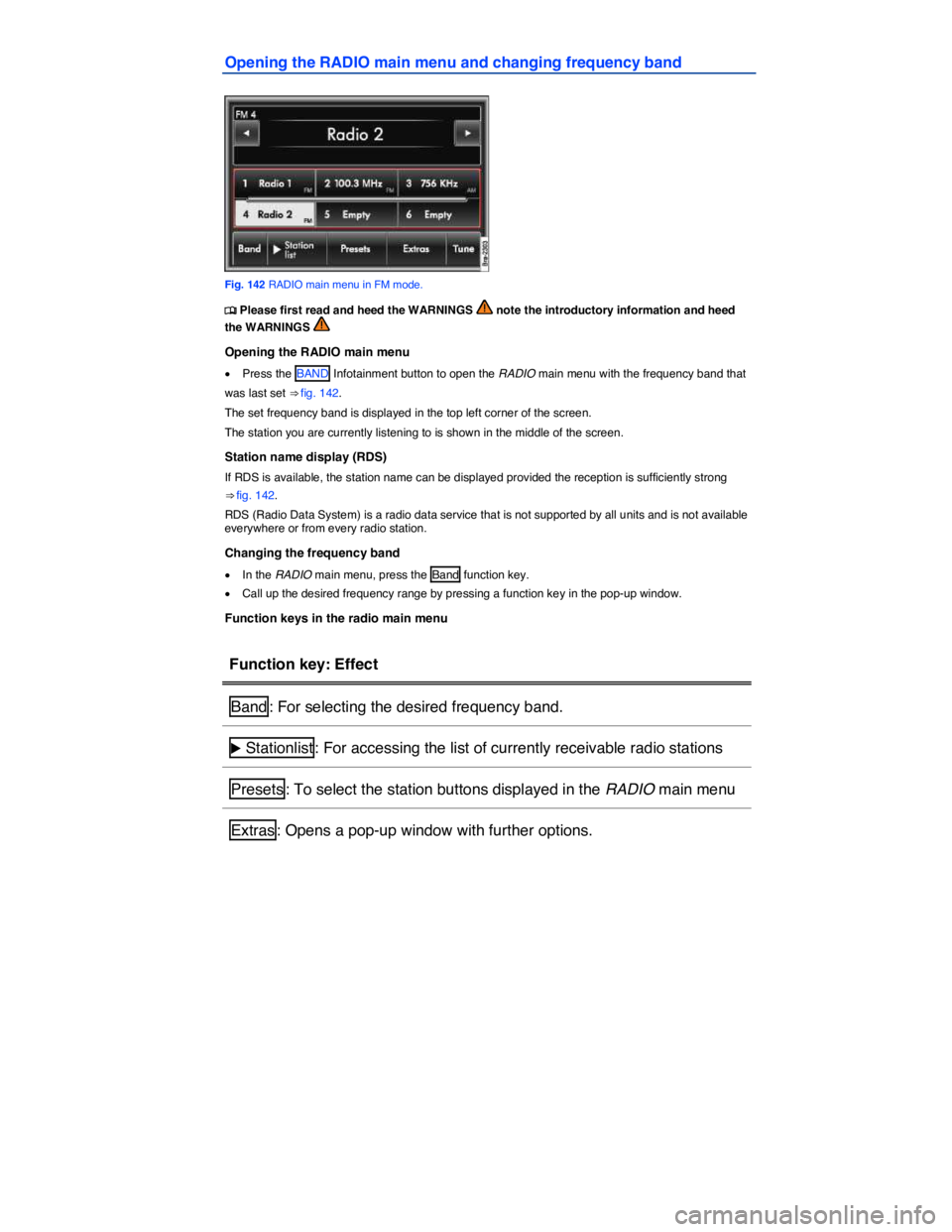
Opening the RADIO main menu and changing frequency band 
 
Fig. 142 RADIO main menu in FM mode. 
�

Page 259 of 684

VOLKSWAGEN TOUAREG 2012 User Guide  
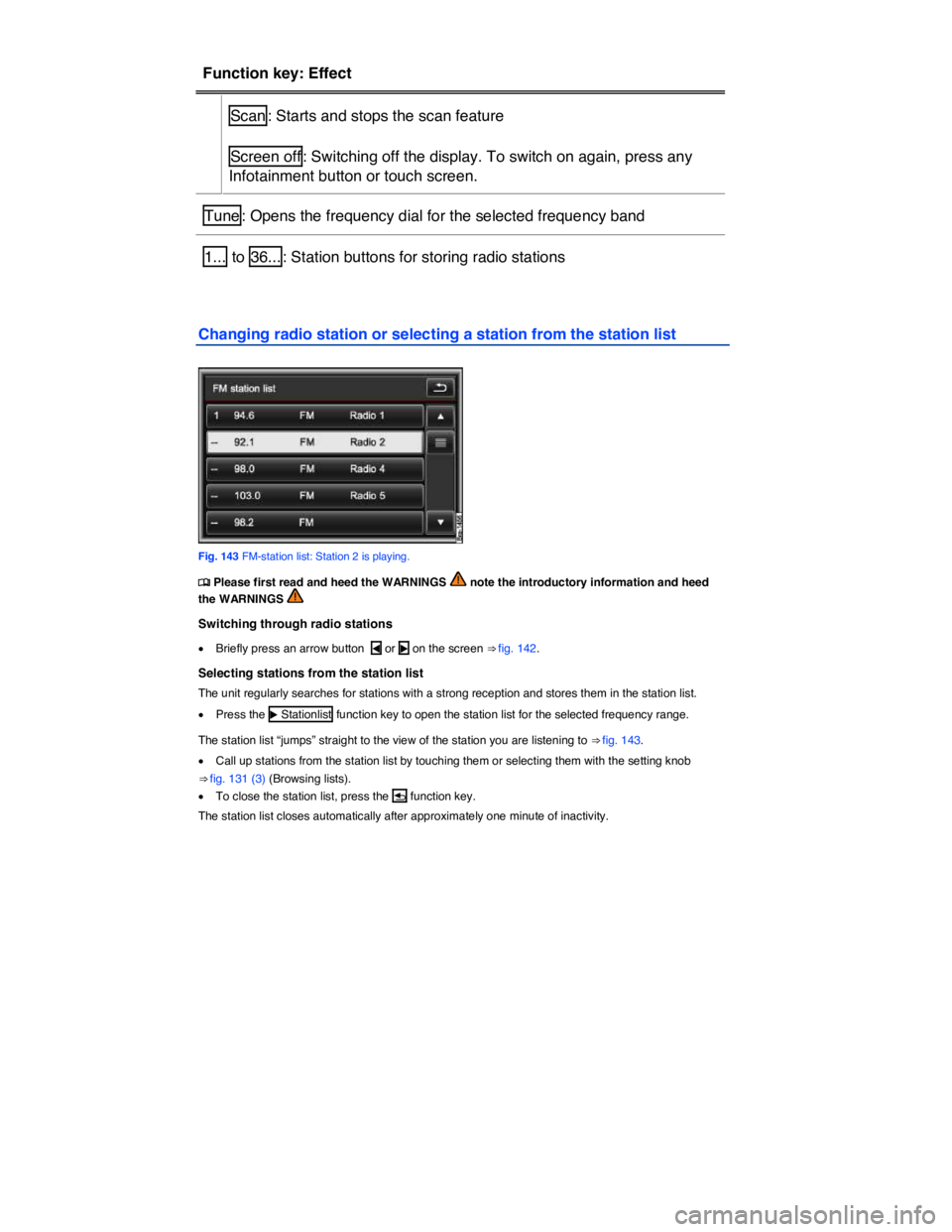
Function key: Effect  
 Scan : Starts and stops the scan feature  
 Screen off : Switching off the display. To switch on again, press any 
Infotainment button or touch screen.  
Tune : Opens the fre

Page 261 of 684

VOLKSWAGEN TOUAREG 2012 User Guide  
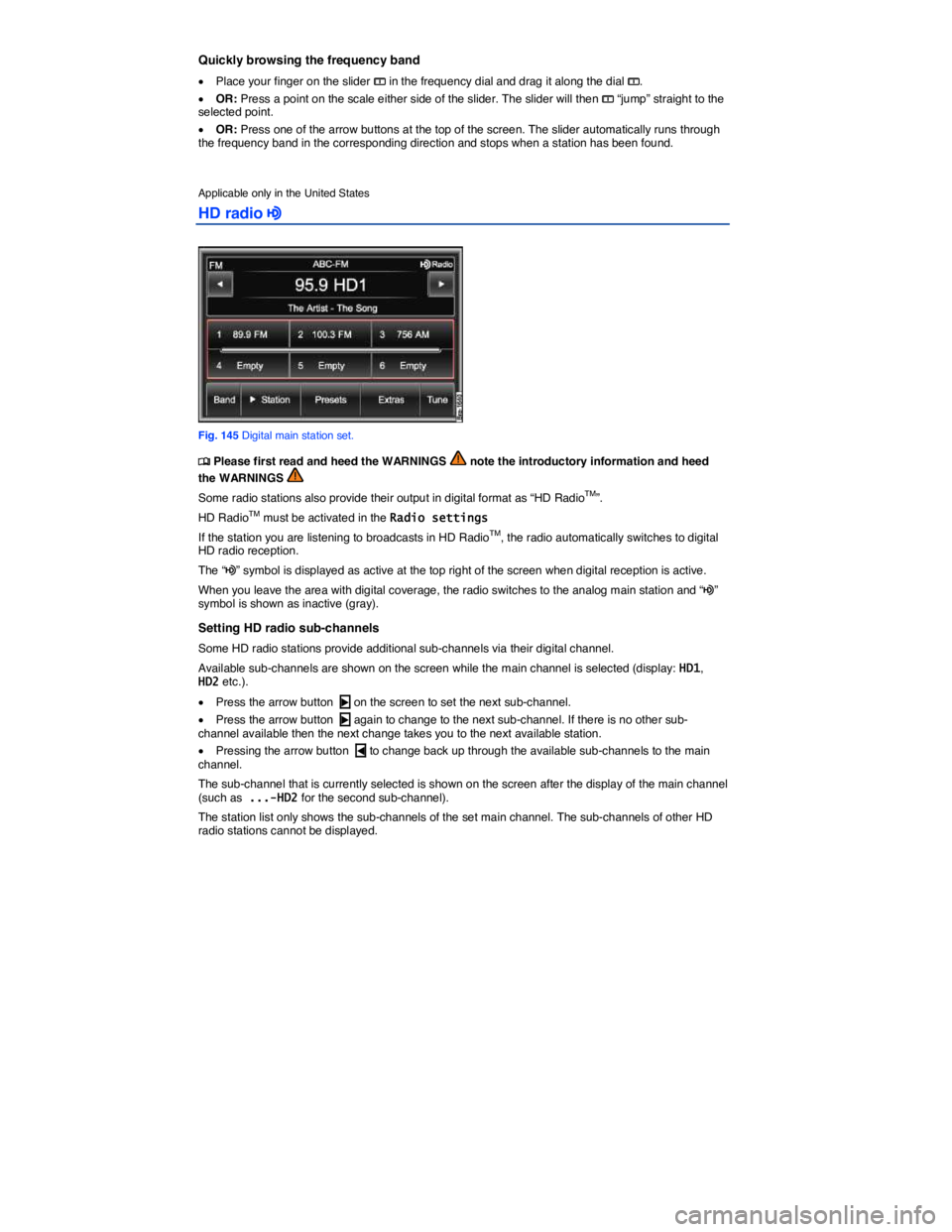
Quickly browsing the frequency band 
�x Place your finger on the slider �? in the frequency dial and drag it along the dial �?. 
�x OR: Press a point on the scale either side of the slider. The slid

Page 262 of 684

VOLKSWAGEN TOUAREG 2012 User Guide  
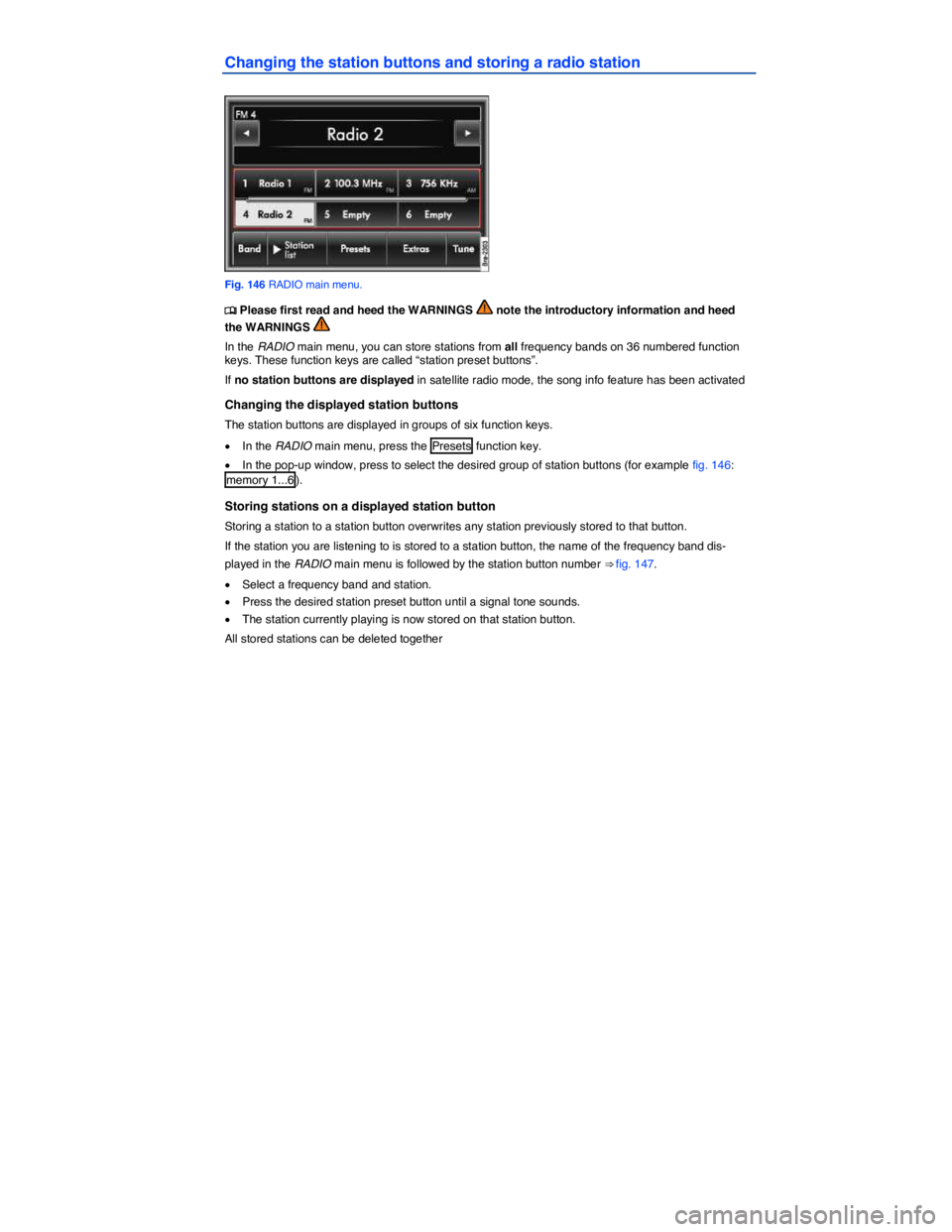
Changing the station buttons and storing a radio station 
 
Fig. 146 RADIO main menu. 
�

Page 263 of 684

VOLKSWAGEN TOUAREG 2012 User Guide  
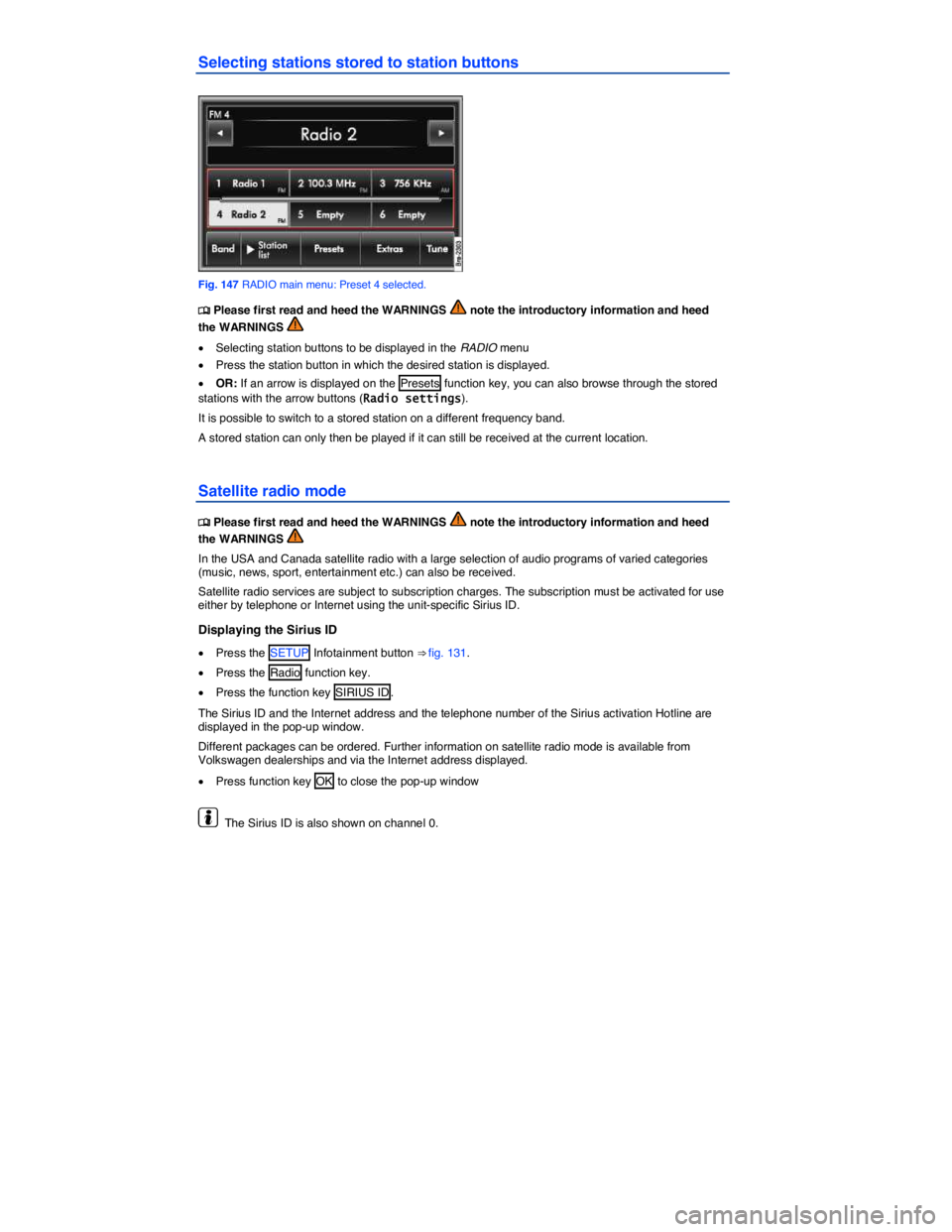
Selecting stations stored to station buttons 
 
Fig. 147 RADIO main menu: Preset 4 selected. 
�

Page 264 of 684

VOLKSWAGEN TOUAREG 2012 User Guide  
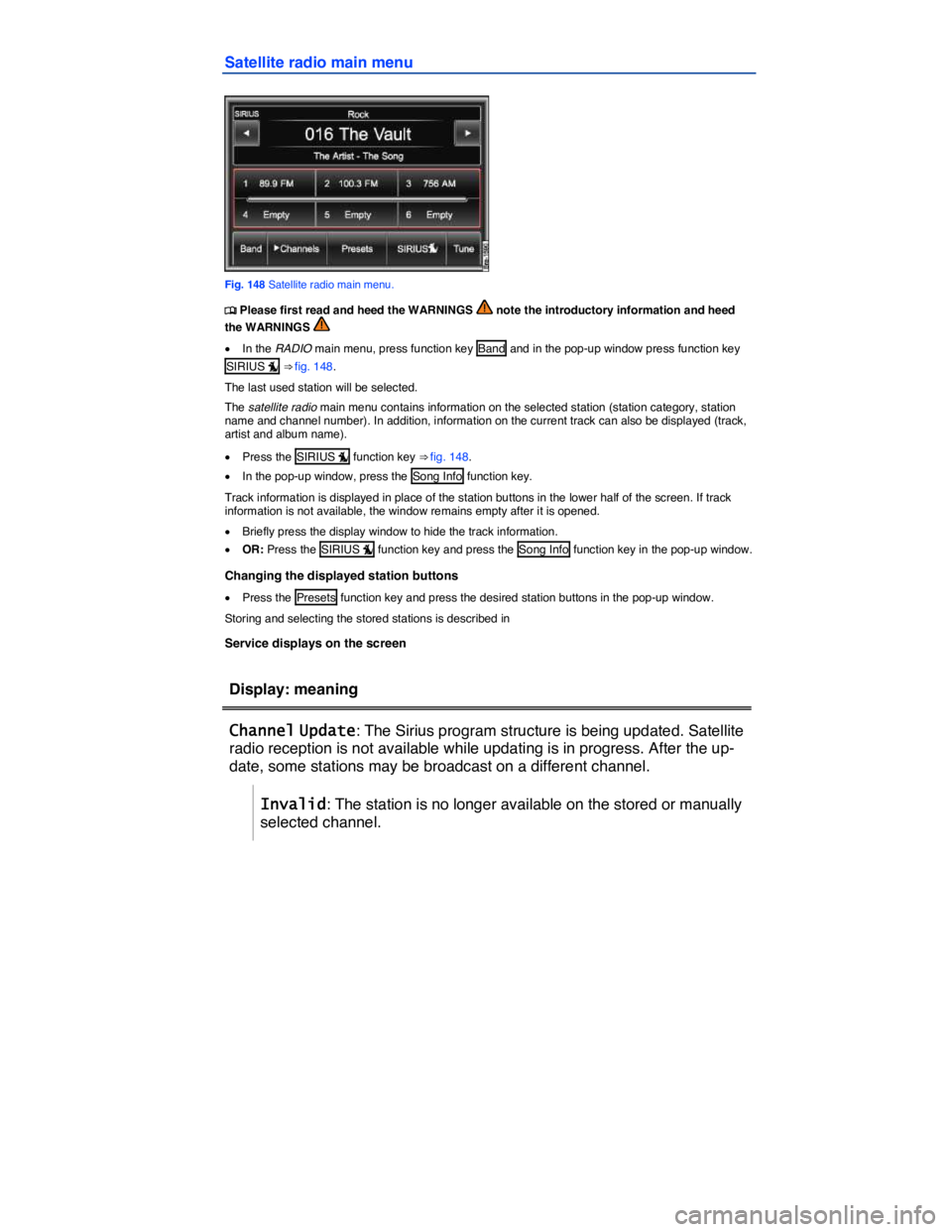
Satellite radio main menu 
 
Fig. 148 Satellite radio main menu. 
�

Page 265 of 684

VOLKSWAGEN TOUAREG 2012 User Guide  
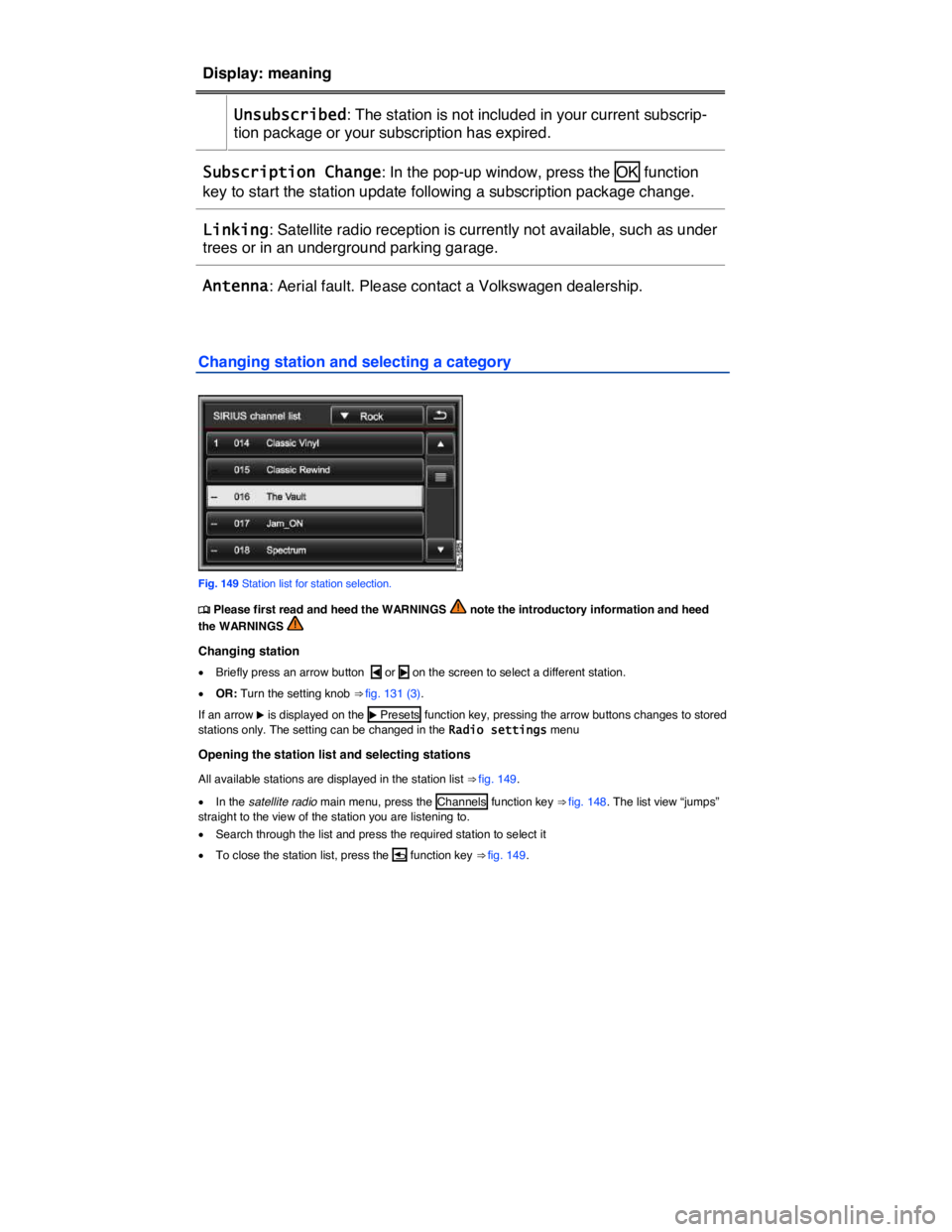
Display: meaning  
 Unsubscribed: The station is not included in your current subscrip-
tion package or your subscription has expired.  
Subscription Change: In the pop-up window, press the  OK  fun

Page 267 of 684

VOLKSWAGEN TOUAREG 2012 User Guide  
Radio settings 
�

Page 493 of 684

VOLKSWAGEN TOUAREG 2012 User Guide  
 
Function   With the ignition switched on  
Vehicles without Park 
Distance Control  
Vehicles with Optical 
Parking System  
Switch on the 
display 
automatically:  
Shift into Reverse (R)  
Mode
Page:   < prev 1-10 11-20 21-30 next >