VOLKSWAGEN TOUAREG 2013 2.G Owner's Guide
TOUAREG 2013 2.G
VOLKSWAGEN
VOLKSWAGEN
https://www.carmanualsonline.info/img/18/7404/w960_7404-0.png
VOLKSWAGEN TOUAREG 2013 2.G Owner's Guide
Page 303 of 440

When connecting automatically, the system will first search for the telephone that was last used in
order to reconnect it with the telephone control. If this cell phone is not in the Bluetooth range, the
system will start to search for the cell phone (user) that was used before it.
x Switch on the ignition.
x Enter the PIN code if it is not stored in the telephone control21.
Requirements for automatic connection
d The cell phone needs to have already been paired with the telephone control.
d The cell phone must be switched on and contain a valid SIM CARd to make telephone calls.
d Bluetooth must be activated on the cell phone.
d The mobile phone should have no connection to another Bluetooth device.
d The cell phone must be within the Bluetooth range of the telephone control.
d The ignition must be switched on.
d The cell phone must have been last connected to the telephone control or another cell phone
connected via Bluetooth is no longer in the Bluetooth range of the telephone control or its
Bluetooth feature has been switched off.
.If the automatic connection is made during an active telephone call, the telephone control can
only make a connection via HFP Change the Bluetooth connection to rSAP in order to use all
telephone control functions 27.
.If a Bluetooth connection cannot be set up even though all requirements are fulfilled or if the
telephone control does not function “normally”, the cell phone's system may have crashed. Remove
the battery and insert again. Switch the mobile phone back on and try to establish a Bluetooth
connection.
.Volkswagen recommends not switching on authorization on the cell phone so that you confirm
the connection queries again before each automatic connection setup.
21 country specific
Page 305 of 440
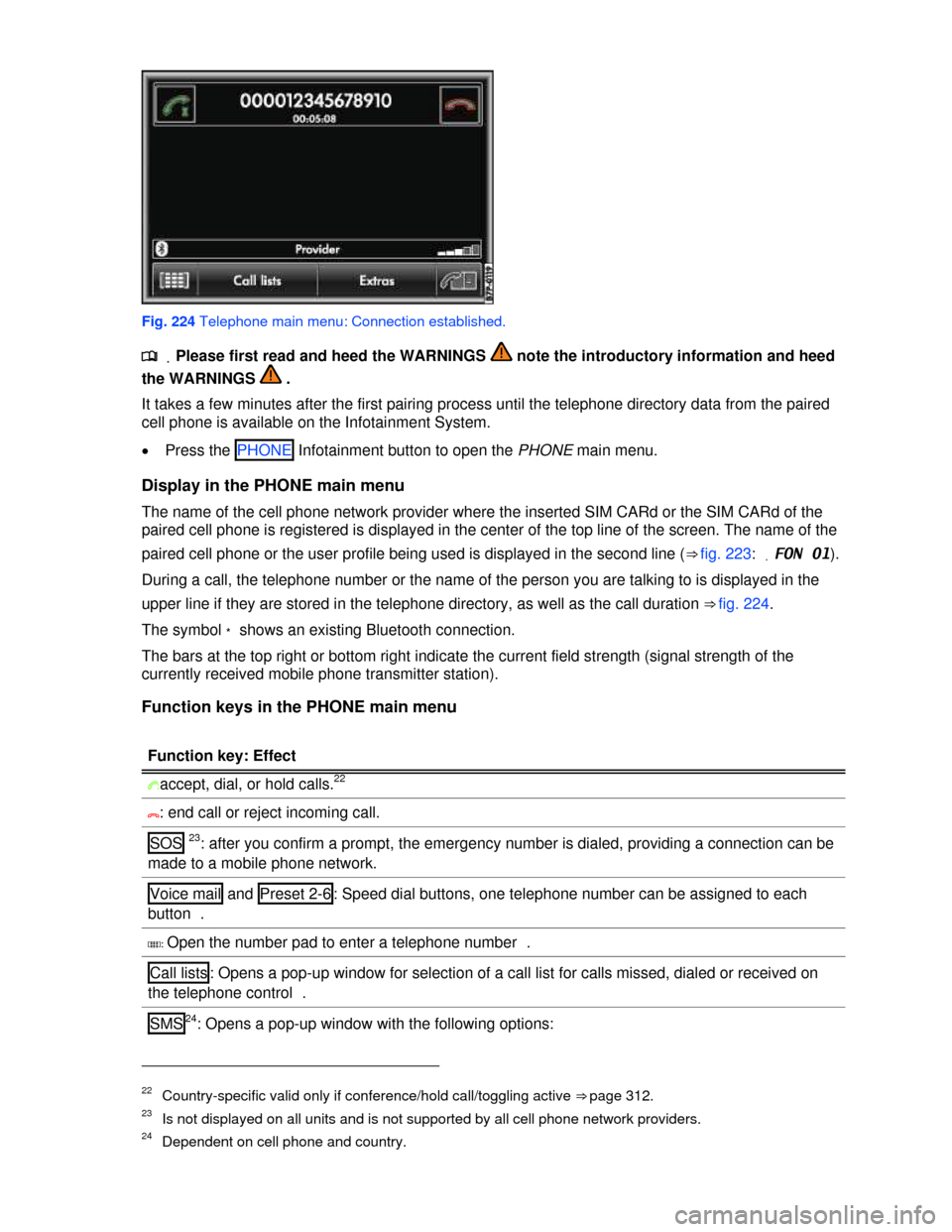
Fig. 224 Telephone main menu: Connection established.
.
Page 306 of 440
Function key: Effect
Inbox : Displays received SMS.
Templates : Selection of available templates for sending SMS.
Extras : Opens a pop-up window with the following options:
Display off : Switches off the display. Press one of the Infotainment buttons or the screen to
switch on again.
Conference details28: opens a list of the parties in a current conference call .
Mute : Switches the microphone off during a telephone call, so that the person on the line
cannot hear what is being said in the vehicle.
]: Opens the telephone directory of the paired cell phone to select a telephone number .
Entering a telephone number and taking a call
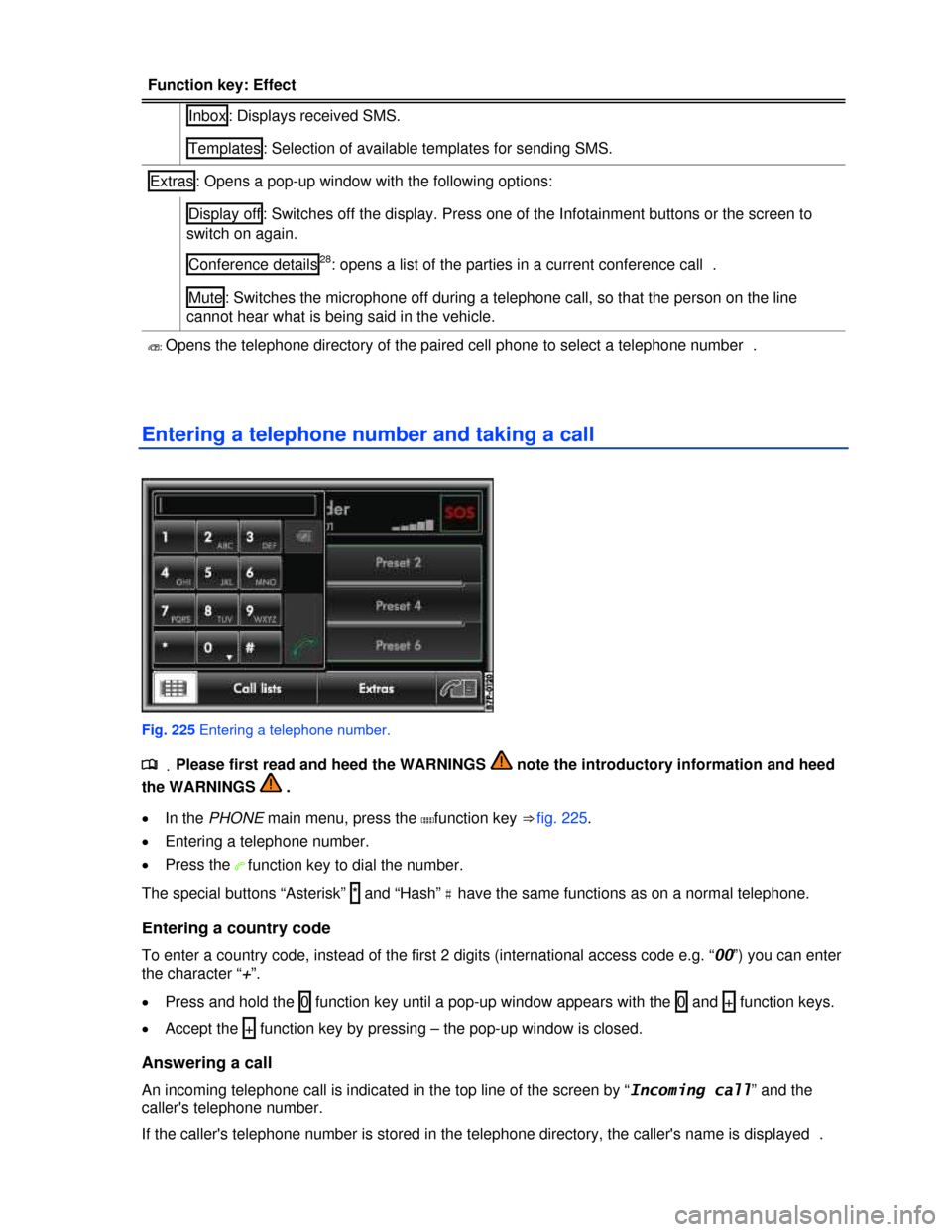
Fig. 225 Entering a telephone number.
.
Page 308 of 440
Page 309 of 440
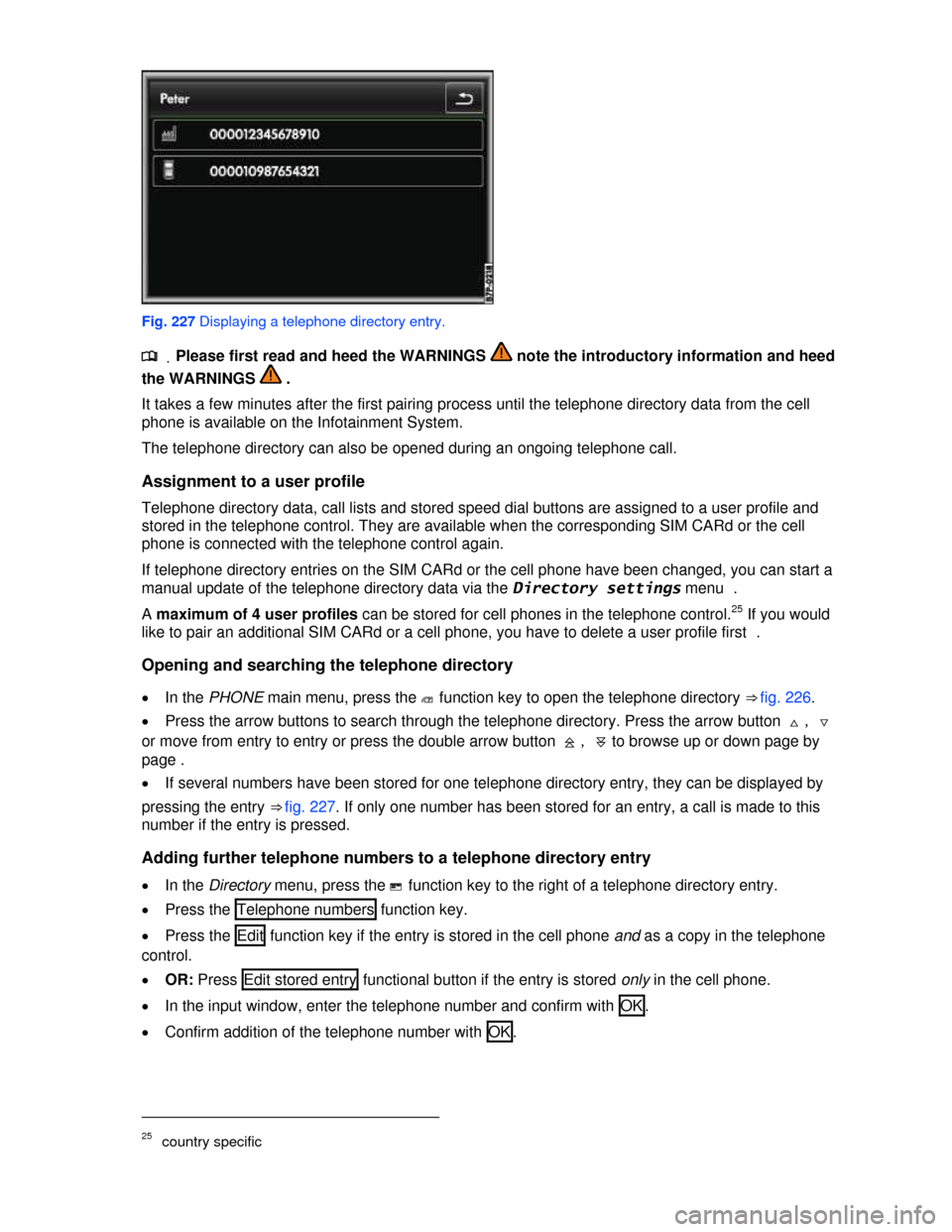
Fig. 227 Displaying a telephone directory entry.
.
Page 310 of 440
.The entries in the telephone directory of the cell phone cannot be changed permanently via the
telephone control. A telephone number stored in the telephone directory on the cell phone can only be
modified for calls from the vehicle. You can add a country code, for example .
.The telephone directory entries can be called up in the Navigation system via the Directory
menu .
Searching for an entry in the telephone directory
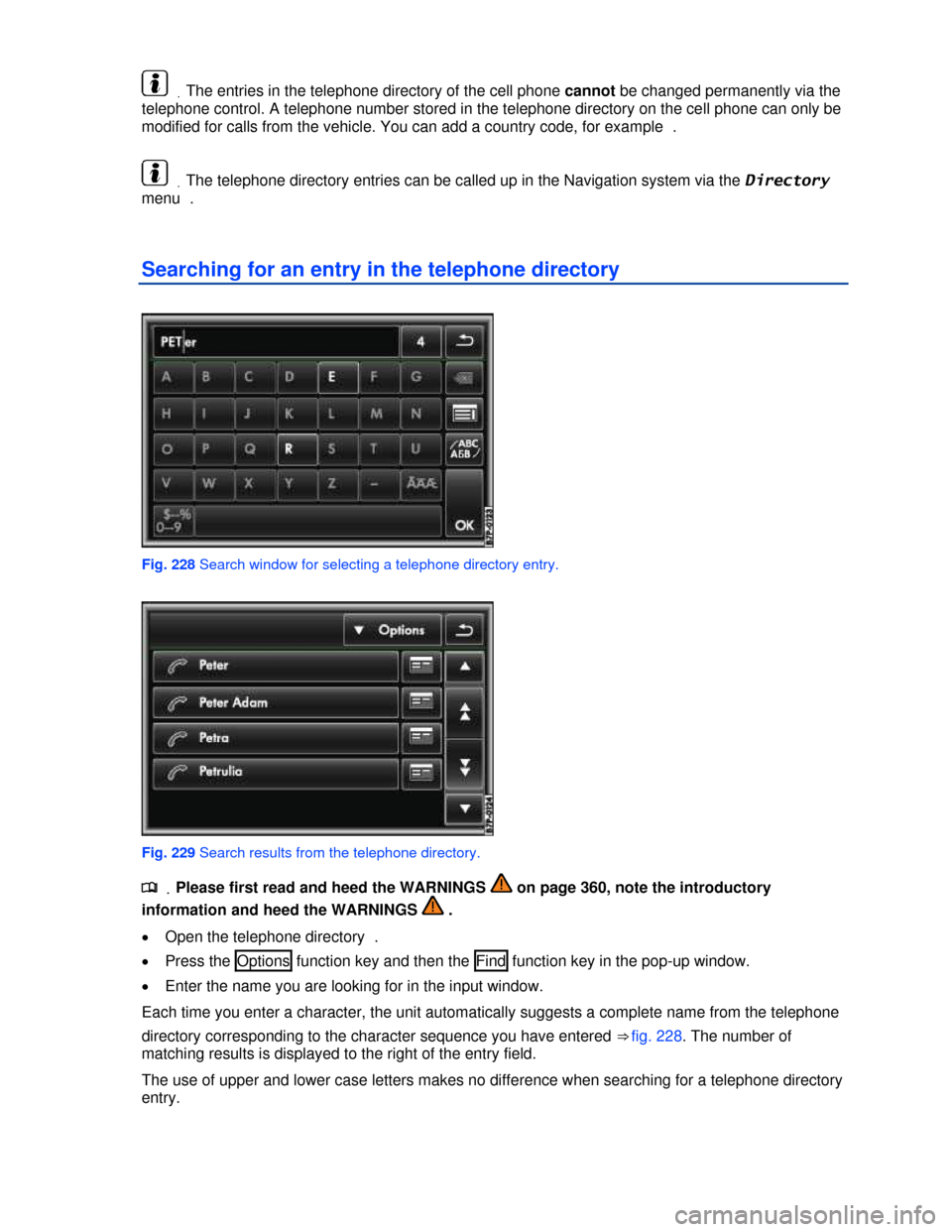
Fig. 228 Search window for selecting a telephone directory entry.
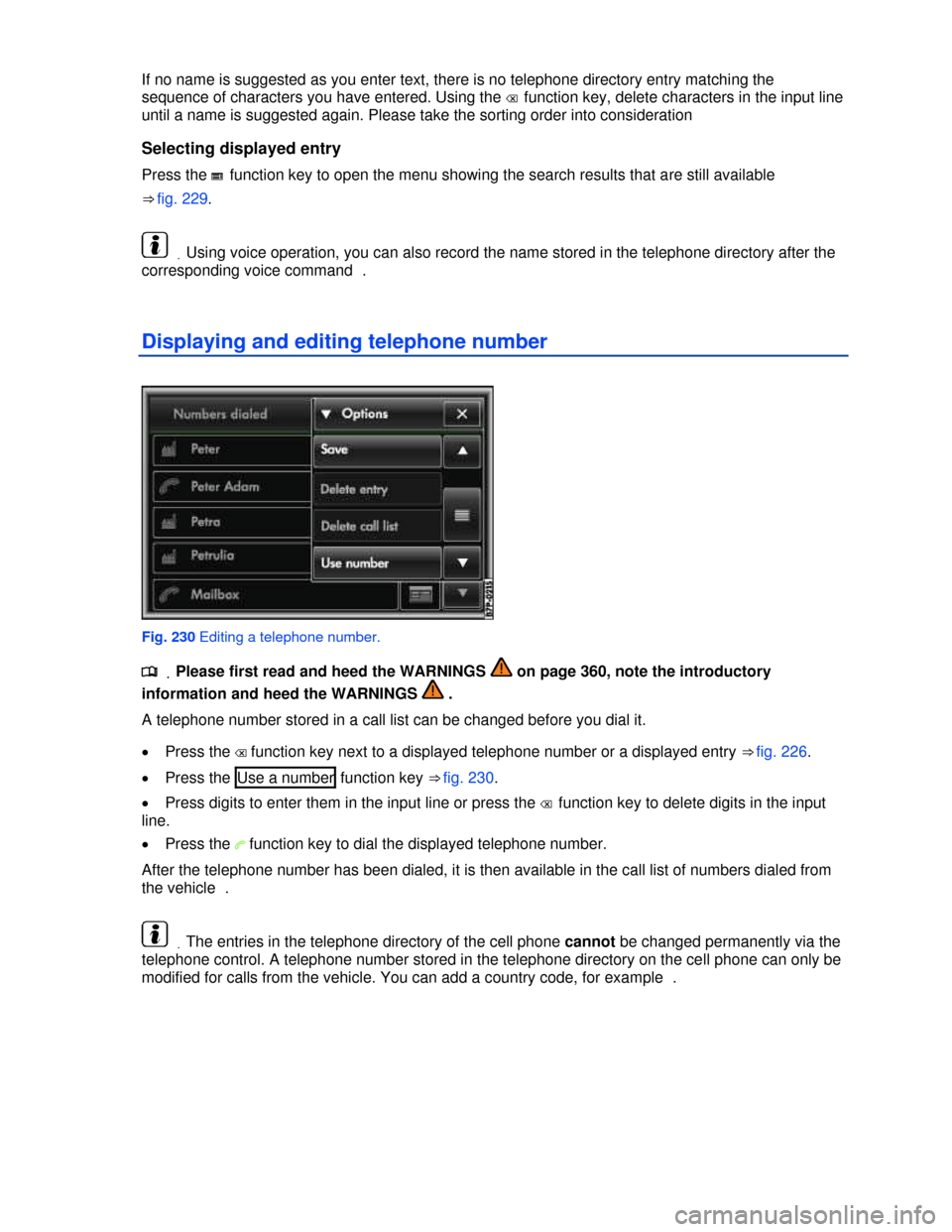
Fig. 229 Search results from the telephone directory.
.
Page 311 of 440
If no name is suggested as you enter text, there is no telephone directory entry matching the
sequence of characters you have entered. Using the � function key, delete characters in the input line
until a name is suggested again. Please take the sorting order into consideration
Selecting displayed entry
Press the # function key to open the menu showing the search results that are still available
⇒ fig. 229.
.Using voice operation, you can also record the name stored in the telephone directory after the
corresponding voice command .
Displaying and editing telephone number
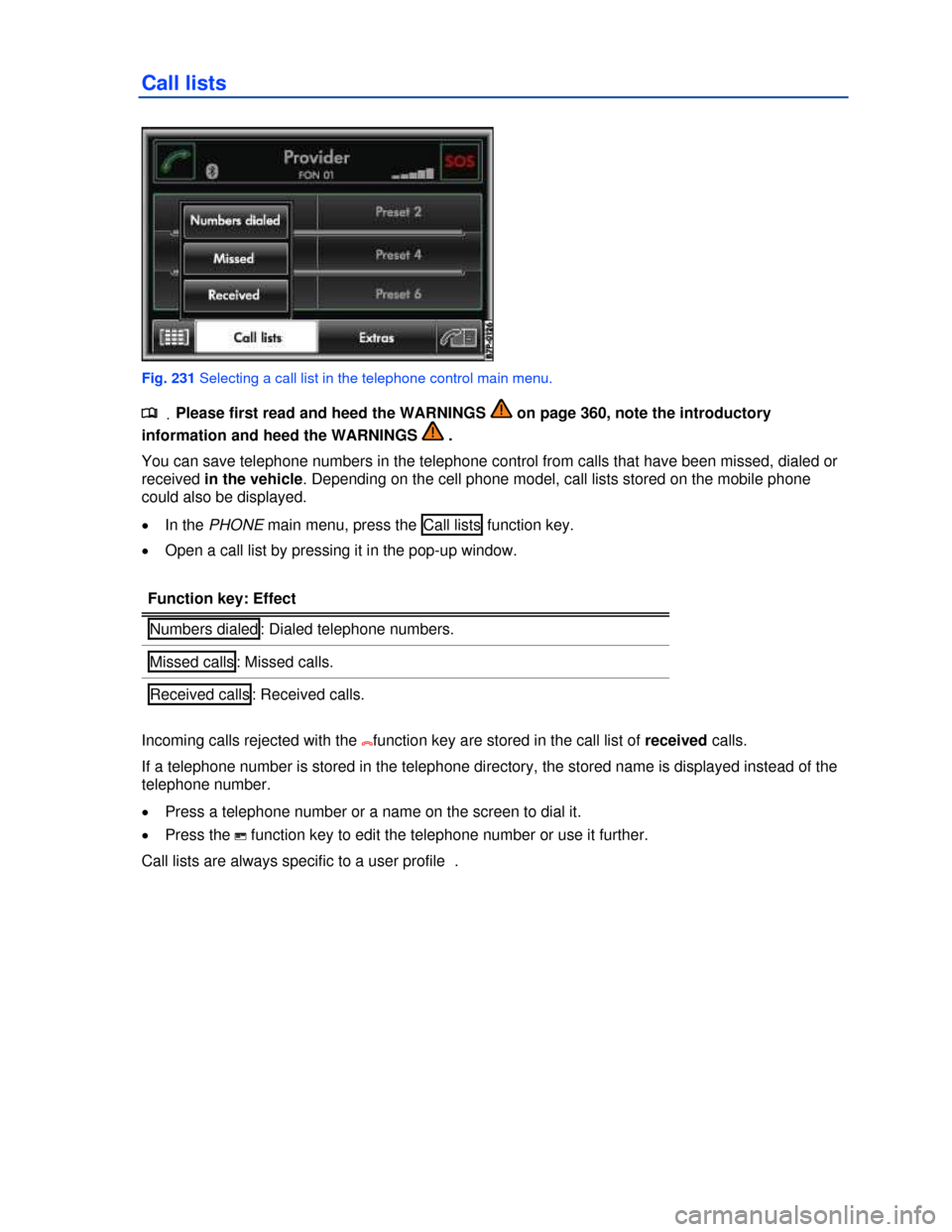
Fig. 230 Editing a telephone number.
.
Page 312 of 440
Call lists
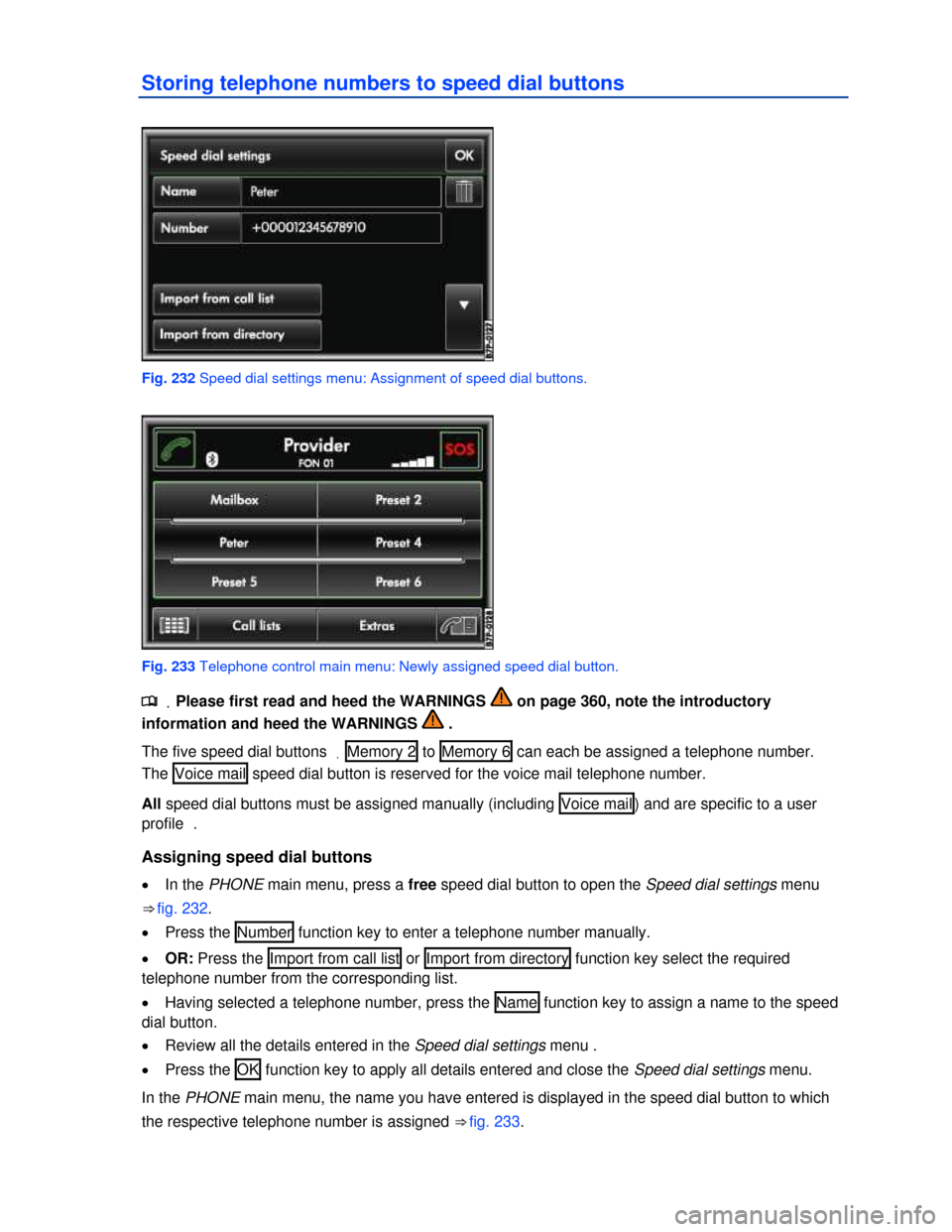
Fig. 231 Selecting a call list in the telephone control main menu.
.
Page 313 of 440
Storing telephone numbers to speed dial buttons
Fig. 232 Speed dial settings menu: Assignment of speed dial buttons.
Fig. 233 Telephone control main menu: Newly assigned speed dial button.
.
Page 314 of 440
Dialing with speed dial buttons
x In the PHONE main menu, briefly press an assigned speed dial button to dial the telephone
number stored to that button.
Editing assigned speed dial buttons
x In the PHONE main menu, press and hold an assigned speed dial button until the Speed dial
settings menu opens.
x OR: Access the Speed dial settings menu with the SETUP Infotainment button and in the following
order via the Telephone and Speed dial function keys.
x Press one of the function keys to edit its entry.
x To delete all entries for a speed dial button, press the
x To close the speed dial menu without applying changes, press the