light VOLVO C70 2008 Service Manual
[x] Cancel search | Manufacturer: VOLVO, Model Year: 2008, Model line: C70, Model: VOLVO C70 2008Pages: 246, PDF Size: 5.14 MB
Page 79 of 246

The passenger compartment temperature sensor is located behind the climate system control panel.
The ambient temperature sensor is in the driver's side door mirror.
The humidity sensor is in the rearview mirror.
These sensors should never be obstructed.
NOTE
The sunlight sensor monitors the side of the vehicle from which the sun shines into the passenger compartment. This
means that the temperature may differ slightly between the left and right air vents, even if the climate system
temperature is set to be the same for both sides of the passenger compartment.
86 03 Climate
Air distribution
87 03 Climate
This page left intentionally blank.
Contents | Top of Page
ProCarManuals.com
Page 80 of 246
2 0 0 8
VOLVO C70
88 04 Interior
Front seats 90
Power retractable hard top94
Interior lighting100
Storage compartments102
Trunk107
89 04 Interior
90 04 Interior
Front seats
Manual seat adjustment
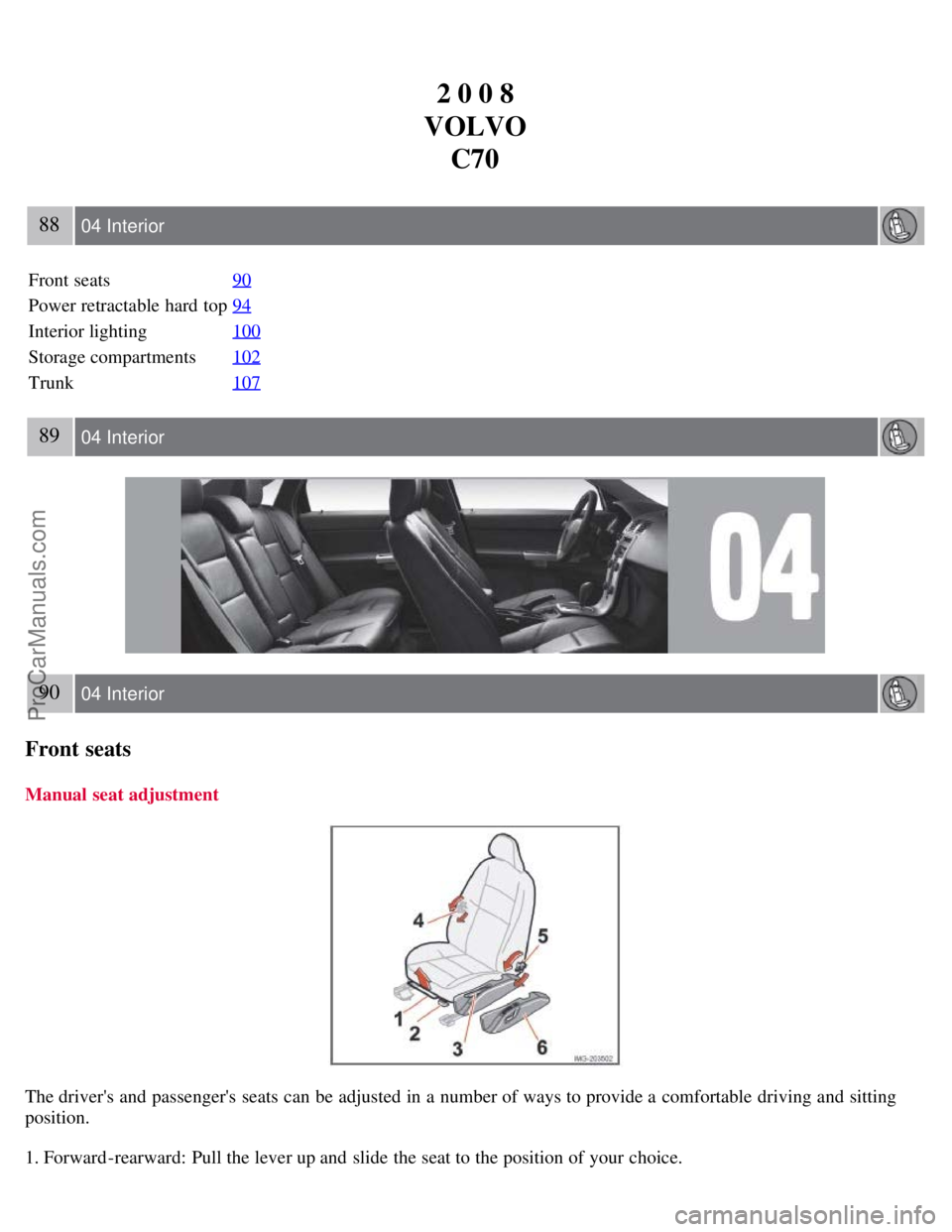
The driver's and passenger's seats can be adjusted in a number of ways to provide a comfortable driving and sitting
position.
1. Forward-rearward: Pull the lever up and slide the seat to the position of your choice.
ProCarManuals.com
Page 91 of 246

backrest.
4. Press the side lock tabs into the holes in the side panels until they click into place.
5. Raise the wind blocker.
The zipper in the wind blocker can be opened to place or access objects in the rear seat.
CAUTION
Slide in the supports carefully to avoid damaging the upholstery.
WARNING
Make sure the wind blocker is securely attached. An improperly secured wind blocker may cause injury to
occupants of the vehicle or to other motorists.
No one should be allowed to sit in the rear seat when the wind blocker is in place.
When not in use, the wind blocker should be stored in its bag, in the trunk, against the rear seat backrest.
100 04 Interior
Interior lighting
Interior lighting
1. Driver's side reading light
2. Courtesy lighting
3. Passenger's side reading light
The front seat reading lights can be switched on and off by pressing buttons 1 or 3.
The courtesy lighting (2) can be set to three positions:
Off - Press the right side of the button.
Neutral position - the interior courtesy lighting comes on when a door is opened, and is switched off when the door
is closed.
ON - Press the left side of the button.
ProCarManuals.com
Page 92 of 246
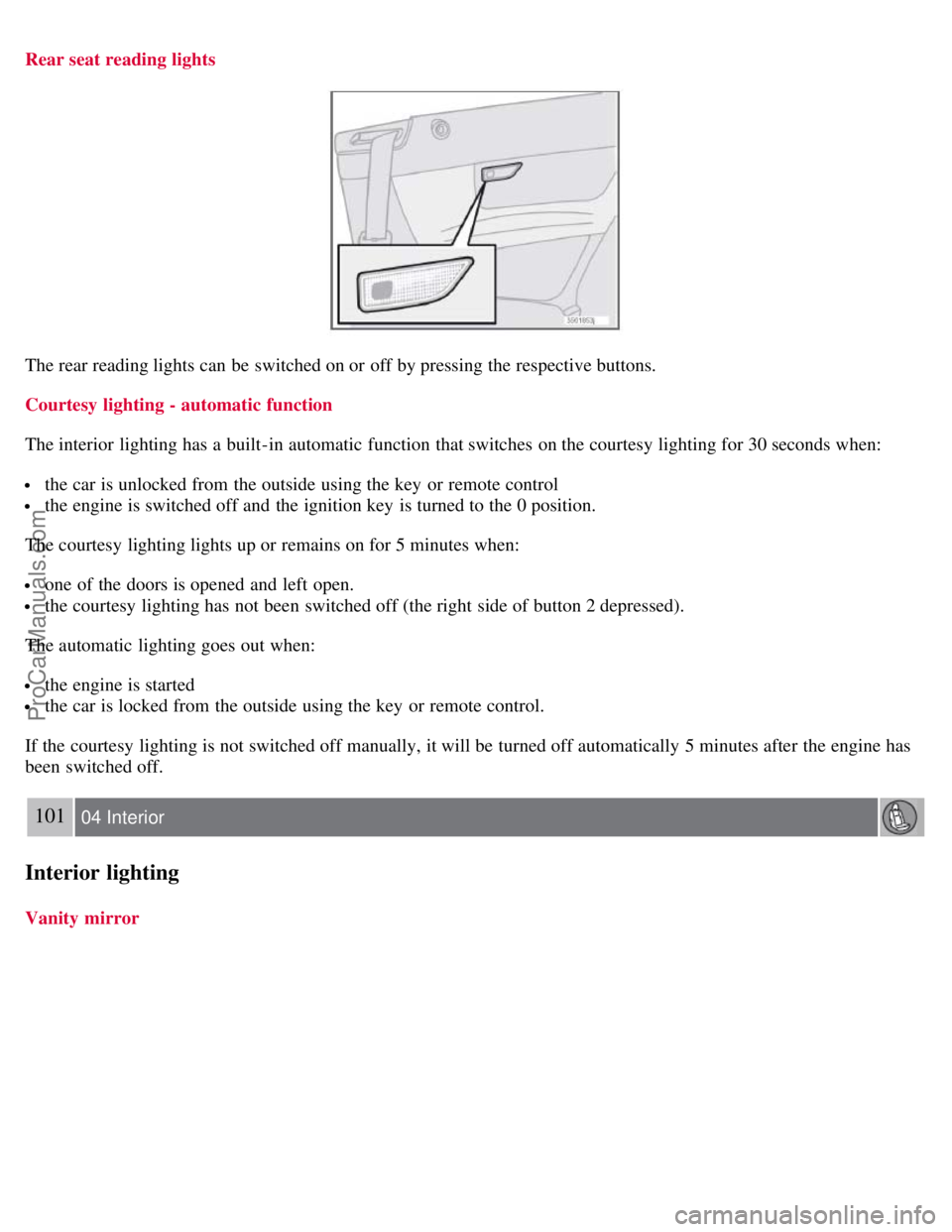
Rear seat reading lights
The rear reading lights can be switched on or off by pressing the respective buttons.
Courtesy lighting - automatic function
The interior lighting has a built-in automatic function that switches on the courtesy lighting for 30 seconds when:
the car is unlocked from the outside using the key or remote control
the engine is switched off and the ignition key is turned to the 0 position.
The courtesy lighting lights up or remains on for 5 minutes when:
one of the doors is opened and left open.
the courtesy lighting has not been switched off (the right side of button 2 depressed).
The automatic lighting goes out when:
the engine is started
the car is locked from the outside using the key or remote control.
If the courtesy lighting is not switched off manually, it will be turned off automatically 5 minutes after the engine has
been switched off.
101 04 Interior
Interior lighting
Vanity mirror
ProCarManuals.com
Page 93 of 246
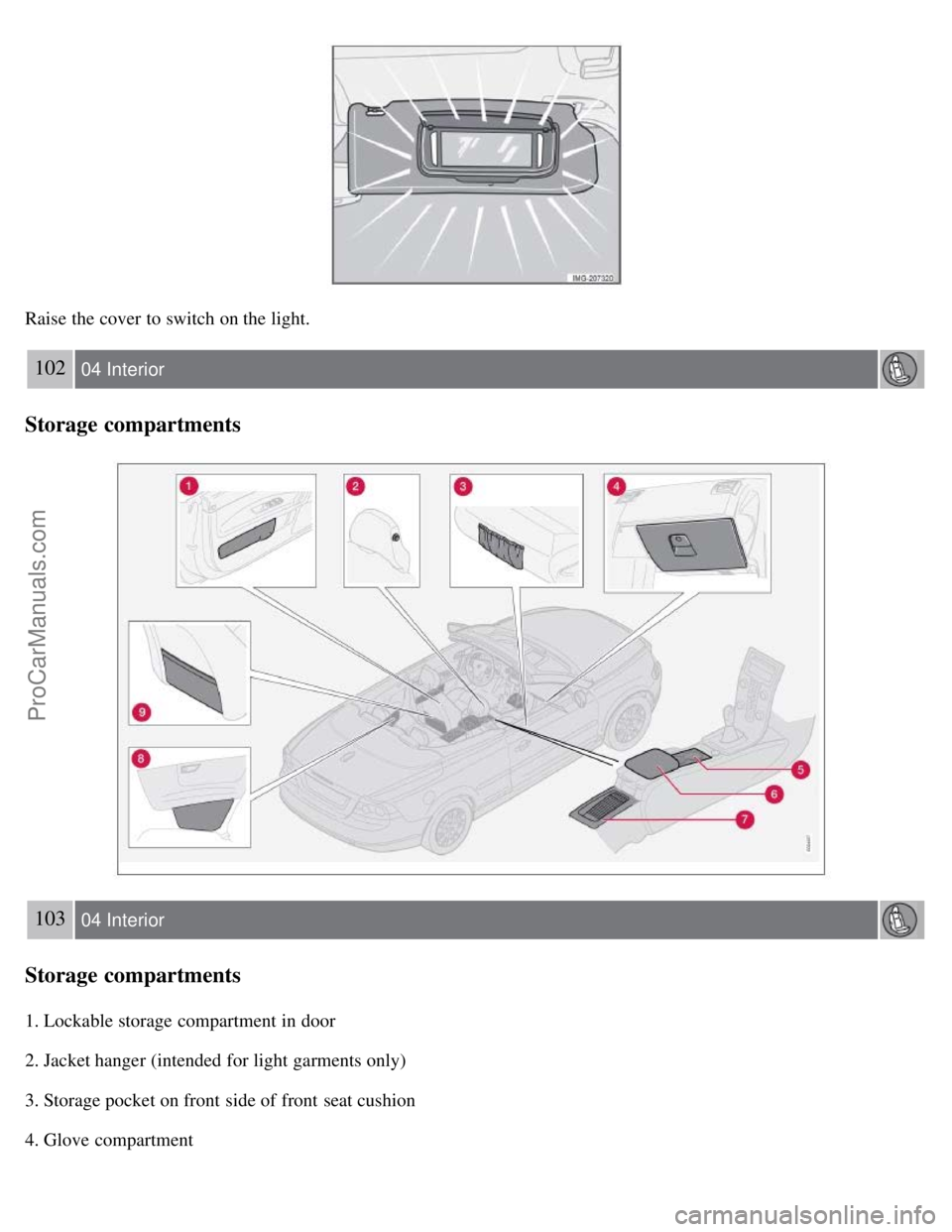
Raise the cover to switch on the light.
102 04 Interior
Storage compartments
103 04 Interior
Storage compartments
1. Lockable storage compartment in door
2. Jacket hanger (intended for light garments only)
3. Storage pocket on front side of front seat cushion
4. Glove compartment
ProCarManuals.com
Page 96 of 246
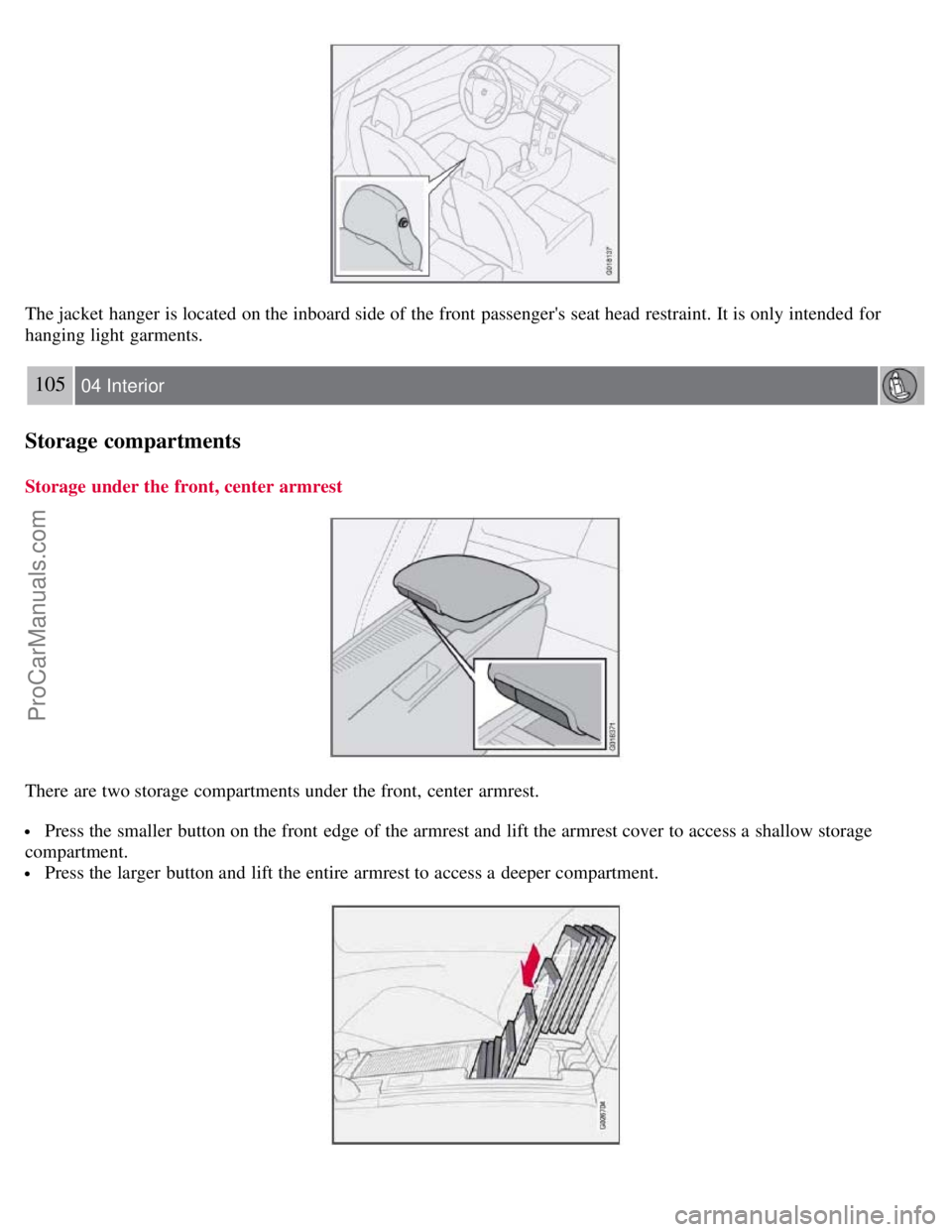
The jacket hanger is located on the inboard side of the front passenger's seat head restraint. It is only intended for
hanging light garments.
105 04 Interior
Storage compartments
Storage under the front, center armrest
There are two storage compartments under the front, center armrest.
Press the smaller button on the front edge of the armrest and lift the armrest cover to access a shallow storage
compartment.
Press the larger button and lift the entire armrest to access a deeper compartment.
ProCarManuals.com
Page 98 of 246
107 04 Interior
Storage compartments
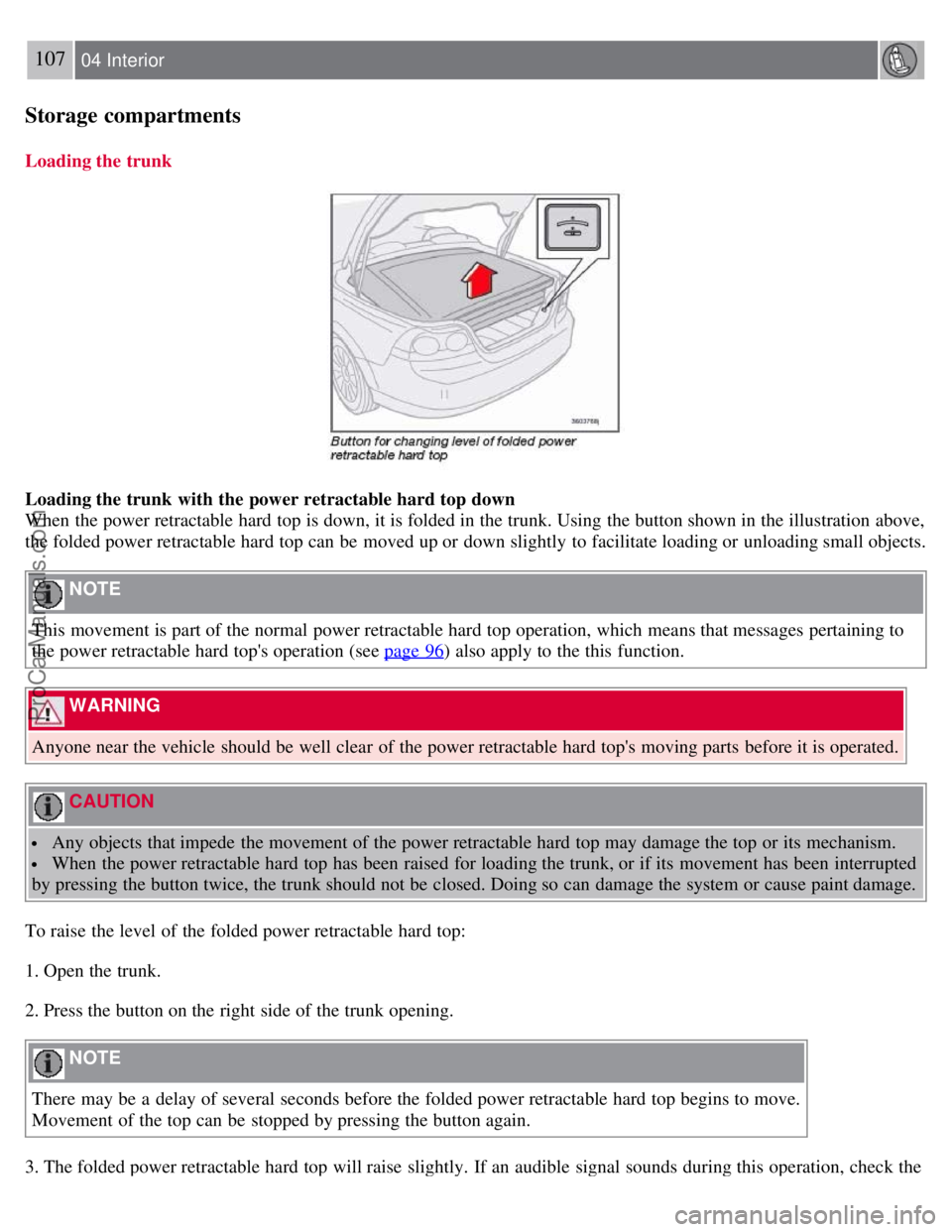
Loading the trunk
Loading the trunk with the power retractable hard top down
When the power retractable hard top is down, it is folded in the trunk. Using the button shown in the illustration above,
the folded power retractable hard top can be moved up or down slightly to facilitate loading or unloading small objects.
NOTE
This movement is part of the normal power retractable hard top operation, which means that messages pertaining to
the power retractable hard top's operation (see page 96
) also apply to the this function.
WARNING
Anyone near the vehicle should be well clear of the power retractable hard top's moving parts before it is operated.
CAUTION
Any objects that impede the movement of the power retractable hard top may damage the top or its mechanism.
When the power retractable hard top has been raised for loading the trunk, or if its movement has been interrupted
by pressing the button twice, the trunk should not be closed. Doing so can damage the system or cause paint damage.
To raise the level of the folded power retractable hard top:
1. Open the trunk.
2. Press the button on the right side of the trunk opening.
NOTE
There may be a delay of several seconds before the folded power retractable hard top begins to move.
Movement of the top can be stopped by pressing the button again.
3. The folded power retractable hard top will raise slightly. If an audible signal sounds during this operation, check the
ProCarManuals.com
Page 100 of 246
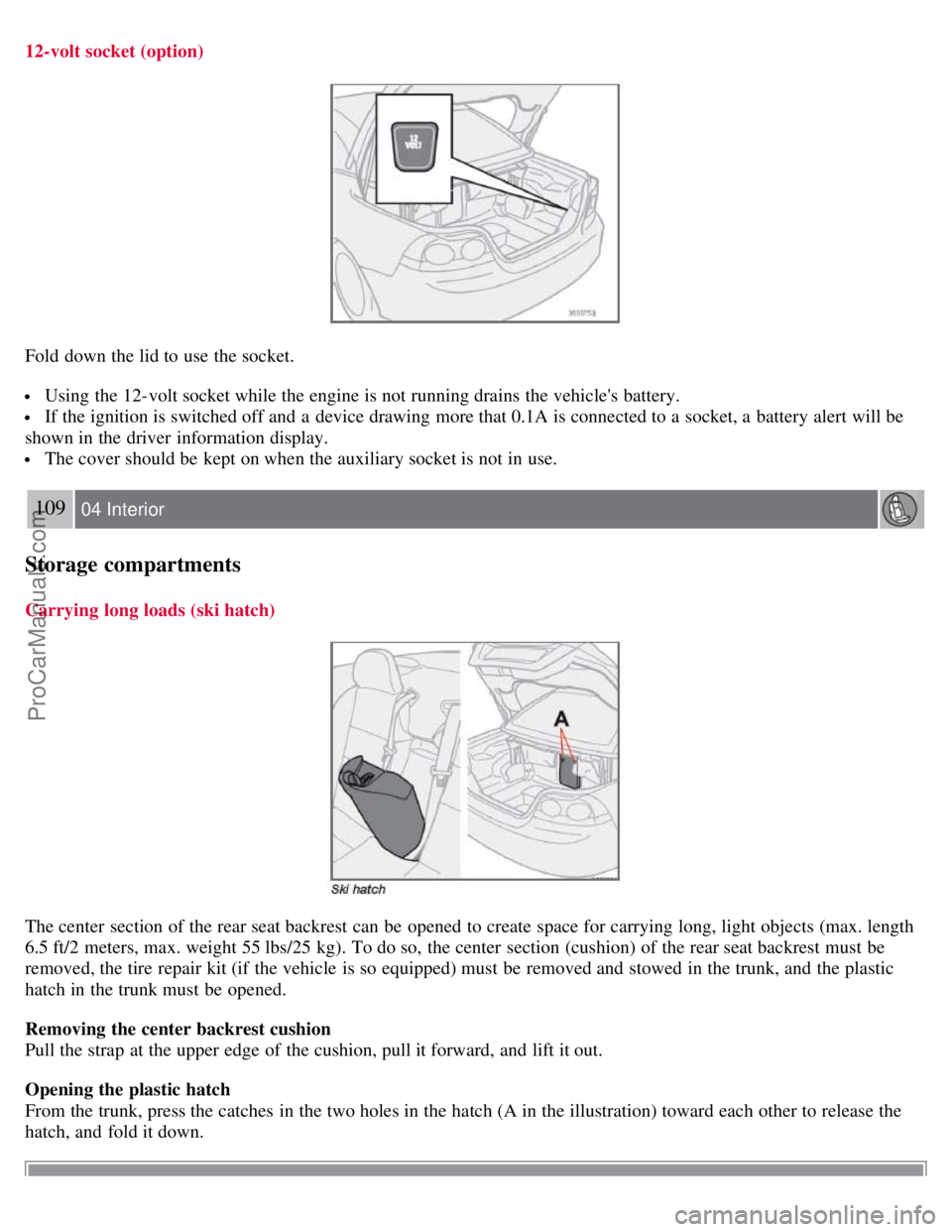
12-volt socket (option)
Fold down the lid to use the socket.
Using the 12-volt socket while the engine is not running drains the vehicle's battery.
If the ignition is switched off and a device drawing more that 0.1A is connected to a socket, a battery alert will be
shown in the driver information display.
The cover should be kept on when the auxiliary socket is not in use.
109 04 Interior
Storage compartments
Carrying long loads (ski hatch)
The center section of the rear seat backrest can be opened to create space for carrying long, light objects (max. length
6.5 ft/2 meters, max. weight 55 lbs/25 kg). To do so, the center section (cushion) of the rear seat backrest must be
removed, the tire repair kit (if the vehicle is so equipped) must be removed and stowed in the trunk, and the plastic
hatch in the trunk must be opened.
Removing the center backrest cushion
Pull the strap at the upper edge of the cushion, pull it forward, and lift it out.
Opening the plastic hatch
From the trunk, press the catches in the two holes in the hatch (A in the illustration) toward each other to release the
hatch, and fold it down.
ProCarManuals.com
Page 104 of 246

NOTE
The remote control will not lock or unlock the glove compartment.
Double locking
If the car is locked with the remote control while the power retractable hard top is down , the double locking feature
activates after approximately 30 seconds. This means that the doors cannot be unlocked or opened from inside the car.
NOTE
The double locking function can be temporarily disabled. See page 127
for instructions.
2. Unlock - Press the Unlock button on the remote once to unlock the driver's door. The turn signals will flash twice to
confirm unlocking. After a short pause, press the Unlock button a second time within 10 seconds to unlock the other
doors and the trunk.
A long press (for several seconds) opens the side windows.
NOTE
The turn signals flash to confirm that the vehicle has been correctly locked/unlocked with the remote control.
When locking the vehicle, the turn signals will flash a confirmation only if all the doors are securely closed and
locked. Flashing confirmation for locking and unlocking may be customized in the vehicle's Personal settings menu.
See page 71
for more information.
The two-step unlocking function can be changed so that one press of the Unlock button unlocks all of the doors
and the trunk. See Personal settings on page 71
for more information.
Automatic relocking: If the doors are unlocked, the locks will automatically reengage (re-lock) and the alarm will
rearm after 2 minutes unless a door or the trunk has been opened.
Automatic locking: When the car starts to move, the doors and trunk can be locked automatically. This feature
can be turned on or off, see Personal settings on page 72
for more information.
Airbag deployment will automatically attempt to unlock the doors.
3. Approach lighting - As you approach the car:
Press the button on the remote control to illuminate the area around the car in dark conditions.
114 05 Locks and alarm
Remote control and key blade
Pressing the button once lights up the interior lighting, parking lights, and license plate lighting. These lights will
switch off automatically after 30, 60 or 90 seconds. See the Personal settings on page 71
for information about
adjusting the time setting.
4. Unlock trunk - Press the button once to disarm the alarm system and unlock only the trunk. After closing, the trunk
will not automatically relock. Press Lock to relock it and rearm the alarm.
NOTE
This function will unlock, but not pop open, the trunk.
5. Panic alarm : - This button can be used to attract attention during emergency situations.
To activate the panic alarm, press and hold the red button for at least 3 seconds or press it twice within 3 seconds. The
ProCarManuals.com
Page 105 of 246

turn signals and horn will be activated.
The panic alarm will stop automatically after 30 seconds.
To deactivate, wait approximately 5 seconds and press the red button again.
NOTE
This button will NOT unlock the car.
Weak battery in the remote control
When the battery begins to lose its charge, the Information symbol in the instrument panel (see page 49) lights up and
REMOTE BATTERY LOW VOLTAGE is shown in the information display.
Replacing the battery in the remote control
If the range of the transmitter is noticeably reduced, this indicates that the battery (type CR 2450, 3V) is weak and
should be replaced. To replace the battery:
115 05 Locks and alarm
Remote control and key blade
1. Place the remote control with the keypad downward. Pry open the cover with a small slotted screwdriver.
2. Remove the cover.
3. Note how the + and - sides of the battery are positioned on the inside of the cover (see the underside of the cover).
CAUTION
When replacing the battery, avoid touching the electrical circuitry in the other half of the remote control.
4. Pry out (2) and replace the battery. Avoid touching the battery and its contact surfaces with your fingers.
5. Press the cover back into place and tighten the screw.
6. Reinsert the key blade in the remote control.
The old battery should be disposed of properly at a recycling center or at your Volvo retailer.
ProCarManuals.com