key VOLVO S40 2000 User Guide
[x] Cancel search | Manufacturer: VOLVO, Model Year: 2000, Model line: S40, Model: VOLVO S40 2000Pages: 84, PDF Size: 2.28 MB
Page 26 of 84

This device complies with FCC rules Part 15. Operation is subject to the following two conditions: (1) This device
may not cause harmful interference and (2) this device must accept any interference that may be received, including
interference that may cause undesired operation.
NOTE: If only the driver's door is unlocked, the lock will automatically reengage (re-lock) and the alarm will be set
after 2 minutes unless the door has been opened (see page 42
).
The lock/unlock and alarm features can also be utilized by using the keys. See section: Doors and Locks on page 39.
WARNING!
Volvo does not recommend using the transmitter to lock the doors from inside the car. The alarm would be activated
and would sound when one of the doors is opened. The doors must not be locked using the remote transmitter while
the vehicle is occupied. In case of an accident, this may hinder rapid access to the occupants of the vehicle.
Remote control not functioning.
If the remote control is not functioning the car can be started as follows:
Open the driver's door with the key. The alarm and alarm siren will activate.
Turn the ignition on. The alarm will deactivate.
Note: The remote control will not function if a key is left in the ignition switch.
pg. 41 Alarm
Alarm
The radio signal emitted from the transmitter, which is used to set/unset the alarm, is a "rolling code" signal. This
means that the signal is changed randomly for each transmission and is intended to help prevent unauthorized
recording of the code.
When armed (set), the alarm continuously monitors a number of points on the car. The following conditions will set off
the alarm:
· The hood is opened
· The trunk/tailgate is opened
· A door is opened
· The ignition switch is tampered with
ProCarManuals.com
Page 27 of 84

The alarm will sound for 30 second intervals, with a 10 second pause between intervals. This function cannot be
interrupted.
· If the battery or the siren are disconnected, the alarm will sound for five minutes
Arming (setting) the alarm
Press the LOCK button on the remote control, lock the car using the key in the driver's door . One long flash of the
turn signals will confirm that the alarm is set.
Disarming the alarm
Press the UNLOCK button on the remote control or unlock the driver's door with the key.
Turning off (stopping) the alarm
If the alarm is sounding, it can be stopped by pressing the UNLOCK button on the remote control or by unlocking the
driver's door with the key.
Visual alarm signal
The visual alarm signal is given by flashing all turn signals and turning on the interior lighting for approximately 5
minutes.
Audible alarm signal
An audible alarm signal is given by the backup siren. One alarm cycle lasts for 30 seconds.
"Panic" function
In an emergency situation, this feature can be used to attract attention, if you are within 10-15 feet (3-5) meters of the
car. .
Activate the "panic" function by pressing the red panic button on the remote control for at least 3 seconds or by
pressing this button twice within 3 seconds. The turn signals will flash, the interior lights will go on and the alarm will
sound.
The "panic" alarm can be turned off after 5 seconds by pressing any of the buttons on the remote control or it
will stop automatically after 25 seconds.
NOTE: This button will NOT unlock the car.
pg. 42 Alarm
LED alarm status signals
The status of the alarm system is indicated by the red LED at the right side of the dash:
ProCarManuals.com
Page 29 of 84

A - Remove key vertically: Trunk/tailgate remains locked (disconnected from the central locking system).
B - Turn key clockwise and remove: Trunk/tailgate are locked/unlocked with the central locking system).
C - Turn key counterclockwise: Insert key and open lock without using central locking system. The key cannot be
removed.
Glove compartment
The glove compartment can be locked with the key.
A unlocked
B locked
Contents | Top of Page
ProCarManuals.com
Page 33 of 84
· Avoid using the air conditioning when it is not required. When engaged, the air conditioner's compressor places an
additional load on the engine. However, please note that fuel consumption is lower with the air conditioning on than it
is when driving with the air conditioning switched off and the windows down.
· Utilizing the fuel consumption modes in the Trip Computer can help you "learn" how to drive more economically.
Other factors which decrease gas mileage are:
· Worn or dirty spark plugs
· Incorrect spark plug gap
· Dirty air cleaner
· Dirty engine oil and clogged oil filter
· Dragging brakes
· Incorrect front end alignment
Some of the above mentioned items and others are checked at the standard Maintenance Service intervals.
NOTE : The automatic transmission's ( D)rive position should be used as often as possible to help improve fuel
economy.
WARNING!
It is recommended that tires of the same make and dimensions be used on all four wheels (including the use of snow
tires). Do not use bias ply tires as this will adversely alter vehicle handling characteristics. Maintain correct tire
pressure.
pg. 61 Starting the engine
Starting and stopping
1. Fasten the seat belt.WARNING!
Before starting, check that the seat, steering wheel and mirrors are adjusted properly. Make sure the brake pedal can
be depressed completely. Move the seat closer if necessary. Refer to section "front seats".
2. Apply the parking brake, if not already set. The gear selector is locked in the (P)ark position (SHIFT LOCK).
3. Without touching the accelerator pedal, turn the ignition key to the starting position. Allow the starter to operate
for up to 5 seconds. Release the key as soon as the engine starts. If the engine fails to start, repeat step 3.
For cold starts at altitudes above 6000 ft (1800 meters), depress the accelerator pedal halfway and turn the key to the
starting position. Release the pedal slowly when the engine starts.
4. To release the gear selector from the (P)ark position, the ignition key must be in position II and the brake pedal
must be depressed.
See page 95
for instructions on manually releasing the SHIFTLOCK system.
NOTE: Your car is equipped with a KEYLOCK system. When the engine is switched off, the gear selector must be
in the ( P)ark position before the starting key can be removed from the ignition switch.
5. Select the desired gear. The gear engages after a slight delay which is especially noticeable when selecting R.
ProCarManuals.com
Page 50 of 84
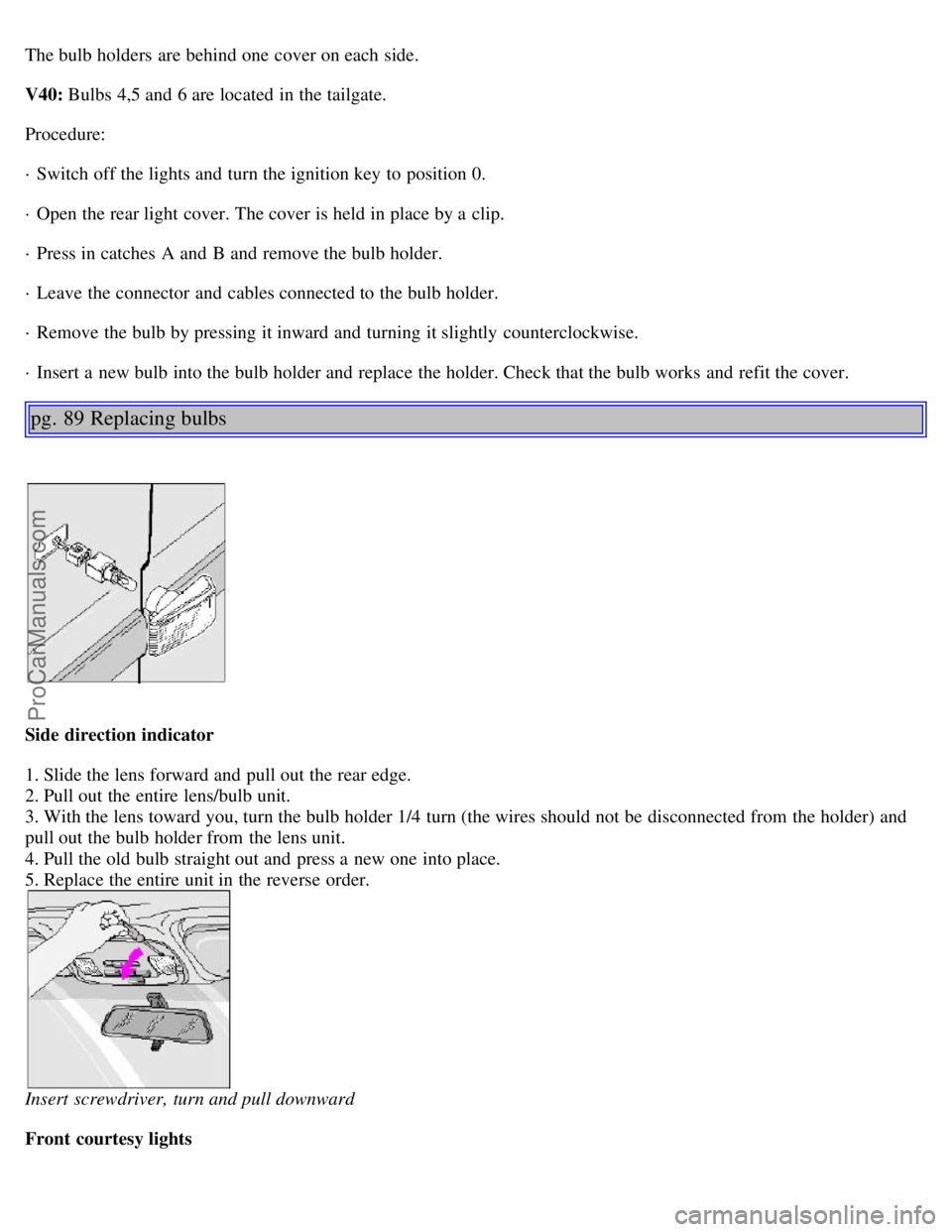
The bulb holders are behind one cover on each side.
V40: Bulbs 4,5 and 6 are located in the tailgate.
Procedure:
· Switch off the lights and turn the ignition key to position 0.
· Open the rear light cover. The cover is held in place by a clip.
· Press in catches A and B and remove the bulb holder.
· Leave the connector and cables connected to the bulb holder.
· Remove the bulb by pressing it inward and turning it slightly counterclockwise.
· Insert a new bulb into the bulb holder and replace the holder. Check that the bulb works and refit the cover.
pg. 89 Replacing bulbs
Side direction indicator
1. Slide the lens forward and pull out the rear edge.
2. Pull out the entire lens/bulb unit.
3. With the lens toward you, turn the bulb holder 1/4 turn (the wires should not be disconnected from the holder) and
pull out the bulb holder from the lens unit.
4. Pull the old bulb straight out and press a new one into place.
5. Replace the entire unit in the reverse order.
Insert screwdriver, turn and pull downward
Front courtesy lights
ProCarManuals.com
Page 73 of 84
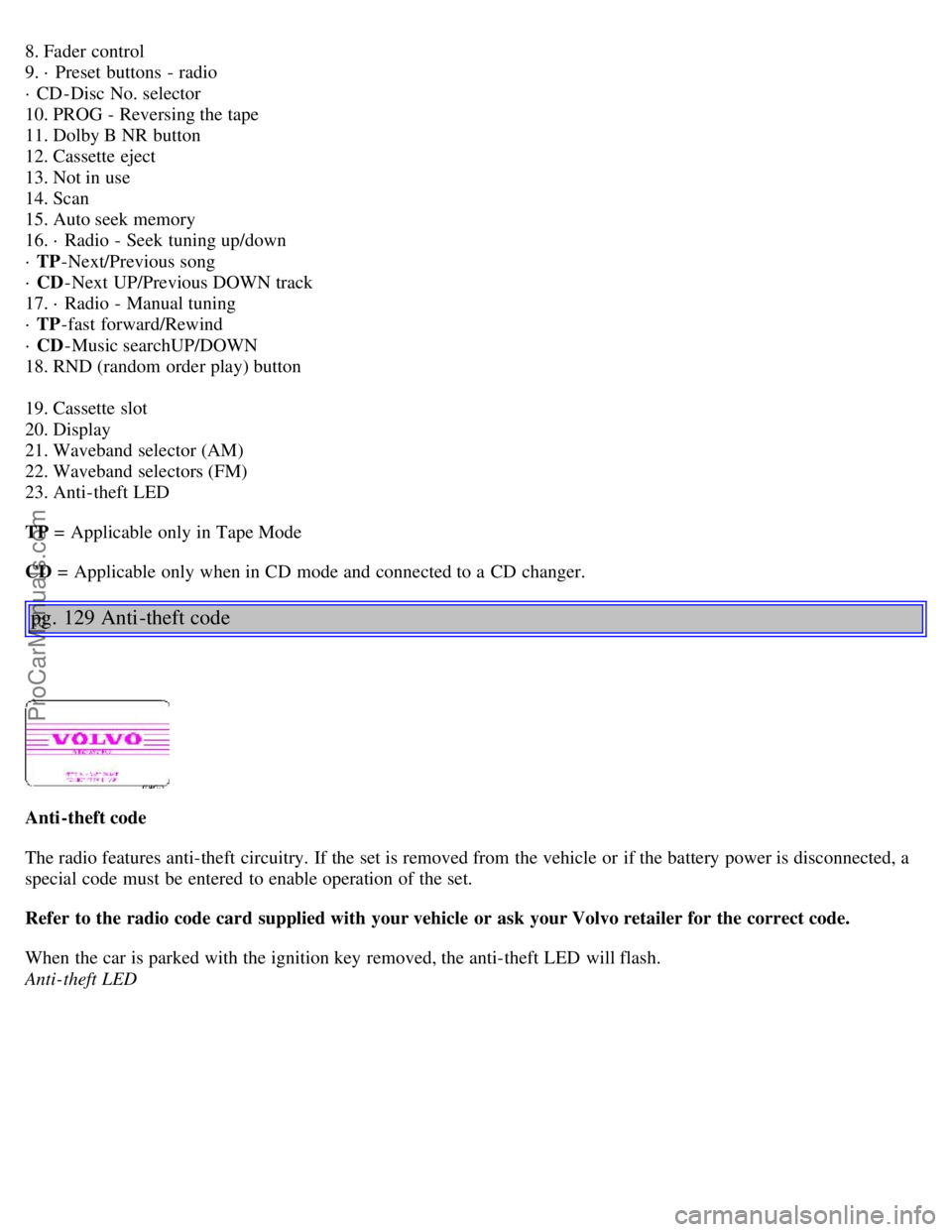
8. Fader control
9. · Preset buttons - radio
· CD-Disc No. selector
10. PROG - Reversing the tape
11. Dolby B NR button
12. Cassette eject
13. Not in use
14. Scan
15. Auto seek memory
16. · Radio - Seek tuning up/down
· TP-Next/Previous song
· CD -Next UP/Previous DOWN track
17. · Radio - Manual tuning
· TP -fast forward/Rewind
· CD -Music searchUP/DOWN
18. RND (random order play) button
19. Cassette slot
20. Display
21. Waveband selector (AM)
22. Waveband selectors (FM)
23. Anti-theft LED
TP = Applicable only in Tape Mode
CD = Applicable only when in CD mode and connected to a CD changer.
pg. 129 Anti -theft code
Anti-theft code
The radio features anti-theft circuitry. If the set is removed from the vehicle or if the battery power is disconnected, a
special code must be entered to enable operation of the set.
Refer to the radio code card supplied with your vehicle or ask your Volvo retailer for the correct code.
When the car is parked with the ignition key removed, the anti-theft LED will flash.
Anti-theft LED
ProCarManuals.com
Page 74 of 84
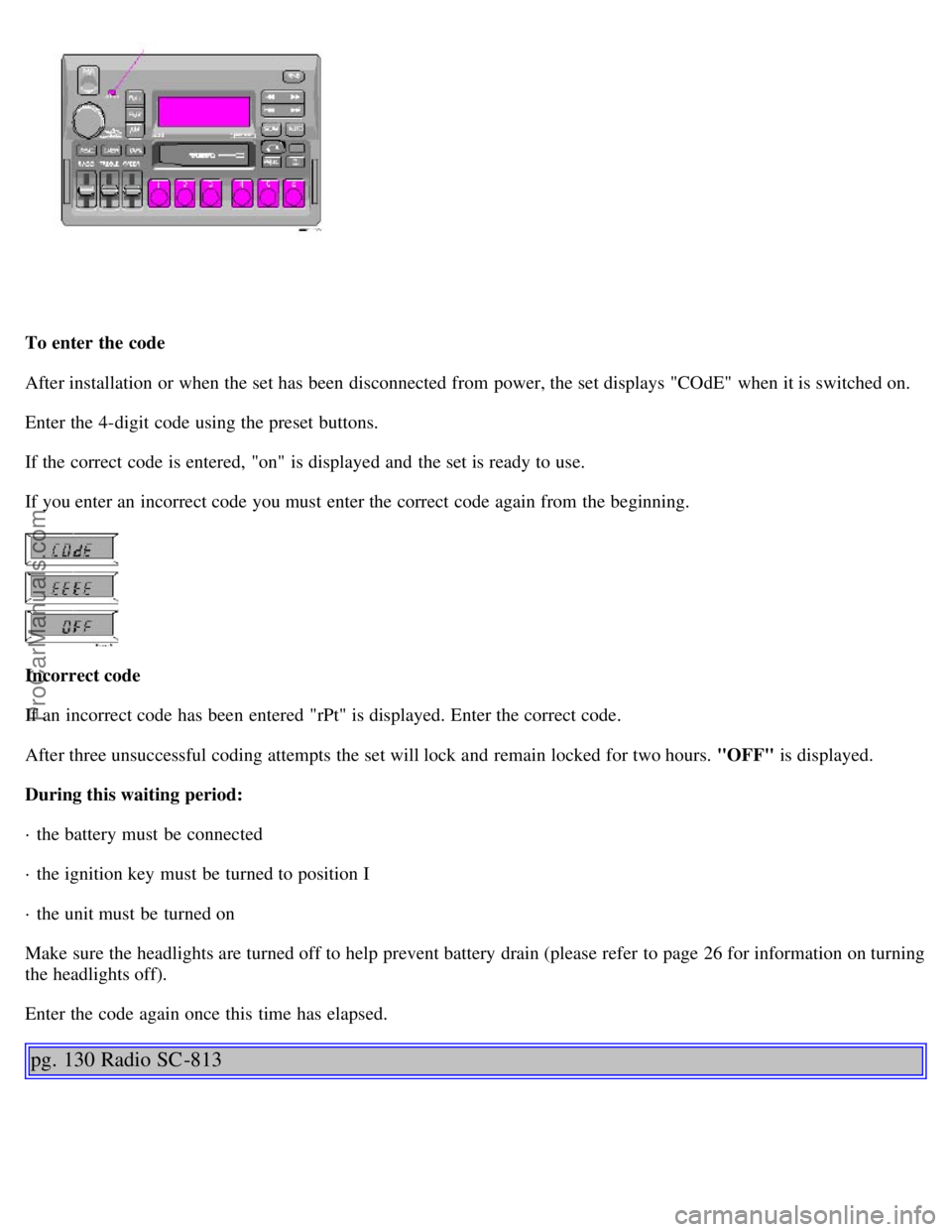
To enter the code
After installation or when the set has been disconnected from power, the set displays "COdE" when it is switched on.
Enter the 4-digit code using the preset buttons.
If the correct code is entered, "on" is displayed and the set is ready to use.
If you enter an incorrect code you must enter the correct code again from the beginning.
Incorrect code
If an incorrect code has been entered "rPt" is displayed. Enter the correct code.
After three unsuccessful coding attempts the set will lock and remain locked for two hours. "OFF" is displayed.
During this waiting period:
· the battery must be connected
· the ignition key must be turned to position I
· the unit must be turned on
Make sure the headlights are turned off to help prevent battery drain (please refer to page 26 for information on turning
the headlights off).
Enter the code again once this time has elapsed.
pg. 130 Radio SC -813
ProCarManuals.com
Page 81 of 84
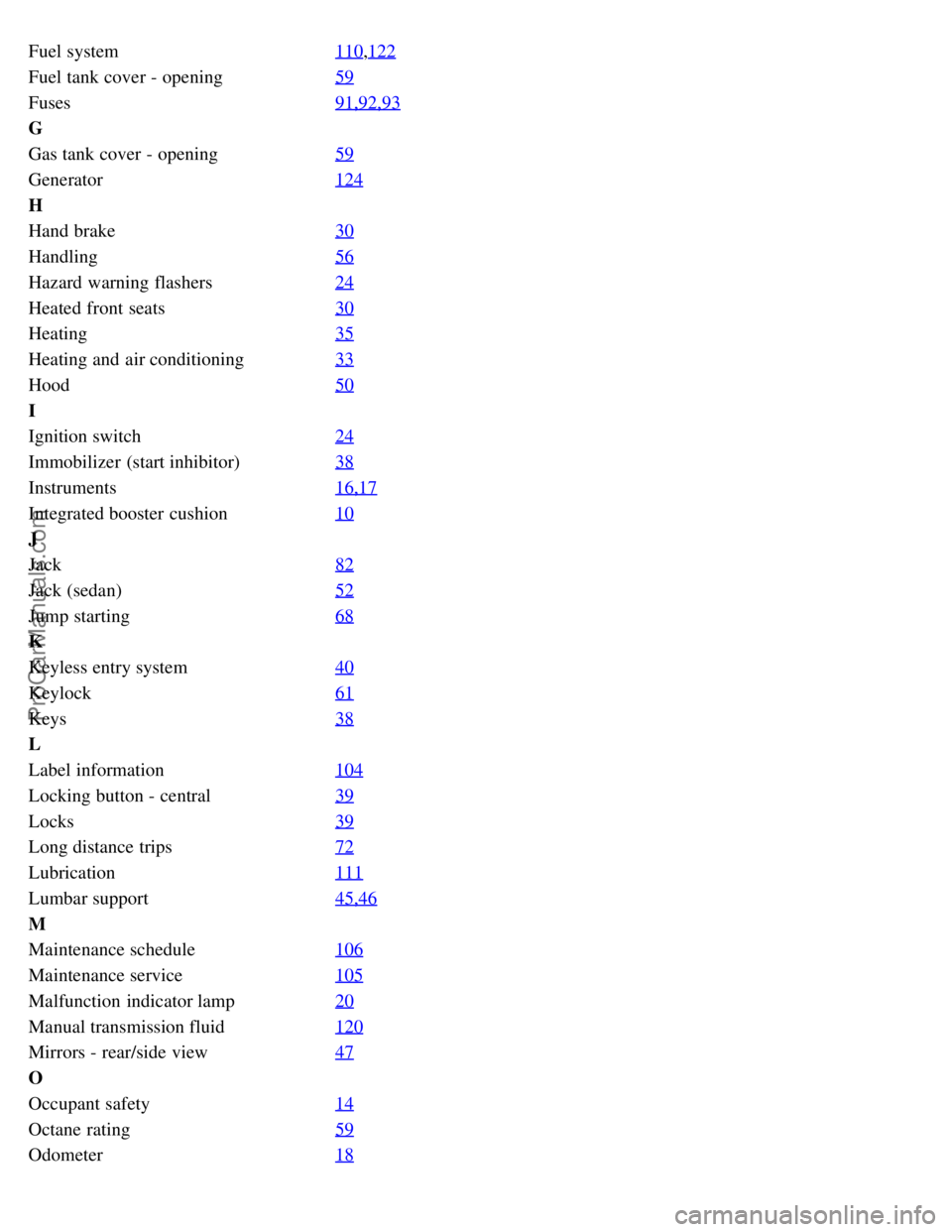
Fuel system110,122
Fuel tank cover - opening59
Fuses91,92,93
G
Gas tank cover - opening59
Generator124
H
Hand brake30
Handling56
Hazard warning flashers24
Heated front seats30
Heating35
Heating and air conditioning33
Hood50
I
Ignition switch24
Immobilizer (start inhibitor)38
Instruments16,17
Integrated booster cushion10
J
Jack82
Jack (sedan)52
Jump starting68
K
Keyless entry system40
Keylock61
Keys38
L
Label information104
Locking button - central39
Locks39
Long distance trips72
Lubrication111
Lumbar support45,46
M
Maintenance schedule106
Maintenance service105
Malfunction indicator lamp20
Manual transmission fluid120
Mirrors - rear/side view47
O
Occupant safety14
Octane rating59
Odometer18
ProCarManuals.com
Page 82 of 84
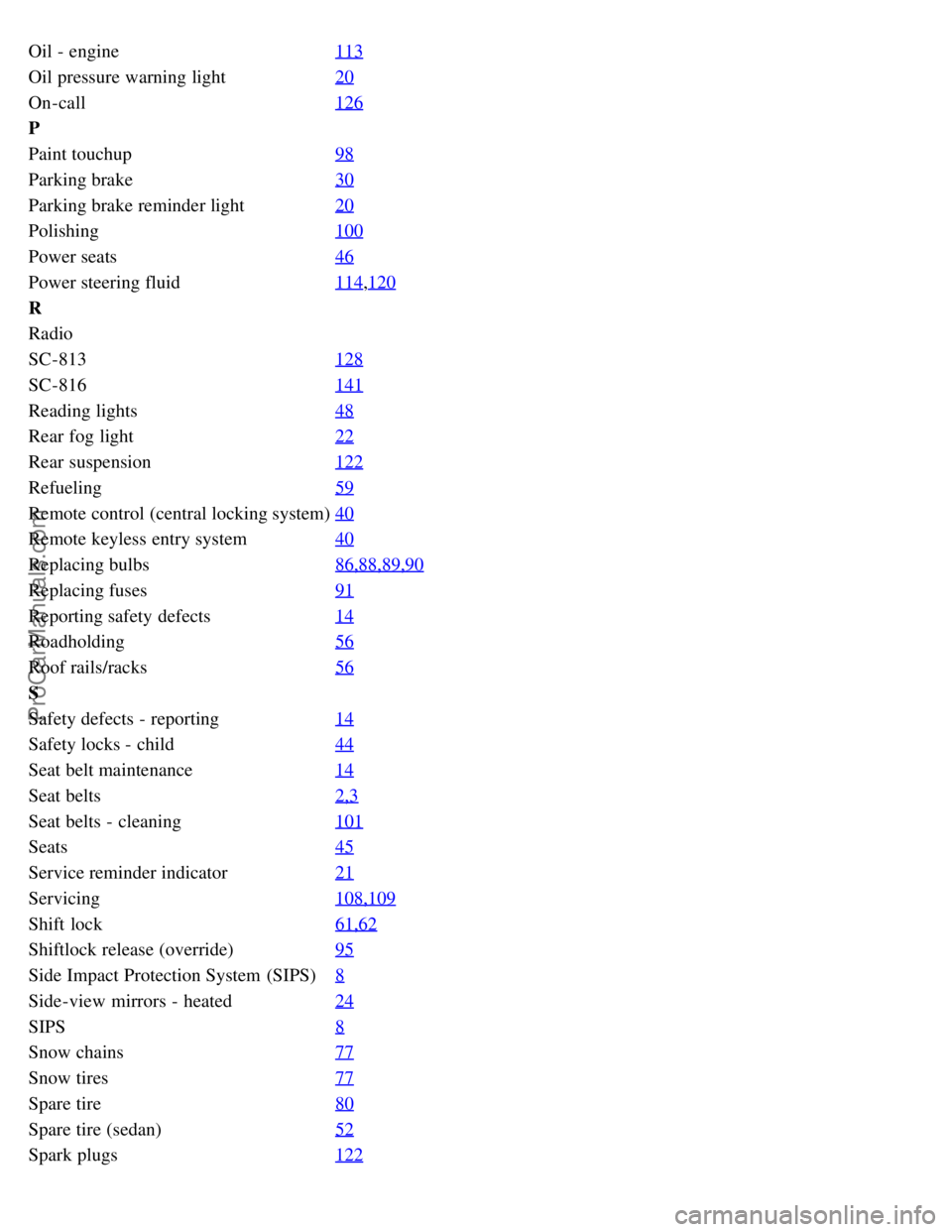
Oil - engine113
Oil pressure warning light20
On-call126
P
Paint touchup98
Parking brake30
Parking brake reminder light20
Polishing100
Power seats46
Power steering fluid114,120
R
Radio
SC-813128
SC-816141
Reading lights48
Rear fog light22
Rear suspension122
Refueling59
Remote control (central locking system)40
Remote keyless entry system40
Replacing bulbs86,88,89,90
Replacing fuses91
Reporting safety defects14
Roadholding56
Roof rails/racks56
S
Safety defects - reporting14
Safety locks - child44
Seat belt maintenance14
Seat belts2,3
Seat belts - cleaning101
Seats45
Service reminder indicator21
Servicing108,109
Shift lock61,62
Shiftlock release (override)95
Side Impact Protection System (SIPS)8
Side-view mirrors - heated24
SIPS8
Snow chains77
Snow tires77
Spare tire80
Spare tire (sedan)52
Spark plugs122
ProCarManuals.com