audio VOLVO S40 2005 User Guide
[x] Cancel search | Manufacturer: VOLVO, Model Year: 2005, Model line: S40, Model: VOLVO S40 2005Pages: 127, PDF Size: 2.32 MB
Page 104 of 127
The stored stations can be found using the buttons 0-9.
When the radio is in auto-store mode, AUTO is shown in the display. AUTO disappears when you return to the
normal radio mode. Return to the normal radio mode by pressing the AM/FM button, EXIT, or by briefly pressing the
AUTO button (for less than approx. 0.5 seconds).
To return to the Auto-store mode, press the AUTO button briefly and select a stored station by pressing one of the
number keys (0-9)
Scanning - SCAN
This function automatically searches for the next strong AM or FM station signal. When the radio finds a station,
scanning is interrupted for approximately 8 seconds, after which it will continue scanning.
pg. 175 Radio functions
1. Select radio mode using the AM/FM button.
2. Press SCAN (SCAN is shown in the display).
3. Press the SCAN or EXIT button to stop the scan function and listen to the selected station.
To start a new station scanning, repeat steps 1-3.
Radio Broadcast Data System - RBDS
This feature, which may not be available in your area, functions only with FM broadcasts. The radio in your car is
equipped with an advanced system allowing information from broadcasters to be transmitted visually, as text, together
with the audio signal. This information is then decoded by the radio and made available for several new and unique
features.
The RBDS or Radio Broadcast Data System operates in the FM band only, and the information transmitted is
supplied exclusively by participating broadcasters. Volvo has no control over the accuracy of the data or
information.
Coverage by local broadcasters may be limited at this time, but as the technology and benefits grow, you will find the
radio in your car is equipped to take advantage of this system.
PI (Program Information) seek
When an FM station has been stored as a preset, the radio also stores RBDS program information if it is available.
When the preset is selected at a later time, the radio tries to access updated program information. In weak signal areas,
there may be a delay before the station becomes audible. During this delay, there will be no sound.
PI seek can be interrupted by pressing EXIT.
Radio text
Certain RBDS stations broadcast program information, which can be shown in the display.
To start this function:
1. Select FM1 or FM2 and press the MENU button.
2. Press ENTER.
3. Select RADIOTEXT in the menu and press ENTER.
To deactivate this function, select RADIOTEXT again and press ENTER.
Alarm
Alarms bulletins are transmitted automatically by certain RBDS stations. The function cannot be deactivated.
"Alarm!" is shown in the radio display when an alarm message is sent. The function is used to warn motorists of
serious accidents, etc.
Program type/station format - PTY
The PTY function allows you to find stations whose programs suit your taste. Use the PTY function to select among
the different station formats shown in the list.
To show the format of the current station:
1. Select FM1 or FM2 and press the MENU button.
ProCarManuals.com
Page 107 of 127

Press the button (no. 16 in the illustration on page 169) to eject the disc.
NOTE: For reasons of traffic safety, the ejected CD must be removed within 12 seconds or it will be automatically
drawn back into the slot and the CD player will enter pause mode. Press the CD button to restart the disc.
Compact disc care
Before using a new CD for the first time, remove any burrs in the center/outer edge by running the stem of a pen or
similar object around the hole/edge of the disc.
Use CD standard EN 60908 discs only. Discs not meeting this standard may cause problems with system (poor
sound). CDR discs can cause listening problems due to the quality of the disc or recording equipment used.
Keep the discs clean. Wipe them with a soft, clean, lint-free cloth, working from the center outward. If necessary,
dampen the cloth with a neutral soap solution. Dry thoroughly before using.
Never use cleaning spray or antistatic liquid. Use only cleaners specifically made for CDs.
Use discs of the correct size only (3.5" discs should never be used).
pg. 178 CD player
Do not put tape or labels on the disc itself. They could become stuck in the player.
Volvo does not recommend the use of plastic outer rings on the disc.
Condensation may occur on discs/optical components of the changer in cold winter weather. The disc can be dried
with a clean, lint-free cloth. Optical components in the CD changer may, however, take up to one hour to dry off.
Never attempt to play a disc which is damaged in any way.
When not in use, the discs should be stored in their covers. Avoid storing discs in excessive heat, direct sunlight or
dusty locations.
pg. 179 CD changer (certain audio systems only)
Starting the CD changer
The CD changer can hold up to six discs.
To use the CD changer:
1. Press the CD button.
2. Select an empty position using the 1-6 buttons or the up/down keys on the MENU NAVIGATION control. The
display shows which positions are empty.
3. Insert a disc into the changer.
Ensure that INSERT DISC is displayed before inserting a new disc.
Selecting a disc position (number)
Use the station setting buttons 1-6 to select the disc to be played, or use the up/down arrow keys on the MENU
NAVIGATION control. The number of the disc and the track being played are shown in the display.
Changing tracks
Press the right/left arrow keys on the MENU NAVIGATION control to skip to the next or previous track.
ProCarManuals.com
Page 108 of 127
NOTE: The TUNING knob (turn clockwise to go to the next track, or counterclockwise to go to the previous track) or
the optional keypad in the steering wheel can also be used for this purpose.
Fast forward/back
Press and hold down the left or right arrows keys in the MENU NAVIGATION control (or the corresponding keys on
the optional steering wheel keypad) to search within a track or the whole disc. The search continues for as long as the
buttons are held in.
Random play
This function makes it possible to play the tracks on a single disc or on all of the discs in the CD changer in random
order (shuffle).
1. Select CD mode and press the MENU button.
2. Press ENTER.
3. Select RANDOM from the menu and press ENTER.
4. Select SINGLE DISC or ALL DISCS for the player to randomly choose from one or all discs in the CD changer.
RND or RND ALL is shown in the display while the function is active. Press EXIT to deactivate this function. Press
the right arrow key on the MENU NAVIGATION control to select the next random track.
NOTE: You can only select the next random track on the current disc.
Scan
This function plays the first ten seconds of each track on the CD.
1. Press SCAN.
2. Press EXIT to stop the scan function and listen to an entire track.
Scan only works on the selected disc.
Disc text
Certain CDs contain information about the disc, such as the titles of the tracks, etc. This information can be shown in
the display by activating the DISCTEXT function.
1. Press MENU. Select the menu for relevant sound source and press ENTER.
2. Select DISCTEXT in the menu and press ENTER.
3. If information is stored on the disc, it will now appear in the display.
pg. 180 CD changer (certain audio systems only)
To deactivate this function, select DISCTEXT in the menu and press ENTER.
CD eject
This function makes it possible to eject a single disc, or to eject all of the discs in the changer.
Press the button (no. 16 in the illustration on page 169) briefly to eject the disc that is currently playing.
A longer press (more than two seconds) starts the process of ejecting all of the discs in the changer.
NOTE:
The EJECT ALL function can only be used while the vehicle is at a standstill and will be cancelled if the vehicle
begins to move.
For reasons of traffic safety, you have 12 seconds in which to remove the ejected disc. After that, the disc
automatically reinserts into the player.
Compact disc care
Before using a new CD for the first time, remove any burrs in the center/outer edge by running the stem of a pen or
similar object around the hole/edge of the disc.
ProCarManuals.com
Page 109 of 127
Use CD standard EN 60908 discs only. Discs not meeting this standard may cause problems with system (poor
sound). CDR discs can cause listening problems due to the quality of the disc or recording equipment used.
Keep the discs clean. Wipe them with a soft, clean, lint-free cloth, working from the center outward. If necessary,
dampen the cloth with a neutral soap solution. Dry thoroughly before using.
Never use cleaning spray or antistatic liquid. Use only cleaners specifically made for CDs.
Use discs of the correct size only (3.5" discs should never be used).
Do not put tape or labels on the disc itself. They could become stuck in the player.
Volvo does not recommend the use of plastic outer rings on the disc.
Condensation may occur on discs/optical components of the changer in cold winter weather. The disc can be dried
with a clean, lint-free cloth. Optical components in the CD changer may, however, take up to one hour to dry off.
Never attempt to play a disc which is damaged in any way.
When not in use, the discs should be stored in their covers. Avoid storing discs in excessive heat, direct sunlight or
dusty locations.
pg. 181 Audio menu settings and selections
Audio menu settings and selections
NOTE:
All alternatives marked * can be selected or set to On or Off by navigating to the alternative in the menu and pressing
Enter.
FM1/FM2 menu
1. PTY
1.1. SELECT PTY
1.1.1. CLEAR ALL PTY
1.1.2. The available program types are listed here
1.2. SEARCH PTY
1.3. SHOW PTY ON/OFF (default)*
2. RADIOTEXT ON/OFF (default)*
3. ADVANCED RADIO SETTINGS
3.1. AF ON/OFF (default)*
3.2. RESET All
4. AUDIO SETTINGS
4.1. SURROUND AM/FM (Premium sound system only)
4.1.1. Dolby Pro Logic II*
4.1.2.3 Channel*
4.1.3. OFF (default)*
4.2. SURROUND CD
4.2.1. Dolby Pro Logic II (default)*
4.2.2.3 Channel*
4.2.3. OFF*
4.3. SUBWOOFER ON (default)/OFF* (accessory)
4.4. EQUALIZER FRONT (certain audio systems)
4.5. EQUALIZER REAR (certain audio systems)
4.6. Auto. volume control (speed compensated volume)
4.6.1. Low*
4.6.2. Medium (default)*
4.6.3. High*
4.7. RESET ALL
AM menu
1. 1. AUDIO SETTINGS
ProCarManuals.com
Page 110 of 127
1.1. SURROUND AM/FM (Premium sound system only)
1.1.1. Dolby Pro Logic II*
1.1.2. 3 Channel*
1.1.3. OFF (default)*
1.2. SURROUND CD (Premium sound system only)
1.2.1. Dolby Pro Logic II (default)*
1.2.2.3 Channel*
1.2.3. Off*
1.3. SUBWOOFER ON (default)/OFF* (accessory)
1.4. EQUALIZER FRONT (certain audio systems)
1.5. EQUALIZER REAR (certain audio systems)
1.6. Auto. volume control (speed compensated volume)
1.6.1. Low*
1.6.2. Medium (default)*
1.6.3. High*
1.7. RESET ALL
CD menu
1. RANDOM*
2. AUDIO SETTINGS
2.1. SURROUND AM/FM (Premium sound system only)
2.1.1. Dolby Pro Logic II*
2.1.2. 3 Channel*
2.1.3. Off (default)*
2.2. SURROUND CD (Premium sound system only)
2.2.1. Dolby Pro Logic II (default)*
2.2.2. 3 Channel*
2.2.3. Off*
pg. 182 Audio menu settings and selections
2.3. SUBWOOFER ON (default)/OFF* (accessory)
2.4. EQUALIZER Front (certain audio systems)
2.5. EQUALIZER Rear (certain audio systems)
2.6. Auto. volume control (speed compensated volume)
2.6.1. Low*
2.6.2. Medium (default)*
2.6.3. High*
2.7. RESET ALL
CD changer menu
1. RANDOM
1.1. Off (default)*
1.2. Single Disc*
1.3. All Discs*
2. DISC TEXT ON/OFF (default)*
3. AUDIO SETTINGS
3.1. SURROUND AM/FM (Premium sound system only)
3.1.1. Dolby Pro Logic II*
3.1.2.3 Channel*
3.1.3. Off (default)*
3.2. SURROUND CD (Premium sound system only)
3.2.1. Dolby Pro Logic II (default)*
ProCarManuals.com
Page 111 of 127
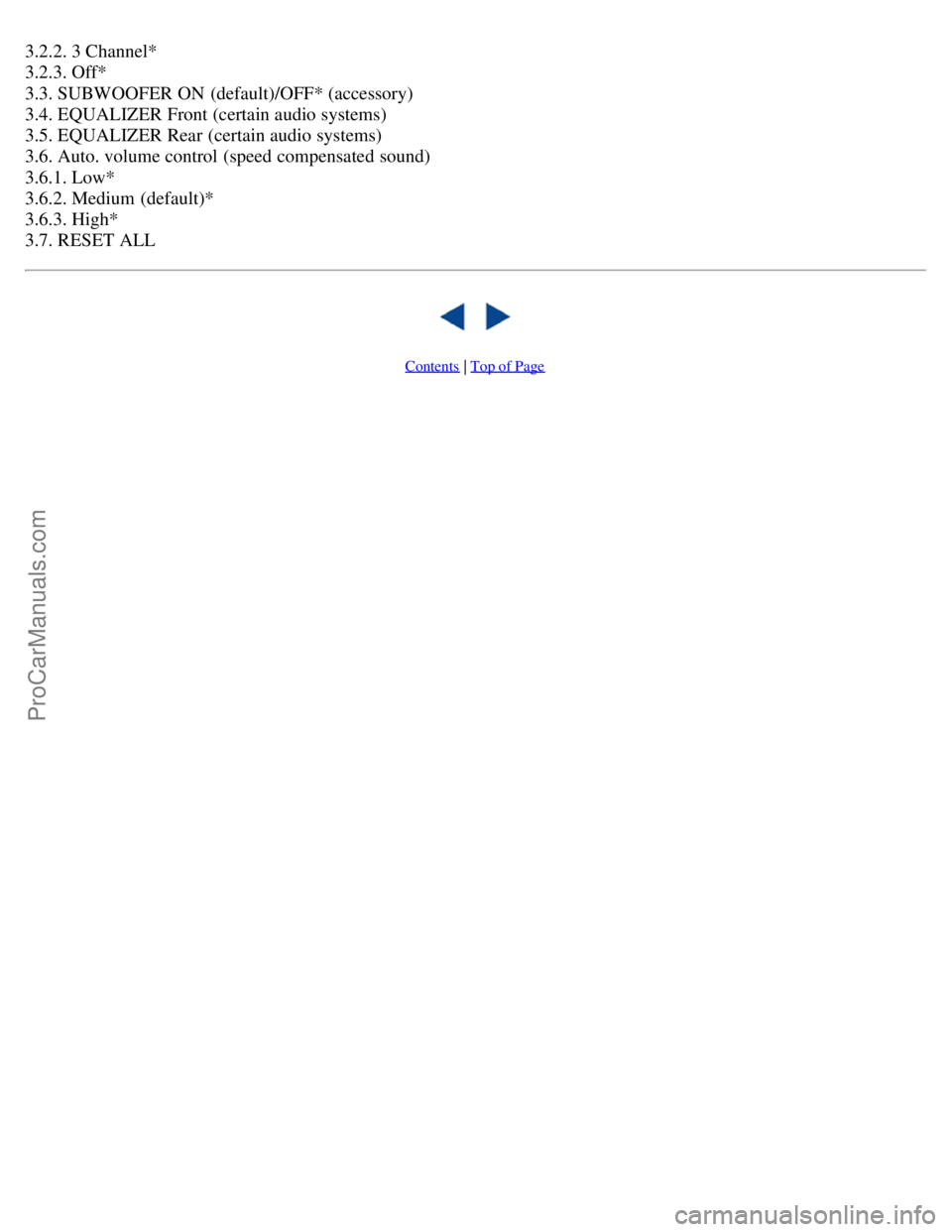
3.2.2. 3 Channel*
3.2.3. Off*
3.3. SUBWOOFER ON (default)/OFF* (accessory)
3.4. EQUALIZER Front (certain audio systems)
3.5. EQUALIZER Rear (certain audio systems)
3.6. Auto. volume control (speed compensated sound)
3.6.1. Low*
3.6.2. Medium (default)*
3.6.3. High*
3.7. RESET ALL
Contents | Top of Page
ProCarManuals.com
Page 117 of 127
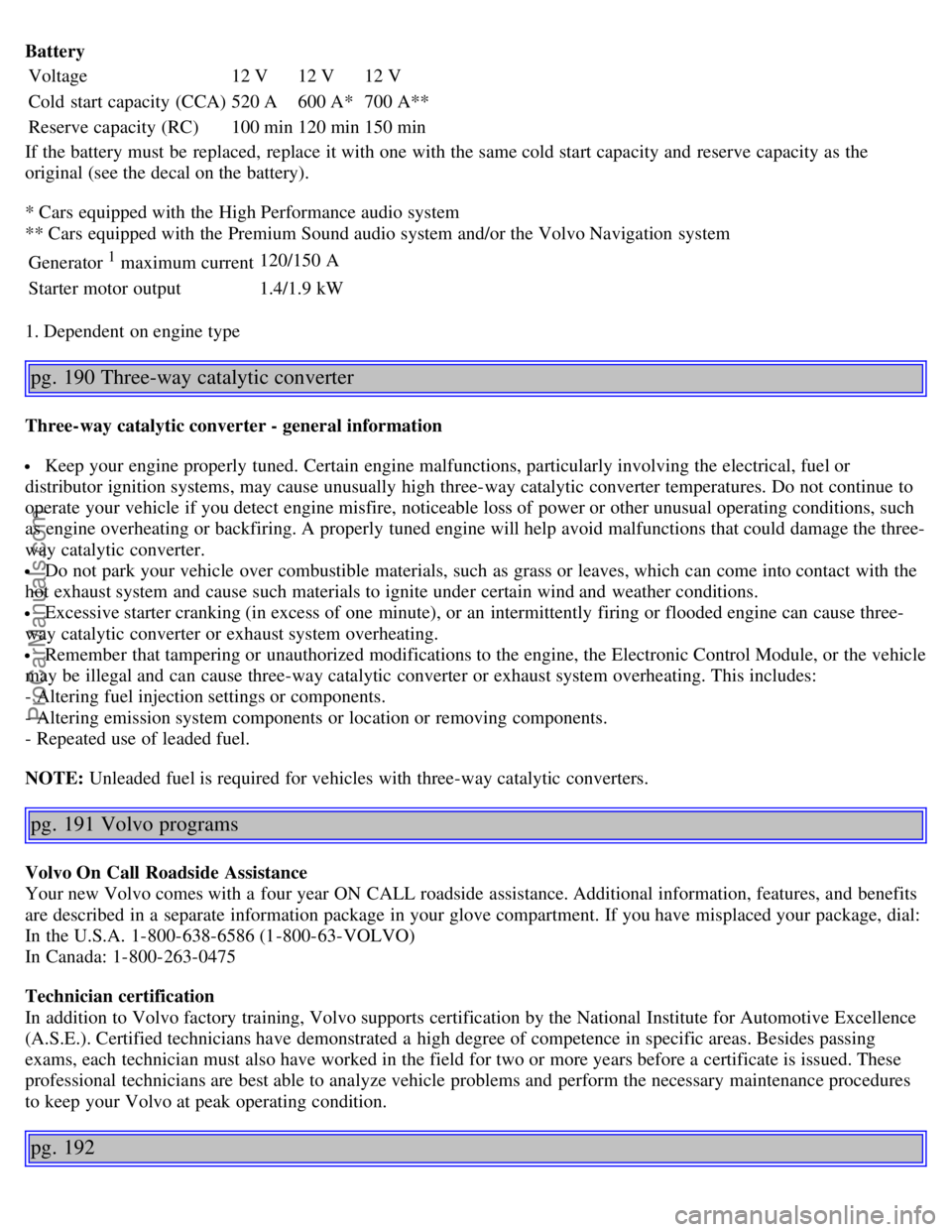
Battery
Voltage12 V12 V12 V
Cold start capacity (CCA) 520 A600 A*700 A**
Reserve capacity (RC) 100 min120 min150 min
If the battery must be replaced, replace it with one with the same cold start capacity and reserve capacity as the
original (see the decal on the battery).
* Cars equipped with the High Performance audio system
** Cars equipped with the Premium Sound audio system and/or the Volvo Navigation system
Generator
1 maximum current 120/150 A
Starter motor output 1.4/1.9 kW
1. Dependent on engine type
pg. 190 Three-way catalytic converter
Three-way catalytic converter - general information
Keep your engine properly tuned. Certain engine malfunctions, particularly involving the electrical, fuel or
distributor ignition systems, may cause unusually high three-way catalytic converter temperatures. Do not continue to
operate your vehicle if you detect engine misfire, noticeable loss of power or other unusual operating conditions, such
as engine overheating or backfiring. A properly tuned engine will help avoid malfunctions that could damage the three-
way catalytic converter.
Do not park your vehicle over combustible materials, such as grass or leaves, which can come into contact with the
hot exhaust system and cause such materials to ignite under certain wind and weather conditions.
Excessive starter cranking (in excess of one minute), or an intermittently firing or flooded engine can cause three-
way catalytic converter or exhaust system overheating.
Remember that tampering or unauthorized modifications to the engine, the Electronic Control Module, or the vehicle
may be illegal and can cause three-way catalytic converter or exhaust system overheating. This includes:
- Altering fuel injection settings or components.
- Altering emission system components or location or removing components.
- Repeated use of leaded fuel.
NOTE: Unleaded fuel is required for vehicles with three-way catalytic converters.
pg. 191 Volvo programs
Volvo On Call Roadside Assistance
Your new Volvo comes with a four year ON CALL roadside assistance. Additional information, features, and benefits
are described in a separate information package in your glove compartment. If you have misplaced your package, dial:
In the U.S.A. 1-800-638-6586 (1-800-63-VOLVO)
In Canada: 1-800-263-0475
Technician certification
In addition to Volvo factory training, Volvo supports certification by the National Institute for Automotive Excellence
(A.S.E.). Certified technicians have demonstrated a high degree of competence in specific areas. Besides passing
exams, each technician must also have worked in the field for two or more years before a certificate is issued. These
professional technicians are best able to analyze vehicle problems and perform the necessary maintenance procedures
to keep your Volvo at peak operating condition.
pg. 192
ProCarManuals.com
Page 119 of 127
2 0 0 5
VOLVO S40
Index
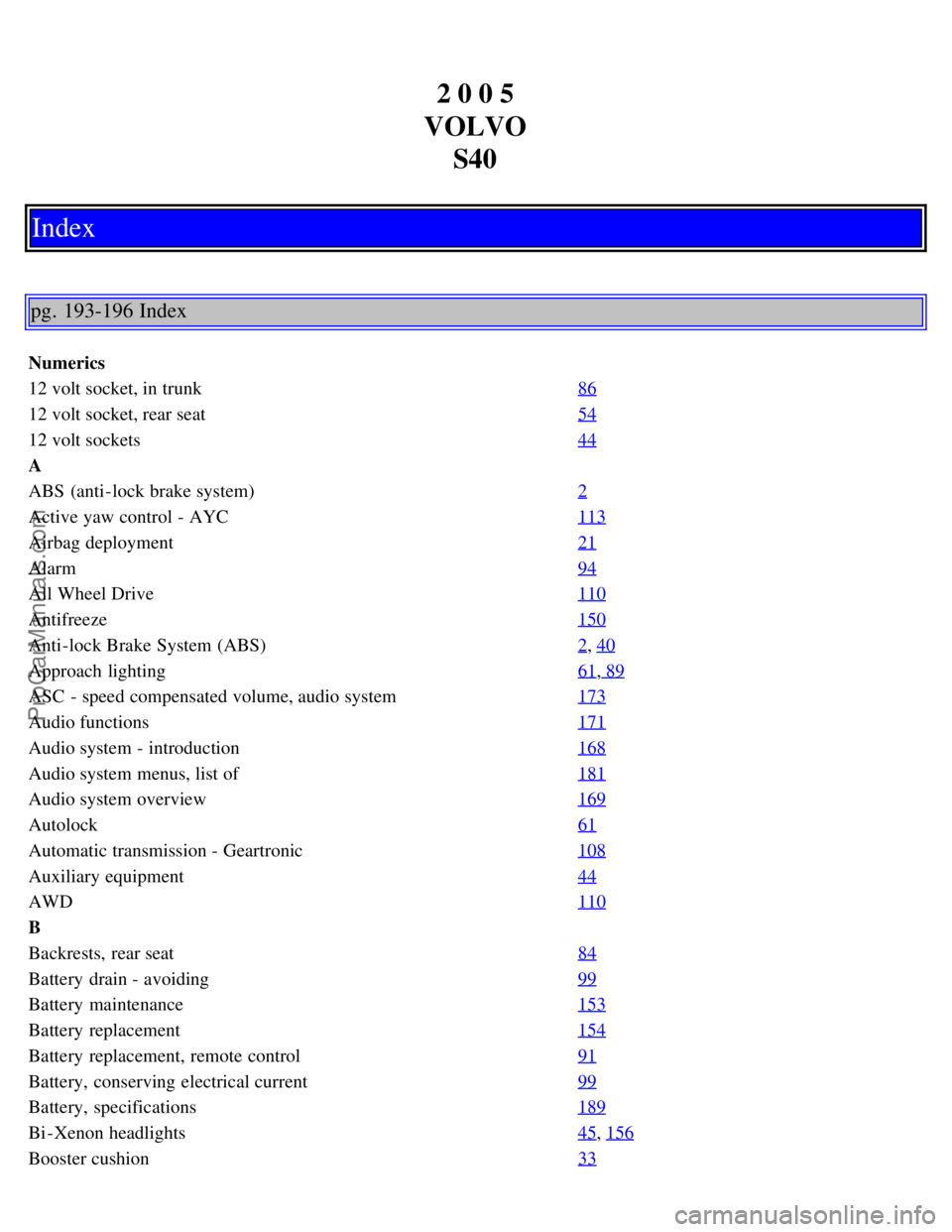
pg. 193-196 Index
Numerics
12 volt socket, in trunk 86
12 volt socket, rear seat54
12 volt sockets44
A
ABS (anti-lock brake system)2
Active yaw control - AYC113
Airbag deployment21
Alarm94
All Wheel Drive110
Antifreeze150
Anti-lock Brake System (ABS)2, 40
Approach lighting61, 89
ASC - speed compensated volume, audio system173
Audio functions171
Audio system - introduction168
Audio system menus, list of181
Audio system overview169
Autolock61
Automatic transmission - Geartronic108
Auxiliary equipment44
AWD110
B
Backrests, rear seat84
Battery drain - avoiding99
Battery maintenance153
Battery replacement154
Battery replacement, remote control91
Battery, conserving electrical current99
Battery, specifications189
Bi -Xenon headlights45, 156
Booster cushion33
ProCarManuals.com
Page 120 of 127
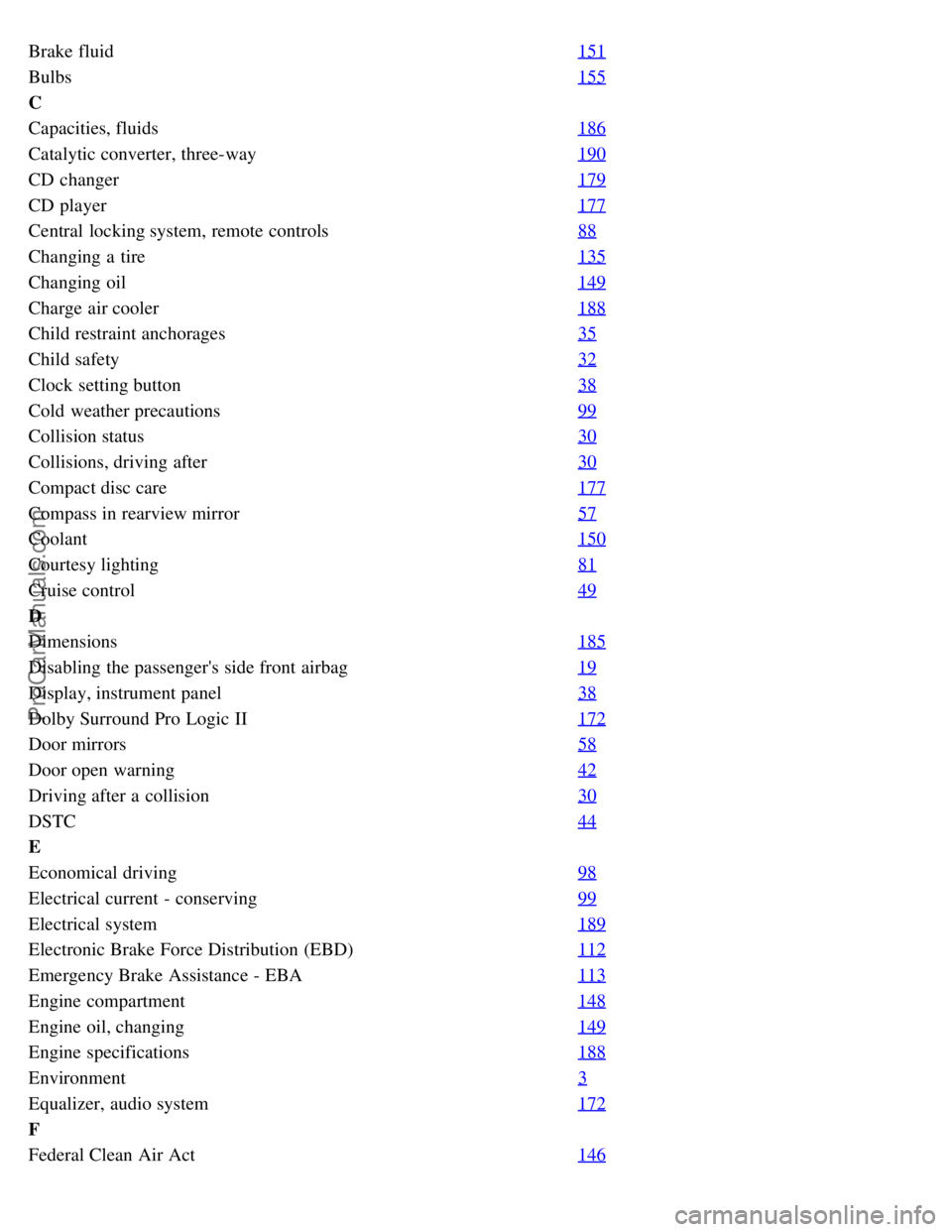
Brake fluid151
Bulbs155
C
Capacities, fluids186
Catalytic converter, three-way190
CD changer179
CD player177
Central locking system, remote controls88
Changing a tire135
Changing oil149
Charge air cooler188
Child restraint anchorages35
Child safety32
Clock setting button38
Cold weather precautions99
Collision status30
Collisions, driving after30
Compact disc care177
Compass in rearview mirror57
Coolant150
Courtesy lighting81
Cruise control49
D
Dimensions185
Disabling the passenger's side front airbag19
Display, instrument panel38
Dolby Surround Pro Logic II172
Door mirrors58
Door open warning42
Driving after a collision30
DSTC44
E
Economical driving98
Electrical current - conserving99
Electrical system189
Electronic Brake Force Distribution (EBD)112
Emergency Brake Assistance - EBA113
Engine compartment148
Engine oil, changing149
Engine specifications188
Environment3
Equalizer, audio system172
F
Federal Clean Air Act146
ProCarManuals.com
Page 123 of 127

Panic alarm, central locking system remote control89
Parking assist115
Parking brake54
Parking light bulb, replacing157
Parking lights45
Passenger's side front airbag, disabling19
Personal settings61
PI (Program Information) seek175
Polishing141
Power door mirrors58
Power front seats79
Power moonroof59
Power steering fluid151
Power windows55
PremAir ®4
Program Information seek175
Program type, audio system175
PROPOSITION 65 WARNING153
R
Radio Broadcast Data System - RBDS175
Radio functions174
Radio station formats176
Radio text175
Rain sensor52
Reading lights, rear81
Rear fog light46
Rear park assist115
Rear reading lights81
Rear seat backrests, folding down84
Rear seat head restraints84
Rearview mirror57
Rearview mirror with compass (option)57
Refueling102
Remote control functions89
Remote control, battery replacement91
Remote controls, central locking system88
Removing a wheel136
Replacing fuses161
Reporting safety defects12
Restraint anchorages35
S
Safety defects, reporting12
Safety locks, child93
Safety system components, inspecting31
ProCarManuals.com