radio VOLVO S40 2005 User Guide
[x] Cancel search | Manufacturer: VOLVO, Model Year: 2005, Model line: S40, Model: VOLVO S40 2005Pages: 127, PDF Size: 2.32 MB
Page 109 of 127
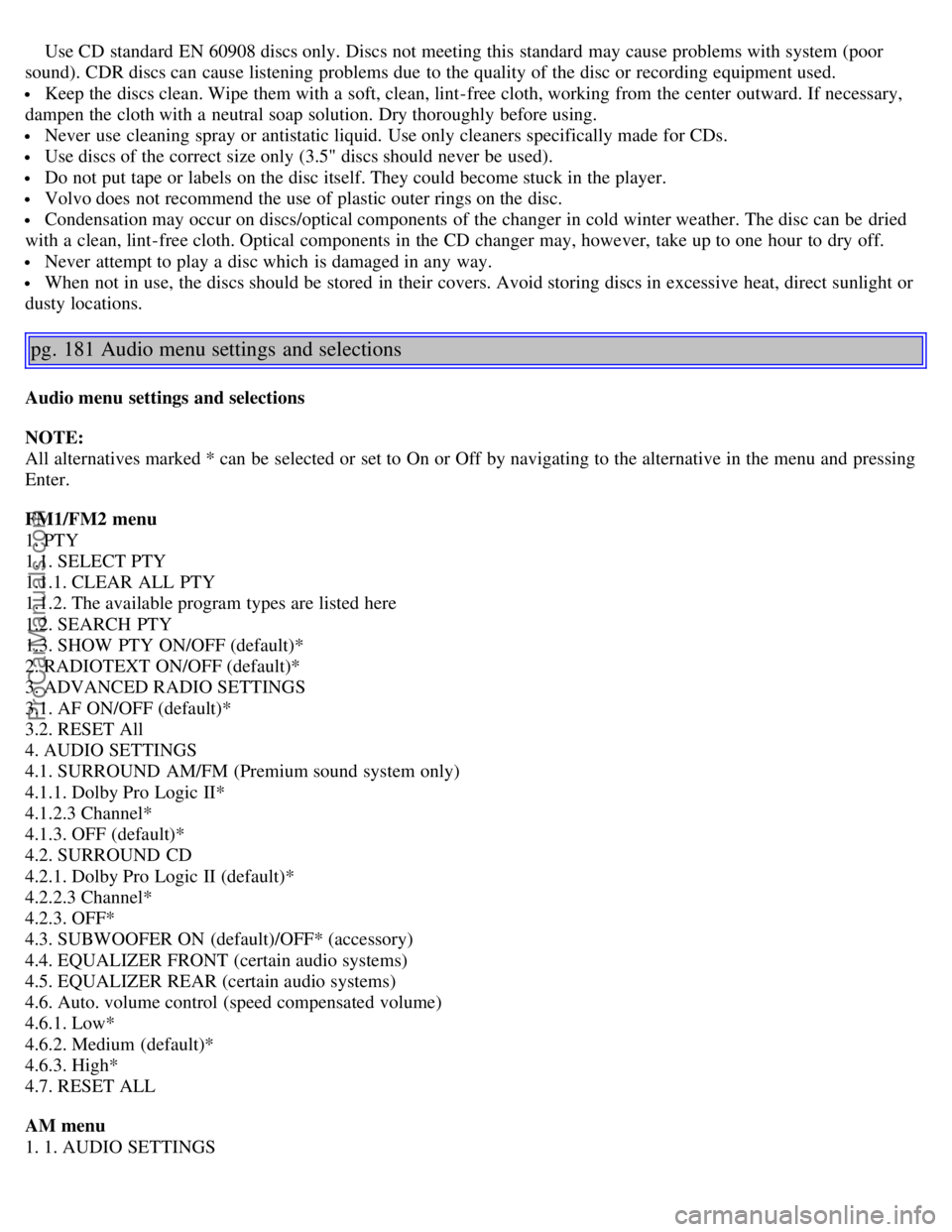
Use CD standard EN 60908 discs only. Discs not meeting this standard may cause problems with system (poor
sound). CDR discs can cause listening problems due to the quality of the disc or recording equipment used.
Keep the discs clean. Wipe them with a soft, clean, lint-free cloth, working from the center outward. If necessary,
dampen the cloth with a neutral soap solution. Dry thoroughly before using.
Never use cleaning spray or antistatic liquid. Use only cleaners specifically made for CDs.
Use discs of the correct size only (3.5" discs should never be used).
Do not put tape or labels on the disc itself. They could become stuck in the player.
Volvo does not recommend the use of plastic outer rings on the disc.
Condensation may occur on discs/optical components of the changer in cold winter weather. The disc can be dried
with a clean, lint-free cloth. Optical components in the CD changer may, however, take up to one hour to dry off.
Never attempt to play a disc which is damaged in any way.
When not in use, the discs should be stored in their covers. Avoid storing discs in excessive heat, direct sunlight or
dusty locations.
pg. 181 Audio menu settings and selections
Audio menu settings and selections
NOTE:
All alternatives marked * can be selected or set to On or Off by navigating to the alternative in the menu and pressing
Enter.
FM1/FM2 menu
1. PTY
1.1. SELECT PTY
1.1.1. CLEAR ALL PTY
1.1.2. The available program types are listed here
1.2. SEARCH PTY
1.3. SHOW PTY ON/OFF (default)*
2. RADIOTEXT ON/OFF (default)*
3. ADVANCED RADIO SETTINGS
3.1. AF ON/OFF (default)*
3.2. RESET All
4. AUDIO SETTINGS
4.1. SURROUND AM/FM (Premium sound system only)
4.1.1. Dolby Pro Logic II*
4.1.2.3 Channel*
4.1.3. OFF (default)*
4.2. SURROUND CD
4.2.1. Dolby Pro Logic II (default)*
4.2.2.3 Channel*
4.2.3. OFF*
4.3. SUBWOOFER ON (default)/OFF* (accessory)
4.4. EQUALIZER FRONT (certain audio systems)
4.5. EQUALIZER REAR (certain audio systems)
4.6. Auto. volume control (speed compensated volume)
4.6.1. Low*
4.6.2. Medium (default)*
4.6.3. High*
4.7. RESET ALL
AM menu
1. 1. AUDIO SETTINGS
ProCarManuals.com
Page 123 of 127

Panic alarm, central locking system remote control89
Parking assist115
Parking brake54
Parking light bulb, replacing157
Parking lights45
Passenger's side front airbag, disabling19
Personal settings61
PI (Program Information) seek175
Polishing141
Power door mirrors58
Power front seats79
Power moonroof59
Power steering fluid151
Power windows55
PremAir ®4
Program Information seek175
Program type, audio system175
PROPOSITION 65 WARNING153
R
Radio Broadcast Data System - RBDS175
Radio functions174
Radio station formats176
Radio text175
Rain sensor52
Reading lights, rear81
Rear fog light46
Rear park assist115
Rear reading lights81
Rear seat backrests, folding down84
Rear seat head restraints84
Rearview mirror57
Rearview mirror with compass (option)57
Refueling102
Remote control functions89
Remote control, battery replacement91
Remote controls, central locking system88
Removing a wheel136
Replacing fuses161
Reporting safety defects12
Restraint anchorages35
S
Safety defects, reporting12
Safety locks, child93
Safety system components, inspecting31
ProCarManuals.com