clock VOLVO S40 2006 User Guide
[x] Cancel search | Manufacturer: VOLVO, Model Year: 2006, Model line: S40, Model: VOLVO S40 2006Pages: 127, PDF Size: 2.26 MB
Page 110 of 127
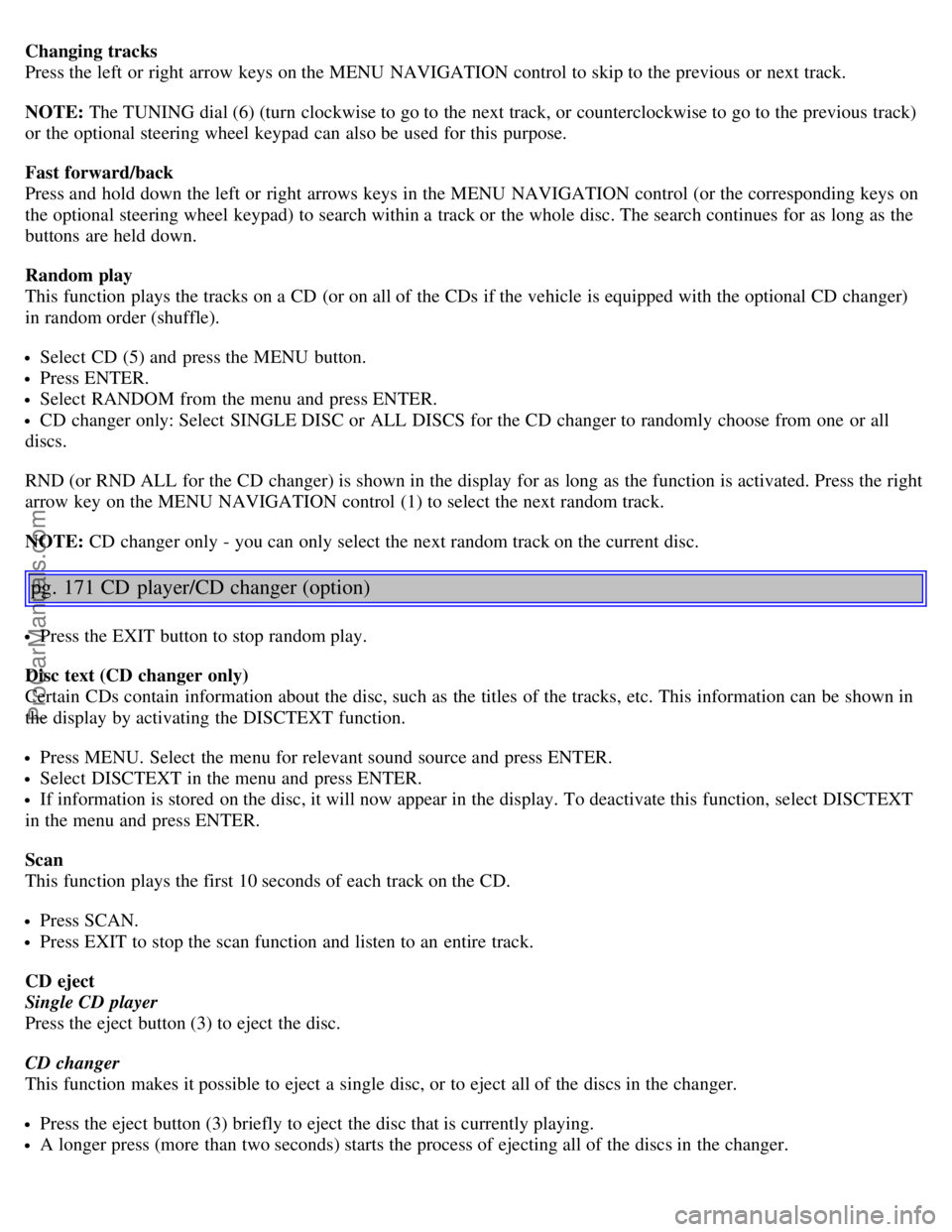
Changing tracks
Press the left or right arrow keys on the MENU NAVIGATION control to skip to the previous or next track.
NOTE: The TUNING dial (6) (turn clockwise to go to the next track, or counterclockwise to go to the previous track)
or the optional steering wheel keypad can also be used for this purpose.
Fast forward/back
Press and hold down the left or right arrows keys in the MENU NAVIGATION control (or the corresponding keys on
the optional steering wheel keypad) to search within a track or the whole disc. The search continues for as long as the
buttons are held down.
Random play
This function plays the tracks on a CD (or on all of the CDs if the vehicle is equipped with the optional CD changer)
in random order (shuffle).
Select CD (5) and press the MENU button.
Press ENTER.
Select RANDOM from the menu and press ENTER.
CD changer only: Select SINGLE DISC or ALL DISCS for the CD changer to randomly choose from one or all
discs.
RND (or RND ALL for the CD changer) is shown in the display for as long as the function is activated. Press the right
arrow key on the MENU NAVIGATION control (1) to select the next random track.
NOTE: CD changer only - you can only select the next random track on the current disc.
pg. 171 CD player/CD changer (option)
Press the EXIT button to stop random play.
Disc text (CD changer only)
Certain CDs contain information about the disc, such as the titles of the tracks, etc. This information can be shown in
the display by activating the DISCTEXT function.
Press MENU. Select the menu for relevant sound source and press ENTER.
Select DISCTEXT in the menu and press ENTER.
If information is stored on the disc, it will now appear in the display. To deactivate this function, select DISCTEXT
in the menu and press ENTER.
Scan
This function plays the first 10 seconds of each track on the CD.
Press SCAN.
Press EXIT to stop the scan function and listen to an entire track.
CD eject
Single CD player
Press the eject button (3) to eject the disc.
CD changer
This function makes it possible to eject a single disc, or to eject all of the discs in the changer.
Press the eject button (3) briefly to eject the disc that is currently playing.
A longer press (more than two seconds) starts the process of ejecting all of the discs in the changer.
ProCarManuals.com
Page 122 of 127
Bulbs152
C
Capacities, fluids178
Catalytic converter, three-way182
CD player170
Central locking system, remote controls82
Changing a tire133
Changing oil146
Charge air cooler180
Child restraint anchorages30
Child safety27
Child safety locks88
Clock setting button34
Cold weather precautions93
Collision status25
Compact disc care172
Compass in rearview mirror52
Coolant147
Courtesy lighting75
Cruise control44
D
Dimensions177
Disabling the passenger's side front airbag18
Display, instrument panel34
Door mirrors53
Door open warning42
Driving after a collision25
DSTC40
E
Economical driving92
Electrical current - conserving93
Electrical system181
Electronic Brake Force Distribution (EBD)108
Emission inspection readiness144
Engine compartment145
Engine oil, changing146
Engine specifications180
Environment3
Equalizer, audio system165
F
Federal Clean Air Act142
Flash, high beam42
Floor mats99
Floor mats, cleaning138
ProCarManuals.com