battery VOLVO S40 2008 Owner's Manual
[x] Cancel search | Manufacturer: VOLVO, Model Year: 2008, Model line: S40, Model: VOLVO S40 2008Pages: 239, PDF Size: 5.94 MB
Page 191 of 239
4. Connect the positive cable.
5. Connect the ground cable.
6. Reinstall the cover over the battery.
NOTE
Used batteries should be properly disposed of at a recycling station or similar facility, or taken to your Volvo
retailer.
WARNING
Never expose the battery to open flame or electric spark.
Do not smoke near the battery.
Battery fluid contains sulfuric acid. Do not allow battery fluid to contact eyes, skin, fabrics or painted surfaces. If
contact occurs, flush the affected area immediately with water. Obtain medical help immediately if eyes are affected.
211 09 Maintenance and servicing
Replacing bulbs
Introduction
Before replacing bulbs in your vehicle, please keep the following points in mind:
NOTE
Never touch the glass of bulbs with your fingers. Grease and oils from your fingers vaporize in the heat and will
leave a deposit on the reflector, which will damage it.
The optional Bi -Xenon® headlight bulbs contain trace amounts of mercury. These bulbs should always be
disposed of by an authorized Volvo retailer.
Certain bulbs should only be replaced by a trained and qualified Volvo service technician:
- Courtesy (dome) lighting
- Reading lights
- Glove compartment lights
- Turn signals and courtesy lights in the side door mirrors
- High-mounted brake lights
- Bi -Xenon® headlights
- Brake lights
212 09 Maintenance and servicing
Replacing bulbs
Removing the headlight housing
ProCarManuals.com
Page 208 of 239
An auxiliary device, such as an iPOD or a USB flash drive can be connected to the audio system via the connector in
the center console storage compartment.
A sound source must be chosen, depending on the device that has been connected:
1. Use MODE to select iPOD or USB. The text CONNECT DEVICE will be displayed.
2. Connect the device to the connector in the center console storage compartment (see the illustration).
The text LOADING will be displayed while the system indexes the files on the device. This may take a short time.
When indexing has been completed, track information will be displayed, and the desired track can then be selected.
Tracks can be selected in two ways:
Turn the Tuning knob (no. 4 in the illustration on page 230) clockwise or counterclockwise
Use the right or left arrow keys on the navigation control (no. 5 in the illustration on page 235) to select the desired
track. The arrow keys on the steering wheel keypad can also be used in the same way.
NOTE
The system supports playback of files in the most common versions of formats such as mp3, wma, and wav.
However, there may be versions of these formats that the system does not support.
USB flash drive
To simplify the use of a USB flash drive, it is advisable to only store music files on the drive. It will take considerably
longer for the system to index the files on the drive if it contains anything other than compatible music files.
MP3 player
Many mp3 players have a file indexing system that is not supported by the vehicle's audio system. In order to use an
mp3 player, the system must be set to USB Removable device/Mass Storage Device .
iPod
An iPod receives current and its battery is charged through the connecting cord. However, if the iPOD's battery is
completely drained, it should be recharged before the iPOD is connected to the audio system.
NOTE
When an iPOD is used as a sound source, the vehicle's audio system has a menu structure similar to the one in the
iPOD. See the iPOD's manual for detailed information.
For further information, refer to the accessory manual USB/iPOD Music Interface .
Sound settings
Optimal sound reproduction
The audio system is calibrated for optimal sound reproduction through the use of digital signal processing. This
calibration takes into account the speakers, amplifier, cabin
233 10 Audio
Audio functions
ProCarManuals.com
Page 229 of 239
engine power over that developed by the normally-aspirated engine. The charge air cooler (which resembles a radiator)
is located between the turbo-compressor and inlet manifold.
Fuel system
The engine is equipped with a multiport fuel injection system.
256 11 Specifications
Electrical system
General information
12-volt system with voltage controlled generator. Single wire system in which the chassis and engine block are used as
conductors, grounded on the chassis.
Battery
1Models equipped with the High Performance audio system
2Models equipped with the Premium Sound audio system, the Volvo Navigation System and/or keyless drive
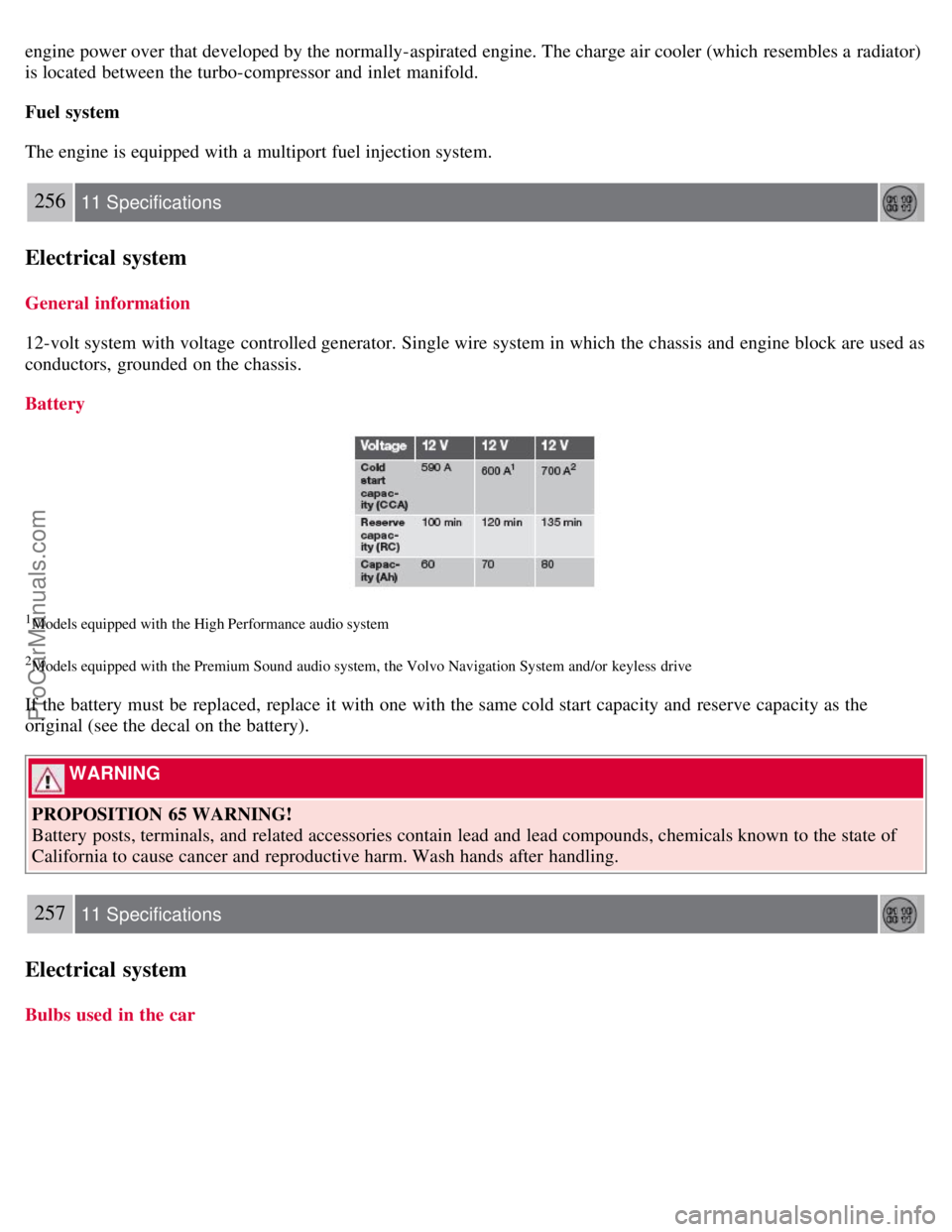
If the battery must be replaced, replace it with one with the same cold start capacity and reserve capacity as the
original (see the decal on the battery).
WARNING
PROPOSITION 65 WARNING!
Battery posts, terminals, and related accessories contain lead and lead compounds, chemicals known to the state of
California to cause cancer and reproductive harm. Wash hands after handling.
257 11 Specifications
Electrical system
Bulbs used in the car
ProCarManuals.com
Page 232 of 239
2 0 0 8
VOLVO S40
260-265 12 Index
12-volt socket 58
A
ABS6
, 147
malfunction of the ABS system53
Accessory Installation- Important Warning8
Active Bi -Xenon® headlights59
Active yaw control - AYC149
Air conditioning86
Air distribution95, 251
Air vents88
Airbag system17
Alarm124
All Wheel Drive146
Antifreeze206
Anti-lock Brake System (ABS)6
Approach lighting78, 113
Audio system
CD player242
menu settings245
radio functions235
Sirius satellite radio237
system introduction230
USB/iPOD connector232
Autolock78
Automatic sound control234
Automatic transmission - Geartronic141
Autostart136
AUX (audio system)230
AUX menu245
Auxiliary equipment58
AWD146
B
Backrests, rear seat108
Battery
avoiding drain130
ProCarManuals.com
Page 233 of 239
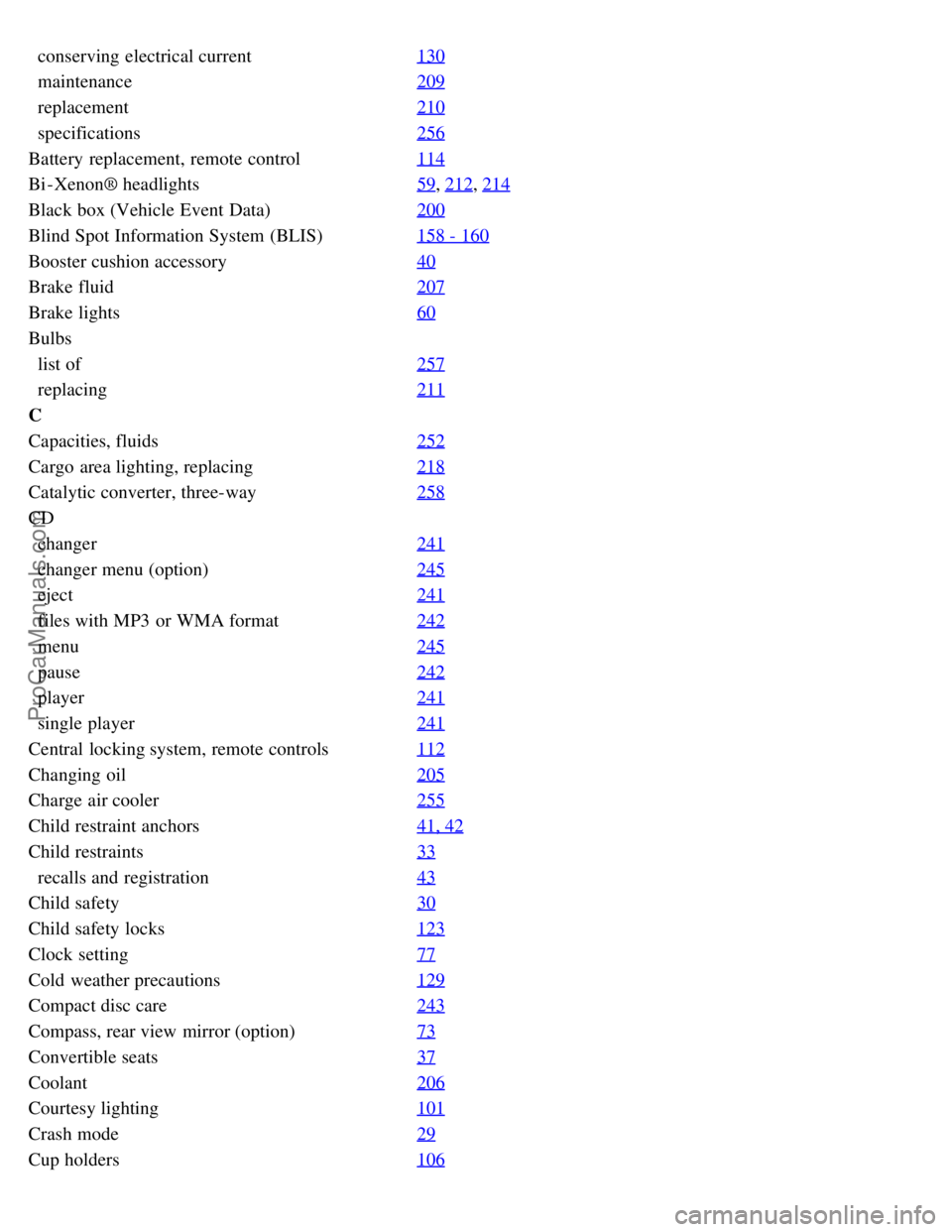
conserving electrical current130
maintenance209
replacement210
specifications256
Battery replacement, remote control114
Bi -Xenon® headlights59, 212, 214
Black box (Vehicle Event Data)200
Blind Spot Information System (BLIS)158 - 160
Booster cushion accessory40
Brake fluid207
Brake lights60
Bulbs
list of257
replacing211
C
Capacities, fluids252
Cargo area lighting, replacing218
Catalytic converter, three-way258
CD
changer241
changer menu (option)245
eject241
files with MP3 or WMA format242
menu245
pause242
player241
single player241
Central locking system, remote controls112
Changing oil205
Charge air cooler255
Child restraint anchors41, 42
Child restraints33
recalls and registration43
Child safety30
Child safety locks123
Clock setting77
Cold weather precautions129
Compact disc care243
Compass, rear view mirror (option)73
Convertible seats37
Coolant206
Courtesy lighting101
Crash mode29
Cup holders106
ProCarManuals.com
Page 237 of 239
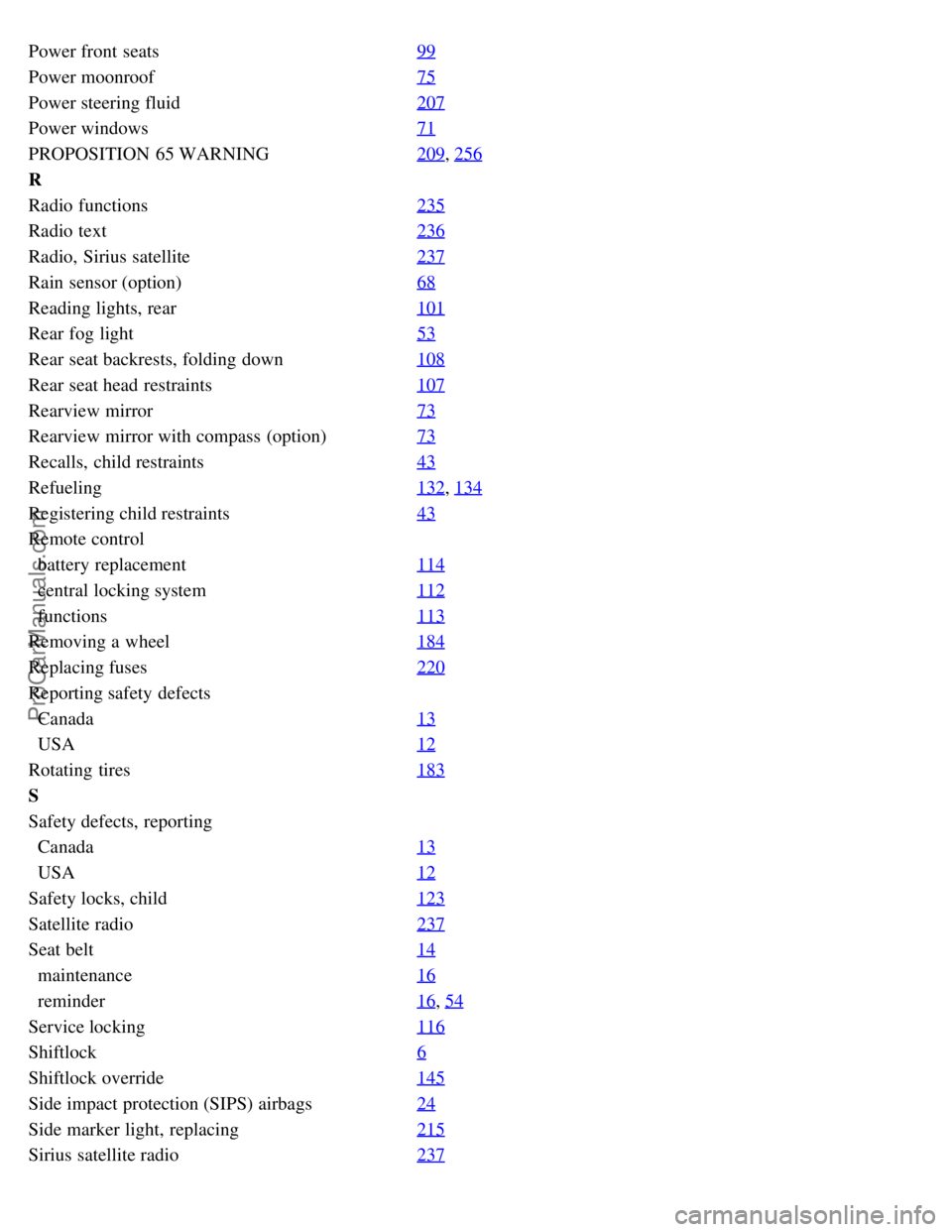
Power front seats99
Power moonroof75
Power steering fluid207
Power windows71
PROPOSITION 65 WARNING209, 256
R
Radio functions235
Radio text236
Radio, Sirius satellite237
Rain sensor (option)68
Reading lights, rear101
Rear fog light53
Rear seat backrests, folding down108
Rear seat head restraints107
Rearview mirror73
Rearview mirror with compass (option)73
Recalls, child restraints43
Refueling132, 134
Registering child restraints43
Remote control
battery replacement114
central locking system112
functions113
Removing a wheel184
Replacing fuses220
Reporting safety defects
Canada13
USA12
Rotating tires183
S
Safety defects, reporting
Canada13
USA12
Safety locks, child123
Satellite radio237
Seat belt14
maintenance16
reminder16, 54
Service locking116
Shiftlock6
Shiftlock override145
Side impact protection (SIPS) airbags24
Side marker light, replacing215
Sirius satellite radio237
ProCarManuals.com