display VOLVO S60 2003 User Guide
[x] Cancel search | Manufacturer: VOLVO, Model Year: 2003, Model line: S60, Model: VOLVO S60 2003Pages: 120, PDF Size: 2.43 MB
Page 72 of 120
system inspected.
WARNING!
If the fluid level is below the MIN mark in the reservoir or if a "Brake failure - Service urgent" message is displayed
in the text window: DO NOT DRIVE. Have the car towed to a Volvo retailer and have the brake system inspected.
Contents | Top of Page
ProCarManuals.com
Page 102 of 120
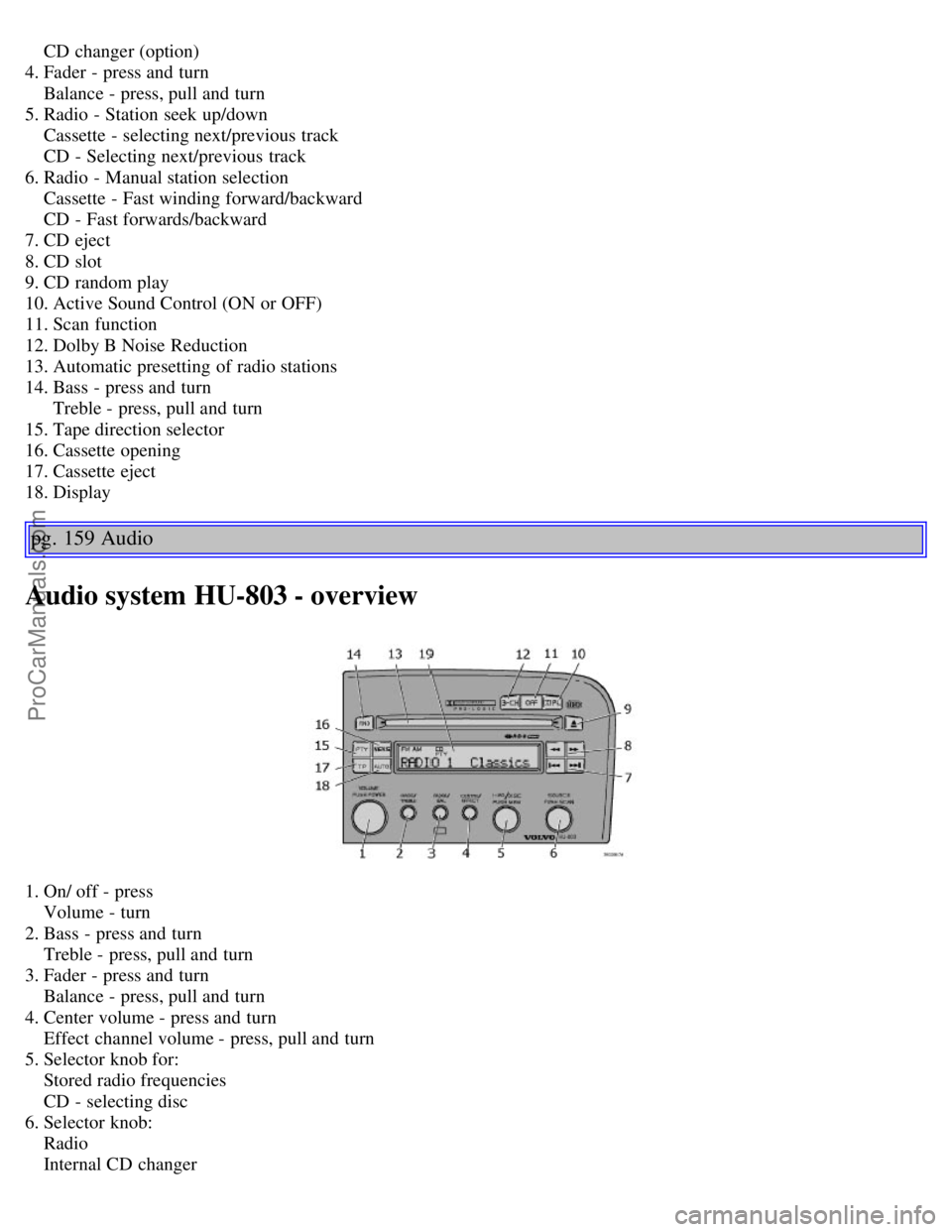
CD changer (option)
4. Fader - press and turn
Balance - press, pull and turn
5. Radio - Station seek up/down
Cassette - selecting next/previous track
CD - Selecting next/previous track
6. Radio - Manual station selection
Cassette - Fast winding forward/backward
CD - Fast forwards/backward
7. CD eject
8. CD slot
9. CD random play
10. Active Sound Control (ON or OFF)
11. Scan function
12. Dolby B Noise Reduction
13. Automatic presetting of radio stations
14. Bass - press and turn
Treble - press, pull and turn
15. Tape direction selector
16. Cassette opening
17. Cassette eject
18. Display
pg. 159 Audio
Audio system HU-803 - overview
1. On/ off - press
Volume - turn
2. Bass - press and turn
Treble - press, pull and turn
3. Fader - press and turn
Balance - press, pull and turn
4. Center volume - press and turn
Effect channel volume - press, pull and turn
5. Selector knob for:
Stored radio frequencies
CD - selecting disc
6. Selector knob:
Radio
Internal CD changer
ProCarManuals.com
Page 103 of 120
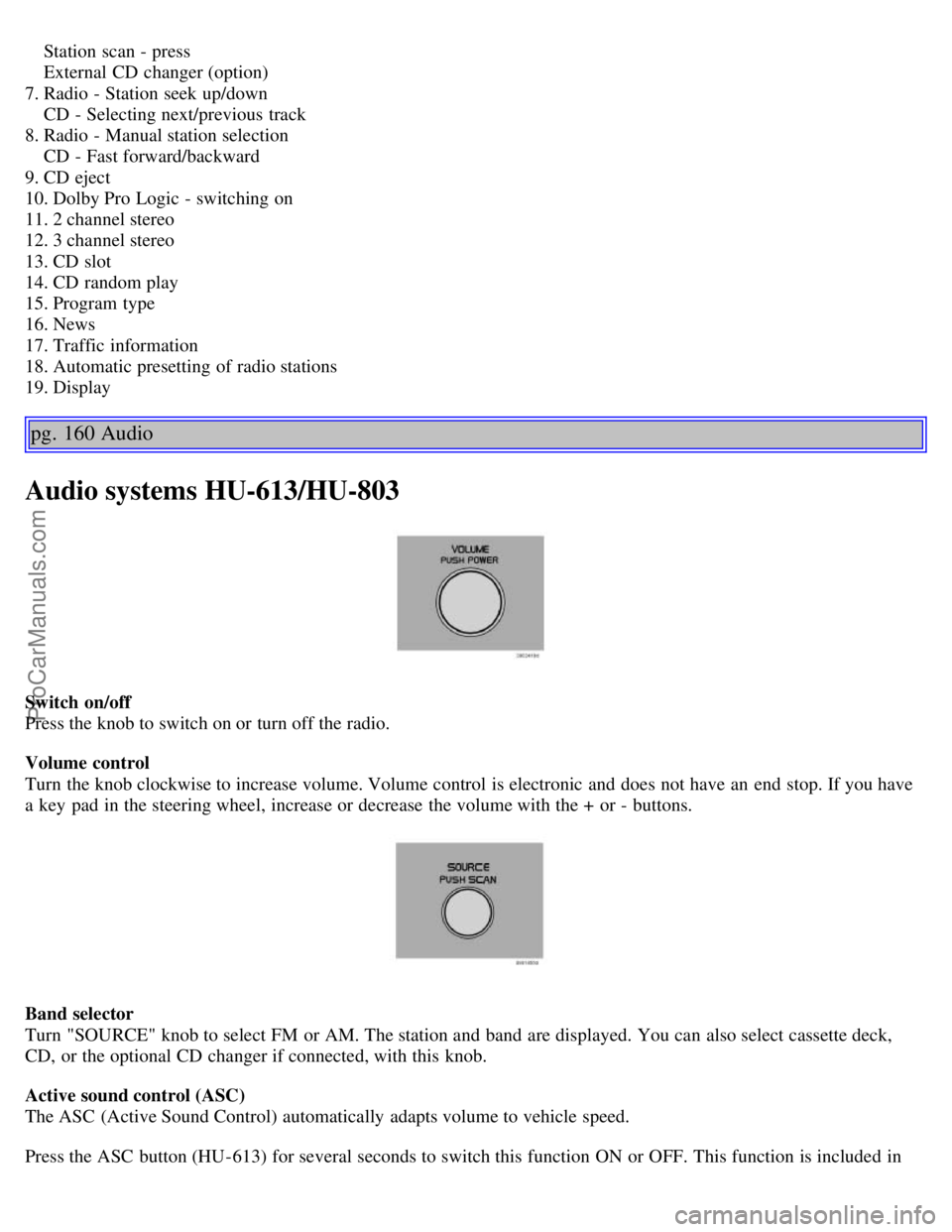
Station scan - press
External CD changer (option)
7. Radio - Station seek up/down
CD - Selecting next/previous track
8. Radio - Manual station selection
CD - Fast forward/backward
9. CD eject
10. Dolby Pro Logic - switching on
11. 2 channel stereo
12. 3 channel stereo
13. CD slot
14. CD random play
15. Program type
16. News
17. Traffic information
18. Automatic presetting of radio stations
19. Display
pg. 160 Audio
Audio systems HU-613/HU-803
Switch on/off
Press the knob to switch on or turn off the radio.
Volume control
Turn the knob clockwise to increase volume. Volume control is electronic and does not have an end stop. If you have
a key pad in the steering wheel, increase or decrease the volume with the + or - buttons.
Band selector
Turn "SOURCE" knob to select FM or AM. The station and band are displayed. You can also select cassette deck,
CD, or the optional CD changer if connected, with this knob.
Active sound control (ASC)
The ASC (Active Sound Control) automatically adapts volume to vehicle speed.
Press the ASC button (HU-613) for several seconds to switch this function ON or OFF. This function is included in
ProCarManuals.com
Page 104 of 120
the Advanced User Mode on the HU -803 equipped with this feature.
"ASC ON" or "ASC OFF" will be shown in the display for several seconds.
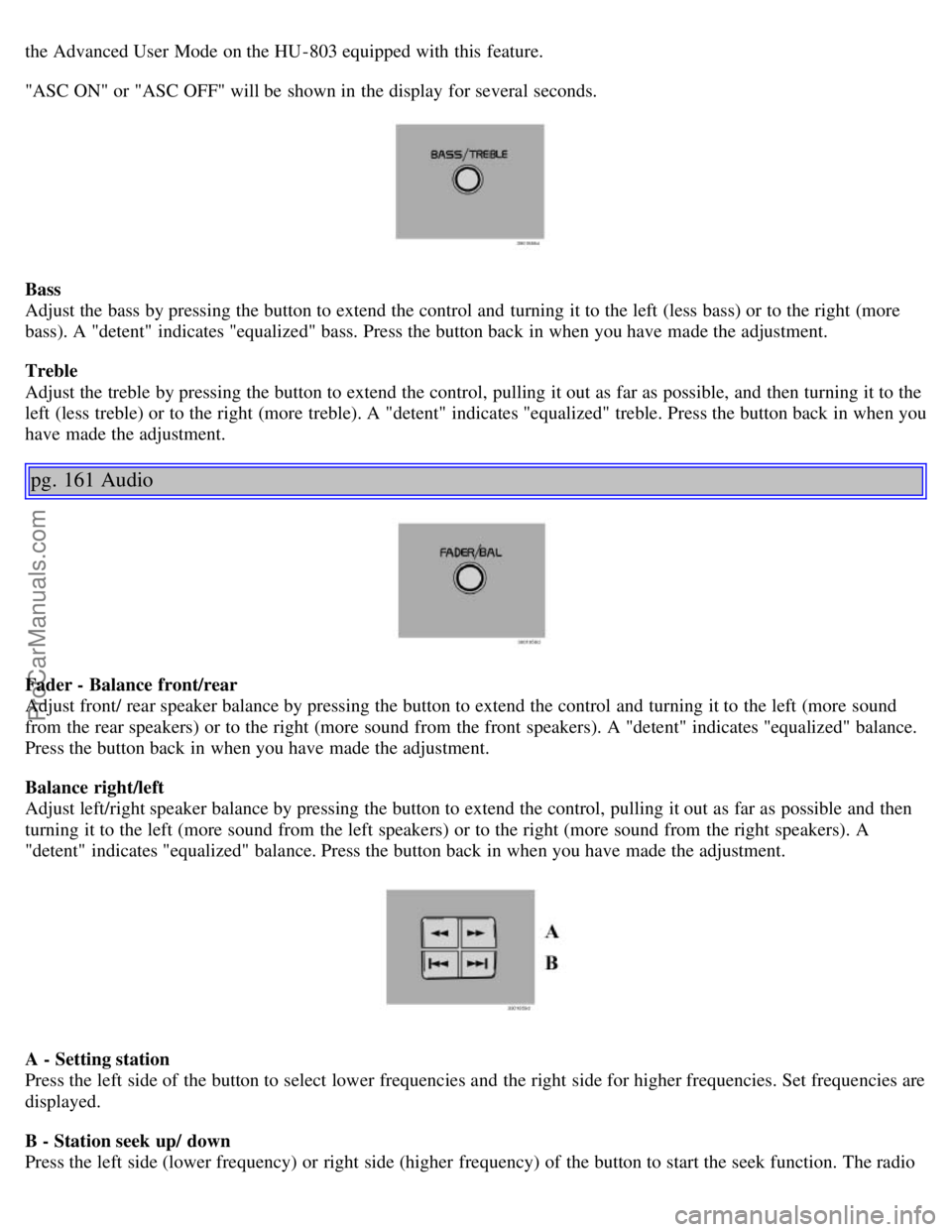
Bass
Adjust the bass by pressing the button to extend the control and turning it to the left (less bass) or to the right (more
bass). A "detent" indicates "equalized" bass. Press the button back in when you have made the adjustment.
Treble
Adjust the treble by pressing the button to extend the control, pulling it out as far as possible, and then turning it to the
left (less treble) or to the right (more treble). A "detent" indicates "equalized" treble. Press the button back in when you
have made the adjustment.
pg. 161 Audio
Fader - Balance front/rear
Adjust front/ rear speaker balance by pressing the button to extend the control and turning it to the left (more sound
from the rear speakers) or to the right (more sound from the front speakers). A "detent" indicates "equalized" balance.
Press the button back in when you have made the adjustment.
Balance right/left
Adjust left/right speaker balance by pressing the button to extend the control, pulling it out as far as possible and then
turning it to the left (more sound from the left speakers) or to the right (more sound from the right speakers). A
"detent" indicates "equalized" balance. Press the button back in when you have made the adjustment.
A - Setting station
Press the left side of the button to select lower frequencies and the right side for higher frequencies. Set frequencies are
displayed.
B - Station seek up/ down
Press the left side (lower frequency) or right side (higher frequency) of the button to start the seek function. The radio
ProCarManuals.com
Page 105 of 120

seeks the next audible station and tunes it in. Repeat the procedure to continue the seek function.
pg. 162 Audio
Audio systems HU-613/HU-803 (contd)
Station setting
Press the left button
to select a lower frequency and the right button for a higher frequency. The set frequency is
shown in the display.
Station seek up/down
Press the left
or right-hand side of the button to seek lower or higher frequencies. The radio seeks the next
audible station and sets it. Press the button again to continue seek.
Steering wheel keypad
If you have a keypad in the steering wheel, press the right or left arrow to select preset stations.
Scan function
Press the SCAN button (HU-613) or the SOURCE knob (HU-803) to start the station scan function. When a station is
found, scanning stops for several seconds, after which scanning will continue.
Press the SCAN button or SOURCE knob when a station has been found if you would like to listen to that station and
to discontinue the scan function.
pg. 163 Audio
Automatic station preset
This function seeks and stores up to 10 strong AM or FM stations in a separate memory. This function is especially
useful in areas where you are not familiar with the radio stations.
1.Press in the "AUTO" button for at least 2 seconds. A number of strong signal stations (max. 10) from the currently
selected waveband are now stored automatically in the memory. An "A" and "AUTO" is displayed. If there is no
station with sufficient signal strength "NO STATION" is displayed.
2. Turn "1- 20/DISC" knob if you wish to change to another of the auto-stored stations.
ProCarManuals.com
Page 106 of 120
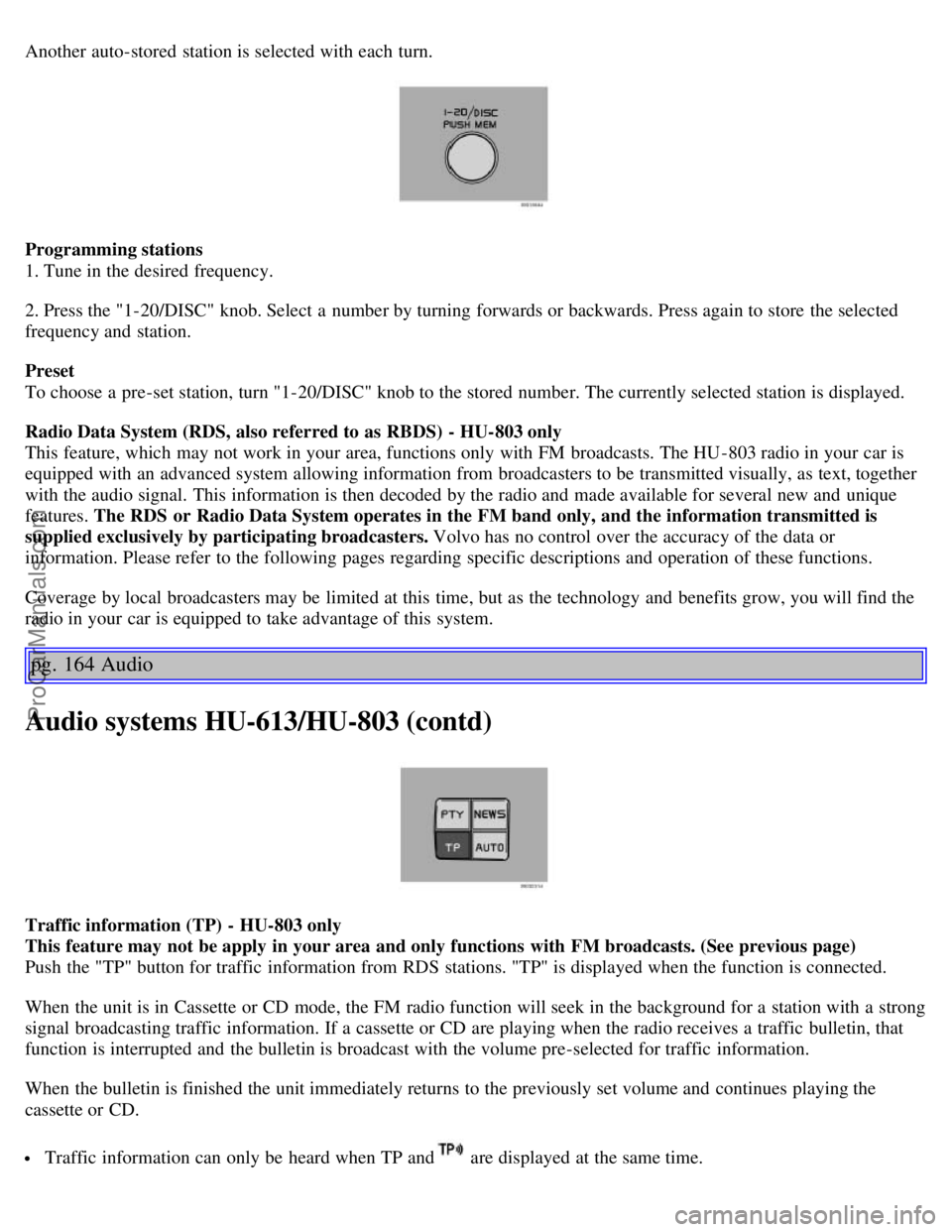
Another auto-stored station is selected with each turn.
Programming stations
1. Tune in the desired frequency.
2. Press the "1-20/DISC" knob. Select a number by turning forwards or backwards. Press again to store the selected
frequency and station.
Preset
To choose a pre-set station, turn "1-20/DISC" knob to the stored number. The currently selected station is displayed.
Radio Data System (RDS, also referred to as RBDS) - HU-803 only
This feature, which may not work in your area, functions only with FM broadcasts. The HU -803 radio in your car is
equipped with an advanced system allowing information from broadcasters to be transmitted visually, as text, together
with the audio signal. This information is then decoded by the radio and made available for several new and unique
features. The RDS or Radio Data System operates in the FM band only, and the information transmitted is
supplied exclusively by participating broadcasters. Volvo has no control over the accuracy of the data or
information. Please refer to the following pages regarding specific descriptions and operation of these functions.
Coverage by local broadcasters may be limited at this time, but as the technology and benefits grow, you will find the
radio in your car is equipped to take advantage of this system.
pg. 164 Audio
Audio systems HU-613/HU-803 (contd)
Traffic information (TP) - HU-803 only
This feature may not be apply in your area and only functions with FM broadcasts. (See previous page)
Push the "TP" button for traffic information from RDS stations. "TP" is displayed when the function is connected.
When the unit is in Cassette or CD mode, the FM radio function will seek in the background for a station with a strong
signal broadcasting traffic information. If a cassette or CD are playing when the radio receives a traffic bulletin, that
function is interrupted and the bulletin is broadcast with the volume pre-selected for traffic information.
When the bulletin is finished the unit immediately returns to the previously set volume and continues playing the
cassette or CD.
Traffic information can only be heard when TP and are displayed at the same time.
ProCarManuals.com
Page 107 of 120
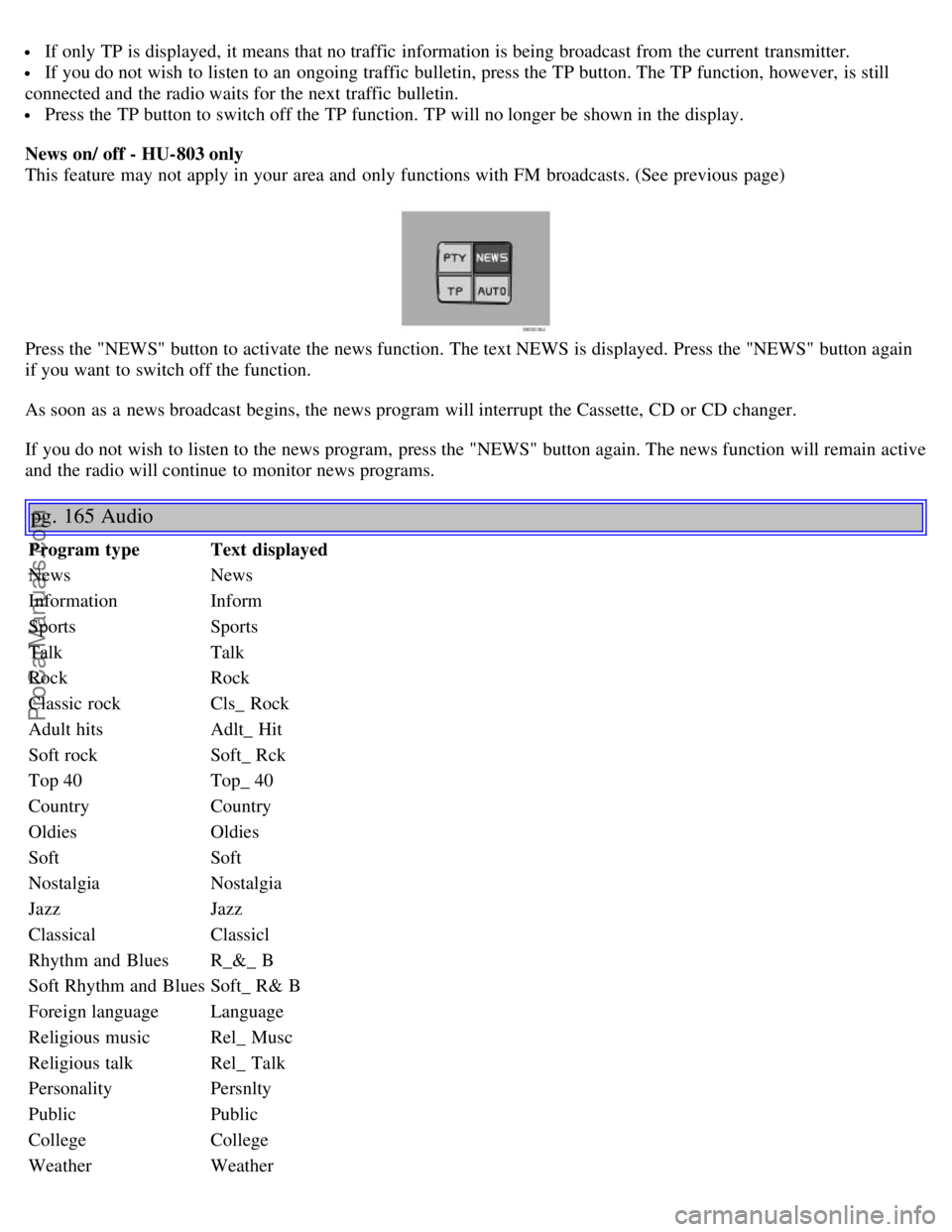
If only TP is displayed, it means that no traffic information is being broadcast from the current transmitter.
If you do not wish to listen to an ongoing traffic bulletin, press the TP button. The TP function, however, is still
connected and the radio waits for the next traffic bulletin.
Press the TP button to switch off the TP function. TP will no longer be shown in the display.
News on/ off - HU-803 only
This feature may not apply in your area and only functions with FM broadcasts. (See previous page)
Press the "NEWS" button to activate the news function. The text NEWS is displayed. Press the "NEWS" button again
if you want to switch off the function.
As soon as a news broadcast begins, the news program will interrupt the Cassette, CD or CD changer.
If you do not wish to listen to the news program, press the "NEWS" button again. The news function will remain active
and the radio will continue to monitor news programs.
pg. 165 Audio
Program type Text displayed
News News
Information Inform
Sports Sports
Talk Talk
Rock Rock
Classic rock Cls_ Rock
Adult hits Adlt_ Hit
Soft rock Soft_ Rck
Top 40 Top_ 40
Country Country
Oldies Oldies
Soft Soft
Nostalgia Nostalgia
Jazz Jazz
Classical Classicl
Rhythm and Blues R_&_ B
Soft Rhythm and Blues Soft_ R& B
Foreign language Language
Religious music Rel_ Musc
Religious talk Rel_ Talk
Personality Persnlty
Public Public
College College
WeatherWeather
ProCarManuals.com
Page 108 of 120
Program type - HU-803 only
The PTY function enables you to select specific types of programs. To search for a particular program type:
1. Press "PTY" button to initiate the function. The currently tuned station's program type is displayed.
2. Scroll through the list of program types by turning the "1- 20/DISC" knob.
3. When you have reached the program type you require press the "1- 20/DISC" knob to begin the search.
4. If there is more than one station with the selected program type, you can select using
, or the scan button.
The PTY function is active until the radio finds the selected program type and as long as the selected station transmits
that program type.
5. To return to standby mode, press PTY again. The CD will resume playing until the selected program type is sent
again.
To deactivate PTY standby, press the PTY button again. The PTY symbol will turn off.
Volume of traffic information/news/PTY - HU-803 only
If you change the volume when the TP, PTY or NEWS function is active, the new volume setting will be stored
automatically.
Contents | Top of Page
ProCarManuals.com
Page 113 of 120
J
Jack65 , 111
Jump starting97
K
Keylockii
, 81
Keys68
Kickdown87
L
LED illumination32
Lighting panel30
Load carriers102
Locking71
Locking steering wheel82
Locks67
Long distance trips104
Long loads - carrying64
Low beam bulb132
Lubricants148
M
Maintenance Schedule118
Malfunction indicator light25
Manual climate control with air conditioning50
Manual transmission85
Messages in the display26
Multifilter with air quality sensor49
O
Occupant safety20
Octane rating78
Odometer22
Oil pressure25
Oil quality123
Oil viscosity123
Opening the trunk from the inside72
Opening/ locking the trunk72
P
P Park86
, 88
Paint116
Paint - color code116
Paintwork damage116
Parking brake25 , 37
Parking lamps30
Parking lights30
Pen holder62
Polishing115
ProCarManuals.com