turn signal VOLVO S60 2003 User Guide
[x] Cancel search | Manufacturer: VOLVO, Model Year: 2003, Model line: S60, Model: VOLVO S60 2003Pages: 120, PDF Size: 2.43 MB
Page 106 of 120
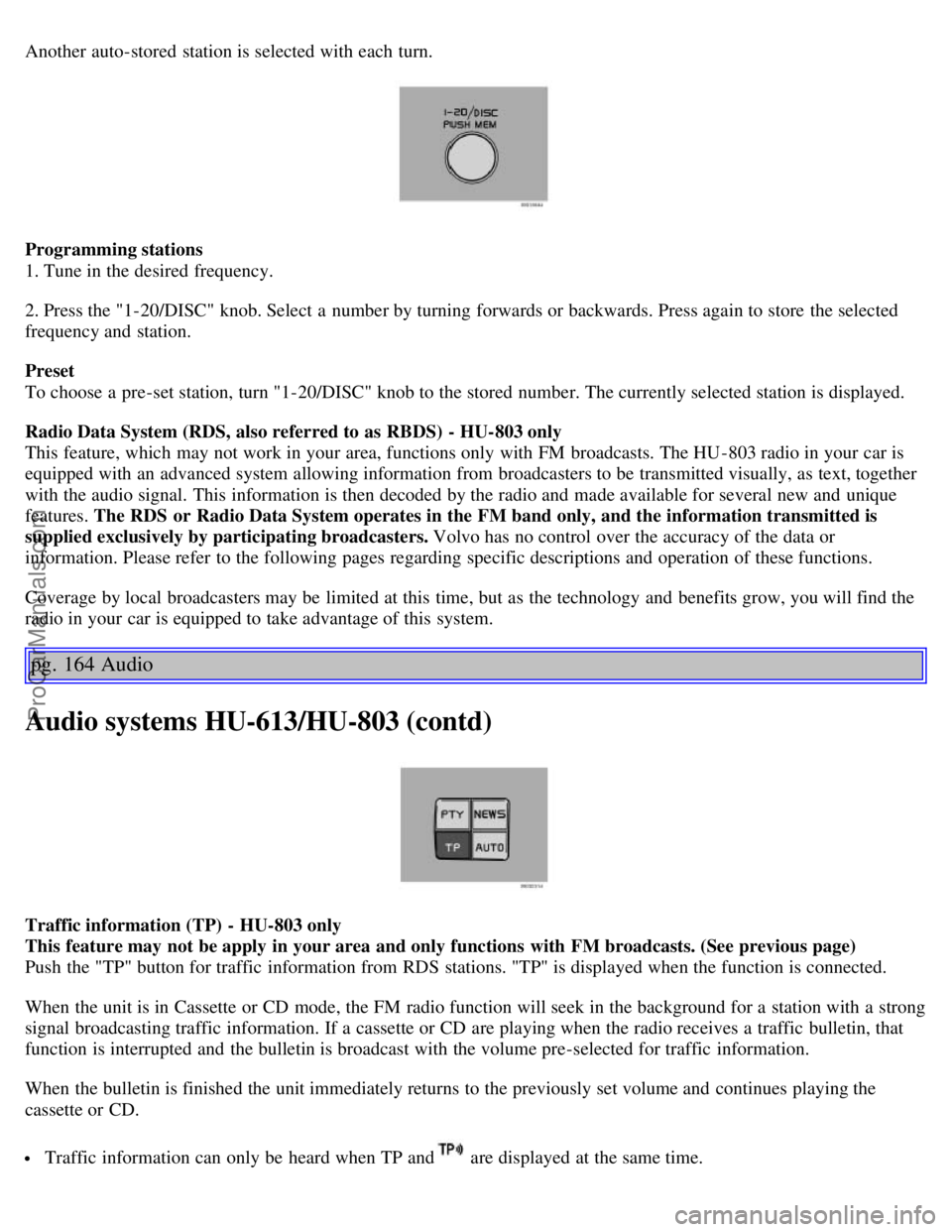
Another auto-stored station is selected with each turn.
Programming stations
1. Tune in the desired frequency.
2. Press the "1-20/DISC" knob. Select a number by turning forwards or backwards. Press again to store the selected
frequency and station.
Preset
To choose a pre-set station, turn "1-20/DISC" knob to the stored number. The currently selected station is displayed.
Radio Data System (RDS, also referred to as RBDS) - HU-803 only
This feature, which may not work in your area, functions only with FM broadcasts. The HU -803 radio in your car is
equipped with an advanced system allowing information from broadcasters to be transmitted visually, as text, together
with the audio signal. This information is then decoded by the radio and made available for several new and unique
features. The RDS or Radio Data System operates in the FM band only, and the information transmitted is
supplied exclusively by participating broadcasters. Volvo has no control over the accuracy of the data or
information. Please refer to the following pages regarding specific descriptions and operation of these functions.
Coverage by local broadcasters may be limited at this time, but as the technology and benefits grow, you will find the
radio in your car is equipped to take advantage of this system.
pg. 164 Audio
Audio systems HU-613/HU-803 (contd)
Traffic information (TP) - HU-803 only
This feature may not be apply in your area and only functions with FM broadcasts. (See previous page)
Push the "TP" button for traffic information from RDS stations. "TP" is displayed when the function is connected.
When the unit is in Cassette or CD mode, the FM radio function will seek in the background for a station with a strong
signal broadcasting traffic information. If a cassette or CD are playing when the radio receives a traffic bulletin, that
function is interrupted and the bulletin is broadcast with the volume pre-selected for traffic information.
When the bulletin is finished the unit immediately returns to the previously set volume and continues playing the
cassette or CD.
Traffic information can only be heard when TP and are displayed at the same time.
ProCarManuals.com
Page 116 of 120
Trailer indicator lamp25
Trailer towing98
Transmission - automatic86
Transmission - Geartronic88
Transmission - manual85
Transmission - sport shifter85
Trip computer35
Trip odometer22
Trunk - opening from the inside72
Trunk - unlocking72
Turn signals - normal turns32
Turn signals - lane change position32
Type designations144
U
Uniform Tire Quality Grading111
, 112
Unlocking71
Unlocking the trunk72
Use of Additives79
V
Valet key68
Vanity mirror59
Vehicle Identification Number (VIN)144
Vehicle loading108
VIN (Vehicle Identification Number)144
Volvo and the environmentiii
Volvo On Call155
W
W - Winter87
, 89
Warning23
Warning symbol in center of dashboard23
Warranties118
Washer fluid reservoir122 , 125
Washing the car114
Waxing115
Weight distribution83
Weights145
Wheels106
WHIPS14
Windshield washer33
Windshield washer fluid reservoir125
Windshield wipers33
Winter tires106
Winter/ Wet driving mode103
Wiper blades127
ProCarManuals.com