fuel reserve VOLVO S60 2006 Owners Manual
[x] Cancel search | Manufacturer: VOLVO, Model Year: 2006, Model line: S60, Model: VOLVO S60 2006Pages: 132, PDF Size: 2.33 MB
Page 2 of 132
North York, Ontario M2H 2N7
800-663-8255
http://www.volvocanada.com
General Information
Shiftlock (automatic transmission)
When your car is parked, the gear selector is locked in the (P)ark position. To release the selector from this position,
turn the ignition key to position II (or start the engine), depress the brake pedal, press the button on the front side of the
gear selector and move the selector from (P)ark.
Keylock (automatic transmission)
When you switch off the ignition, the gear selector must be in the (P)ark position before the key can be removed from
the ignition switch.
Anti-lock Brake System (ABS)
The ABS system in your car performs a self -diagnostic test when the vehicle first reaches the speed of approximately
12 mph (20 km/h). The brake pedal will pulsate several times and a sound may be audible from the ABS control
module. This is normal.
Fuel filler door
The fuel filler door, located on the right rear fender, is connected to your car's central locking system.
Press the button on the light switch panel (see illustration on page 32
) when the car is at a standstill to unlock the fuel
filler door. Please note that the fuel filler door will remain unlocked until the car begins to move forward. An audible
click will be heard when the fuel filler door relocks.
Fuel filler cap
After refueling, close the fuel filler cap by turning it clockwise until it clicks into place. If this cap is not closed tightly
or if the engine is running when the car is refueled, the Malfunction Indicator Lamp ("Check Engine" light) will
illuminate.
Important information
Before you operate your car for the first time, please familiarize yourself with the new-engine oil consumption
information on page 82.
You should also be familiar with the information in chapters one, two and four of this manual.
Information contained in the balance of the manual is extremely useful and should be read after operating the vehicle
for the first time.
The manual is structured so that it can be used for reference. For this reason, it should be kept in the car for ready
access.
Do not export your Volvo to another country before investigating that country's applicable safety and exhaust emission
requirements. In some cases it may be difficult or impossible to comply with these requirements. Modifications to the
emission control system(s) may render your Volvo not certifiable for legal operation in the U.S., Canada and other
countries.
All information, illustrations and specifications contained in this manual are based on the latest product information
available at the time of publication. Please note that some vehicles may be equipped differently, depending on special
legal requirements. Optional equipment described in this manual may not be available in all markets.
Volvo reserves the right to make model changes at any time, or to change specifications or design without notice and
without incurring obligation.
WARNING!
ProCarManuals.com
Page 30 of 132
Hazard warning flashers
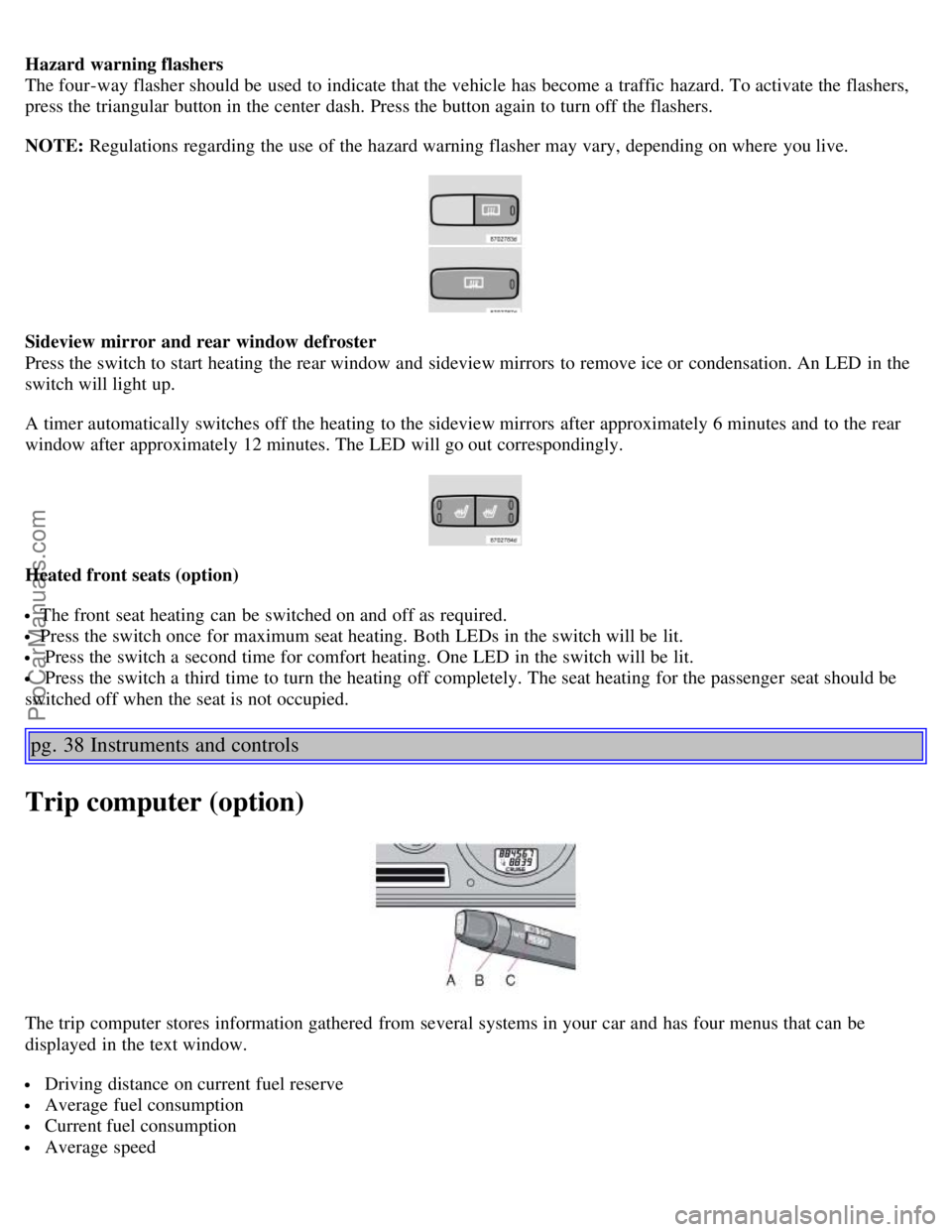
The four-way flasher should be used to indicate that the vehicle has become a traffic hazard. To activate the flashers,
press the triangular button in the center dash. Press the button again to turn off the flashers.
NOTE: Regulations regarding the use of the hazard warning flasher may vary, depending on where you live.
Sideview mirror and rear window defroster
Press the switch to start heating the rear window and sideview mirrors to remove ice or condensation. An LED in the
switch will light up.
A timer automatically switches off the heating to the sideview mirrors after approximately 6 minutes and to the rear
window after approximately 12 minutes. The LED will go out correspondingly.
Heated front seats (option)
The front seat heating can be switched on and off as required.
Press the switch once for maximum seat heating. Both LEDs in the switch will be lit.
Press the switch a second time for comfort heating. One LED in the switch will be lit.
Press the switch a third time to turn the heating off completely. The seat heating for the passenger seat should be
switched off when the seat is not occupied.
pg. 38 Instruments and controls
Trip computer (option)
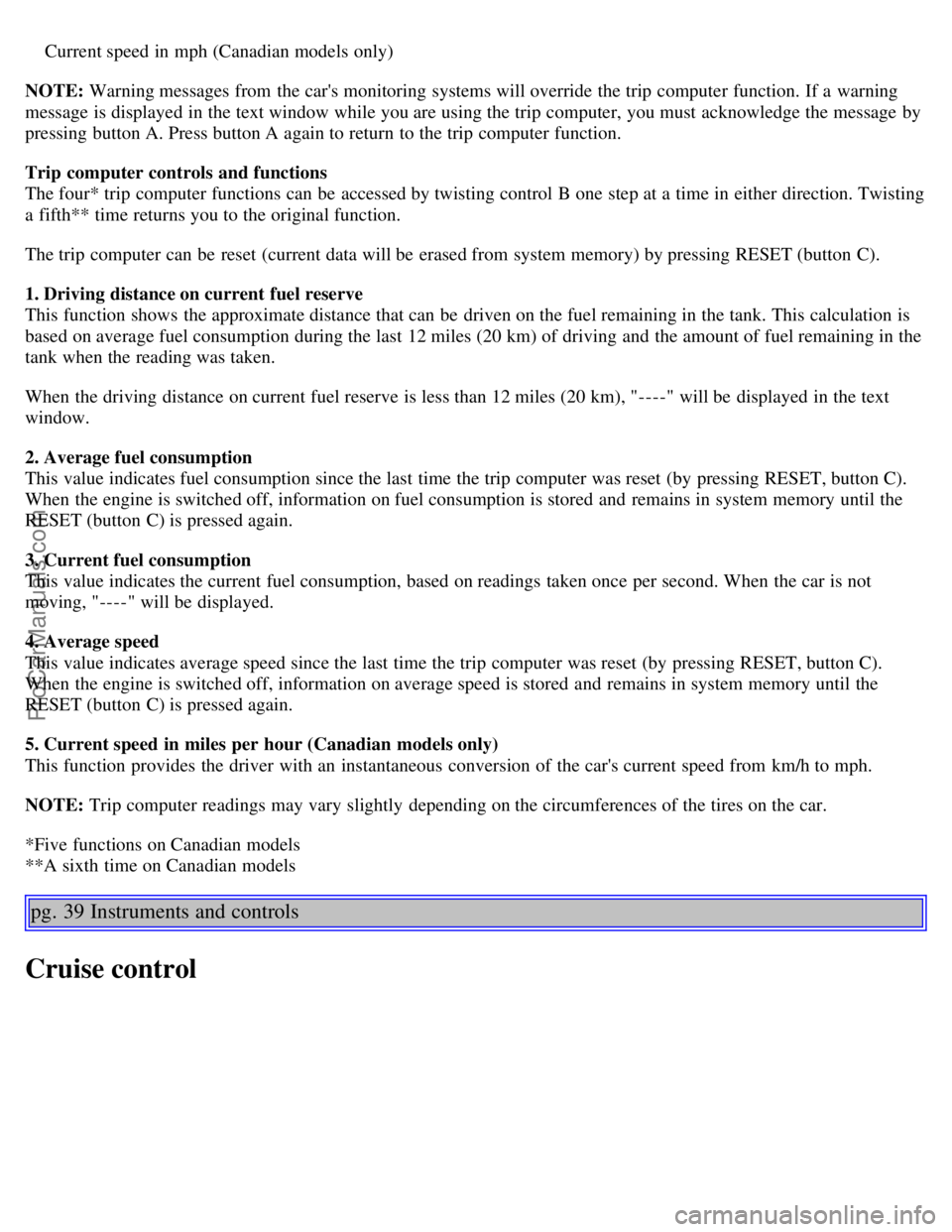
The trip computer stores information gathered from several systems in your car and has four menus that can be
displayed in the text window.
Driving distance on current fuel reserve
Average fuel consumption
Current fuel consumption
Average speed
ProCarManuals.com
Page 31 of 132
Current speed in mph (Canadian models only)
NOTE: Warning messages from the car's monitoring systems will override the trip computer function. If a warning
message is displayed in the text window while you are using the trip computer, you must acknowledge the message by
pressing button A. Press button A again to return to the trip computer function.
Trip computer controls and functions
The four* trip computer functions can be accessed by twisting control B one step at a time in either direction. Twisting
a fifth** time returns you to the original function.
The trip computer can be reset (current data will be erased from system memory) by pressing RESET (button C).
1. Driving distance on current fuel reserve
This function shows the approximate distance that can be driven on the fuel remaining in the tank. This calculation is
based on average fuel consumption during the last 12 miles (20 km) of driving and the amount of fuel remaining in the
tank when the reading was taken.
When the driving distance on current fuel reserve is less than 12 miles (20 km), "----" will be displayed in the text
window.
2. Average fuel consumption
This value indicates fuel consumption since the last time the trip computer was reset (by pressing RESET, button C).
When the engine is switched off, information on fuel consumption is stored and remains in system memory until the
RESET (button C) is pressed again.
3. Current fuel consumption
This value indicates the current fuel consumption, based on readings taken once per second. When the car is not
moving, "----" will be displayed.
4. Average speed
This value indicates average speed since the last time the trip computer was reset (by pressing RESET, button C).
When the engine is switched off, information on average speed is stored and remains in system memory until the
RESET (button C) is pressed again.
5. Current speed in miles per hour (Canadian models only)
This function provides the driver with an instantaneous conversion of the car's current speed from km/h to mph.
NOTE: Trip computer readings may vary slightly depending on the circumferences of the tires on the car.
*Five functions on Canadian models
**A sixth time on Canadian models
pg. 39 Instruments and controls
Cruise control
ProCarManuals.com