change wheel VOLVO S60 2007 User Guide
[x] Cancel search | Manufacturer: VOLVO, Model Year: 2007, Model line: S60, Model: VOLVO S60 2007Pages: 200, PDF Size: 4.03 MB
Page 187 of 200
Scan
This function plays the first 10 seconds of each track on the CD.
Press SCAN to start the function.
Press SCAN again or EXIT to stop the scan function and listen to an entire track.
CD eject
Press the button (no. 11 in the illustration on page 213
) to eject the disc.
NOTE:
For reasons of traffic safety, the ejected CD must be removed within 12 seconds or it will be automatically drawn
back into the slot and the CD player will resume playing the most recently selected track.
See page 212 for information on caring for compact discs.
pg. 224 Specifications
HU-850 - internal CD changer
Starting the CD changer
The HU -850 is equipped with an internal, 6- disc CD changer.
Please refer to the illustration on page 214
for the location of the buttons referred to on this page.
To load discs into the changer:
- Press the CD button or turn the SOURCE knob to CD.
- Select an empty position by pressing one of the preset buttons. The display shows which positions are empty. LOAD
DISC must be displayed before a disc is inserted into the player.
- Insert a disc.
If there are discs in the player when CD mode is selected, the changer will resume playing the disc and track that were
most recently played.
Selecting a disc position (number)
Use the station setting buttons 1-6 to select the disc to be played. The number of the disc and the track being played
are shown in the display.
Changing tracks
Briefly press the for compact discs.
or keys (or the corresponding keys on the optional steering wheel
keypad) to skip to the previous or next track. The track number is shown in the display.
Fast forward/back
Press and hold down the
or keys to search within a track or the entire disc. The search continues for as long
as the buttons are held in.
The corresponding keys on the optional steering wheel keypad cannot be used for fast forward/back.
Random play
This function plays the tracks on a CD in random order (shuffle).
Select CD mode and press the RND button. RND is shown in the display as long as the function is activated.
Random tracks from randomly selected discs will be played.
Press RND again to stop random play.
Scan
This function plays the first 10 seconds of each track on the CD.
ProCarManuals.com
Page 188 of 200
Press SCAN to start the function.
Press SCAN again or EXIT to stop the scan function and listen to an entire track. Scan only works on the selected
disc.
CD eject
This function makes it possible to eject a single disc, or to eject all of the discs in the changer.
Press the eject button briefly to eject the disc that is currently playing.
A longer press (more than two seconds) starts the process of ejecting all of the discs in the changer.
NOTE:
The EJECT ALL function can only be used while the vehicle is at a standstill and will be cancelled if the vehicle
begins to move.
For reasons of traffic safety, you have 12 seconds in which to remove the ejected disc. After that, the disc
automatically reinserts into the player, and the CD player will resume playing the most recently selected track.
See page 212 for information on caring for compact discs.
pg. 225 Specifications
External CD changer (option)
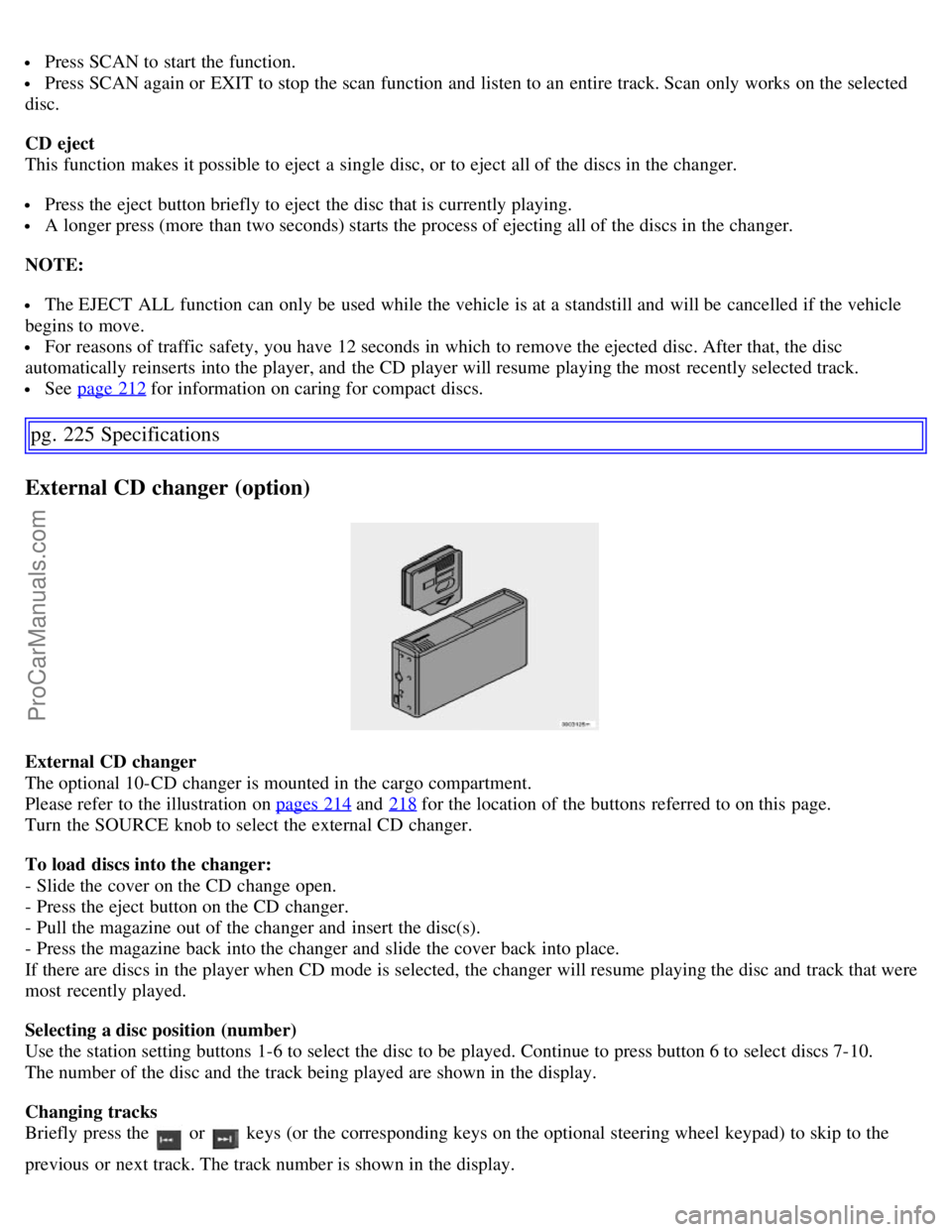
External CD changer
The optional 10-CD changer is mounted in the cargo compartment.
Please refer to the illustration on pages 214
and 218 for the location of the buttons referred to on this page.
Turn the SOURCE knob to select the external CD changer.
To load discs into the changer:
- Slide the cover on the CD change open.
- Press the eject button on the CD changer.
- Pull the magazine out of the changer and insert the disc(s).
- Press the magazine back into the changer and slide the cover back into place.
If there are discs in the player when CD mode is selected, the changer will resume playing the disc and track that were
most recently played.
Selecting a disc position (number)
Use the station setting buttons 1-6 to select the disc to be played. Continue to press button 6 to select discs 7-10.
The number of the disc and the track being played are shown in the display.
Changing tracks
Briefly press the
or keys (or the corresponding keys on the optional steering wheel keypad) to skip to the
previous or next track. The track number is shown in the display.
ProCarManuals.com