mirror VOLVO S60 2007 Owner's Manual
[x] Cancel search | Manufacturer: VOLVO, Model Year: 2007, Model line: S60, Model: VOLVO S60 2007Pages: 200, PDF Size: 4.03 MB
Page 189 of 200
Fast forward/back
Press and hold down the
or keys to search within a track or the entire disc. The search continues for as long
as the buttons are held in.
The corresponding keys on the optional steering wheel keypad cannot be used for fast forward/back.
Random play
This function plays the tracks on a CD in random order (shuffle).
Select CD mode and press the RND button. RND is shown in the display as long as the function is activated.
Random tracks from randomly selected discs will be played.
Press RND again to stop random play.
Scan
This function plays the first 10 seconds of each track on the CD.
Press SCAN to start the function.
Press SCAN or EXIT to stop the scan function and listen to an entire track.
Scan only works on the selected disc.
pg. 226 Specifications
Dolby Surround Pro Logic II - HU-850 only
Dolby Surround Pro Logic II
Dolby Surround Pro Logic II is a further development of the previous version of the system and provides enhanced
sound quality. The improved sound is particularly apparent to passengers in the rear seat.
Dolby Surround Pro Logic II, together with a center speaker in the dashboard, offers you a sound experience very
close to a live performance. The normal left-right stereo channels are divided to left-center -right. In addition, surround
sound is produced by the rear speakers. This surround sound mirrors the ambience of a concert hall.
NOTE:
Dolby Surround Pro Logic II is optimized for CD mode.
When listening to FM radio stations, Dolby Surround Pro Logic II functions best in areas with strong reception. If
reception is weak, selecting 2 or 3- channel stereo may provide better sound quality.
3 channel stereo is recommended for AM and FM broadcasts.
Dolby Surround Pro Logic II and the Dolby icon are trademarks of Dolby Laboratories Licensing Corporation.
Dolby Pro Logic II Surround System is manufactured under license from Dolby Laboratories Licensing Corporation.
Selecting Dolby Surround Pro Logic II
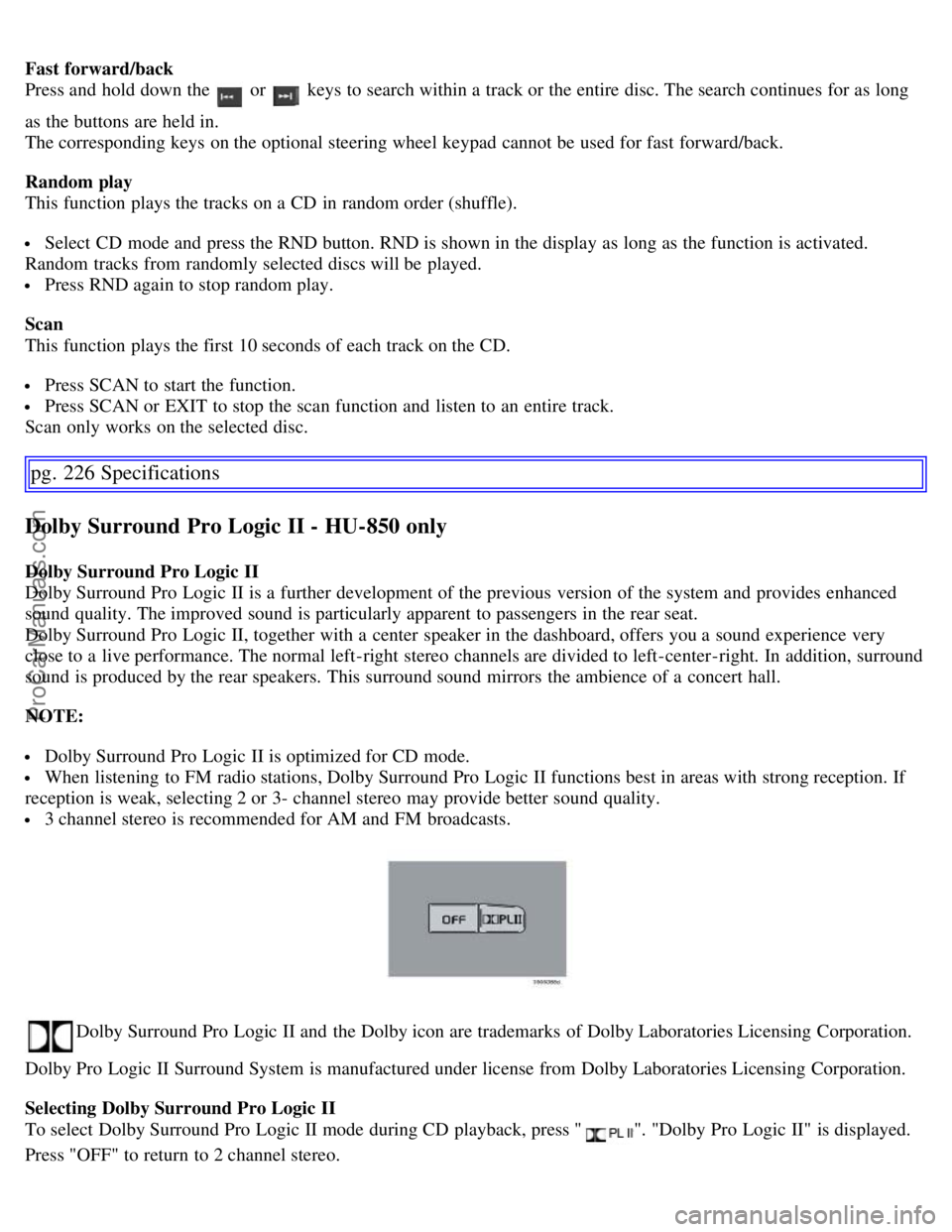
To select Dolby Surround Pro Logic II mode during CD playback, press "
". "Dolby Pro Logic II" is displayed.
Press "OFF" to return to 2 channel stereo.
ProCarManuals.com
Page 195 of 200
C
Capacities202
Capacity weight153
Carbon Monoxide - Important Warning107
Catalytic converter205
Central locking system - remote control97
Changing coolant172
Check Engine warning light46
Child safety child restraints31
Child safety lock102
Climate system72
Clock44
Coat hanger89
Cold weather precautions136
Coolant176
changing172
checking level of172
Coolant - changing176
Cooling system204
Courtesy light84
Cruise control60
Cup holders
center console88
rear seat
87
Curb weight153
Current fuel consumption59
D
Defroster75
Detachable trailer hitch133
Door mirror defroster58
Door mirrors51
Driver distraction5
Driving economically113
DSTC50
Dynamic Stability and Traction Control (DSTC)50
E
Economical driving113
Electric socket51
Electrical system207
Electrically operated moonroof68
Emission inspection170
Engine - starting111
Engine compartment173
Engine oil174, 203
ProCarManuals.com
Page 200 of 200
Turn signal, rear187
Turn signals55
Type designations198
U
Uniform Tire Quality Grading155
, 159
Unlocking the car100
Unlocking the trunk100
Use of Additives107
V
Valet key96
Valet locking50
Vanity mirror85
Vanity mirror bulb, changing189
Vehicle Event Data168
Vehicle Identification Number (VIN)199
Vehicle loading153
Vehicle weights201
VIN (Vehicle Identification Number)199
Volvo and the environment4
W
W - Winter117
, 119
Warning symbol in center of dashboard45
Warranties168
Washer fluid reservoir173, 176
Washing the car162
Waxing163
Weight distribution114
Weights201
Windshield washer fluid reservoir176
Windshield wipers56
Winter/Wet driving mode136
Contents | Top of Page
ProCarManuals.com