clock VOLVO S80 1999 User Guide
[x] Cancel search | Manufacturer: VOLVO, Model Year: 1999, Model line: S80, Model: VOLVO S80 1999Pages: 96, PDF Size: 2.27 MB
Page 70 of 96
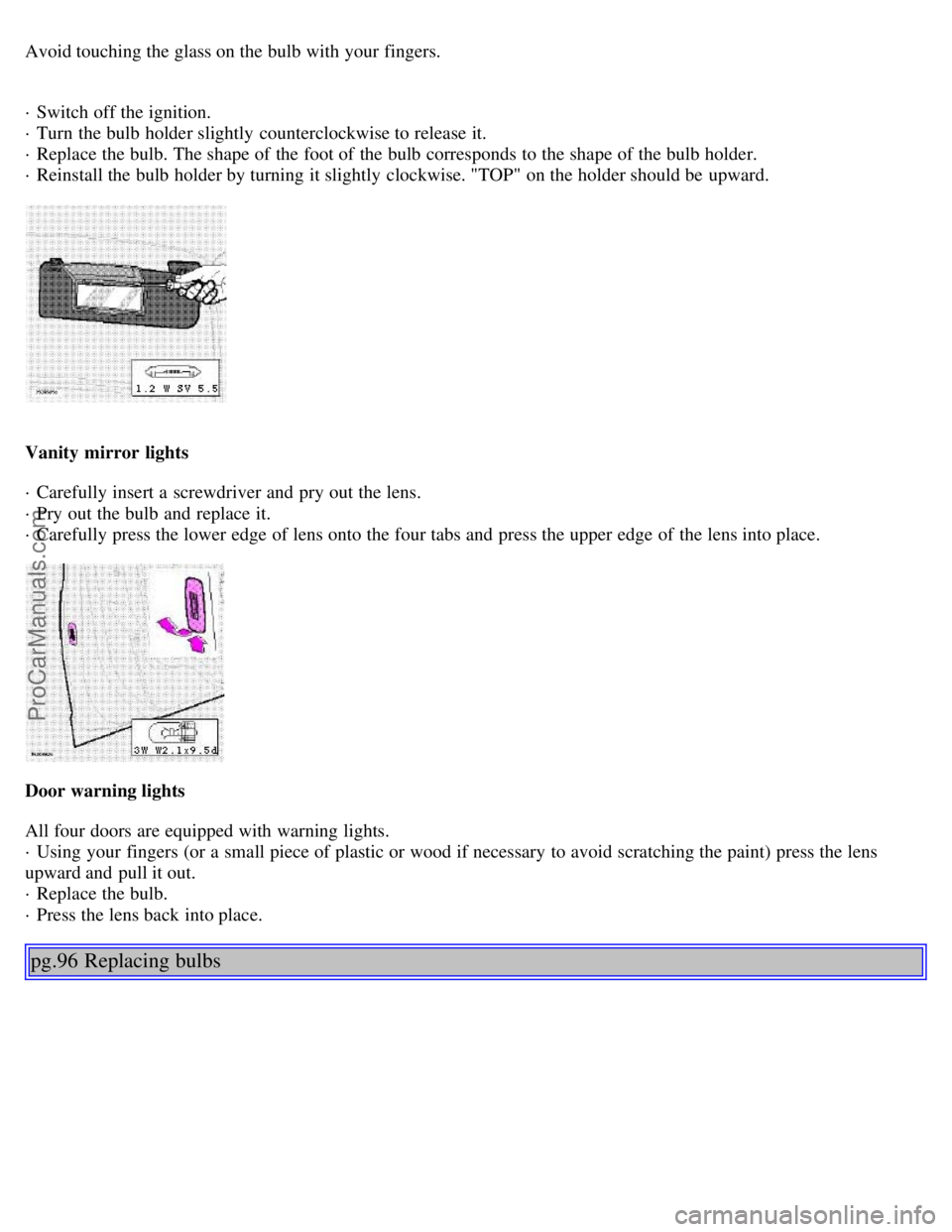
Avoid touching the glass on the bulb with your fingers.
· Switch off the ignition.
· Turn the bulb holder slightly counterclockwise to release it.
· Replace the bulb. The shape of the foot of the bulb corresponds to the shape of the bulb holder.
· Reinstall the bulb holder by turning it slightly clockwise. "TOP" on the holder should be upward.
Vanity mirror lights
· Carefully insert a screwdriver and pry out the lens.
· Pry out the bulb and replace it.
· Carefully press the lower edge of lens onto the four tabs and press the upper edge of the lens into place.
Door warning lights
All four doors are equipped with warning lights.
· Using your fingers (or a small piece of plastic or wood if necessary to avoid scratching the paint) press the lens
upward and pull it out.
· Replace the bulb.
· Press the lens back into place.
pg.96 Replacing bulbs
ProCarManuals.com
Page 71 of 96
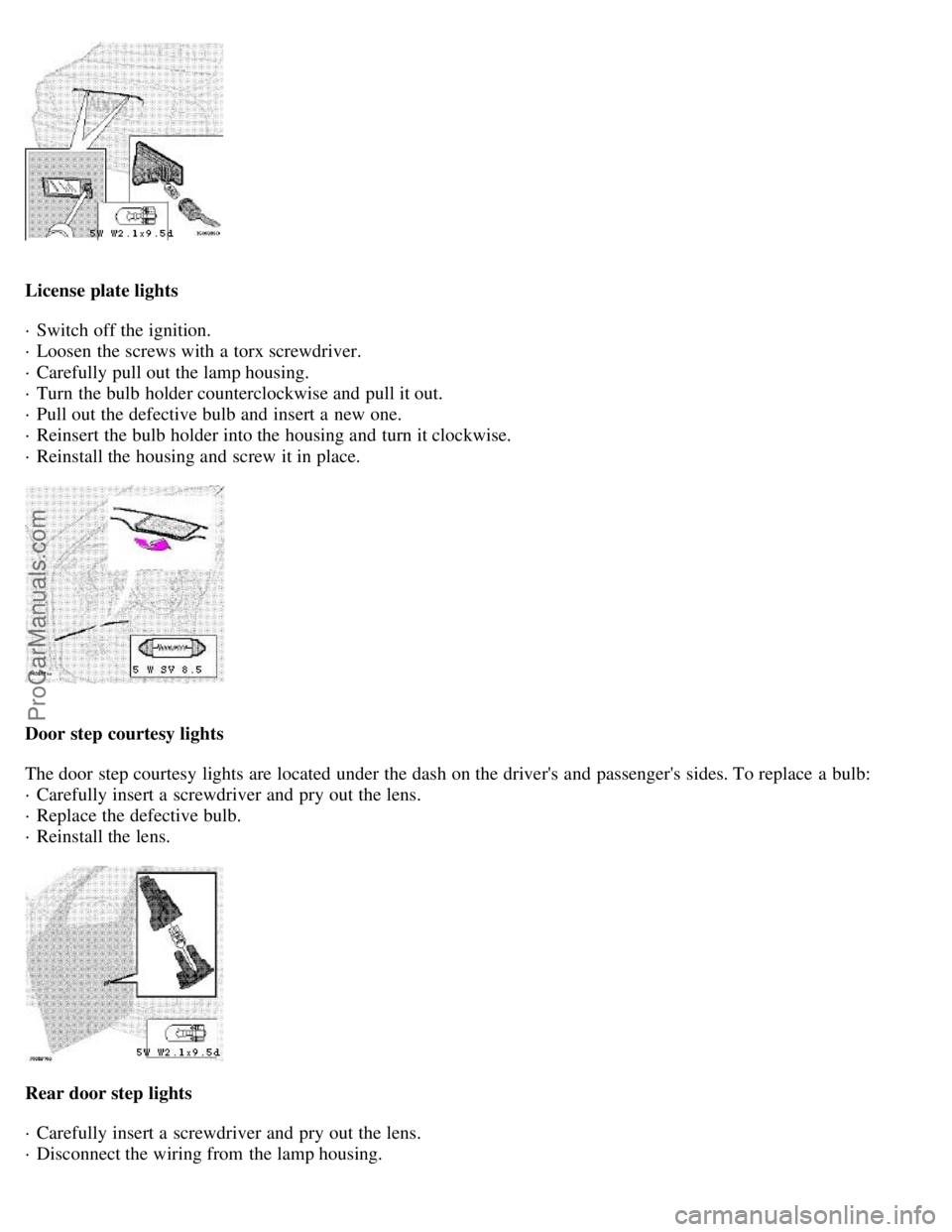
License plate lights
· Switch off the ignition.
· Loosen the screws with a torx screwdriver.
· Carefully pull out the lamp housing.
· Turn the bulb holder counterclockwise and pull it out.
· Pull out the defective bulb and insert a new one.
· Reinsert the bulb holder into the housing and turn it clockwise.
· Reinstall the housing and screw it in place.
Door step courtesy lights
The door step courtesy lights are located under the dash on the driver's and passenger's sides. To replace a bulb:
· Carefully insert a screwdriver and pry out the lens.
· Replace the defective bulb.
· Reinstall the lens.
Rear door step lights
· Carefully insert a screwdriver and pry out the lens.
· Disconnect the wiring from the lamp housing.
ProCarManuals.com
Page 83 of 96
9. CD eject
10. Dolby Pro Logic
11. Dolby Pro Logic - switching off
12 3 channel stereo
13. CD slot
14. CD random play
15. Program type
Active Sound Control (ON or OFF)
16. News
17. Traffic information
18. Automatic presetting of radio
stations
19. Display
pg.128 Audio systems HU-611/HU-801
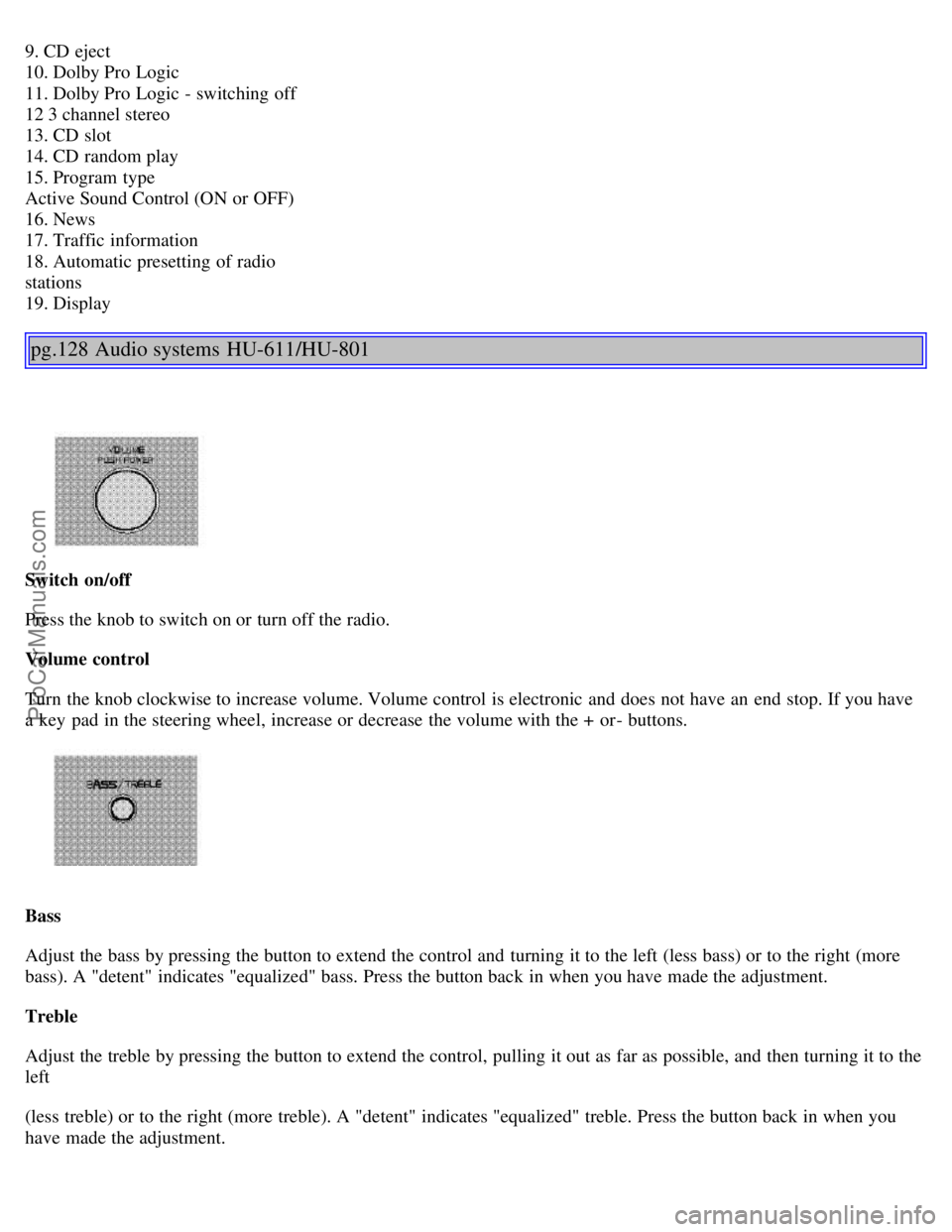
Switch on/off
Press the knob to switch on or turn off the radio.
Volume control
Turn the knob clockwise to increase volume. Volume control is electronic and does not have an end stop. If you have
a key pad in the steering wheel, increase or decrease the volume with the + or- buttons.
Bass
Adjust the bass by pressing the button to extend the control and turning it to the left (less bass) or to the right (more
bass). A "detent" indicates "equalized" bass. Press the button back in when you have made the adjustment.
Treble
Adjust the treble by pressing the button to extend the control, pulling it out as far as possible, and then turning it to the
left
(less treble) or to the right (more treble). A "detent" indicates "equalized" treble. Press the button back in when you
have made the adjustment.
ProCarManuals.com
Page 90 of 96
Backrests, rear seat - folding52
Battery75-76, 123
Battery maintenance114-115
Replacing the battery115
Ventilation hose115
Booster cushion13, 15
Booster cushion - integrated13
Brake failure warning light24
Brake fluid112, 121
Brake system16
Break-in period62
Bulbs (list)123
Bulbs - replacing92-98
C
Capacities (oils and fluids)117
, 121
Cargo net in trunk51
Catalytic converters - three-way78
Center console - switches27
Center head restraint - rear seat3
Central locking buttons55
Chains - winter driving81
Changing wheels84-85
Child booster cushion13, 15
Child restraint anchorages12
Child safety12-15
Child safety locks - rear doors60
Climate controls41-43
Climate system - general information44
Clock23
Cold weather driving76
Coolant76, 106, 121
Cooling system121
Cooling system - general information71
Courtesy light48
Courtesy lights (front) - replacing98
Courtesy lights - exterior54
Cruise control29
Cup holder - opening50
D
Dimensions119
Direction indicator bulbs (front)93
Direction indicators31
Distributor ignition system122
Door step courtesy lights - replacing96
ProCarManuals.com