display VOLVO S80 2005 User Guide
[x] Cancel search | Manufacturer: VOLVO, Model Year: 2005, Model line: S80, Model: VOLVO S80 2005Pages: 123, PDF Size: 2.33 MB
Page 69 of 123
When low inflation pressure is detected, TPMS will light up the tire pressure warning light () in the instrument
panel, and will display a message in the text window. The wording of this message is determined by the degree of
inflation pressure loss.
When the tire pressure monitoring system warning light is on, one or more of your tires is significantly under-inflated.
You should stop and check your tires as soon as possible, and inflate them to the proper pressure as indicated on the
vehicle's tire information placard.
Driving on a significantly under-inflated tire causes the tire to overheat and can lead to tire failure. Under-inflation
also reduces fuel efficiency and tire tread life, and may affect the vehicle's handling and stopping ability. Each tire,
including the spare, should be checked monthly when cold and set to the recommended inflation pressure as specified
in the vehicle placard and owner's manual.
NOTE: TPMS indicates low tire pressure but does not replace normal tire maintenance. For information on correct tire
pressure, please refer to the table on page 101
, or consult your Volvo retailer.
Erasing warning messages
When a low tire pressure warning message has been displayed, and the tire pressure warning light has come on:
1. Use a tire pressure gauge to check the inflation pressure of all four tires.
2. Re-inflate the tire(s) to the correct pressure (consult the tire pressure placard or the table on page 101
).
3. Drive the car for at least one minute at a speed of 20 mph (30 km/h) or faster.
This will erase the warning text and the warning light will go out.
WARNING!
Incorrect inflation pressure could lead to tire failure, resulting in a loss of control of the vehicle.
Changing tires
Please note the following when changing or replacing the factory installed TPMS wheels/tires on the vehicle:
Only the factory-mounted wheels are equipped with TPMS sensors in the valves.
If the vehicle is equipped with a temporary spare tire, this tire does not have a TPMS sensor.
If, for example, winter wheels/tires are used that are not equipped with TPMS sensors, the message TIRE PRESSURE
SYSTEM SERVICE REQUIRED will be displayed after the car has been driven for several minutes at approximately
35 mph (50 km/h) or faster.
This message will remain on until wheels with TPMS sensors are mounted on the vehicle and it has been driven for at
least one minute at a speed of 20 mph (30 km/h) or faster.
TPMS valves can be fitted on winter wheels or full-size spare wheels/tires. Consult your Volvo retailer.
CAUTION!
When inflating tires with TPMS valves, press the pump's mouthpiece straight onto the valve to help avoid bending or
otherwise damaging the valve.
pg. 103 Wheels and tires
Self supporting run flat tires (option)
Certain models equipped with the Tire Pressure Monitoring System (TPMS) can also be equipped with self supporting
ProCarManuals.com
Page 70 of 123
run flat tires.
Tires of this type have specially reinforced sidewalls that make it possible to continue driving in the event of a drop in
inflation pressure. Tires of this type are mounted on special rims.
NOTE: Self supporting run flat tires are only available in conjunction with TPMS.
If a self supporting run flat tire should lose inflation pressure, the yellow TPMS warning symbol (
) in the
instrument panel lights up to alert the driver, and a message will be shown in the text window in the instrument panel.
If this occurs, reduce vehicle speed to a maximum of 50 mph (80 km/h). The vehicle can be driven approximately 50
miles (80 km), or somewhat farther if the vehicle is not heavily loaded. The tire should be replaced as soon as
possible.
Hard braking and sudden steering maneuvers should be avoided.
In certain cases, it may be difficult to see which self supporting run flat tire is defective. To determine which tire is
damaged, check the inflation pressure of all four tires.
WARNING!
• Only specially trained persons should mount self supporting run flat tires.
• If self supporting run flat tires are mounted, the vehicle must be equipped with a Tire Pressure Monitoring System.
• After a low pressure warning has been displayed, do not exceed 50 mph (80 km/h).
• Avoid severe cornering and hard braking, and minimize the distance traveled before replacing the self supporting
run flat tire.
• Self supporting run flat tires cannot be repaired. They must be replaced if damaged or punctured.
pg. 104 Wheels and tires
Tire designations
Federal law mandates that tire manufacturers place standardized information on the sidewall of all tires (see the
illustration).
The following information is listed on the tire sidewall:
The tire designation (the following figures are examples of a tire designation):
ProCarManuals.com
Page 82 of 123
Fuse box on the edge of the dashboard
Fuses are located inside the access panel on the edge of the dashboard. When replacing a blown fuse, be sure to
replace it with a new one of the same color and amperage (written on the fuse).
Location Amperage
1 Power driver's seat (option) 25A
2 Power passenger's seat (option) 25A
3 Climate system blower 30A
4 Control module - front passenger's door 25A
5 Control module - driver's door 25A
6 Ceiling lighting, upper electrical control module 10A
7 Moon roof (option) 15A
8 Ignition switch, SRS system, engine control module,
immobilizer 7.5A
9 Onboard diagnostics, headlight switch, steering wheel angle sensor, steering wheel control
module 5A
10 Audio system 20A
11 Audio system amplifier 30A
12 Navigation system display (option) 10A
13 -
14 -
15 -
16 -
17 -
18 -
19 -
20 -
21 -
22 -
23 -
24 -
25 -
26 -
27 -
28 -
29 -
30 -
31 -
32 -
33 -
34 -
35 -
36 -
37 -
ProCarManuals.com
Page 102 of 123
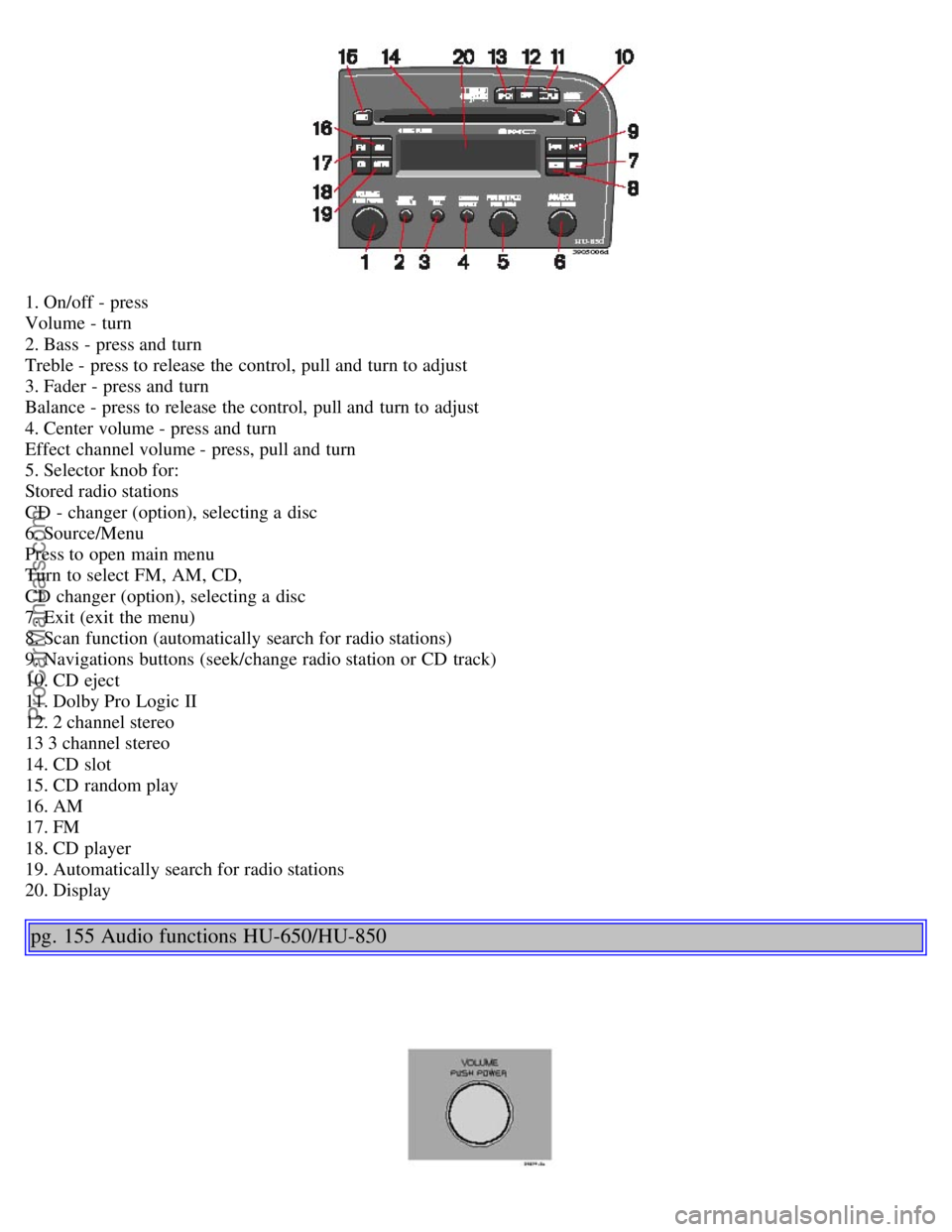
1. On/off - press
Volume - turn
2. Bass - press and turn
Treble - press to release the control, pull and turn to adjust
3. Fader - press and turn
Balance - press to release the control, pull and turn to adjust
4. Center volume - press and turn
Effect channel volume - press, pull and turn
5. Selector knob for:
Stored radio stations
CD - changer (option), selecting a disc
6. Source/Menu
Press to open main menu
Turn to select FM, AM, CD,
CD changer (option), selecting a disc
7. Exit (exit the menu)
8. Scan function (automatically search for radio stations)
9. Navigations buttons (seek/change radio station or CD track)
10. CD eject
11. Dolby Pro Logic II
12. 2 channel stereo
13 3 channel stereo
14. CD slot
15. CD random play
16. AM
17. FM
18. CD player
19. Automatically search for radio stations
20. Display
pg. 155 Audio functions HU-650/HU-850
ProCarManuals.com
Page 104 of 123
Fader - Balance front/rear
Adjust front/rear speaker balance by pressing the button to extend the control and turning it to the left (more sound
from the rear speakers) or to the right (more sound from the front speakers). A "detent" indicates "equalized" balance.
Press the button back in when you have made the adjustment.
Balance right/left
Adjust left/right speaker balance by pressing the button to extend the control, pulling it out as far as possible and then
turning it to the left (more sound from the left speakers) or to the right (more sound from the right speakers). A
"detent" indicates "equalized" balance. Press the button back in when you have made the adjustment.
Selecting a sound source
The sound source (e.g. AM, FM, etc) can be selected in two ways:
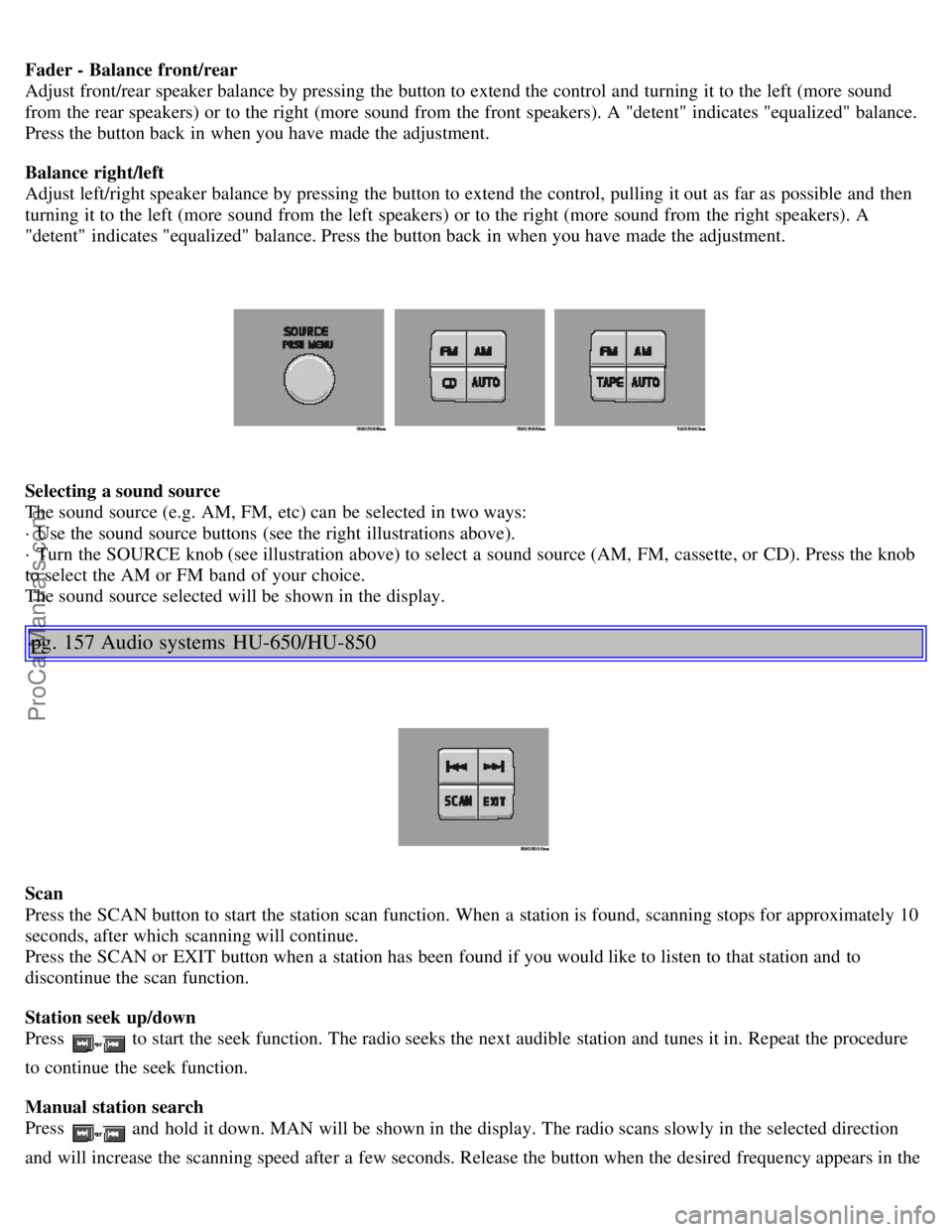
· Use the sound source buttons (see the right illustrations above).
· Turn the SOURCE knob (see illustration above) to select a sound source (AM, FM, cassette, or CD). Press the knob
to select the AM or FM band of your choice.
The sound source selected will be shown in the display.
pg. 157 Audio systems HU-650/HU-850
Scan
Press the SCAN button to start the station scan function. When a station is found, scanning stops for approximately 10
seconds, after which scanning will continue.
Press the SCAN or EXIT button when a station has been found if you would like to listen to that station and to
discontinue the scan function.
Station seek up/down
Press
to start the seek function. The radio seeks the next audible station and tunes it in. Repeat the procedure
to continue the seek function.
Manual station search
Press
and hold it down. MAN will be shown in the display. The radio scans slowly in the selected direction
and will increase the scanning speed after a few seconds. Release the button when the desired frequency appears in the
ProCarManuals.com
Page 105 of 123
display.
The frequency can be fine-tuned by short presses on the keys.
The system will remain in manual search mode for 5 seconds after the button is released, after which it will return to
seek mode.
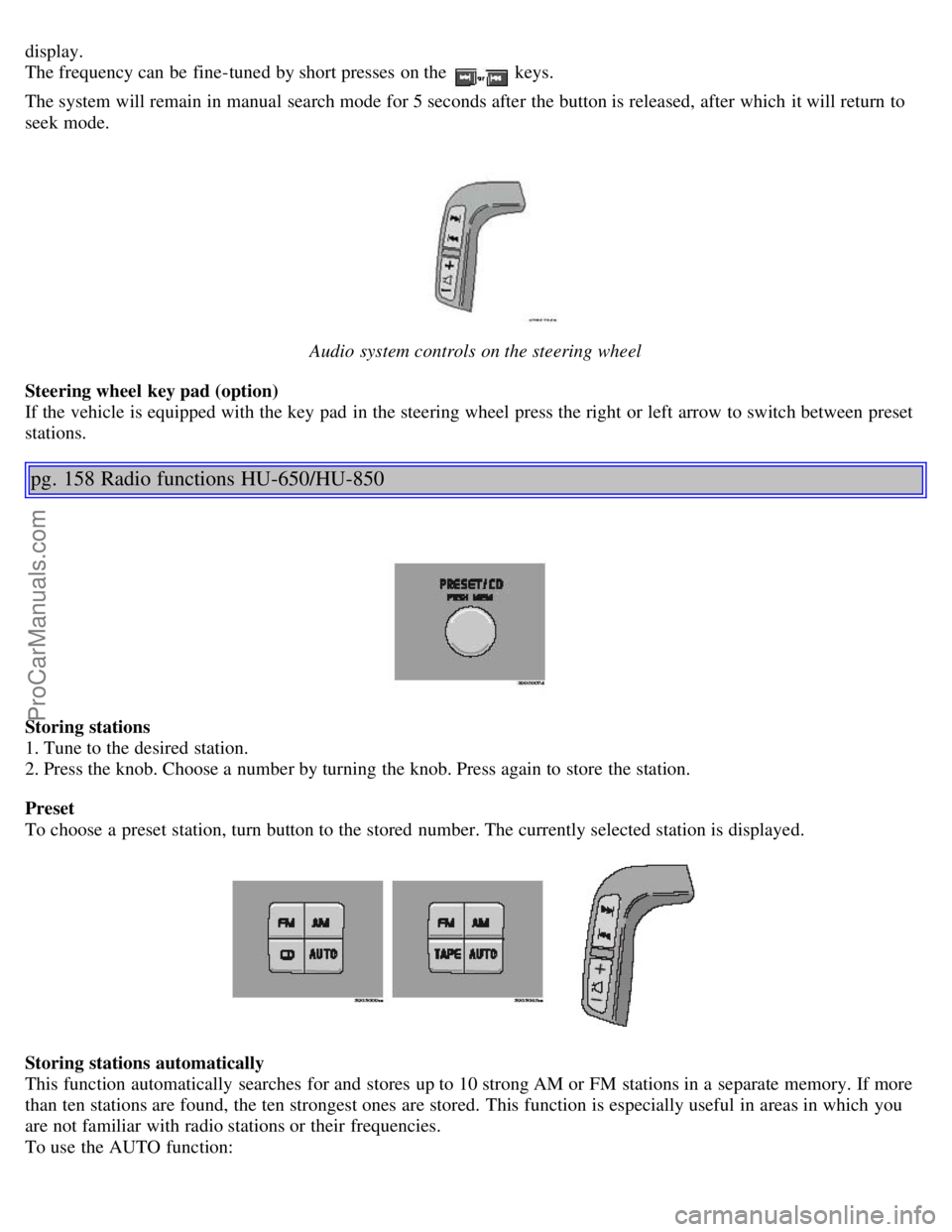
Audio system controls on the steering wheel
Steering wheel key pad (option)
If the vehicle is equipped with the key pad in the steering wheel press the right or left arrow to switch between preset
stations.
pg. 158 Radio functions HU-650/HU-850
Storing stations
1. Tune to the desired station.
2. Press the knob. Choose a number by turning the knob. Press again to store the station.
Preset
To choose a preset station, turn button to the stored number. The currently selected station is displayed.
Storing stations automatically
This function automatically searches for and stores up to 10 strong AM or FM stations in a separate memory. If more
than ten stations are found, the ten strongest ones are stored. This function is especially useful in areas in which you
are not familiar with radio stations or their frequencies.
To use the AUTO function:
ProCarManuals.com
Page 106 of 123
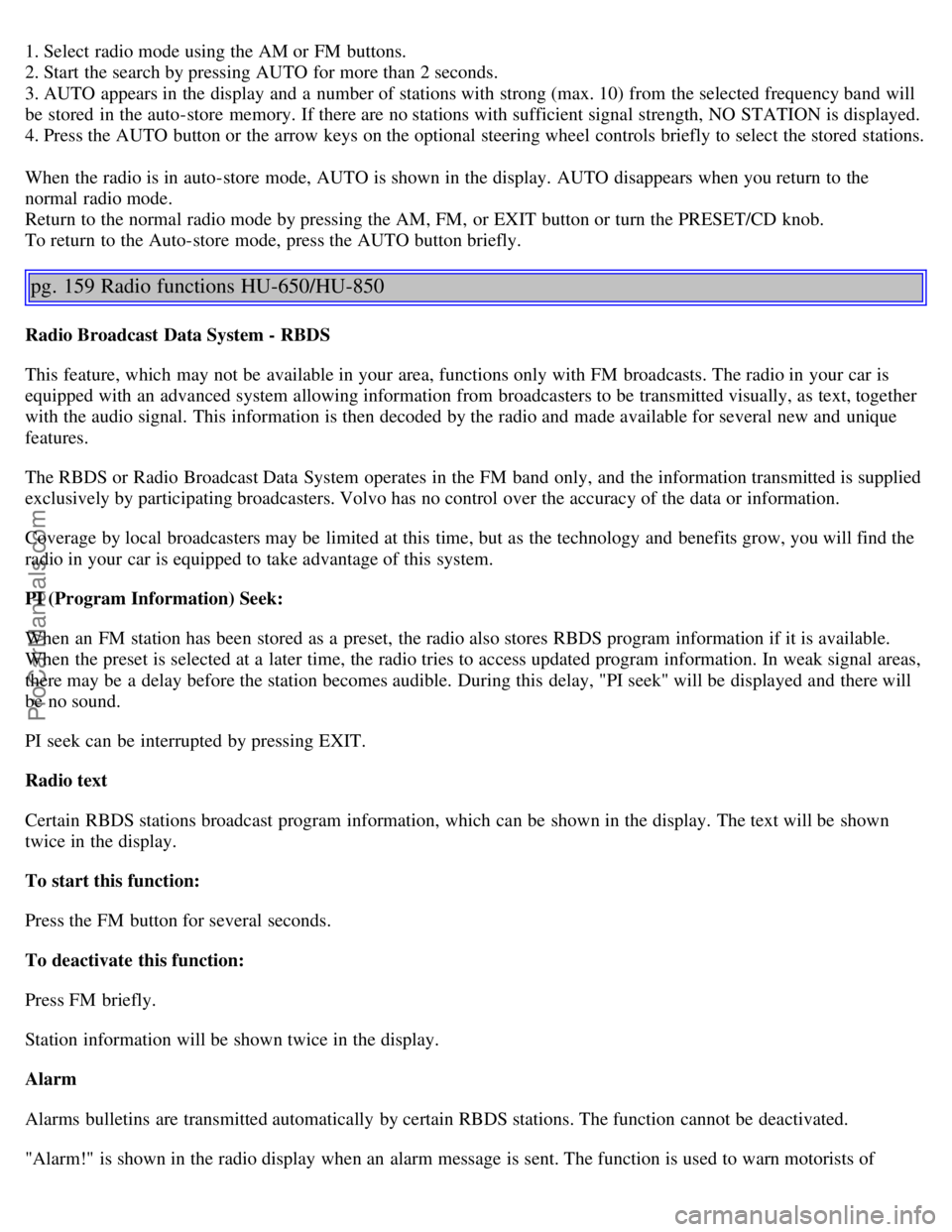
1. Select radio mode using the AM or FM buttons.
2. Start the search by pressing AUTO for more than 2 seconds.
3. AUTO appears in the display and a number of stations with strong (max. 10) from the selected frequency band will
be stored in the auto-store memory. If there are no stations with sufficient signal strength, NO STATION is displayed.
4. Press the AUTO button or the arrow keys on the optional steering wheel controls briefly to select the stored stations.
When the radio is in auto-store mode, AUTO is shown in the display. AUTO disappears when you return to the
normal radio mode.
Return to the normal radio mode by pressing the AM, FM, or EXIT button or turn the PRESET/CD knob.
To return to the Auto-store mode, press the AUTO button briefly.
pg. 159 Radio functions HU-650/HU-850
Radio Broadcast Data System - RBDS
This feature, which may not be available in your area, functions only with FM broadcasts. The radio in your car is
equipped with an advanced system allowing information from broadcasters to be transmitted visually, as text, together
with the audio signal. This information is then decoded by the radio and made available for several new and unique
features.
The RBDS or Radio Broadcast Data System operates in the FM band only, and the information transmitted is supplied
exclusively by participating broadcasters. Volvo has no control over the accuracy of the data or information.
Coverage by local broadcasters may be limited at this time, but as the technology and benefits grow, you will find the
radio in your car is equipped to take advantage of this system.
PI (Program Information) Seek:
When an FM station has been stored as a preset, the radio also stores RBDS program information if it is available.
When the preset is selected at a later time, the radio tries to access updated program information. In weak signal areas,
there may be a delay before the station becomes audible. During this delay, "PI seek" will be displayed and there will
be no sound.
PI seek can be interrupted by pressing EXIT.
Radio text
Certain RBDS stations broadcast program information, which can be shown in the display. The text will be shown
twice in the display.
To start this function:
Press the FM button for several seconds.
To deactivate this function:
Press FM briefly.
Station information will be shown twice in the display.
Alarm
Alarms bulletins are transmitted automatically by certain RBDS stations. The function cannot be deactivated.
"Alarm!" is shown in the radio display when an alarm message is sent. The function is used to warn motorists of
ProCarManuals.com
Page 107 of 123
serious accidents, etc.
pg. 160 Radio functions HU-650/HU-850
Program type/station format -PTY
The PTY function allows you to find stations whose programs suit your taste. Use the PTY function to select among
the different station formats shown in the list.
To select a station format:
1. Select radio mode using the FM button, or by turning the SOURCE knob.
2. Press the SOURCE knob, select PTY and press SOURCE.
3. Turn the SOURCE knob, select a station format from the list and press SOURCE to confirm the selected station
format. The PTY (station format) of the selected station is now shown in the display.
NOTE: Not all RBDS radio stations have PTY designations.
Deactivate:
1. Select radio mode using the FM button and press the SOURCE knob.
2. Turn the SOURCE knob, select PTY and press SOURCE.
3. Turn the SOURCE knob, select PTY OFF and press SOURCE.
4. Press EXIT.
The PTY symbol in the display turns off and the radio returns to normal.
Program type Display text
Off PTY OFF
News NEWS
Current affairs AFFAIRS
Information INFO
Sports SPORT
Education EDUCATION
Drama DRAMA
Art and culture CULTURE
Science SCIENCE
Entertainment VARIED
Pop music POP M
Rock music ROCK M
Easy listening EASY M
Light classics LIGHT M
Classical music CLASSICS
Other music OTHER M
ProCarManuals.com