tire pressure reset VOLVO S90 2017 Owner´s Manual
[x] Cancel search | Manufacturer: VOLVO, Model Year: 2017, Model line: S90, Model: VOLVO S90 2017Pages: 548, PDF Size: 11.42 MB
Page 114 of 548
INSTRUMENTS AND CONTROLS
* Option/accessory.
112
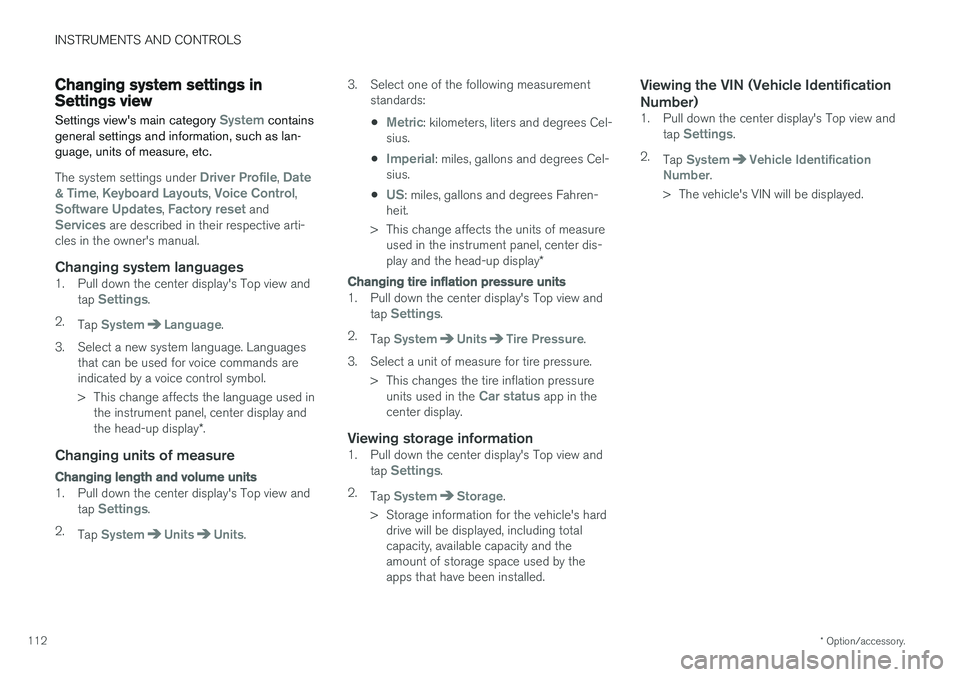
Changing system settings in Settings view
Settings view's main category
System contains
general settings and information, such as lan- guage, units of measure, etc.
The system settings under Driver Profile, Date
& Time, Keyboard Layouts, Voice Control,Software Updates, Factory reset andServices are described in their respective arti-
cles in the owner's manual.
Changing system languages1. Pull down the center display's Top view and
tap Settings.
2. Tap
SystemLanguage.
3. Select a new system language. Languages that can be used for voice commands are indicated by a voice control symbol.
> This change affects the language used inthe instrument panel, center display and the head-up display *.
Changing units of measure
Changing length and volume units
1. Pull down the center display's Top view and
tap Settings.
2. Tap
SystemUnitsUnits. 3. Select one of the following measurement
standards:
•
Metric: kilometers, liters and degrees Cel-
sius.
•
Imperial: miles, gallons and degrees Cel-
sius.
•
US: miles, gallons and degrees Fahren-
heit.
> This change affects the units of measure used in the instrument panel, center dis- play and the head-up display *
Changing tire inflation pressure units
1. Pull down the center display's Top view and
tap Settings.
2. Tap
SystemUnitsTire Pressure.
3. Select a unit of measure for tire pressure. > This changes the tire inflation pressureunits used in the
Car status app in the
center display.
Viewing storage information1. Pull down the center display's Top view and
tap Settings.
2. Tap
SystemStorage.
> Storage information for the vehicle's hard drive will be displayed, including total capacity, available capacity and theamount of storage space used by theapps that have been installed.
Viewing the VIN (Vehicle Identification Number)
1. Pull down the center display's Top view and
tap Settings.
2. Tap
SystemVehicle Identification
Number.
> The vehicle's VIN will be displayed.
Page 545 of 548
INDEX
543
T
Technician certification 53 Temperatureperceived 178
Temperature sensor ambient 114
Temporary spare tire 451Tethering wi-fi sharing 431
Three-way catalytic converter 364
Tire inflation pressure 532
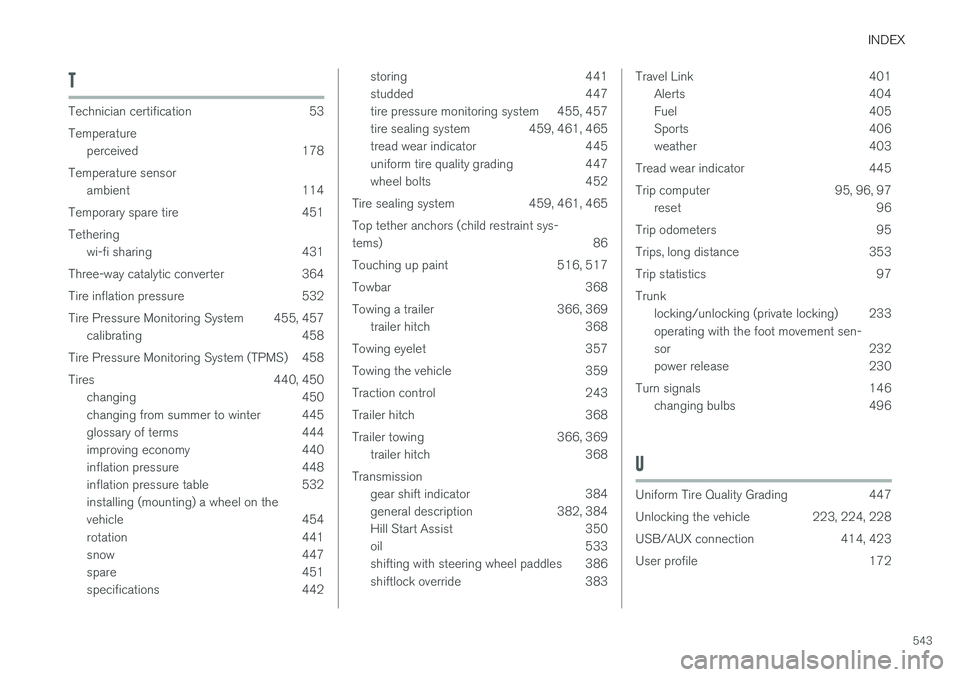
Tire Pressure Monitoring System 455, 457 calibrating 458
Tire Pressure Monitoring System (TPMS) 458
Tires 440, 450 changing 450
changing from summer to winter 445
glossary of terms 444
improving economy 440
inflation pressure 448
inflation pressure table 532installing (mounting) a wheel on the
vehicle 454
rotation 441
snow 447
spare 451
specifications 442
storing 441
studded 447
tire pressure monitoring system 455, 457
tire sealing system 459, 461, 465
tread wear indicator 445
uniform tire quality grading 447
wheel bolts 452
Tire sealing system 459, 461, 465 Top tether anchors (child restraint sys- tems) 86
Touching up paint 516, 517
Towbar 368
Towing a trailer 366, 369 trailer hitch 368
Towing eyelet 357
Towing the vehicle 359
Traction control 243
Trailer hitch 368
Trailer towing 366, 369 trailer hitch 368
Transmission gear shift indicator 384
general description 382, 384
Hill Start Assist 350
oil 533
shifting with steering wheel paddles 386
shiftlock override 383Travel Link 401Alerts 404
Fuel 405
Sports 406
weather 403
Tread wear indicator 445
Trip computer 95, 96, 97 reset 96
Trip odometers 95
Trips, long distance 353
Trip statistics 97Trunk locking/unlocking (private locking) 233 operating with the foot movement sen-
sor 232
power release 230
Turn signals 146 changing bulbs 496
U
Uniform Tire Quality Grading 447
Unlocking the vehicle 223, 224, 228
USB/AUX connection 414, 423
User profile 172