radio VOLVO S90 2018 Owner´s Manual
[x] Cancel search | Manufacturer: VOLVO, Model Year: 2018, Model line: S90, Model: VOLVO S90 2018Pages: 640, PDF Size: 11.37 MB
Page 489 of 640
AUDIO, MEDIA AND INTERNET
}}
* Option/accessory.487
Settings for Bluetooth devices
Settings for Bluetooth-connected devices.
1. Tap Settings in the Top view.
2. Tap
CommunicationBluetooth
Devices and select settings:
•
Add device - start the procedure for pairing
a new device.
•
Previously paired devices - list con-
nected/paired devices.
•
Remove device - remove a connected
device.
•
Allowed services for this device - select
what the device will be used for: making calls, sending/receiving messages, stream-ing media, Internet connection.
•
Internet connection connect the vehicle to
the Internet using the device's Bluetooth connection.
Bluetooth ®
declaration of conformityUSA FCC CAUTION Changes or modifications not expressly approved by the party responsible for compliance couldvoid the user's authority to operate the equip-ment. This transmitter must not be co-located oroperated in conjunction with any other antennaor transmitter. Canada This device complies with Industry Canada license-exempt RSS standard(s). Operation issubject to the following two conditions: (1) this device may not cause interference, and(2) this device must accept any interference, including interference that may cause undesiredoperation of the device.
Related information
•
Phone (p. 478)
• Phone settings (p. 486)
• Internet-connected vehicle
* (p. 487)
• Connecting a phone to the car via Bluetoothfor the first time (p. 479)
Internet-connected vehicle
*
When the vehicle is connected to the Internet, it is possible to use web radio and music servicesvia apps, download software and contact retail-ers from the vehicle.
The vehicle can be connected to the Internet using Bluetooth, Wi-Fi or the vehicle's integratedmodem.
Page 504 of 640
||
AUDIO, MEDIA AND INTERNET
502
Country/Area Brazil:
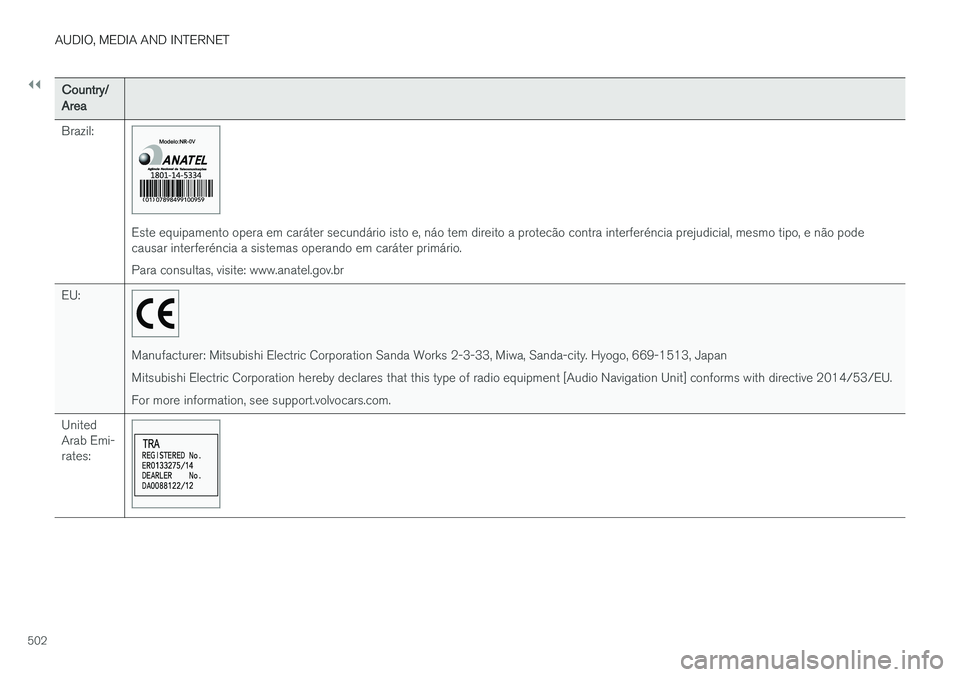
Este equipamento opera em caráter secundário isto e, náo tem direito a protecão contra interferéncia prejudicial, mesmo tipo, e não pode causar interferéncia a sistemas operando em caráter primário. Para consultas, visite: www.anatel.gov.br
EU:
Manufacturer: Mitsubishi Electric Corporation Sanda Works 2-3-33, Miwa, Sanda-city. Hyogo, 669-1513, Japan Mitsubishi Electric Corporation hereby declares that this type of radio equipment [Audio Navigation Unit] conforms with directive 2014/53/EU.For more information, see support.volvocars.com.
United Arab Emi-rates:
Page 542 of 640
||
LOADING, STORAGE AND PASSENGER COMPARTMENT
* Option/accessory.
540
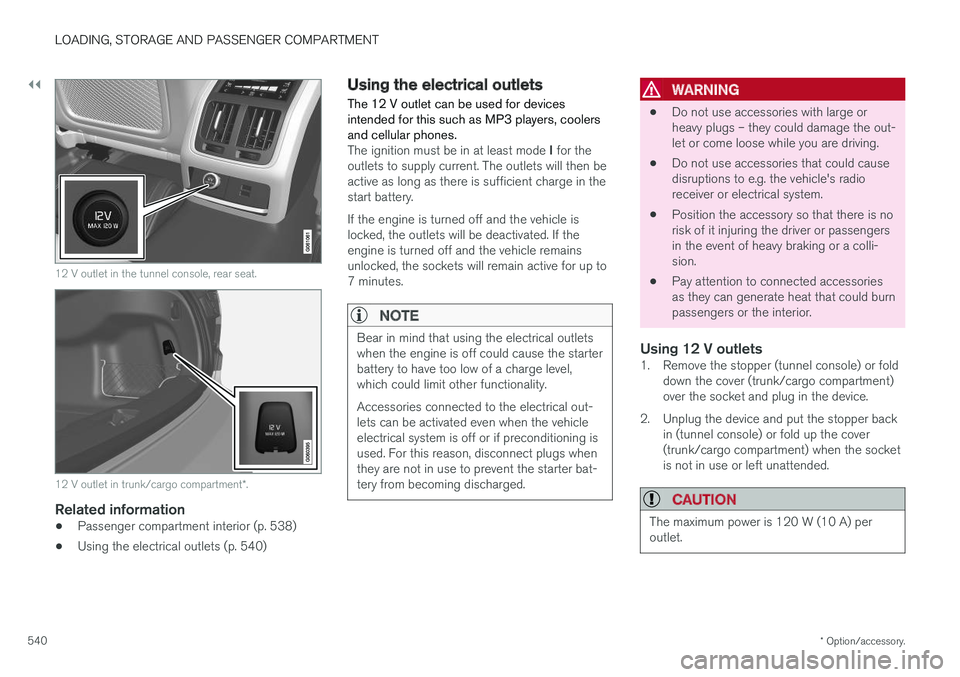
12 V outlet in the tunnel console, rear seat.
12 V outlet in trunk/cargo compartment *.
Related information
• Passenger compartment interior (p. 538)
• Using the electrical outlets (p. 540)
Using the electrical outlets
The 12 V outlet can be used for devices intended for this such as MP3 players, coolersand cellular phones.
The ignition must be in at least mode I for the
outlets to supply current. The outlets will then be active as long as there is sufficient charge in thestart battery. If the engine is turned off and the vehicle is locked, the outlets will be deactivated. If theengine is turned off and the vehicle remainsunlocked, the sockets will remain active for up to7 minutes.
NOTE
Bear in mind that using the electrical outlets when the engine is off could cause the starterbattery to have too low of a charge level,which could limit other functionality. Accessories connected to the electrical out- lets can be activated even when the vehicleelectrical system is off or if preconditioning isused. For this reason, disconnect plugs whenthey are not in use to prevent the starter bat-tery from becoming discharged.
WARNING
• Do not use accessories with large or heavy plugs – they could damage the out-let or come loose while you are driving.
• Do not use accessories that could causedisruptions to e.g. the vehicle's radioreceiver or electrical system.
• Position the accessory so that there is norisk of it injuring the driver or passengersin the event of heavy braking or a colli-sion.
• Pay attention to connected accessoriesas they can generate heat that could burnpassengers or the interior.
Using 12 V outlets1. Remove the stopper (tunnel console) or fold
down the cover (trunk/cargo compartment)over the socket and plug in the device.
2. Unplug the device and put the stopper back in (tunnel console) or fold up the cover(trunk/cargo compartment) when the socketis not in use or left unattended.
CAUTION
The maximum power is 120 W (10 A) per outlet.
Page 553 of 640
MAINTENANCE AND SERVICE
}}
* Option/accessory.551
Download Center
With the vehicle connected to the Internet 1
,
updates for a number of the vehicle's systems can be downloaded from the center display.
The Download Center app is
started from the center display and makes it possible to:
• search for and update system software
• update Sensus Navigation
* map data
• download, update and delete apps.
Related information
•
Handling system updates via Download Cen- ter (p. 551)
• Download apps (p. 446)
• Updating apps (p. 447)
• Deleting apps (p. 448)
• Internet-connected vehicle
* (p. 487)
• Navigating in the center display's views(p. 113)
Handling system updates viaDownload Center
System updates are available for infotainment and Internet-related functions and systems in thevehicle. If system software updates are available,they can be downloaded all at once or sepa-rately.
Searching for updateIn order for system updates to be possible, the vehicle must have an Internet connection 2
.
System updates are handled through the
Download
Center app in the center dis-
play's App view. If no search for updates has been performed since the last time the infotain-ment system was started, a search will be initi-ated. No search will begin if a software download is in progress. A number in the
System updatesbutton shows how many updates are available. Tap the button to display a list of updates thatcan be installed in the vehicle. If an update is available, the message
New software updates
available will also be displayed in the center dis-
play's status field.
NOTE
Data downloading can affect other services such as transfer data, e.g. web radio. If theaffect on other services is experienced asproblematic, the download can be interrupted.Alternatively, it may be appropriate to switchoff or cancel other services.
NOTE
An update can be interrupted when the igni- tion is switched off and the vehicle is left. However, the update does not have to be completed before the vehicle is left as theupdate is resumed the next time the vehicle isused.
Updating all system software
–Select Install all at the bottom of the list.
To avoid displaying a list, select
Install all via theSystem updates button.
Updating individual system software
–Select Install to choose the software you
would like to download.
1 There may be a charge for transmitting data over the Internet, depending on your service plan.
2 There may be a charge for transmitting data over the Internet, depending on your service plan.
Page 625 of 640
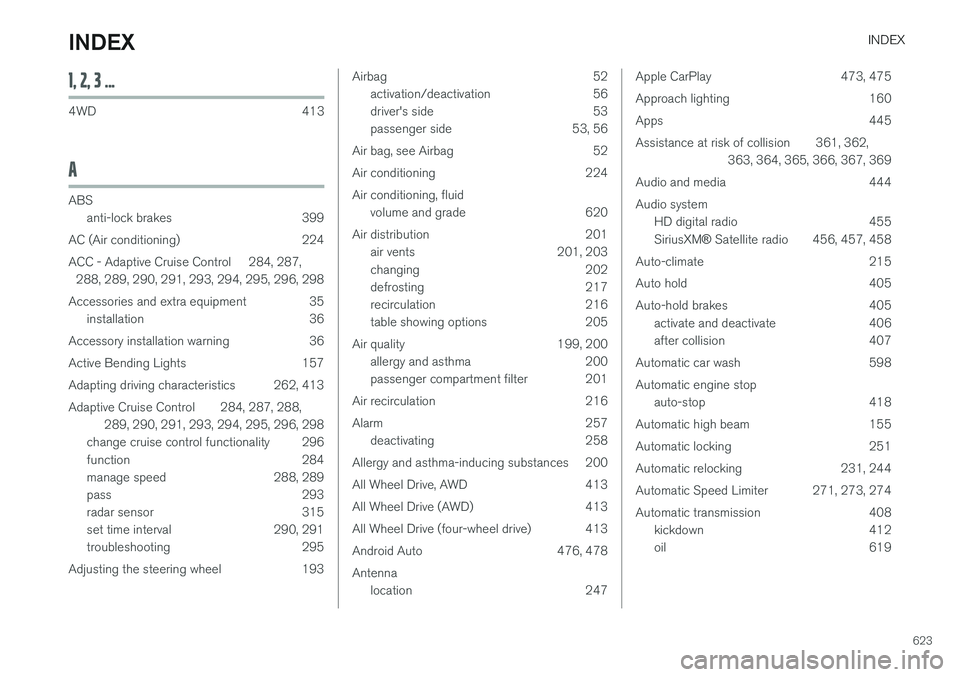
INDEX
623
1, 2, 3 ...
4WD 413
A
ABSanti-lock brakes 399
AC (Air conditioning) 224
ACC - Adaptive Cruise Control 284, 287, 288, 289, 290, 291, 293, 294, 295, 296, 298
Accessories and extra equipment 35 installation 36
Accessory installation warning 36
Active Bending Lights 157
Adapting driving characteristics 262, 413
Adaptive Cruise Control 284, 287, 288, 289, 290, 291, 293, 294, 295, 296, 298
change cruise control functionality 296
function 284
manage speed 288, 289
pass 293
radar sensor 315
set time interval 290, 291
troubleshooting 295
Adjusting the steering wheel 193
Airbag 52 activation/deactivation 56
driver's side 53
passenger side 53, 56
Air bag, see Airbag 52
Air conditioning 224Air conditioning, fluid volume and grade 620
Air distribution 201 air vents 201, 203
changing 202
defrosting 217
recirculation 216
table showing options 205
Air quality 199, 200 allergy and asthma 200
passenger compartment filter 201
Air recirculation 216
Alarm 257 deactivating 258
Allergy and asthma-inducing substances 200
All Wheel Drive, AWD 413
All Wheel Drive (AWD) 413
All Wheel Drive (four-wheel drive) 413
Android Auto 476, 478 Antenna location 247Apple CarPlay 473, 475
Approach lighting 160
Apps 445
Assistance at risk of collision 361, 362, 363, 364, 365, 366, 367, 369
Audio and media 444Audio system HD digital radio 455 SiriusXM ® Satellite radio 456, 457, 458
Auto-climate 215
Auto hold 405
Auto-hold brakes 405 activate and deactivate 406
after collision 407
Automatic car wash 598 Automatic engine stop auto-stop 418
Automatic high beam 155
Automatic locking 251
Automatic relocking 231, 244
Automatic Speed Limiter 271, 273, 274
Automatic transmission 408 kickdown 412
oil 619
INDEX
Page 629 of 640
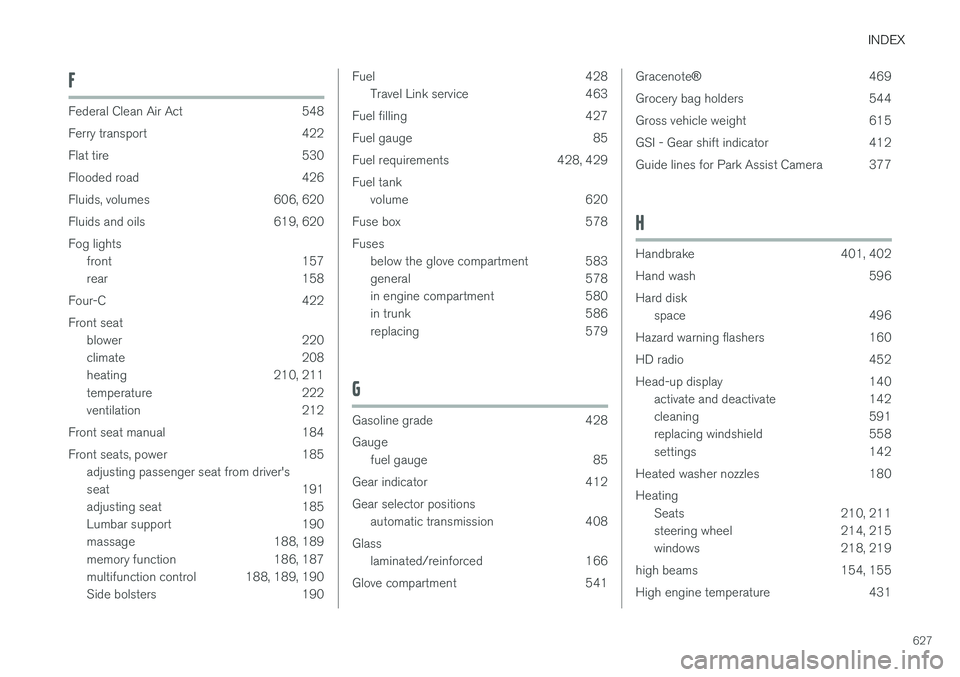
INDEX
627
F
Federal Clean Air Act 548
Ferry transport 422
Flat tire 530
Flooded road 426
Fluids, volumes 606, 620
Fluids and oils 619, 620 Fog lightsfront 157
rear 158
Four-C 422 Front seat blower 220
climate 208
heating 210, 211
temperature 222
ventilation 212
Front seat manual 184
Front seats, power 185 adjusting passenger seat from driver's
seat 191
adjusting seat 185
Lumbar support 190
massage 188, 189
memory function 186, 187
multifunction control 188, 189, 190
Side bolsters 190
Fuel 428Travel Link service 463
Fuel filling 427
Fuel gauge 85
Fuel requirements 428, 429Fuel tank volume 620
Fuse box 578Fuses below the glove compartment 583
general 578
in engine compartment 580
in trunk 586
replacing 579
G
Gasoline grade 428 Gauge
fuel gauge 85
Gear indicator 412Gear selector positions automatic transmission 408
Glass laminated/reinforced 166
Glove compartment 541
Gracenote ® 469
Grocery bag holders 544
Gross vehicle weight 615
GSI - Gear shift indicator 412
Guide lines for Park Assist Camera 377
H
Handbrake 401, 402
Hand wash 596Hard disk space 496
Hazard warning flashers 160
HD radio 452
Head-up display 140 activate and deactivate 142
cleaning 591
replacing windshield 558
settings 142
Heated washer nozzles 180 Heating Seats 210, 211
steering wheel 214, 215
windows 218, 219
high beams 154, 155
High engine temperature 431
Page 633 of 640
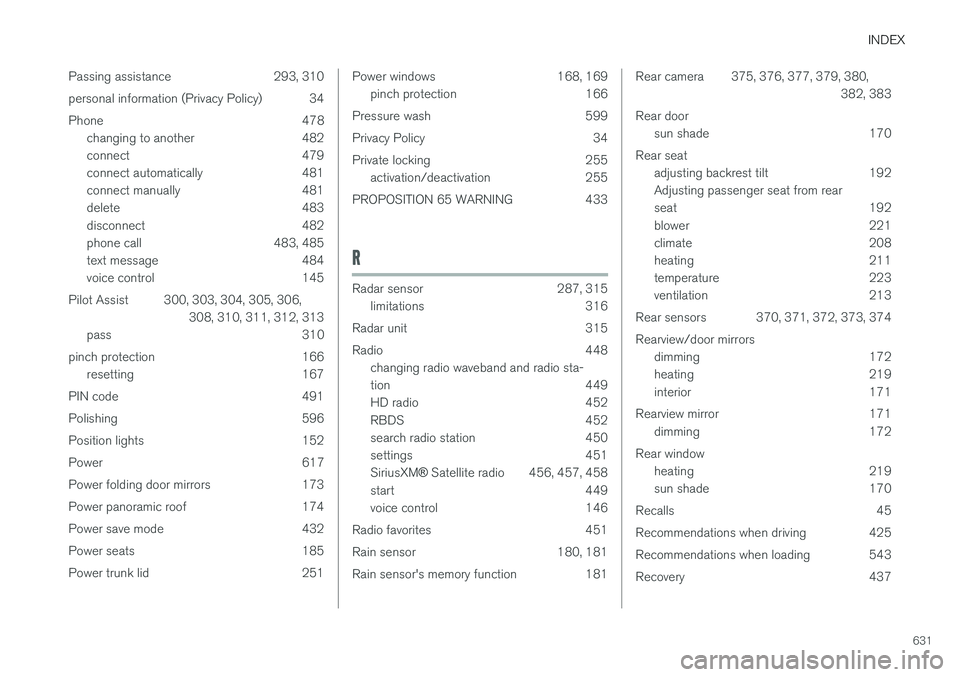
INDEX
631
Passing assistance 293, 310
personal information (Privacy Policy) 34
Phone 478
changing to another 482
connect 479
connect automatically 481
connect manually 481
delete 483
disconnect 482
phone call 483, 485
text message 484
voice control 145
Pilot Assist 300, 303, 304, 305, 306, 308, 310, 311, 312, 313
pass 310
pinch protection 166 resetting 167
PIN code 491
Polishing 596
Position lights 152
Power 617
Power folding door mirrors 173
Power panoramic roof 174
Power save mode 432
Power seats 185
Power trunk lid 251
Power windows 168, 169 pinch protection 166
Pressure wash 599
Privacy Policy 34
Private locking 255 activation/deactivation 255
PROPOSITION 65 WARNING 433
R
Radar sensor 287, 315 limitations 316
Radar unit 315
Radio 448 changing radio waveband and radio sta-
tion 449
HD radio 452
RBDS 452
search radio station 450
settings 451 SiriusXM ® Satellite radio 456, 457, 458
start 449
voice control 146
Radio favorites 451
Rain sensor 180, 181
Rain sensor's memory function 181
Rear camera 375, 376, 377, 379, 380, 382, 383
Rear door sun shade 170
Rear seat adjusting backrest tilt 192 Adjusting passenger seat from rear
seat 192
blower 221
climate 208
heating 211
temperature 223
ventilation 213
Rear sensors 370, 371, 372, 373, 374 Rearview/door mirrors dimming 172
heating 219
interior 171
Rearview mirror 171 dimming 172
Rear window heating 219
sun shade 170
Recalls 45
Recommendations when driving 425
Recommendations when loading 543
Recovery 437
Page 634 of 640
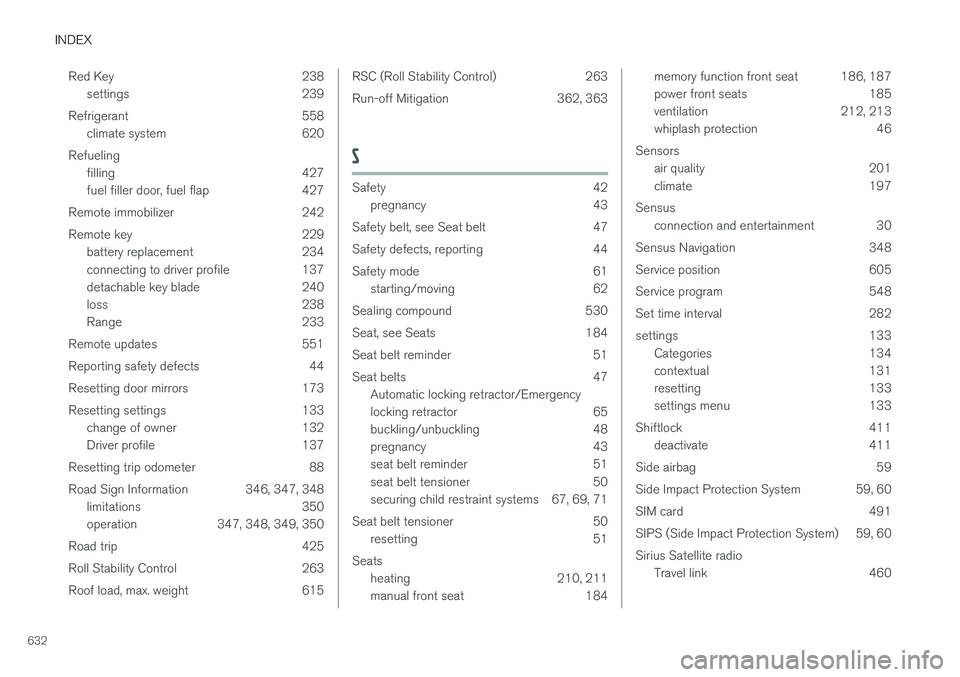
INDEX
632Red Key 238
settings 239
Refrigerant 558 climate system 620
Refueling filling 427
fuel filler door, fuel flap 427
Remote immobilizer 242
Remote key 229 battery replacement 234
connecting to driver profile 137
detachable key blade 240
loss 238
Range 233
Remote updates 551
Reporting safety defects 44
Resetting door mirrors 173
Resetting settings 133 change of owner 132
Driver profile 137
Resetting trip odometer 88
Road Sign Information 346, 347, 348 limitations 350
operation 347, 348, 349, 350
Road trip 425
Roll Stability Control 263
Roof load, max. weight 615
RSC (Roll Stability Control) 263
Run-off Mitigation 362, 363
S
Safety 42 pregnancy 43
Safety belt, see Seat belt 47
Safety defects, reporting 44
Safety mode 61 starting/moving 62
Sealing compound 530
Seat, see Seats 184
Seat belt reminder 51
Seat belts 47 Automatic locking retractor/Emergency
locking retractor 65
buckling/unbuckling 48
pregnancy 43
seat belt reminder 51
seat belt tensioner 50
securing child restraint systems 67, 69, 71
Seat belt tensioner 50 resetting 51
Seats heating 210, 211
manual front seat 184
memory function front seat 186, 187
power front seats 185
ventilation 212, 213
whiplash protection 46
Sensors air quality 201
climate 197
Sensus connection and entertainment 30
Sensus Navigation 348
Service position 605
Service program 548
Set time interval 282
settings 133 Categories 134
contextual 131
resetting 133
settings menu 133
Shiftlock 411 deactivate 411
Side airbag 59
Side Impact Protection System 59, 60
SIM card 491
SIPS (Side Impact Protection System) 59, 60Sirius Satellite radio Travel link 460
Page 635 of 640
INDEX
633
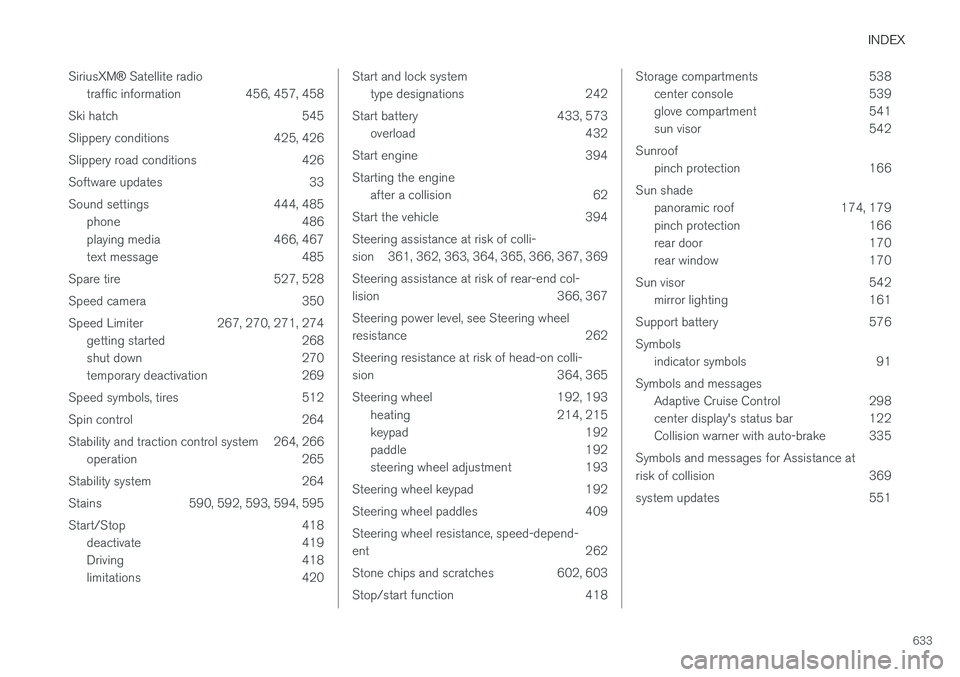
SiriusXM
® Satellite radio
traffic information 456, 457, 458
Ski hatch 545
Slippery conditions 425, 426
Slippery road conditions 426
Software updates 33
Sound settings 444, 485 phone 486
playing media 466, 467
text message 485
Spare tire 527, 528
Speed camera 350
Speed Limiter 267, 270, 271, 274 getting started 268
shut down 270
temporary deactivation 269
Speed symbols, tires 512
Spin control 264
Stability and traction control system 264, 266 operation 265
Stability system 264
Stains 590, 592, 593, 594, 595
Start/Stop 418 deactivate 419
Driving 418
limitations 420
Start and lock systemtype designations 242
Start battery 433, 573 overload 432
Start engine 394 Starting the engine after a collision 62
Start the vehicle 394Steering assistance at risk of colli-
sion 361, 362, 363, 364, 365, 366, 367, 369 Steering assistance at risk of rear-end col-
lision 366, 367 Steering power level, see Steering wheel
resistance 262 Steering resistance at risk of head-on colli-
sion 364, 365
Steering wheel 192, 193 heating 214, 215
keypad 192
paddle 192
steering wheel adjustment 193
Steering wheel keypad 192
Steering wheel paddles 409 Steering wheel resistance, speed-depend- ent 262
Stone chips and scratches 602, 603
Stop/start function 418Storage compartments 538 center console 539
glove compartment 541
sun visor 542
Sunroof pinch protection 166
Sun shade panoramic roof 174, 179
pinch protection 166
rear door 170
rear window 170
Sun visor 542 mirror lighting 161
Support battery 576 Symbols indicator symbols 91
Symbols and messages Adaptive Cruise Control 298
center display's status bar 122
Collision warner with auto-brake 335
Symbols and messages for Assistance at
risk of collision 369
system updates 551
Page 637 of 640
INDEX
635
U
Uniform Tire Quality Grading 514
Units 130
Unknown vehicle component 259Unlockingsettings 232
with key blade 241
USB socket for connecting media 472
V
Vehicle care 595, 596, 598, 599, 600, 601leather upholstery 593
Vehicle Event Data 33 Vehicle functions in the center display 120
Vehicle key bat. low 234Vehicle modem connecting vehicle to Internet 490
settings 491
Vehicle recovery 437
Vehicle status 552 inflation pressure 520
Vehicle upholstery 590, 592, 593, 594, 595
Vehicle weight 615
Ventilation 201, 202, 203 Seats 212, 213
Video 470, 472 settings 471
Voice control 143 climate 198
phone 145
radio and media 146
settings 146
VOL mark 508
Volvo ID 26 create and register 27
W
Warning light
Adaptive Cruise Control 287
stability and traction control system 264
Warning lights airbags SRS 93
alternator does not charge 93
brake system error 93
low oil pressure 93
parking brake applied 93
seat belt reminder 93
starter battery not charging 93
WARNING 93
Warning soundparking brake 404
warning symbols 93 Warning symbols safety 42
Warranties 548Washer Headlights 182
washer fluid, filling 606
Windshield 182
Washer fluid 606
Washer nozzles, heated 180
Waxing 596 Weights Curb weight 615
Wheel bolts 523 locking 523
Wheels cleaning 601
mounting 526
removal 524
Snow chains 529
Wheels and tires Load index and speed symbol 512
Whiplash protection 46
Whiplash Protection System 46
WHIPS (Whiplash Protection System) 46