warning lights VOLVO S90 TWIN ENGINE 2020 Owner's Manual
[x] Cancel search | Manufacturer: VOLVO, Model Year: 2020, Model line: S90 TWIN ENGINE, Model: VOLVO S90 TWIN ENGINE 2020Pages: 655, PDF Size: 12.54 MB
Page 407 of 655

STARTING AND DRIVING
405
WARNING
If the warning symbols for both brake fault and ABS fault are lit simultaneously, theremay be a fault in the brake system.
If the brake fluid reservoir level is nor- mal when this occurs, drive carefully tothe nearest workshop to have thebrake system checked - an authorizedVolvo workshop is recommended.
If the brake fluid has fallen below theMIN
level in the brake fluid reservoir,
the vehicle should not be driven untilthe brake fluid has been filled. The rea-son for the brake fluid loss must bechecked.
Related information
Brake Assist System (p. 405)
Auto-hold brakes (p. 410)
Hill Start Assist (p. 411)
Braking on wet roads (p. 405)
Braking on salted roads (p. 406)
Maintenance of the brake system(p. 406)
Brake lights (p. 158)
Brake Assist System The brake enhancing system, (BAS 3
), helps
increase braking force and can thereby reduce braking distance.
The system monitors the driver's braking hab- its and increases braking force when neces-sary. Braking force can be increased up to thepoint at which the ABS intervenes. The func-tion is deactivated when pressure on the brakepedal is decreased.
Related information
Brakes (p. 403)
Braking on wet roads
Prolonged driving in heavy rain without brak- ing may cause braking effect to be slightlydelayed the first time the brakes are applied.
This may also occur after washing the vehicle. It will then be necessary to apply greater pres-sure to the brake pedal. You should thereforemaintain a greater distance to the vehicleahead. Firmly apply the brakes after washing the vehicle or driving on wet roads. This helpswarm up the brake discs, enabling them to drymore quickly and protecting them against cor-rosion. Consider the current traffic situationwhen braking.
Related information
Brakes (p. 403)
Braking on salted roads (p. 406)
3
Brake Assist System
Page 441 of 655

STARTING AND DRIVING
}}
439
Emission controls
Three-way catalytic converter
Keep your engine properly tuned. Certain engine malfunctions, particularly involvingthe electrical, fuel or distributor ignitionsystems, may cause unusually high three-way catalytic converter temperatures. Donot continue to operate your vehicle if youdetect engine misfire, noticeable loss ofpower or other unusual operating condi-tions, such as engine overheating or back-firing. A properly tuned engine will helpavoid malfunctions that could damage thethree-way catalytic converter.
Do not park your vehicle over combustiblematerials, such as grass or leaves, whichcan come into contact with the hotexhaust system and cause such materialsto ignite under certain wind and weatherconditions.
Excessive starter cranking (in excess ofone minute), or an intermittently firing orflooded engine can cause three-way cata-lytic converter or exhaust system over-heating.
Remember that tampering or unauthor-ized modifications to the engine, theEngine Control Module, or the vehicle maybe illegal and can cause three-way cata-lytic converter or exhaust system over-heating. This includes: altering fuel injec- tion settings or components, alteringemission system components or locationor removing components, and/or repeateduse of leaded fuel.
NOTE
Unleaded fuel is required for vehicles with three-way catalytic converters.
Heated oxygen sensorsThe heated oxygen sensors monitor the oxy- gen content of the exhaust gases. Readings are fed into a control module that continuouslymonitors engine functions and controls fuelinjection. The ratio of fuel to air into the engineis continuously adjusted for efficient combus-tion to help reduce harmful emissions.
Related information
Octane rating (p. 437)
Fuel (p. 436)
Overheating of engine and transmission
In certain driving conditions, such as driving in mountainous areas or hot weather, there isa risk of the engine or transmission overheat-ing, especially when carrying heavy loads.
Engine power may be temporarily limited.
Remove any auxiliary lights mounted in front of the grille when driving in hotweather.
If the temperature in the engine's coolingsystem becomes too high, a warning sym-bol will appear in the instrument panel along with the message
Engine
temperature High temperature Stop
safely. Pull over to a safe location and let
the engine idle for a few minutes to cool down.
If the message
Engine temperature
High temperature Turn off engine orEngine coolant Level low, turn off
engine is displayed, stop the vehicle and
turn off the engine.
If the transmission begins to overheat, an alternative gear shifting program will beselected. An integrated protective functionwill also be activated, the warning symbolwill illuminate and the message
Transmission warm Reduce speed to
lower temperature or Transmission hot
Stop safely, wait for cooling will be dis-
Page 444 of 655

||
STARTING AND DRIVING
44211. Start your vehicle's engine. If the engine
does not start, allow an additional 10 minutes of charging time and then try tostart the engine again.
NOTE
When the engine is started under normal conditions, the vehicle's electrical drivemotor is prioritized – the gasoline engineremains off. This means that after the startknob has been turned clockwise, the elec-tric motor has "started" and the vehicle isready to be driven. Start of the electricmotor is indicated by the indicator lights onthe instrument panel going out and its pre-selected theme illuminating.
CAUTION
Do not touch the connections between the cable and the vehicle during the startattempt. Risk of sparking.
12. Remove the jumper cables in the reverseorder ‒ first the black cables and then the
red cables. Make sure that none of the clamps of the black jumper cables come into contactwith either vehicle's positive (+) jump startterminals or either of the red jumpercable's connected clamps.
WARNING
PROPOSITION 65 WARNING! Battery
posts, terminals, and related accessories contain lead and lead compounds, chemi-cals known to the state of California tocause cancer and reproductive harm. Washhands after handling.
WARNING
Batteries generate hydrogen gas, which is flammable and explosive.
Do not connect the jumper cable toany part of the fuel system or to anymoving parts. Avoid touching hotmanifolds.
Battery fluid contains sulfuric acid. Donot allow battery fluid to contact eyes,skin, fabrics or painted surfaces.
If contact occurs, flush the affectedarea immediately with water. Obtainmedical help immediately if eyes areaffected.
Never expose the battery to open flameor electric spark. Do not smoke nearthe battery. Failure to follow theinstructions for jump starting can leadto injury.
NOTE
The vehicle cannot be started if the hybrid battery is discharged.
Related information
Starting the vehicle (p. 398)
Ignition modes (p. 401)
Adjusting the steering wheel (p. 195)
Selecting ignition mode (p. 402)
Page 614 of 655

||
MAINTENANCE AND SERVICE
612
Wash using a sponge, car washing deter- gent and plenty of lukewarm water.
Clean the wiper blades with lukewarmsoap solution or car washing detergent.
Dry the vehicle using a clean, soft chamoisor a squeegee. Try not to let drops ofwater dry in strong sunlight. This couldcause water drying stains that may needto be polished out.
In areas with heavy industrial emissions,more frequent washing of the vehicle'sexterior is recommended.
Tar spots from asphalt may remain evenafter washing. Use a tar remover toremove these spots.
WARNING
Always entrust engine washing to a work- shop. If the engine is hot, there is a risk offire.
CAUTION
Dirty headlights do not work as well. Clean them regularly, e.g. when refueling. Do not use corrosive cleaners. Use water and a non-abrasive sponge.
NOTE
Exterior lighting such as headlights and taillights may develop temporary conden-sation on the inside of the lens. This is nor-mal. All exterior lighting is designed toresist this. Condensation is normally ven-ted out of the lamp housing once the lighthas been lit for some period of time.
CAUTION
Make sure that the panoramic roof and sun shade are closed before washingthe vehicle.
Never use abrasive polishing agents onthe panoramic roof.
Never use wax on the rubber sealsaround the panoramic roof.
CAUTION
Remember to remove dirt from the drain holes in the doors and sills after washingthe vehicle.
Related information
Cleaning the exterior (p. 610)
Polishing and waxing (p. 610)
Automatic car washes (p. 613)
High-pressure washing (p. 614)
Cleaning the wiper blades (p. 614)
Cleaning exterior plastic, rubber and trim components (p. 615)
Cleaning rims (p. 616)
Corrosion protection (p. 616)
Settings for automatically activating theparking brake (p. 408)
Page 637 of 655

INDEX
635
1, 2, 3 ...
4WD 417
A
ABSanti-lock brakes 403
AC (Air conditioning) 223
Accessories and extra equipment 35 installation 36
Accessory installation warning 36, 37
Active Bending Lights 156
Adapting driving characteristics 419
Adaptive Cruise Control 278 activating 280
auto-brake 300
change cruise control functionality 284
limitations 283
manage speed 298
passing 304
set time interval 299
standby mode 282
switching target vehicles 297
Symbols and messages 285
troubleshooting 283
turn off 281
WARNING 296
Adjusting the steering wheel 195
Airbag 53
activation/deactivation 57
driver's side 53
passenger side 53, 57
Air bag, see Airbag 53
Air conditioning 223Air conditioning, fluid volume and grade 633
Air distribution 203 air vents 203, 204
changing 204
defrosting 217
recirculation 216
table showing options 206
Air quality 200, 202 allergy and asthma 201
passenger compartment filter 203
Air recirculation 216
Alarm 263 deactivating 264
Allergy and asthma-inducing sub-
stances 201
All Wheel Drive, AWD 417
All Wheel Drive (AWD) 417
All Wheel Drive (four-wheel drive) 417
Android Auto 486, 487, 488Antenna location 253
Apple CarPlay 482, 483, 485
Approach lighting 159
Apps 454Armrest folding down the rear seats 557
Assistance at risk of collision 351 activating/deactivating 352
at risk of run-off 352
during collision risks from behind 354during collision risks from oncoming
traffic 353
limitations 355
Symbols and messages 356
Audio and media 452 Audio system HD digital radio 463 SiriusXM ®
Satellite radio 464, 465,
466
Auto-climate 215
Auto hold 410
Auto-hold brakes 410 activating/deactivating 411
after collision 412
driver support 268
Automatic car wash 613
INDEX
Page 644 of 655
INDEX
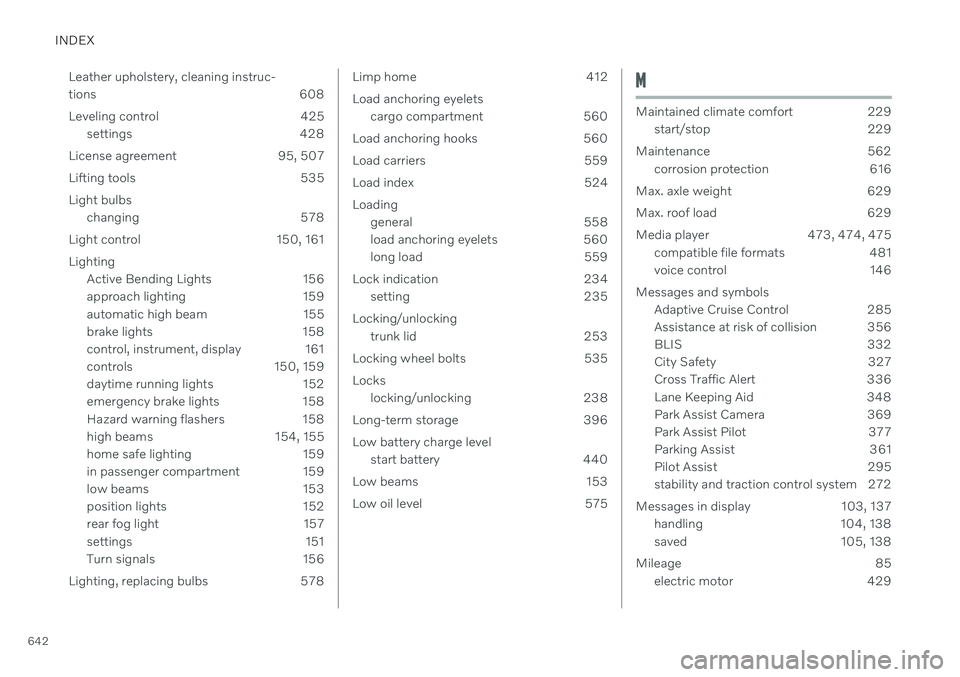
642Leather upholstery, cleaning instruc-
tions 608
Leveling control 425
settings 428
License agreement 95, 507
Lifting tools 535Light bulbs changing 578
Light control 150, 161Lighting Active Bending Lights 156
approach lighting 159
automatic high beam 155
brake lights 158
control, instrument, display 161
controls 150, 159
daytime running lights 152
emergency brake lights 158
Hazard warning flashers 158
high beams 154, 155
home safe lighting 159
in passenger compartment 159
low beams 153
position lights 152
rear fog light 157
settings 151
Turn signals 156
Lighting, replacing bulbs 578
Limp home 412 Load anchoring eyelets cargo compartment 560
Load anchoring hooks 560
Load carriers 559
Load index 524Loading general 558
load anchoring eyelets 560
long load 559
Lock indication 234 setting 235
Locking/unlocking trunk lid 253
Locking wheel bolts 535 Locks locking/unlocking 238
Long-term storage 396Low battery charge level start battery 440
Low beams 153
Low oil level 575M
Maintained climate comfort 229 start/stop 229
Maintenance 562 corrosion protection 616
Max. axle weight 629
Max. roof load 629
Media player 473, 474, 475 compatible file formats 481
voice control 146
Messages and symbols Adaptive Cruise Control 285
Assistance at risk of collision 356
BLIS 332
City Safety 327
Cross Traffic Alert 336
Lane Keeping Aid 348
Park Assist Camera 369
Park Assist Pilot 377
Parking Assist 361
Pilot Assist 295
stability and traction control system 272
Messages in display 103, 137 handling 104, 138
saved 105, 138
Mileage 85 electric motor 429
Page 646 of 655
INDEX
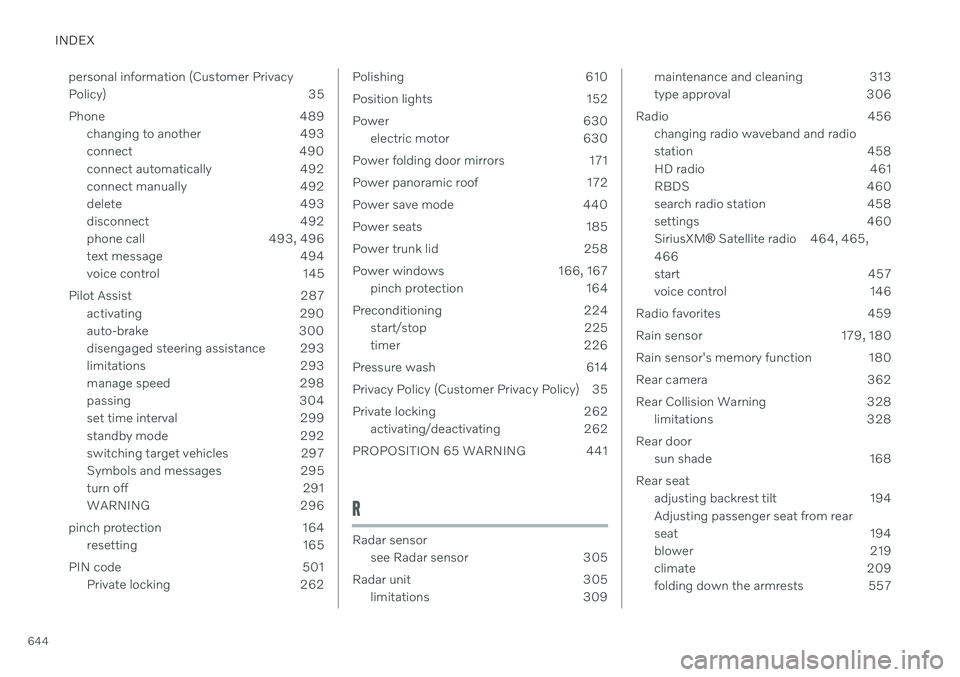
644personal information (Customer Privacy
Policy) 35
Phone 489
changing to another 493
connect 490
connect automatically 492
connect manually 492
delete 493
disconnect 492
phone call 493, 496
text message 494
voice control 145
Pilot Assist 287 activating 290
auto-brake 300
disengaged steering assistance 293
limitations 293
manage speed 298
passing 304
set time interval 299
standby mode 292
switching target vehicles 297
Symbols and messages 295
turn off 291
WARNING 296
pinch protection 164 resetting 165
PIN code 501 Private locking 262
Polishing 610
Position lights 152
Power 630electric motor 630
Power folding door mirrors 171
Power panoramic roof 172
Power save mode 440
Power seats 185
Power trunk lid 258
Power windows 166, 167 pinch protection 164
Preconditioning 224 start/stop 225
timer 226
Pressure wash 614
Privacy Policy (Customer Privacy Policy) 35
Private locking 262 activating/deactivating 262
PROPOSITION 65 WARNING 441
R
Radar sensor see Radar sensor 305
Radar unit 305 limitations 309
maintenance and cleaning 313
type approval 306
Radio 456 changing radio waveband and radio
station 458
HD radio 461
RBDS 460
search radio station 458
settings 460SiriusXM ®
Satellite radio 464, 465,
466
start 457
voice control 146
Radio favorites 459
Rain sensor 179, 180
Rain sensor's memory function 180
Rear camera 362
Rear Collision Warning 328 limitations 328
Rear door sun shade 168
Rear seat adjusting backrest tilt 194 Adjusting passenger seat from rear
seat 194
blower 219
climate 209
folding down the armrests 557
Page 650 of 655

INDEX
648Troubleshooting
Adaptive Cruise Control 283
Camera unit 309
City Safety 324
Radar unit 309
Trunk electrical outlet 554
Lighting 160
Trunk lid emergency opening 256
locking/unlocking 253
open/close with foot movement 261
power-operated 258
unlocking from inside 255
Tunnel detection 153
Turn off engine 400
Turn signals 156Twin Engine general 380
Type approval HomeLink ® 448
radar system 306
U
Uniform Tire Quality Grading 526
Units 129
Unlocking settings 239
with key blade 247
USB socket for connecting media 480
V
Vehicle care 610, 611, 613, 614, 615, 616leather upholstery 608
Vehicle Event Data 33 Vehicle functions in the center display 119
Vehicle key bat. low 240Vehicle modem connecting vehicle to Internet 500
settings 501
Vehicle recovery 444
Vehicle status 567 inflation pressure 532
Vehicle upholstery 605, 607, 608, 609
Vehicle weight 629
Ventilation 203, 204 Seats 213
Video 478, 480 settings 479
Voice control 142
climate 199
phone 145
radio and media 146
settings 147
VOL mark 520
Volvo ID 26 create and register 27
W
Warning lightsAdaptive Cruise Control 296
airbags SRS 94
alternator does not charge 94
brake system error 94
low oil pressure 94
parking brake applied 94
Pilot Assist 296
seat belt reminder 94
stability and traction control system 269
starter battery not charging 94
system error 94
WARNING 94
Warning sound parking brake 409
warning symbols 94
Page 651 of 655

INDEX
649
Warning symbols
safety 42
Warranties 562 Washer Headlights 180
washer fluid, filling 621
Windshield 180
Washer fluid 178, 621
Washer nozzles, heated 178
Waxing 610 Weights Curb weight 629
Wheel bolts 535 Wheels cleaning 616
mounting 538
removal 536
Snow chains 541
Wheels and tires Load index and speed symbol 524
Whiplash protection 46
Whiplash Protection System 46
WHIPS (Whiplash Protection System) 46 Wi-Fi connecting vehicle to Internet 499
delete network 503
sharing Internet connection, tether-
ing, hotspot 502
technology and security 504
Window sun shade 168
Windows and glass 164 Windshield projected image 139, 141
Windshield washing 180
Windshield wipers 178 rain sensor 179, 180
Winter driving 432 Snow chains 541
winter tires 541
Wiper blade 178 replacing 619
service position 620
Wiper blade and washing fluid 178