trip computer VOLVO V60 2021 User Guide
[x] Cancel search | Manufacturer: VOLVO, Model Year: 2021, Model line: V60, Model: VOLVO V60 2021Pages: 661, PDF Size: 12.68 MB
Page 569 of 661
MAINTENANCE AND SERVICE
}}
567
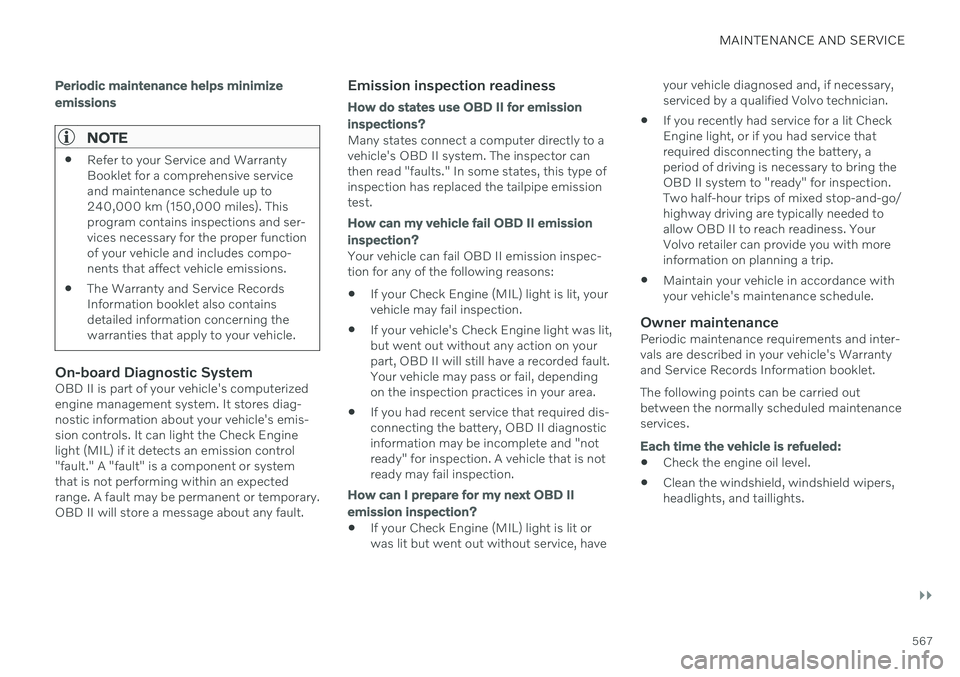
Periodic maintenance helps minimize emissions
NOTE
Refer to your Service and Warranty Booklet for a comprehensive serviceand maintenance schedule up to240,000 km (150,000 miles). Thisprogram contains inspections and ser-vices necessary for the proper functionof your vehicle and includes compo-nents that affect vehicle emissions.
The Warranty and Service RecordsInformation booklet also containsdetailed information concerning thewarranties that apply to your vehicle.
On-board Diagnostic SystemOBD II is part of your vehicle's computerized engine management system. It stores diag-nostic information about your vehicle's emis-sion controls. It can light the Check Enginelight (MIL) if it detects an emission control"fault." A "fault" is a component or systemthat is not performing within an expectedrange. A fault may be permanent or temporary.OBD II will store a message about any fault.
Emission inspection readiness
How do states use
OBD II for emission
inspections?
Many states connect a computer directly to a vehicle's OBD II system. The inspector canthen read "faults." In some states, this type ofinspection has replaced the tailpipe emissiontest.
How can my vehicle fail OBD II emission
inspection?
Your vehicle can fail OBD II emission inspec- tion for any of the following reasons: If your Check Engine (MIL) light is lit, your vehicle may fail inspection.
If your vehicle's Check Engine light was lit,but went out without any action on yourpart, OBD II will still have a recorded fault.Your vehicle may pass or fail, dependingon the inspection practices in your area.
If you had recent service that required dis-connecting the battery, OBD II diagnosticinformation may be incomplete and "notready" for inspection. A vehicle that is notready may fail inspection.
How can I prepare for my next
OBD II
emission inspection?
If your Check Engine (MIL) light is lit or was lit but went out without service, have your vehicle diagnosed and, if necessary,serviced by a qualified Volvo technician.
If you recently had service for a lit CheckEngine light, or if you had service thatrequired disconnecting the battery, aperiod of driving is necessary to bring theOBD II system to "ready" for inspection.Two half-hour trips of mixed stop-and-go/highway driving are typically needed toallow OBD II to reach readiness. YourVolvo retailer can provide you with moreinformation on planning a trip.
Maintain your vehicle in accordance withyour vehicle's maintenance schedule.
Owner maintenancePeriodic maintenance requirements and inter-vals are described in your vehicle's Warrantyand Service Records Information booklet. The following points can be carried out between the normally scheduled maintenanceservices.
Each time the vehicle is refueled:
Check the engine oil level.
Clean the windshield, windshield wipers, headlights, and taillights.
Page 656 of 661
INDEX
654Top view 130
Total airing function 238
Towing 438
Towing capacity and towball load 634
Towing eyelet 439TPMS - Tire Pressure Monitoring Sys-
tem 529
Traction control 271
Traffic information 456Trailer
driving with a trailer 434
Lamps 437
swaying 436
Trailer Stability Assist 272 trailer 436
Trailer stabilizer 272, 436
Transmission 406 automatic 406, 407, 413
Transmission fluid grade 636
Travel Link 464 Fuel 467
Notifications 467
Sports 469
weather 465
Tread depth 523 winter tires 540
Tread wear indicator 523
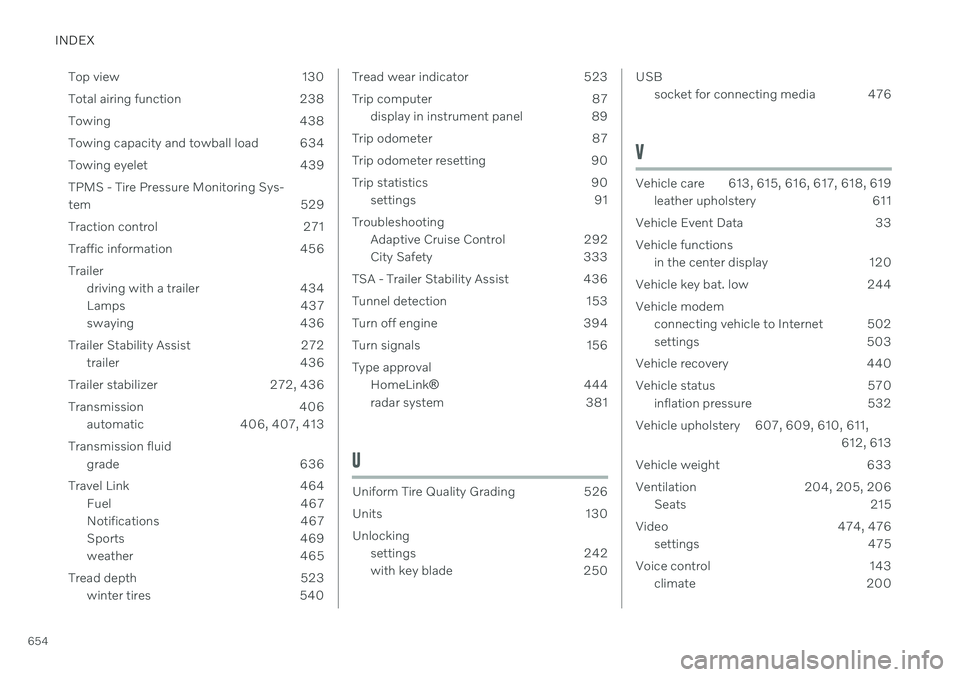
Trip computer 87
display in instrument panel 89
Trip odometer 87
Trip odometer resetting 90
Trip statistics 90 settings 91
Troubleshooting Adaptive Cruise Control 292
City Safety 333
TSA - Trailer Stability Assist 436
Tunnel detection 153
Turn off engine 394
Turn signals 156 Type approval HomeLink ® 444
radar system 381
U
Uniform Tire Quality Grading 526
Units 130 Unlocking settings 242
with key blade 250
USB
socket for connecting media 476
V
Vehicle care 613, 615, 616, 617, 618, 619leather upholstery 611
Vehicle Event Data 33 Vehicle functions in the center display 120
Vehicle key bat. low 244 Vehicle modem connecting vehicle to Internet 502
settings 503
Vehicle recovery 440
Vehicle status 570 inflation pressure 532
Vehicle upholstery 607, 609, 610, 611, 612, 613
Vehicle weight 633
Ventilation 204, 205, 206 Seats 215
Video 474, 476 settings 475
Voice control 143 climate 200