wheel VOLVO V90 2018 Owner´s Manual
[x] Cancel search | Manufacturer: VOLVO, Model Year: 2018, Model line: V90, Model: VOLVO V90 2018Pages: 656, PDF Size: 11.78 MB
Page 313 of 656
DRIVER SUPPORT
}}
311
–Change a set speed by pressing the (1)
or
(2) buttons briefly or by pressing and
holding them:
• Press briefly
: Press briefly: each press
changes the speed in +/- 5 mph (+/- 5 km/h) increments.
• Press
and hold: Release the button when
the set speed indicator (3) has moved tothe desired speed.
• The most recently set speed will be stored.
If speed is increased by depressing the accelera- tor pedal while pressing the
button on the
steering wheel, the vehicle's speed when the but- ton is pressed will be stored as the set speed. Temporarily increasing speed using the accelera- tor pedal, e.g. when passing another vehicle, willnot affect the setting. The vehicle will return tothe set speed when the accelerator pedal isreleased.
Automatic transmission
Pilot Assist can follow another vehicle at speeds from a standstill up to 200 km/h (125 mph). The lowest speed that can be set for Pilot Assist is 30 km/h (20 mph). When following anothervehicle, ACC can monitor that vehicle's speedand slow your own vehicle down to a standstill,but it is not possible to set speeds lower than30 km/h (20 mph). The highest possible speed that can be set is200 km/h (125 mph).
Related information
•
Pilot Assist (p. 305)
Setting a time interval for PilotAssist
Pilot Assist can be set to different time intervals.
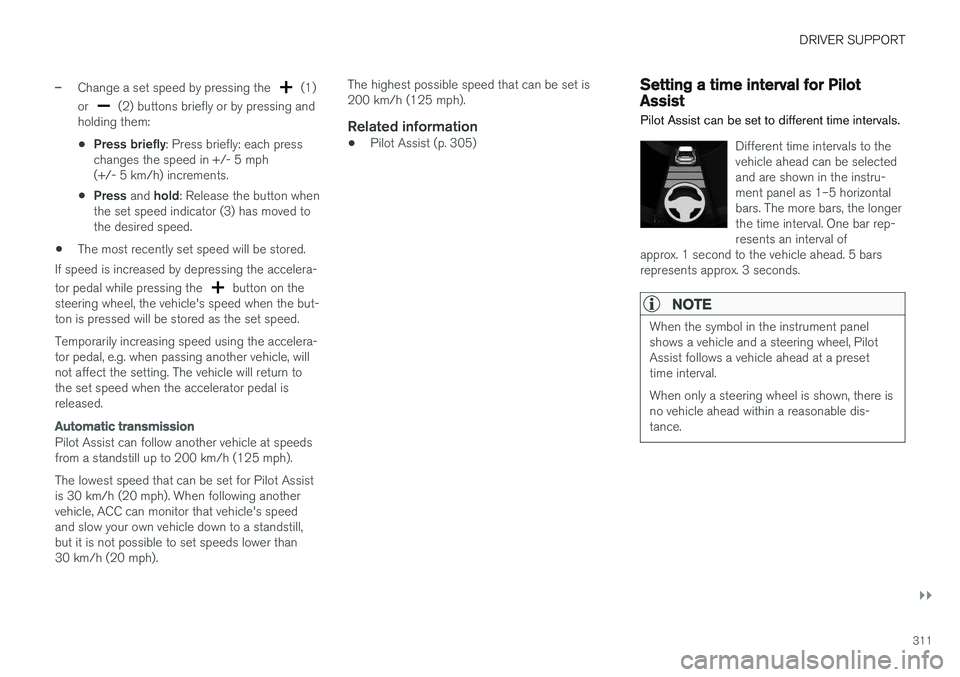
Different time intervals to the vehicle ahead can be selectedand are shown in the instru-ment panel as 1–5 horizontalbars. The more bars, the longerthe time interval. One bar rep-resents an interval of
approx. 1 second to the vehicle ahead. 5 barsrepresents approx. 3 seconds.
NOTE
When the symbol in the instrument panel shows a vehicle and a steering wheel, PilotAssist follows a vehicle ahead at a presettime interval. When only a steering wheel is shown, there is no vehicle ahead within a reasonable dis-tance.
Page 315 of 656
DRIVER SUPPORT
}}
313
Deactivating/reactivating PilotAssist
Pilot Assist can be temporarily put into standby mode and then reactivated.
Deactivating and putting Pilot Assist in standby mode
Note: This illustration is general and details may vary depending on model.
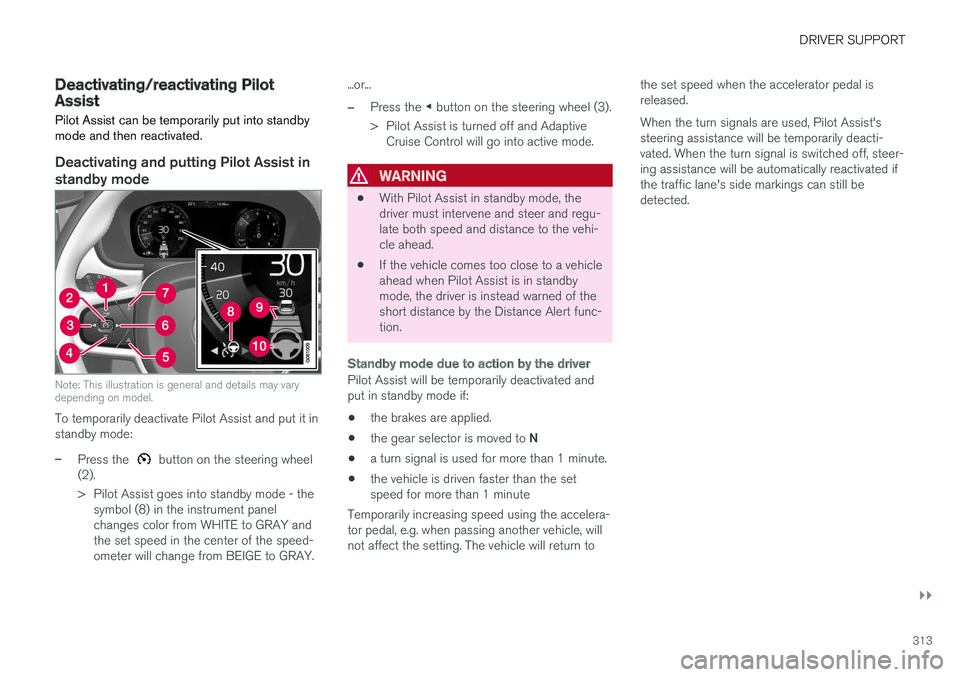
To temporarily deactivate Pilot Assist and put it in standby mode:
–Press the button on the steering wheel
(2).
> Pilot Assist goes into standby mode - the symbol (8) in the instrument panel changes color from WHITE to GRAY andthe set speed in the center of the speed-ometer will change from BEIGE to GRAY. ...or...
–Press the
◀ button on the steering wheel (3).
> Pilot Assist is turned off and Adaptive Cruise Control will go into active mode.
WARNING
• With Pilot Assist in standby mode, the driver must intervene and steer and regu-late both speed and distance to the vehi-cle ahead.
• If the vehicle comes too close to a vehicleahead when Pilot Assist is in standbymode, the driver is instead warned of theshort distance by the Distance Alert func-tion.
Standby mode due to action by the driver
Pilot Assist will be temporarily deactivated and put in standby mode if:
• the brakes are applied.
• the gear selector is moved to
N
• a turn signal is used for more than 1 minute.
• the vehicle is driven faster than the setspeed for more than 1 minute
Temporarily increasing speed using the accelera-tor pedal, e.g. when passing another vehicle, willnot affect the setting. The vehicle will return to the set speed when the accelerator pedal isreleased. When the turn signals are used, Pilot Assist's steering assistance will be temporarily deacti-vated. When the turn signal is switched off, steer-ing assistance will be automatically reactivated ifthe traffic lane's side markings can still bedetected.
Page 316 of 656
||
DRIVER SUPPORT
314
Automatic standby mode
Pilot Assist is dependent on other systems, such as Electronic Stability Control (ESC65
). If any of
these other systems stops working, Pilot Assist will automatically switch off.
WARNING
With automatic standby mode, the driver is warned by an acoustic signal and a messageon the instrument panel. • The driver must then regulate vehicle speed, apply the brakes if necessary, andmaintain a safe distance to other vehicles.
Adaptive Cruise Control may go into standbymode if, e.g.: • the driver opens the door.
• the brake temperature is high.
• the driver's hands are not on the steering wheel.
• the parking brake is applied.
• the engine speed (rpm) is too low/high.
• the driver unbuckles the seat belt.
• one or more of the wheels lose traction.
• the camera/radar sensor is covered by snowor heavy rain (the camera lens/radar wavesare blocked) •
your vehicle's speed goes below 5 km/h(3 mph) and Pilot Assist cannot determine ifthe vehicle ahead is stationary or if it isanother object, e.g. a speed bump.
• your vehicle's speed goes under 5 km/h(3 mph) and the vehicle ahead turns so thatPilot Assist no longer has a vehicle to follow.Reactivating Pilot Assist from standby
mode
Note: This illustration is general and details may vary depending on model.
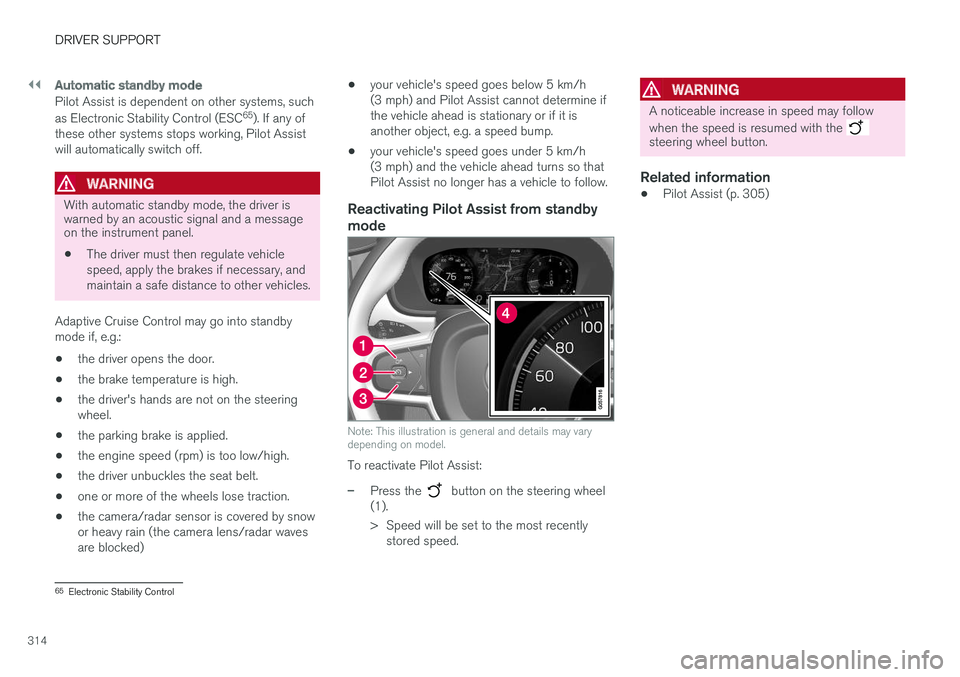
To reactivate Pilot Assist:
–Press the button on the steering wheel
(1).
> Speed will be set to the most recently stored speed.
WARNING
A noticeable increase in speed may follow when the speed is resumed with the
steering wheel button.
Related information
• Pilot Assist (p. 305)
65
Electronic Stability Control
Page 318 of 656
DRIVER SUPPORT
316
Switching target vehicles with PilotAssist
At certain speeds, models with automatic trans-
missions and Pilot Assist can switch target vehi-cles.
Switching target vehicles
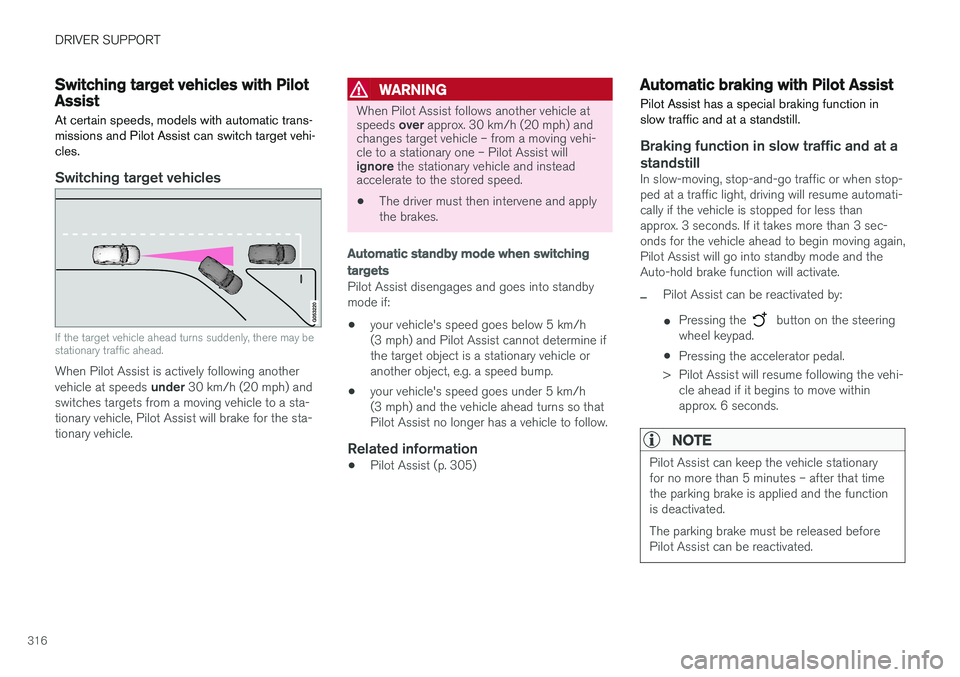
If the target vehicle ahead turns suddenly, there may be stationary traffic ahead.
When Pilot Assist is actively following another vehicle at speeds under 30 km/h (20 mph) and
switches targets from a moving vehicle to a sta-
tionary vehicle, Pilot Assist will brake for the sta-tionary vehicle.
WARNING
When Pilot Assist follows another vehicle at speeds over approx. 30 km/h (20 mph) and
changes target vehicle – from a moving vehi- cle to a stationary one – Pilot Assist will ignore the stationary vehicle and instead
accelerate to the stored speed.
• The driver must then intervene and apply the brakes.
Automatic standby mode when switching
targets
Pilot Assist disengages and goes into standby mode if:
• your vehicle's speed goes below 5 km/h(3 mph) and Pilot Assist cannot determine ifthe target object is a stationary vehicle oranother object, e.g. a speed bump.
• your vehicle's speed goes under 5 km/h(3 mph) and the vehicle ahead turns so thatPilot Assist no longer has a vehicle to follow.
Related information
•Pilot Assist (p. 305)
Automatic braking with Pilot Assist
Pilot Assist has a special braking function in slow traffic and at a standstill.
Braking function in slow traffic and at a standstill
In slow-moving, stop-and-go traffic or when stop- ped at a traffic light, driving will resume automati-cally if the vehicle is stopped for less thanapprox. 3 seconds. If it takes more than 3 sec-onds for the vehicle ahead to begin moving again,Pilot Assist will go into standby mode and theAuto-hold brake function will activate.
–Pilot Assist can be reactivated by:
• Pressing the
button on the steering
wheel keypad.
• Pressing the accelerator pedal.
> Pilot Assist will resume following the vehi- cle ahead if it begins to move within approx. 6 seconds.
NOTE
Pilot Assist can keep the vehicle stationary for no more than 5 minutes – after that timethe parking brake is applied and the functionis deactivated. The parking brake must be released before Pilot Assist can be reactivated.
Page 320 of 656
||
DRIVER SUPPORT
* Option/accessory.
318
The driver is responsible for ensuring that the vehicle maintains a suitable distancefrom such obstacles.
• The camera and radar sensors do nothave the capacity to detect all oncomingobjects and obstacles in traffic environ-ments, e.g. potholes, stationary obstaclesor objects that completely or partiallyblock the route.
• Pilot Assist does not "see" pedestrians,animals, etc.
• The recommended steering input is lim-ited in force, which means that it cannotalways help the driver to steer and keepthe vehicle within the lane.
• Pilot Assist is switched off if the powersteering is working with reduced power -e.g. during cooling due to overheating(see section "Speed-dependent steeringforce").
The driver can always correct or adjust steeringassistance provided by Pilot Assist by turning thesteering wheel to the desired position.
Steep roads and/or heavy loadsPilot Assist is primarily intended to be driven onflat roads. The function may not be able to main-tain the correct time interval to the vehicle aheadwhen driving down steep hills. The driver should be extra attentive and prepared to apply thebrakes.
• Do not use Pilot Assist if the vehicle is carry-ing a heavy load or towing a trailer.
NOTE
Pilot Assist cannot be activated if a trailer, bike carrier or similar is connected to thevehicle electrical system.
Other limitations
•
The Off Road drive mode cannot be
selected when Pilot Assist is activated.
NOTE
The function uses the vehicle's camera unit, which has some general limitations – see thesection "Camera unit limitations".
NOTE
The function uses the vehicle's radar unit, which has some general limitations – see thesection "Radar unit limitations".
Related information
• Pilot Assist (p. 305)
• Speed-dependent steering wheel resistance (p. 266)
Pilot Assist
* symbols and messages
A number of symbols and messages relating to Pilot Assist may be displayed in the instrument panel and/or the head-up display *.
Page 342 of 656
DRIVER SUPPORT
340
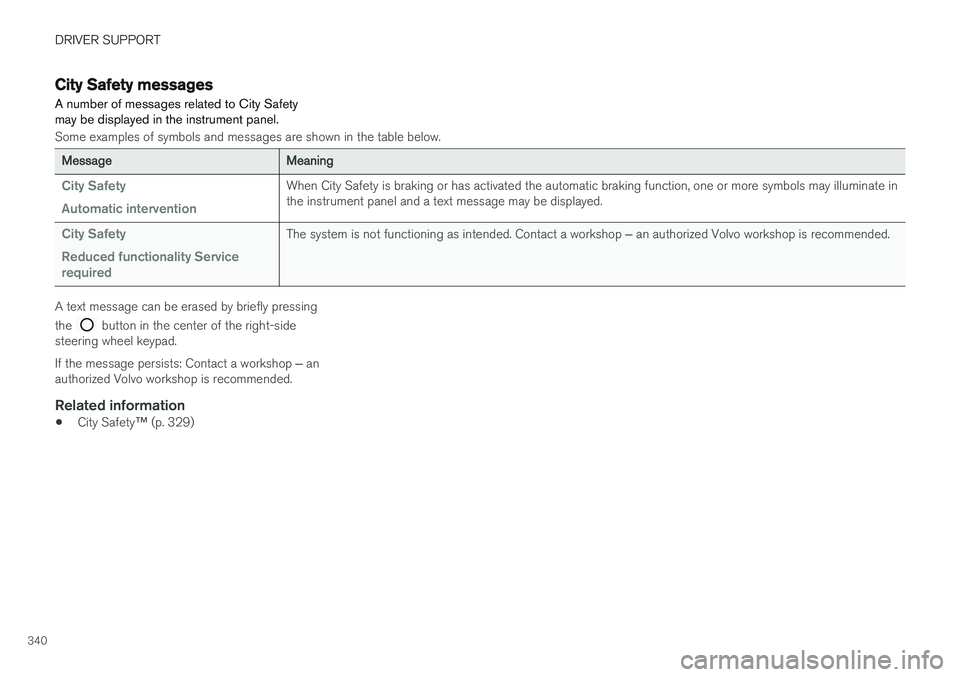
City Safety messages A number of messages related to City Safety may be displayed in the instrument panel.
Some examples of symbols and messages are shown in the table below.
MessageMeaning
City Safety Automatic interventionWhen City Safety is braking or has activated the automatic braking function, one or more symbols may illuminate in the instrument panel and a text message may be displayed.
City Safety Reduced functionality Service requiredThe system is not functioning as intended. Contact a workshop ‒ an authorized Volvo workshop is recommended.
A text message can be erased by briefly pressing the
button in the center of the right-side
steering wheel keypad. If the message persists: Contact a workshop ‒ an
authorized Volvo workshop is recommended.
Related information
• City Safety
™ (p. 329)
Page 348 of 656
DRIVER SUPPORT
* Option/accessory.
346
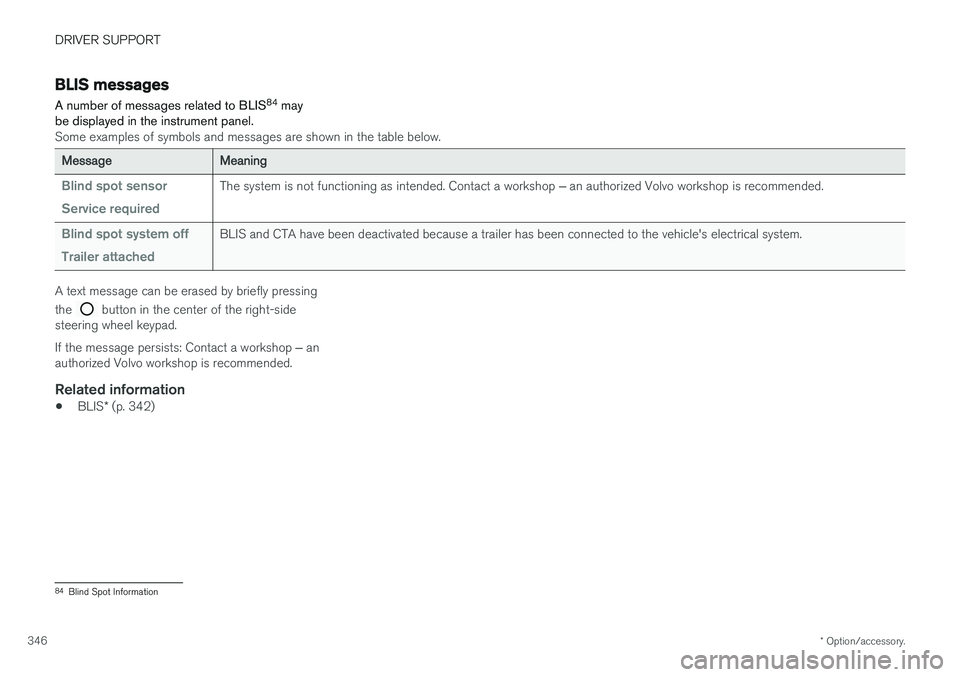
BLIS messages
A number of messages related to BLIS 84
may
be displayed in the instrument panel.
Some examples of symbols and messages are shown in the table below.
MessageMeaning
Blind spot sensor Service requiredThe system is not functioning as intended. Contact a workshop ‒ an authorized Volvo workshop is recommended.
Blind spot system off Trailer attachedBLIS and CTA have been deactivated because a trailer has been connected to the vehicle's electrical system.
A text message can be erased by briefly pressing the
button in the center of the right-side
steering wheel keypad. If the message persists: Contact a workshop ‒ an
authorized Volvo workshop is recommended.
Related information
• BLIS
* (p. 342)
84
Blind Spot Information
Page 352 of 656
DRIVER SUPPORT
* Option/accessory.
350
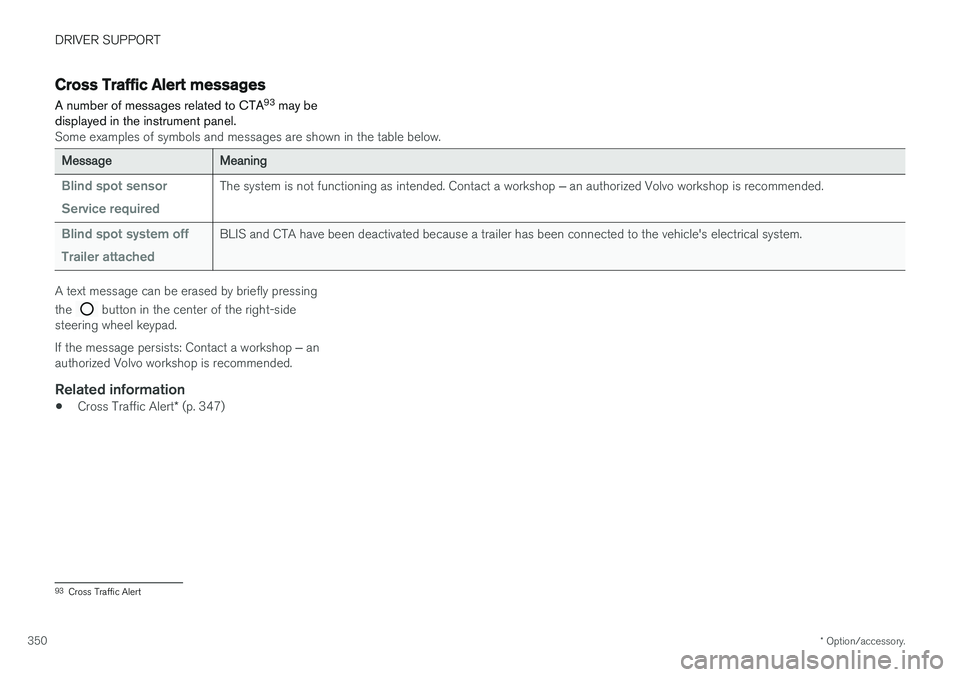
Cross Traffic Alert messages
A number of messages related to CTA 93
may be
displayed in the instrument panel.
Some examples of symbols and messages are shown in the table below.
MessageMeaning
Blind spot sensor Service requiredThe system is not functioning as intended. Contact a workshop ‒ an authorized Volvo workshop is recommended.
Blind spot system off Trailer attachedBLIS and CTA have been deactivated because a trailer has been connected to the vehicle's electrical system.
A text message can be erased by briefly pressing the
button in the center of the right-side
steering wheel keypad. If the message persists: Contact a workshop ‒ an
authorized Volvo workshop is recommended.
Related information
• Cross Traffic Alert
* (p. 347)
93
Cross Traffic Alert
Page 358 of 656
||
DRIVER SUPPORT
* Option/accessory.
356 •
signs partially or fully covered by frost, snow and/or dirt
• digital road maps 104
that are outdated, incor-
rect or do not contain speed information 105
.
NOTE
Certain types of bike carriers that are con- nected to the trailer socket may be interpre-ted as a connected trailer by the RSI function.In such cases, the instrument panel may indi-cate incorrect speed information.
NOTE
The function uses the vehicle's camera unit, which has some general limitations – see thesection "Camera unit limitations".
Related information
• Road Sign Information
* (p. 351)
Driver Alert Control
The Driver Alert Control (DAC) function is designed to help capture the driver becomeaware of erratic behavior, e.g. if the driver is dis-tracted or showing signs of fatigue.
The objective of DAC is to detect slowly deterio- rating driving behavior and is primarily intended tobe used on major roads. The function is notintended for use in city traffic. DAC is activated when the vehicle's speed exceeds 65 km/h (40 mph) and remains activeas long as speeds are above 60 km/h (37 mph).
A camera monitors the traffic lane's marker lines and compares the direction of the road with thedriver's movements of the steering wheel.
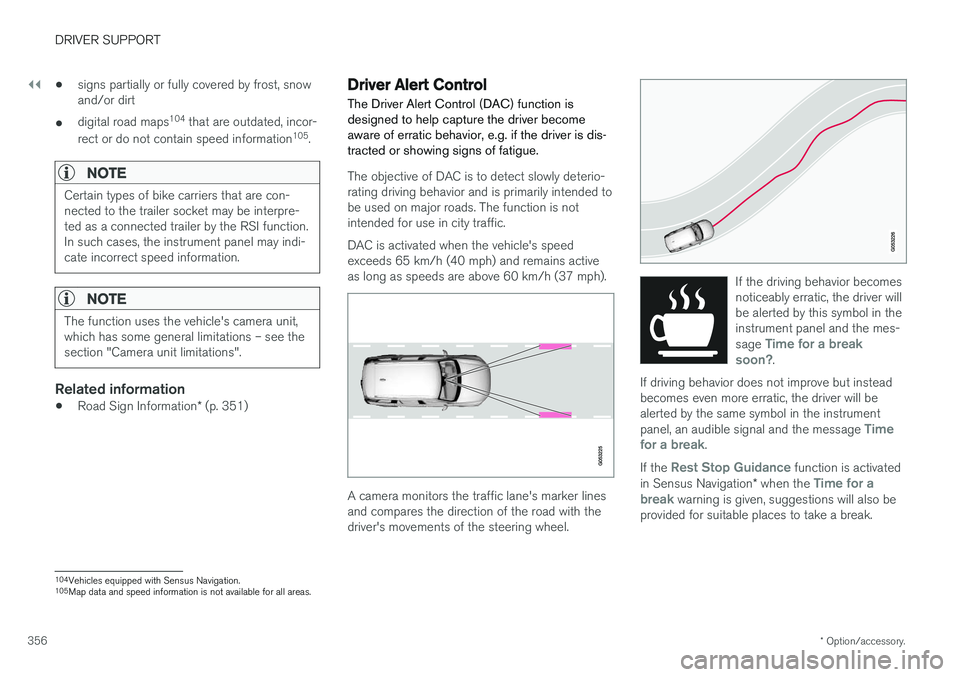
If the driving behavior becomes noticeably erratic, the driver willbe alerted by this symbol in theinstrument panel and the mes- sage
Time for a break
soon?.
If driving behavior does not improve but instead becomes even more erratic, the driver will bealerted by the same symbol in the instrument panel, an audible signal and the message
Time
for a break.
If the Rest Stop Guidance function is activated
in Sensus Navigation * when the Time for a
break warning is given, suggestions will also be
provided for suitable places to take a break.
104 Vehicles equipped with Sensus Navigation.
105 Map data and speed information is not available for all areas.
Page 360 of 656
DRIVER SUPPORT
358
Selecting guidance to a rest area ifthe Driver Alert Control warning hasbeen givenThe
Rest Stop Guidance function can be
switched on or off.
When the guide is activated, it will automatically display suggestions for a suitable place to take abreak if the DAC warning is given. To select
Rest Stop Guidance:
1. Tap
Settings in the center display's Top
view.
2. Select
My CarIntelliSafeDriver Alert
Control.
3. Select/deselect
Rest Stop Guidance to
activate/deactivate the function.
Related information
• Driver Alert Control (p. 356)
Driver Alert Control limitations
Driver Alert Control (DAC) functionality may be reduced in certain situations.
In certain situations, the system may provide a warning even if it has not detected a change indriving behavior, e.g.:
• in strong crosswinds
• on grooved road surfaces.
WARNING
In certain cases, driving behavior might not be affected despite the driver's fatigue – whenusing the Pilot Assist function – resulting inthe driver not getting a warning from DAC. It is therefore very important to always stop and take a break at the slightest sign of fati-gue, regardless of whether the DAC functionhas issued a warning or not.
NOTE
The function uses the vehicle's camera unit, which has some general limitations – see thesection "Camera unit limitations".
Related information
• Driver Alert Control (p. 356)
Lane Keeping Aid
Lane Keeping Aid (LKA 106
) is designed to
actively steer the vehicle on freeways, highways and other major roads to help the driver reducethe risk of the vehicle unintentionally veering outof the lane.
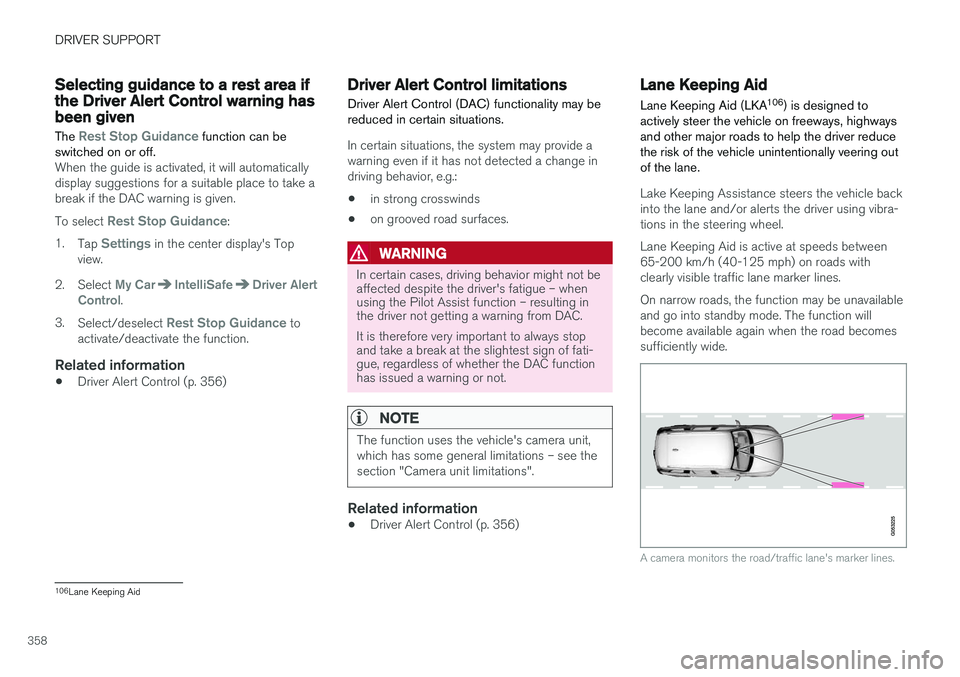
Lake Keeping Assistance steers the vehicle back into the lane and/or alerts the driver using vibra-tions in the steering wheel. Lane Keeping Aid is active at speeds between 65-200 km/h (40-125 mph) on roads withclearly visible traffic lane marker lines. On narrow roads, the function may be unavailable and go into standby mode. The function willbecome available again when the road becomessufficiently wide.
A camera monitors the road/traffic lane's marker lines.
106 Lane Keeping Aid