light VOLVO V90 2018 Owner´s Manual
[x] Cancel search | Manufacturer: VOLVO, Model Year: 2018, Model line: V90, Model: VOLVO V90 2018Pages: 656, PDF Size: 11.78 MB
Page 621 of 656
MAINTENANCE AND SERVICE
}}
619
1. Place a strip of masking tape over the dam-
aged surface. Pull the tape off so that any loose flakes of paint adhere to it. If the damage goes down to the bare metal, you may need to use primer first. If the paintdamage is on a plastic surface, an adhesiveprimer should be used for better results.Spray the primer into the lid of the spray canand brush on thinly.
2. Light sanding with a very fine-grained sand- paper or similar may be required beforepainting (e.g. if there are uneven edges).Clean the area carefully and let it dry.
3. Thoroughly mix the primer and apply it with a small brush, toothpick or similar. When theprimer is dry, apply one or more coats ofpaint and then a clear coat, letting the paintdry between each application.
If there is a longer scratch, follow the same pro-cedure as above, but first mask off the surround-ing area to protect the undamaged paint. Touch-up pens and spray paints are available at Volvo retailers.
NOTE
If the stone chip has not gone down to the bare metal and an undamaged coat of paintremains, apply base coat and clear coatimmediately after cleaning the surface.
Related information
• Paintwork (p. 618)
• Color codes (p. 619)
Color codes
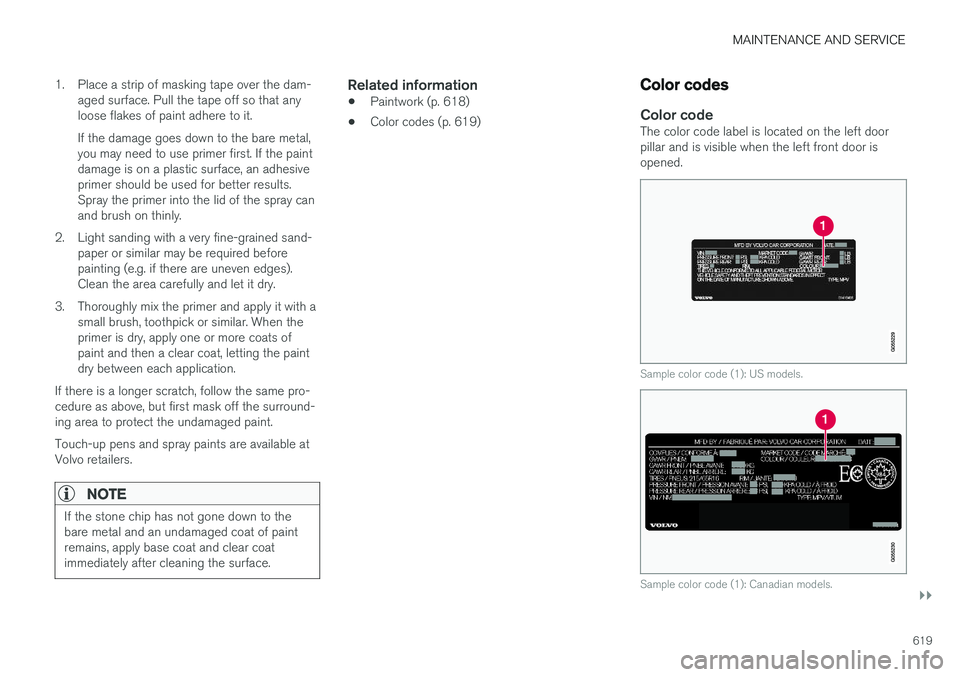
Color codeThe color code label is located on the left door pillar and is visible when the left front door isopened.
Sample color code (1): US models.
Sample color code (1): Canadian models.
Page 622 of 656
||
MAINTENANCE AND SERVICE
620It is important to use the right color.
Related information
•
Paintwork (p. 618)
• Touching up minor paint damage (p. 618)
Changing rear window wipers
The wiper blades help remove water from the windshield and rear window. Along with thewasher fluid, they clean the glass and helpimprove visibility while driving. The windshieldand rear window wiper blades can be replaced.
Changing rear window wipers
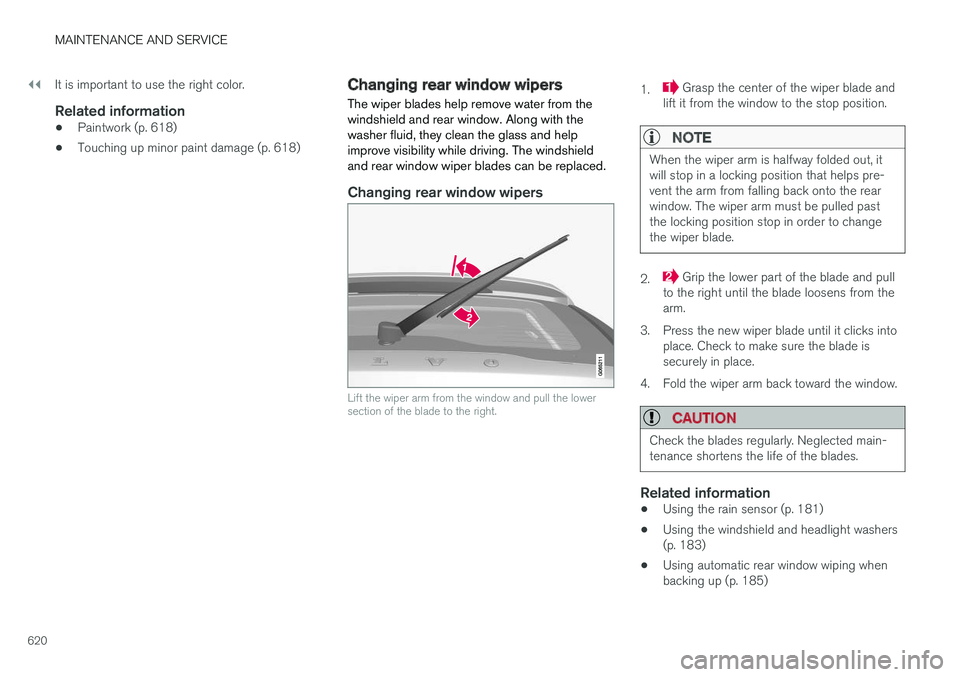
Lift the wiper arm from the window and pull the lower section of the blade to the right.
1. Grasp the center of the wiper blade and
lift it from the window to the stop position.
NOTE
When the wiper arm is halfway folded out, it will stop in a locking position that helps pre-vent the arm from falling back onto the rearwindow. The wiper arm must be pulled pastthe locking position stop in order to changethe wiper blade.
2. Grip the lower part of the blade and pull
to the right until the blade loosens from the arm.
3. Press the new wiper blade until it clicks into place. Check to make sure the blade issecurely in place.
4. Fold the wiper arm back toward the window.
CAUTION
Check the blades regularly. Neglected main- tenance shortens the life of the blades.
Related information
• Using the rain sensor (p. 181)
• Using the windshield and headlight washers (p. 183)
• Using automatic rear window wiping whenbacking up (p. 185)
Page 624 of 656
||
MAINTENANCE AND SERVICE
* Option/accessory.
622
NOTE
The wiper blades are different lengths. The blade on the driver's side is longer than theone on the passenger side.
Related information
• Using the rain sensor (p. 181)
• Using the windshield and headlight washers (p. 183)
• Using automatic rear window wiping whenbacking up (p. 185)
• Heated windshield washer nozzles
* (p. 181)
• Using the rain sensor's memory function(p. 182)
• Using the rear window wiper/washer(p. 184)
• Filling washer fluid (p. 623)
• Windshield wipers in the service position(p. 622)
• Changing rear window wipers (p. 620)
• Using the windshield wipers (p. 180)
Windshield wipers in the serviceposition
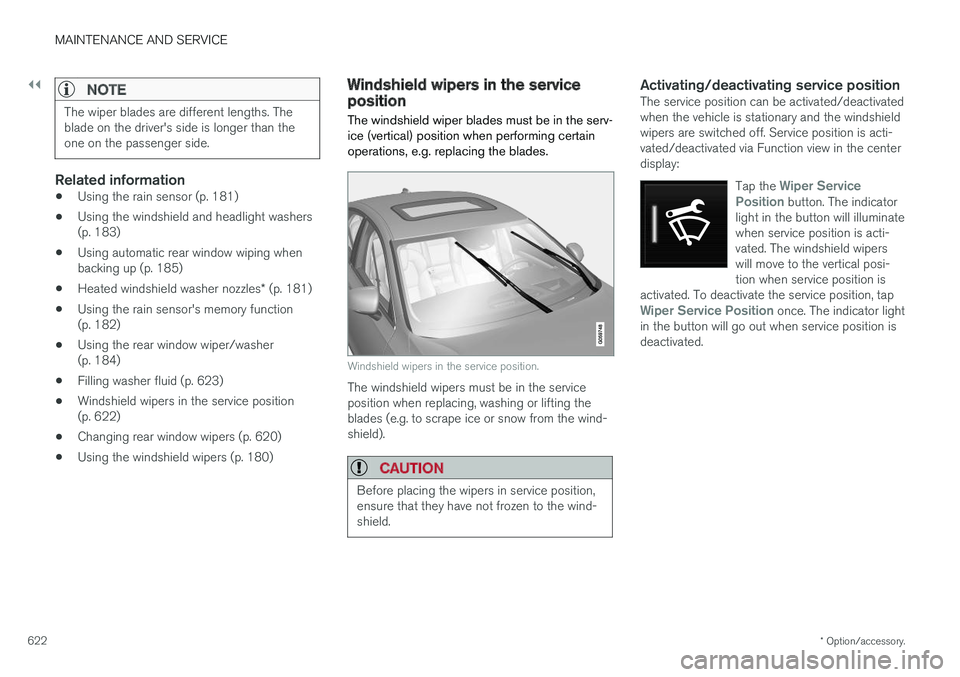
The windshield wiper blades must be in the serv- ice (vertical) position when performing certainoperations, e.g. replacing the blades.
Windshield wipers in the service position.
The windshield wipers must be in the service position when replacing, washing or lifting theblades (e.g. to scrape ice or snow from the wind-shield).
CAUTION
Before placing the wipers in service position, ensure that they have not frozen to the wind-shield.
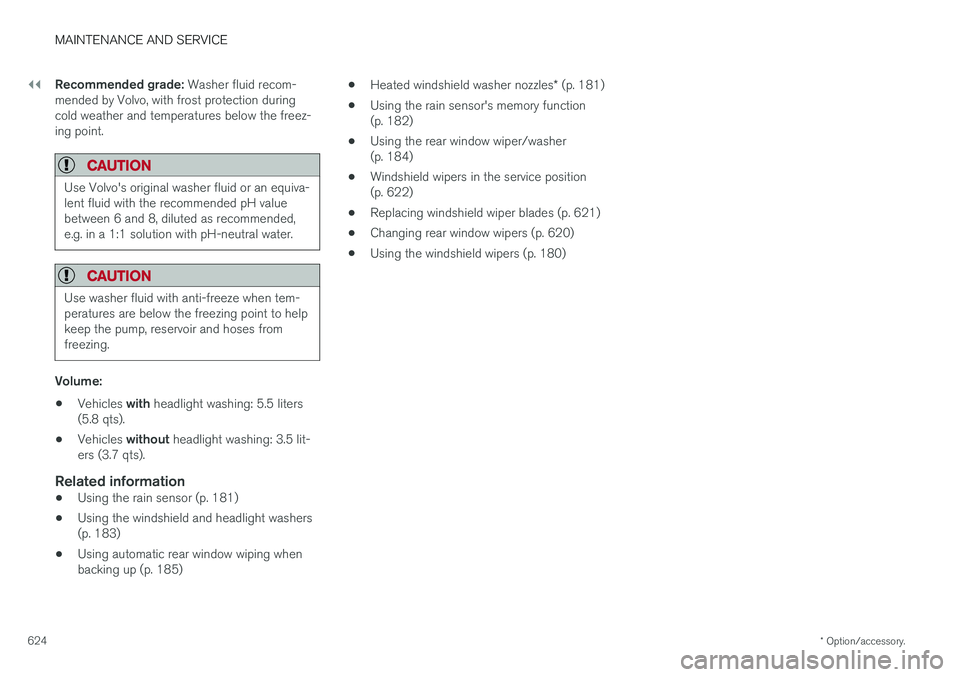
Activating/deactivating service positionThe service position can be activated/deactivated when the vehicle is stationary and the windshieldwipers are switched off. Service position is acti-vated/deactivated via Function view in the centerdisplay:
Tap the
Wiper Service
Position button. The indicator
light in the button will illuminate when service position is acti-vated. The windshield wiperswill move to the vertical posi-tion when service position is
activated. To deactivate the service position, tap
Wiper Service Position once. The indicator light
in the button will go out when service position is deactivated.
Page 625 of 656
MAINTENANCE AND SERVICE
}}
* Option/accessory.623
The wiper blades will also move out of service position if:
• The windshield wipers are turned on.
• The windshield washers are turned on.
• The rain sensor is activated.
• The vehicle begins moving.
CAUTION
If the wiper arms in service position are raised from the windshield, they must be folded backagainst the windscreen before activating wip-ing, washing or rain sensor as well as beforedeparture. This is to prevent scratching thepaint on the hood.
Related information
• Using the rain sensor (p. 181)
• Using the windshield and headlight washers (p. 183)
• Using automatic rear window wiping whenbacking up (p. 185)
• Heated windshield washer nozzles
* (p. 181)
• Using the rain sensor's memory function(p. 182)
• Using the rear window wiper/washer(p. 184)
• Filling washer fluid (p. 623)
• Replacing windshield wiper blades (p. 621) •
Changing rear window wipers (p. 620)
• Using the windshield wipers (p. 180)
Filling washer fluid
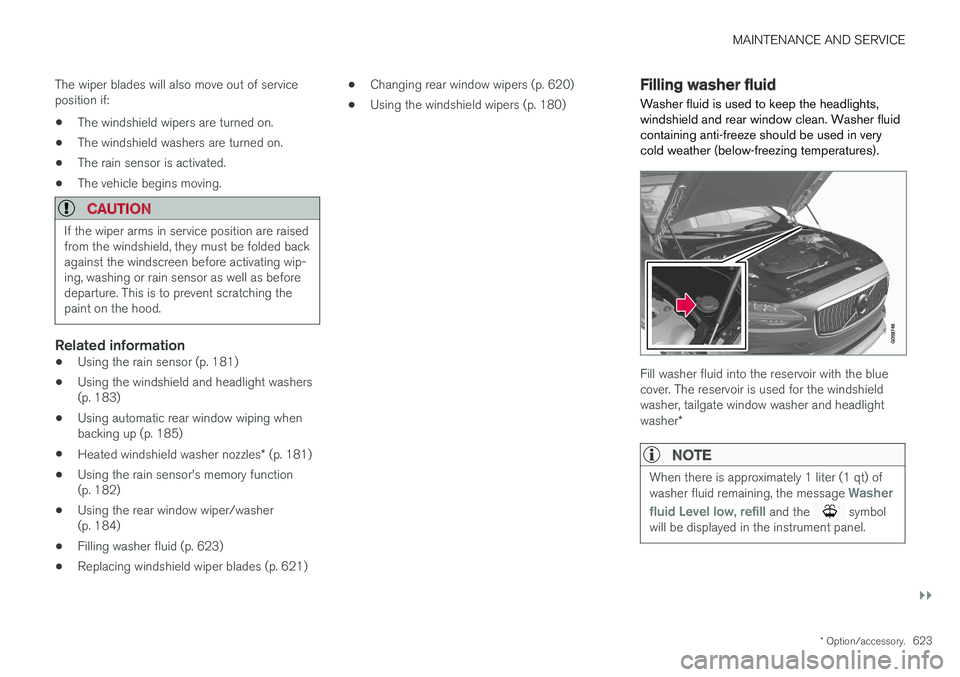
Washer fluid is used to keep the headlights, windshield and rear window clean. Washer fluidcontaining anti-freeze should be used in verycold weather (below-freezing temperatures).
Fill washer fluid into the reservoir with the blue cover. The reservoir is used for the windshieldwasher, tailgate window washer and headlight washer *
NOTE
When there is approximately 1 liter (1 qt) of washer fluid remaining, the message Washer
fluid
Level low, refill and the symbol
will be displayed in the instrument panel.
Page 626 of 656
||
MAINTENANCE AND SERVICE
* Option/accessory.
624 Recommended grade:
Washer fluid recom-
mended by Volvo, with frost protection during cold weather and temperatures below the freez-ing point.
CAUTION
Use Volvo's original washer fluid or an equiva- lent fluid with the recommended pH valuebetween 6 and 8, diluted as recommended,e.g. in a 1:1 solution with pH-neutral water.
CAUTION
Use washer fluid with anti-freeze when tem- peratures are below the freezing point to helpkeep the pump, reservoir and hoses fromfreezing.
Volume:
• Vehicles
with headlight washing: 5.5 liters
(5.8 qts).
• Vehicles
without headlight washing: 3.5 lit-
ers (3.7 qts).
Related information
• Using the rain sensor (p. 181)
• Using the windshield and headlight washers (p. 183)
• Using automatic rear window wiping whenbacking up (p. 185) •
Heated windshield washer nozzles
* (p. 181)
• Using the rain sensor's memory function(p. 182)
• Using the rear window wiper/washer(p. 184)
• Windshield wipers in the service position(p. 622)
• Replacing windshield wiper blades (p. 621)
• Changing rear window wipers (p. 620)
• Using the windshield wipers (p. 180)
Page 632 of 656
||
SPECIFICATIONS
630
Dimensionsmminches
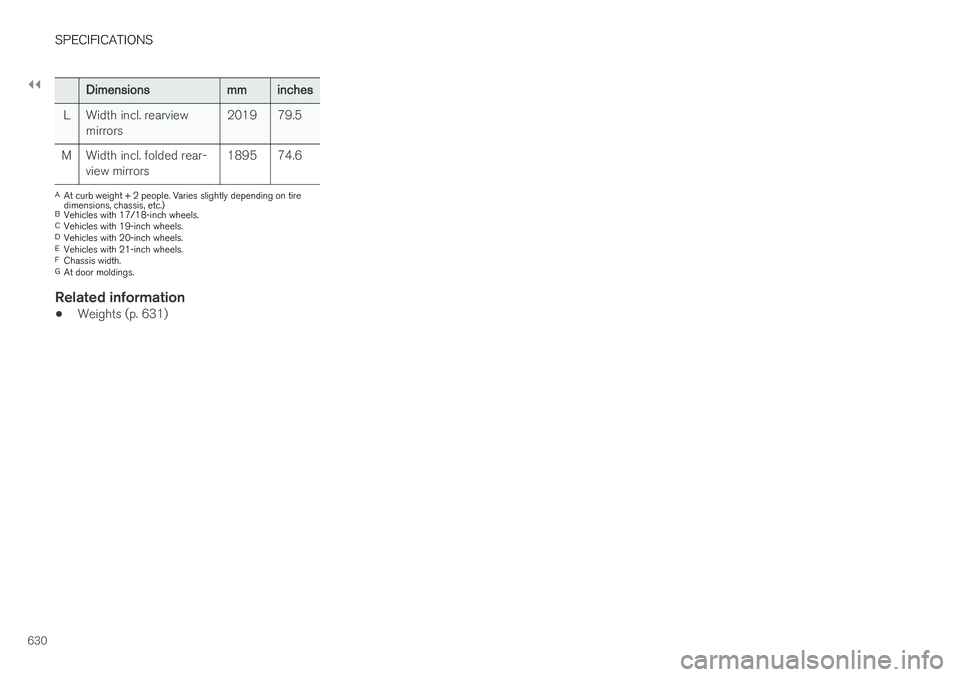
L Width incl. rearview mirrors 2019 79.5
M Width incl. folded rear- view mirrors 1895 74.6
A
At curb weight + 2 people. Varies slightly depending on tire dimensions, chassis, etc.)
B Vehicles with 17/18-inch wheels.
C Vehicles with 19-inch wheels.
D Vehicles with 20-inch wheels.
E Vehicles with 21-inch wheels.
F Chassis width.
G At door moldings.
Related information
• Weights (p. 631)
Page 641 of 656
INDEX
639
1, 2, 3 ...
4WD 419
A
ABSanti-lock brakes 405
AC (Air conditioning) 229
ACC - Adaptive Cruise Control 289, 292, 293, 294, 295, 296, 298, 299, 300, 301, 303
Accessories and extra equipment 35 installation 36
Accessory installation warning 36
Active Bending Lights 161
Adapting driving characteristics 266, 419
Adaptive Cruise Control 289, 292, 293, 294, 295, 296, 298, 299, 300, 301, 303
change cruise control functionality 301
function 289
manage speed 293, 294
pass 298
radar sensor 320
set time interval 295, 296
troubleshooting 300
Adjusting the steering wheel 200
Airbag 52 activation/deactivation 56
driver's side 53
passenger side 53, 56
Air bag, see Airbag 52
Air conditioning 229Air conditioning, fluid volume and grade 636
Air distribution 208 air vents 208, 209
changing 208
defrosting 222
recirculation 221
table showing options 211
Air quality 205, 206 allergy and asthma 206
passenger compartment filter 207
Air recirculation 221
Alarm 261 deactivating 262
Allergy and asthma-inducing substances 206
All Wheel Drive, AWD 419
All Wheel Drive (AWD) 419
All Wheel Drive (four-wheel drive) 419
Android Auto 486, 488 Antenna location 251Apple CarPlay 483, 485
Approach lighting 164
Apps 455
Assistance at risk of collision 366, 367, 368, 369, 370, 371, 372, 374
Audio and media 454Audio system HD digital radio 465 SiriusXM ® Satellite radio 466, 467, 468
Auto-climate 220
Auto hold 411
Auto-hold brakes 411 activate and deactivate 412
after collision 413
Automatic car wash 614 Automatic engine stop auto-stop 424
Automatic high beam 159
Automatic locking 255
Automatic relocking 235, 248
Automatic Speed Limiter 276, 278, 279
Automatic transmission 414 kickdown 418
oil 635
Trailer 440
INDEX
Page 642 of 656
INDEX
640
B
Backrestfront seat, adjusting 188, 189, 192, 193 , 194
rear seat, folding 196
Battery jump-start 439
Maintenance 589
start 589
support 592
symbols on the battery 593
warning symbols 593
BLIS 342, 343, 344, 345 Blower adjusting 225, 226
air distribution 208
air vents 209
Bluetooth connect 481
connecting vehicle to Internet 499
phone 488
settings 497
Book service and repair 570
Booster cushions 71Brake assist after collision 413
Brake fluidgrade 635
Brake functions 404
Brake light 163
Brakes 405 anti-lock brakes, ABS 405
automatic when stationary 411
Brake Assist System, BAS 406
brake lights 163
brake system 404
emergency brake lights 163
handbrake 407
Maintenance 407
on salted roads 407
on wet roads 406
brake system fluid 635
C
Camera sensor 338
Camera unit 325
Capacity weight 546, 631
Cargo compartment 555
attachment points 557
cargo net 562
electrical outlet 550, 552
Lighting 166
Cargo compartment cover 558, 559
cargo net 562
Car wash 611, 612, 614, 615, 616, 617
Catalytic converter 437 recovery 444
CD player 479
Cell phone, see Phone 489
Center console 549Center display change appearance 133
cleaning 606
climate controls 214
Function view 124
keyboard 128
messages 142, 143, 144
operation 114, 117, 121, 126
overview 111
settings 134, 135, 136
switch off and change volume 133
symbols in status bar 126
views 117
Central locking 251
Change of owner 136
Changing a wheel 532
Checking engine oil level 579
Page 643 of 656
INDEX
641
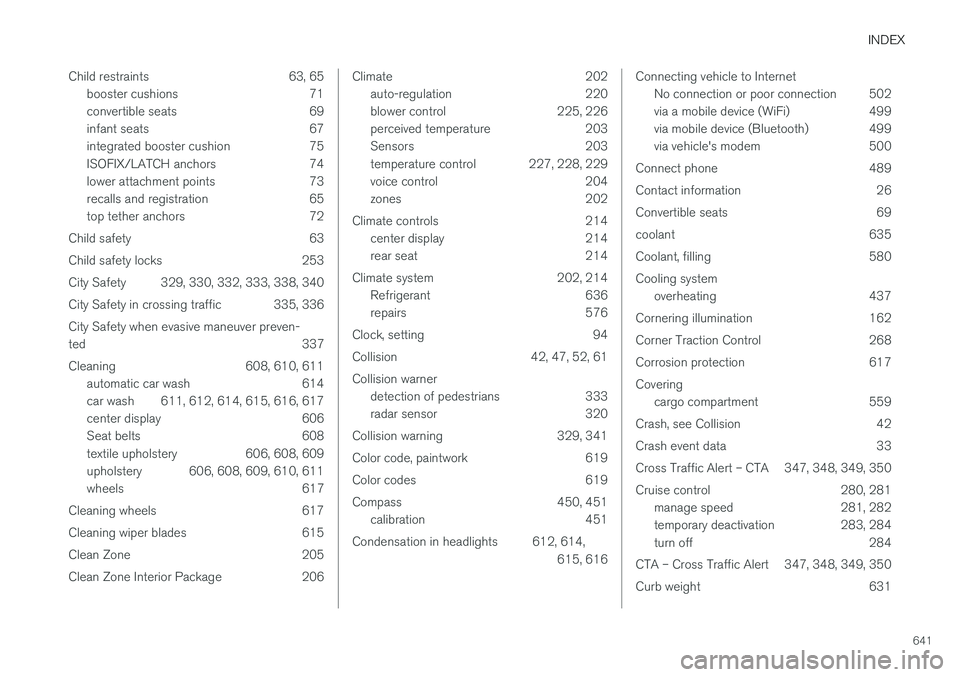
Child restraints 63, 65
booster cushions 71
convertible seats 69
infant seats 67
integrated booster cushion 75
ISOFIX/LATCH anchors 74
lower attachment points 73
recalls and registration 65
top tether anchors 72
Child safety 63
Child safety locks 253
City Safety 329, 330, 332, 333, 338, 340
City Safety in crossing traffic 335, 336 City Safety when evasive maneuver preven- ted 337
Cleaning 608, 610, 611 automatic car wash 614
car wash 611, 612, 614, 615, 616, 617
center display 606
Seat belts 608
textile upholstery 606, 608, 609
upholstery 606, 608, 609, 610, 611
wheels 617
Cleaning wheels 617
Cleaning wiper blades 615
Clean Zone 205
Clean Zone Interior Package 206
Climate 202 auto-regulation 220
blower control 225, 226
perceived temperature 203
Sensors 203
temperature control 227, 228, 229
voice control 204
zones 202
Climate controls 214 center display 214
rear seat 214
Climate system 202, 214 Refrigerant 636
repairs 576
Clock, setting 94
Collision 42, 47, 52, 61 Collision warner detection of pedestrians 333
radar sensor 320
Collision warning 329, 341
Color code, paintwork 619
Color codes 619
Compass 450, 451 calibration 451
Condensation in headlights 612, 614, 615, 616Connecting vehicle to InternetNo connection or poor connection 502
via a mobile device (WiFi) 499
via mobile device (Bluetooth) 499
via vehicle's modem 500
Connect phone 489
Contact information 26
Convertible seats 69
coolant 635
Coolant, filling 580 Cooling system overheating 437
Cornering illumination 162
Corner Traction Control 268
Corrosion protection 617Covering cargo compartment 559
Crash, see Collision 42
Crash event data 33
Cross Traffic Alert – CTA 347, 348, 349, 350
Cruise control 280, 281 manage speed 281, 282
temporary deactivation 283, 284
turn off 284
CTA – Cross Traffic Alert 347, 348, 349, 350
Curb weight 631
Page 644 of 656
INDEX
642CZIP (Clean Zone Interior Package) 206
D
Data
recording 33 transferring between vehicle and work-
shop 568
Data sharing 504
Daytime running lights 156Decals location of 626
Defrosting 222
Detection of cyclist 333
Dimensions 629
Dipstick, electronic 578
Direction of rotation 520
Disengaging the shiftlock 417
Display lighting 166
Distance Alert 285, 286, 287 limitations 288
DivX ®
480
Door mirrors 173, 175 compass 450, 451
dimming 174
outer 173, 175
power folding 175
resetting 175
Driveline transmission 413
Drive mode 419 changing 421
Driver Alert Control 356 operation 357, 358
Driver Alert Control limitations 358
Driver performance 92, 93
Driver profile 139 edit 141
select 140
Driver support system 266 Driving cooling system 437
with a trailer 440
Driving economy 430
Driving through standing water 432 driving with a trailer towball load 632
towing capacity 632E
ECO climate 421
ECO mode 421
activate with function button 423
Economical driving 421, 430
Electrical outlet 550 use 552
Electrical system 589
Electric parking brake 407
Electronic immobilizer 246
emergency brake lights 163
Emission inspection readiness 566 Engine overheating 437
start 400
Start/Stop 424
turn off 402
Engine compartment coolant 580
engine oil 577
overview 577
Engine drag control 268
Engine oil 577 filling 578
filter 577
grade and volume 634