traction control VOLVO V90 2018 Owner´s Manual
[x] Cancel search | Manufacturer: VOLVO, Model Year: 2018, Model line: V90, Model: VOLVO V90 2018Pages: 656, PDF Size: 11.78 MB
Page 422 of 656
||
STARTING AND DRIVING
* Option/accessory.
420
ECO
• Adapt the vehicle for more fuel-efficient and eco-friendly driving with Eco mode.
In this mode, the Start/Stop function is activatedand certain climate settings are reduced. The instrument panel has an ECO gauge to facili- tate fuel-efficient driving.
DYNAMIC
• Dynamic mode is designed to provide sport- ier driving characteristics and a faster accel-eration response.
Gear shifting will be faster and more distinct andthe transmission will prioritize gears with a highertraction force. Steering response is faster and suspension is stiffer 4
to help reduce body roll when cornering.
The Start/Stop function is deactivated.
INDIVIDUAL
• Customizes drive mode to personal preferen- ces.
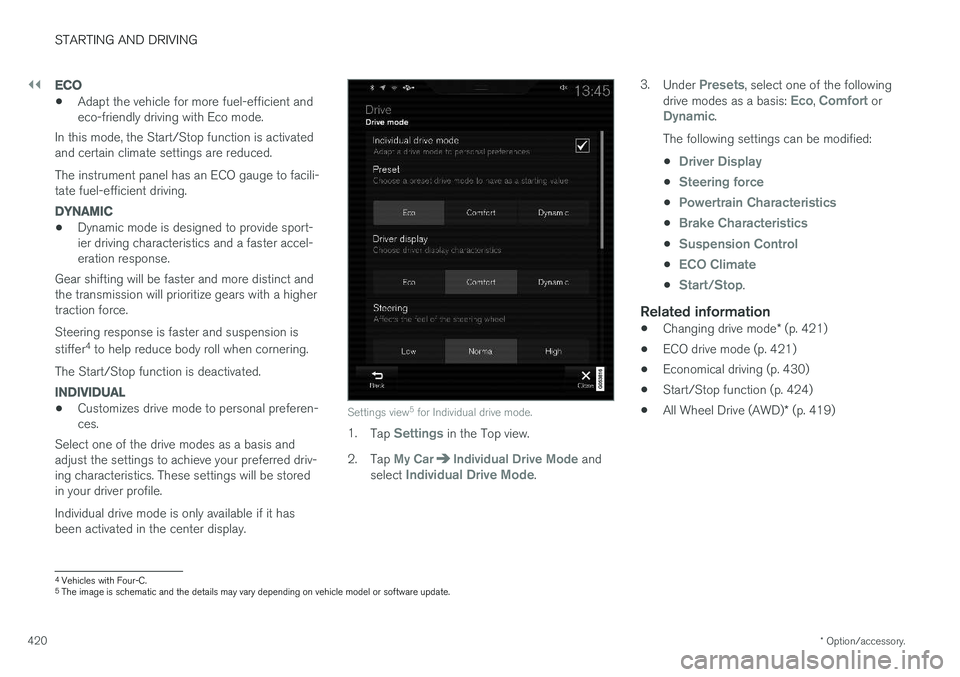
Select one of the drive modes as a basis andadjust the settings to achieve your preferred driv- ing characteristics. These settings will be stored in your driver profile. Individual drive mode is only available if it has been activated in the center display.Settings view 5
for Individual drive mode.
1. Tap Settings in the Top view.
2. Tap
My CarIndividual Drive Mode and
select Individual Drive Mode. 3.
Under
Presets, select one of the following
drive modes as a basis: Eco, Comfort orDynamic.
The following settings can be modified: •
Driver Display
•Steering force
•Powertrain Characteristics
•Brake Characteristics
•Suspension Control
•ECO Climate
•Start/Stop.
Related information
• Changing drive mode
* (p. 421)
• ECO drive mode (p. 421)
• Economical driving (p. 430)
• Start/Stop function (p. 424)
• All Wheel Drive (AWD)
* (p. 419)
4
Vehicles with Four-C.
5 The image is schematic and the details may vary depending on vehicle model or software update.
Page 456 of 656
AUDIO, MEDIA AND INTERNET
* Option/accessory.
454
Audio, media and Internet
The audio and media system consists of a media player and a radio. A cellular phone can also beconnected through Bluetooth to use hands-freefunctions or play music in the vehicle. When thevehicle is connected to the Internet, it is alsopossible to use apps to play media.
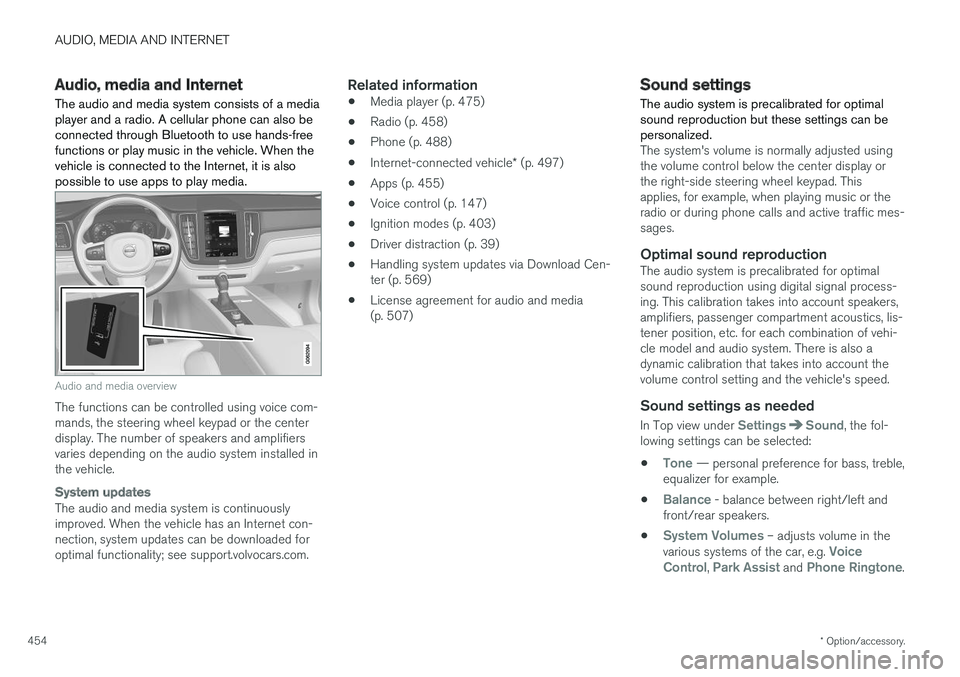
Audio and media overview
The functions can be controlled using voice com- mands, the steering wheel keypad or the centerdisplay. The number of speakers and amplifiersvaries depending on the audio system installed inthe vehicle.
System updates
The audio and media system is continuously improved. When the vehicle has an Internet con-nection, system updates can be downloaded foroptimal functionality; see support.volvocars.com.
Related information
• Media player (p. 475)
• Radio (p. 458)
• Phone (p. 488)
• Internet-connected vehicle
* (p. 497)
• Apps (p. 455)
• Voice control (p. 147)
• Ignition modes (p. 403)
• Driver distraction (p. 39)
• Handling system updates via Download Cen-ter (p. 569)
• License agreement for audio and media(p. 507)
Sound settings
The audio system is precalibrated for optimal sound reproduction but these settings can bepersonalized.
The system's volume is normally adjusted using the volume control below the center display orthe right-side steering wheel keypad. Thisapplies, for example, when playing music or theradio or during phone calls and active traffic mes-sages.
Optimal sound reproductionThe audio system is precalibrated for optimalsound reproduction using digital signal process-ing. This calibration takes into account speakers,amplifiers, passenger compartment acoustics, lis-tener position, etc. for each combination of vehi-cle model and audio system. There is also adynamic calibration that takes into account thevolume control setting and the vehicle's speed.
Sound settings as needed
In Top view under SettingsSound, the fol-
lowing settings can be selected:
•
Tone — personal preference for bass, treble,
equalizer for example.
•
Balance - balance between right/left and
front/rear speakers.
•
System Volumes – adjusts volume in the
various systems of the car, e.g. Voice
Control, Park Assist and Phone Ringtone.
Page 520 of 656
WHEELS AND TIRES
518
Tires
The function of the tires is to carry loads, provide traction on road surfaces, reduce vibrations andprotect the wheels from wear.
The tires significantly influence the vehicle's driv- ing characteristics. The type, dimensions, tirepressure and speed rating have a considerableimpact on how the vehicle performs. Your vehicle is equipped with tires according to the vehicle's tire information placard on the B-pil-lar (the structural member at the side of the vehi-cle, at the rear of the driver's door opening).
WARNING
A damaged tire could cause the driver to lose control of the vehicle.
CAUTION
Some Volvo models are equipped with an Ultra High Performance tire and wheel com-bination designed to provide maximum drypavement performance with consideration forhydroplaning resistance. They may be moresusceptible to road hazard damage and,depending on driving conditions, may achievea tread life of less than 30,000 km (20,000miles). Even if this vehicle is equipped withVolvo's advanced AWD or stability system,these tires are not designed for winter driving,and should be replaced with winter tires whenweather conditions dictate.
The tires have good road holding characteristics and offer good handling on dry and wet surfaces.It should be noted however that the tires havebeen developed to give these features on snow/ice-free surfaces. Most models are equipped with "all-season" tires, which provide a somewhat higher degree of road-holding on slippery road surfaces than tires with-out the "all-season" rating. However, for optimalroadholding on icy or snow-covered roads, werecommend snow tires on all four wheels. When replacing tires, be sure that the new tires are the same size designation, type (radial) andpreferably from the same manufacturer, on all four wheels. Otherwise there is a risk of alteringthe vehicle's roadholding and handling characte-ristics.
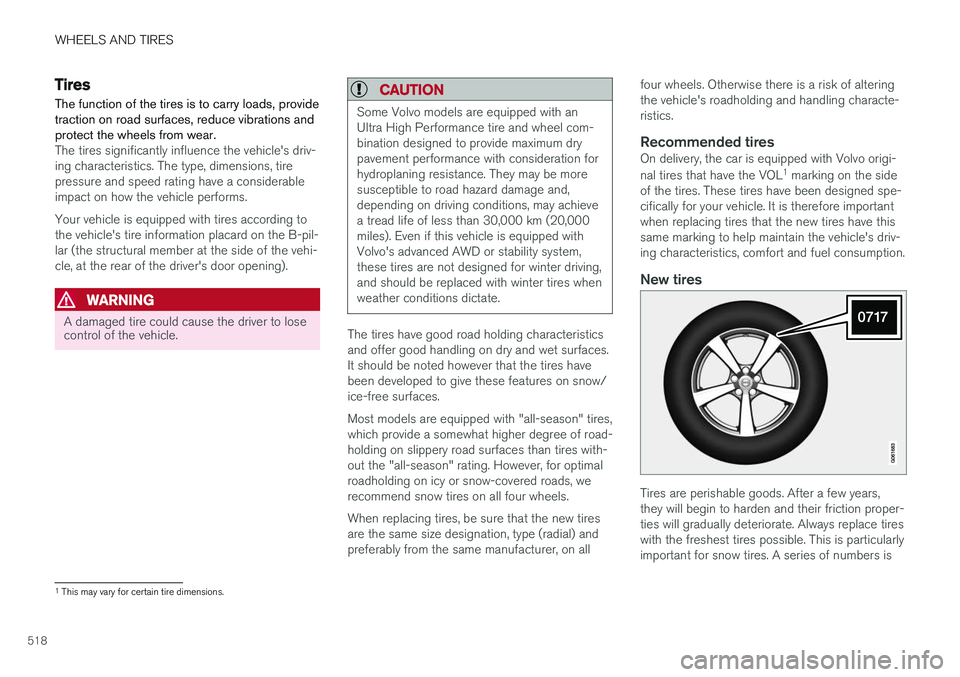
Recommended tiresOn delivery, the car is equipped with Volvo origi- nal tires that have the VOL
1
marking on the side
of the tires. These tires have been designed spe- cifically for your vehicle. It is therefore importantwhen replacing tires that the new tires have thissame marking to help maintain the vehicle's driv-ing characteristics, comfort and fuel consumption.
New tires
Tires are perishable goods. After a few years, they will begin to harden and their friction proper-ties will gradually deteriorate. Always replace tireswith the freshest tires possible. This is particularlyimportant for snow tires. A series of numbers is
1 This may vary for certain tire dimensions.
Page 526 of 656
WHEELS AND TIRES
524
Uniform Tire Quality Grading
ALL PASSENGER VEHICLE TIRES MUST CONFORM TO FEDERAL SAFETY REQUIRE-MENTS IN ADDITION TO THESE GRADES .
Quality grades can be found, where applica- ble, on the tire sidewall between the treadshoulder and maximum section width. Forexample: Treadwear 200 Traction AA Temperature A
TREADWEARThe treadwear grade is a comparative rating based on the wear rate of the tire when testedunder controlled conditions on a specified gov-ernment test course. For example, a tire graded150 would wear one and one half (1 ½) times aswell on the government course as a tire graded100. The relative performance of tires dependsupon the actual conditions of their use, however,and many depart significantly from the norm dueto variation in driving habits, maintenance practi-ces and differences in road characteristics andclimate.
TRACTIONThe traction grades, from highest to lowest, areAA, A, B, and C, as measured under controlledconditions on specified government test surfacesof asphalt and concrete. A tire marked C mayhave poor traction performance.
WARNING
The traction grade assigned to this tire is based on braking (straight-ahead) tractiontests and is not a measure of cornering (turn-ing) traction.
TEMPERATUREThe temperature grades are A (the highest), B, and C, representing the tire's resistance to thegeneration of heat and its ability to dissipate heatwhen tested under controlled conditions on aspecified indoor laboratory test wheel. Sustainedhigh temperature can cause the material of thetire to degenerate and reduce tire life, and exces-sive temperature can lead to sudden tire failure.The grade C corresponds to a minimum level ofperformance that all passenger vehicle tires mustmeet under the Federal Motor Safety StandardNo. 109. Grades B and A represent higher levelsof performance on the laboratory test wheel thanthe minimum required by law.
WARNING
The temperature grade for this tire is estab- lished for a tire that is properly inflated andnot overloaded. Excessive speed, under-infla-tion, or excessive loading, either separately orin combination, can cause heat buildup andtire failure.
Related information
•Tires (p. 518)
• Tire sidewall designations (p. 522)
Page 643 of 656
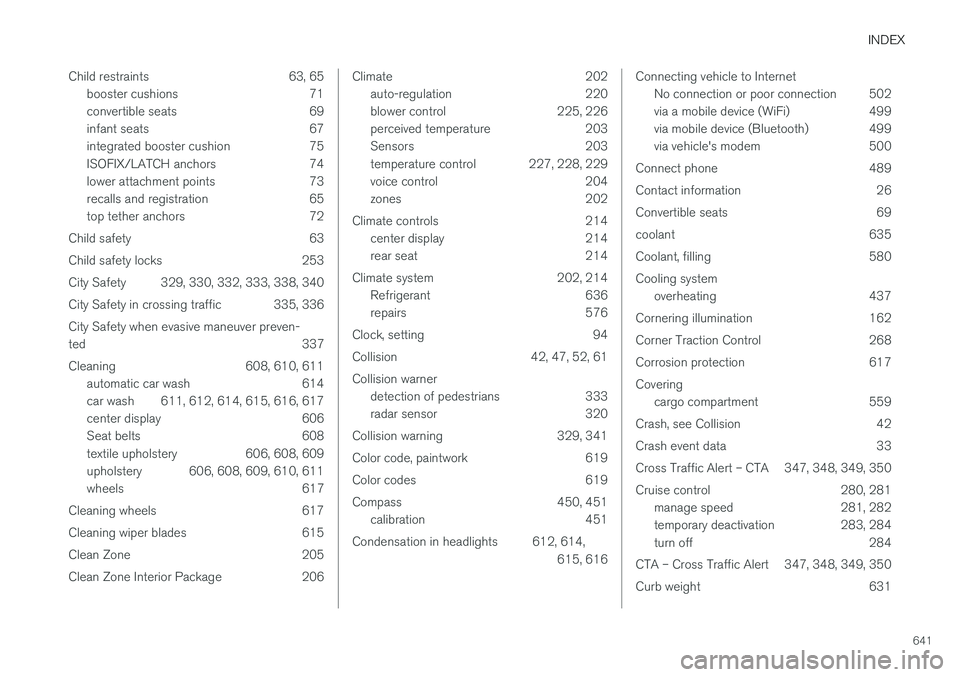
INDEX
641
Child restraints 63, 65
booster cushions 71
convertible seats 69
infant seats 67
integrated booster cushion 75
ISOFIX/LATCH anchors 74
lower attachment points 73
recalls and registration 65
top tether anchors 72
Child safety 63
Child safety locks 253
City Safety 329, 330, 332, 333, 338, 340
City Safety in crossing traffic 335, 336 City Safety when evasive maneuver preven- ted 337
Cleaning 608, 610, 611 automatic car wash 614
car wash 611, 612, 614, 615, 616, 617
center display 606
Seat belts 608
textile upholstery 606, 608, 609
upholstery 606, 608, 609, 610, 611
wheels 617
Cleaning wheels 617
Cleaning wiper blades 615
Clean Zone 205
Clean Zone Interior Package 206
Climate 202 auto-regulation 220
blower control 225, 226
perceived temperature 203
Sensors 203
temperature control 227, 228, 229
voice control 204
zones 202
Climate controls 214 center display 214
rear seat 214
Climate system 202, 214 Refrigerant 636
repairs 576
Clock, setting 94
Collision 42, 47, 52, 61 Collision warner detection of pedestrians 333
radar sensor 320
Collision warning 329, 341
Color code, paintwork 619
Color codes 619
Compass 450, 451 calibration 451
Condensation in headlights 612, 614, 615, 616Connecting vehicle to InternetNo connection or poor connection 502
via a mobile device (WiFi) 499
via mobile device (Bluetooth) 499
via vehicle's modem 500
Connect phone 489
Contact information 26
Convertible seats 69
coolant 635
Coolant, filling 580 Cooling system overheating 437
Cornering illumination 162
Corner Traction Control 268
Corrosion protection 617Covering cargo compartment 559
Crash, see Collision 42
Crash event data 33
Cross Traffic Alert – CTA 347, 348, 349, 350
Cruise control 280, 281 manage speed 281, 282
temporary deactivation 283, 284
turn off 284
CTA – Cross Traffic Alert 347, 348, 349, 350
Curb weight 631
Page 651 of 656
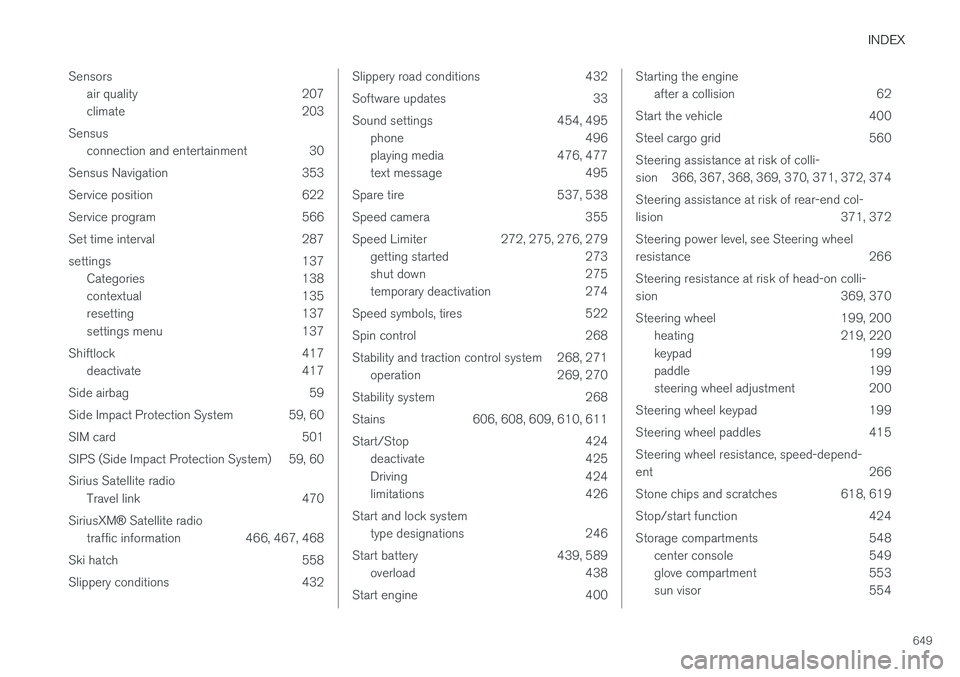
INDEX
649
Sensors
air quality 207
climate 203
Sensus connection and entertainment 30
Sensus Navigation 353
Service position 622
Service program 566
Set time interval 287
settings 137 Categories 138
contextual 135
resetting 137
settings menu 137
Shiftlock 417 deactivate 417
Side airbag 59
Side Impact Protection System 59, 60
SIM card 501
SIPS (Side Impact Protection System) 59, 60 Sirius Satellite radio Travel link 470
SiriusXM ® Satellite radio
traffic information 466, 467, 468
Ski hatch 558
Slippery conditions 432
Slippery road conditions 432
Software updates 33
Sound settings 454, 495 phone 496
playing media 476, 477
text message 495
Spare tire 537, 538
Speed camera 355
Speed Limiter 272, 275, 276, 279 getting started 273
shut down 275
temporary deactivation 274
Speed symbols, tires 522
Spin control 268
Stability and traction control system 268, 271 operation 269, 270
Stability system 268
Stains 606, 608, 609, 610, 611
Start/Stop 424 deactivate 425
Driving 424
limitations 426
Start and lock system type designations 246
Start battery 439, 589 overload 438
Start engine 400Starting the engine after a collision 62
Start the vehicle 400
Steel cargo grid 560Steering assistance at risk of colli-
sion 366, 367, 368, 369, 370, 371, 372, 374 Steering assistance at risk of rear-end col-
lision 371, 372 Steering power level, see Steering wheel
resistance 266 Steering resistance at risk of head-on colli-
sion 369, 370
Steering wheel 199, 200 heating 219, 220
keypad 199
paddle 199
steering wheel adjustment 200
Steering wheel keypad 199
Steering wheel paddles 415Steering wheel resistance, speed-depend- ent 266
Stone chips and scratches 618, 619
Stop/start function 424
Storage compartments 548 center console 549
glove compartment 553
sun visor 554
Page 652 of 656
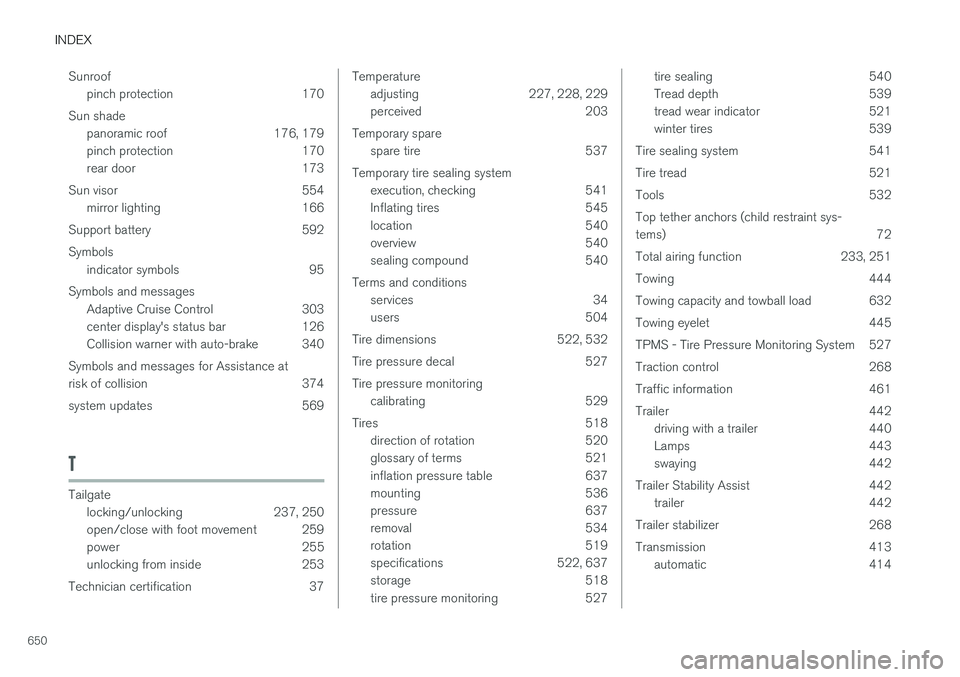
INDEX
650Sunroof
pinch protection 170
Sun shade panoramic roof 176, 179
pinch protection 170
rear door 173
Sun visor 554 mirror lighting 166
Support battery 592 Symbols indicator symbols 95
Symbols and messages Adaptive Cruise Control 303
center display's status bar 126
Collision warner with auto-brake 340
Symbols and messages for Assistance at
risk of collision 374
system updates 569
T
Tailgate locking/unlocking 237, 250
open/close with foot movement 259
power 255
unlocking from inside 253
Technician certification 37
Temperature adjusting 227, 228, 229
perceived 203
Temporary spare spare tire 537
Temporary tire sealing system execution, checking 541
Inflating tires 545
location 540
overview 540
sealing compound 540
Terms and conditions services 34
users 504
Tire dimensions 522, 532
Tire pressure decal 527 Tire pressure monitoring calibrating 529
Tires 518 direction of rotation 520
glossary of terms 521
inflation pressure table 637
mounting 536
pressure 637
removal 534
rotation 519
specifications 522, 637
storage 518
tire pressure monitoring 527tire sealing 540
Tread depth 539
tread wear indicator 521
winter tires 539
Tire sealing system 541
Tire tread 521
Tools 532Top tether anchors (child restraint sys- tems) 72
Total airing function 233, 251
Towing 444
Towing capacity and towball load 632
Towing eyelet 445
TPMS - Tire Pressure Monitoring System 527
Traction control 268
Traffic information 461
Trailer 442 driving with a trailer 440
Lamps 443
swaying 442
Trailer Stability Assist 442 trailer 442
Trailer stabilizer 268
Transmission 413 automatic 414
Page 653 of 656
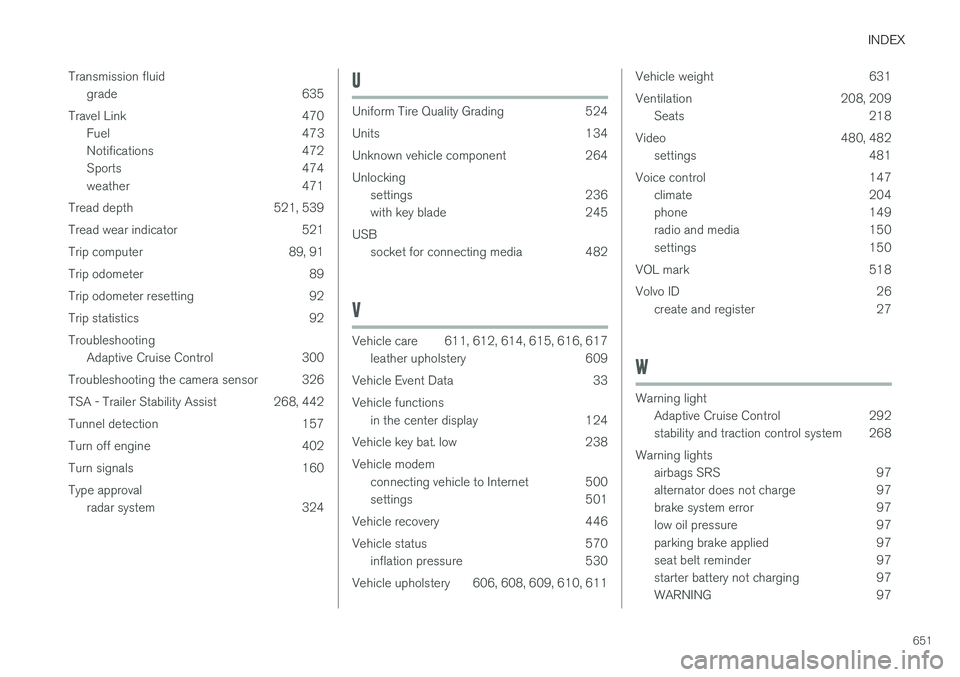
INDEX
651
Transmission fluid
grade 635
Travel Link 470 Fuel 473
Notifications 472
Sports 474
weather 471
Tread depth 521, 539
Tread wear indicator 521
Trip computer 89, 91
Trip odometer 89
Trip odometer resetting 92
Trip statistics 92 Troubleshooting Adaptive Cruise Control 300
Troubleshooting the camera sensor 326
TSA - Trailer Stability Assist 268, 442
Tunnel detection 157
Turn off engine 402
Turn signals 160Type approval radar system 324
U
Uniform Tire Quality Grading 524
Units 134
Unknown vehicle component 264Unlockingsettings 236
with key blade 245
USB socket for connecting media 482
V
Vehicle care 611, 612, 614, 615, 616, 617leather upholstery 609
Vehicle Event Data 33 Vehicle functions in the center display 124
Vehicle key bat. low 238Vehicle modem connecting vehicle to Internet 500
settings 501
Vehicle recovery 446
Vehicle status 570 inflation pressure 530
Vehicle upholstery 606, 608, 609, 610, 611
Vehicle weight 631
Ventilation 208, 209 Seats 218
Video 480, 482 settings 481
Voice control 147 climate 204
phone 149
radio and media 150
settings 150
VOL mark 518
Volvo ID 26 create and register 27
W
Warning light
Adaptive Cruise Control 292
stability and traction control system 268
Warning lights airbags SRS 97
alternator does not charge 97
brake system error 97
low oil pressure 97
parking brake applied 97
seat belt reminder 97
starter battery not charging 97
WARNING 97