tire pressure VOLVO V90 2018 Owner´s Manual
[x] Cancel search | Manufacturer: VOLVO, Model Year: 2018, Model line: V90, Model: VOLVO V90 2018Pages: 656, PDF Size: 11.78 MB
Page 572 of 656
||
MAINTENANCE AND SERVICE
* Option/accessory.
570
Canceling software download
–Tap the checkbox in the activity indicator that replaced the Install button when the down-
load began.
Note that only a download can be cancelled. An installation cannot be cancelled once it hasbegun.
Deactivating the background search for software update
Automatic background searching for softwareupdates is activated as the default factory setting,but the function can be deactivated. 1. Tap
Settings in the center display's Top
view.
2. Tap
SystemDownload Center.
3. Tap to deselect
Auto Software Update.
Related information
• Download Center (p. 569)
• Internet-connected vehicle
* (p. 497)
• Navigating in the center display's views (p. 117)
Vehicle status
The vehicle's general status can be displayed in the center display along with the option to schedule service 3
.
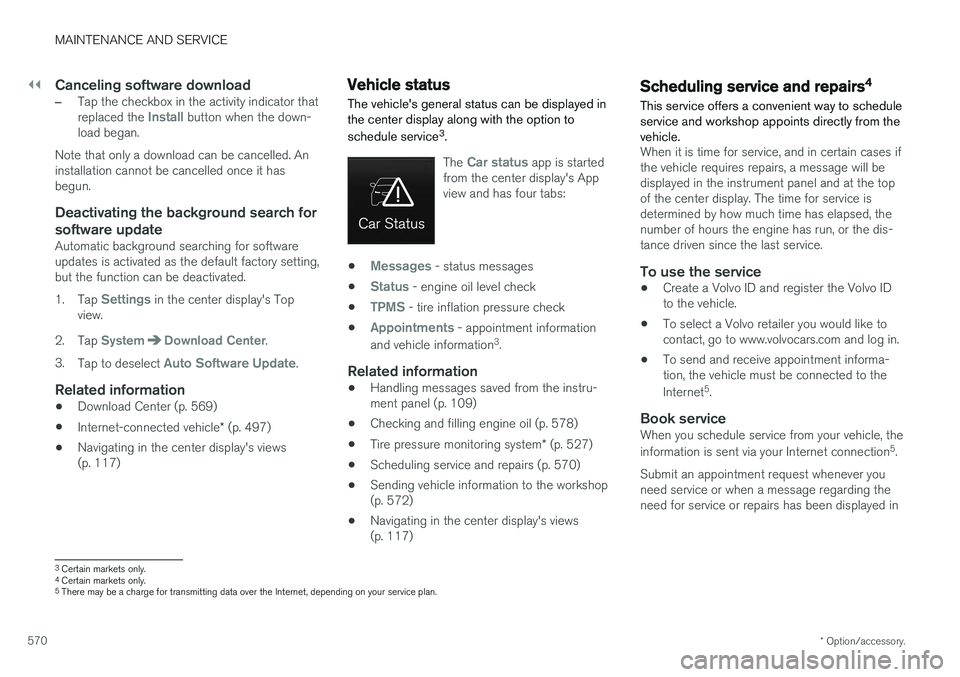
The Car status app is started
from the center display's App view and has four tabs:
•Messages - status messages
•
Status - engine oil level check
•
TPMS - tire inflation pressure check
•
Appointments - appointment information
and vehicle information 3
.
Related information
• Handling messages saved from the instru- ment panel (p. 109)
• Checking and filling engine oil (p. 578)
• Tire pressure monitoring system
* (p. 527)
• Scheduling service and repairs (p. 570)
• Sending vehicle information to the workshop(p. 572)
• Navigating in the center display's views(p. 117)
Scheduling service and repairs4
This service offers a convenient way to schedule service and workshop appoints directly from thevehicle.
When it is time for service, and in certain cases if the vehicle requires repairs, a message will bedisplayed in the instrument panel and at the topof the center display. The time for service isdetermined by how much time has elapsed, thenumber of hours the engine has run, or the dis-tance driven since the last service.
To use the service
• Create a Volvo ID and register the Volvo IDto the vehicle.
• To select a Volvo retailer you would like tocontact, go to www.volvocars.com and log in.
• To send and receive appointment informa-tion, the vehicle must be connected to the Internet 5
.
Book serviceWhen you schedule service from your vehicle, theinformation is sent via your Internet connection 5
.
Submit an appointment request whenever you need service or when a message regarding theneed for service or repairs has been displayed in
3 Certain markets only.
4 Certain markets only.
5 There may be a charge for transmitting data over the Internet, depending on your service plan.
Page 614 of 656
MAINTENANCE AND SERVICE
612
Polishing and waxingPolish and wax the vehicle when the paint is matte or to provide extra protection. The vehicledoes not need to be polished until it is at least ayear old. However, it can be waxed during thefirst year. Do not polish or wax the vehicle indirect sunlight. The surface of the vehicle shouldnot be warmer than approximately 45 °C(113 °F).
• Wash and dry the vehicle very carefully before polishing or waxing. Remove asphaltand tar stains with asphalt remover or paintthinner. More stubborn stains can beremoved with a grinding paste designed forvehicle paint.
• Use polish first and then liquid or paste wax.Follow the instructions on the package care-fully. Many products contain both polish andwax.
• A wide range of polymer-based waxes canbe purchased today. These waxes are easy touse and produce a long-lasting, high-glossfinish that protects the bodywork against oxi-dation, road dirt and fading.
CAUTION
Avoid waxing and polishing plastic and rubber. If using degreaser on plastic and rubber, only rub (if necessary) with slight pressure. Use asoft sponge. Polishing glossy trim moldings can wear away or damage the glossy surface layer. Polish containing abrasives must not be used.
CAUTION
Only use paintwork treatments recommended by Volvo. Other treatments, such as preserva-tion, sealing, protection, luster sealing or simi-lar, could damage the paintwork. Paintworkdamage caused by such treatments are notcovered by Volvo's warranty.
Related information
•
Cleaning the exterior (p. 611)
• Hand washing (p. 612)
• Automatic car washes (p. 614)
• High-pressure washing (p. 615)
• Cleaning the wiper blades (p. 615)
• Cleaning exterior plastic, rubber and trim components (p. 616)
• Cleaning rims (p. 617)
• Corrosion protection (p. 617)
Hand washing
The vehicle should be washed as soon as it becomes dirty. This makes the vehicle easier toclean because dirt does not attach as strongly. Italso reduces the risk of scratches and keeps thevehicle looking new. Wash the vehicle in a carwash or garage with an oil separator. Use a carwashing detergent.
Hand washingKeep the following points in mind when washing the vehicle:
• Avoid washing the vehicle in direct sunlight.This could cause the detergent or wax to dryout and become abrasive.
• Remove bird droppings from paintwork assoon as possible. They contain chemicalsthat affect and discolor paint very quickly.Use e.g. soft paper or a sponge soaked inlots of water. Consult an authorized Volvoworkshop for assistance removing discolora-tion.
• Hose down the underbody, including thewheel housings and bumper.
• Hose down the entire vehicle and removeany loose dirt, droppings etc. to reduce therisk of scratches from washing. Do not spraydirectly onto locks.
• If necessary, use cold degreaser on heavilysoiled surfaces. Note that in such cases thesurfaces must not be hot from the sun.
Page 629 of 656
SPECIFICATIONS
}}
627
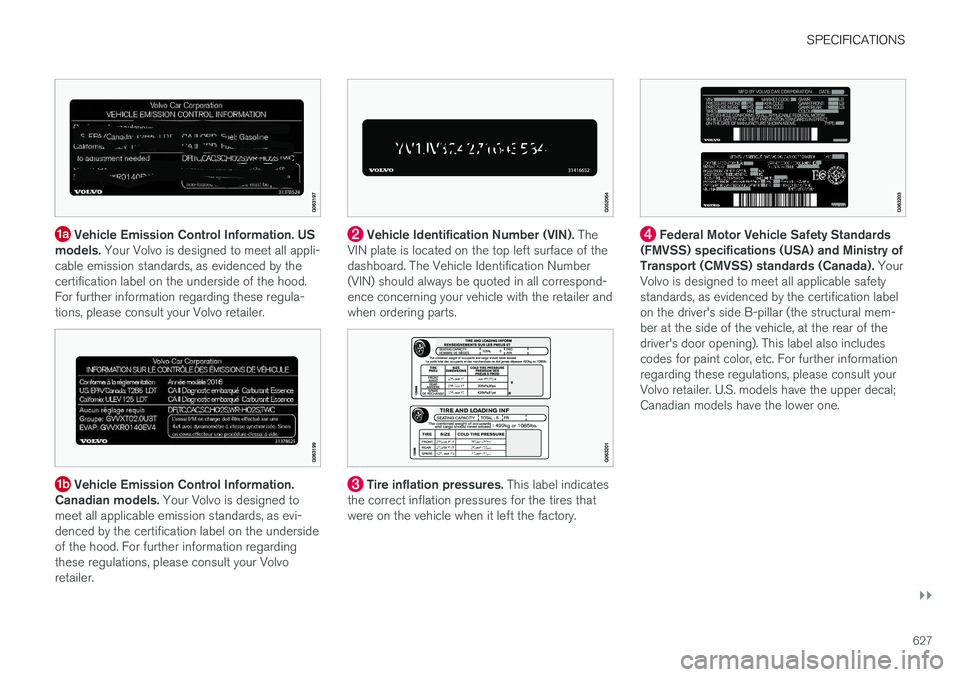
Vehicle Emission Control Information. US
models. Your Volvo is designed to meet all appli-
cable emission standards, as evidenced by the certification label on the underside of the hood.For further information regarding these regula-tions, please consult your Volvo retailer.
Vehicle Emission Control Information.
Canadian models. Your Volvo is designed to
meet all applicable emission standards, as evi- denced by the certification label on the undersideof the hood. For further information regardingthese regulations, please consult your Volvoretailer.
Vehicle Identification Number (VIN). The
VIN plate is located on the top left surface of the dashboard. The Vehicle Identification Number(VIN) should always be quoted in all correspond-ence concerning your vehicle with the retailer andwhen ordering parts.
Tire inflation pressures. This label indicates
the correct inflation pressures for the tires that were on the vehicle when it left the factory.
Federal Motor Vehicle Safety Standards
(FMVSS) specifications (USA) and Ministry of Transport (CMVSS) standards (Canada). Your
Volvo is designed to meet all applicable safetystandards, as evidenced by the certification labelon the driver's side B-pillar (the structural mem-ber at the side of the vehicle, at the rear of thedriver's door opening). This label also includescodes for paint color, etc. For further informationregarding these regulations, please consult yourVolvo retailer. U.S. models have the upper decal;Canadian models have the lower one.
Page 639 of 656
SPECIFICATIONS
637
Approved tire pressureThe following tire pressures are recommended by Volvo for your vehicle. Refer to the tire infla- tion placard for information specific to the tiresinstalled on your vehicle at the factory.
Tire dimensionsCold tire pressure for up to five persons
Front
psi (kPa)
Rear
psi (kPa)
255/35 R20 39 (270)39 (270)
245/45 R18 255/40 R19 36 (250)
36 (250)
Temporary spare tireT125/80 R18 60 (420)
60 (420)
Related information
•Type designations (p. 626)
• Checking tire pressure (p. 525)
Page 646 of 656
INDEX
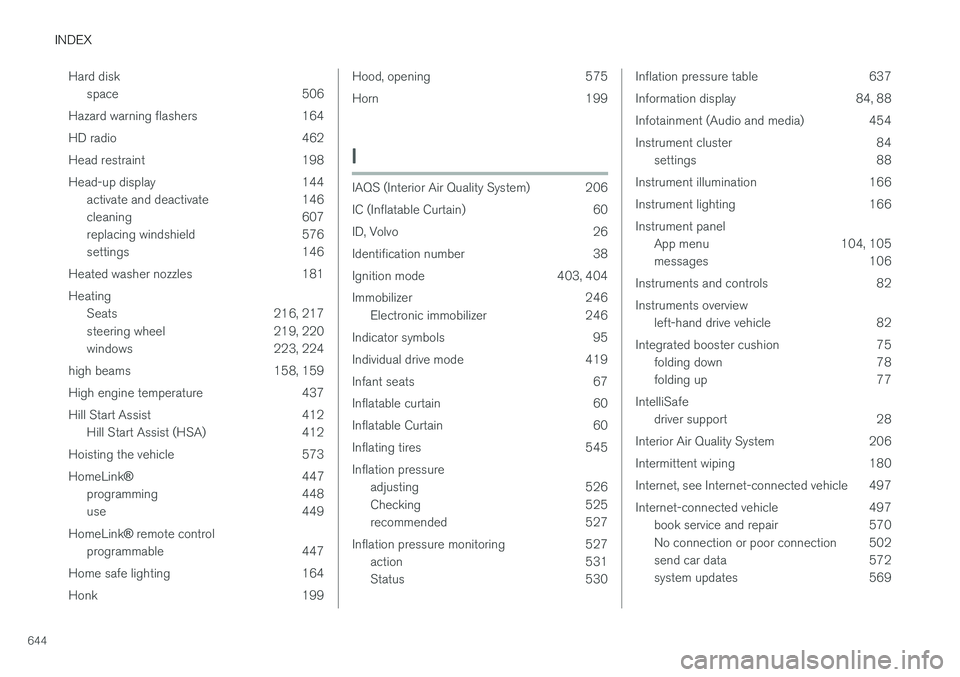
644Hard disk
space 506
Hazard warning flashers 164
HD radio 462
Head restraint 198
Head-up display 144 activate and deactivate 146
cleaning 607
replacing windshield 576
settings 146
Heated washer nozzles 181 Heating Seats 216, 217
steering wheel 219, 220
windows 223, 224
high beams 158, 159
High engine temperature 437
Hill Start Assist 412 Hill Start Assist (HSA) 412
Hoisting the vehicle 573 HomeLink ® 447
programming 448
use 449
HomeLink ®
remote control
programmable 447
Home safe lighting 164
Honk 199
Hood, opening 575
Horn 199
I
IAQS (Interior Air Quality System) 206
IC (Inflatable Curtain) 60
ID, Volvo 26
Identification number 38
Ignition mode 403, 404
Immobilizer 246 Electronic immobilizer 246
Indicator symbols 95
Individual drive mode 419
Infant seats 67
Inflatable curtain 60
Inflatable Curtain 60
Inflating tires 545 Inflation pressure adjusting 526
Checking 525
recommended 527
Inflation pressure monitoring 527 action 531
Status 530
Inflation pressure table 637
Information display 84, 88
Infotainment (Audio and media) 454
Instrument cluster 84settings 88
Instrument illumination 166
Instrument lighting 166Instrument panel App menu 104, 105
messages 106
Instruments and controls 82 Instruments overview left-hand drive vehicle 82
Integrated booster cushion 75 folding down 78
folding up 77
IntelliSafe driver support 28
Interior Air Quality System 206
Intermittent wiping 180
Internet, see Internet-connected vehicle 497
Internet-connected vehicle 497 book service and repair 570
No connection or poor connection 502
send car data 572
system updates 569
Page 652 of 656
INDEX
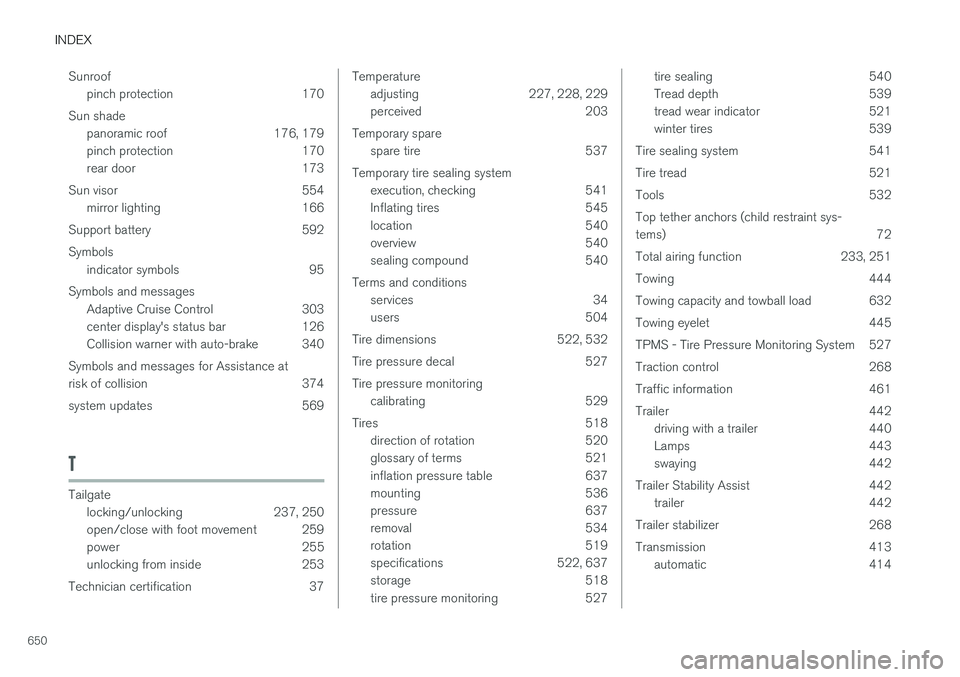
650Sunroof
pinch protection 170
Sun shade panoramic roof 176, 179
pinch protection 170
rear door 173
Sun visor 554 mirror lighting 166
Support battery 592 Symbols indicator symbols 95
Symbols and messages Adaptive Cruise Control 303
center display's status bar 126
Collision warner with auto-brake 340
Symbols and messages for Assistance at
risk of collision 374
system updates 569
T
Tailgate locking/unlocking 237, 250
open/close with foot movement 259
power 255
unlocking from inside 253
Technician certification 37
Temperature adjusting 227, 228, 229
perceived 203
Temporary spare spare tire 537
Temporary tire sealing system execution, checking 541
Inflating tires 545
location 540
overview 540
sealing compound 540
Terms and conditions services 34
users 504
Tire dimensions 522, 532
Tire pressure decal 527 Tire pressure monitoring calibrating 529
Tires 518 direction of rotation 520
glossary of terms 521
inflation pressure table 637
mounting 536
pressure 637
removal 534
rotation 519
specifications 522, 637
storage 518
tire pressure monitoring 527tire sealing 540
Tread depth 539
tread wear indicator 521
winter tires 539
Tire sealing system 541
Tire tread 521
Tools 532Top tether anchors (child restraint sys- tems) 72
Total airing function 233, 251
Towing 444
Towing capacity and towball load 632
Towing eyelet 445
TPMS - Tire Pressure Monitoring System 527
Traction control 268
Traffic information 461
Trailer 442 driving with a trailer 440
Lamps 443
swaying 442
Trailer Stability Assist 442 trailer 442
Trailer stabilizer 268
Transmission 413 automatic 414
Page 653 of 656
INDEX
651
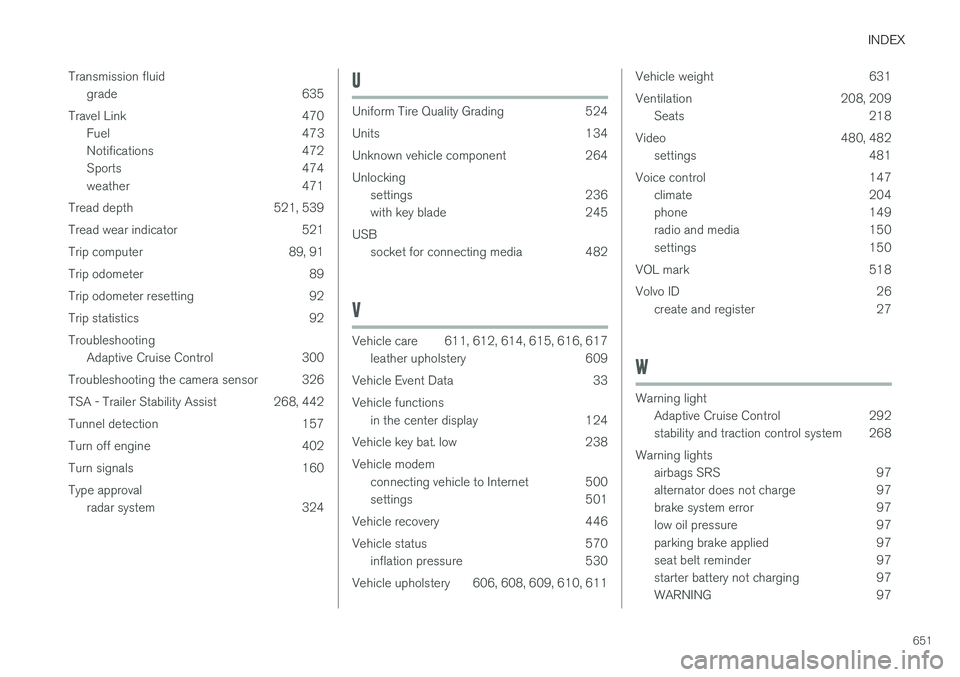
Transmission fluid
grade 635
Travel Link 470 Fuel 473
Notifications 472
Sports 474
weather 471
Tread depth 521, 539
Tread wear indicator 521
Trip computer 89, 91
Trip odometer 89
Trip odometer resetting 92
Trip statistics 92 Troubleshooting Adaptive Cruise Control 300
Troubleshooting the camera sensor 326
TSA - Trailer Stability Assist 268, 442
Tunnel detection 157
Turn off engine 402
Turn signals 160Type approval radar system 324
U
Uniform Tire Quality Grading 524
Units 134
Unknown vehicle component 264Unlockingsettings 236
with key blade 245
USB socket for connecting media 482
V
Vehicle care 611, 612, 614, 615, 616, 617leather upholstery 609
Vehicle Event Data 33 Vehicle functions in the center display 124
Vehicle key bat. low 238Vehicle modem connecting vehicle to Internet 500
settings 501
Vehicle recovery 446
Vehicle status 570 inflation pressure 530
Vehicle upholstery 606, 608, 609, 610, 611
Vehicle weight 631
Ventilation 208, 209 Seats 218
Video 480, 482 settings 481
Voice control 147 climate 204
phone 149
radio and media 150
settings 150
VOL mark 518
Volvo ID 26 create and register 27
W
Warning light
Adaptive Cruise Control 292
stability and traction control system 268
Warning lights airbags SRS 97
alternator does not charge 97
brake system error 97
low oil pressure 97
parking brake applied 97
seat belt reminder 97
starter battery not charging 97
WARNING 97