change language VOLVO XC60 2018 Owner´s Manual
[x] Cancel search | Manufacturer: VOLVO, Model Year: 2018, Model line: XC60, Model: VOLVO XC60 2018Pages: 660, PDF Size: 11.77 MB
Page 148 of 660
DISPLAYS AND VOICE CONTROL
* Option/accessory.
146
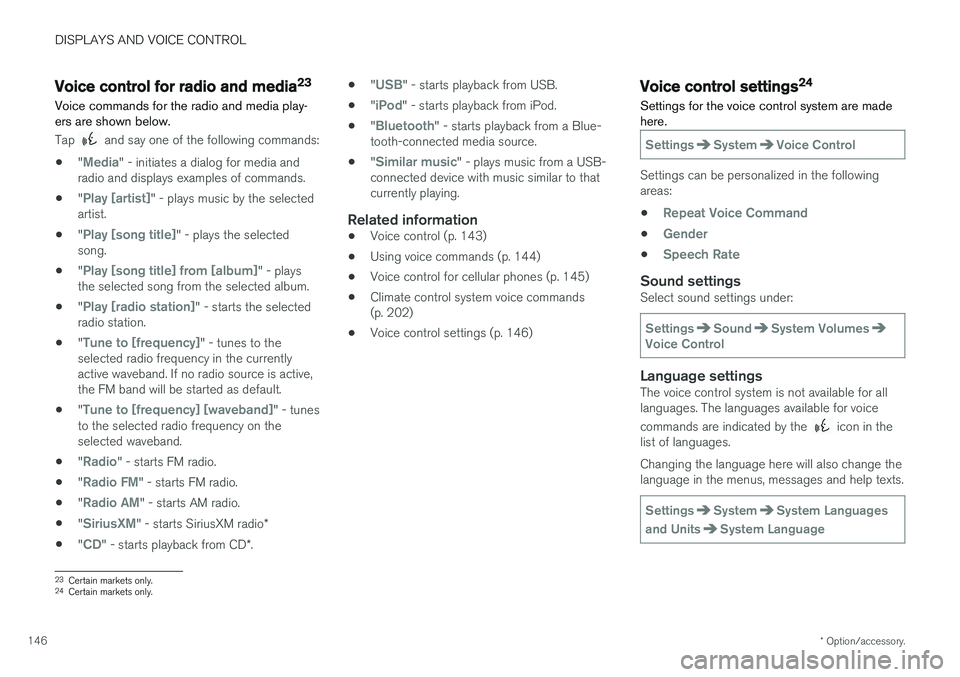
Voice control for radio and media23
Voice commands for the radio and media play- ers are shown below.
Tap and say one of the following commands:
• "
Media" - initiates a dialog for media and
radio and displays examples of commands.
• "
Play [artist]" - plays music by the selected
artist.
• "
Play [song title]" - plays the selected
song.
• "
Play [song title] from [album]" - plays
the selected song from the selected album.
• "
Play [radio station]" - starts the selected
radio station.
• "
Tune to [frequency]" - tunes to the
selected radio frequency in the currently active waveband. If no radio source is active,the FM band will be started as default.
• "
Tune to [frequency] [waveband]" - tunes
to the selected radio frequency on the selected waveband.
• "
Radio" - starts FM radio.
• "
Radio FM" - starts FM radio.
• "
Radio AM" - starts AM radio.
• "
SiriusXM" - starts SiriusXM radio
*
• "
CD" - starts playback from CD
*. •
"
USB" - starts playback from USB.
• "
iPod" - starts playback from iPod.
• "
Bluetooth" - starts playback from a Blue-
tooth-connected media source.
• "
Similar music" - plays music from a USB-
connected device with music similar to that currently playing.
Related information
• Voice control (p. 143)
• Using voice commands (p. 144)
• Voice control for cellular phones (p. 145)
• Climate control system voice commands(p. 202)
• Voice control settings (p. 146)
Voice control settings24
Settings for the voice control system are made here.
SettingsSystemVoice Control
Settings can be personalized in the following areas:
•
Repeat Voice Command
•Gender
•Speech Rate
Sound settingsSelect sound settings under:
SettingsSoundSystem VolumesVoice Control
Language settingsThe voice control system is not available for all languages. The languages available for voice commands are indicated by the
icon in the
list of languages. Changing the language here will also change the language in the menus, messages and help texts.
SettingsSystemSystem Languages
and Units
System Language
23 Certain markets only.
24 Certain markets only.
Page 651 of 660
INDEX
649
Internet-connected vehicle 501
book service and repair 576
No connection or poor connection 506
send car data 578
system updates 575
iPod ®, connecting 486
ISOFIX/LATCH anchors 74
J
Jack 537
Jump-start 441
K
Key 231
Keyboard 124, 127 change language 127
Keyless locking/unlocking 246
settings 248
touch-sensitive surfaces 245
Key tag 231
L
Labels location of 630
Laminated glass 166 Lamps changing 587
location 588
specifications 591
Trailer 446
Lane Keeping Aid operation 360
Lane Keeping Aid (LKA) 357, 359, 360, 362, 364
Language 130
Leather upholstery, cleaning instructions 612
Leveling control 426 settings 429
License agreement 94, 511
Lifting tools 537
Light bulbs, specifications 591
Light control 150, 162Lighting Active Bending Lights 157
approach lighting 160
automatic high beam 155
automatic lighting controls, passenger
compartment 161
brake lights 159
controls 150, 161, 162
cornering illumination 158
daytime running lights 152
display lighting 162
emergency brake lights 159
front fog lights 157
Hazard warning flashers 160
high beams 154, 155
home safe lighting 160
in passenger compartment 161, 162
instrument illumination 162
instrument lighting 162
light bulbs, specifications 591
light locations 588
low beams 153
position lights 152
rear fog light 158
settings 151
Turn signals 156
Lighting, replacing bulbs 587 daytime running lights/front parking
lights 590
front turn signals 591
high beams 590
low beams 589
Limp home 411