overheating VOLVO XC60 2018 Owner´s Manual
[x] Cancel search | Manufacturer: VOLVO, Model Year: 2018, Model line: XC60, Model: VOLVO XC60 2018Pages: 660, PDF Size: 11.77 MB
Page 447 of 660
STARTING AND DRIVING
}}
* Option/accessory.445
The automatic transmission selects the optimal gear for the current load and engine speed.
Steep inclines
Do not lock the automatic transmission into a higher gear than what the engine can handle
‒ it
is not always preferable to drive in high gears at low rpm.
Parking on a hill
1. Depress the brake pedal.
2. Apply the parking brake.3. Put the gear selector in P.
4. Release the brake pedal.Put chocks behind the wheels when the vehicle is parked on a hill with a trailer attached.
Starting on a hill
1. Depress the brake pedal. 2. Put the gear selector in D.
3. Release the parking brake.
4. Release the brake pedal and start driving.
Related information
• Trailer Stability Assist
* (p. 445)
• Checking trailer lights (p. 446)
• Towing capacity and tongue weight (p. 636)
• Overheating of engine and transmission (p. 440)
Trailer Stability Assist
*
Trailer Stability Assist (TSA 9
) is a function
designed to help stabilize a vehicle that is tow- ing a trailer when the vehicle and trailer havebegun to sway. The function is part of the Elec- tronic Stability Control system ESC 10
.
Reasons for swayingA vehicle towing a trailer may begin to sway for various reasons. Normally this only occurs at highspeeds. However, if the trailer is overloaded orunevenly distributed, e.g. too far back, there is arisk of swaying even at low speeds. Swaying may be caused by factors such as:
• The vehicle and trailer are hit by a sudden, strong crosswind.
• The vehicle and trailer are traveling on anuneven road or over a bump.
• Sudden movements of the steering wheel.
Once swaying has begun, it can be difficult orimpossible to stop it. This makes the vehicle andtrailer difficult to control and there is a risk ofswerving into oncoming traffic or driving off theroad.
Trailer Stability Assist functionTrailer Stability Assist continuously monitors thevehicle's movements, particularly lateral move- ments. If swaying is detected, the brakes areapplied individually on the front wheels, which hasa stabilizing effect on the vehicle and trailer. Thisis often enough to enable the driver to regaincontrol of the vehicle. If the Trailer Stability Assist function's first attempt is not adequate to stop the swayingmotion, the brakes are applied on all wheels andengine power is temporarily reduced. As theswaying motion begins to decrease and the vehi-cle and trailer have once again become stable,TSA stops regulating the brakes/engine powerand the driver regains control of the vehicle.
NOTE
Trailer Stability Assist is deactivated if the driver selects the sport mode by deactivating
ESC in the center display's menu system.
Trailer Stability Assist may not intervene if the driver tries to compensate for the swaying motionby moving the steering wheel rapidly, becausethe system will then not be able to determine if itis the trailer or the driver causing the swaying.
9
Trailer Stability Assist
10 Electronic Stability Control
Page 549 of 660
WHEELS AND TIRES
}}
547
3.
Make sure the switch is in the 0 (Off) posi-
tion and take out the electric cable and the hose.
4. Unscrew the orange cover on the compres- sor and unscrew the cap on the sealing com-pound bottle.
5. Screw the bottle onto the bottle holder as far as possible. The bottle and the bottle holder are equip- ped with catches to help prevent the sealingcompound from leaking. Once the bottle isscrewed into place into the bottle holder, itcannot be unscrewed. The bottle can only beremoved by a workshop. Volvo recommendsan authorized Volvo workshop.
WARNING
Do not unscrew the bottle. It is equipped with a catch to prevent leakage.
6. Unscrew the tire's valve cap and screw the hose's valve connector as far as possible onto the valve. Be sure the air release valve on the com- pressor's hose is completely closed. 7. Connect the electrical cable to the nearest
12 V outlet and start the vehicle.
NOTE
Make sure that none of the vehicle's other 12 V sockets are used while the compressoris running.
WARNING
Never leave children unattended in the vehicle while the engine is running. 8. Start the compressor by moving the switch to
the I (On) position.
WARNING
Never stand next to a tire being inflated with the compressor. If cracks, bulges, etc. form onthe tire, switch off the compressor immedi-ately. The vehicle should not be driven. Callroadside assistance to have the vehicle towedto a workshop for inspection/replacement ofthe tire. Volvo recommends an authorizedworkshop.
NOTE
When the compressor first starts, air pressure may temporarily increase up to 6 bar (88 psi)but should decrease again after approxi-mately 30 seconds.
9. Inflate the tire for 7 minutes.
CAUTION
To help avoid overheating, the compressor should never be used for more than10 minutes at a time.
Page 551 of 660
WHEELS AND TIRES
}}
549
WARNING
After using the tire sealing system, the vehicle should not be driven farther than approxi-mately 200 km (120 miles).
NOTE
The compressor is an electric device. Follow local regulations for disposal.
Related information
•Recommended tire pressure (p. 531)
• Tire sealing system (p. 545)
• Inflate tires with the compressor included in the tire sealing system (p. 549)
Inflate tires with the compressorincluded in the tire sealing system The vehicle's original tires can be inflated using the compressor in the tire sealing system.
1. The compressor must be switched off. Make
sure that the switch is in the 0 (Off) position
and take out the electrical cable and the hose.
2. Unscrew the tire's valve cap and screw the hose's valve connector as far as possibleonto the valve. Be sure the air release valve on the com- pressor's hose is completely closed.
3. Connect the electrical cable to the nearest 12 V outlet and start the vehicle.
WARNING
Inhaling exhaust fumes could lead to serious injury. Never leave the engine running in anenclosed space or a space without sufficientventilation.
WARNING
Never leave children unattended in the vehicle while the engine is running.
4. Start the compressor by moving the switch to the I (On) position.
CAUTION
Risk of overheating. The compressor should not be running for longer than 10 minutes ata time.
5. Inflate the tire to the pressure specified on
the tire pressure decal on the driver's side door pillar. If the inflation pressure is toohigh, use the air release valve to release air.
6. Switch off the compressor. Remove the hose and the electrical cable.
7. Screw the valve cap back onto the tire.
NOTE
• After inflating a tire, always replace the valve cap to help prevent valve damagecaused by gravel, dirt, etc.
• Use plastic valve caps only. Metal capscould corrode and become difficult toremove.
NOTE
The compressor is an electric device. Follow local regulations for disposal.
Page 553 of 660
WHEELS AND TIRES
551
WARNING
•Exceeding the permissible axle weight, gross vehicle weight, or any other weightrating limits can cause tire overheatingresulting in permanent deformation orcatastrophic failure.
• Do not use replacement tires with lowerload carrying capacities than the tires thatwere original equipment on the vehiclebecause this will lower the vehicle's GVWrating. Use only tires with the correct loadcarrying capacity. Consult your Volvoretailer for information.
Related information
• Loading recommendations (p. 561)
Page 647 of 660

INDEX
645
Child restraints 63, 65
booster cushions 71
convertible seats 69
infant seats 67
ISOFIX/LATCH anchors 74
lower attachment points 73
recalls and registration 65
top tether anchors 72
Child safety 63
Child safety locks 251
City Safety 327, 328, 330, 331, 337, 339
City Safety during evasive maneuver 335
City Safety in crossing traffic 333, 334 City Safety when evasive maneuver preven- ted 336
Cleaning 611, 613, 614 automatic car wash 617
car wash 614, 615, 617, 618, 619, 620
center display 609
Seat belts 611
textile upholstery 609, 611, 612
upholstery 609, 611, 612, 613, 614
wheels 620
Cleaning wheels 620
Cleaning wiper blades 618
Clean Zone 203
Clean Zone Interior Package 204
Climate 200 auto-regulation 218
blower control 223, 224
perceived temperature 201
Sensors 201
temperature control 225, 226, 227
voice control 202
zones 200
Climate controls 212 center display 212
rear seat 212
Climate system 200, 212 Refrigerant 640
repairs 582
Clock, setting 90
Collision 42, 47, 52, 61 Collision warner detection of pedestrians 331
radar sensor 318
Collision warning 327, 340
Color code, paintwork 622
Color codes 622
Compass 454 calibration 454
Condensation in headlights 615, 617, 618, 619Connecting vehicle to InternetNo connection or poor connection 506
via a mobile device (WiFi) 503
via mobile device (Bluetooth) 503
via vehicle's modem 504
Connect phone 493
Contact information 26
Convertible seats 69
coolant 639
Coolant, filling 586 Cooling system overheating 440
Cornering illumination 158
Corner Traction Control 266
Corrosion protection 620Covering cargo compartment 566
Crash, see Collision 42
Crash event data 33
Cross Traffic Alert – CTA 346, 347, 348, 349
Cruise control 278, 279 manage speed 279, 280
temporary deactivation 281, 282
turn off 282
CTA – Cross Traffic Alert 346, 347, 348, 349
Curb weight 635
Page 648 of 660
INDEX
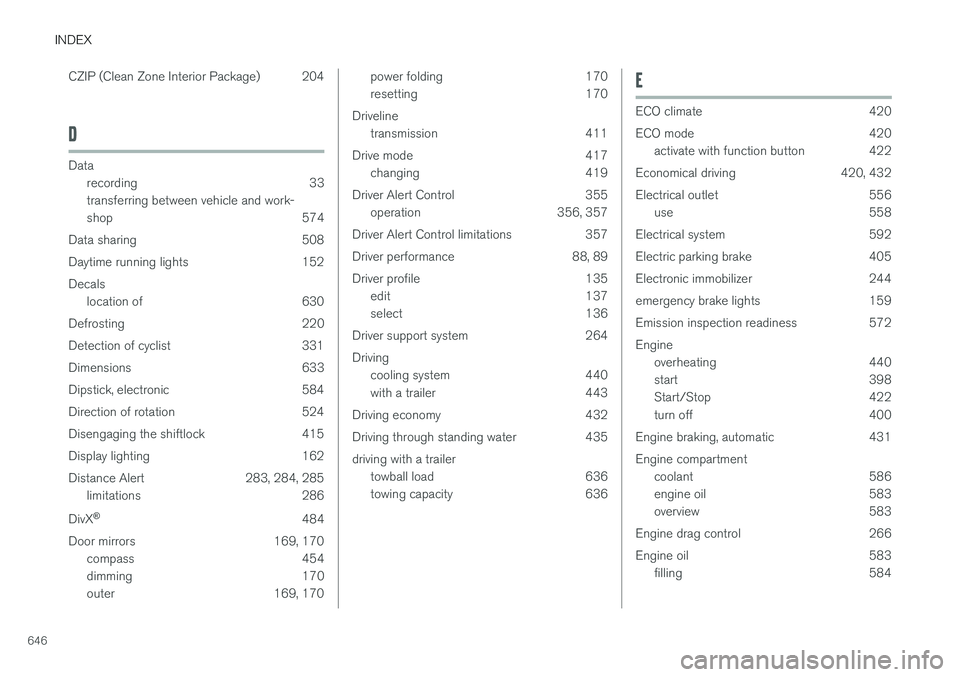
646CZIP (Clean Zone Interior Package) 204
D
Data
recording 33 transferring between vehicle and work-
shop 574
Data sharing 508
Daytime running lights 152Decals location of 630
Defrosting 220
Detection of cyclist 331
Dimensions 633
Dipstick, electronic 584
Direction of rotation 524
Disengaging the shiftlock 415
Display lighting 162
Distance Alert 283, 284, 285 limitations 286
DivX ®
484
Door mirrors 169, 170 compass 454
dimming 170
outer 169, 170
power folding 170
resetting 170
Driveline transmission 411
Drive mode 417 changing 419
Driver Alert Control 355 operation 356, 357
Driver Alert Control limitations 357
Driver performance 88, 89
Driver profile 135 edit 137
select 136
Driver support system 264 Driving cooling system 440
with a trailer 443
Driving economy 432
Driving through standing water 435 driving with a trailer towball load 636
towing capacity 636E
ECO climate 420
ECO mode 420
activate with function button 422
Economical driving 420, 432
Electrical outlet 556 use 558
Electrical system 592
Electric parking brake 405
Electronic immobilizer 244
emergency brake lights 159
Emission inspection readiness 572 Engine overheating 440
start 398
Start/Stop 422
turn off 400
Engine braking, automatic 431 Engine compartment coolant 586
engine oil 583
overview 583
Engine drag control 266
Engine oil 583 filling 584
Page 652 of 660
INDEX
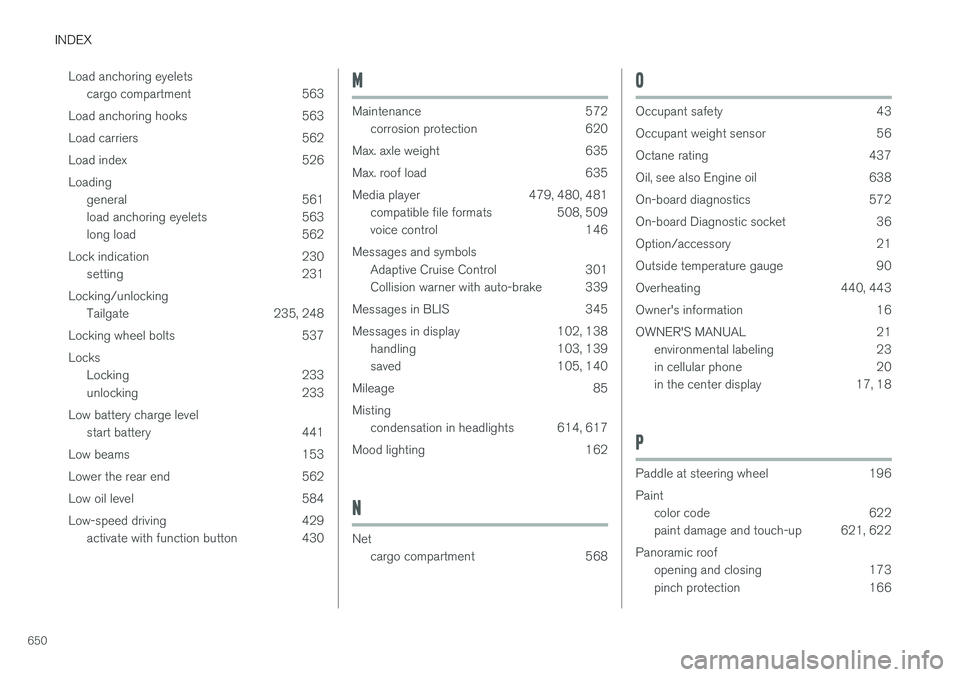
650Load anchoring eyelets
cargo compartment 563
Load anchoring hooks 563
Load carriers 562
Load index 526Loading general 561
load anchoring eyelets 563
long load 562
Lock indication 230 setting 231
Locking/unlocking Tailgate 235, 248
Locking wheel bolts 537 Locks Locking 233
unlocking 233
Low battery charge level start battery 441
Low beams 153
Lower the rear end 562
Low oil level 584
Low-speed driving 429 activate with function button 430
M
Maintenance 572corrosion protection 620
Max. axle weight 635
Max. roof load 635
Media player 479, 480, 481 compatible file formats 508, 509
voice control 146
Messages and symbols Adaptive Cruise Control 301
Collision warner with auto-brake 339
Messages in BLIS 345
Messages in display 102, 138 handling 103, 139
saved 105, 140
Mileage 85 Misting condensation in headlights 614, 617
Mood lighting 162
N
Net cargo compartment 568
O
Occupant safety 43
Occupant weight sensor 56
Octane rating 437
Oil, see also Engine oil 638
On-board diagnostics 572
On-board Diagnostic socket 36
Option/accessory 21
Outside temperature gauge 90
Overheating 440, 443
Owner's information 16
OWNER'S MANUAL 21environmental labeling 23
in cellular phone 20
in the center display 17, 18
P
Paddle at steering wheel 196 Paint
color code 622
paint damage and touch-up 621, 622
Panoramic roof opening and closing 173
pinch protection 166