lock VOLVO XC70 2003 Manual PDF
[x] Cancel search | Manufacturer: VOLVO, Model Year: 2003, Model line: XC70, Model: VOLVO XC70 2003Pages: 257, PDF Size: 5.33 MB
Page 178 of 257
2003 VOLVO XC70
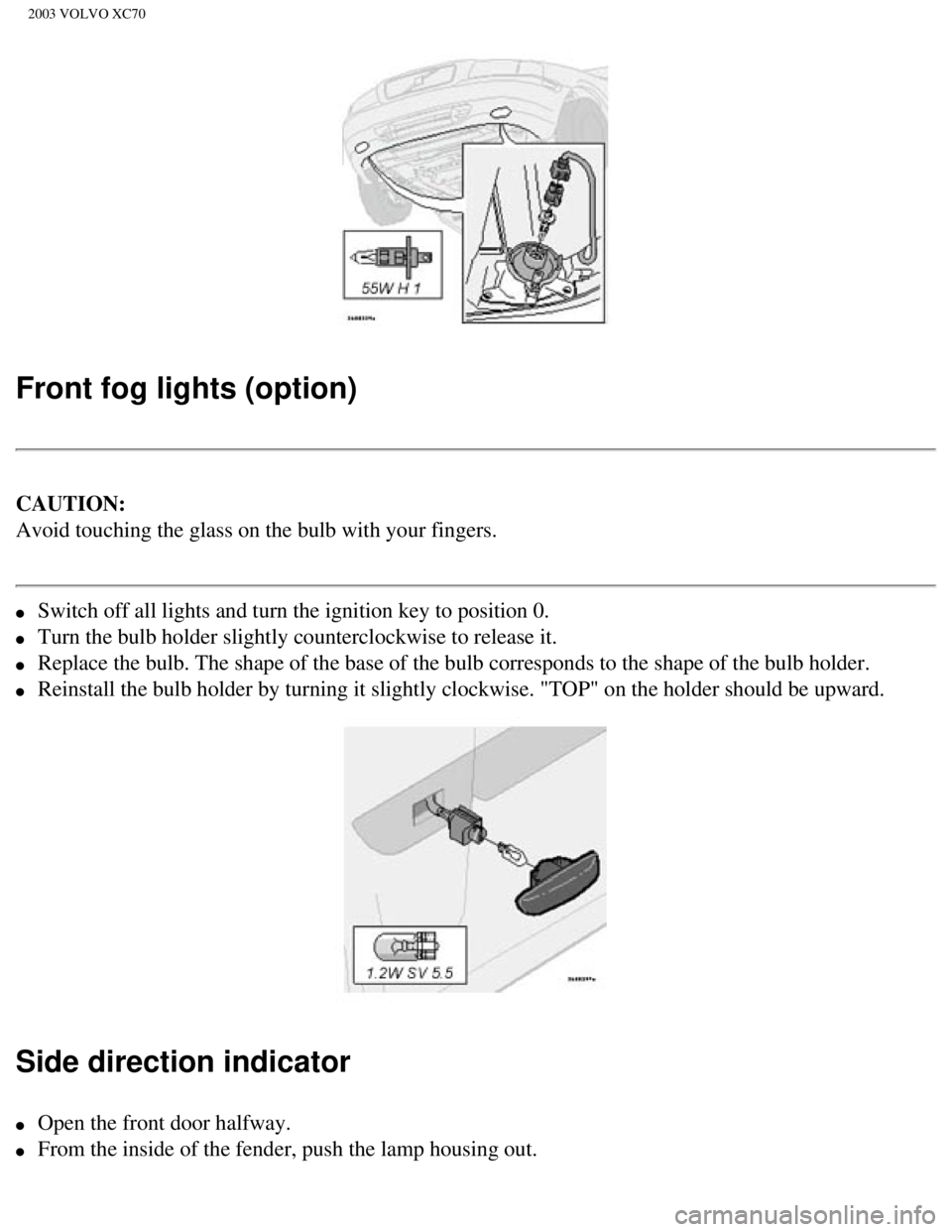
Front fog lights (option)
CAUTION:
Avoid touching the glass on the bulb with your fingers.
l Switch off all lights and turn the ignition key to position 0.
l Turn the bulb holder slightly counterclockwise to release it.
l Replace the bulb. The shape of the base of the bulb corresponds to the s\
hape of the bulb holder.
l Reinstall the bulb holder by turning it slightly clockwise. "TOP" on the\
holder should be upward.
Side direction indicator
l Open the front door halfway.
l From the inside of the fender, push the lamp housing out.
file:///K|/ownersdocs/2003/2003_XC70/03xc70_08a.htm (13 of 21)12/30/20\
06 4:18:03 PM
Page 179 of 257

2003 VOLVO XC70
l Turn the bulb holder 1/4 turn counterclockwise and pull it out from the \
lens.
l Remove the defective bulb by pulling it straight out.
l Insert a new bulb.
l Reinsert the bulb holder in the lens and press the entire unit back into\
place on the fender.
Door step courtesy lights
The door step courtesy lights are located under the dash on the driver's\
and passenger's sides.
To replace a bulb:
l Carefully insert a screwdriver and pry out the lens.
l Replace the defective bulb.
l Reinstall the lens.
pg. 124 Replacing bulbs
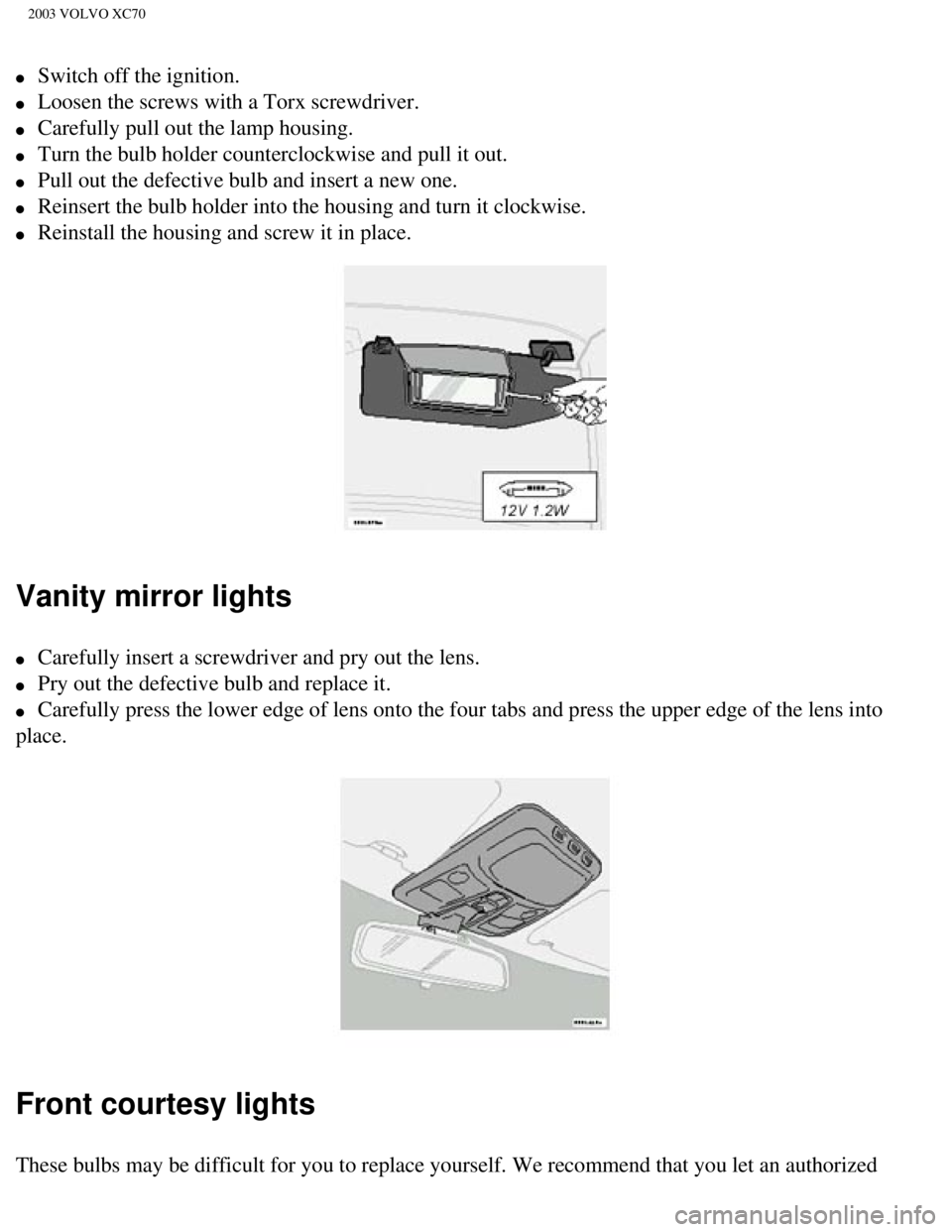
License plate lights
file:///K|/ownersdocs/2003/2003_XC70/03xc70_08a.htm (14 of 21)12/30/20\
06 4:18:03 PM
Page 180 of 257
2003 VOLVO XC70
l Switch off the ignition.
l Loosen the screws with a Torx screwdriver.
l Carefully pull out the lamp housing.
l Turn the bulb holder counterclockwise and pull it out.
l Pull out the defective bulb and insert a new one.
l Reinsert the bulb holder into the housing and turn it clockwise.
l Reinstall the housing and screw it in place.
Vanity mirror lights
l Carefully insert a screwdriver and pry out the lens.
l Pry out the defective bulb and replace it.
l Carefully press the lower edge of lens onto the four tabs and press the \
upper edge of the lens into
place.
Front courtesy lights
These bulbs may be difficult for you to replace yourself. We recommend t\
hat you let an authorized
file:///K|/ownersdocs/2003/2003_XC70/03xc70_08a.htm (15 of 21)12/30/20\
06 4:18:03 PM
Page 183 of 257

2003 VOLVO XC70
several thin paint coats and let dry after each application.
3. If there is a longer scratch, you may want to protect surrounding pai\
nt by masking it off.
pg. 127 Washing the car
Washing the car
l The car should be washed at regular intervals since dirt, dust, insects \
and tar spots adhere to the paint
and may cause damage. It is particularly important to wash the car frequ\
ently in the wintertime to
prevent corrosion, when salt has been used on the roads.
l When washing the car, do not expose it to direct sunlight. Use lukewarm \
water to soften the dirt
before you wash with a sponge and plenty of water, to avoid scratching. \
l Bird droppings: Remove from paintwork as soon as possible. Otherwise the finish may be\
permanently damaged.
l A detergent can be used to facilitate the softening of dirt and oil.
l A water-soluble grease solvent may be used in cases of sticky dirt. Howe\
ver, use a wash place
equipped with a drainage separator.
l Remove dirt from the drain holes in the doors and rocker panels.
l Dry the car with a clean chamois.
l Tar spots can be removed with kerosene or tar remover after the car has \
been washed.
l A stiff-bristle brush and lukewarm soapy water can be used to clean the \
wiper blades. Frequent
cleaning improves visibility considerably.
l Wash off the dirt from the underside (wheel housings, fenders, etc.). \
l In areas of high industrial fallout, more frequent washing is recommende\
d.
CAUTION:
During high pressure washing, the spray mouthpiece must never be closer \
to the vehicle than 13" (30
cm). Do not spray into the locks.
Special sun roof cautions:
- Always close the sun roof and sun shade before washing your vehicle. \
- Never use abrasive cleaning agents on the sun roof.
- Never use wax on the rubber seals around the sun roof.
l When washing or steam cleaning the engine, avoid spraying water or steam\
directly on the electrical
components or toward the rear side of the engine.
l After cleaning the engine, the spark plug wells should be inspected for \
water and blown dry if
necessary.
file:///K|/ownersdocs/2003/2003_XC70/03xc70_08a.htm (18 of 21)12/30/20\
06 4:18:03 PM
Page 192 of 257

2003 VOLVO XC70
reinforced to bear the weight of the car. A garage jack can also be plac\
ed under the front of the engine
support frame. Take care not to damage the splash guard under the engine\
. Ensure that the jack is
positioned so that the car cannot slide off it. Always use axle stands o\
r similar structures.
If a two-post hoist is used to lift the car, the front and rear lift arm\
pads should be centered under the
reinforced lift plates on the inboard edge of the sill rail (see illust\
ration above).
pg. 134 Opening the hood, Engine compartment
Opening the hood
l Pull the lever located under the left side of the dash to release the ho\
od lock.
l Lift the hood slightly.
l Press up the release control located under the front edge of the hood (\
at the center) and lift.
WARNING!
Check that the hood locks properly when
closed.
file:///K|/ownersdocs/2003/2003_XC70/03xc70_08b.htm (6 of 16)12/30/200\
6 4:18:04 PM
Page 200 of 257
2003 VOLVO XC70
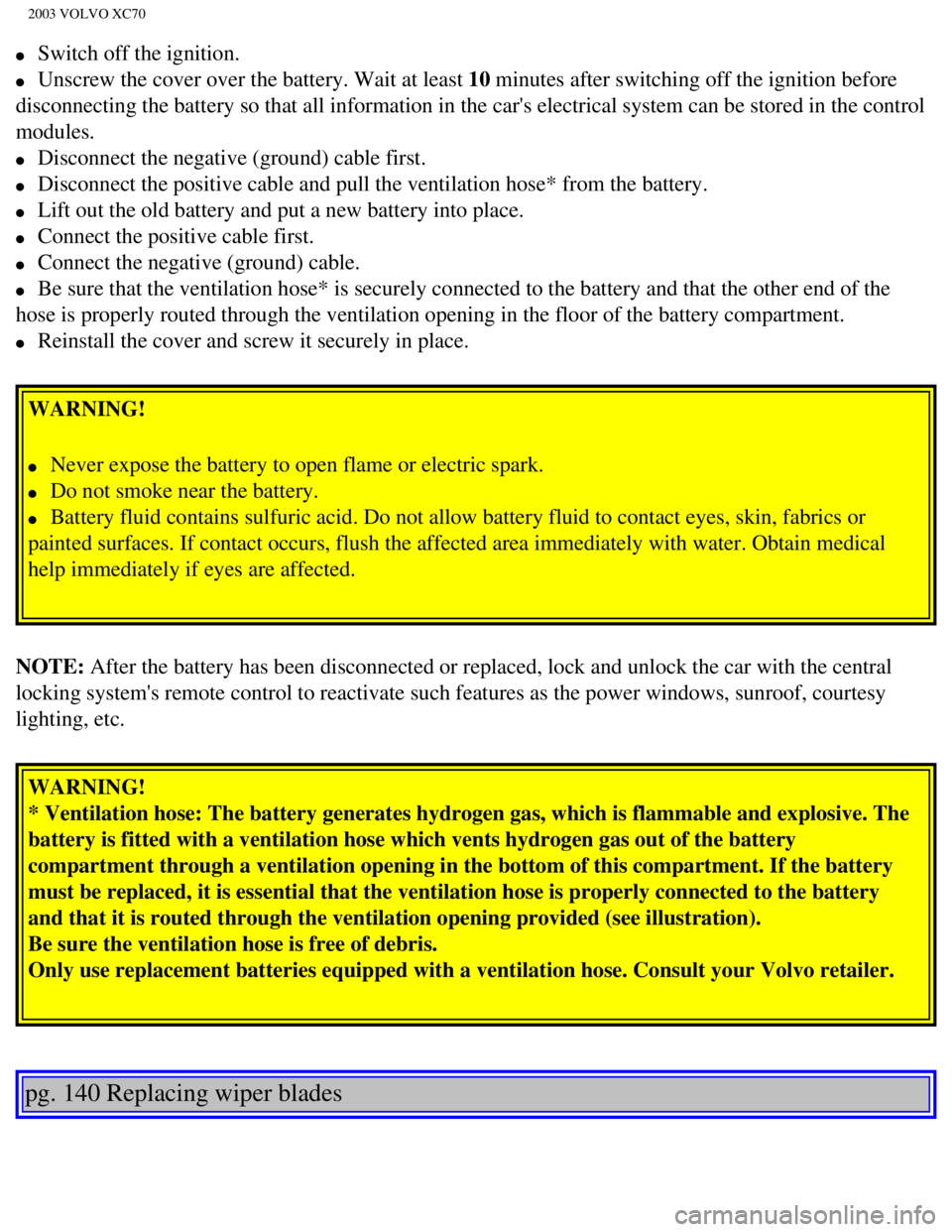
l Switch off the ignition.
l Unscrew the cover over the battery. Wait at least 10 minutes after switching off the ignition before
disconnecting the battery so that all information in the car's electrica\
l system can be stored in the control
modules.
l Disconnect the negative (ground) cable first.
l Disconnect the positive cable and pull the ventilation hose* from the ba\
ttery.
l Lift out the old battery and put a new battery into place.
l Connect the positive cable first.
l Connect the negative (ground) cable.
l Be sure that the ventilation hose* is securely connected to the battery \
and that the other end of the
hose is properly routed through the ventilation opening in the floor of \
the battery compartment.
l Reinstall the cover and screw it securely in place.
WARNING!
l Never expose the battery to open flame or electric spark.
l Do not smoke near the battery.
l Battery fluid contains sulfuric acid. Do not allow battery fluid to cont\
act eyes, skin, fabrics or
painted surfaces. If contact occurs, flush the affected area immediately\
with water. Obtain medical
help immediately if eyes are affected.
NOTE: After the battery has been disconnected or replaced, lock and unlock th\
e car with the central
locking system's remote control to reactivate such features as the power\
windows, sunroof, courtesy
lighting, etc. WARNING!
* Ventilation hose: The battery generates hydrogen gas, which is flammab\
le and explosive. The
battery is fitted with a ventilation hose which vents hydrogen gas out o\
f the battery
compartment through a ventilation opening in the bottom of this compartm\
ent. If the battery
must be replaced, it is essential that the ventilation hose is properly \
connected to the battery
and that it is routed through the ventilation opening provided (see ill\
ustration).
Be sure the ventilation hose is free of debris.
Only use replacement batteries equipped with a ventilation hose. Consult\
your Volvo retailer.
pg. 140 Replacing wiper blades
file:///K|/ownersdocs/2003/2003_XC70/03xc70_08b.htm (14 of 16)12/30/20\
06 4:18:04 PM
Page 209 of 257

2003 VOLVO XC70
Reverse 3.30:1
Automatic transmission: AW 55-50
5-speed automatic electronically controlled gearbox comprising a hydraul\
ic torque converter with a lock-
up function; planetary gear, integrated final drive.
Operation via a floor mounted gear selector lever. Drive shafts with sym\
metrical joint location.
Overdrive.
Final drive ratio 2.44:1*
Reduction ratios AW5
1st gear 4.77:1
2nd gear 2.10:1
3rd gear 1.96:1
4th gear 1.32:1
5th gear 1.02:1
Reverse 3.23:1
* XC70 2.65:1
pg. 146 Oil/fluid specifications and volumes
Engine Oil
Meeting or exceeding ILSAC specification GF-2, including ACEA A1, API SJ\
, SJ/CF, and SJ/Energy
Conserving.
Oil additives must not be used.
Volume:
Capacity (including oil filter): 6.1 US qts. (5.8 liters)
Automatic Transmission Fluid
AW5: Only Volvo gearbox oil (1161540-8). Do not mix with other oils. \
Volume: 7.9 US qts (7.5 liters)
Cooling system
Type: Positive pressure, closed system. The thermostat begins to open at 194 \
°F (90 °C)
file:///K|/ownersdocs/2003/2003_XC70/03xc70_09.htm (7 of 11)12/30/2006\
4:18:05 PM
Page 217 of 257
2003 VOLVO XC70
17. Traffic information
18. Automatic presetting of radio stations
19. Display
pg. 154 Audio systems HU-613/HU-803
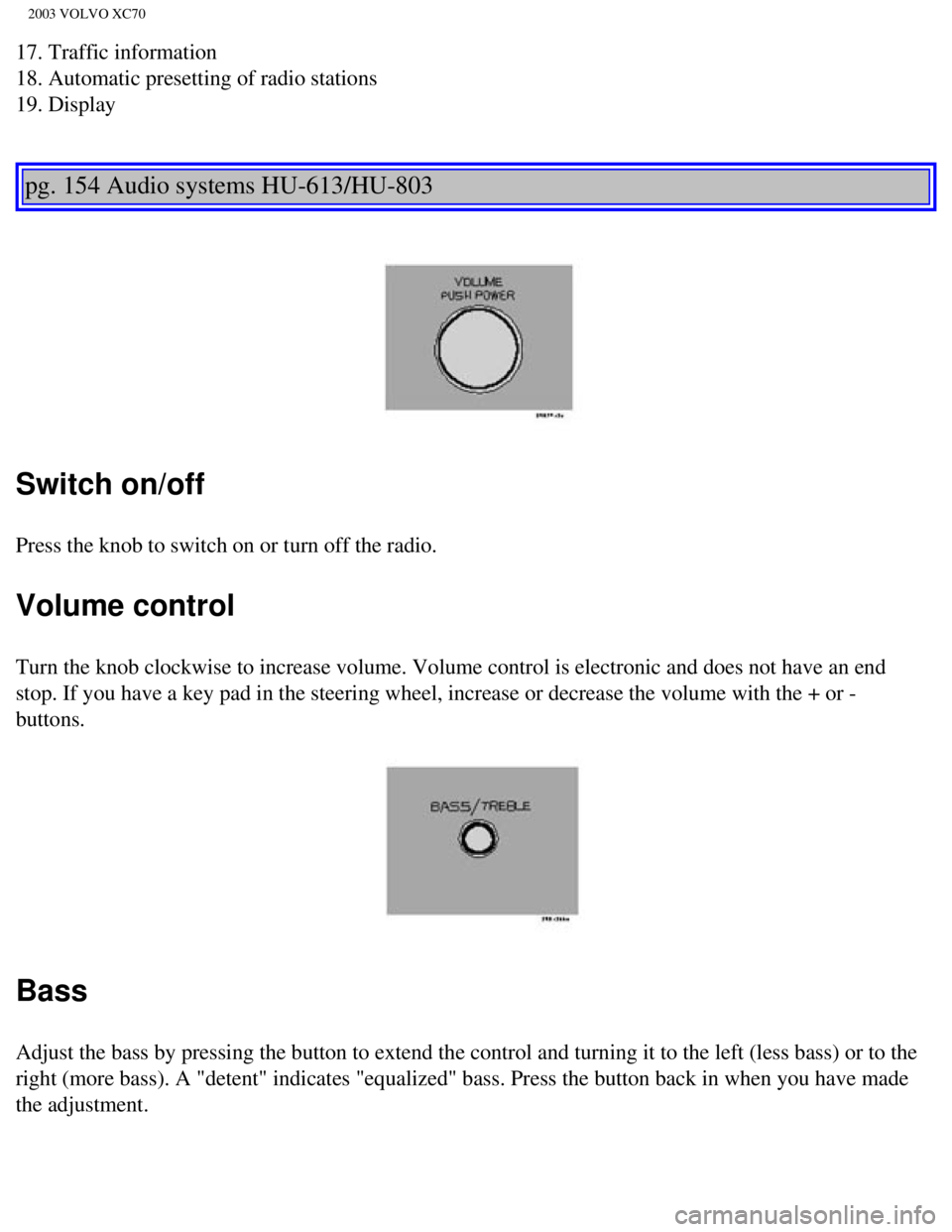
Switch on/off
Press the knob to switch on or turn off the radio.
Volume control
Turn the knob clockwise to increase volume. Volume control is electronic\
and does not have an end
stop. If you have a key pad in the steering wheel, increase or decrease \
the volume with the + or -
buttons.
Bass
Adjust the bass by pressing the button to extend the control and turning\
it to the left (less bass) or to the
right (more bass). A "detent" indicates "equalized" bass. Press the bu\
tton back in when you have made
the adjustment.
file:///K|/ownersdocs/2003/2003_XC70/03xc70_10a.htm (4 of 10)12/30/200\
6 4:18:06 PM
Page 236 of 257

2003 VOLVO XC70
Volume control - Subwoofer
Turn the knob clockwise to increase volume. Turn the knob counterclockwi\
se to lower volume or switch
off the subwoofer.
Contents | Top of Page
file:///K|/ownersdocs/2003/2003_XC70/03xc70_10b.htm (13 of 13)12/30/20\
06 4:18:07 PM
Page 237 of 257
2003 VOLVO XC70
2 0 0 3
VOLVO XC70
HomeLink® Universal Transceiver (option)
pg. 167 HomeLink® Universal Transceiver (option)
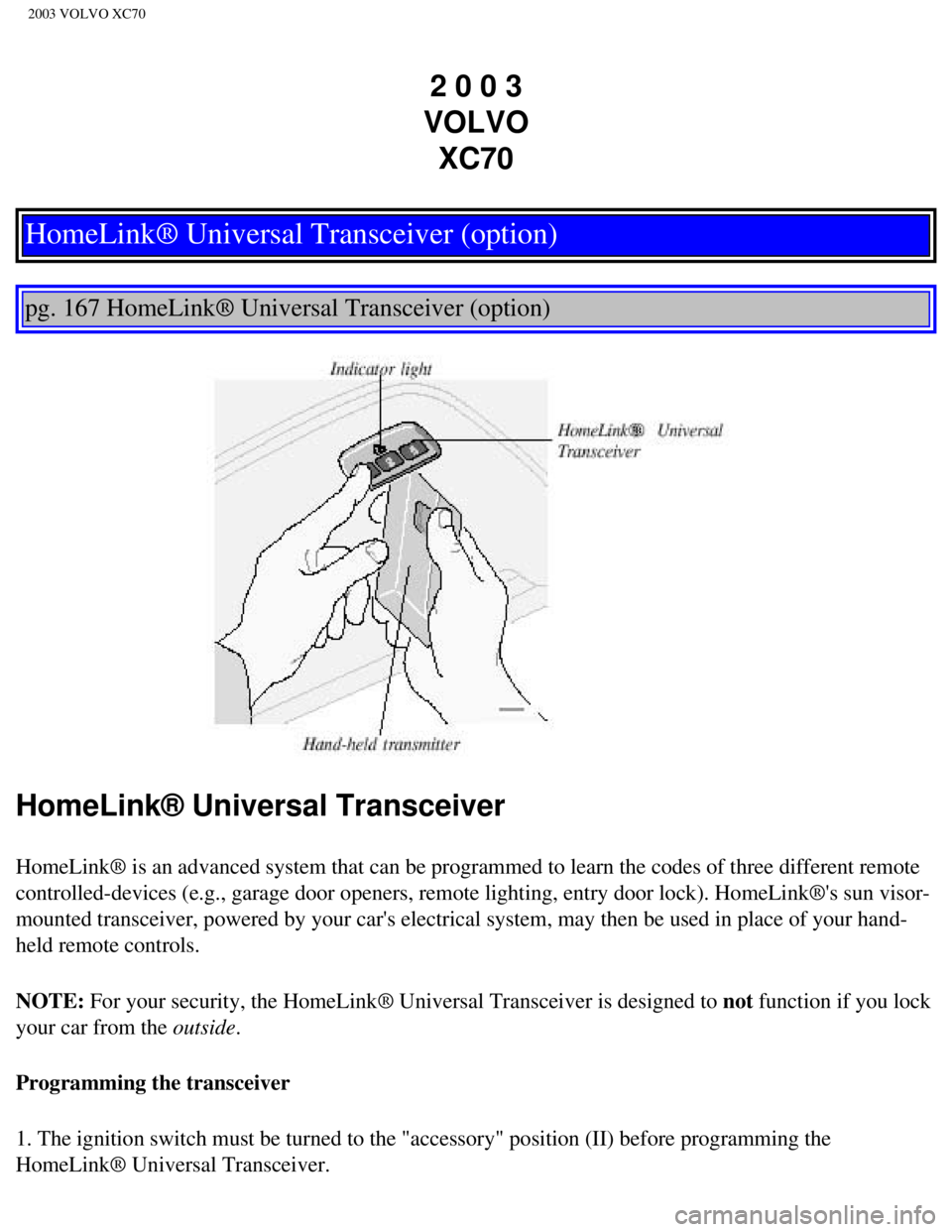
HomeLink® Universal Transceiver
HomeLink® is an advanced system that can be programmed to learn the c\
odes of three different remote
controlled-devices (e.g., garage door openers, remote lighting, entry d\
oor lock). HomeLink®'s sun visor-
mounted transceiver, powered by your car's electrical system, may then b\
e used in place of your hand-
held remote controls.
NOTE: For your security, the HomeLink® Universal Transceiver is designed to\
not function if you lock
your car from the outside.
Programming the transceiver
1. The ignition switch must be turned to the "accessory" position (II)\
before programming the
HomeLink® Universal Transceiver.
file:///K|/ownersdocs/2003/2003_XC70/03xc70_11.htm (1 of 5)12/30/2006 \
4:18:07 PM