power steering VOLVO XC90 T8 2018 Owner´s Manual
[x] Cancel search | Manufacturer: VOLVO, Model Year: 2018, Model line: XC90 T8, Model: VOLVO XC90 T8 2018Pages: 686, PDF Size: 11.51 MB
Page 476 of 686
STARTING AND DRIVING
* Option/accessory.
474
Trailer Stability Assist *
Trailer Stability Assist (TSA 8
) is a function
designed to help stabilize a vehicle that is tow- ing a trailer when the vehicle and trailer havebegun to sway. The function is part of the Elec- tronic Stability Control system ESC 9
.
Reasons for swayingA vehicle towing a trailer may begin to sway for various reasons. Normally this only occurs at highspeeds. However, if the trailer is overloaded orunevenly distributed, e.g. too far back, there is arisk of swaying even at low speeds. Swaying may be caused by factors such as:
• The vehicle and trailer are hit by a sudden, strong crosswind.
• The vehicle and trailer are traveling on anuneven road or over a bump.
• Sudden movements of the steering wheel.
Once swaying has begun, it can be difficult orimpossible to stop it. This makes the vehicle andtrailer difficult to control and there is a risk ofswerving into oncoming traffic or driving off theroad.
Trailer Stability Assist functionTrailer Stability Assist continuously monitors thevehicle's movements, particularly lateral move- ments. If swaying is detected, the brakes areapplied individually on the front wheels, which hasa stabilizing effect on the vehicle and trailer. Thisis often enough to enable the driver to regaincontrol of the vehicle. If the Trailer Stability Assist function's first attempt is not adequate to stop the swayingmotion, the brakes are applied on all wheels andengine power is temporarily reduced. As theswaying motion begins to decrease and the vehi-cle and trailer have once again become stable,TSA stops regulating the brakes/engine powerand the driver regains control of the vehicle.
NOTE
Trailer Stability Assist is deactivated if the driver selects the sport mode by deactivating
ESC in the center display's menu system.
Trailer Stability Assist may not intervene if the driver tries to compensate for the swaying motionby moving the steering wheel rapidly, becausethe system will then not be able to determine if itis the trailer or the driver causing the swaying.
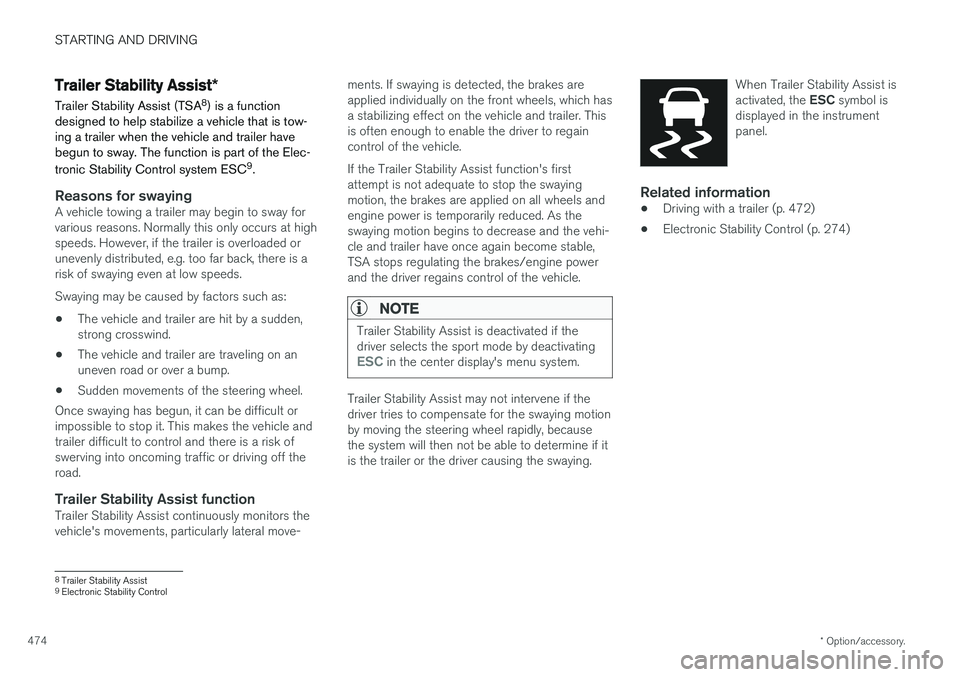
When Trailer Stability Assist is activated, the
ESC symbol is
displayed in the instrument panel.
Related information
• Driving with a trailer (p. 472)
• Electronic Stability Control (p. 274)
8
Trailer Stability Assist
9 Electronic Stability Control
Page 499 of 686
AUDIO, MEDIA AND INTERNET
497
Selecting sub-channels
To listen to a station's sub-channel(s), tap the station on the screen or press the forward/backarrow keys on the right-side steering wheel key-pad or below the screen. Sub-channels can also be saved as radio favor- ites. If you tap a sub-channel favorite, it may take up to 6 seconds before the channel becomes audi-
ble. If you tap a station while you are out of digital range of the transmitter,
No reception will be
displayed.
Related information
• HD Radio
™ (p. 494)
• Activating and deactivating the HD Radio
™
(p. 496)
• Changing waveband and radio station (p. 491)
• Searching for a radio station (p. 492)
• HD Radio
™ limitations (p. 497)
HD Radio™ limitations
Limitations
• Main channel vs. sub-channels (FM only)
:
The main channel is the only channel that can receive in hybrid mode (both digital andanalog). If a frequency has sub-channels,they are broadcast in digital mode only. Themain FM channel will be displayed as, forexample, "WRIF-FM HD1". The sub-FMchannels will be displayed as"WRIF-FMHD2", "WRIF-FM HD3", etc.
• Reception coverage area
: Due to current
IBOC transmitter power limitations, thereception coverage area in digital mode issomewhat more limited than the station'sanalog coverage area. Be aware that, like allradio transmission technology, terrain, time ofday, vegetation and buildings can have apositive or negative effect on radio reception.
• Analog to digital/digital to analog blend-ing
: Analog to digital blending will occur as
the signal strength reaches a preset thresh-old in the receiver. This will be noticeable infringe areas (areas with weak reception) andis normal.
NOTE
There may be a noticeable difference in sound quality when a change from analogueto digital or digital to analogue occurs, suchas:
• Volume increase or decrease
• Equalizer settings, i.e., Bass/ Midrange/Treble cut or boost
• Time alignment (Digital program materialin extreme cases can be as much as 8seconds behind the analogue). This willnoticeable as a "stuttering" effect.
The above items are dependant on thebroadcaster's equipment settings and donot indicate a fault in the vehicle's radioreceiver or antenna systems .
Related information
•HD Radio
™ (p. 494)
• Activating and deactivating the HD Radio
™
(p. 496)
• HD Radio
™
sub-channels (p. 496)
Page 626 of 686
||
MAINTENANCE AND SERVICE
* Option/accessory.
624
FunctionAA
12 V outlet in trunk/cargo com- partment *
USB ports for iPad holders C15
– –
– –
– –
– –
Heated windshield
*, left side Shunt
Heated windshield
*, left side 40
Headlight washers
*25
Windshield washer 25
– –
Horn 20
Alarm siren
* 5
Brake system control module (valves, parking brake) 40
Wipers 30
Rear window washer 25
FunctionAA
Heated windshield
*, right side 40
Parking heater
* 20
Brake system control module (ABS pump) 40
– –
Heated windshield
*, right side Shunt
Fed when ignition is on: Engine control module; transmissioncomponents, electrical powersteering, central electrical mod-ule 5
Exterior vehicle sound (certain markets)
5
Right-side headlight 7.5 Right-side headlight, some mod- els with LED
D 15
– –
– –
– –
Airbags 5
FunctionAA
Left-side headlight 7.5 Left-side headlight, some mod- els with LED
D 15
Accelerator pedal sensor 5
Transmission control module; gear selector control module 15
Engine control module 5
– –
– –
– –
– –
Engine control module; actuator; throttle unit; turbo-charger valve20
Solenoids; valve; engine cooling system thermostat10
Vacuum regulators; valve 7.5
Spoiler shutter control module; radiator shutter control module 5
– –
Page 629 of 686
MAINTENANCE AND SERVICE
}}
* Option/accessory.627
Fuse pliers are provided on the inside of the fuse box cover to assist in removing and insertingfuses. There are also spaces for several extra fuses in the
distribution box in the engine compart-
ment .
Positions
•Fuses 1, 3-21, 23-36, 39-53 and 55-59 are "Micro" fuses.
• Fuses 2-22, 37-38 and 54 are "MCase"fuses and should only be replaced by a work- shop 18
.
FunctionAA
– –
– –
– –
Movement sensor * 5
Media player 5
Instrument panel 5
Center console buttons 5
Sun sensor 5
FunctionAA
– –
– –
Steering wheel module 5
Module for start knob and parking brake controls 5
Heated steering wheel
* module 15
– –
– –
– –
– –
Climate system control module 10
– –
Data link connector OBD-II 10
Center display 5
Climate system blower module (front) 40
USB HUB 5
FunctionAA
Instrument lighting; Interior lighting; Rearview mirror auto-dim function
*;
Rain and light sensors *; Rear tun-
nel console keypad, second row of seats *B
; Power front seats *; Rear
door control panels; Climate sys- tem blower module left/right Power rear seats C
; Display for rear
seat convenience functions C
; Rear
seat massage function C7.5
Control module for driver support functions
5
Panoramic roof with sun curtain
*20
Head-up display
* 5
Passenger compartment lighting 5
– –
Ceiling console display (seat belt reminder/front passenger side air-bag indicator) 5
– –
Humidity sensor 5
18
An authorized Volvo workshop is recommended.
Page 677 of 686
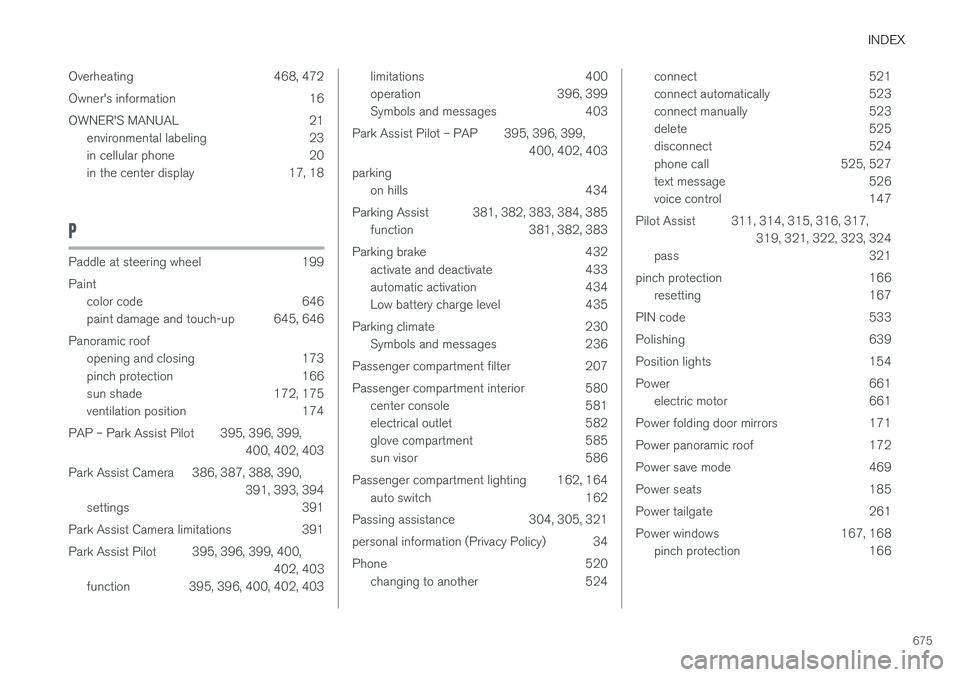
INDEX
675
Overheating 468, 472
Owner's information 16
OWNER'S MANUAL 21
environmental labeling 23
in cellular phone 20
in the center display 17, 18
P
Paddle at steering wheel 199 Paint
color code 646
paint damage and touch-up 645, 646
Panoramic roof opening and closing 173
pinch protection 166
sun shade 172, 175
ventilation position 174
PAP – Park Assist Pilot 395, 396, 399, 400, 402, 403
Park Assist Camera 386, 387, 388, 390, 391, 393, 394
settings 391
Park Assist Camera limitations 391
Park Assist Pilot 395, 396, 399, 400, 402, 403
function 395, 396, 400, 402, 403
limitations 400
operation 396, 399
Symbols and messages 403
Park Assist Pilot – PAP 395, 396, 399, 400, 402, 403
parking on hills 434
Parking Assist 381, 382, 383, 384, 385 function 381, 382, 383
Parking brake 432 activate and deactivate 433
automatic activation 434
Low battery charge level 435
Parking climate 230 Symbols and messages 236
Passenger compartment filter 207
Passenger compartment interior 580 center console 581
electrical outlet 582
glove compartment 585
sun visor 586
Passenger compartment lighting 162, 164 auto switch 162
Passing assistance 304, 305, 321
personal information (Privacy Policy) 34
Phone 520 changing to another 524connect 521
connect automatically 523
connect manually 523
delete 525
disconnect 524
phone call 525, 527
text message 526
voice control 147
Pilot Assist 311, 314, 315, 316, 317, 319, 321, 322, 323, 324
pass 321
pinch protection 166 resetting 167
PIN code 533
Polishing 639
Position lights 154
Power 661 electric motor 661
Power folding door mirrors 171
Power panoramic roof 172
Power save mode 469
Power seats 185
Power tailgate 261
Power windows 167, 168 pinch protection 166
Page 680 of 686
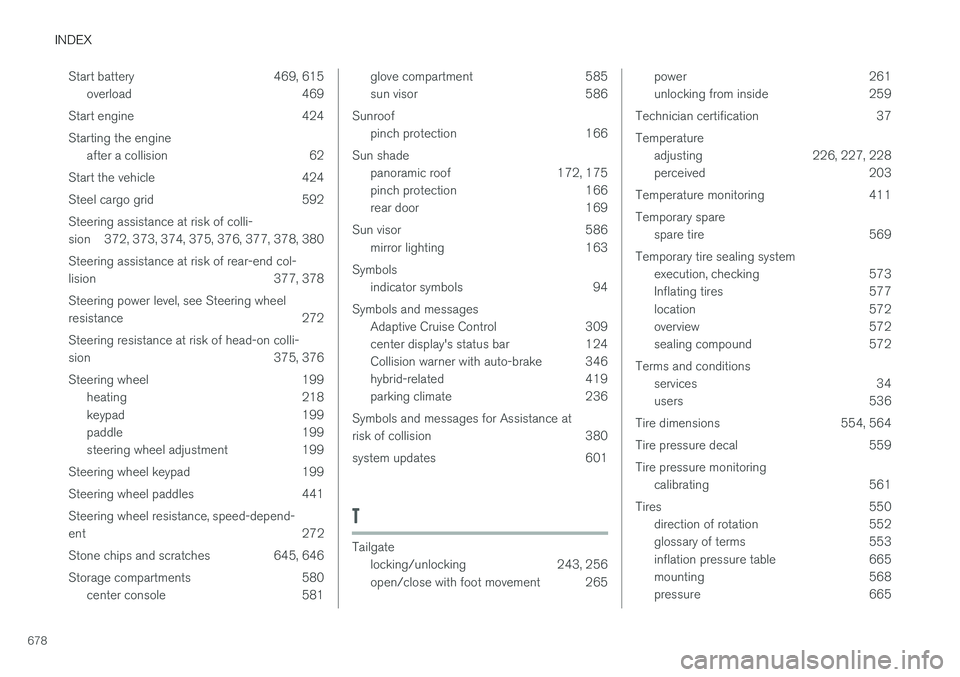
INDEX
678Start battery 469, 615
overload 469
Start engine 424 Starting the engine after a collision 62
Start the vehicle 424
Steel cargo grid 592Steering assistance at risk of colli-
sion 372, 373, 374, 375, 376, 377, 378, 380 Steering assistance at risk of rear-end col-
lision 377, 378 Steering power level, see Steering wheel
resistance 272 Steering resistance at risk of head-on colli-
sion 375, 376
Steering wheel 199 heating 218
keypad 199
paddle 199
steering wheel adjustment 199
Steering wheel keypad 199
Steering wheel paddles 441Steering wheel resistance, speed-depend- ent 272
Stone chips and scratches 645, 646
Storage compartments 580 center console 581
glove compartment 585
sun visor 586
Sunroof pinch protection 166
Sun shade panoramic roof 172, 175
pinch protection 166
rear door 169
Sun visor 586 mirror lighting 163
Symbols indicator symbols 94
Symbols and messages Adaptive Cruise Control 309
center display's status bar 124
Collision warner with auto-brake 346
hybrid-related 419
parking climate 236
Symbols and messages for Assistance at
risk of collision 380
system updates 601
T
Tailgate locking/unlocking 243, 256
open/close with foot movement 265
power 261
unlocking from inside 259
Technician certification 37 Temperature adjusting 226, 227, 228
perceived 203
Temperature monitoring 411 Temporary spare spare tire 569
Temporary tire sealing system execution, checking 573
Inflating tires 577
location 572
overview 572
sealing compound 572
Terms and conditions services 34
users 536
Tire dimensions 554, 564
Tire pressure decal 559Tire pressure monitoring calibrating 561
Tires 550 direction of rotation 552
glossary of terms 553
inflation pressure table 665
mounting 568
pressure 665