reset YAMAHA XSR 900 2020 Owners Manual
[x] Cancel search | Manufacturer: YAMAHA, Model Year: 2020, Model line: XSR 900, Model: YAMAHA XSR 900 2020Pages: 102, PDF Size: 7.74 MB
Page 23 of 102
Instrument and control functions
3-8
1
234
5
6
7
8
9
10
11
12
This display indicates which drive
mode has been selected: “STD”, “A” or
“B”. For more details on the modes and
on how to select them, see pages 3-12
and 3-14.
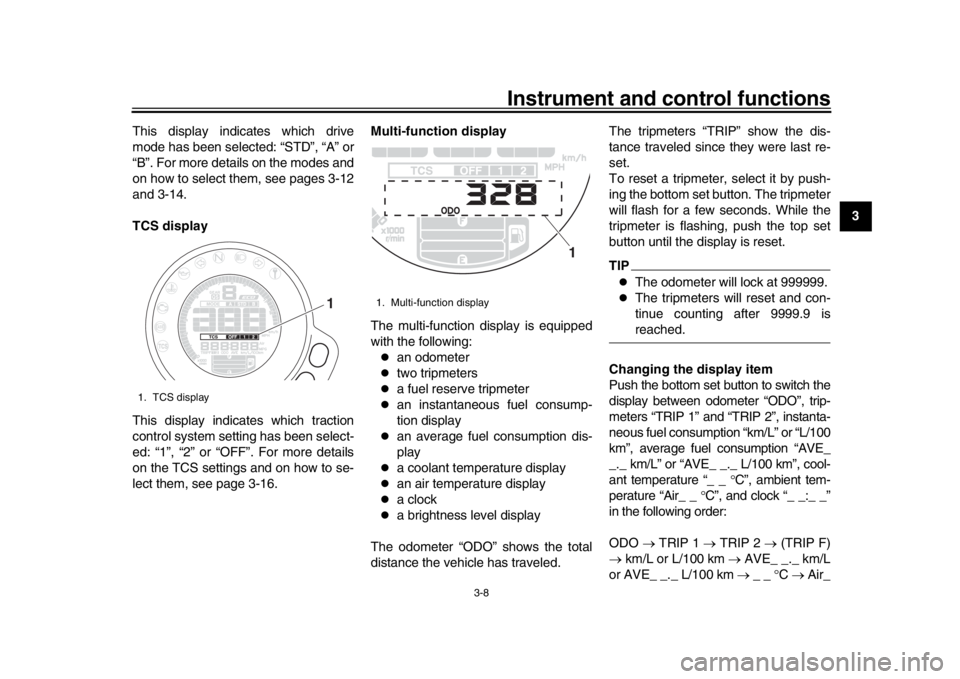
TCS display
This display indicates which traction
control system setting has been select-
ed: “1”, “2” or “OFF”. For more details
on the TCS settings and on how to se-
lect them, see page 3-16.
Multi-function display
The multi-function display is equipped
with the following:
an odometer
two tripmeters
a fuel reserve tripmeter
an instantaneous fuel consump-
tion display
an average fuel consumption dis-
play
a coolant temperature display
an air temperature display
a clock
a brightness level display
The odometer “ODO” shows the total
distance the vehicle has traveled. The tripmeters “TRIP” show the dis-
tance traveled since they were last re-
set.
To reset a tripmeter, select it by push-
ing the bottom set button. The tripmeter
will flash for a few seconds. While the
tripmeter is flashing, push the top set
button until the display is reset.
TIP
The odometer will lock at 999999.
The tripmeters will reset and con-
tinue counting after 9999.9 isreached.
Changing the display item
Push the bottom set button to switch the
display between odometer “ODO”, trip-
meters “TRIP 1” and “TRIP 2”, instanta-
neous fuel consumption “km/L” or “L/100
km”, average fuel consumption “AVE_
_._ km/L” or “AVE_ _. _ L/100 km”, cool-
ant temperature “_ _ C”, ambient tem-
perature “Air_ _ C”, and clock “_ _:_ _”
in the following order:
ODO TRIP 1 TRIP 2 (TRIP F)
km/L or L/100 km AVE_ _._ km/L
or AVE_ _._ L/100 km _ _ C Air_
1. TCS display
1
1. Multi-function display
1
BAE-28199-E1.book 8 ページ 2019年8月23日 金曜日 午後3時56分
Page 24 of 102
Instrument and control functions
3-9
1
23
4
5
6
7
8
9
10
11
12 _
C Clock _ _ :_ _ ODO
When using miles:
ODO TRIP 1 TRIP 2 (TRIP F)
MPG AVE_ _._ MPG _ _ C
Air_ _ C Clock _ _ :_ _ ODO
TIP
Push the top set button to switch
the display in the reverse order.
The fuel reserve tripmeter “TRIPF” appears only when low on fuel.
When low on fuel, the display automat-
ically changes to “TRIP F” and starts
counting the distance traveled from that
point.
If you do not reset the fuel reserve trip-
meter manually, after refueling and
traveling 5 km (3 mi) it resets automati-
cally and disappears from the display. Instantaneous fuel consumption
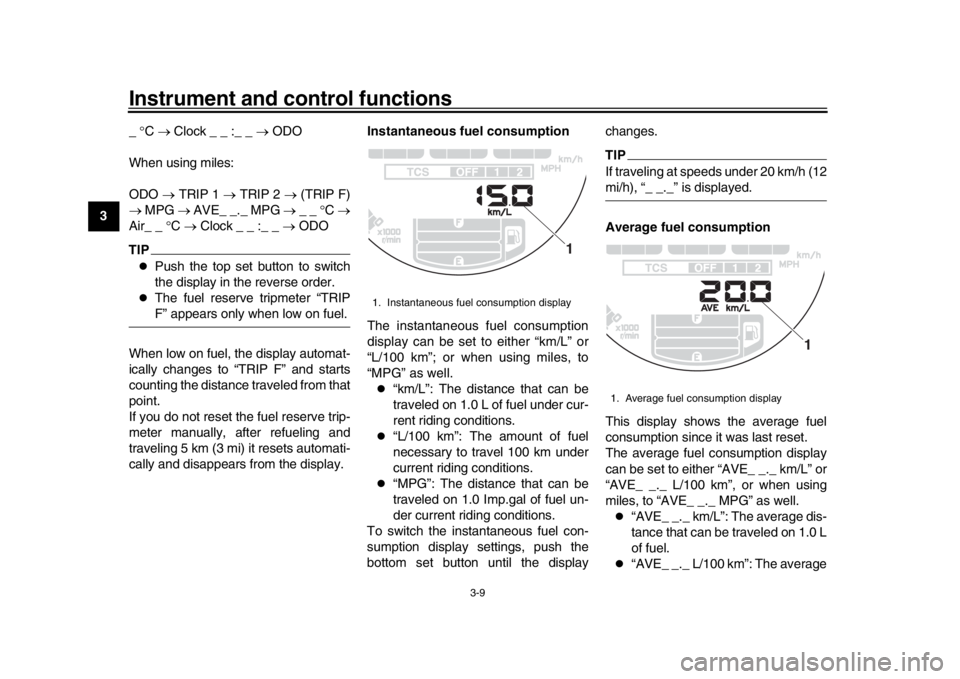
The instantaneous fuel consumption
display can be set to either “km/L” or
“L/100 km”; or when using miles, to
“MPG” as well.
“km/L”: The distance that can be
traveled on 1.0 L of fuel under cur-
rent riding conditions.
“L/100 km”: The amount of fuel
necessary to travel 100 km under
current riding conditions.
“MPG”: The distance that can be
traveled on 1.0 Imp.gal of fuel un-
der current riding conditions.
To switch the instantaneous fuel con-
sumption display settings, push the
bottom set button until the display changes.
TIPIf traveling at speeds under 20 km/h (12mi/h), “_ _._” is displayed.
Average fuel consumption
This display shows the average fuel
consumption since it was last reset.
The average fuel consumption display
can be set to either “AVE_ _._ km/L” or
“AVE_ _._ L/100 km”, or when using
miles, to “AVE_ _._ MPG” as well.
“AVE_ _._ km/L”: The average dis-
tance that can be traveled on 1.0 L
of fuel.
“AVE_ _._ L/100 km”: The average
1. Instantaneous fuel consumption display
1
1. Average fuel consumption display
1
BAE-28199-E1.book 9 ページ 2019年8月23日 金曜日 午後3時56分
Page 25 of 102
Instrument and control functions
3-10
1
234
5
6
7
8
9
10
11
12
amount of fuel necessary to travel
100 km.
“AVE_ _._ MPG”: The average
distance that can be traveled on
1.0 Imp.gal of fuel.
To switch the average fuel consump-
tion display settings, push the bottom
set button until the display changes.
To reset the average fuel consumption,
select it by pushing the bottom set but-
ton. The average fuel consumption dis-
play will flash for a few seconds. While
the display is flashing, push the top set
button until the display is reset.
TIPAfter resetting the average fuel con-
sumption, “_ _._” will be shown until thevehicle has traveled 1 km (0.6 mi). Coolant temperature
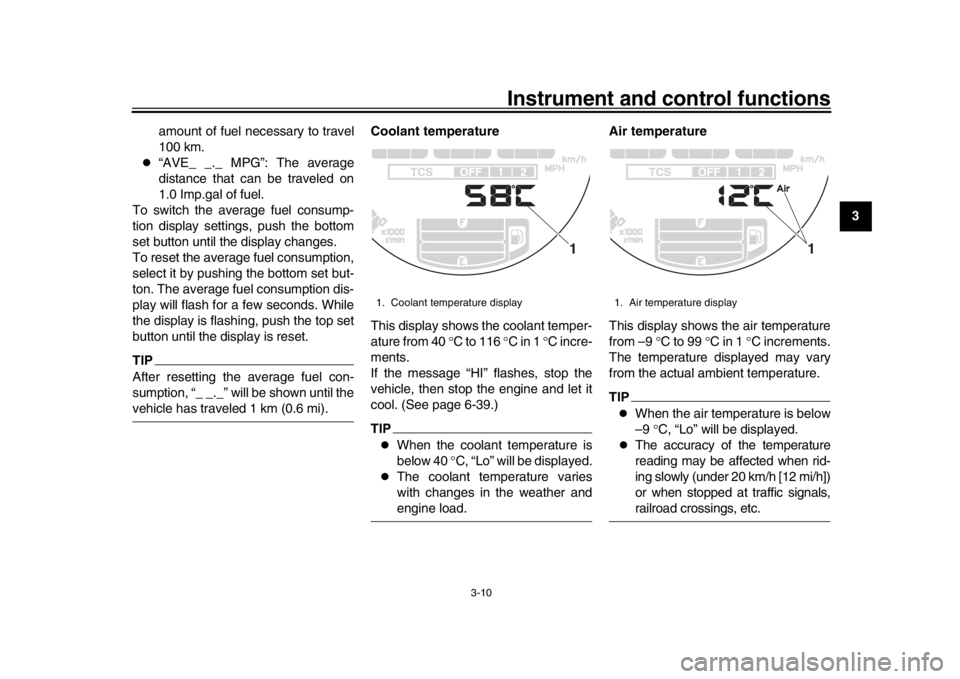
This display shows the coolant temper-
ature from 40
C to 116 C in 1 C incre-
ments.
If the message “HI” flashes, stop the
vehicle, then stop the engine and let it
cool. (See page 6-39.)
TIP
When the coolant temperature is
below 40 C, “Lo” will be displayed.
The coolant temperature varies
with changes in the weather andengine load. Air temperature
This display shows the air temperature
from –9
C to 99 C in 1 C increments.
The temperature displayed may vary
from the actual ambient temperature.
TIP
When the air temperature is below
–9 C, “Lo” will be displayed.
The accuracy of the temperature
reading may be affected when rid-
ing slowly (under 20 km/h [12 mi/h])
or when stopped at traffic signals,railroad crossings, etc.
1. Coolant temperature display
1
1. Air temperature display
1
BAE-28199-E1.book 10 ページ 2019年8月23日 金曜日 午後3時56分
Page 32 of 102
Instrument and control functions
3-17
1
23
4
5
6
7
8
9
10
11
12 haust sounds when the system has en-
gaged.
In certain conditions, the traction con-
trol system may be automatically dis-
abled. Should this happen, the “ ”
indicator light and the “ ” warning
light will come on.
The TCS display (page 3-8) indicates
the current TCS setting. There are
three settings.
TCS “OFF”
TCS “OFF” turns the traction control
system off.
TCS “1”
TCS “1” minimizes traction control sys-
tem assist.
TCS “2”
TCS “2” maximizes traction control as-
sist; wheel spin is most strongly con-
trolled.
TIP
Use the traction control switch
(page 3-13) to change TCS set-
tings.
Traction control can be turned on or off only when the vehicle is
stopped.
When the key is turned to “ON”,
traction control is turned on and
set to TCS “1” or “2” (whichever
was last selected).
Turn the traction control system off
to help free the rear wheel if the ve-
hicle gets stuck in mud, sand, orother soft surfaces.
NOTICE
ECA16801
Use only the specified tires. (See
page 6-16.) Using different sized
tires will prevent the traction control
system from controlling tire rotationaccurately.
Resetting the traction control sys-
tem
The traction control system will auto-
matically disable when:
the front wheel or rear wheel
comes off the ground while riding.
excessive rear wheel spin is de-
tected while riding.
either wheel is rotated with the key
turned to “ON” (such as when per- forming maintenance).
If the traction control system is dis-
abled, both the “ ” indicator light and
the “ ” warning light will come on.
Should this occur, try resetting the sys-
tem as follows. 1. Stop the vehicle and turn the key to “OFF”.
2. Wait a few seconds and then turn key back “ON”.
3. The “ ” indicator light should turn off and the system be enabled.
TIPIf the “ ” indicator light remains on af-
ter resetting, the vehicle may still be rid-
den; however, have a Yamaha dealercheck the vehicle as soon as possible.
4. Have a Yamaha dealer check the vehicle and turn off the “ ” warn-
ing light.
BAE-28199-E1.book 17 ページ 2019年8月23日 金曜日 午後3時56分