brakes Acura Integra 2001 User Guide
[x] Cancel search | Manufacturer: ACURA, Model Year: 2001, Model line: Integra, Model: Acura Integra 2001Pages: 285, PDF Size: 3.79 MB
Page 150 of 285

Th
e Brakin g Syste m
Yo u shoul d neve r pum p th e
brak e pedal , this defeats the
purpose of the ABS. Let the ABS
work for you by always keeping firm, steady pressure on the brake pedal
as you steer away from the hazard.
This is sometimes referred to as
"stomp and steer."
You will feel a pulsation in the brake pedal when the ABS activates, and
you may hear some noise. This is normal, it is the ABS rapidly
pumping the brakes.
Activation varies with the amount of traction your tires have. On drypavement, you will need to press on
the brake pedal very hard before you activate the ABS. However, you may
feel the ABS activate immediately if
you are trying to stop on snow or ice.
Important Safety Reminders
AB S doe s no t reduc e th e tim e o r
distanc e i t take s t o sto p th e car , it
only helps with steering control
during braking. You should always
maintain a safe following distance
from other vehicles.
AB S wil l no t preven t a ski d tha t
result s fro m changin g directio n
abruptly , such as trying to take a
corner too fast or making a sudden
lane change. Always drive at a safe,
prudent speed for the road and
weather conditions.
AB S canno t preven t a los s o f
stability . Always steer moderately
when you are braking hard. Severe or sharp steering wheel movement
can still cause your car to veer into
oncoming traffic or off the road. A
vehicl e wit h AB S ma y requir e a
longe r distanc e t o sto p on loose or
uneven surfaces, such as gravel or snow, than a vehicle without anti-
lock. Slow down and allow a greater distance between vehicles under
those conditions.
CONTINUED
Drivin g
Page 151 of 285

Th
e Brakin g System , Limite d Sli p Differentia l
ABS Indicator
* U.S . indicato r show n
The ABS is self-checking. If anything goes wrong, the ABS indicator on
the instrument panel comes on (see
page 55). This means the anti-lock
function of the braking system hasshut down. The brakes still work like
a conventional system without anti-
lock, providing normal stopping ability. You should have the dealer
inspect your car as soon as possible.
Limite
d Sli p Differentia l
Type-R model only
Your Acura is equipped with a Limited Slip Differential (LSD). Ifone front wheel slips, the LSD helps
traction by automatically
transmitting driving force to the other front wheel. You may feel the
transfer through the steering wheel.
Drivin g
AB
S INDICATOR *
Page 152 of 285

Drivin
g in Ba d Weathe r
Rain, fog, and snow conditions require a different driving technique
because of reduced traction and
visibility. Keep your car well- maintained and exercise greatercaution when you need to drive in
bad weather. The cruise control should not be used in these
conditions. Drivin
g Techniqu e — Always drive
slower than you would in dry
weather. It takes your car longer to react, even in conditions that mayseem just barely damp. Apply
smooth, even pressure to all the
controls. Abrupt steering wheel
movements or sudden, hard appli- cation of the brakes can cause loss of
control in wet weather. Be extra
cautious for the first few miles (kilometers) of driving while you
adjust to the change in driving
conditions. This is especially true in snow. A person can forget some
snow-driving techniques during the
summer months. Practice is needed
to relearn those skills.
Exercise extra caution when driving
in rain after a long dry spell. After
months of dry weather, the first
rains bring oil to the surface of the roadway, making it slippery. Visibilit
y — Being able to see
clearly in all directions and being
visible to other drivers are important in all weather conditions. This is
more difficult in bad weather. To beseen more clearly during daylight
hours, turn on your headlights.
Inspect your windshield wipers and
washers frequently. Keep the wind- shield washer reservoir full of the
proper fluid. Have the windshield
wiper blades replaced if they start to streak the windshield or leave parts
unwiped. Use the defrosters and air conditioning to keep the windows
from fogging up on the inside (see page 100).
CONTINUED
Drivin g
Page 157 of 285

Towin
g a Traile r
Trailer Brakes
Acura recommends that any trailer having a total weight of 1,000 Ibs (450 kg) or more be equipped with
its own electric or surge-type brakes.
If you choose electric brakes, besure they are electronically actuated.
Do not attempt to tap into your
vehicle's hydraulic system. No matter how successful it may seem,any attempt to attach trailer brakes
to your vehicle's hydraulic system
will lower braking effectiveness and create a potential hazard.
Trailer Lights
If you use a converter, you can get
the connector and pins that mate
with the connector in your vehicle from your Acura dealer.
Your vehicle has a trailer lighting connector located behind the leftside panel in the cargo area. Refer to
the drawing above for the wiring color code and purpose of each pin. Since lighting and wiring vary in
trailer type and brand, you should also have a qualified mechanic install
a suitable connector between the
vehicle and the trailer.
Drivin g
GROUN
D
(BLACK )
BACK-U
P LIGH T
(GREEN/BLACK )LEF
T TUR N SIGNA L
(GREEN/BLUE )
TAILLIGH T
(RED/BLACK )
BRAK
E LIGH T
(GREEN/WHITE )
RIGH
T TUR N SIGNA L
(GREEN/YELLOW )
Page 158 of 285

Towin
g a Traile r
Additional Trailer Equipment
Many states and Canadian provinces
require special outside mirrors when
towing a trailer. Even if they don't,
you should install special mirrors if
you cannot clearly see behind you, or if the trailer creates a blind spot.
Ask your trailer sales or rental agency if any other items are
recommended or required for your
towing situation.
Pre-To
w Checklis t
When preparing to tow, and before driving away, be sure to check the
following: The vehicle has been properly
serviced, and the tires, brakes,
suspension, and cooling system
are in good operating condition. All weights and loads are within
limits (see pages 151 and 152). The hitch, safety chains, and any
other attachments are secure. All items on and in the trailer are
properly secured and cannot shift
while you drive. The lights and brakes on your
vehicle and the trailer are workingproperly. Your vehicle tires and spare are
properly inflated (see page 255),and the trailer tires and spare are
inflated as recommended by the
trailer maker.
Driving
Page 159 of 285

Towin
g a Traile r
Drivin g Safel y Wit h a Traile r
The added weight, length, and height of a trailer will affect your
vehicle's handling and performance, so driving with a trailer requires
some special driving skills and
techniques.
For your safety and the safety ofothers, take time to practice driving
maneuvers before heading for the open road, and follow the guidelines
discussed below.
Towing Speeds and Gears
Drive slower than normal in all driving situations, and obey posted
speed limits for vehicles with trailers.
If you have an automatic
transmission, use D4 position when
towing a trailer on level roads. D3 is the proper shift lever position to use
when towing a trailer in hilly terrain.
(See "Driving on Hills" in the next
column for additional gear
information.)
Making Turns and Braking
Make turns more slowly and wider
than normal. The trailer tracks a smaller arc than your vehicle, and it
can hit or run over something the
vehicle misses. Allow more time and distance for braking. Do not brake or
turn suddenly as this could cause the
trailer to jackknife or turn over.
Driving on Hills
When climbing hills, closely watch your temperature gauge. If it nears
the red (Hot) mark, turn the air conditioning off, reduce speed and, if
necessary, pull to the side of the
road to let the engine cool.
If the automatic transmission shifts
frequently between 3rd and 4th gears while going up a hill, shift to
D3.
If you must stop when facing uphill,
use the foot brake or parking brake.
Do not try to hold the vehicle in
place by pressing on the accelerator, as this can cause the automatic
transmission to overheat.
When driving down hills, reduce
your speed and shift down to 2nd gear. Do not "ride" the brakes, andremember it will take longer to slowdown and stop when towing a trailer.
Drivin g
Page 165 of 285

Maintenanc
e Schedul e
The Maintenance Schedule specifies how often you should have your carserviced and what things need
attention. It is essential that you have
your car serviced as scheduled to retain its high level of safety,dependability, and emissions control
performance.
The services and time or distance
intervals shown in the maintenanceschedule assume you will use your
car as normal transportation for
passengers and their possessions.
You should also follow these
recommendations:
Avoid exceeding your car's load
limit. This puts excess stress onthe engine, brakes, and manyother parts of your car. The load
limit is shown on the label on the driver's doorjamb. Operate your car on reasonable
roads within the legal speed limit. Drive your car regularly over a
distance of several miles
(kilometers).
Always use unleaded gasoline with
the proper octane rating (see page
123). Whic
h Schedul e t o Follow :
Service your car according to the
time and mileage periods on one of
the Maintenance Schedules on the
following pages. Select the schedule
for "Severe Conditions" if most of
your driving is done under one or more of the conditions listed on that
page. Otherwise, follow the schedule
for "Normal Conditions."
Maintenanc e
Page 174 of 285
Owne
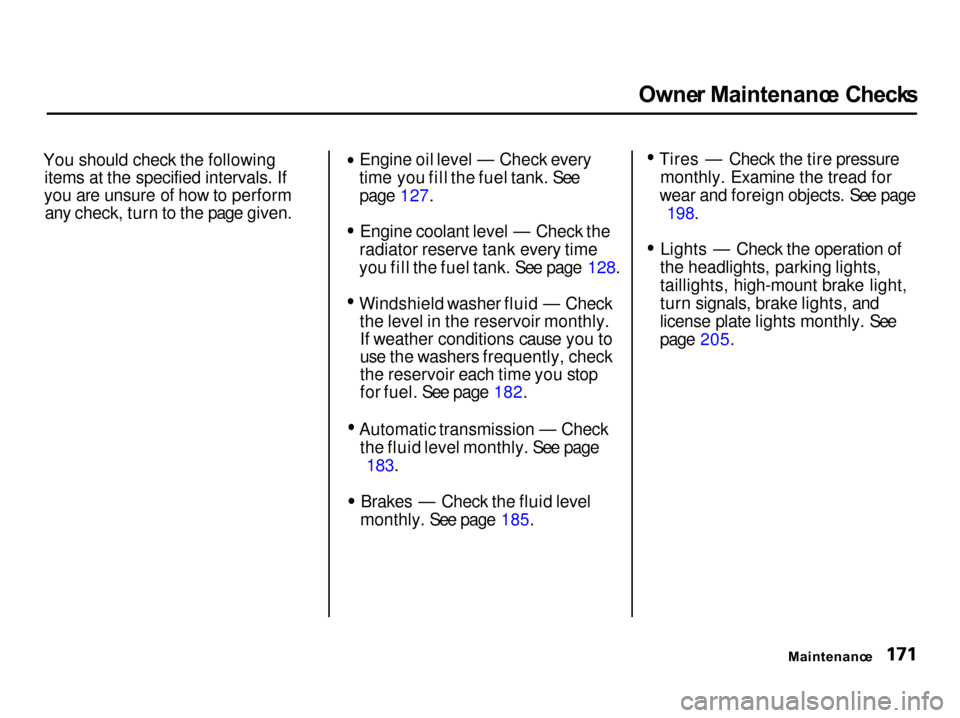
r Maintenanc e Check s
You should check the following items at the specified intervals. If
you are unsure of how to perform any check, turn to the page given. Engine oil level — Check every
time you fill the fuel tank. See page 127. Engine coolant level — Check the
radiator reserve tank every time
you fill the fuel tank. See page 128. Windshield washer fluid — Check
the level in the reservoir monthly.If weather conditions cause you to
use the washers frequently, check
the reservoir each time you stop
for fuel. See page 182. Automatic transmission — Check
the fluid level monthly. See page
183.
Brakes — Check the fluid level
monthly. See page 185. Tires — Check the tire pressure
monthly. Examine the tread for
wear and foreign objects. See page
198.
Lights — Check the operation of
the headlights, parking lights,
taillights, high-mount brake light,
turn signals, brake lights, and
license plate lights monthly. See
page 205.
Maintenance
Page 207 of 285

Tire
s
Snow Tires
SE, LS, GS and GS-R models
If you mount snow tires on your
Acura, make sure they are radial tires of the same size and load range
as the original tires. Mount snow
tires on all four wheels to balance
your car's handling in all weather conditions. Keep in mind the traction
provided by snow tires on dry roads
may not be as high as your car's original equipment tires. You shoulddrive cautiously even when the roads
are clear. Check with the tire dealer
for maximum speed recommen-
dations.
Type-R model
Mount winter tires on all four wheels.
The performance capabilities of the winter tires may not be the same as
your vehicle's original-equipmenttires. Check with the tire dealer formaximum speed recommendations.
Tire Chains
Mount traction devices (link-type or
cable-type) only when required by
driving conditions or local laws.
Make sure they are the correct size
for your tires. Install them only on the front tires.
SE model
If link-type traction devices are used,
they must be SAE class "S". Cable-
type traction devices can also be
used.
LS, GS, GS-R, and Type-R models
Because your Acura has limited tire
clearance, mount only SAE class "S"
cable-type traction devices.
Link-type "chains" should not be
used. No matter how tight they seem
to be installed, they can come into contact with the body andsuspension, causing serious damage.
All Models
When installing traction devices,
follow the manufacturer's
instructions and mount them as
tightly as you can. Drive slowly with
them installed. If you hear them coming in contact with the body or
chassis, stop and investigate. Make
sure the traction devices are
installed tightly, and that they are
not contacting the brakes or
suspension.
Remove them as soon as you start driving on cleared roads.
Traction devices that are the wrong
size or improperly installed can
damage your car's brake lines,
suspension, body, and wheels. Stop
driving if they are hitting any part of
the car.
Maintenanc e
NOTIC
E
Page 276 of 285
Inde
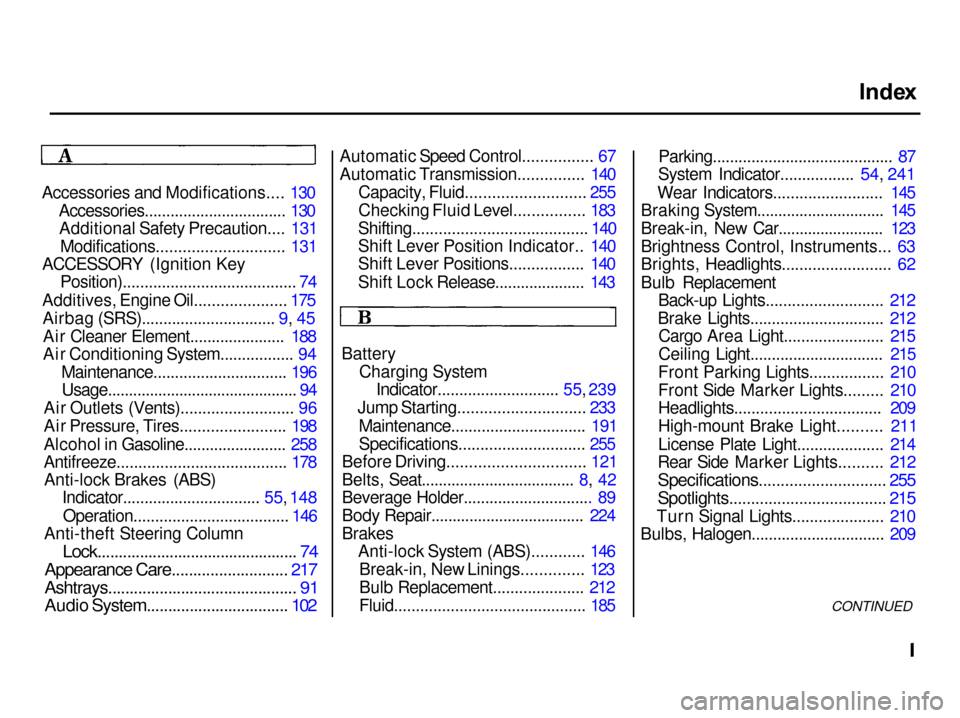
x
Accessories and Modifications.... 130 Accessories................................. 130Additional Safety Precaution.... 131
Modifications............................. 131
ACCESSORY (Ignition Key Position)........................................ 74
Additives, Engine Oil..................... 175
Airbag (SRS)............................... 9, 45Ai
r Cleane
r Element...................... 188
Air Conditioning System................. 94
Maintenance............................... 196Usage............................................. 94
Air Outlets (Vents).......................... 96
Air Pressure, Tires........................ 198
Alcohol in Gasoline........................ 258
Antifreeze....................................... 178 Anti-lock Brakes (ABS) Indicator................................ 55
, 148
Operation.................................... 14
6
Anti-theft Steering Column
Lock............................................... 74
Appearance Care........................... 217
Ashtrays............................................ 91
Audio System................................. 102
Automatic Speed Control................ 67
Automatic Transmission............... 140
Capacity, Fluid........................... 255
Checking Fluid Level................ 183
Shifting........................................ 140
Shift Lever Position Indicator.. 140
Shift Lever Positions................. 140
Shift Lock Release..................... 143
Battery Charging SystemIndicator............................ 55,
239
Jump Starting............................
. 233
Maintenance............................... 191
Specifications............................. 255
Before Driving............................... 121
Belts, Seat.................................... 8, 42
Beverage Holder.............................. 89
Body Repair.................................... 224
Brakes Anti-lock System (ABS)............ 146
Break-in, New Linings.............. 123
Bulb Replacement..................... 212
Fluid............................................ 185
Parking.......................................... 87
System Indicator................. 54,
241
Wear Indicators........................
. 145
Braking System.............................. 145
Break-in, New Car......................... 123
Brightness Control, Instruments... 63
Brights, Headlights......................... 62
Bulb Replacement Back-up Lights........................... 212
Brake Lights............................... 212 Cargo Area Light....................... 215
Ceiling Light............................... 215
Front Parking Lights................. 210
Front Side Marker Lights......... 210
Headlights.................................. 209
High-mount Brake Light.......... 211
License Plate Light.................... 214
Rear Side Marker Lights.......... 212
Specifications............................. 255
Spotlights.................................... 215
Turn Signal Lights..................... 210
Bulbs, Halogen............................... 209
CONTINUED