eco Acura RDX 2019 Service Manual
[x] Cancel search | Manufacturer: ACURA, Model Year: 2019, Model line: RDX, Model: Acura RDX 2019Pages: 649, PDF Size: 33 MB
Page 114 of 649

113
uuIndicators uMulti-Information Display Warning and Information Messages
Continued
Instrument Panel
MessageConditionExplanation
• Appears when you press the (P button but it is not
engaged due to low ATF temperature.●Depress the brake pedal until this message disappear.
• Appears when the temperature of the transmission
is starting to get too hot.
• The performance of the vehicle may be reduced.•Until the message disappears, reduce your speed and
allow the system to cool down.
• Appears if you depress the accelerator pedal when
the transmission is in
(N.
•Release the accelerator pedal. After that, depress the
brake pedal and change the transmission position.
19 ACURA RDX-31TJB6000.book 113 ページ 2018年4月26日 木曜日 午後4時51分
Page 115 of 649

114
uuIndicators uMulti-Information Display Warn ing and Information Messages
Instrument Panel
MessageConditionExplanation
•Appears when you press and hold (N button for
more than two seconds.• Disappears when you set the gear position to a gear
other than
(N.
2 If you want to keep the transmission in (N
position [car wash mode] P. 422
• Appears for a few seconds if you have not pressed
the
(N button long enough to initiate Neutral-Hold
mode.
2 If you want to keep the transmission in (N
position [car wash mode] P. 422
• Appears when you set the power mode to ON
without fastening the driver’s seat belt.
• Appears when you change the gear position after
(P has been automatically selected with the driver’s
door open, the driver’s se at belt unfastened, then
the brake pedal is released.
• Fasten the seat belt properly before you start to drive.
2 Shift Operation P. 420
19 ACURA RDX-31TJB6000.book 114 ページ 2018年4月26日 木曜日 午後4時51分
Page 116 of 649
115
uuIndicators uMulti-Information Display Warning and Information Messages
Continued
Instrument Panel
MessageConditionExplanation
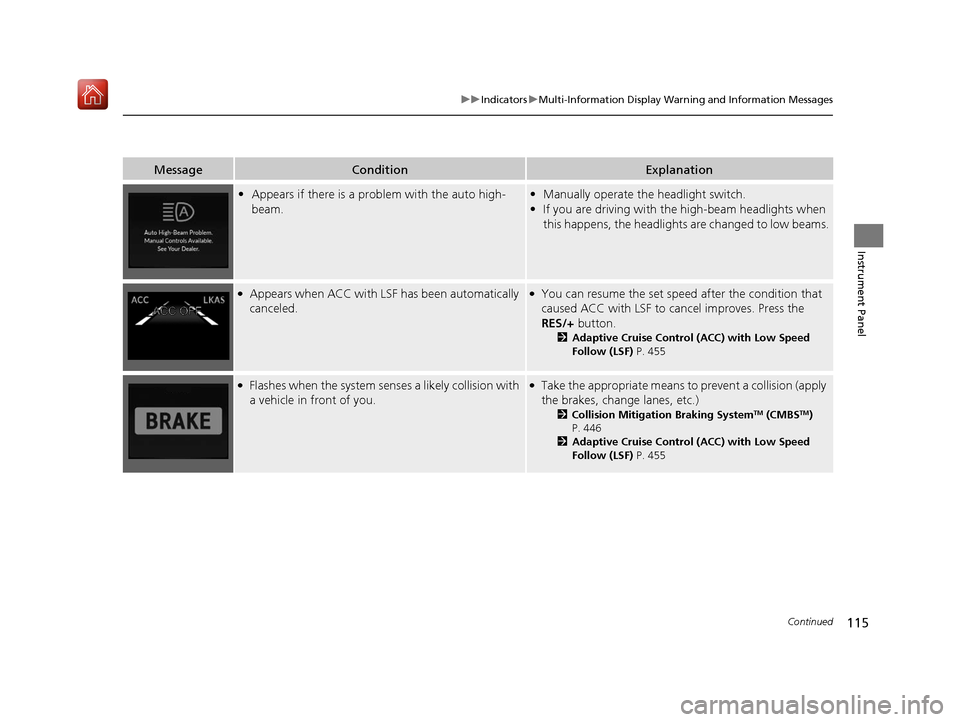
• Appears if there is a prob lem with the auto high-
beam.• Manually operate the headlight switch.
• If you are driving with th e high-beam headlights when
this happens, the headlights are changed to low beams.
●Appears when ACC with LSF has been automatically
canceled.●You can resume the set speed after the condition that
caused ACC with LSF to cancel improves. Press the
RES/+ button.
2Adaptive Cruise Control (ACC) with Low Speed
Follow (LSF) P. 455
●Flashes when the system senses a likely collision with
a vehicle in front of you.●Take the appropriate means to prevent a collision (apply
the brakes, change lanes, etc.)
2Collision Mitigation Braking SystemTM (CMBSTM)
P. 446
2 Adaptive Cruise Control (ACC) with Low Speed
Follow (LSF) P. 455
19 ACURA RDX-31TJB6000.book 115 ページ 2018年4月26日 木曜日 午後4時51分
Page 117 of 649
116
uuIndicators uMulti-Information Display Warn ing and Information Messages
Instrument Panel
MessageConditionExplanation
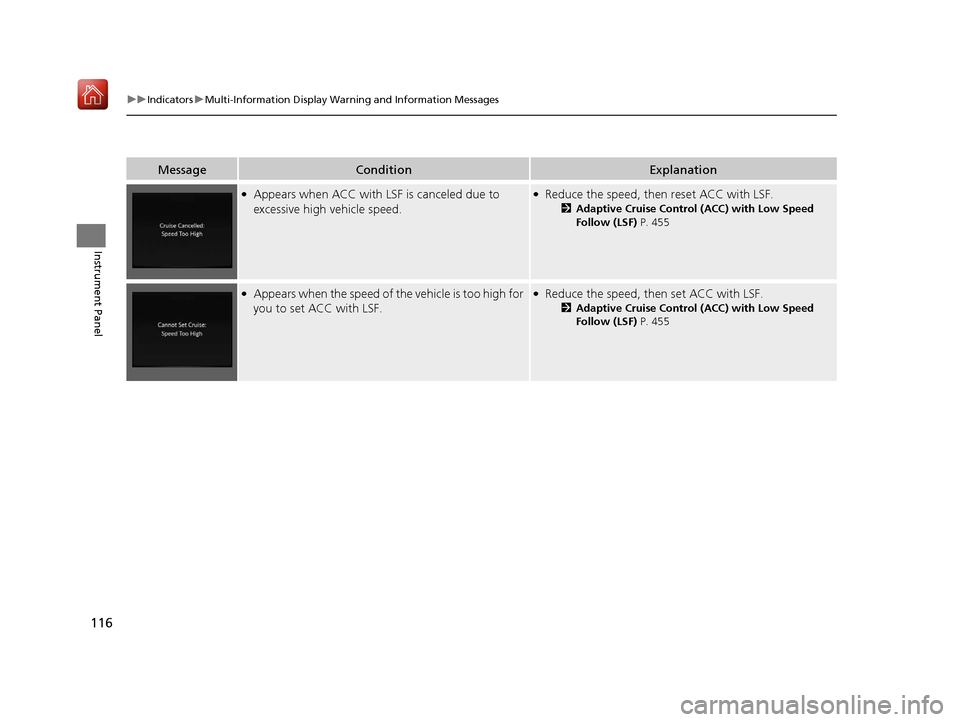
●Appears when ACC with LSF is canceled due to
excessive high vehicle speed.●Reduce the speed, then reset ACC with LSF.
2 Adaptive Cruise Control (ACC) with Low Speed
Follow (LSF) P. 455
●Appears when the speed of th e vehicle is too high for
you to set ACC with LSF.●Reduce the speed, then set ACC with LSF.
2 Adaptive Cruise Control (ACC) with Low Speed
Follow (LSF) P. 455
19 ACURA RDX-31TJB6000.book 116 ページ 2018年4月26日 木曜日 午後4時51分
Page 118 of 649
117
uuIndicators uMulti-Information Display Warning and Information Messages
Continued
Instrument Panel
MessageConditionExplanation
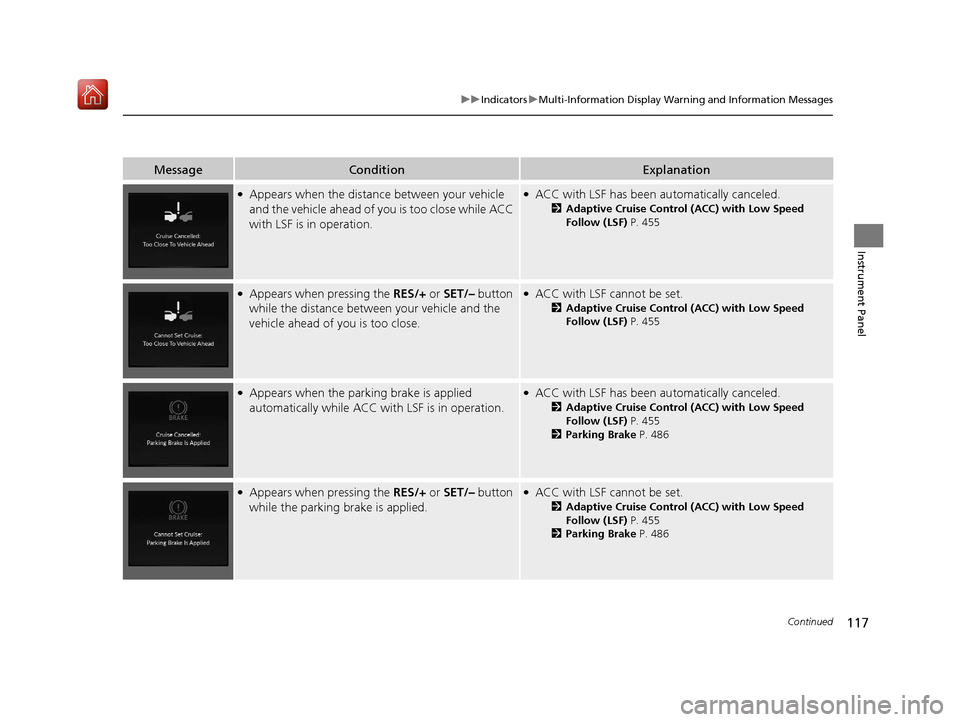
●Appears when the distance between your vehicle
and the vehicle ahead of you is too close while ACC
with LSF is in operation.●ACC with LSF has been au tomatically canceled.
2Adaptive Cruise Control (ACC) with Low Speed
Follow (LSF) P. 455
●Appears when pressing the RES/+ or SET/– button
while the distance between your vehicle and the
vehicle ahead of you is too close.●ACC with LSF cannot be set.
2 Adaptive Cruise Control (ACC) with Low Speed
Follow (LSF) P. 455
●Appears when the park ing brake is applied
automatically while ACC with LSF is in operation.●ACC with LSF has been automatically canceled.
2Adaptive Cruise Control (ACC) with Low Speed
Follow (LSF) P. 455
2 Parking Brake P. 486
●Appears when pressing the RES/+ or SET/– button
while the parking brake is applied.●ACC with LSF cannot be set.
2 Adaptive Cruise Control (ACC) with Low Speed
Follow (LSF) P. 455
2 Parking Brake P. 486
19 ACURA RDX-31TJB6000.book 117 ページ 2018年4月26日 木曜日 午後4時51分
Page 119 of 649
118
uuIndicators uMulti-Information Display Warn ing and Information Messages
Instrument Panel
MessageConditionExplanation
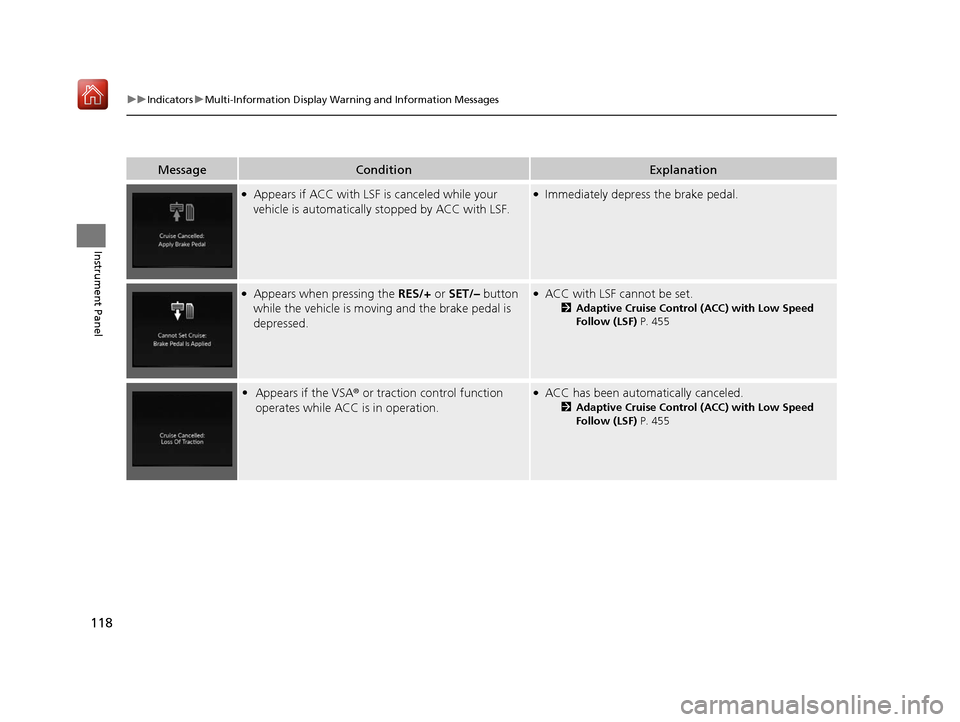
●Appears if ACC with LSF is canceled while your
vehicle is automatically stopped by ACC with LSF.●Immediately depress the brake pedal.
●Appears when pressing the RES/+ or SET/– button
while the vehicle is movi ng and the brake pedal is
depressed.●ACC with LSF cannot be set.
2 Adaptive Cruise Control (ACC) with Low Speed
Follow (LSF) P. 455
•Appears if the VSA ® or traction control function
operates while ACC is in operation.●ACC has been automatically canceled.
2 Adaptive Cruise Control (ACC) with Low Speed
Follow (LSF) P. 455
19 ACURA RDX-31TJB6000.book 118 ページ 2018年4月26日 木曜日 午後4時51分
Page 120 of 649
119
uuIndicators uMulti-Information Display Warning and Information Messages
Continued
Instrument Panel
MessageConditionExplanation
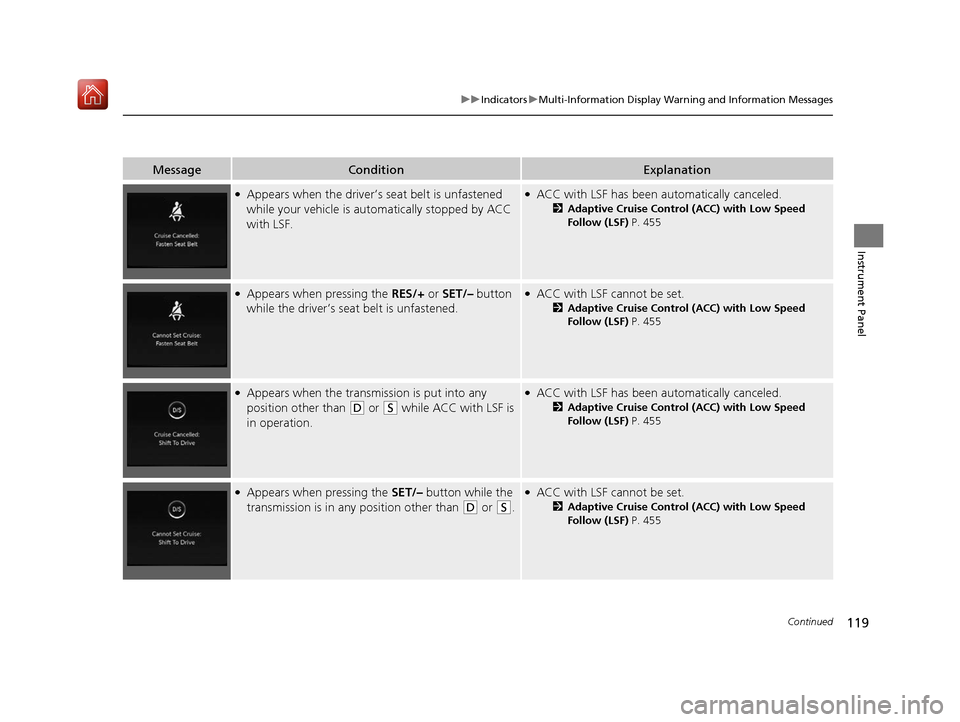
●Appears when the driver’s seat belt is unfastened
while your vehicle is au tomatically stopped by ACC
with LSF.●ACC with LSF has been au tomatically canceled.
2Adaptive Cruise Control (ACC) with Low Speed
Follow (LSF) P. 455
●Appears when pressing the RES/+ or SET/– button
while the driver’s seat belt is unfastened.●ACC with LSF cannot be set.
2 Adaptive Cruise Control (ACC) with Low Speed
Follow (LSF) P. 455
●Appears when the transmi ssion is put into any
position other than
(D or (S while ACC with LSF is
in operation.
●ACC with LSF has been au tomatically canceled.
2Adaptive Cruise Control (ACC) with Low Speed
Follow (LSF) P. 455
●Appears when pressing the SET/– button while the
transmission is in any position other than
(D or (S.
●ACC with LSF cannot be set.
2 Adaptive Cruise Control (ACC) with Low Speed
Follow (LSF) P. 455
19 ACURA RDX-31TJB6000.book 119 ページ 2018年4月26日 木曜日 午後4時51分
Page 121 of 649
120
uuIndicators uMulti-Information Display Warn ing and Information Messages
Instrument Panel
MessageConditionExplanation
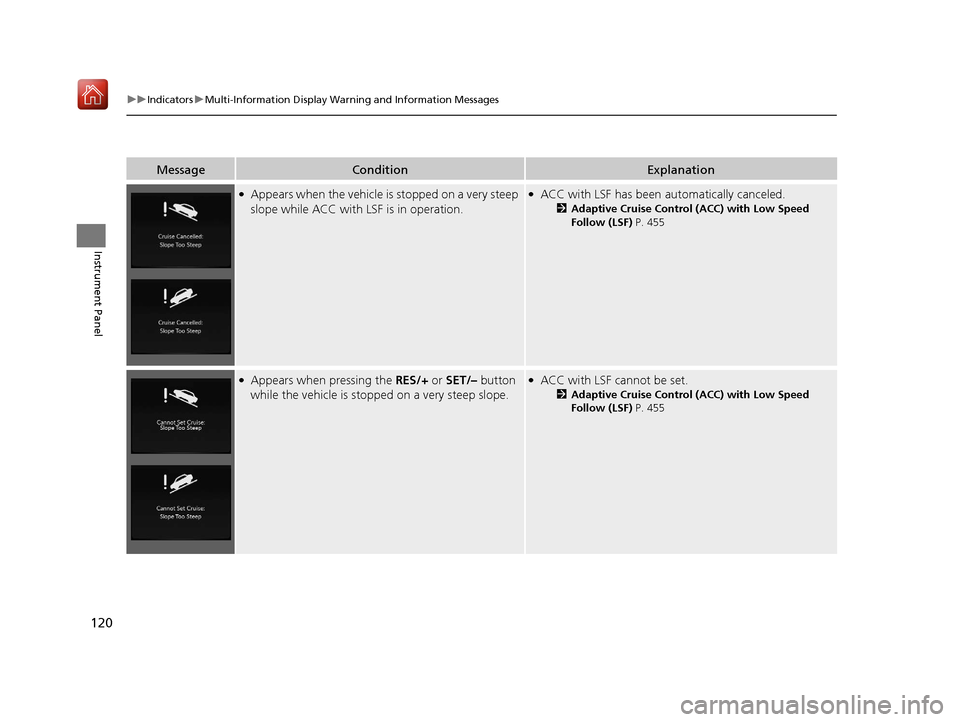
●Appears when the vehicle is stopped on a very steep
slope while ACC with LSF is in operation.●ACC with LSF has been automatically canceled.
2Adaptive Cruise Control (ACC) with Low Speed
Follow (LSF) P. 455
●Appears when pressing the RES/+ or SET/– button
while the vehicle is stopped on a very steep slope.●ACC with LSF cannot be set.
2 Adaptive Cruise Control (ACC) with Low Speed
Follow (LSF) P. 455
19 ACURA RDX-31TJB6000.book 120 ページ 2018年4月26日 木曜日 午後4時51分
Page 122 of 649
121
uuIndicators uMulti-Information Display Warning and Information Messages
Continued
Instrument Panel
MessageConditionExplanation
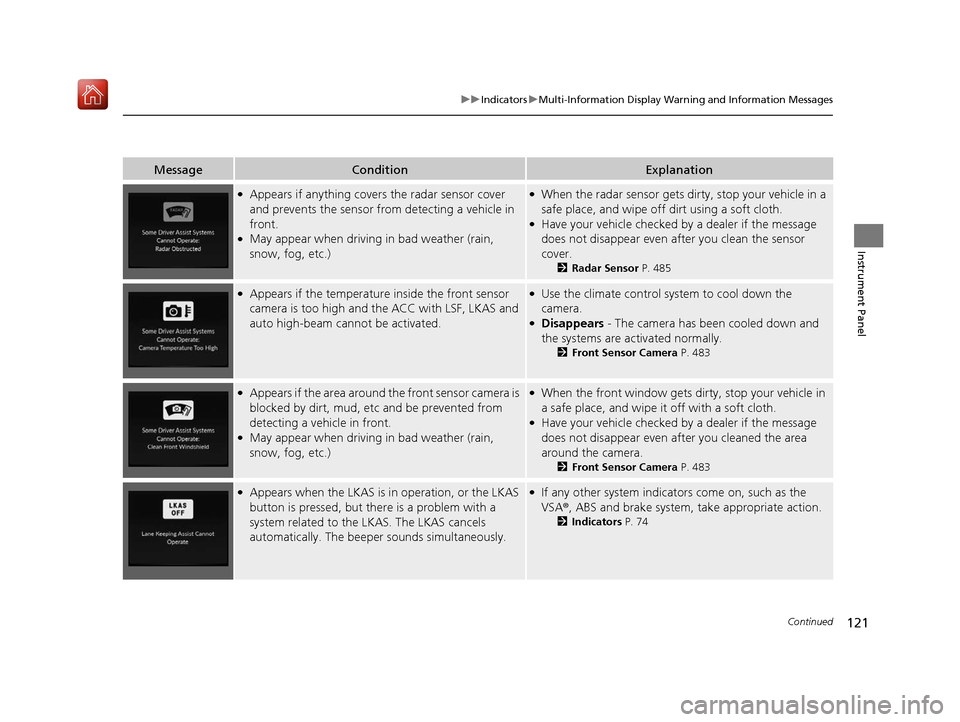
●Appears if anything covers the radar sensor cover
and prevents the sensor fro m detecting a vehicle in
front.
●May appear when driving in bad weather (rain,
snow, fog, etc.)
●When the radar sensor gets dirty, stop your vehicle in a
safe place, and wipe off dirt using a soft cloth.
●Have your vehicle checked by a dealer if the message
does not disappear even after you clean the sensor
cover.
2 Radar Sensor P. 485
●Appears if the temperature inside the front sensor
camera is too high and the ACC with LSF, LKAS and
auto high-beam cannot be activated.●Use the climate control sy stem to cool down the
camera.
●Disappears - The camera has been cooled down and
the systems are activated normally.
2 Front Sensor Camera P. 483
●Appears if the area around the front sensor camera is
blocked by dirt, mud, etc and be prevented from
detecting a vehicle in front.
●May appear when driving in bad weather (rain,
snow, fog, etc.)
●When the front window gets dirty, stop your vehicle in
a safe place, and wipe it off with a soft cloth.
●Have your vehicle checked by a dealer if the message
does not disappear even a fter you cleaned the area
around the camera.
2 Front Sensor Camera P. 483
●Appears when the LKAS is in operation, or the LKAS
button is pressed, but there is a problem with a
system related to the LKAS. The LKAS cancels
automatically. The beeper sounds simultaneously.●If any other system indicators come on, such as the
VSA®, ABS and brake system, take appropriate action.
2Indicators P. 74
19 ACURA RDX-31TJB6000.book 121 ページ 2018年4月26日 木曜日 午後4時51分
Page 123 of 649
122
uuIndicators uMulti-Information Display Warn ing and Information Messages
Instrument Panel
MessageConditionExplanation
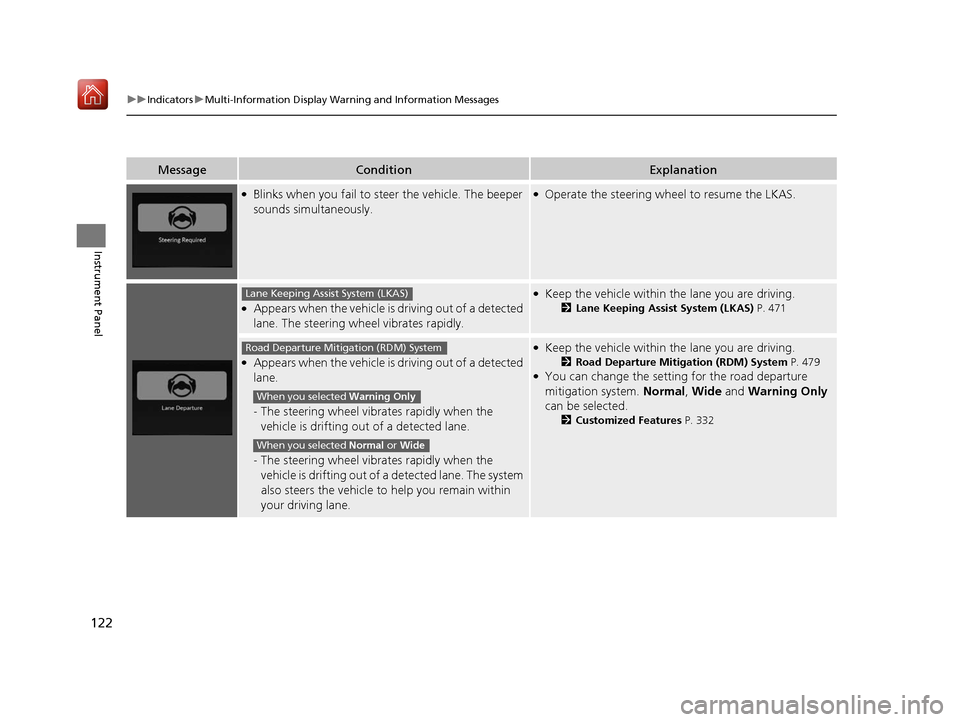
●Blinks when you fail to steer the vehicle. The beeper
sounds simultaneously.●Operate the steering wheel to resume the LKAS.
●Appears when the vehicle is driving out of a detected
lane. The steering wheel vibrates rapidly.
●Keep the vehicle within the lane you are driving.
2 Lane Keeping Assist System (LKAS) P. 471
●Appears when the vehicle is driving out of a detected
lane.
-The steering wheel vibrates rapidly when the
vehicle is drifting out of a detected lane.
- The steering wheel vibrates rapidly when the
vehicle is drifting out of a detected lane. The system
also steers the vehicle to help you remain within
your driving lane.
●Keep the vehicle within the lane you are driving.
2 Road Departure Mitigation (RDM) System P. 479●You can change the setting for the road departure
mitigation system. Normal, Wide and Warning Only
can be selected.
2 Customized Features P. 332
Lane Keeping Assist System (LKAS)
Road Departure Mitigation (RDM) System
When you selected Warning Only
When you selected Normal or Wide
19 ACURA RDX-31TJB6000.book 122 ページ 2018年4月26日 木曜日 午後4時51分