AC system Acura TLX 2018 Owners Manual
[x] Cancel search | Manufacturer: ACURA, Model Year: 2018, Model line: TLX, Model: Acura TLX 2018Pages: 589, PDF Size: 35.45 MB
Page 167 of 589
uuOperating the Switches Around the Steering Wheel uAuto High-Beam
166
Controls
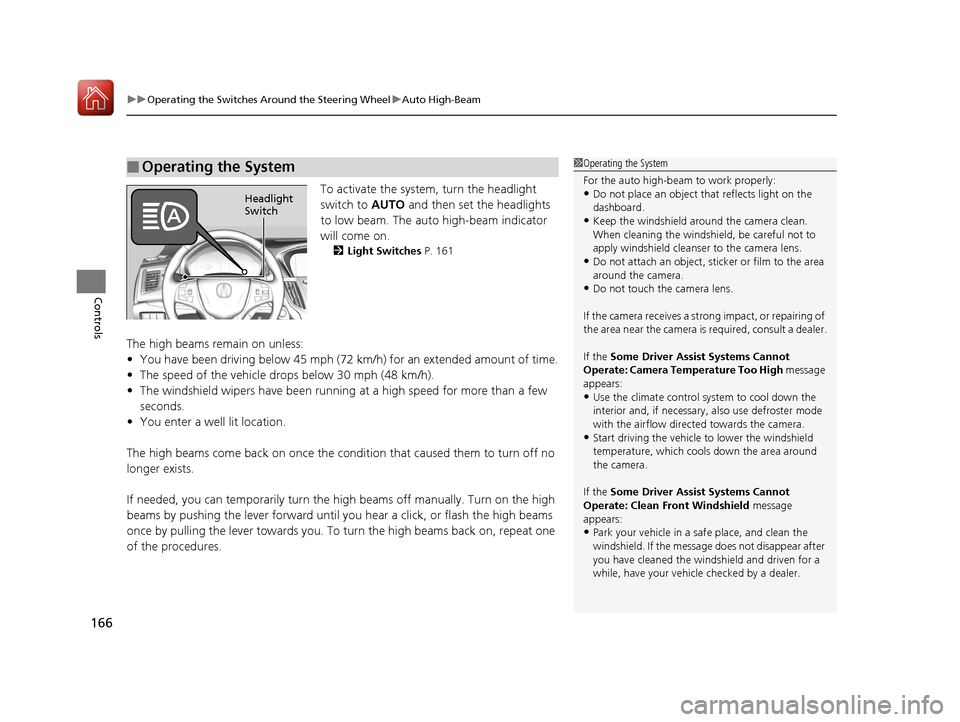
To activate the system, turn the headlight
switch to AUTO and then set the headlights
to low beam. The auto high-beam indicator
will come on.
2 Light Switches P. 161
The high beams remain on unless:
•You have been driving below 45 mph (72 km/h) for an extended amount of time.
• The speed of the vehicle drops below 30 mph (48 km/h).
• The windshield wipers have been running at a high speed for more than a few
seconds.
• You enter a well lit location.
The high beams come back on once the condition that caused them to turn off no
longer exists.
If needed, you can temporarily turn the high beams off manually. Turn on the high
beams by pushing the lever forward until yo u hear a click, or flash the high beams
once by pulling the lever towards you. To turn the high beams back on, repeat one
of the procedures.
■Operating the System1 Operating the System
For the auto high-beam to work properly:
•Do not place an object that reflects light on the
dashboard.
•Keep the windshield around the camera clean.
When cleaning the windshield, be careful not to
apply windshield cleanser to the camera lens.
•Do not attach an object, sticker or film to the area
around the camera.
•Do not touch the camera lens.
If the camera receives a st rong impact, or repairing of
the area near the camera is required, consult a dealer.
If the Some Driver Assist Systems Cannot
Operate: Camera Temperature Too High message
appears:
•Use the climate control system to cool down the
interior and, if necessary, also use defroster mode
with the airflow directed towards the camera.
•Start driving the vehicle to lower the windshield
temperature, which cool s down the area around
the camera.
If the Some Driver Assist Systems Cannot
Operate: Clean Front Windshield message
appears:
•Park your vehicle in a sa fe place, and clean the
windshield. If the message does not disappear after
you have cleaned the winds hield and driven for a
while, have your vehicle checked by a dealer.
Headlight
Switch
18 ACURA TLX-31TZ36300.book 166 ページ 2017年2月21日 火曜日 午後2時32分
Page 168 of 589

167
uuOperating the Switches Around the Steering Wheel uAuto High-Beam
Controls
Disable or re-enable the system when the
vehicle is parked and the power mode is in ON
and the light switch is in the AUTO position.
Disabling the system: Pull the light switch
lever towards you and hold it for at least 40
seconds. The auto high -beam indicator in the
meter will blink twice.
Re-enabling the system: Pull the light
switch lever towards you and hold it for at
least 30 seconds. The auto high-beam
indicator in the meter will blink once.
Enabling high sensitivity: Pull the light
switch lever towards you and hold it for 2
minutes. The auto high-beam indicator in the
meter will blink three times.
When the power mode is set to VEHICLE OFF
(LOCK), sensitivity is returned to normal.
■Disabling or Re-enabling the System1 Disabling or Re-enabling the System
The auto high-beam is in the previously selected
disabled or re-enabled sett ing each time you start the
engine.
AUTO Position
18 ACURA TLX-31TZ36300.book 167 ページ 2017年2月21日 火曜日 午後2時32分
Page 170 of 589

Continued169
uuOperating the Switches Around the Steering Wheel uWipers and Washers
Controls
When you push the lever down to AUTO, the
windshield wipers sweep once, and go into
the automatic mode.
The wipers operate intermittently, at low
speed, or at high speed and stops in
accordance with the amount of rainfall the
rainfall sensor detects.
■AUTO sensitivity adjustment
When the wiper function is set to AUTO, you
can adjust the sensitivity of the rainfall sensor
(using the adjustment ring) so that wipers will
operate in accordance with your preference.
Sensor sensitivity
■Automatic Intermittent Wipers*1 Wipers and Washers
If the wipers st op operating due to an obstacle such
as the build-up of snow, pa rk the vehicle in a safe
place.
Rotate the wiper switch to OFF, and set the power
mode to ACCESSORY or VEHICLE OFF (LOCK), then
remove the obstacle.
1 Automatic Intermittent Wipers*
The rainfall sensor is in the location shown below.
NOTICE
AUTO should always be turned OFF before the
following situation in order to prevent severe damage
to the wiper system:
•Cleaning the windshield
•Driving through a car wash•No rain present
Rainfall Sensor
Adjustment Ring
Low sensitivity
High sensitivity
* Not available on all models
18 ACURA TLX-31TZ36300.book 169 ページ 2017年2月21日 火曜日 午後2時32分
Page 173 of 589
172
uuOperating the Switches Around the Steering Wheel uRear Defogger/Heated Door Mirror Button
Controls
Rear Defogger/Heated Door Mirror Button
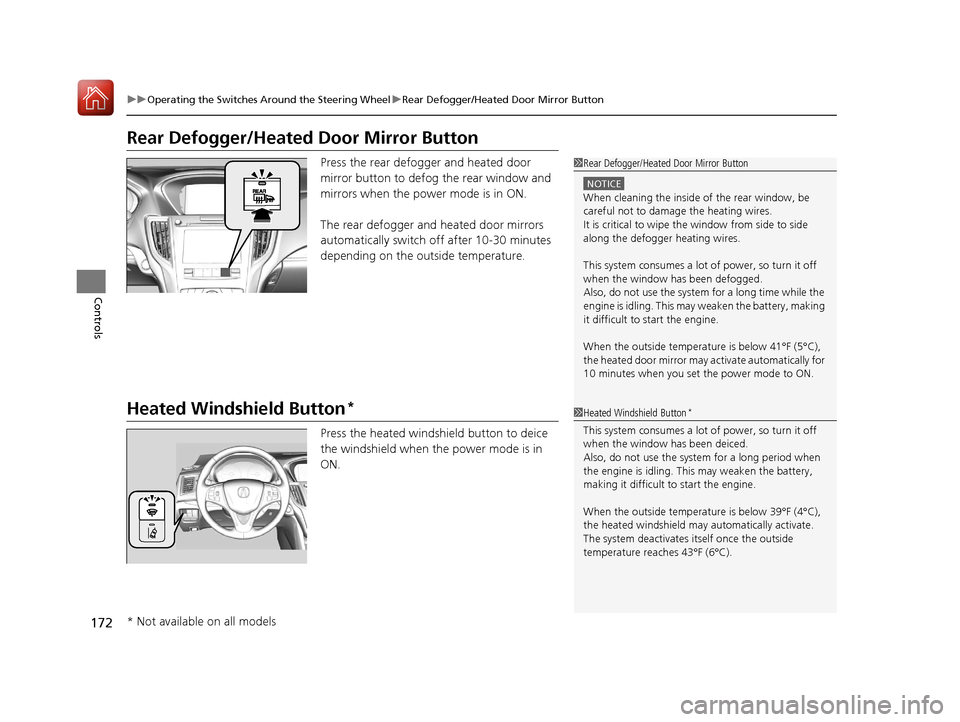
Press the rear defogger and heated door
mirror button to defog the rear window and
mirrors when the power mode is in ON.
The rear defogger and heated door mirrors
automatically switch off after 10-30 minutes
depending on the outside temperature.
Heated Windshield Button*
Press the heated windshield button to deice
the windshield when the power mode is in
ON.
1Rear Defogger/Heated Door Mirror Button
NOTICE
When cleaning the inside of the rear window, be
careful not to damage the heating wires.
It is critical to wipe the window from side to side
along the defogger heating wires.
This system consumes a lot of power, so turn it off
when the window has been defogged.
Also, do not use the system for a long time while the
engine is idling. This may weaken the battery, making
it difficult to start the engine.
When the outside temperature is below 41
Page 174 of 589
173
uuOperating the Switches Around the Steering Wheel uDriving Position Memory System
Continued
Controls
Driving Position Memory System
You can store two driver’s seat (exc ept for power lumbar and thigh support*) and
door mirror positions with the dr iving position memory system.
When you unlock and open the driver’s door with a remote transmitter, or keyless
access system, the seat and door mirrors adjust automatically to one of the two
preset positions.
When you enter the vehicle, the multi-in formation display briefly shows you which
remote transmitter you used to unlock the vehicle.
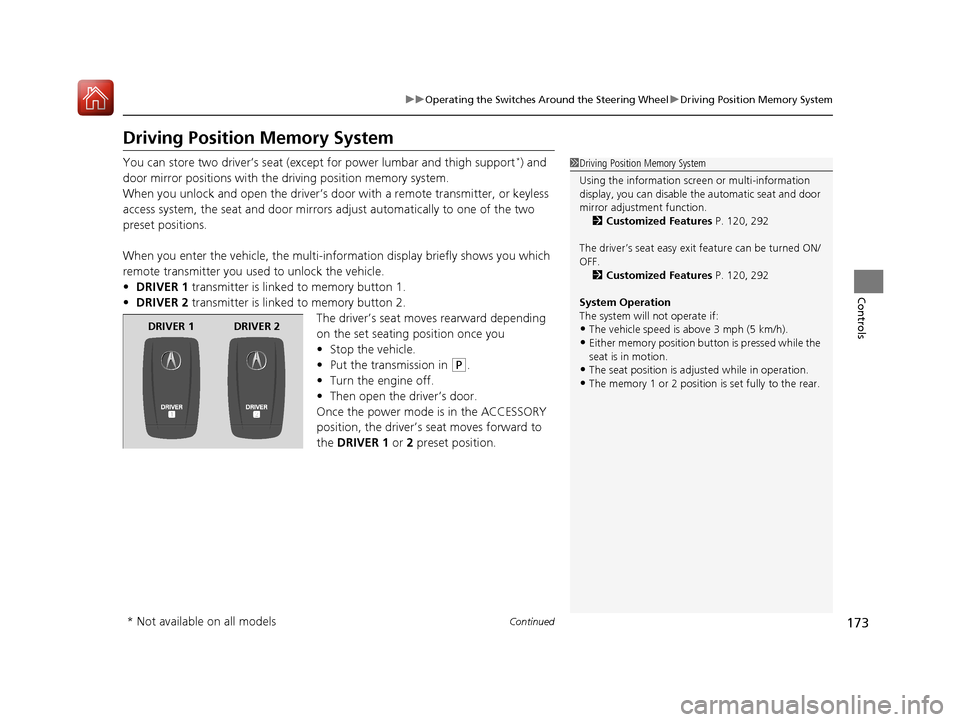
• DRIVER 1 transmitter is linked to memory button 1.
• DRIVER 2 transmitter is linked to memory button 2.
The driver’s seat moves rearward depending
on the set seating position once you
•Stop the vehicle.
• Put the transmission in
(P.
• Turn the engine off.
• Then open the driver’s door.
Once the power mode is in the ACCESSORY
position, the driver’s seat moves forward to
the DRIVER 1 or 2 preset position.
1 Driving Position Memory System
Using the information scr een or multi-information
display, you can disable th e automatic seat and door
mirror adjust ment function.
2 Customized Features P. 120, 292
The driver’s seat easy exit feature can be turned ON/
OFF. 2 Customized Features P. 120, 292
System Operation
The system will not operate if:
•The vehicle speed is above 3 mph (5 km/h).
•Either memory position button is pressed while the
seat is in motion.
•The seat position is adju sted while in operation.
•The memory 1 or 2 position is set fully to the rear.
DRIVER 1 DRIVER 2
* Not available on all models
18 ACURA TLX-31TZ36300.book 173 ページ 2017年2月21日 火曜日 午後2時32分
Page 175 of 589

uuOperating the Switches Around the Steering Wheel uDriving Position Memory System
174
Controls
1. Set the power mode to ON. Adjust the
driver’s seat and door mirrors to the desired
position.
2. Press the SET button.
u You will hear the beeper, and the
memory button indicator light will blink.
3. Press and hold memory button
(1 or (2
within five seconds of pressing the SET
button.
u Once the seat and the door mirror
positions have been memorized, the
indicator light on the button you pressed
stays on.
1. Put the transmission into
(P.
2. Apply the parking brake.
3. Press a memory button (
(1 or (2).
u You will hear the beeper, and the
indicator light will blink.
The seat and the door mirrors will
automatically move to the memorized
positions. When it has finished moving, you
will hear the beeper, and the indicator light
stays on.
■Storing a Position in Memory1 Storing a Position in Memory
After you press the SET button, the storing operation
will be canceled when:
•You do not press the memory button within five
seconds.
•You readjust the seat or the door mirror position
before the double-beep.
•You set the power mode to any position except
ON.
SET Button
Memory Button 1
Memory Button 2
■Recalling the Stored Position1Recalling the Stored Position
The seat and the door mirrors will stop moving if you:
•Press the SET button or memory button (1 or ( 2.
•Adjust the seat position or door mirrors.•Put the transmission into a position other than (P.
Memory Buttons
18 ACURA TLX-31TZ36300.book 174 ページ 2017年2月21日 火曜日 午後2時32分
Page 179 of 589

uuAdjusting the Mirrors uPower Door Mirrors
178
Controls
■Folding in the door mirrors
Press the lock button on the remote transmitter, or press the door lock button on
any door. u The mirrors start folding in automatically.
■Folding out the door mirrors
Unlock the driver’s door using the remo te transmitter or keyless access system.
u The mirrors start folding out automatically.
■Automatic Folding Door Mirror Function*1Automatic Folding Door Mirror Function*
You can turn the automa tic folding door mirror
function on and off.
2 Customized Features P. 120, 292
You cannot turn the automatic folding out
automatically if they have been folded in using the
folding button.
Door mirrors will not fold automatically when locking
from inside the vehicle usi ng lock tab or master door
lock switch.
* Not available on all models
18 ACURA TLX-31TZ36300.book 178 ページ 2017年2月21日 火曜日 午後2時32分
Page 183 of 589

182
uuAdjusting the Seats uHead Restraints
Controls
Head Restraints
Your vehicle is equipped with head restraints in all seating positions.
Head restraints are most effective for
protection against whiplash and other rear-
impact crash injuries when the center of the
back of the occupant’s head rests against the
center of the restraint. The tops of the
occupant’s ears should be level with the
center height of the restraint.
■Adjusting the Front and Rear Outer Head Restraint Positions
1Head Restraints
In order for the head restraint system to work
properly:
•Do not hang any items on the head restraints, or
from the restraint legs.
•Do not place any objects between an occupant and
the seat-back.
•Install each restraint in its proper location.
3WARNING
Improperly positioning head restraints
reduces their effectiveness and increases
the likelihood of serious injury in a crash.
Make sure head restraints are in place and
positioned properly before driving.
Position head in the center
of the head restraint.
18 ACURA TLX-31TZ36300.book 182 ページ 2017年2月21日 火曜日 午後2時32分
Page 197 of 589

uuInterior Lights/Interior Convenience Items uInterior Convenience Items
196
Controls
To use the wireless charger, the power mode must be in ACCESSORY or ON.
Charge a compatible device on the ar ea indicated by the mark as follows:
1. Open the center pocket.
2 Center Pocket P. 193
2.Place the device you want to charge on the
charging area.
u The system will automatically start
charging the device, and the green
indicator light will come on.
u Make sure that the device is compatible
with the system, and placed with the
chargeable side in the center of the
charging area.
3. When charging is completed, the green
indicator light will go off.
u If the device is not located on the charge
area correctly, the green indicator light
will blink.
■Wireless Charger*1Wireless Charger*
Using the information scr een or multi-information
display, you can disable th e wireless charger function.
2 Customized Features P. 120, 292
3CAUTION
Metal objects between the charge pad and
the device to be charged will get hot and
can burn you.
•Always remove foreign objects from the
charge pad before charging the device.
• Be sure the surface is clear of dust and
other debris before charging.
• Do not spill liquids (i. e. water, drinks,
etc.) on the charger and the device.
• Do not use oil, grease, alcohol, benzine
or thinner for cleaning the charge pad.
• Do not cover the system with towels,
clothing, or other objects while charging
etc.
• Avoid spraying aerosols which may come
in contact with the change pad surface.
Charging Area
Green Indicator
* Not available on all models
18 ACURA TLX-31TZ36300.book 196 ページ 2017年2月21日 火曜日 午後2時32分
Page 198 of 589

Continued197
uuInterior Lights/Interior Convenience Items uInterior Convenience Items
Controls
■When charging does not start
Perform one of the solutions in the following table.
IndicatorCauseSolution
Slow Blink
There is an obstacle(s) between
the charging area and the
device.Remove the
obstacle(s).
The device is not within the
charging area. Move the device to the
center of the charging
area where is
located.
Fast BlinkThe wireless charger is faulty.
Turn the vehicle off
and back on. If the
indicator still blinks,
contact a dealer.
1
Wireless Charger*
This system consumes a lot of power. Do not use the
system for a long time when the engine is not
running. This may weaken the battery, making it
difficult to start the engine.
When using the wireless charger, check the user’s
manual that came with th e compatible device you
want to charge.
NOTICE
Do not place any magneti c recording media or
precision machines within the charging area while
charging.
The data on your cards such as credit cards can be
lost because of the magneti c effect. Also precision
machines such as watches can go wrong.