remote control AUDI A3 CABRIOLET 2015 User Guide
[x] Cancel search | Manufacturer: AUDI, Model Year: 2015, Model line: A3 CABRIOLET, Model: AUDI A3 CABRIOLET 2015Pages: 302, PDF Size: 73.83 MB
Page 108 of 302
106 Audi side assist
- Side assist is not active wh ile you are
making the adjus tment.
- Your settings are automatically sto red
and ass igned to the remote control key
being used.
Driver messages
App lies to vehicles: with Audi side assist
If t he side assist switc hes off automat ically, a
message appea rs in the instrument cluster
d is p lay .
@; Audi side assi st : currently unavailable
No sensor vision
The radar sensors' visio n is affected . Do not
cover the area in front of the senso rs with bike
wheels, s tickers, dir t or ot her objects. Clean
the are a in front of the sensors , if ne cessa ry
~ page 104, fig. 102.
@• Audi side assist: currently unavailable
Side assist can not be switched o n temporari ly
beca use there is a mal func tion (for example,
the battery cha rge leve l may be too low) .
@; Audi side assist : System fault!
The system cannot guara ntee that it w ill de
tect ve hicles correctly and it is sw itched
off.
The senso rs have been displaced o r are faulty .
H ave the sys tem checked by an au thor ized
Aud i dea le r or autho rized Aud i S ervice Fac ility
soon .
Page 127 of 302
M N
" > co ,...., \!) ..,.,
,...., ..,., ,....,
Adjusting the display and the warning tones
App lies to vehicles: with pa rk in g system p lus/ rearv iew
camera
The display and warning tones can be adjust
ed in the MMI.
~ Select: the I MENU ! button >Car > Systems *
control button > Drive r assistance > Parking
aid .
Display
On* -An op tical d isp lay is s hown fo r t he park
ing system plus, a rearview camera image is
shown fo r parking system plus with rearview
camera*.
Off -When the parking system is sw itched off,
only audib le signa ls are given.
Warning tones
Front volume -Volume fo r the fro nt and s ide*
a rea
Rear volume -Volume for the rear area
Front frequency -Frequency for the front and
side* area
Rear frequency -Frequency for the rear area
Music volume during nav. prompts -When
the par king system is tu rne d on, the volume
of the a udio/video sou rce is lowered .
The new ly adjust ed value is bri efly heard from
the signa l ge ne rator.
- The wa rning tones can also be a djusted
dir ect ly from the visual display or the
r earview came ra image*. Simply press
the
Settings cont rol button .
- The settings a re autom atically stored
and ass igned to the remote control key
tha t is in use.
Parking systems 125
Error messages
App lies to vehicles : wi th parking syste m plus/ rea rview
camera
T he re is an error i n the system if the LED i n
t h e P
1#A bu tton is b link ing and yo u hear a con
t inu ous alarm for a few se conds after sw itch
ing on the park ing system or when the park
ing system is already activated. If the error is
not co rrected before yo u switch off the ign i
tion, the LED in the
P '#.A. button will blink the
next t ime you sw itch on the parking system by
shifting into reverse .
Parking system plus*
If a sensor is fa ulty, th e~ symbol will a ppear
in front of/behind the vehicle in the MMI dis
play. If a rear sensor is faulty, only obstacles
that are in areas @ and @ are shown
<=>page 120, fig . 112. If a fro nt sensor is faul
ty, only obstacles that are in areas © and @
ar e shown .
Drive to an authorized Audi dealer or author
ized Audi Serv ice Facility immediately to have
the malfunction corrected.
•
Page 196 of 302
194 Smart T echnol ogy
not used then is being generated in o rder to
maintain an optimal battery charge level.
(D Tips
- Energy management cannot overcome
the laws o f physics. Note that the charge
l evel and length of the battery life are
li mited .
- When the starting ability is endangered,
the (•) indicator light turns on
c> page20.
What you should know
Maintaining the starting ability is the highest
priority .
A lot of stress is p laced on the battery when
driving short distances, in traffic, and at co ld
times of the year. A lot of energy is used but
little is generated.
It is also critical when the
engine is not running but electrical equip ment is switched on . In this case, energy is
used but none is generated .
In situations like this, energy management
will actively regulated the distribut ion of en
ergy.
L ong periods wi thout u se
If you do not drive your vehicle for several
days or weeks, e lectrica l equipment is gradu
ally sca led back or switched off. This reduces
energy use and ensures the vehicle will be
able to start after long periods of time. Some
conven ience functions such as opening with
the remote control key may not be ava ilable.
These convenience functions w ill be availab le
again o nce you swi tch the ign ition on and
start the engine.
With the engine switched off
For example, if you listen to the radio when
the eng ine is sw itched off, the battery w ill
d rain .
A warning text w ill appear if energy consump
tion could impair starting ab ility .
The message shows that you need to start the
engine in order to charge the battery.
With the en gine running
Although e lectrical energy is gene rated while
driving, the battery can dra in. This can happen
when litt le energy is generated, and much is
u sed and the charge leve l of the battery is not
optimal.
T o restore the balance of ene rgy, components
that require large amounts of energy are tem
porari ly scaled back or switched off. Heating
systems in particular require a great deal of
energy. If you notice, for example, that the
seat heating* or rear window defroster is not
worki ng, then it has been temporar ily reduced
or switched off . These systems are available
again as soon as the energy balance has been
resto red.
In add ition, you may notice that the idle
speed has slightly increased. That is normal
and no cause for concern. Due to the in
c reased idling speed, the additional required
energy w ill be gene rated and the battery will
be charged.
Notice about data
recorded by the Event
Data Recorder and
vehicle control
modules
E v ent D ata Reco rder
This vehicle is equ ipped with an Event Data
Recorder (EDR). The main purpose of an EDR
is to record, in certain crash or near crash-like
situations, such as an a irbag deployment or
hitting a road obstacle, data that will assist in
understanding how a vehicle's systems per
formed . T he EDR is des igned to record data
related to vehicle dynam ics and safety sys
tems fo r a short period of time, typically
30 seconds or less . The EDR in this vehicle is
designed to record such data as:
- How various systems in your vehicle were
operating;
- Whether or not the driver and passenge r
safety belts were b uckled/fastened;
Page 287 of 302
M N ,....
> co ,...., \!) 1.1'1 ,...., 1.1'1 ,....,
This will help ensure that vehicle function,
performance and safety are not impaired
c::> _& .
Attempting to wo rk on electronic components
and the softwa re used with them can cause
malfunctions. Because of the way electronic
components are interconnected with each
other, such malfunctions can also have an ad
verse affect on other systems that are not di
rectly involved . Th is means that you risk both
a substantial reduction in the operat ional
safety of you r vehicle and an increased wear of
ve hicle parts
c::> ,& .
Author ized Audi dealers w ill perform this
work in a profess ional and competent manner
or, in special cases, refer you to a professional
company that specializes in such mod ifica
tions.
A WARNING
Imprope r repairs and modifications can
change the way vehicle systems work and
cause damage to the veh icle and serious
personal injury.
(D Note
-
If emergency repairs must be performed
elsewhere, have the ve hicle examined by
an authorized A udi dealer as soon as possi
ble.
Declaration of
Compliance, Telecom
municat ion and
Electronic Systems
Radio Frequency Devices and Radiocommuni
cation Equipment User Manual Notice.
The manufacturer is not responsible for any
radio or TV interference caused by unauthor
ized modifications to this equipment.
D ev ice s
The following devices each comp ly with FCC
Part 15.19, FCC 15.21 and RSS-Gen Issue 1:
- Adaptive cruise control*
Con sumer In formation 285
- Audi side assist*
- Cell phone package*
- Convenience key*
- Electron ic immobilizer
- Homelink un iversal remote control*
- Remote control key
FCC Part 15.1 9
This device complies with part 15 of the FCC
Ru les. Operation is subject to the fo llowing
two conditions:
(1) This device may not cause harmful inte r
ference, and
(2) this device must accept any interference
received, including interference that may
cause undes ired operation .
FCC Pa rt 15.21
CAUTION:
Changes or modifications not expressly ap
proved by the party responsible for compli
ance could void the user's authority to operate
the equ ipment.
RSS-G en Issue 1
Operation is subject to the following two con
ditions:
(1) this device may not cause interference,
and
(2) this device must accept any interfe rence ,
i ncluding interference that may cause unde
sired operation of the device.
•
•
Page 290 of 302
288 Index
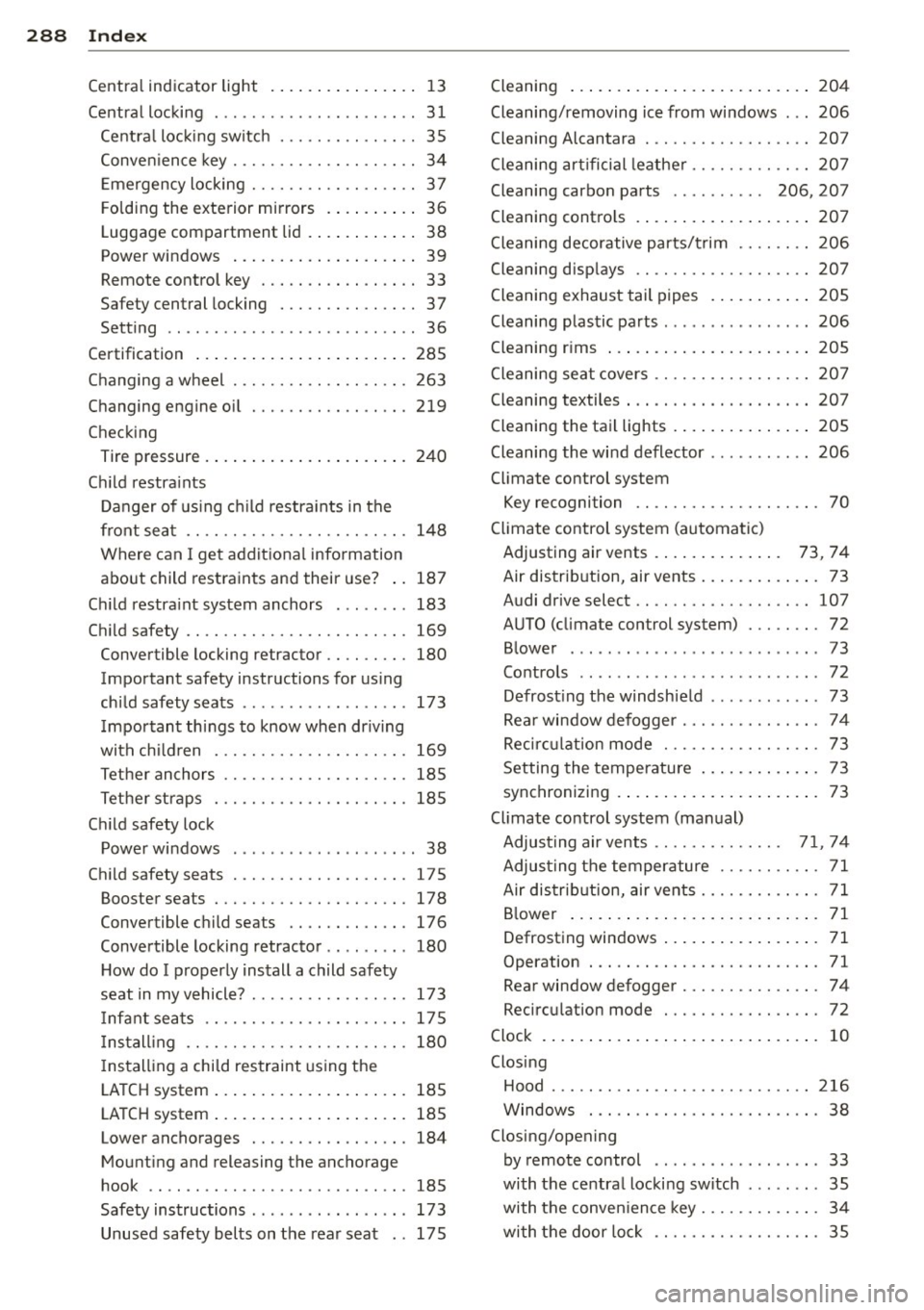
Centra l indicator light .... .. .. .. .... . . 1 3
Central locking ............. ... .. .... 3 1
Ce ntr al loc king switch ..... .. .. .... .. 35
Conven ience key . . . . . . . . . . . . . . . . . . . . 34
Emergency locking ........ .. .. .. .. .. 37
Folding the exterior mirrors .. .... .. .. 36
Luggage compartment lid .. .. .. .... . . 38
p . d ower win ows ........... ... .... . . 39
Remote control key ....... .. .. .. .. .. 33
Safety central locking . . . . . . . . . . . . . . . 3 7
Setting .. ................. ...... ..
36
Certification ............. ... .. .... . 285
Changing a wheel ................... 263
Changing engine oil ........ .. .. .. .. . 219
Checking
Tire pressure ..... ......... ... .... .
240
Child restra ints
Danger of us ing c hild restra ints in the
front seat . . . . . . . . . . . . . . . . . . . . . . . .
148
Where can I get addit ional information
about child restraints and their use? ..
187
Ch ild restra int system anchors ... .. ... 183
Child safety .... ............. .. .... . 169
Convertible lo cking retractor .. .. .. ... 180
Important safety instructions for using
ch ild safety seats .............. ....
173
Important things to know when driving
with ch ildren .....................
169
Tether anchors .................... 185
Tether straps . ........... .... .... . 185
Child safety lock
Power wi ndows . . . . . . . . . . . . . . . . . . . .
38
Ch ild safety seats ............ .. .. .. . 175
Booster seats ............ .. .. .... . 178
Convertible child seats .......... .. . 176
Convertible locking retractor . . . . . . . . . 180
H ow do I properly install a child safety
seat in my vehicle? ........ .. .. .. .. .
173
Infant seats ...................... 175
Install ing .. .. ... ..... ..... .. .. .. . 180
Installing a child restraint using the
L ATCH system .... ..... ... .. .. .... .
185
LATCH system .. . ...... ... .. .. .... . 185
Lower anchorages ............ .... . 184
Mount ing and releasing the anchorage
hook .. ... ................... ... .
185
Safety instructions . . . . . . . . . . . . . . . . . 173
Unused safety belts on the rea r seat .. 17 5 Cleaning
Cleaning/removing ice from windows
.. .
Cleaning Alcantara . ... .......... .. . .
204
206
207
Cleaning artificial leather ......... .... 20 7
Cleaning carbon parts . . . . . . . . . . 206, 207
Cleaning contro ls .. ... .. ..... ... .. .. 207
Cleaning decorative parts/trim ........ 206
Cleaning displays .. ............. .... 207
Cleaning exhaust tail pipes .... ... .. .. 205
Cleaning plastic pa rts ............... . 206
Cleaning rims ... .. ... .. ..... ... .. .. 205
Cleaning seat covers ............. .. .. 20 7
Cleaning textiles . .. .......... ....... 207
Cleaning the tail lights . .. ..... ... .. .. 205
Cleaning th e wind deflector ........... 206
Climate control system
Key recogni tion . . . . . . . . . . . . . . . . . . . .
70
Climate control system (automatic)
Adjusting air vents . . . . . . . . . . . . . .
73 , 74
Air distrib ution, air vents ..... ... .. .. . 73
Audi drive select .. ... ...... .... .. .. 107
AUTO (climate control system) ....... . 72
B lower ....... .................... 73
Controls . . . . . . . . . . . . . . . . . . . . . . . . . . 72
Defrost ing the windsh ie ld .......... .. 73
Rea r window defogger .......... .... . 74
Recirc ulat ion mode ............ .... . 73
Setting the temperatu re . . . . . . . . . . . . . 73
synchronizing .... .. ... ..... ... .. .. . 73
Climate control system (manual)
Adjusting air vents ... .......... .
71, 7 4
Adjus ting the temperature ........... 71
Air distrib ution, air vents ...... .... .. . 71
B lowe r ... .... .. .. ... ..... ... .. .. . 71
Defrosting windows ..... .... ... .. .. . 71
Operation . . . . . . . . . . . . . . . . . . . . . . . . . 71
Rear window defogger .......... .. .. . 74
Recirculation mode ............ .... . 72
Clock . ... .. .... .. .. ... ..... ... .. .. . 10
Clos ing
Hood . .... .... .. ............. ....
216
Windows . .. .. .. .... ......... .... . 38
Closing/opening
by remote control . . . . . . . . . . . . . . . . . . 33
with the central locking switch ..... .. .
35
with the conven ience key . . . . . . . . . . . . . 34
with the door lock ........... .... .. . 35
Page 291 of 302
M N ,....
> co ,...., \!) 1.1'1 ,...., 1.1'1 ,....,
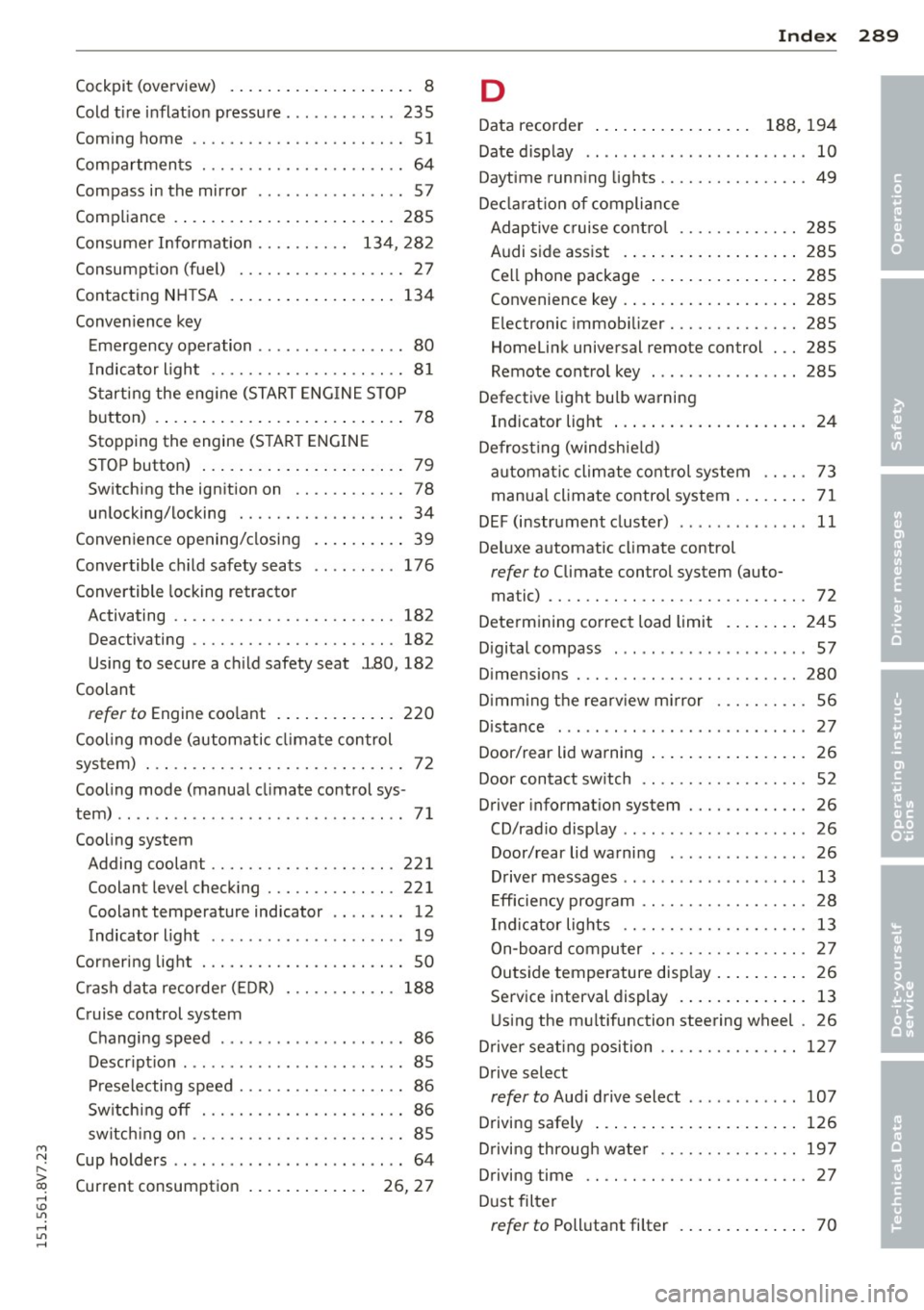
Cockpit (overview) . . . . . . . . . . . . . . . . . . . . 8
Cold tire inflation pressure ............ 235
Coming home ...... ..... .. .... .. .. .. 51
Compartments ............ .... .. .. .. 64
Compass in the mirror ........... .... . 57
Compliance .. .. .............. ... ... 285
Consumer Information . . . . . . . . . . 134, 282
Consumption (fuel) ........ .. .. .. .. .. 27
Contacting NH TSA ............ ... .. . 134
Convenience key Emergency operation . . . . . . . . . . . . . . . . 80
Indicator light ........... .. .. .. .. .. 81
Starting the engine (START ENGINE ST OP
button) .... .. .............. ... .... 78
Stopping the engine (S TART ENGINE
STOP button) . . . . . . . . . . . . . . . . . . . . . . 79
Switching the ignition on .. .. .. .. .. .. 78
unlocking/locking ........ .. .. .. .. .. 34
Convenience opening/closing
Convertible child safety seats
Convertible locking retractor .
. .. .. .. .. 39
176
Activating .. ................. .. .. . 182
Deactivating . . . . . . . . . . . . . . . . . . . . . . 182
Using to secure a child safety seat l80, 182
Coolant
refer to Engine coolant ....... ... .. . 220
Cool ing mode (automatic climate control
system) . .. .. ................. .. .. .. 72
Cooling mode (manual climate control sys-
tem) .. .. .. .. .. ........ ... .. .. .. .. .. 71
Cooling system Adding coolant ........... .... .. .. . 221
Coolant level checking ..... .. .. .. .. . 221
Coolant temperature indicator .. ... ... 12
Indicator light ... .. ...... .. .. .. .. .. 19
Cornering light . ........... .. .. .. .. .. 50
C rash data recorde r (EDR) 188
Cruise control system Changing speed . . . . . . . . . . . . . . . . . . . . 86
Description ............... ... ... ... 85
Preselecting speed . . . . . . . . . . . . . . . . . . 86
Sw itching off . ........... .. .. .. .. .. 86
switch ing on ............. .... .. .. .. 85
Cup holders . . . . . . . . . . . . . . . . . . . . . . . . . 64
Current consumption . . . . . . . . . . . . . 26, 27
Index 289
D
Data recorder . . . . . . . . . . . . . . . . . 188, 194
Date display . . . . . . . . . . . . . . . . . . . . . . . . 10
Daytime running lights ........... .... . 49
Decla rat ion of compliance
Adaptive cruise control . . . . . . . . . . . . . 28S
Audi side assist .... .............. . 285
Cell phone package . . . . . . . . . . . . . . . . 285
Convenience key .... .............. . 285
Electronic immobilizer .......... .. .. 285
Homelink universal remote control . .. 285
Remote control key . . . . . . . . . . . . . . . . 285
Defective light bulb warning
Indicator light ... .. ................ 24
Defrost ing (windshield)
automat ic climate control system . . . . . 73
manual climate control system ........ 71
DEF (instrument cluster) ... .. .... .... . 11
Deluxe automatic climate control
refer to Climate control system (auto-
ma tic) ...... .. .. .. . ............... 72
Determining correct load limit ....... . 245
Digital compass . .. .. . ............ .. . 57
Dimensions . .. .. .. ................. 280
D imming the rearv iew mirror ..... .. .. . 56
Distance ......... .. ..... ........... 27
Door/rear lid warning 26
Door contact sw itch . . . . . . . . . . . . . . . . . . 52
Driver information system .......... .. . 26
CD/radio display .. .. . .. .. .. .... .... . 26
Door/rear lid warning ............... 26
Driver messages . . . . . . . . . . . . . . . . . . . . 13
Efficiency program . . . . . . . . . . . . . . . . . . 28
Ind icator lights .. .... ......... .... . 13
On-board computer ............ .. .. . 27
Outside temperature display . . . . . . . . . . 26
Service interval display . . . . . . . . . . . . . . 13
Using the mu ltifunction steering wheel . 26
Driver seating position ........... .... 127
Drive select
refer to Audi drive select ............ 107
Driving safely 126
Driving through water .. ......... .. .. 197
Driving time
Dust filter 27
refer to Pollutant
filter ............ .. 70
•
•
Page 297 of 302
M N ,....
> co ,...., \!) 1.1'1 ,...., 1.1'1 ,....,
_______________________________ I~ n~ d:::: e~x 295
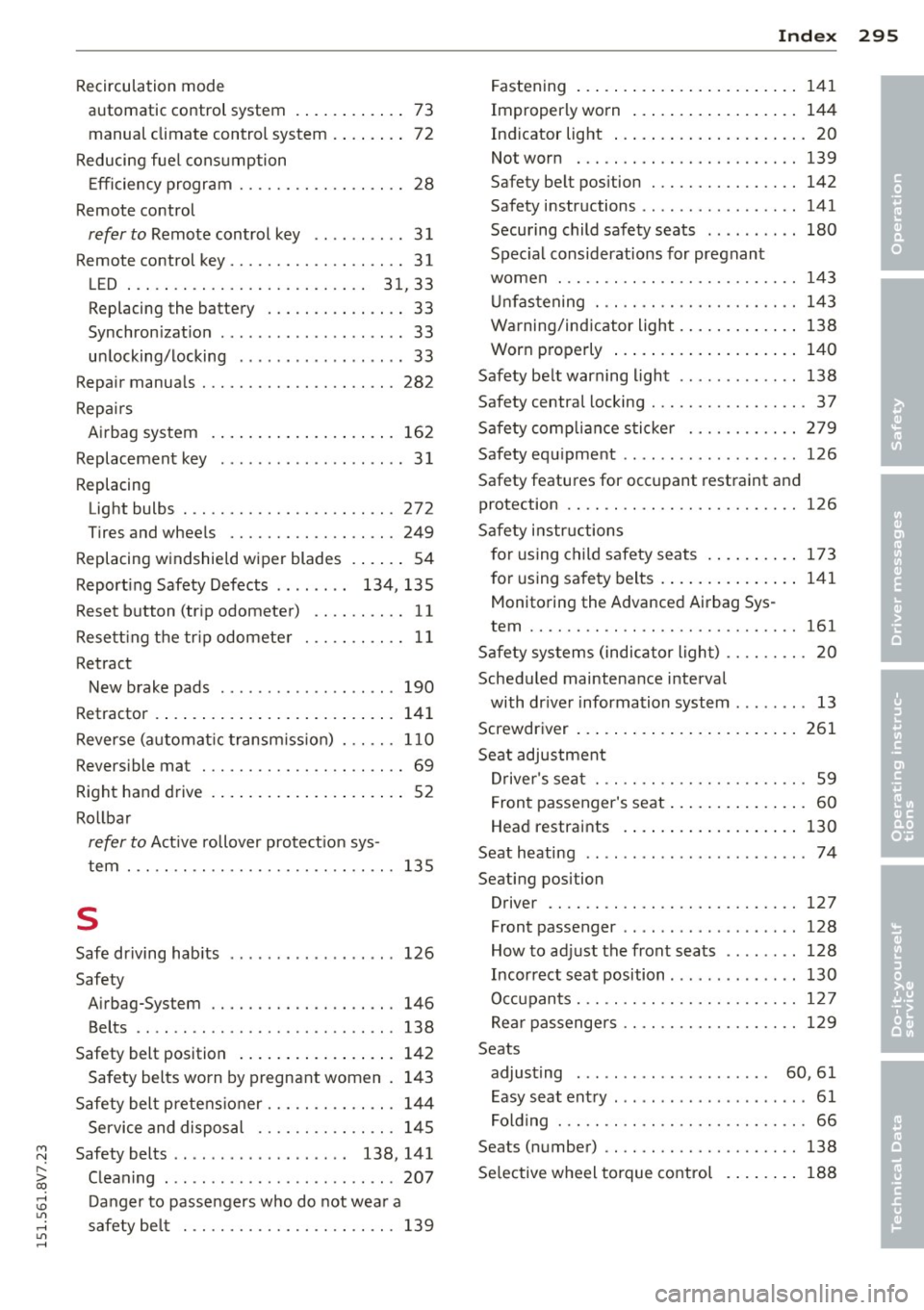
Recirculation mode
automatic control system . . . . . . . . . . . . 73
manual climate control system . . . . . . . . 72
Reducing fuel consumption
Efficiency program . . . . . . . . . . . . . . . . . . 28
Remote control
refer to Remote control key . . . . . . . . . . 31
Remote control key . . . . . . . . . . . . . . . . . . . 31
LED . . . . . . . . . . . . . . . . . . . . . . . . . . 31 33
,
Replacing the battery ..... .. .. .. .. .. 33
Synchron izat ion ....... ...... .... ... 33
un locking/locking ........... .... ... 33
Repair manuals ............ .... .. .. . 282
Repairs Airb ag system ........ ......... .. . 162
Replacement key . . . . . . . . . . . . . . . . . . . . 31
Replacing Light bulbs . ............. .... .. .. . 272
Tires and wheels ......... .. .. .. .. . 249
Replacing windshield wiper blades .. .. .. 54
Report ing Safety Defects . . . . . . . . 134, 135
Reset button (tr ip odometer) . . . . . . . . . . 11
Resetting the trip odometer ... .. .. .. .. 11
Retract New brake pads 190
Retractor
' . .. .. .............. ... .. . 141
Reverse (automat ic transmission) . .. .. . 110
Reversible mat ............ .... .. .. .. 69
Right hand drive .............. ... .. .. 52
Rollba r
refer to Active rollover protection sys -
tem ... .. .. .. .. ........... .. .. ... 135
s
Safe driving hab its
Safety 126
Airbag-System ........... .... .. .. . 146
Belts .. .. .. .. ........ ... .. ... ... . 138
Safety belt position ................. 142
Safety belts worn by pregnant women . 143
Safety belt pretens ioner ..... .. .. .. .. . 144
Service and disposal ...... .. .. .. .. . 145
Safety belts . . . . . . . . . . . . . . . . . . . 138, 141
Cleaning ... .. ........ ... .. ... ... . 207
Danger to passengers who do not wear a
safety belt .............. .. .. .. .. . 139 Fastening .
. . . . . . . . . . . . . . . . . . . . . . . 141
Improperly worn ... ............... 144
Ind icator light ... .. ................ 20
Not worn . .. .. .. ................. 139
Safety belt position . . . . . . . . . . . . . . . . 142
Safety instructions ................. 141
Securing child safety seats ...... .. .. 180
Spec ial considerations for pregnant
women . .. .. .. .. .. . .............. 143
Unfastening . .. .. .... ........... .. 143
Warning/indicator light ............. 138
Worn properly . . . . . . . . . . . . . . . . . . . . 140
Safety belt warning light ............. 138
Safety central locking ............ .. .. . 37
Safety compliance sticker ............ 279
Safety equ ipment ................... 126
Safety features for occupant restraint and
protection .. .. .. .. ................. 126
Safety instructions for using child safety seats .......... 173
for using safety belts .............. . 141
Monitoring the Advanced Airbag Sys -
tem .... .. .. .. .. .. ............... 161
Safety systems (indicator light) . . . . . . . . . 20
Scheduled maintenance interval
with dr iver information system . . . . . . . . 13
Screwdriver ....... .. ............... 261
Seat adjustment
Driver's seat . . . . . . . . . . . . . . . . . . . . . . . 59
Front passenger's seat . . . . . . . . . . . . . . . 60
Head restraints .................. . 130
Seat heating ....... ................. 74
Seating position Driver .... .. .. .. ................. 127
Front passenger .. .. ... ....... ..... 128
How to adjust the front seats ....... . 128
Incorrect seat position ............. . 130
Occupants . .. .. .. ............... .. 127
Rear passengers ...... ........... .. 129
Seats adjusting . . . . . . . . . . . . . . . . . . . . . 60, 61
Easy seat entry . . . . . . . . . . . . . . . . . . . . . 61
Folding ..... .. .. .. .. ........... .. . 66
Seats (number) .. ...... ............. 138
Selective wheel torque control ........ 188
•
•
•