oil reset AUDI A3 SEDAN 2017 Owners Manual
[x] Cancel search | Manufacturer: AUDI, Model Year: 2017, Model line: A3 SEDAN, Model: AUDI A3 SEDAN 2017Pages: 400, PDF Size: 67.32 MB
Page 14 of 400
Cockpit overv iew
driving conditions. The engine oil temperature
may be higher if there is heavy engine load and
h igh temperatures outside . Th is is not a ca use for
concern as long as
the .¢ page 29 or El
¢ page 32 indicator lights do not turn on.
Boost ind icator
Ap plies to: ve hicles w ith Audi virtual cockpit
The boost indicator is only shown in the expand
ed view or in the sport view*
c:::> page 15 .
The current engine load (meaning the current
boost pressure) is indicated by a bar .
Tachometer
The tachometer displays the engine speed in rev
olutions per minute (RPM) .
The beginning of the red zone in the tachometer
indicates the maximum pe rm iss ible engine speed
for all gears once the engine has been broken in and when it is wa rmed up to ope rating tempera
ture. Before reaching the red zone, yo u should
shift in to the next higher gear, choose the Do r S
selector leve r posit ion, or remove your foot from
the accelerator peda l.
Applies to: vehicles with plug- in hybrid drive
D epending on t he vehi cle eq uipment, there are
d ifferent disp lay formats
a vai lable¢ page 97.
CD Note
The needle in the tachometer @
¢ page 10,
fig. 4
o r c:::> page 10, fig. 3 may only be in the
red area of the ga uge fo r a short time o r there
is a risk of engi ne damage . The location where
the red zone beg ins varies depending on the
eng ine.
@ For the sake of the environment
Upshifting early helps you to save fuel and re
duces operating noise.
Fuel level
The
display ®¢ page 10, fig. 4 or¢ page 10,
fig. 3
only functions when the ign ition is switch
ed on . When the display has reached the reserve
12
mark, a red LED appears and the t'D ind icator
li ght turns on
c:::> page 32. The LED blinks red
when the fuel level is very low.
Fo r the tank capacity i n your veh icle, refer to the
Technical Data
c:::> page 375.
CD Note
Neve r drive until the tank is comp letely emp
ty. The irreg ular supply of fuel t hat res ults
from that can cause engine misfires . Un com
b usted fue l wi ll then enter the exhaust sys
tem . This can cause overheating and damage
to the catalyt ic converter.
Odometer
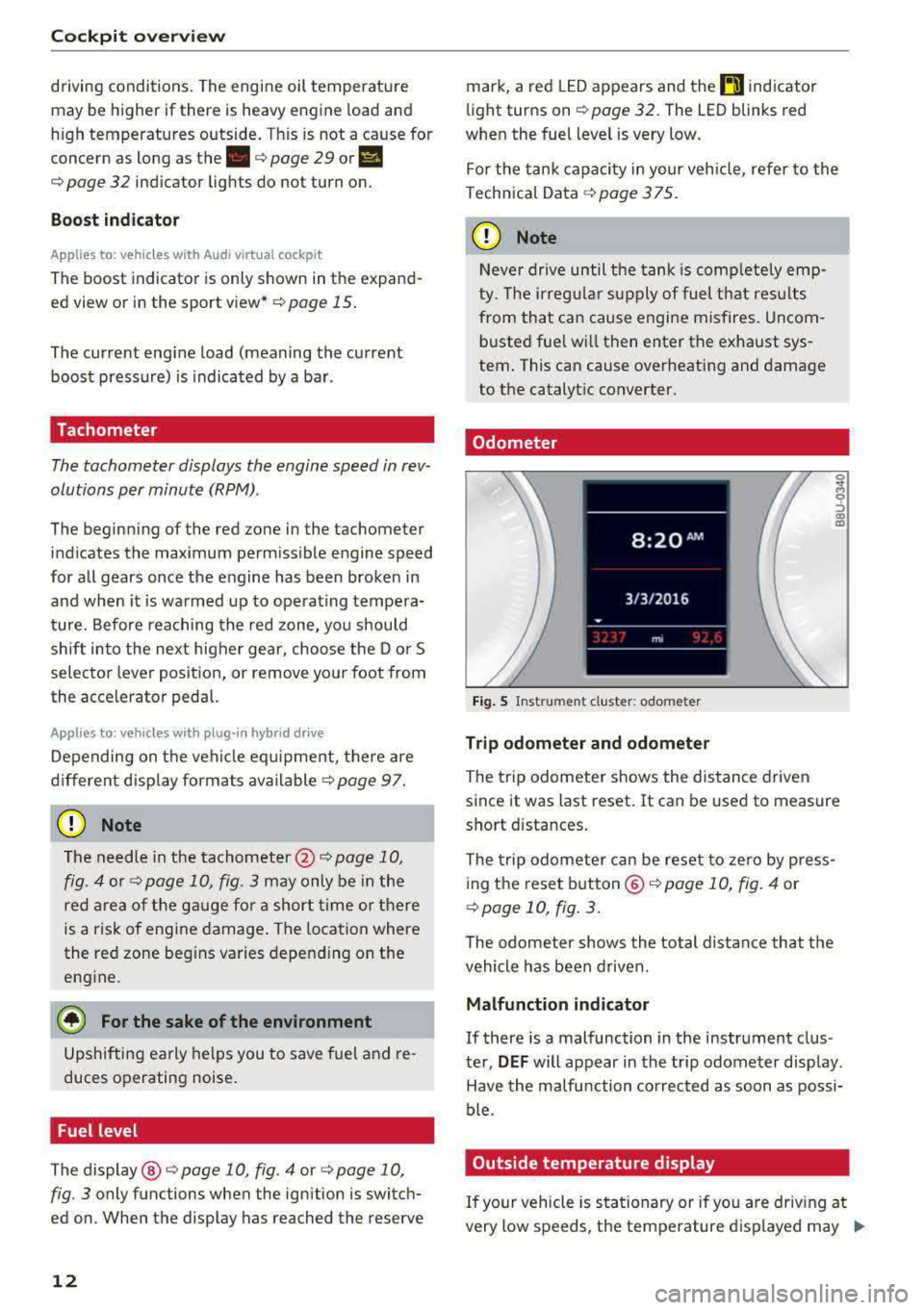
F ig . 5 Instrument cluster: odometer
Trip odometer and odometer
The trip odometer shows the dis tance driven
since it was last reset. It can be used to measure
sho rt d ista nces.
The trip odometer ca n be reset to zero by p ress
ing the reset b utton ©
c:::> page 10, fig . 4 or
c:::> page 10, fig. 3.
The odometer shows the total distance that the
vehicle has been driven.
Malfunction indicator
If there is a malfunction in the instrument clus
ter,
DEF will appear in the trip odome ter disp lay.
Have the malfu nction corrected as soon as possi
ble.
Outside temperature display
If your vehicle is stationary or if you are driv ing at
very low speeds, t he temperature d isplayed may
.,.
Page 21 of 400
CXl CXl .... N ,.__
N .... 0 N > 00
Opening the vehicle functions
"'Open the first Vehicle tab (trip computer) using
the
l<1 t> I button on the multifunction steering
whee l.
"' Press the l11ID I button on the multifunction steer
ing wheel and select
Vehicle functions or Effi
c iency program in the menu.
The following displays are available, depending
on vehicle equipment:
- T rip computer
O fl o page 19
- E fficiency program ii opage 19
-Digital speedometer
- Ass ist
o page 123
- Lap timer opage 125
-Reduced display
Trip computer
In the trip computer, you can call up the follow
ing displays one after the other by turning the
l eft th umbwhee l on the mu ltifunction steering
wheel.
- Date
o page 241
-Remaining range
- Plug- in hybrid drive*: Tachometer
o page 97,
Range o page 99, Energy flow display
o page 102
-Short-term memory 0
-Average consumpt ion
- Long-term memory
fl
-Engine oil temperature*
The short -term memory collects driving informa
tion from the time the ignition is switched on un
til it is switched off . If you continue driving with
in two hours after switching the ignition off, the
new values are included when calculat ing the cur
rent tr ip informat ion.
Unlike the short-term memory, the long-term
memory is not erased automat ica lly. You can se
lect the time period for evaluat ing trip informa
tion yourself .
Efficiency program ii
Applies to: vehicles with efficiency program
The efficiency program can help you to use less
fuel.
It evaluates driving information in reference
Cockpit overview
to fuel consumption and shows other equipment
influencing consumption. Economy tips provide
advice for efficient driving.
T he eff iciency program receives distance and con
sumption data from the short -term memory. If
the data in the efficiency program is deleted, the
val ues in the short-term memory are a lso reset.
T he following additional displays may be availa
ble in the eff ic iency p rogram , depending on vehi
cle equipment :
-Other equipment : other equipm ent that is cur
rently affecting fu el consumption is listed in
the efficiency program . The display shows up to
three other equipment items. The equipment
using the most power is listed first. If more
than three items using power are sw itched on,
the equipment that is currently using the most
power is displayed . A chart also shows you the
current total of all other consume rs .
- Economy tips : in certain s ituations, economy
tips appear automatically for a short time in
the efficiency program.
If you follow these
economy tips, you can reduce your vehicle's fuel
consumption. To turn an economy message off
immed iate ly after it appears, p ress any button
on the multifunction steer ing whee l.
(D Tips
The date, time of day and time and date for
mat can be set in the Infotainment system
~ page 241.
Radio
Requirement: radio mode must be started
o page 217 and the radio/media tab must be
displayed.
.. Press either the i][]button o r the left contro l
button
o page 14, depending on vehicle equip
ment.
Depending on vehicle equipment, the following
functions may be available in the driver informa
t ion system.
- Selecting the frequency band: select and con-
firm a frequency band.
..,_
19
Page 329 of 400
CXl CXl .... N ,.__
N .... 0 N > 00
Windshield washer system
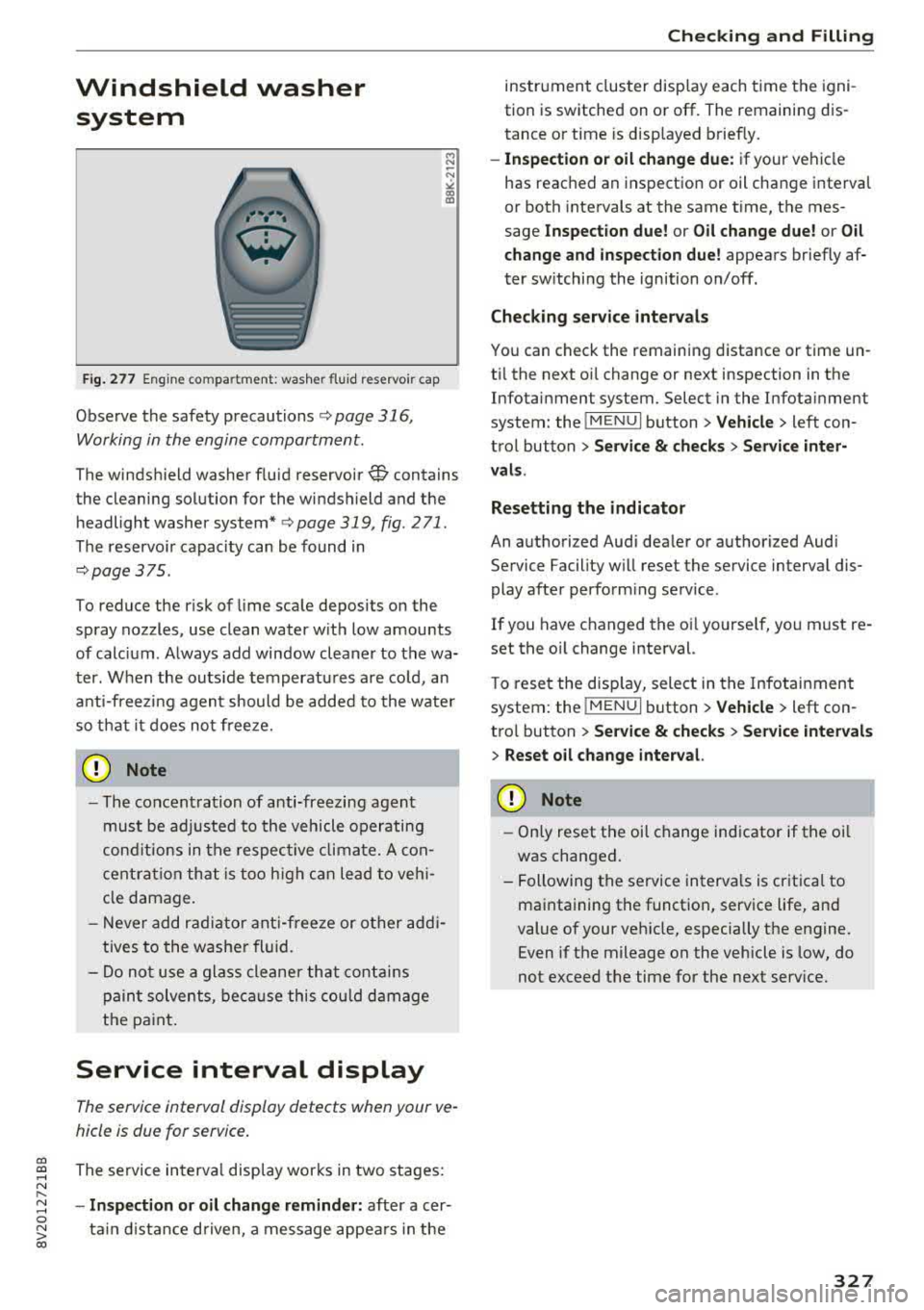
Fig. 277 Engine co mpa rtment: washer fluid reservoir cap
Observe the safety precautions ¢ page 316,
Working in the engine compartment.
M N
-N ~
"' a,
The windshield washer f luid reservoir~ contains
the cleaning solution for the windshield and the
headlight washer
system* ¢ page 319, fig. 2 71 .
The reservoir capacity can be found in
¢page 375 .
To reduce the risk of lime scale deposits on the
spray nozzles, use clean water with low amounts
of calc ium . Always add window cleaner to the wa
ter. When the outside temperatures are co ld, an
anti-freezing agent should be added to the water
so that it does not freeze.
CD Note
-The concentration of anti-freezing agent
must be adjusted to the vehicle operating
conditions in the respective climate. A con
centration that is too high can lead to veh i
cle damage.
- Never add radiator anti-freeze or other addi
tives to the washer fluid.
- Do not use a glass cleaner that contains
paint solvents, because this could damage
the paint .
Service interval display
The service interval display detects when your ve
hicle is due for service .
The service interva l display works in two stages:
- Inspection or oil change reminder: after a cer-
ta in distance driven, a message appea rs in the
Checking and Filling
instrument cluster display each time the igni
tion is switched on or off. The remaining dis
tance or time is disp layed briefly.
- Inspection or oil change due: if your vehicle
has reached an inspection or oil change interval
or both intervals at the same time, the mes
sage
Inspection due! or Oil change due! or Oil
change and inspection due!
appears briefly af
ter sw itching the ignition on/off.
Checking service intervals
You can check the remaining distance or time un
til the next oi l change or next inspection in the
Infotainment system. Select in the Infotainment
system: the
! MENUI button> Vehicle> left con
trol button
> Service & checks > Service inter
vals.
Resetting the indicator
An authorized Audi dealer or authorized Audi Service Facility will reset the service interval dis
play after performing service .
If you have changed the oi l yourself, you must re
set the oil change interval.
T o reset the disp lay, select in the Infotainment
system: the
! MENUI button> Vehicle> left con
tro l button
> Service & checks > Service intervals
> Reset oil change interval.
CD Note
-Only reset the oil change indicator if the oi l
was changed.
- Following the service intervals is critical to
maintaining the function, service life, and
value of your vehicle, especially the engine.
Even if the mileage on the vehicle is low, do
not exceed the time for the next service.
327