lane assist AUDI A4 2021 Owner´s Manual
[x] Cancel search | Manufacturer: AUDI, Model Year: 2021, Model line: A4, Model: AUDI A4 2021Pages: 304, PDF Size: 107.89 MB
Page 148 of 304

Driver assistance
— Swerve assist does not react to pedestrians,
animals, crossing objects, and objects not
detected as vehicles.
Gi) Tips
— System functions may not be available if the
ESC is limited or switched off, or if there is a
malfunction.
— An indicator in the instrument cluster will
inform you when there is an intervention.
Turn assist
Applies to: vehicles with turn assist
When turning left), turn assist can help to re-
duce the risk of a collision with an oncoming ve-
hicle by using braking action to keep your vehicle
in its lane. The function is only available when
the turn signal is turned on and at speeds up to
approximately 6 mph (10 km/h).
ZA WARNING
— Observe the safety precautions and note the
limits of the assist systems, sensors, and
cameras > page 117.
— The turn assist does not react to pedes-
trians, animals, crossing objects, and ob-
jects not detected as vehicles.
@) Tips
— System functions may not be available if the
ESC is limited or switched off, or if there is a
malfunction.
— An indicator in the instrument cluster will
inform you when there is an intervention.
PNM lm e es)
Applies to: vehicles with Audi pre sense
You can switch Audi pre sense and the associated
systems on or off, or adjust them individually.
The adjustment options depend on the vehicle
equipment.
2) When making a right turn in countries with left-hand drive
vehicles.
2) Incertain countries
146
> Applies to MMI: Select on the home screen: VE-
HICLE > Driver assistance > Audi pre sense.
Setting the prewarning
You can adjust the warning time for the prewarn-
ing”) individually (Early/Medium/Late) or switch
the prewarning off.
Set the warning time for the early warning to
Early at first. If you feel that the prewarnings ap-
pear too early, then set the warning time to Me-
dium. The Late warning time should only be set
in special circumstances.
(i) Tips
— If Audi pre sense is switched off, it switches
on again automatically once the ignition is
switched on again).
— Switch Audi pre sense off when you are not
using public streets, when loading the vehi-
cle onto a vehicle carrier, train, ship, or oth-
er type of transportation, or when towing
the vehicle. This can help to prevent an un-
desired intervention from the Audi pre
sense system.
— Certain settings are automatically stored
and assigned to the remote control key be-
ing used.
Applies to: vehicles with Audi pre sense
re) or is displayed when there is a malfunc-
tion, the Audi pre sense functions may be un-
available or may be limited.
A message that indicates the cause and possible
solution
may appear with some displays. The
weather conditions may be too poor or a sensor
may be covered. Bring the vehicle to a full stop,
switch the ignition off, and clean the area in front
of the sensors > page 119.
If the message still appears after switching the
ignition on again, have an authorized repair facili-
ty correct the malfunction as soon as possible.
Page 149 of 304

8W1012721BC
Driver assistance
Side assist
Description
Applies to: vehicles with side assist
:
Fig. 120 Driving situations and exterior mirror display
General information
Side assist monitors the blind spot and traffic be-
hind your vehicle and provides assistance when
you are changing lanes. If the system detects an
object approaching and classifies it as critical, the
display @ in the exterior mirror on that side of
the vehicle will turn on,
Driving situations
The side assist warning is active at speeds above
approximately 9 mph (15 km/h) and can help in
situations such as the following:
@ Your vehicle is being passed. The faster an-
other vehicle approaches from behind, the
sooner the display in the outside mirror will
turn on.
@® There are vehicles traveling in the same direc-
tion as you in a lane adjacent to yours. The
display in the exterior mirror will turn on
when the detected object is in the “blind
spot”, at the latest.
@® You are slowly passing another vehicle. If the
difference in speed between the two vehicles
is less than 9 mph (15 km/h), the display in
the exterior mirror will turn on.
Information stage
If you do not activate a turn signal, the system
will inform you about objects classified as critical
by turning on the display in the respective exteri-
or mirror. The display remains dim in the infor-
mation stage so that you are not distracted while
looking forward.
Warning stage
Once you activate a turn signal, the system will
inform you about objects classified as critical by
turning on the display in the respective exterior
mirror.
Depending on vehicle equipment, the display
may also provide a warning when the turn signal
is not activated: if driver assist systems detect
that your vehicle is about to leave a lane, the dis-
play will blink to warn you about objects classi-
fied as critical. You can also be warned with cor-
rective steering > page 141, Audi active lane as-
sist/lane departure warning.
System limitations
The system uses the data from the radar sensors
at the rear corners of the vehicle > page 119,
fig. 102. They are designed to detect the left and
right adjacent lanes when the road lanes are the
normal width. In some situations, the system
may react to vehicles in your own lane or lanes
that are not directly adjacent to yours, or to ob-
jects on the side of the road. In this case, the dis-
play will turn on even though there is no vehicle
in the critical area. These situations may include:
— Driving on the edge of your own lane
— Narrow lanes
— Curves
— High barriers on the side of the road
ZA WARNING
— Observe the safety precautions and note the
limits of the assist systems, sensors, and
cameras > page 117. >
147
Page 160 of 304

Parking and maneuvering
Parking space search
Applies to: vehicles with park assist
a
&
g
S 3 3
Fig. 133 Center display: activated parking space search
Activating the parking space search
> To activate the parking space search, press the
Pe button in the center console, or
> To activate the parking space search when the
parking aid is switched on, press P@ in the cen-
ter display.
The LED in the button will turn on and the display
for finding a parking space will appear in the cen-
ter display > fig. 133.
Searching for parking spaces
> Drive forward to the row of parking spaces at a
low speed. For the best parking results, the ve-
hicle should be approximately 3 feet (1 m) from
the row of parking spaces.
> The parking space search is first done on the
side of your lane. To switch the side for the
parking space search, activate the turn signal
for that side. Depending on vehicle equipment,
you may also be able to press on the side next
to your vehicle in the center display.
Selecting the parking space
If the system finds a parking space that could be
suitable for the vehicle length and width, it will
158
be displayed. The system automatically suggests
a parking option @).
If the parking space allows different parking op-
tions, they can be selected manually. Press one of
the suggested parking options (@ in the center
display.
Starting the parking process
As soon as the vehicle has reached the correct po-
sition, a P will appear in the center display above
the selected parking space @). The roof in the
parking aid display @) may show the required
braking or driving direction.
> Keep the vehicle as parallel as possible to the
parked vehicles or to the side of the road.
>» Make sure that the parking space is suitable for
your vehicle >@).
> Start the assisted parking process > page 159.
Maneuvering area
The vehicle can go off course during the parking
process > A\. If there are obstacles within the
maneuvering area that block or endanger the
parking process, for example on the opposite
side of the street, a message may appear. You
may need to drive farther forward and stay closer
to the row of parking spaces.
Z\ WARNING
— Observe the safety precautions and note the
limits of the assist systems, sensors, and
cameras > page 117.
— The driver is always responsible when enter-
ing or exiting a parking space and during
similar maneuvers.
— Sensors and cameras have spots in which
the surrounding area cannot be detected.
Objects, animals, and people may only be
detected with limitations may not be detect-
ed at all. Always monitor the traffic and the
vehicle's surroundings directly and do not
become distracted.
@) Note
— Parking spaces classified as suitable by the
system may have been detected incorrectly.
>
Page 290 of 304

Index
Numbers and
Symbols
3-zone deluxe automatic climate control.... 91
A
A/G.cooling MOde:. 6 « vice a 6 assis av arene «ow 91
A/C system refrigerant oil............00. 287
Accelerator pedals ¢ wes 2 naan ox news s crew 99
also refer to Accelerator pedal........... 99
AGCOSSOMIES « sresis as isso 4 o ansnine ao atowen 8 He 283
Active lane assist
refer to Audi active lane assist.......... 141
Adaptive cruise control................. 130
Adaptive dampers...............0.-005 111
Adjusting air distribution (automatic climate
control system) ................0 eee eee 92
Adjusting the brightness................. 55
Adjusting the sound..............-..00- 212
Adjusting the temperature (automatic climate
control system) ......... 0.0.00 cee eee eee 92
Adjusting the volume.............0 eee ee 29
Adjusting the volume (announcements).... 212
Adjusting the welcome sound............ 212
Airbag’system . « sss 5 sees se een se cee ee 71
Alarm system
refer to Anti-theft alarm system.......... 36
Alignment pin (changing the wheel)....... 261
All-weather lights...............-.000005 51
AS@ASON tifeSmman: + » swe se meee s Hee Be 250
All wheel drive
refer toquatto sews s ween ss ween as wens 112
Amazon Alexa integration
Media:playback:. jo sscee oo cise a enero oo 202
Operating...............0..0..0.0000. 27
AMI
refer to Audi music interface........... 202
Android Auto
refer to Audi smartphone interface...... 210
Anti-lock braking system............0005 113
Anti-Slip Regulation.................05. 113
Anti-theft alarm system...........-...04. 36
Apple CarPlay
refer to Audi smartphone interface...... 210
288
ASR
refer to Anti-Slip Regulation............
Audi active lane assist...............005
Cleaning the camera area..............
Audi adaptive cruise control
Cleaning the sensors...............005
Predictive control..............000005
Traffic jam assistwax < » sees ss eeee ss eens
Audi adaptive light..............--..00-.
Audi connect
TEfEFLO CONNEC: « = ewan ss news ss Hea Fs
AUdidrive SeleCt ws s y oem s i ween ya eee 4
Audi music interface..............0000-
Audio files........ 0.00.00 cece eee eee
Safety measures... ...... eee eee e wees
Audi side assist
refer to Side assist............-..000-5
Audi smartphone interface..............
Legal information...................5
Audi virtual cockpit
refer to Instrument cluster..............
AUTO
Automatic climate control system........
Automatic headlights ..................
Auto Lock (central locking) ...............
Automatic climate control system.........
Automatic luggage compartment lid....
Automatic transmission............-...05
Automatic wipe/wash system.............
Average consumption...................
Average speed... 0... ee eee eee eee
B
Bag hooks........ 2.52.
Band
refer to Frequency band...............
Page 292 of 304
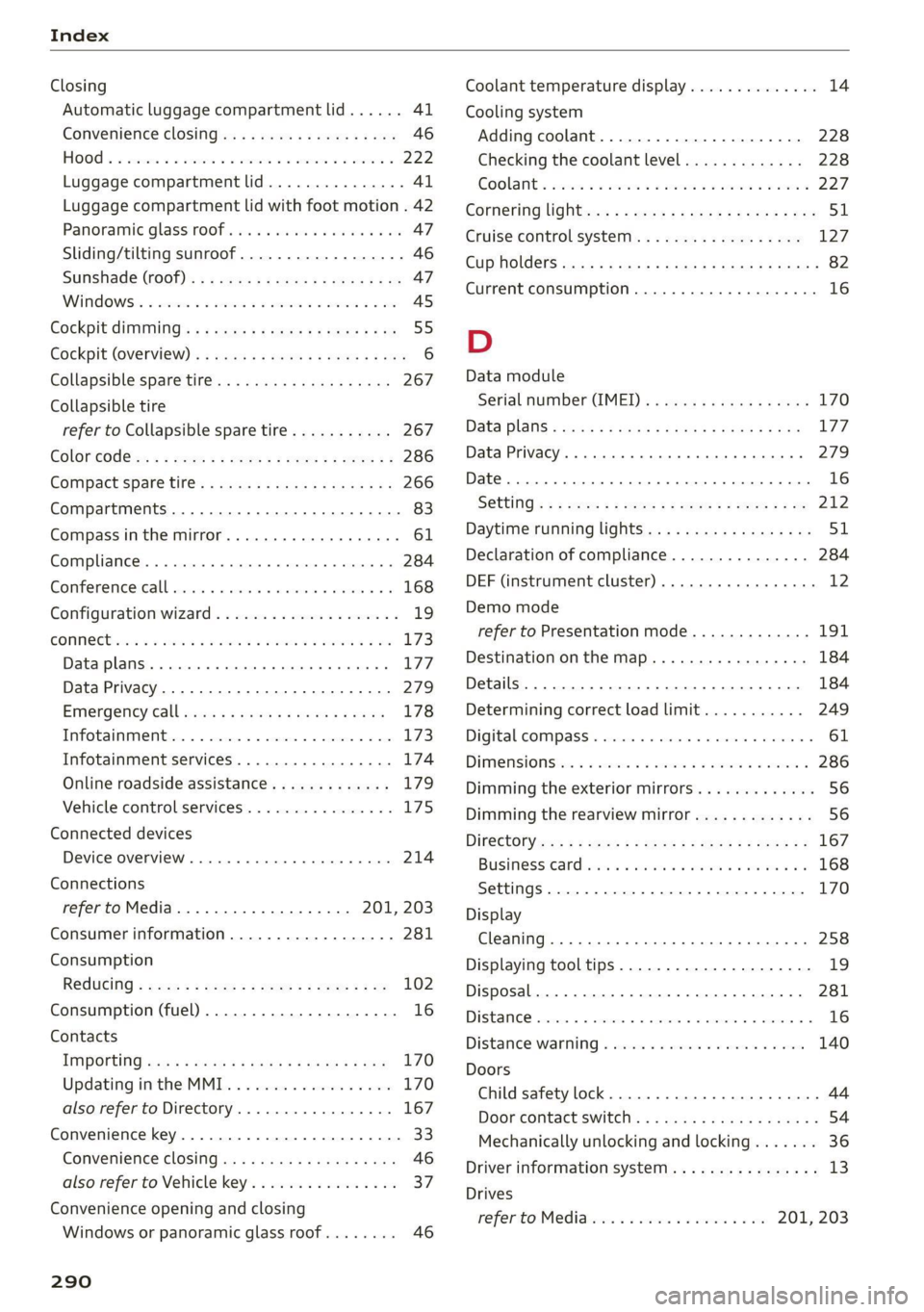
Index
Closing
Automatic luggage compartment lid...... 41
Convenience closing...........00.++00% 46
HOOP «a asaces
Luggage compartment lid............... 41
Luggage compartment lid with foot motion . 42
Panoramic glass'roOf ici «+ eaves ew wrens oo a 47
Sliding/tilting sunroof................-. 46
Sufishadé (OOF): « + eww = x sates ¢ oem ze se 47
Wind OwS:. « sess «save oo ance 2 0 weuew sw vee 45
Cockpit diMMING:: « & excuse cers so eens ees 55
Cockpit (GVEMIEW)'s + saws 2 2 eam ae wows 2c ce 6
Collapsible spare tire.................0- 267
Collapsible tire
refer to Collapsible spare tire........... 267
Color cOd@
Compartments...........0.0 eee eee eee 83
Compass inthe mirror............-0 0-0 ee 61
Compliance ..... 0.0... cee eee eee eee 284
Conference call......... eee eee eee eee 168
Configuration wizard « « sce 26 wicca a wena o 19
CONNEC son 2 & ieee 2 wares o were oo sR we oe L73
Data plans... 0... eee eee eee ee 177
Data Privacy..............2..0..0200. 279
Eme@ngericy'Calll ws a » aaa a & ons 2 9 rey 178
Infotainment............... 2.0 e ee eee 173
Infotainment services............00005 174
Online roadside assistance............. 179
Vehicle control services................ 175
Connected devices
Device overvieW.......... 00 eee eee eee 214
Connections
referto Media................--- 201, 203
Consumer information.................- 281
Consumption
Re@dUCING secs << sees = = wows sp eee sp ee 102
Consumption (fuel) .................000. 16
Contacts
IMPOFUNG ces s news 3 x woRG 5 5 aeEE Tae 170
Updating inthe MMI.................. 170
also refer to Directory...............-. 167
Convenience key...............00 000s eee 33
Convenience closing...........-...+6.: 46
also refer to Vehicle key..............-. 37
Convenience opening and closing
Windows or panoramic glass roof........ 46
290
Coolant temperature display.............. 14
Cooling system
Adding
coolant..............2--0000- 228
Checking the coolant level............. 228
GOOlANE
« sess oo soem oo memes © a ieenen @ DesemN 227
Cornering
lighticcs : gees s see es Senge 2 wes 51
Cruise control system..............00-5 127
CUB ROIGETS secs 5 eas « Basen Gs Hates ee BEG 82
Current consumption..............000005 16
D
Data module
Serial number (IMED) «swiss eae as rene 170
Data Plans = sees ss sees sine sarees bees 177
Data Privacy... .... cece cee ee eee eee 279
Date... eee eee 16
SEUting:< = = seme ¢ = see Fe ewes Fe ee Ee we 212
Daytime running lights.................. 51
Declaration of compliance............... 284
DEF (instrument cluster)..............005 12
Demo mode
refer to Presentation mode............. 191
Destination onthe map...............0. 184
Details... 6.0... ieee eee eee eee 184
Determining correct load limit........... 249
Digital GOMpass)s: sevsia + 0 woicssue se anesene 6 coven ws 61
DIMENSIONS ie. © & sss 2 w mens © w seen we AMR 286
Dimming the exterior mirrors............. 56
Dimming the rearview mirror............. 56
DIRECtO RY asus 5 2 wees 5s eee 5 3 ee Ey ERE 167
BUSIMESSICATG iam a wasn a 6 anesens « @ asanim www 168
Settings.......... 20.0.0 e eee eee eee 170
Display
Cleaning ....... 6... cece eee eee eee 258
Displaying tooltips..................00. 19
Disposal. ... 2.0.0... cee eee eee eee ee 281
DIStANGE cecriie is « coemmes ox mevece x somnwse ow omevere & 16
Distance’ Warning « sesisies + s acs w o enone & eeewens 140
Doors
Child safety lock............. 00... eee 44
DOOr COMEACESWITCH): « s waas s 6 eae s jaan a 3 54
Mechanically unlocking and locking....... 36
Driver information system................ L3
Drives
Feferto Med ideas se exw ae eevee 6 owe 201, 203
Page 295 of 304
8W1012721BC
HFP
refer to Hands Free Profile............. 162
High beams
High beam assistant.................4. 52
Highway lights ....... 0... cece eee eee ee ee 51
Hill descent assist..............02-000. 108
Hill descent control............0 eee eee 107
Hill hold assist... 0.0.2... ee ee eee eee 97
Home
refer to Home address...........-000% 187
Home address ....... 0.00.0. c eee eee ee 187
HomeLink
refer to Garage door opener............. 48
Home screen... ... 2. eee e eee eee eee eee 18
HOM... eee eee 6
Hotspot
refer to Wi-Fi...........0. 2.0 e eee eee 176
I
Idle
fefer to Gears ewes ¢ s ewes ce seen cs wees 8: 97
Ignition
Switching onvand Off". wes x y says « ¢ caver « 9 95
Imbalance (wheels) ............000000 0s 244
Immobilizer
refer to Electronic immobilizer........... 37
Indicatorlights » neow ¢ a wes ¢ ewer ws wares ao ee 7
INSpPectionintetWals ¢ ssw < gapen g x paves se ne 233
INStroMment ClUStErs = wasn s x wom » x eowe sy ew 12
Adjusting the layout................00. 13:
Cleaning........ 0... eee eee eee eee 258
ENGin@: code: « = sas ¢ seas ¢ eee ae Heese 215
Failures: «osc 2s mene oe pews se ee ¥ ee 12
On-board computer............00200 eee 16
Operating...............2.. 0.02.0 000 13
Service interval display................ 233
Software information................. 215
Switching tabs..................200005 13
Switching the view............ 00ers 13
Vehicle functions................00000- 16
Version information...............0-5 215
Instruments
Adjusting illumination.................. 55
Integrated Toll Module................. 125
Intelligent search
Navigation’: « s sxe 5 ¢ caw + + seein s o tees = 182
Interior lighting « . esccms ve ewe ve mes vw 54,55
Interior MONitOriNg’s + 2 wesw ce wows s ween a ae 36
Intermittent mode (windshield wipers) ..... 58
International’ travel... seessieivaseveuea Li?
Internet
veferto:connects =» ssw ss wees eo wes 2 oe 173
Internet radio
refer to Online radio.............. 197,198
iPhone
refer to Audi music interface........... 202
J
Jump starting......................00. 268
K
ROY". ccanees i a: sonra i ot samme +o anames o 9 ames @ 33,37
Convenience opening and closing......... 46
Key replacement.........c:eecceeeeees 37
Mechanical key...........0...000 02000 37
PANIC button ....... 2.20... 00 cece eee eee 38
Replacing the battery.................. 39
Unlocking and locking.............e eee 38
Vehicle code... 6.2.2... eee eee eee eee 37
Key user... 2... ee eee ee eee 31
RICK EOWING. « ccenerts «a: eames 0 a ayngen eo acne 9 me 99
L
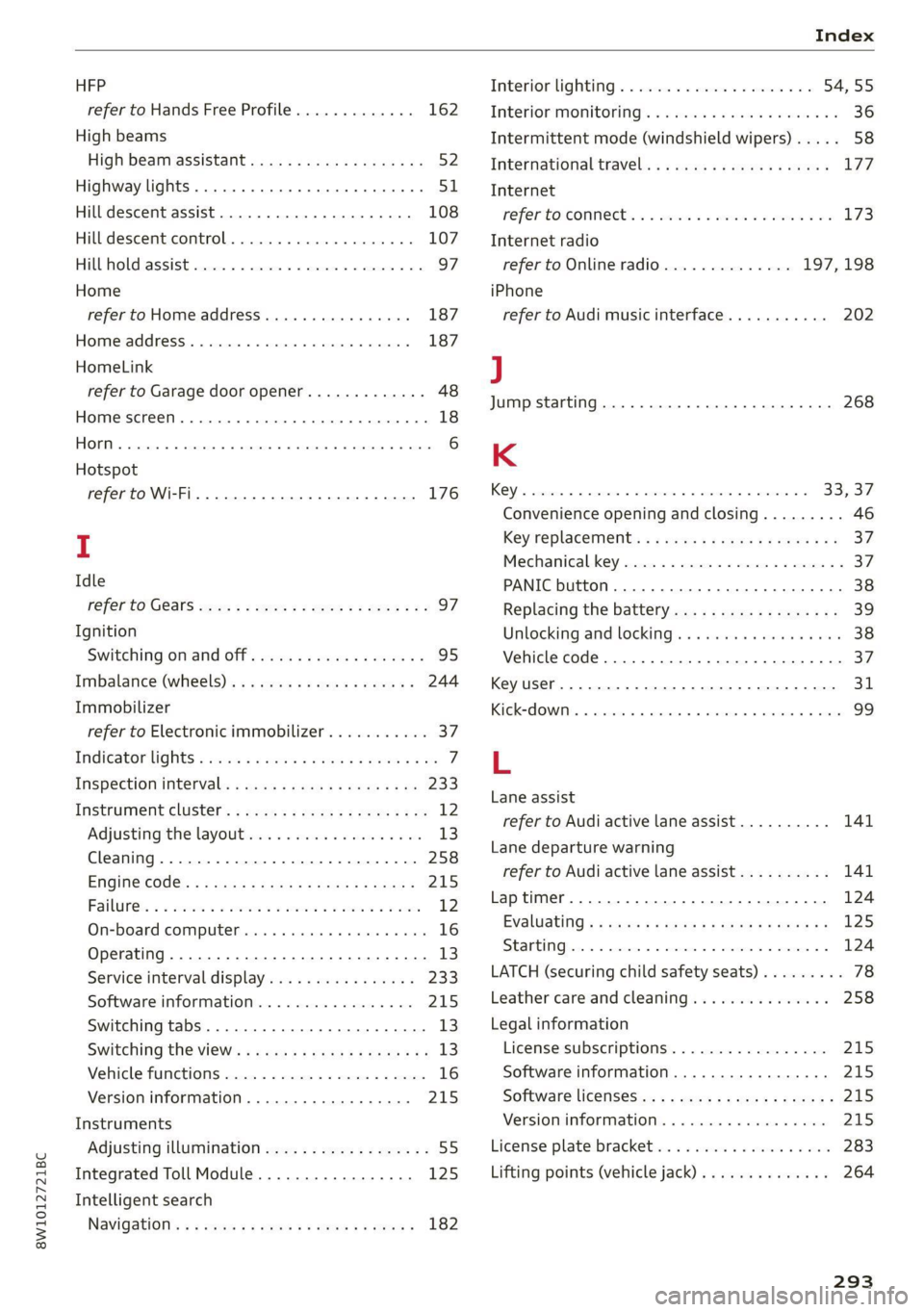
Lane assist
refer to Audi active lane assist.......... 141
Lane departure warning
refer to Audi active lane assist.......... 141
Laptimer........... 0.000000. 0.0 2000. 124
Evaluating s « saws « & cae & & eee so ees os 125
StANEIINGsis 6 & conse w o owen 7 cummins & 7 aE & > 124
LATCH (securing child safety seats)......... 78
Leather care and cleaning............... 258
Legal information
License subscriptions................. 215
Software information................. 215
Software licenseSicx « s wews ss wee s genes 215
Version information...............000- 21S
License plate: brackets + scies 6 seen 3 6 ser 283
Lifting points (vehicle jack).............. 264
293
Page 300 of 304
Index
Software information
Legalinformation................0005 215
Software version (MMI)
Version information.................. 215
Sound
refer to Adjusting the sound............ 212
Space-saving spare tire (compact spare tire) . 266
SPaKEUEGS s 5 mane x 5 Rates EES Gs Hate Gs HE 266
Speed limit information
refer to Traffic sign recognition......... 121
Speed limits
refer to Traffic sign recognition......... 121
SPeCdOMEtEl’s sess 5 & sess s ¥ ceews « ¥ eee vee 12
Speed warning system..........-..0-0-5 121
Sport'differéntial see: < = sea ss sees se pens 112
Start/Stop system. ...........0 2-00 eee 102
Switching off ANGION « « saves 6 «ewe oe Barer 103
Starting to- drives: < s sees = « sews + ¢ ews + ¢ oes 96
Starting (CNGINe)'. sy ewes sc agus + ewer Fes 103
Steering.......... 0.0... cee eee eee eee 111
Audi drive select s sas < 2 cawa ys gown 3 a ae 110
also refer to Steering..............-.. 111
Steering locki.s © sss ev eee eo esses x v anevere 2 ¥ 95
Steering wheel
Adjusting... . 22.00... cece e eee e eee 66
Adjusting manually..............-.0005 66
Shiftipaddles » sccwose eo smn ov enews oo sreaw «3 99
Steering wheel heating................. 93
also refer to Multifunction steering wheel. . 13
Steps for determining correct load limit... 249
Stopover (navigation) .................. 185
SEOPPING eer « 6: wsszeice « exconene w 6 eaonene « 6 ecto» & arene 96
Stopping the vehicle..........6c0. ee ewes 96
SCOPpING (ENGINE) ccs s 6 swe vo swe a 6 wives 103
StOMaGelss ¢ « aay ov pawn ¢ & mews ov Hews 6 oe 83
Storage area behind the rear head restraints. 83
Storage areas « = sews 5 x wees 6 2 pes be eG 83
Stored stations
refer'to Presetsias ss meas ss cen sv emo ve 196
Straps: « ses ¢ x neers oo eeoRS ae ee Te ee 83
Sunshade
Rear doorsis « 3 wien oo sue oa weswen os amen 2 0 57
ROOF... eee eens 47
also refer to Sunshade................. 47
SUN VISOFS 2.6... eee eee 57
298
SUSPENSION « cxcisws is « somuses © v snvvaus + v soteees & oH LLL
Audi drive select..............0000008 110
Swapping calls.............-.000 22-0 168
Swerve assist... 2.0... cece eee eee 145
Symbols
Navigation .......... 0... e cece eee eee 185
"TRATHIC cure: « = seme x ¢ sees ¥ 2 ree ¢ Eee a 190
also refer to Indicator lights.............. 7
SYNG (BUTDON) bax ss see oo msc ow ocemue w wane 92
SYStEM SELCINGS + zens «= geome & x seme ee eee 212
T
TaChOMi@teP eccs = s eae 2 = ween x 2 ess ae 12,14
Tail lights
Cleanings: « = sxe 2 & semis 2 wea <2 wre ee 256
Techinical'data: « s sss « = news = 2 saree 2 ¢ oe 286
Technical modifications................. 281
Tel@phone:.« < a ccsg + hues as Seen ss HEeRs 5 162
Accepting/ending acall................ 168
Audi phone box............00 0c eee ee 164
Charging the battery (USB)............. 165
Charging the battery (wireless) ......... 165
Connecting a mobile phone............ 162
Dialing anumber................00065 168
Exterior antenna s. « ¢ sss. ¢ sews tc caw 165
Mobile device reminder signal.......... 166
Options during aphonecall............ 168
PlayitiG:(MUSie « seers + x was 4 © seme = & eerew 201
Temperature display (outside temperature).. 15
Temperature gauge
GOOlANE « seuss ¢ 2 wenn ov mew 4 & QewE a CED 12
TeXUINDUE « saws 5 = eames 5 © eae & & ewe ¥ HERE 23
TeXUHESSAGES cauve s + seme 5: SeeE xo wee 170
SOCCINGS sisson 5 & somes oy moRM & + aseRHEE & ematENG 170
also refer to Text messages............ 170
TieSAOWINS: 2 2 crmscne 2 renee 2 us enews © sacs = 87
Tightening specification
Wheel bolts.............0 0. c eee eee 266
Tightening specification (wheel bolts) ..... 266
THM. «scones oo aenane ao aera © amen © terete © 16
tiptronic
refer to Manual shifting................ 99
Tire Mobility System (tire repair set)....... 261
TIRCS © secason i 2 vnswene 6 = vouaens 6H cusaas © # amevaee vo 9 235
Changing.......... 0... eee eee ee eee ee 263
LOW=Profiletires:: seis ss newe « x gome ¥ x ae 251