change wheel AUDI A7 2021 Owner´s Manual
[x] Cancel search | Manufacturer: AUDI, Model Year: 2021, Model line: A7, Model: AUDI A7 2021Pages: 350, PDF Size: 126.66 MB
Page 298 of 350
Wheels
Storing new tire pressures
Applies to: vehicles with tire pressure monitoring system
The tire pressure specifications must be stored
correctly for the tire pressure monitoring system
to function reliably.
It is always necessary to store the tire pressures
when the tire pressures are modified, for exam-
ple due to a change in load or when new sensors
are installed.
> Before storing the tire pressures, make sure the
tire pressures of all four tires meet the speci-
fied values and are adapted to the load
=> page 284, fig. 173. Only correct and store
the pressure in tires whose temperature is ap-
proximately the same as the ambient tempera-
ture. If the temperature of the tire is higher
than the ambient air temperature, the tire
pressure must be increased approximately
3 PSI (0,2 bar) above the value on the sticker.
> Switch the ignition on.
> Applies to MMI: Select on the home screen: VE-
HICLE > Settings & Service > Tire pressure
monitoring > Store tire pressure > Yes, store
now.
> If the changed tire pressures are not displayed
on the MMI, drive the vehicle for approximately
10 minutes so that the sensor signal from the
wheels is received again.
During this adaptation phase, --.-- is displayed
for the pressure and temperature and the tire
pressure monitoring system is only partially
available. It only provides a warning if one or
more tire pressures is below the minimum per-
mitted specified pressure.
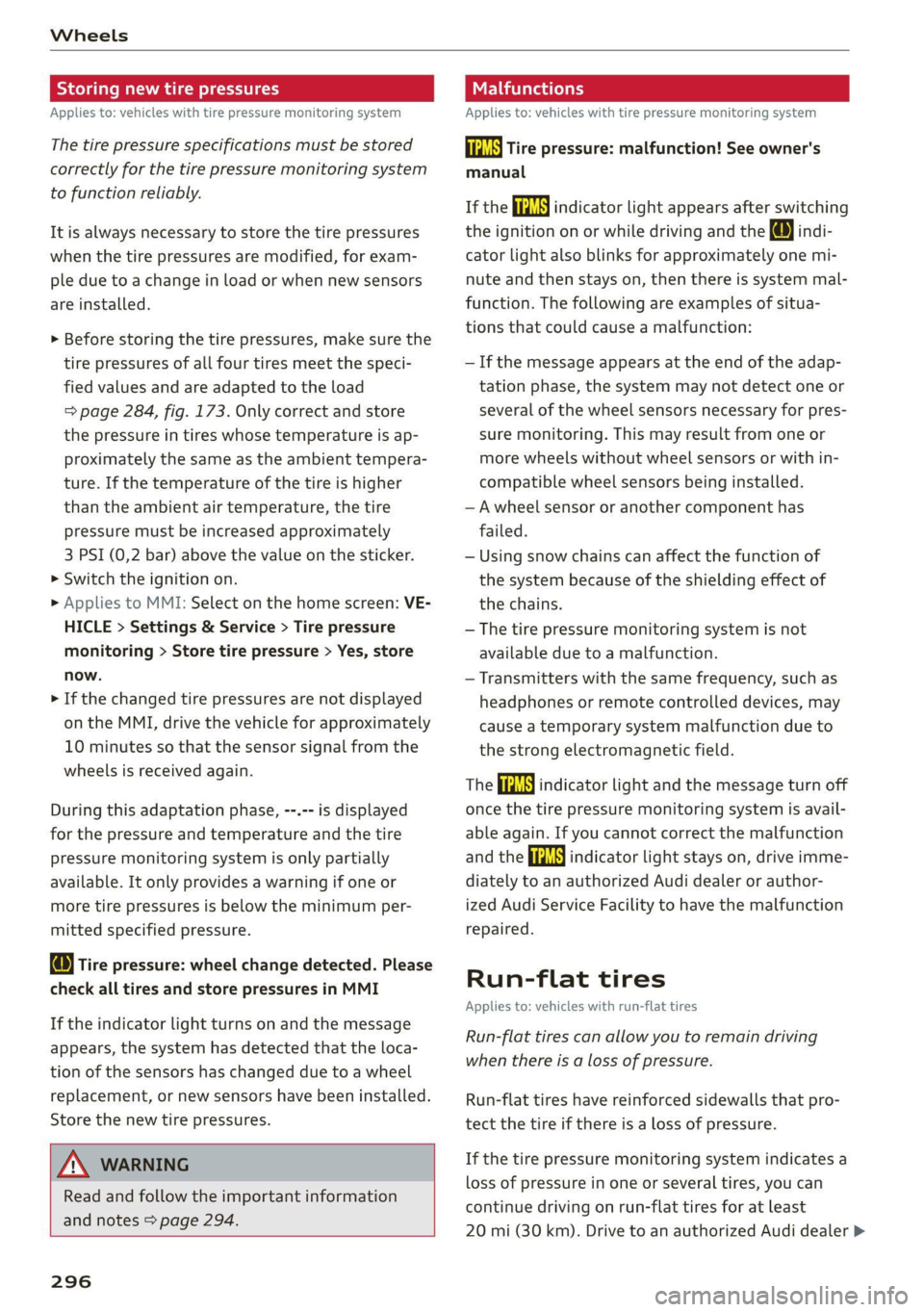
Wire pressure: wheel change detected. Please
check all tires and store pressures in MMI
If the indicator light turns on and the message
appears, the system has detected that the loca-
tion of the sensors has changed due to a wheel
replacement, or new sensors have been installed.
Store the new tire pressures.
ZA\ WARNING
Read and follow the important information
and notes > page 294.
296
Malfunctions
Applies to: vehicles with tire pressure monitoring system
a Tire pressure: malfunction! See owner's
manual
If the iis indicator light appears after switching
the ignition on or while driving and the @ indi-
cator light also blinks for approximately one mi-
nute and then stays on, then there is system mal-
function. The following are examples of situa-
tions that could cause a malfunction:
— If the message appears at the end of the adap-
tation phase, the system may not detect one or
several of the wheel sensors necessary for pres-
sure monitoring. This may result from one or
more wheels without wheel sensors or with in-
compatible wheel sensors being installed.
—Awheel sensor or another component has
failed.
— Using snow chains can affect the function of
the system because of the shielding effect of
the chains.
— The tire pressure monitoring system is not
available due to a malfunction.
— Transmitters with the same frequency, such as
headphones or remote controlled devices, may
cause a temporary system malfunction due to
the strong electromagnetic field.
The ia indicator light and the message turn off
once the tire pressure monitoring system is avail-
able again. If you cannot correct the malfunction
and the iis indicator light stays on, drive imme-
diately to an authorized Audi dealer or author-
ized Audi Service Facility to have the malfunction
repaired.
Run-flat tires
Applies to: vehicles with run-flat tires
Run-flat tires can allow you to remain driving
when there is a loss of pressure.
Run-flat tires have reinforced sidewalls that pro-
tect the tire if there is a loss of pressure.
If the tire pressure monitoring system indicates a
loss of pressure in one or several tires, you can
continue driving on run-flat tires for at least
20 mi (30 km). Drive to an authorized Audi dealer >
Page 310 of 350
Emergency assistance
Replacing wheels
You must complete the preparation before
changing a tire.
> Read and follow the important safety precau-
tions > page 305.
> Set the parking brake.
> Select the “P” position.
> When towing a trailer: disconnect the trailer
from your vehicle.
> Lay out the vehicle tool kit > page 305 and the
spare tire > page 311.
> Applies to: vehicles with air suspension: Select
on the home screen: VEHICLE > Settings &
Service > Air suspension: wheel change.
> Switch the ignition off.
ZA\ WARNING
The vehicle must also be secured to prevent it
from rolling when using the vehicle jack”. Use
suitable objects to block the front and back of
the wheel that is diagonal from the wheel
with the flat tire.
Removing the caps
\
B4L-1337
x
®
? =
©
4
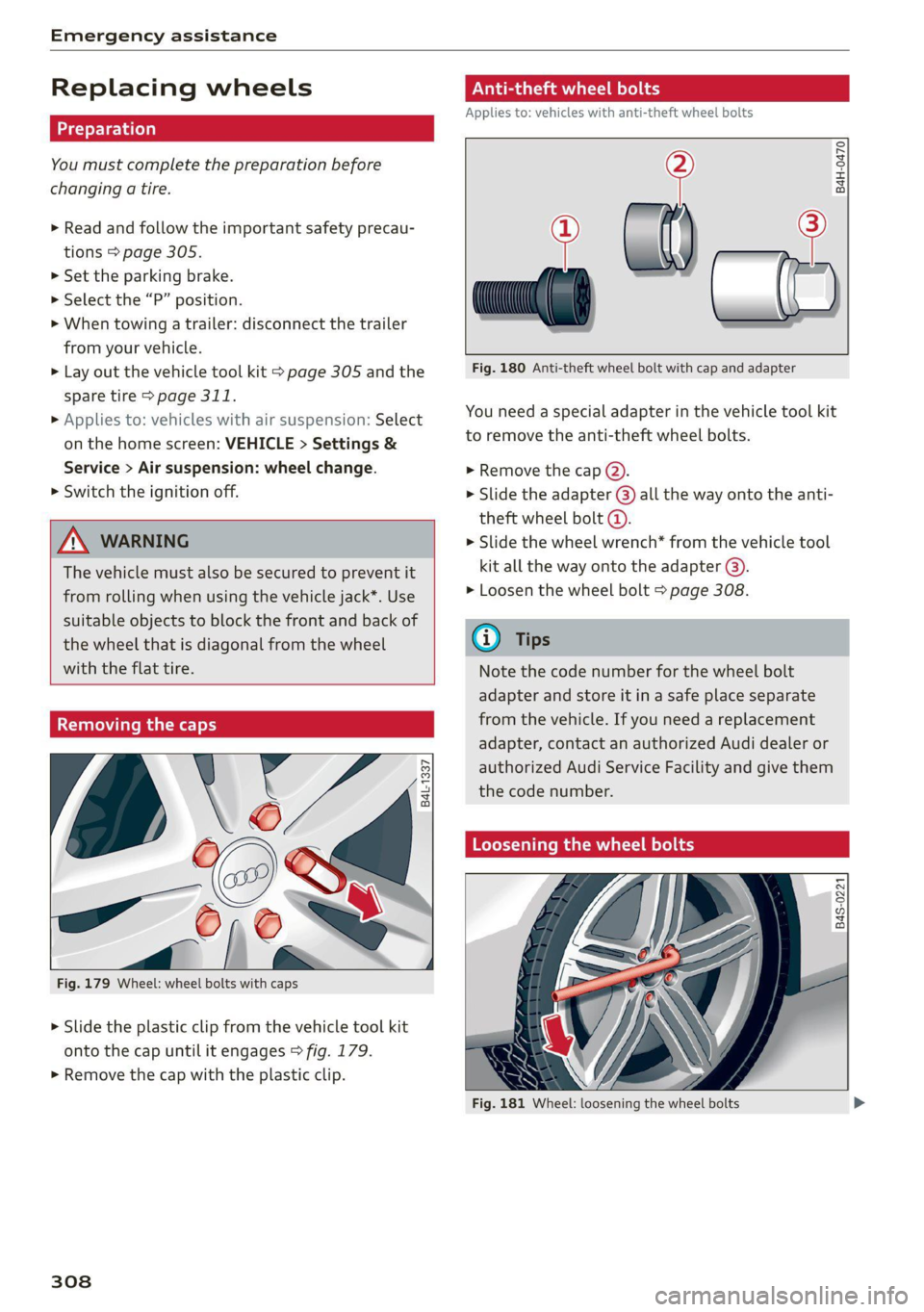
Fig. 179 Wheel: wheel bolts with caps
> Slide the plastic clip from the vehicle tool kit
onto the cap until it engages > fig. 179.
> Remove the cap with the plastic clip.
308
ONL eta ere) od
Applies to: vehicles with anti-theft wheel bolts
> al) —2
Fig. 180 Anti-theft wheel bolt with cap and adapter
B4H-0470
You need a special adapter in the vehicle tool kit
to remove the anti-theft wheel bolts.
> Remove the cap @).
> Slide the adapter @) all the way onto the anti-
theft wheel bolt @.
> Slide the wheel wrench* from the vehicle tool
kit all the way onto the adapter @).
> Loosen the wheel bolt > page 308.
@ Tips
Note the code number for the wheel bolt
adapter and store it in a safe place separate
from the vehicle. If you need a replacement
adapter, contact an authorized Audi dealer or
authorized Audi Service Facility and give them
the code number.
Loosening the wheel bolts
B4S-0221
Fig. 181 Wheel: loosening the wheel bolts
Page 311 of 350

4K8012721BF
Emergency assistance
> Slide the wheel wrench* from the vehicle tool
kit all the way onto the wheel bolt).
> Turn the wheel bolt approximately one turn to
the left. To achieve the required torque, hold
the end of the wheel wrench*. If the wheel bolt
will not loosen, press carefully on the wheel
wrench* with your foot. Hold onto the vehicle
securely while doing this and make sure your
footing is stable.
ZA WARNING
To reduce the risk of an accident, only loosen
the wheel bolts gently one turn before raising
the vehicle with the vehicle jack*.
Raising the vehicle
Applies to: vehicles with vehicle jack
Fig. 183 Sill: positioning the vehicle jack
> Place the vehicle jack from the vehicle tool kit
ona firm surface. Use a flat, stable support if
necessary. On a slippery surface such as tile,
you should use a non-slip pad such as a rubber
mat > /\.
D_ You need the matching adapter in order to loosen and
tighten anti-theft wheel bolts* > page 308.
> Find the marking on the sill that is closest to
the tire that will be changed © fig. 182. Behind
the marking, there is a lifting point on the side
sill for the vehicle jack.
> Raise the vehicle jack under the lifting point on
the side sill until the bracket on the jack @)
completely covers the notch on the vehicle.
> Align the vehicle jack so the bracket (@) covers
the notch and the base (2) is flat on the ground.
The base @) must be directly under the mount-
ing point @.
> Mount the crank on the vehicle jack: insert the
crank into the opening on the handwheel. Turn
the crank to the left or right to secure it.
> Continue raising the vehicle jack with the crank
until the wheel lifts off the ground slightly.
ZX WARNING
—To reduce the risk of injury, make sure no
one is in the vehicle before raising it.
— Make sure the vehicle jack is stable. The risk
of injury is increased when the ground is
slippery or soft, because the vehicle jack
could slide or sink.
— Only raise your vehicle with the vehicle jack
provided by the factory. If you use a vehicle
jack designed for another vehicle, your vehi-
cle could slip and cause injury.
— Position the vehicle jack only at the desig-
nated mounting points on the side sill and
align the jack. Otherwise, the vehicle jack
could slip and cause an injury if it does not
have sufficient hold on the vehicle.
—To reduce the risk of injury, do not raise any
other vehicles or other loads using the vehi-
cle jack provided by the factory.
— Applies to: vehicles with air suspension:
Changes in temperature or load can affect
the height of the stopped vehicle.
— To reduce the risk of an accident, never start
the engine when the vehicle is raised.
—To reduce the risk of injury, no work should
be performed under the vehicle while it is
raised.
309
Page 347 of 350
4K8012721BF
Index
Toll Module
refer to Integrated Toll Module......... 149
Tools... eee 305
Tooltips. .... 0.0... eee eee eee eee 21
Top tether anchor (securing the child safety
S@at) 0. cc ee eee eee eee 80
Touch display
Adjusting feedback................0005 21
Operating « « wes 2 owe 2 omen veo eo oes 19
TOWING’: « ¢ saws 5 ¢ ewe § 5 ewig & 8 ew ee ee 313
TOWING LOOP ewes = 2 ewes ge tees de eee ee 315
Towing protection monitoring............. 39
TPMS
indicator Wight 2x. » 2 wows 9 © ewe « ¢ ewe = 296
Tire pressure monitoring system.... 293, 294
Traffic incidents
refer to Online traffic information....... 225
Traffic information » sxc. . 5 sessee + sramess a « sven 226
Online traffic information.............. 225
Traffic light information..............0. 145
Traffic sign recognition................. 143
Traffic SignS.. 6... eee eee eee 146
Trailer mode
Airsuspension..............00e eevee 135
Trailer towing ...... 2.0.0. e eee T35.
Tongue weight ..............ee ee ee eee 135
Trailer
load « aiceso: so saws ¢ o semen oa coon oo 135
TUM aSSISt wcus = 4 ewe se eee ee vee as pees 169
Turinsigtials sus < » acme 2 » wees x 8 eee 2 eeR 53
U
Uniform tire quality grading............. 291
Unlocking and locking. .......... esse eee 36
By remote’control.. «nc ss eves ee eres sees 41
Using the lock cylinder................. 39
With Audi connect vehicle control........ 42
With the central locking switch.......... 38
With the convenience key.............0. 41
Update (software) isiscca sa scence seine as wine 250
USB
Adapter... . 0... cece eee eee eee 200
USBi charging: ports cscs +s omens ¥ = esenens xo coors 82
USB drive
Supported types/formats.............. 244
USB stick
refer to Audi music interface........... 238
Users
Localusers...... cece eee eee eee 33
MYAUGi USErSins ¢ ¢ semu se cewy s e em ee oes 33
Using residual heat............00e cece uae 89
V
Vanity Mirror... .... cee cece eee 59
Vehicle
Care/cleaning « wes sv wnee + eereee s Been gs 298
DIMONSIONS xcs x suswans « 0 seers vow samen © wg 33:1,
Identification data................00. 331
Out GFSOrVICE een: « s ees 2 2s ee Bw 304
Raising ls & coses a sens ow inmne + @ suasewe @ & ste 309
Starting. ........... 0. eee eee 93
ThanspOrt vce ¢ s eee so ove ss Hewes s HeeR 112
Unlocking and locking...............004 41
Vehicle-care scx + ¢ sews ¢ o ews oo cee se oes 298
Vehicle control services ..........0ee eee 210
Vehicle data label..................00005 331
Vehicle identification number............ 331
Vehicle jack. ................0.00000005 305
Lifting POINTS: + « sees ss anew se ave se oes 309
Tire change mode.............2--.00- 308
Vehicle key's «= coms ¢ svee & ¢ sense @ o asa 36, 40
Vehiclessound 23 eeva 2 s weep sy ees se eee 103
Vehicle start system ...........-.02-005- 105
Wehicle:toolkit®. + esas < ¢ acre @ s cams 3 x eee 305
Ventilation. . 0.0... eee ce eee eee 87
VIEW button... ... eee eee 13
Voicemail... 2... eee eee eee eee 203
Voice recognition system..........-..0 00s 29
External... 0.0... eee eee eee eee 30
Operating’: = « sees « seee so yews gs geen ee ae 29
Ww
Wall mount Clip sec ss eens ss een ce ewes 133
Warning lights
refer to Indicator lights...............-.. 7
Washing matte finish paint.............. 298
Wave band
refer to Frequency band............... 228
WEIQNESS « « caves se caw ys ews ¢ & wows & ¥ we 332
Wheel bolts 2 some « » news x mean x x ayes 9 es 289
AMEENETE essics 3 & ciceiors 6 o cnauere & weenewe me & wvexao 308
Tightening specification............... 311
345