ios AUDI E-TRON 2019 Owners Manual
[x] Cancel search | Manufacturer: AUDI, Model Year: 2019, Model line: E-TRON, Model: AUDI E-TRON 2019Pages: 310, PDF Size: 81.91 MB
Page 5 of 310
4KE012721BB
Table of contents
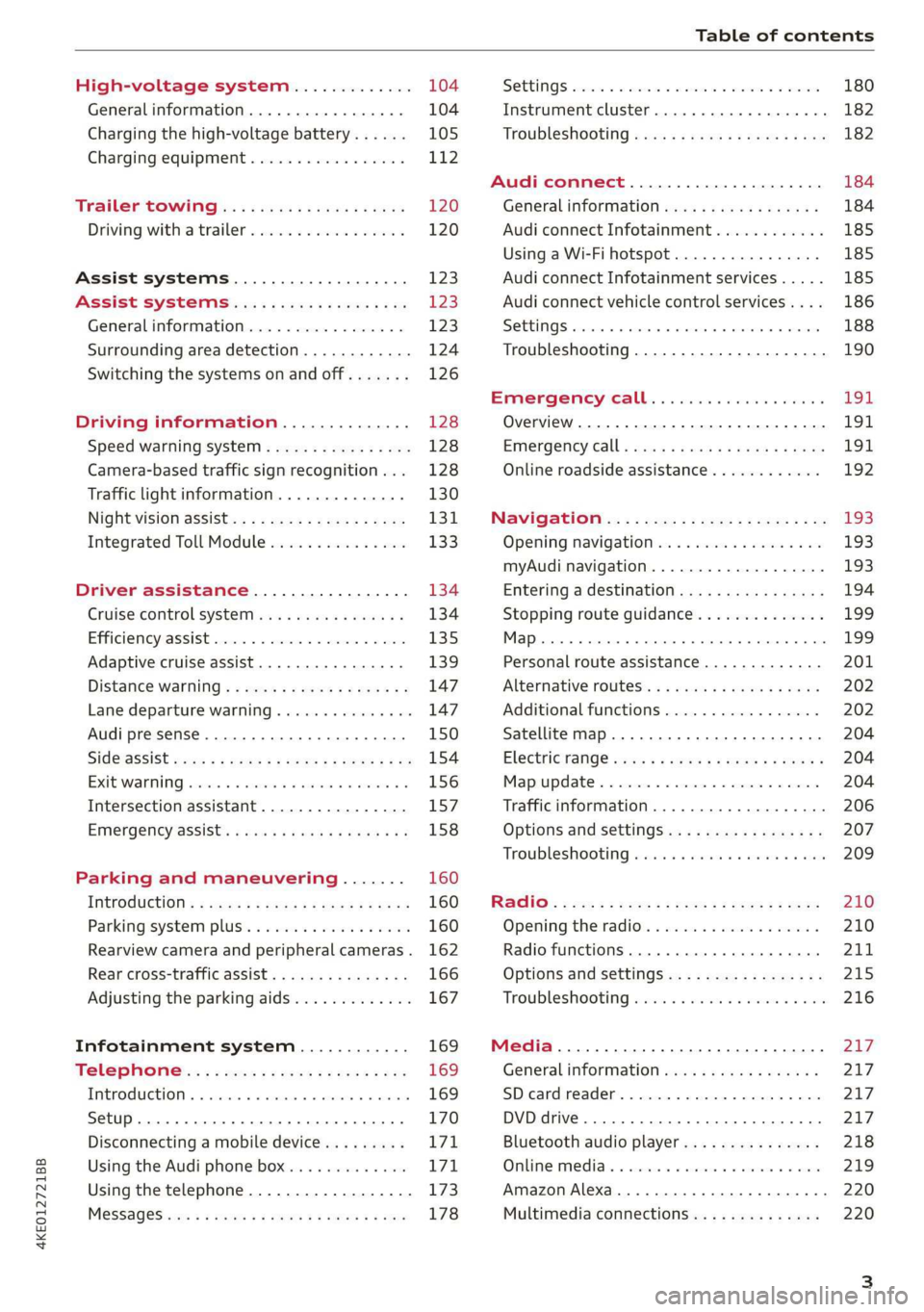
High-voltage system............. 104
Generalinformation................. 104
Charging the high-voltage battery...... 105
Charging equipment................. 112
Trailer towing.................0.-. 120
Driving with atrailer................. 120
Assist systems................... 123
ASSIST SYSTEMS ic: 6 & cas 5c cae 5 ow i238
General information................. 123
Surrounding area detection............ 124
Switching the systems on and off....... 126
Driving information.............. 128
Speed warning system..............-- 128
Camera-based traffic sign recognition... 128
Traffic light information.............. 130
NightiVision aSSistix = «xem : s ases : soe 131
Integrated Toll Module............... 133
Driver assistance................. 134
Cruise control system's.o. « cees ss rows ss 134
Efficiency assist...............--005. 135
Adaptive cruise assist................ 139
Distance warning .............e0e000. 147
Lane departure warning............... 147
Audi presense........... 0. cece eee 150
SIG@iASSISE sew: » 2 cues = y ewe ae AeA Ge we 154
EXIEWAPniNng sive «6 ccerane 2 @ soeee «0 cuesime @ 6 156
Intersection assistant................ 157
Emergency assist... ....:seeceeeevees 158
Parking and maneuvering....... 160
IRCROAWECION « = eas x o sees 5 o eee ge oe 160
Parking system plus...............00. 160
Rearview camera and peripheral cameras. 162
Rear cross-traffic assist............... 166
Adjusting the parking aids............. 167
Infotainment system............ 169
Telephone... - es.s =) gees be eens ces 169
TEROMUCLION 5 scoane a vanes » 6 nani + 6 exeemn 169
Setup... eee eee eee eee 170
Disconnecting a mobile device......... 171
Using the Audi phone box............. 171
Using the telephone.................. 173
M@SSAG@S ves s x sere + & ewe ¢ o eee § eee 178
SOPGINGS sacs +o aeowens w evewens a x euswoe a» eemeoe 180
Instrument cluster...............0008 182
Troubleshooting sacs ss sews + ¢ wae 3 x ew 182
Audi connect..................... 184
Generalinformation..............05- 184
Audi connect Infotainment............ 185
Using a Wi-Fi hotspot................ 185
Audi connect Infotainment services..... 185
Audi connect vehicle control services.... 186
SQECINOS cccssin ws eseuwie x priesens wm sores w 6 syenne 188
Troubleshooting..................5-. 190
Emergency call..................- 491,
Overview... .... 0... eee eee eee 191
EM@rgency Call + wsws « zaen 3 = suze 3 2 reR 191.
Online roadside assistance............ 192
Navigation. « : ssc < : soos sp eens ss 193
Opening navigation.................. 193
myAudi navigation.................0. 193
Entering adestination................ 194
Stopping route guidance.............. 199
MAP ieccsie 9 2 wxotiose 1 ssumene of 9 enwEem 4 ot tase & Oo we 199
Personal route assistance............. 201
‘Alternative roUtes:: « + wean 2 & wane 2 & eevwe 202
Additional functions................. 202
Satellite map.......... cc cece 204
Electric:range sass s x meas 5 ¢ cues ¥ ¢ mes 204
Mapruipdates. 2 caus + x res ao nenene 2 9 one 204
Traffic information...............0005 206
Options and settings................. 207
Troubleshooting wisi. cs vere ewer sv ere 209
RaGIO:: » acs ¢ = seen ¢ » ees y ¢ eS EE eee 210
Opening theradio'. « sas a 6 ssn s & sess 210
Radio functions..............0000005 211
Options and settings................. 215
Troubleshooting sis «6 ween oo wane 6 + eae 216
Media................. 0 eee eee eee 217
General information................. 217:
SD card reader.............-00000005 217
DVD drive... 2. . eee ee eee 217
Bluetooth audio player............... 218
Online media.......... ee eee eee eee 219
Amazon Alexa....... 0.00.0 ee eee eae 220
Multimedia connections.............. 220
Page 228 of 310
Media
Play
The selected track or all tracks in the folder will
be displayed.
Language!)
You can set the language manually. The language
and audio format options depend on the video
DVD.
Subtitles»)
You can manually select subtitles for playback.
The languages available depend on the DVD.
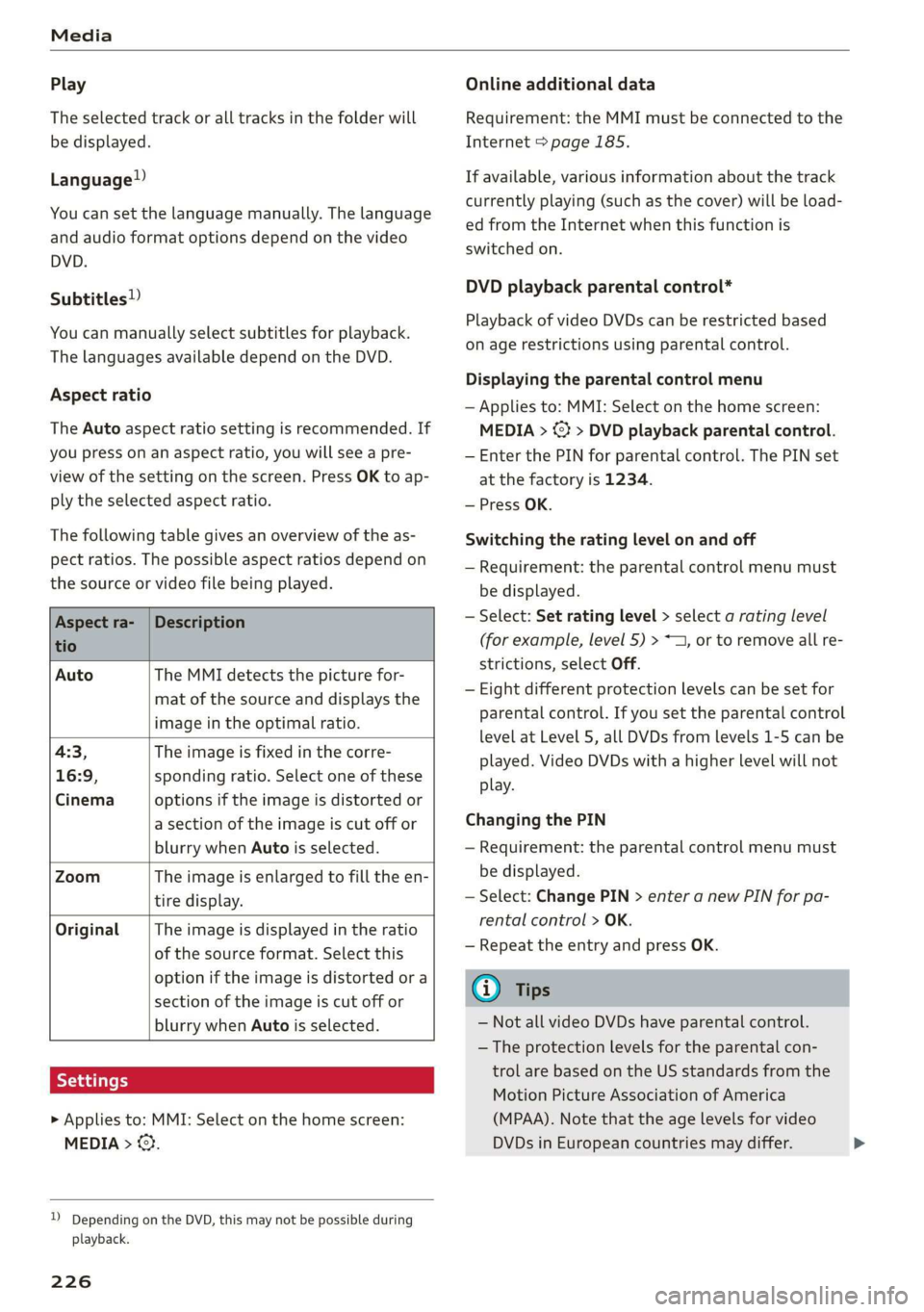
Aspect ratio
The Auto aspect ratio setting is recommended. If
you press on an aspect ratio, you will see a pre-
view of the setting on the screen. Press OK to ap-
ply the selected aspect ratio.
The following table gives an overview of the as-
pect ratios. The possible aspect ratios depend on
the source or video file being played.
Aspect ra- |Description
tio
Auto The MMI detects the picture for-
mat of the source and displays the
image in the optimal ratio.
4:3, The image is fixed in the corre-
16:9, sponding ratio. Select one of these
Cinema options if the image is distorted or
a section of the image is cut off or
blurry when Auto is selected.
Zoom The image is enlarged to fill the en-
tire display.
Original The image is displayed in the ratio
of the source format. Select this
option if the image is distorted or a
section of the image is cut off or
blurry when Auto is selected.
> Applies to: MMI: Select on the home screen:
MEDIA > ©}.
)) Depending on the DVD, this may not be possible during
playback.
226
Online additional data
Requirement: the MMI must be connected to the
Internet > page 185.
If available, various information about the track
currently playing (such as the cover) will be load-
ed from the Internet when this function is
switched on.
DVD playback parental control*
Playback of video DVDs can be restricted based
on age restrictions using parental control.
Displaying the parental control menu
— Applies to: MMI: Select on the home screen:
MEDIA > © > DVD playback parental control.
— Enter the PIN for parental control. The PIN set
at the factory is 1234.
— Press OK.
Switching the rating level on and off
— Requirement: the parental control menu must
be displayed.
— Select: Set rating level > select a rating level
(for example, level 5) > ~1, or to remove all re-
strictions, select Off.
— Eight different protection levels can be set for
parental control. If you set the parental control
level at Level 5, all DVDs from levels 1-5 can be
played. Video DVDs with a higher level will not
play.
Changing the PIN
— Requirement: the parental control menu must
be displayed.
— Select: Change PIN > enter a new PIN for pa-
rental control > OK.
— Repeat the entry and press OK.
G) Tips
— Not all video DVDs have parental control.
— The protection levels for the parental con-
trol are based on the US standards from the
Motion Picture Association of America
(MPAA). Note that the age levels for video
DVDs in European countries may differ.
Page 231 of 310
4KE012721BB
Audi smartphone interface
Audi smartphone
interface
Setup
Applies to: vehicles with Audi smartphone interface
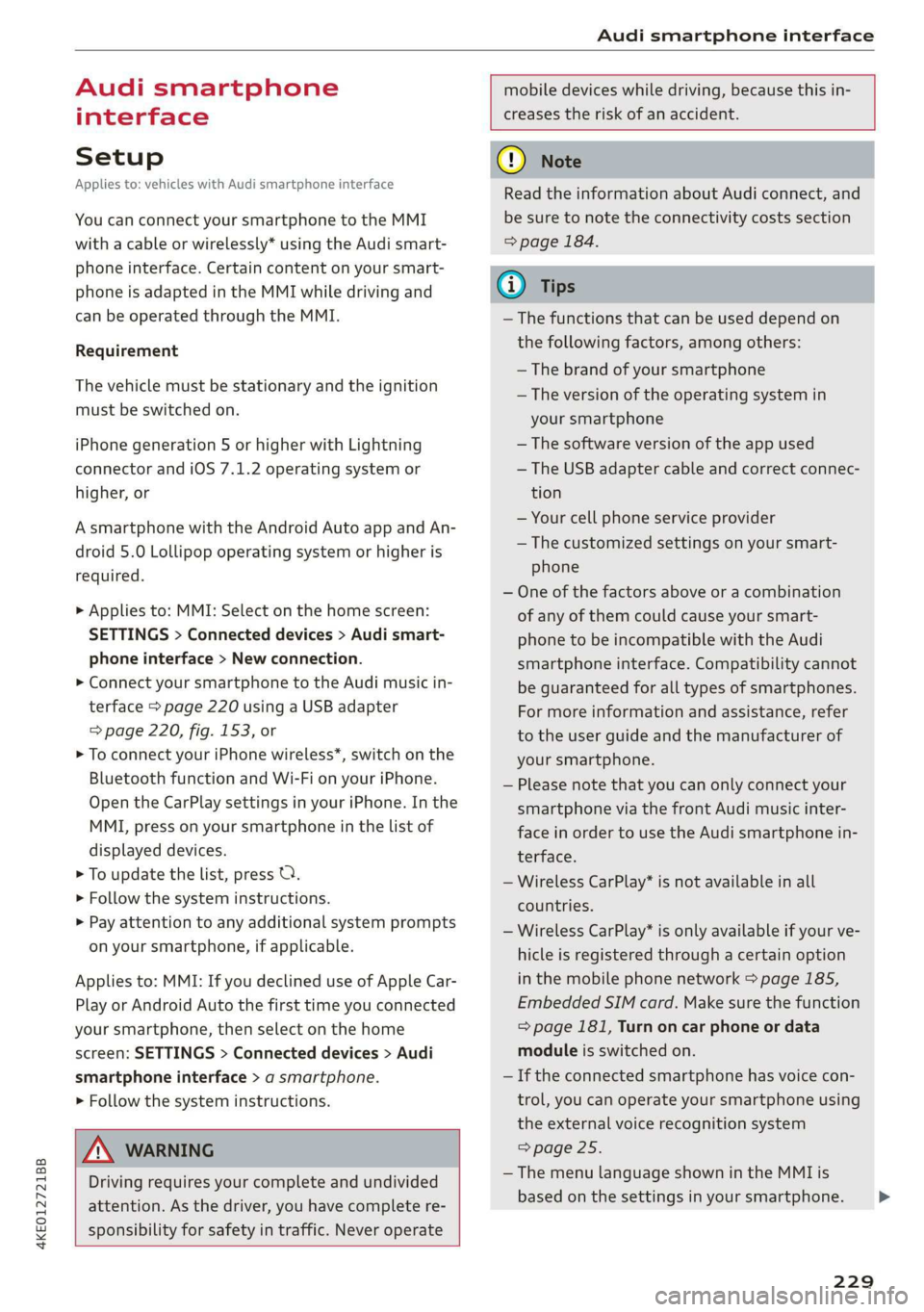
You can connect your smartphone to the MMI
with a cable or wirelessly* using the Audi smart-
phone interface. Certain content on your smart-
phone is adapted in the MMI while driving and
can be operated through the MMI.
Requirement
The vehicle must be stationary and the ignition
must be switched on.
iPhone generation 5 or higher with Lightning
connector and iOS 7.1.2 operating system or
higher, or
A smartphone with the Android Auto app and An-
droid 5.0 Lollipop operating system or higher is
required.
> Applies to: MMI: Select on the home screen:
SETTINGS > Connected devices > Audi smart-
phone interface > New connection.
> Connect your smartphone to the Audi music in-
terface > page 220 using a USB adapter
=> page 220, fig. 153, or
> To connect your iPhone wireless*, switch on the
Bluetooth function and Wi-Fi on your iPhone.
Open the CarPlay settings in your iPhone. In the
MMI, press on your smartphone in the list of
displayed devices.
> To update the list, press O.
> Follow the system instructions.
>» Pay attention to any additional system prompts
on your smartphone, if applicable.
Applies to: MMI: If you declined use of Apple Car-
Play or Android Auto the first time you connected
your smartphone, then select on the home
screen: SETTINGS > Connected devices > Audi
smartphone interface > a smartphone.
> Follow the system instructions.
mobile devices while driving, because this in-
creases the risk of an accident.
ZA\ WARNING
Driving requires your complete and undivided
attention. As the driver, you have complete re-
sponsibility for safety in traffic. Never operate
() Note
Read the information about Audi connect, and
be sure to note the connectivity costs section
=> page 184.
G) Tips
— The functions that can be used depend on
the following factors, among others:
—The brand of your smartphone
—The version of the operating system in
your smartphone
— The software version of the app used
— The USB adapter cable and correct connec-
tion
— Your cell phone service provider
— The customized settings on your smart-
phone
— One of the factors above or a combination
of any of them could cause your smart-
phone to be incompatible with the Audi
smartphone interface. Compatibility cannot
be guaranteed for all types of smartphones.
For more information and assistance, refer
to the user guide and the manufacturer of
your smartphone.
— Please note that you can only connect your
smartphone via the front Audi music inter-
face in order to use the Audi smartphone in-
terface.
— Wireless CarPlay* is not available in all
countries.
— Wireless CarPlay* is only available if your ve-
hicle is registered through a certain option
in the mobile phone network > page 185,
Embedded SIM card. Make sure the function
= page 181, Turn on car phone or data
module is switched on.
— If the connected smartphone has voice con-
trol, you can operate your smartphone using
the external voice recognition system
=> page 25.
— The menu language shown in the MMI is
based on the settings in your smartphone.
229
>
Page 300 of 310
Index
Immobilizer
refer to Electronic immobilizer........... 33
Indicator lights........ 2.0.0... cee eee eee 7
Inspection interval...............00200. 242
Instrumenticluster's « «cscs « esac vo stone vos 11.
Adjusting the layout................... 12
Cleaning’: ¢ = em. ¢ » awe s 2 ees es PER Ge Be 266
Enginewodes. < oss: os wens oe ewe 6 8 wae 233
On-board computer.............000000 14
Opebating’s = see « » asmm = 2 seme © 5 eam 2 ee 12
Personal profile ....... 0000 se ceee ee veee 11.
Service interval display................ 242
Software information...............-- 233
Switching tabs: « sci se sec eo mace a 2 cee 12
Switching the Views... veces ceune ee enue we 12
Vehicle functions...................00. 13
Version information..............0005 233
Instrument illumination..............00- 48
Integrated assistance................0-. 17
Integrated Toll Module................. 133
Intelligent search
NSViGatlOlios « = gene « ¢ anes = neem se BoE 194
Titerior UIGHtING s « cams sv vows 4 peas 0s we 47,48
Intermittent mode (windshield wipers) ..... 50
Internet
refertoconnect..........eeeeeee 184,185
Internet radio
refer
to Online radio.................. 213
Intersection assistant...............44. 157
IGWIZEM's « @ oops ¢ x cares 5 eee FE ws @ eee a 83
iPhone
refer to Audi music interface........... 220
J
JUMPp Starting aes « s cees < ees 5 x ween w + oes 276
K
K@Y = cassis + « eewis « © ees s # eg o He a se 29,33
Convenience opening and closing......... 40
Key replacement..............0000000. 33
Mechanical:key sss s 2 sews + a ewe x s oes x 33
Notirecognized « cscs oe cars a x sewn ow enews x 87
PANIC key... ccc eee eee eee eee eee 33
Replacing the battery................2. 35
Unlocking and locking.................. 34
Vehicle code... 1.0... cece eee ee eee 33
298
KeyUSC? sis ss snnaue vw amass occas @ eueimin o o eeee 28
KicksdOwn: « «esses 2 scees 4 a sourees & o onenion @ @ ae 89
L
Lane assist
refer to Lane departure warning......... 147
refer to Lane guidance................ 147
Lane departure warning................. 147
Cleaning the camera area.............. 264
Lane guidance sc ss sees ss tees s eevee sees 142
Laserscanner........... 000.0 e eee eee 124
Cleaning
EQUNCINGONEG Laas « 5 was.s 2 Saeea & ¢ ease Gs Ha 89
Leather care and cleaning............... 266
Legal information
License subscriptions................. 233
Software information................. 233
Software licenses...............000005 233
Version information.................. 233
License plate bracket................... 288
Lifting points (vehicle jack).............. 273
Light/rain sensor
Headlights: swe = sases 2 3 Hoam 5 x nee 5 E ge 44
Intermittent mode (windshield wipers).... 50
Lighting
Exterior
Interior
Lights... eect eee
Lights on the charging port
refer to Charging display............... 109
Listening to music
Fefer to M@diajeo. « x caves 5 s wees so we 217; 221
[Gad + seg « = secu © t seus 2s Hew ¢ 9 eee os 292
Locking and unlocking
By remote’control.. « s sses vs sews se cows vs 34
Using the lock cylinder................. 32
With the convenience key............... 34
Low beam headlights.................... 44
Luggage compartment.................. 77
COVET aise & & cain x s BGR 3 ¢ Rae FB Wee = 9 78
Increasing the size.............-.00 eee 79
also refer to Luggage compartment...... 77
Luggage compartment lid
Closing button.................0000005 36
General information................005 35