service reset AUDI E-TRON 2020 Owners Manual
[x] Cancel search | Manufacturer: AUDI, Model Year: 2020, Model line: E-TRON, Model: AUDI E-TRON 2020Pages: 316, PDF Size: 85.96 MB
Page 30 of 316
Personalization
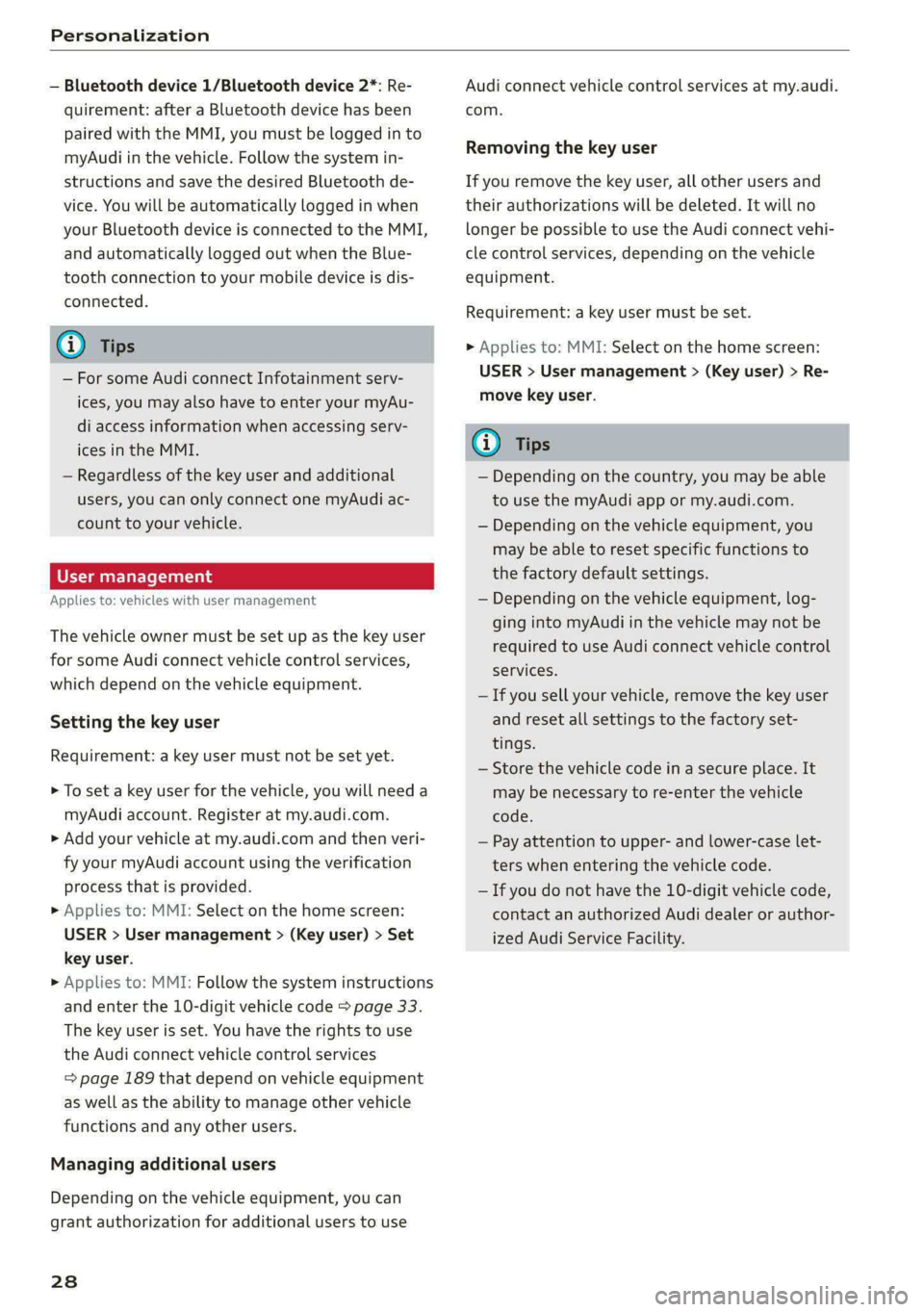
— Bluetooth device 1/Bluetooth device 2*: Re-
quirement: after a Bluetooth device has been
paired with the MMI, you must be logged in to
myAudi in the vehicle. Follow the system in-
structions and save the desired Bluetooth de-
vice. You will be automatically logged in when
your Bluetooth device is connected to the MMI,
and automatically logged out when the Blue-
tooth connection to your mobile device is dis-
connected.
@) Tips
— For some Audi connect Infotainment serv-
ices, you may also have to enter your myAu-
di access information when accessing serv-
ices in the MMI.
— Regardless of the key user and additional
users, you can only connect one myAudi ac-
count to your vehicle.
User management
Applies to: vehicles with user management
The vehicle owner must be set up as the key user
for some Audi connect vehicle control services,
which depend on the vehicle equipment.
Setting the key user
Requirement: a key user must not be set yet.
> To set a key user for the vehicle, you will need a
myAudi account. Register at my.audi.com.
> Add your vehicle at my.audi.com and then veri-
fy your myAudi account using the verification
process that is provided.
> Applies to: MMI: Select on the home screen:
USER > User management > (Key user) > Set
key user.
> Applies to: MMI: Follow the system instructions
and enter the 10-digit vehicle code > page 33.
The key user is set. You have the rights to use
the Audi connect vehicle control services
=> page 189 that depend on vehicle equipment
as well as the ability to manage other vehicle
functions and any other users.
Managing additional users
Depending on the vehicle equipment, you can
grant authorization for additional users to use
28
Audi connect vehicle control services at my.audi.
com.
Removing the key user
If you remove the key user, all other users and
their authorizations will be deleted. It will no
longer be possible to use the Audi connect vehi-
cle control services, depending on the vehicle
equipment.
Requirement: a key user must be set.
> Applies to: MMI: Select on the home screen:
USER > User management > (Key user) > Re-
move key user.
G) Tips
— Depending on the country, you may be able
to use the myAudi app or my.audi.com.
— Depending on the vehicle equipment, you
may be able to reset specific functions to
the factory default settings.
— Depending on the vehicle equipment, log-
ging into myAudi in the vehicle may not be
required to use Audi connect vehicle control
services.
— If you sell your vehicle, remove the key user
and reset all settings to the factory set-
tings.
— Store the vehicle code in a secure place. It
may be necessary to re-enter the vehicle
code.
— Pay attention to upper- and lower-case let-
ters when entering the vehicle code.
— If you do not have the 10-digit vehicle code,
contact an authorized Audi dealer or author-
ized Audi Service Facility.
Page 44 of 316

Opening and closing
These functions are operated in the MMI. Multi-
ple receivers can be programmed, which can con-
trol the functions of up to eight!) hand-held
transmitters.
ZA WARNING
— When operating or programming the garage
door opener, make sure that no people or
objects are in the area immediately sur-
rounding the equipment. People can be in-
jured or property can be damaged if struck
when closing.
— Do not allow yourself to be distracted from
traffic by the viewing and operating the dis-
plays.
@ Tips
— If you sell your vehicle, remove the key user
= page 28 and reset all settings to the fac-
tory settings > page 237.
— For an explanation on conformity with the
FCC regulations in the United States and the
Industry Canada regulations, see
=> page 295.
@) Tips
Before you program your system to the ga-
rage door opener, first check the compatibili-
ty:
— Ask an authorized Audi dealer or authorized
Audi Service Facility or check at www.
homelink.com. You can also find more infor-
mation about HomeLink there.
— You can display information about Home-
Link (compatibility level/status/country
code/HomeLink generation) in the MMI:
— Select on the home screen: VEHICLE > Set-
tings & Service > Garage door opener > (i).
Applies to: vehicles with garage door opener
Requirements: the remote control transmitter
must be programmed > page 42, the vehicle
)) The possible number of hand-held transmitters depends
on the equipment.
42
must be within range of the system, and the igni-
tion must be switched on.
There are multiple options to open or close the
system (such as the garage door).
> If you have only programmed one remote con-
trol transmitter, press the -@ button on the
lower display. Or
> If you have programmed multiple remote con-
trol transmitters, press the -@ button on the
lower display and then press the respective sys-
tem button. Or
> If you have configured the programmable
steering wheel button*, press the > button
=> page 26 and then press the respective button
for the system. Or
> Applies to: vehicles with location pairing: If you
have programmed Location pairing, press the
button for it on the upper display (notification
center > page 19). As you approach the system,
the button is displayed on the MMI.
If transmission was successful, the message:
Send to: XXX will appear.
Applies to: vehicles with garage door opener
You can program both fixed code and rolling code
systems in the MMI using the procedure that is
described.
Requirement: the ignition must be switched on.
Programming the system
Applies to: MMI
Requirement: the hand transmitter must be
present and the vehicle must be within range of
the system (such as the garage door) that you
would like to program.
> If you are programming the garage door opener
for the first time, press the - button on the
lower display. Follow the instructions in the
MMI. Or
> If you would like to program other systems, se-
lect on the home screen: VEHICLE > Settings &
Service > Garage door opener. Select the >
Page 100 of 316

Driving
> Pull and hold the ©) switch while driving.
> An audio warning signal will sound and emer-
gency braking will begin.
> If you press the accelerator pedal, emergency
braking will be canceled.
ZA WARNING
Heavy braking while driving through curves or
in poor road or weather conditions can cause
the vehicle to slide or the rear of the vehicle to
swerve, which increases the risk of an acci-
dent.
WE Te
BRAKES © Parking brake: malfunction! Safely
stop vehicle. See owner's manual
There is a malfunction in the parking brake. If the
message appears while stationary, check if the
parking brake is released and can be reset. If this
is the case, switch the ignition off and back on.
If the message continues to appear, if the park-
ing brake cannot be released, or if the message
appears while driving, then stop the vehicle on
level ground and shift to “P”. Do not continue
driving. See an authorized Audi dealer or author-
ized Audi Service Facility for assistance.
IBRAKERA @ Parking brake: malfunction! Please
release parking brake
There
is a malfunction in the parking brake. If the
message appears while stationary, check if the
parking brake is released and can be reset. If this
is the case, switch the ignition off and back on.
If the message continues to appear, if the park-
ing brake cannot be released, or if the message
appears while driving, then stop the vehicle on
level ground and shift to “P”. Do not continue
driving. See an authorized Audi dealer or author-
ized Audi Service Facility for assistance.
tw Parking brake: malfunction! Please contact
Service
There is a malfunction in the parking brake. Drive
to an authorized Audi dealer or authorized Audi
Service Facility immediately to have the malfunc-
98
tion corrected. Do not park the vehicle on inclines
and shift to “P”.
fa / Parking brake: warning! Vehicle parked
too steep
The braking force may not be enough to secure
the vehicle from rolling away. Park the vehicle in
a place with less of an incline.
| / Parking brake: applied
The parking brake is set. Press and hold the brake
pedal to release the parking brake.
Take over!
The vehicle cannot be held in place automatically.
Press the brake pedal to secure the vehicle from
rolling away unintentionally.
Special driving situations
Driving uphill and downhill
When driving uphill, downhill, or at high alti-
tudes, note the following information:
— Drive slowly and carefully.
— Do not try to turn around if you cannot safely
drive
on an incline or hill. Instead, drive in re-
verse.
— When driving down hills, use the recuperation
braking effect > page 92. This reduces the load
on the brakes.
— Use the hold assist if necessary > page 97
— Use the hill descent assist if necessary
=> page 99
Z\ WARNING
— Only drive on inclines that your vehicle is de-
signed to handle. Do not exceed the hill
climbing ability of your vehicle. Your vehicle
could tip or slide.
— Do not drive at an angle on steep inclines
and hills. If your vehicle is about to tip, you
must immediately start steering in the di-
rection of the downward slope to reduce the
risk of an accident.
— Always be ready to brake when using the hill
descent control function.
Page 120 of 316

High-voltage system
Control unit overview
© | On/Off button ®, charging power lev-
el and LED
@© __ |Status LED:
a Power supply/household
connection
& | Vehicle
0 Control panel
@ © {Reset
Adjusting the charging power level
The control unit automatically recognizes the
voltage and the available current strength. You
can set whether you would like to charge with full
or reduced charging power. The last setting that
Control unit: status and malfunction indicators
was selected will be saved and used again the
next time the vehicle is charged. If multiple
items are connected to the power circuit, the
charging current may be reduced when charging
at a power outlet. This can help to prevent the
electrical equipment from overheating.
Before charging, always check if the charging
power setting that was selected last is still suita-
ble.
—To set the charging power level, press the ()
button ©) > fig. 91 for at least two seconds.
After the charging power level is set, the status
LEDs ©, and (will flash green one time. The
selected value (50% or 100%) is displayed on the
left or right side of the ® button.
Indicator lights Meaning Solution
O Green The charger is ready to charge, | Starting the charging process
O O off but is not charging. => page 111.
O & off
O 0 of
9 Off
O Flashing green _| The vehicle is being charged
O 0 Off with the ground conductor
O B orf monitor activated.
O 0 of
9 Off
O Flashing green | The power cable has overheat- | After the cable cools down, the malfunc-
© a Yellow ed. Possible cause of the mal- | tion will be automatically cleared. Until it
O Bor function: a multi-phase socket | cools down, charging performance will be
O 06 off is being used in single-phase | reduced. If the malfunction continues,
mode. The charging perform- | have the power supply/household con-
9 Off ance will be reduced. nection checked by a qualified electrician.
Go Flashing green |The control unit has overheat- | After the control unit cools down, the
O 0 Off ed. The charging performance | malfunction will be automatically
O & otf will be reduced. cleared. Never leave the control panel in
@ 8 Yellow direct sunlight for long periods or time.
Until it cools down, charging perform-
9 Off ance will be reduced. If the malfunction
continues, have the control unit checked
by an authorized Audi dealer or author-
ized Audi Service Facility.
118
Page 122 of 316

High-voltage system
Indicator lights Meaning Solution
O Red There is an overvoltage inthe | Disconnect the charger from the power
© CQ Flashing red charging infrastructure of the | supply and reconnect it after 60 seconds.
O Bor power supply/household con- | If the malfunction continues, have the
O 6 of nection. The charging process | power supply/household connection
© has been interrupted. checked by a qualified electrician.
Off
O Red The control unit has atechni- | Disconnect the charger from the power
O 0 off cal malfunction. The charging | supply and reconnect it after 60 seconds.
O B orf process has been interrupted. | If the malfunction continues, have the
@ © Red control unit checked by an authorized
© Audi dealer or authorized Audi Service Fa-
© Off cility.
O Red The control unit has atechni- | Disconnect the charger from the power
O 0 off cal malfunction (self-test supply and reconnect it after 60 seconds.
O Bor failed). The charging process | If the malfunction continues, have the
© 6 Flashi d has been interrupted. control unit checked by an authorized
asning re Audi dealer or authorized Audi Service Fa-
© Off cility.
O Red The charging infrastructure of | Have the control unit checked by an au-
@ CX Red the power supply/household | thorized Audi dealer or authorized Audi
connection is insufficient: the | Service Facility, and have the power sup-
@ B&B Red
O 6 of ground conductor is interrupt- | ply/household connection checked by a
ed or not present. The ground | qualified electrician. Do not use the pow-
9 Off conductor monitor has inter- | er supply/household connector until the
rupted the charging process. | malfunction is corrected.
© Red The indicator light in the reset | Have the control unit replaced by an au-
@ CO Red button on the control unit is | thorized Audi dealer or authorized Audi
@ & Red faulty. The charging process _| Service Facility.
@ © Red has been interrupted.
e
9 Off
O Red The control unit has detected | Press and hold the © button for at least
@ X Red residual current. The charging | two seconds. If the malfunction contin-
rocess has been interrupted. | ues, have the control unit checked by an
@ & Red P P y
@ © Red authorized Audi dealer or authorized Audi
/ Service Facility, and have the power sup-
® Flashing red ply/household connection checked by a
qualified electrician.
O Red The charging infrastructure is | Disconnect the charger from the power
© © Flashing red wired incorrectly. The charging | supply. Have the power supply/household
© & Flashing red process has been interrupted. | connection checked by a qualified electri-
cian.
© 4 Flashing red
9 Off
120
Page 153 of 316

4KE012721BE
Driver assistance
The display @ only appears when the Driver as-
sistance display is open in the on-board
computer > page 14.
Z\ WARNING
Observe the safety precautions and note the
limits of the assist systems, sensors, and
cameras > page 127.
Adjusting the adaptive cruise assist
Applies to: vehicles with adaptive cruise assist
You can adjust the adaptive cruise assist to your
own preferences. The settings depend on the ve-
hicle equipment.
> Applies to: MMI: Select on the home screen:
VEHICLE > Driver assistance >(<2})> Adaptive
cruise assist.
Possible settings:
Lane guidance - If lane guidance is also active
when adaptive cruise assist control is active, you
can switch it on or off.
Driving program - Depending on the driving pro-
gram and the distance that are set, the vehicle
handling will be adjusted from Sport to Moder-
ate and the lane guidance haptic feedback will be
adjusted.
Store last distance - The last distance that was
set will be stored after the ignition is switched
off. If the distance is not stored, distance
(time distance of approximately 1.8 seconds) is
automatically preset every time the ignition is
switched on.
Predictive control > Set speed limit - adaptation
to speed limits can be switched On or Off. Regu-
lation With tolerance can also be selected, if de-
sired. In this scenario, you may fall below or ex-
ceed the set speed in favor of increased efficien-
cy.
Predictive control > Adjustment to curves along
route - regulation based on the road ahead can
be switched Off or set individually from Slow to
Fast. The setting influences vehicle handling with
predictive control, for example the speed for
driving through curves.
@) Tips
In the efficiency* Audi drive select mode, ve-
hicle handling and the adaptive cruise assist
haptic feedback are also affected. It may not
be possible to adjust the Driving program.
Messages
Applies to: vehicles with adaptive cruise assist
if or is displayed when there is a malfunc-
tion, the adaptive cruise assist functions may be
unavailable or limited.
A message that indicates the cause and possible
solution may appear with some displays. The
weather conditions may be too poor or a sensor
may be covered. Clean the area in front of the
sensors > page 129 and try to turn on the sys-
tems again later.
If the malfunction remains, drive to an author-
ized Audi dealer or authorized Audi Service Facili-
ty immediately to have the malfunction correct-
ed.
Applies to: vehicles with narrowed road assist
Narrow area
Depending on vehicle equipment, this message
appears in the Driver assistance display if the
adaptive cruise assist is adjusting the speed ina
narrow area, for example a construction zone.
Adaptive cruise assist: Please take over!
Adaptive cruise assist was ended, for example be-
cause the vehicle rolled backwards when starting
ona slight incline even though the system was
active. You must take over further control of the
vehicle.
Applies to: vehicles with laser scanner
Adaptive cruise assist: limited availability.
See owner's manual
This message appears when the sensor view is
limited, for example, when weather conditions
are too poor or a sensor is covered. You can
switch on the adaptive cruise assist, but certain
functions such as assistance in narrow areas will
not be available. Under certain circumstances,
some objects may be detected late or may not be >
151
Page 186 of 316
Telephone
Network settings
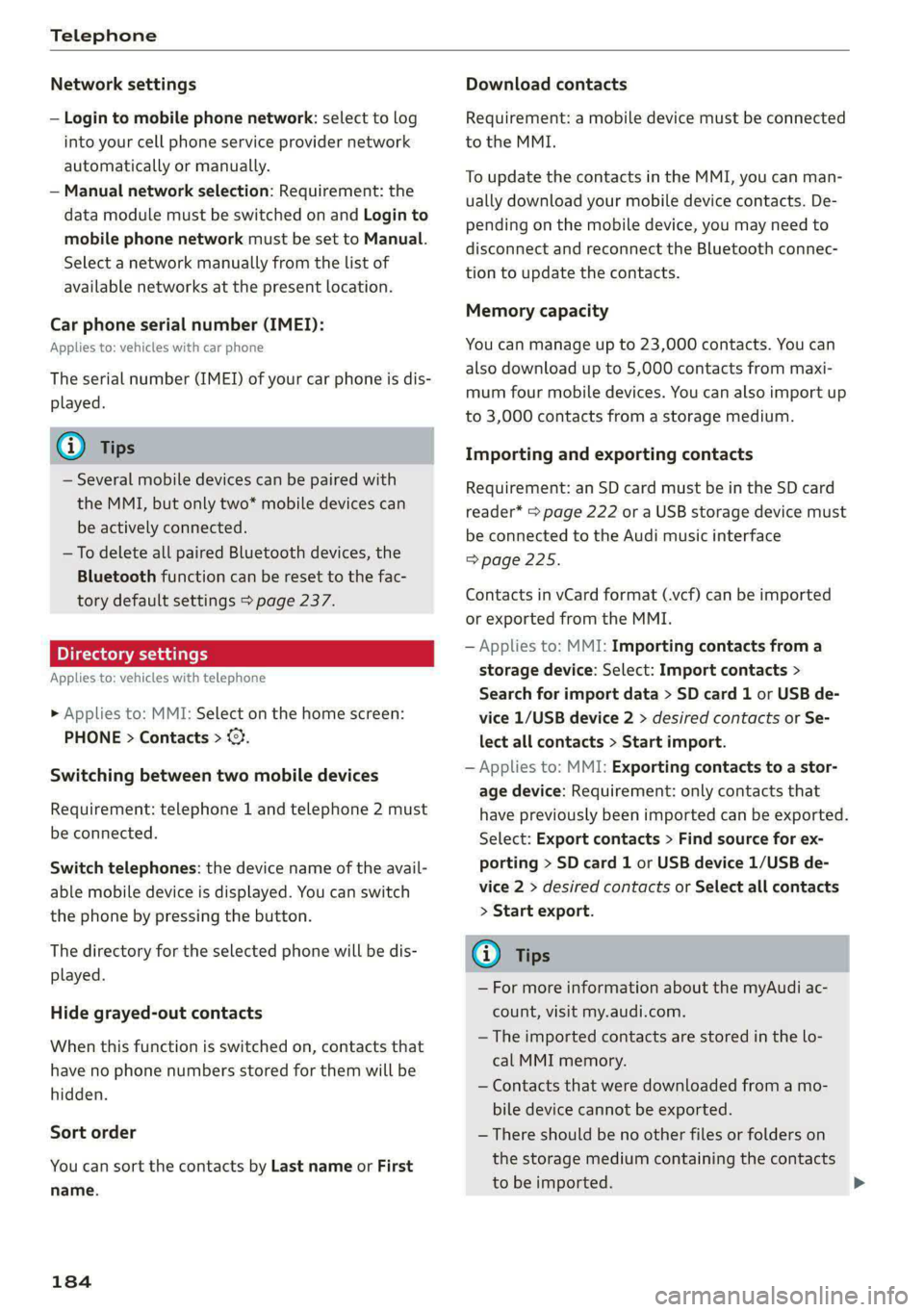
— Login to mobile phone network: select to log
into your cell phone service provider network
automatically or manually.
— Manual network selection: Requirement: the
data module must be switched on and Login to
mobile phone network must be set to Manual.
Select a network manually from the list of
available networks at the present location.
Car phone serial number (IMEI):
Applies to: vehicles with car phone
The serial number (IMEI) of your car phone is dis-
played.
G) Tips
— Several mobile devices can be paired with
the MMI, but only two* mobile devices can
be actively connected.
—To delete all paired Bluetooth devices, the
Bluetooth function can be reset to the fac-
tory default settings > page 237.
Pie ra teal
Applies to: vehicles with telephone
» Applies to: MMI: Select on the home screen:
PHONE > Contacts > ©.
Switching between two mobile devices
Requirement: telephone 1 and telephone 2 must
be connected.
Switch telephones: the device name of the avail-
able mobile device is displayed. You can switch
the phone by pressing the button.
The directory for the selected phone will be dis-
played.
Hide grayed-out contacts
When this function is switched on, contacts that
have no phone numbers stored for them will be
hidden.
Sort order
You can sort the contacts by Last name or First
name.
184
Download contacts
Requirement: a mobile device must be connected
to the MMI.
To update the contacts in the MMI, you can man-
ually download your mobile device contacts. De-
pending on the mobile device, you may need to
disconnect and reconnect the Bluetooth connec-
tion to update the contacts.
Memory capacity
You can manage up to 23,000 contacts. You can
also download up to 5,000 contacts from maxi-
mum four mobile devices. You can also import up
to 3,000 contacts from a storage medium.
Importing and exporting contacts
Requirement: an SD card must be in the SD card
reader* > page 222 or a USB storage device must
be connected to the Audi music interface
=>page 225.
Contacts in vCard format (.vcf) can be imported
or exported from the MMI.
— Applies to: MMI: Importing contacts from a
storage device: Select: Import contacts >
Search for import data > SD card 1 or USB de-
vice 1/USB device 2 > desired contacts or Se-
lect all contacts > Start import.
— Applies to: MMI: Exporting contacts to a stor-
age device: Requirement: only contacts that
have previously been imported can be exported.
Select: Export contacts > Find source for ex-
porting > SD card 1 or USB device 1/USB de-
vice 2 > desired contacts or Select all contacts
> Start export.
Gi) Tips
— For more information about the myAudi ac-
count, visit my.audi.com.
— The imported contacts are stored in the lo-
cal MMI memory.
— Contacts that were downloaded from a mo-
bile device cannot be exported.
— There should be no other files or folders on
the storage medium containing the contacts
to be imported.
Page 193 of 316
4KE012721BE
Audi connect
— Start or stop climate control
— Program the timer
— Deactivate or activate the timer
For additional information, see > page 85.
Alert services
Requirement: a key user must be set in the vehi-
cle > page 190.
You can adjust the following services in the
myAudi app. You will be notified by a push notifi-
cation and/or e-mail if an alarm is triggered for
your vehicle.
— Geofencing Alert: a permitted/prohibited zone
was entered.
— Speed Alert: a set speed was exceeded.
— Valet Alert: a set speed was exceeded or a per-
mitted/prohibited zone was entered.
ZA\ WARNING
— Do not ignore messages and warning or indi-
cator lights that turn on in the vehicle be-
cause of the information in the vehicle sta-
tus report. This could lead to break downs in
on the road, accidents and serious injuries.
— Only perform the climate control functions
if your vehicle was shut off correctly and the
ignition is switched off.
— Only perform charging functions on the
high-voltage battery if the vehicle is shut off
correctly, is connected to a suitable socket
and if the ignition is switched off.
@) Tips
For some services, you can select if you would
like to be notified with a push notification
and/or an e-mail.
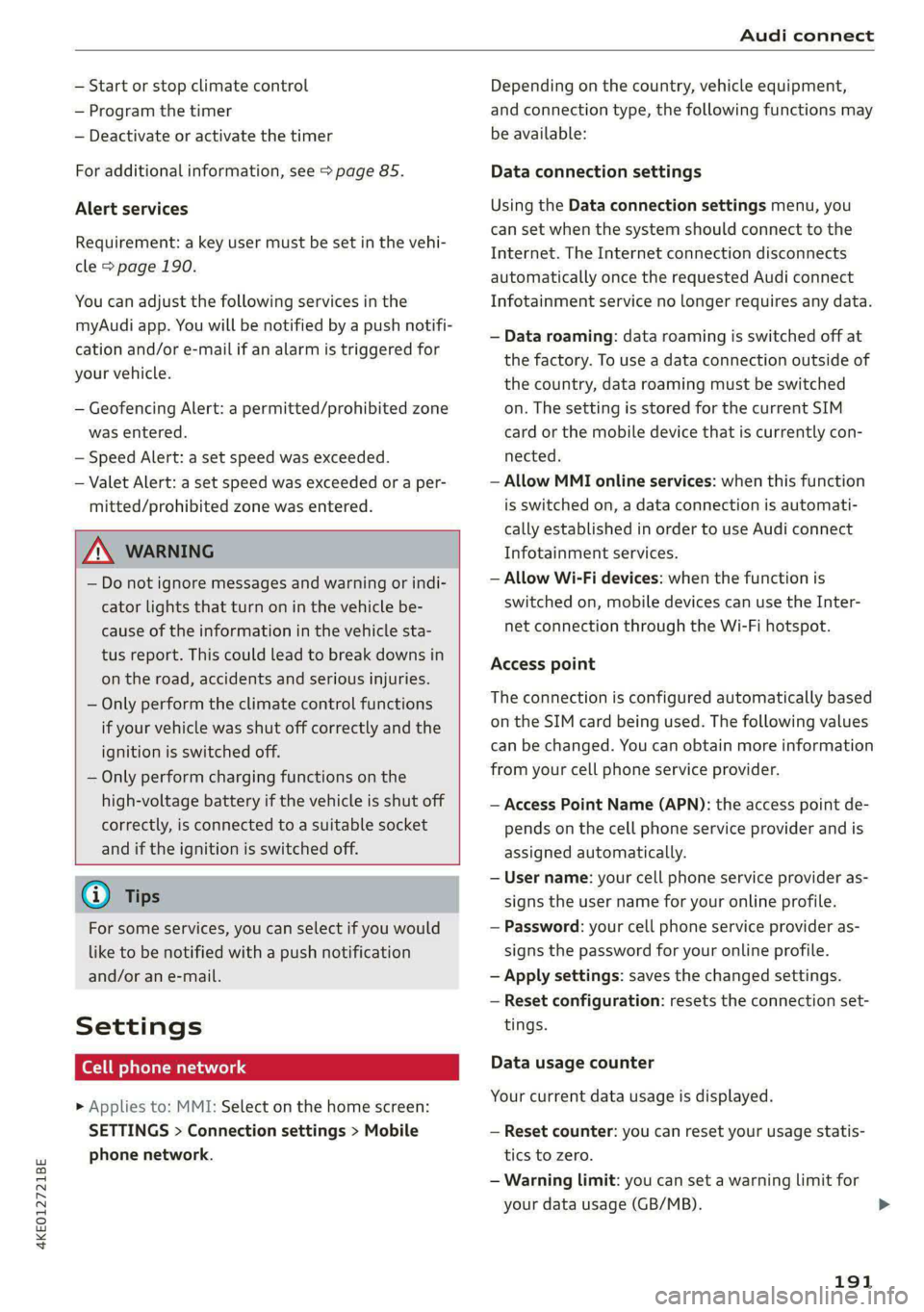
Settings
Ce) atolnl Mariano) 4
> Applies to: MMI: Select on the home screen:
SETTINGS > Connection settings > Mobile
phone network.
Depending on the country, vehicle equipment,
and connection type, the following functions may
be available:
Data connection settings
Using the Data connection settings menu, you
can set when the system should connect to the
Internet. The Internet connection disconnects
automatically once the requested Audi connect
Infotainment service no longer requires any data.
— Data roaming: data roaming is switched off at
the factory. To use a data connection outside of
the country, data roaming must be switched
on. The setting is stored for the current SIM
card or the mobile device that is currently con-
nected.
— Allow MMI online services: when this function
is switched on, a data connection is automati-
cally established in order to use Audi connect
Infotainment services.
— Allow Wi-Fi devices: when the function is
switched on, mobile devices can use the Inter-
net connection through the Wi-Fi hotspot.
Access point
The connection is configured automatically based
on the SIM card being used. The following values
can be changed. You can obtain more information
from your cell phone service provider.
— Access Point Name (APN): the access point de-
pends on the cell phone service provider and is
assigned automatically.
— User name: your cell phone service provider as-
signs the user name for your online profile.
— Password: your cell phone service provider as-
signs the password for your online profile.
— Apply settings: saves the changed settings.
— Reset configuration: resets the connection set-
tings.
Data usage counter
Your current data usage is displayed.
— Reset counter: you can reset your usage statis-
tics to zero.
— Warning limit: you can set a warning limit for
your data usage (GB/MB).
191
>
Page 228 of 316
— Pull the cable out of the Audi music inter-
face carefully so that the USB ports are not
damaged.
— Use a USB extension cable to connect devi-
ces that have an integrated USB connector
(such as a USB stick) to reduce the risk of
damage to your USB device and the Audi
music interface.
— Extremely high or low temperatures that
can occur inside vehicles can damage mobile
devices and/or impair their performance.
Never leave mobile devices in the vehicle in
extremely high or low temperatures.
@ Tips
— Always follow the information found in
=> page 75.
— When you switch the ignition off, the USB
ports are still supplied with power until the
energy management intervenes.
— Do not use an additional adapter or USB ex-
tension cable to connect mobile devices to
the Audi music interface that already have a
cable or that must be connected with a USB
adapter > page 225, fig. 152. Using an ad-
ditional adapter or US extension cable may
impair functionality.
— Functionality is not guaranteed for mobile
devices that do not conform to the USB 2.0
specification.
— USB hubs are not supported.
— Video playback through the Audi music in-
terface is not supported on Apple and MTP
devices (such as smartphones).
— iPod or iPhone malfunctions also affect the
operation of the MMI. Reset your mobile de-
vice in these situations.
— Audi recommends updating the iPod or
iPhone software to the latest version. Refer
to your mobile device owner's manual for
more information.
— The USB adapter on the Audi music inter-
face will support iPod touch or iPhone devi-
ces from the 5th generation or newer with
the lightning connector.
226
—Aselection of supported devices can be
found in the database for tested mobile de-
vices at www.audi.com/mp3.
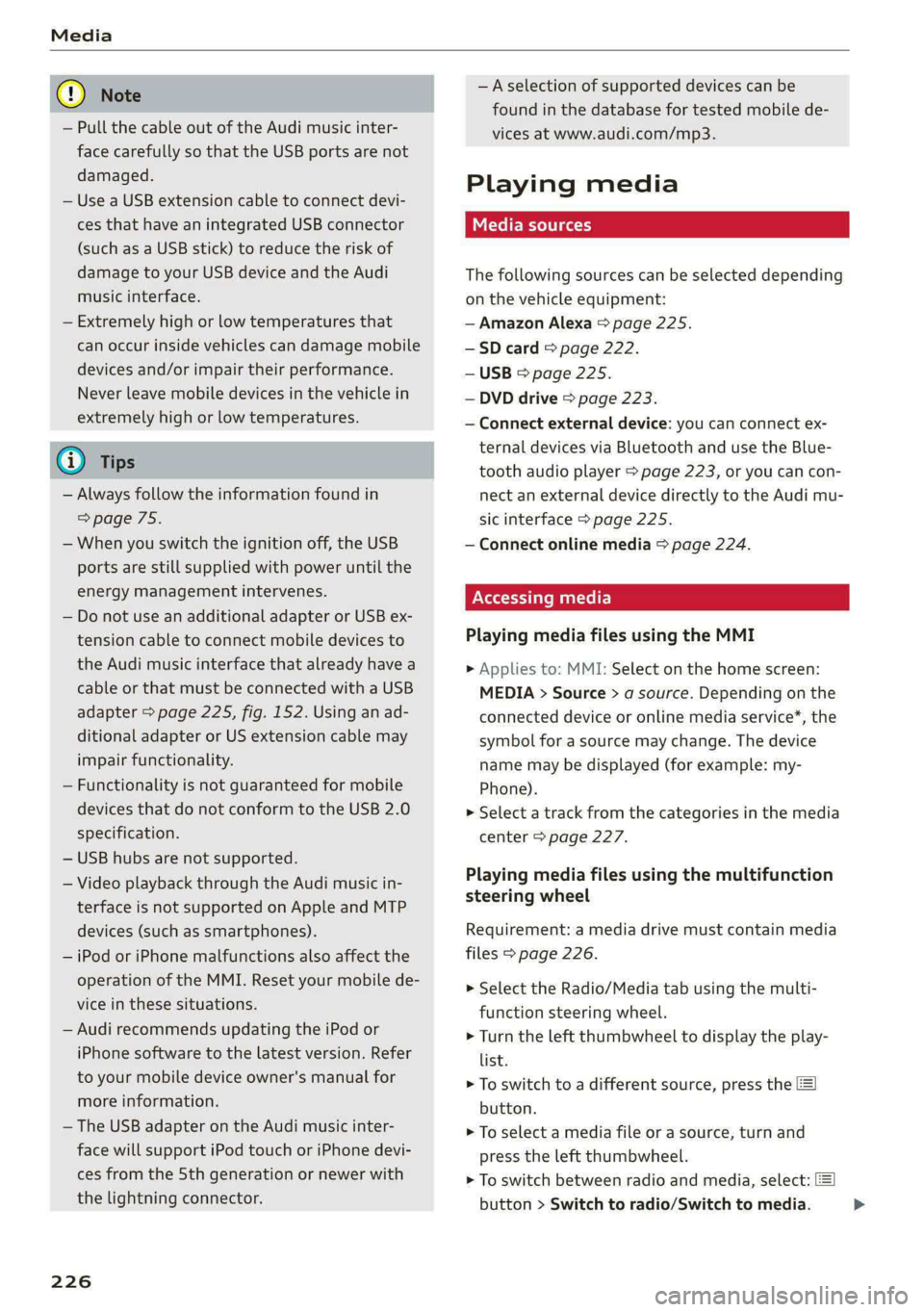
Playing media
The following sources can be selected depending
on the vehicle equipment:
— Amazon Alexa > page 225.
-—SD card > page 222.
— USB > page 225.
— DVD drive > page 223.
— Connect external device: you can connect ex-
ternal devices via Bluetooth and use the Blue-
tooth audio player > page 223, or you can con-
nect
an external device directly to the Audi mu-
sic interface > page 225.
— Connect online media > page 224.
PN matte)
Playing media files using the MMI
> Applies to: MMI: Select on the home screen:
MEDIA > Source > a source. Depending on the
connected device or online media service*, the
symbol for a source may change. The device
name may be displayed (for example: my-
Phone).
> Select a track from the categories in the media
center > page 227.
Playing media files using the multifunction
steering wheel
Requirement: a media drive must contain media
files > page 226.
> Select the Radio/Media tab using the multi-
function steering wheel.
> Turn the left thumbwheel to display the play-
list.
> To switch to a different source, press the
button.
> To select a media file or a source, turn and
press the left thumbwheel.
> To switch between radio and media, select:
button > Switch to radio/Switch to media. >
Page 239 of 316

4KE012721BE
Additional settings
Bluetooth
> Applies to: MMI: Select on the home screen:
SETTINGS > Connection settings > Bluetooth.
Bluetooth
You can select a setting for visibility of the MMI
to other Bluetooth devices. To connect a new
Bluetooth device, the Visible setting must be se-
lected. If Invisible is selected, a Bluetooth con-
nection will only be possible with paired devices.
If Off is selected, no Bluetooth device can be con-
nected.
Bluetooth audio player
When this function is switched on, the profile
will load automatically when your Bluetooth au-
dio player is within range.
Bluetooth name
The MMI’s Bluetooth name is displayed and can
be changed.
Toy aaU eM oer ha)
> Applies to: MMI: Select on the home screen:
SETTINGS > System maintenance > Software
update.
> If necessary, insert a storage medium with the
update data into the corresponding drive
=> page 232.
> Press Search for updates.
> Press on the desired update.
> Press Next.
> Follow the system instructions.
ZA\ WARNING
— Perform the installation only when the vehi-
cle is stationary. Otherwise, this increases
the risk of an accident
— If the installation fails, contact an author-
ized Audi dealer or authorized Audi Service
Facility immediately to have the malfunction
corrected.
©) Note
The connection costs for the software update
are included in the Audi connect pricing.
@) Tips
The length of the process depends on the size
of the update.
Tale arclinee adie}
> Applies to: MMI: Select on the home screen:
SETTINGS > System maintenance > Restore
factory settings.
>» Select the desired functions individually, or
> Select the option Select all.
> Press Apply. The settings will be reset. The key
user will remain stored.
> To also delete the key user, press Remove key
user.
> To completely delete a smartphone that is
paired with the Audi smartphone interface, re-
set Audi smartphone interface and Bluetooth.
G) Tips
— Make sure that not only the settings were
deleted but also the stored data, if necessa-
ry.
— The system may restart when the settings
are reset. This may take a few minutes.
Connected devices
(eee eels (is
Requirement: the vehicle must be stationary and
the ignition must be switched on.
> Applies to: MMI: Select on the home screen:
SETTINGS > Connected devices.
Possible menu items:
— Telephone 1
— Telephone 2
— Audio player
— Wi-Fi hotspot
— Headset
myAudi app
This function is available if the myAudi app is in-
stalled on your mobile device and started, and if
the mobile device is connected with the vehicle’s
Wi-Fi hotspot.
237
>