CD player AUDI Q2 2021 Owner´s Manual
[x] Cancel search | Manufacturer: AUDI, Model Year: 2021, Model line: Q2, Model: AUDI Q2 2021Pages: 364, PDF Size: 87.77 MB
Page 261 of 364

System settings
Connection manager
Introduction
The
connection manager
gives
you an overview
of your connected
devices
and their connection
status.
Settings
Connection manager
*
MyPhone
• Additional
phone:
-• Data
connection:
• MMI connect app:
• Audi smartphone:
Fig.
205 Connection manager
•
Select: IMENUI button > Settings
>
Left control
button > MMI settings > Connection manager.
•
Select and confirm a menu option.
If
a
mobile device has already been connected
and you then select and confirm the correspond
ing menu item, the device's name and connection
mode is displayed under this menu item
^Fig.
205.
You can connect
((vj)
or disconnect
O)
a connec
ted device individually.
Telephone
Applies
to: vehicles with telephone
- Connect new device: You can search for and
connect
a
mobile phone.
- List of devices already bonded: Select your mo
bile phone from the List of all devices which
have already been bonded. Or: Insert your own
mini SIM card in the SIM card reader*
^>page
176.
Second phone
Applies
to: vehicles with Audi phone box
- Connect new device: You can search for and
connect
a
mobile phone.
- List of devices already bonded: Select your mo
bile phone from the List of all devices which
have already been bonded.
Data connection
Applies
to: vehicles with Audi connect (infotainment)
Applies
to: option using the embedded SIM card
- The embedded SIM
card1)
will be used for the
data connection
^>page
191. You do not need
to adjust any other settings.
Applies
to: option using your own SIM card
- Connect new device: You can search for and
connect
a
mobile device (e.g. a smartphone).
- List of devices already bonded: Select your mo
bile phone from the List of all devices which
have already been bonded. Or: Insert your own
mini SIM card in the SIM card reader*.
© CAUTION
Please always observe the information
•=>©
in
Wi-Fi hotspot on page 202.
MMI connect app
Applies
to: vehicles with Audi connect (infotainment)
Important: The Audi MMI connect app must be
installed on your mobile device and have been
started.
- Connect new device: You can search for and
connect
a
mobile device (e.g. a smartphone).
- List of devices already bonded: Select your mo
bile device from the List of all devices which
have already been bonded.
Music
Applies
to: vehicles with Bluetooth audio player or Wi-Fi au
dio
player
Audio player*
Important: The Bluetooth function and the dis
coverability option of both the MMI system
opage
258 and the mobile phone must be
acti
vated.
CO
rN
IV
rN
t-H
o <
x)
SIM card installed in vehicle at factory.
257
Page 262 of 364

System settings
- To connect a new device: Press the rotary push
button.
Select Bluetooth audio player. Search
for and connect a mobile device.
- List of devices already bonded: Select a Blue
tooth device from the list of all devices which
have already been bonded.
Wi-Fi audio player*
Important: The Wi-Fi hotspot* on the MMI sys
tem
<=>page
201 and your mobiLe phone must be
activated.
- To connect a new device: Press the rotary push
button.
Search for and connect
a
Wi-Fi enabled
device.
- To disconnect a Wi-Fi audio player: Deactivate
Wi-Fi on your Wi-Fi enabled device. The device
will be removed from the list automatically.
© CAUTION
Please always observe the information
•=>©
in
Wi-Fi hotspot on page 202.
Directory
Applies to: vehicles with telephone
You
can display the contacts from (other) mobile
phones.
Important: No mobiLe phones are connected to
the MMI via the Bluetooth remote SIM Access
Profile or the Handsfree profile.
- Connect new device: You can search for and
connect
a
new mobile phone. Or: Slide your
own mini SIM card into the slot in the SIM card
reader* until you feel it engage
^>page
176,
Fig. 160.
- List of devices already bonded: Select your mo
bile phone from the list of all mobiLe phones
which have already been bonded.
Audi smartphone
Applies to: vehicles with Audi smartphone interface
-
Connect
your mobile phone to the Audi music
interface
^>page
241 via a USB adapter
•=>page
240, Fig. 196.
- SeLect your mobile phone from the List of mo
bile phones already connected.
Further options
Further options may be available in the connec
tion manager via the right control button de
pending on the function selected.
Delete Bluetooth device*
The selected mobile phone/mobile device will be
disconnected from the MMI system and removed
from the list of devices already connected.
Display Bluetooth profiles*
You can Connect or Disconnect the Handsfree,
Car phone*, Messages*, Directory/contacts and
Bluetooth audio player profiles individually.
Bluetooth settings*
- Bluetooth: Select and confirm a discoverability
setting
for
the Bluetooth connection. Select
visible to make the MMI visible to other
devi
ces.
Select invisible to make the MMI invisible
to other devices. Devices which have already
been bonded can connect via Bluetooth even
when discoverability is deactivated. Select off
to switch discoverability off. It is then not pos
sible to establish a Bluetooth connection.
- Bluetooth audio player: When this function is
switched on
(vf,
the Bluetooth audio player is
available as a source in the Media menu.
- Bluetooth name: The Bluetooth name of the
MMI system (e.g. "AUDI MMI 2017") is dis
played and can be changed.
Online settings*
- Data connection settings: Refer to
^>page
203,
Configuring the data connection.
- Data usage meter: The number of the data
packets sent/received via the MMI system is
displayed.
Select Reset data meter to reset the
usage statistics to zero.
- Connection status: The mobiLe network provid
er for data services and the network status are
displayed.
Wi-Fi settings*
Refer to
^>page
201, Wi-Fi hotspot.
258
Page 350 of 364
Index
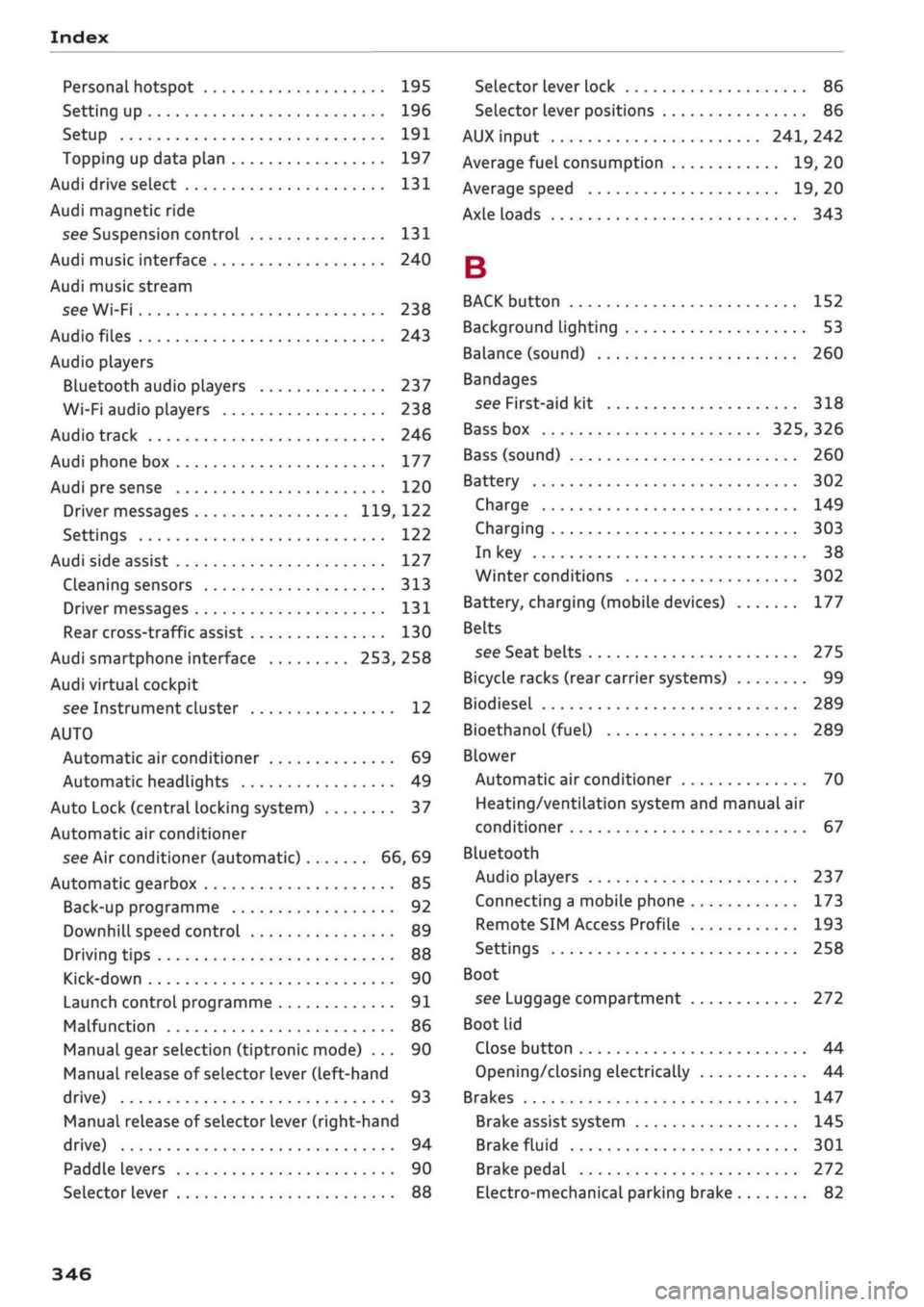
Personal hotspot 195
Setting up 196
Setup 191
Topping up data plan 197
Audi drive select 131
Audi magnetic ride
see Suspension control
131
Audi music interface 240
Audi music stream
see Wi-Fi 238
Audio files 243
Audio players
Bluetooth audio players 237
Wi-Fi audio players 238
Audio track 246
Audi phone box 177
Audi pre sense 120
Driver messages 119, 122
Settings 122
Audi side assist 127
Cleaning sensors 313
Driver messages
131
Rear cross-traffic assist 130
Audi smartphone interface 253, 258
Audi virtual cockpit
see Instrument cluster 12
AUTO
Automatic air conditioner 69
Automatic headlights 49
Auto Lock (central locking system) 37
Automatic air conditioner
see Air conditioner (automatic) 66, 69
Automatic gearbox 85
Back-up programme 92
DownhilL
speed control 89
Driving tips 88
Kick-down 90
Launch control programme 91
Malfunction 86
Manual gear selection (tiptronic mode) ... 90
Manual release of selector Lever (left-hand
drive) 93
Manual release of selector Lever (right-hand
drive) 94
Paddle levers 90
Selector lever 88
Selector lever Lock 86
Selector lever positions 86
AUX input
241,
242
Average fuel consumption 19, 20
Average speed 19, 20
Axle loads 343
B
BACK button 152
Background lighting 53
Balance (sound) 260
Bandages
see First-aid kit 318
Bass box 325, 326
Bass (sound) 260
Battery 302
Charge 149
Charging 303
In key 38
Winter conditions 302
Battery, charging (mobile devices) 177
Belts
see Seat belts 275
Bicycle racks (rear carrier systems) 99
Biodiesel 289
Bioethanol (fuel) 289
Blower
Automatic air conditioner 70
Heating/ventilation system and manual air
conditioner 67
Bluetooth
Audio players 237
Connecting a mobiLe phone 173
Remote SIM Access Profile 193
Settings 258
Boot
see Luggage compartment 272
Boot lid
Close button 44
Opening/dosing
electrically 44
Brakes 147
Brake assist system 145
Brake fluid 301
Brake pedal 272
Electro-mechanical parking brake 82
346
Page 361 of 364
Index
CO
< o rN
iv
rN
i—i
o <
•H
00
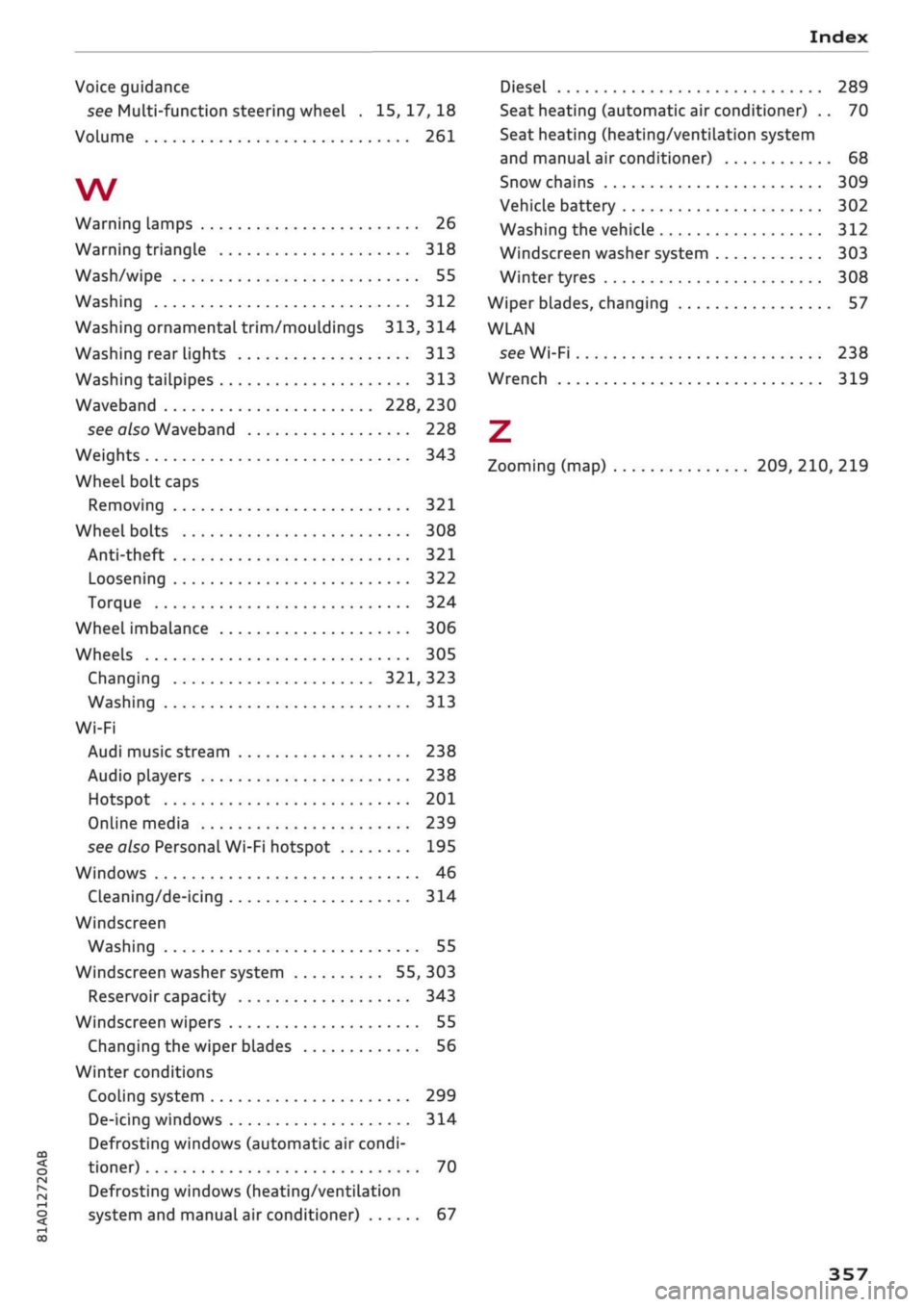
Voice guidance
see Multi-function steering wheel .
15,17,18
Volume 261
W
Warning lamps 26
Warning triangle 318
Wash/wipe 55
Washing 312
Washing ornamental trim/mouldings 313, 314
Washing rear lights 313
Washing tailpipes 313
Waveband 228, 230
see also Waveband 228
Weights 343
Wheel bolt caps
Removing 321
Wheel bolts 308
Anti-theft 321
Loosening 322
Torque 324
Wheel imbalance 306
Wheels 305
Changing 321, 323
Washing 313
Wi-Fi
Audi music stream 238
Audio players 238
Hotspot 201
Online media 239
see also Personal Wi-Fi hotspot 195
Windows 46
Cleaning/de-icing 314
Windscreen
Washing 55
Windscreen washer system 55, 303
Reservoir capacity 343
Windscreen wipers 55
Changing the wiper blades 56
Winter conditions
Cooling system 299
De-icing windows 314
Defrosting windows (automatic air condi
tioner) 70
Defrosting windows (heating/ventilation
system and manual air conditioner) 67
Diesel 289
Seat heating (automatic air conditioner) .. 70
Seat heating (heating/ventilation system
and manual air conditioner) 68
Snow chains 309
VehicLe battery 302
Washing the vehicle 312
Windscreen washer system 303
Winter tyres 308
Wiper blades, changing
57
WLAN
see Wi-Fi 238
Wrench 319
Z
Zooming (map) 209, 210, 219
357