language AUDI Q3 2020 User Guide
[x] Cancel search | Manufacturer: AUDI, Model Year: 2020, Model line: Q3, Model: AUDI Q3 2020Pages: 278, PDF Size: 72.66 MB
Page 193 of 278
83A012721BB
Audi smartphone interface
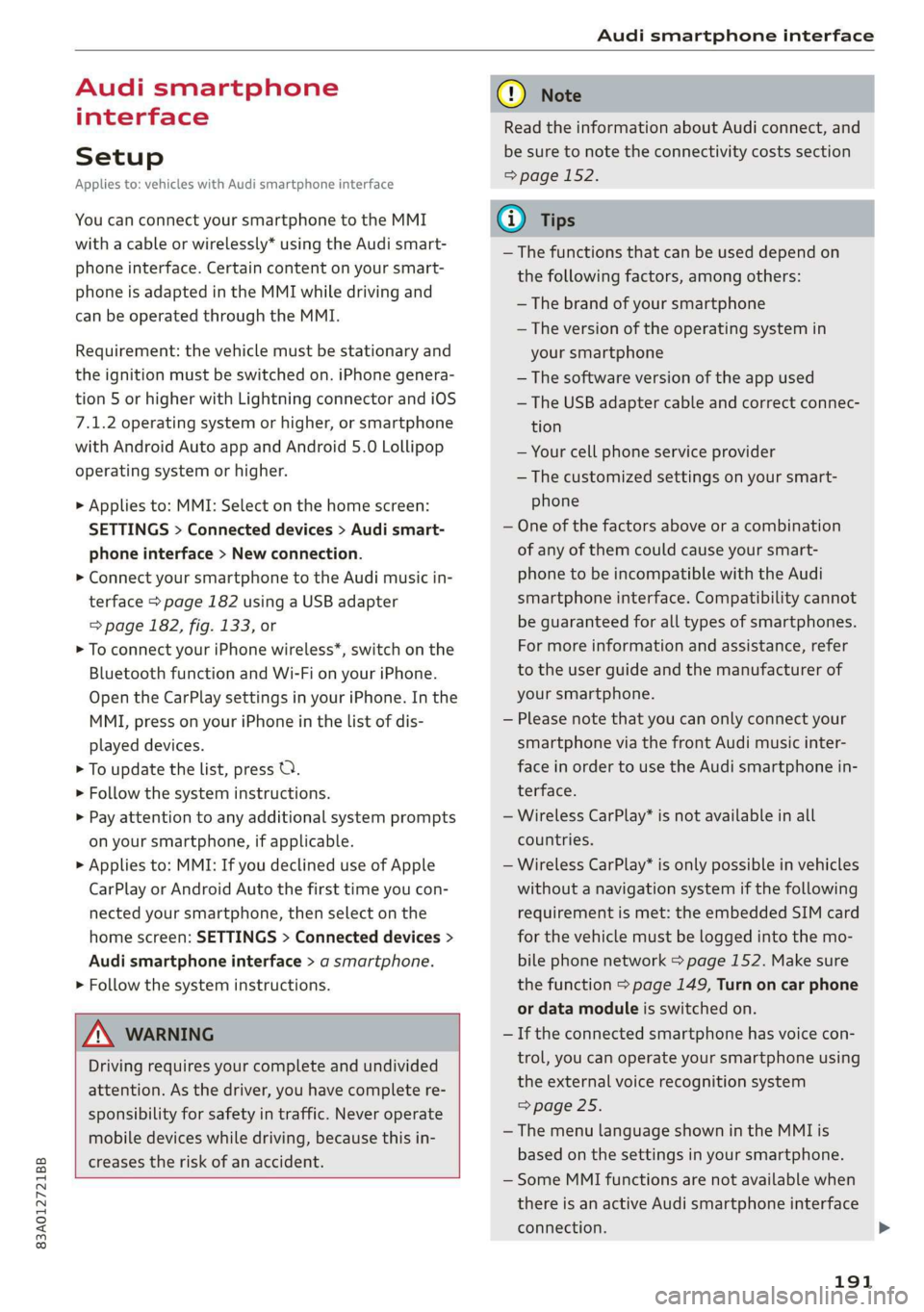
Audi smartphone
interface
Setup
Applies to: vehicles with Audi smartphone interface
You can connect your smartphone to the MMI
with a cable or wirelessly* using the Audi smart-
phone interface. Certain content on your smart-
phone is adapted in the MMI while driving and
can be operated through the MMI.
Requirement: the vehicle must be stationary and
the ignition must be switched on. iPhone genera-
tion 5 or higher with Lightning connector and iOS
7.1.2 operating system or higher, or smartphone
with Android Auto app and Android 5.0 Lollipop
operating system or higher.
> Applies to: MMI: Select on the home screen:
SETTINGS > Connected devices > Audi smart-
phone interface > New connection.
> Connect your smartphone to the Audi music in-
terface > page 182 using a USB adapter
=> page 182, fig. 133, or
> To connect your iPhone wireless*, switch on the
Bluetooth function and Wi-Fi on your iPhone.
Open the CarPlay settings in your iPhone. In the
MMI, press on your iPhone in the list of dis-
played devices.
> To update the list, press OQ.
> Follow the system instructions.
> Pay attention to any additional system prompts
on your smartphone, if applicable.
> Applies to: MMI: If you declined use of Apple
CarPlay or Android Auto the first time you con-
nected your smartphone, then select on the
home screen: SETTINGS > Connected devices >
Audi smartphone interface > a smartphone.
> Follow the system instructions.
Z\ WARNING
Driving requires your complete and undivided
attention. As the driver, you have complete re-
sponsibility for safety in traffic. Never operate
mobile devices while driving, because this in-
creases the risk of an accident.
CG) Note
Read the information about Audi connect, and
be sure to note the connectivity costs section
=> page 152.
G@) Tips
— The functions that can be used depend on
the following factors, among others:
— The brand of your smartphone
— The version of the operating system in
your smartphone
— The software version of the app used
— The USB adapter cable and correct connec-
tion
— Your cell phone service provider
— The customized settings on your smart-
phone
— One of the factors above or a combination
of any of them could cause your smart-
phone to be incompatible with the Audi
smartphone interface. Compatibility cannot
be guaranteed for all types of smartphones.
For more information and assistance, refer
to the user guide and the manufacturer of
your smartphone.
— Please note that you can only connect your
smartphone via the front Audi music inter-
face in order to use the Audi smartphone in-
terface.
— Wireless CarPlay* is not available in all
countries.
— Wireless CarPlay* is only possible in vehicles
without a navigation system if the following
requirement is met: the embedded SIM card
for the vehicle must be logged into the mo-
bile phone network > page 152. Make sure
the function > page 149, Turn on car phone
or data module is switched on.
— If the connected smartphone has voice con-
trol, you can operate your smartphone using
the external voice recognition system
=> page 25.
— The menu language shown in the MMI is
based on the settings in your smartphone.
— Some MMI functions are not available when
there is an active Audi smartphone interface
connection.
191
Page 195 of 278
83A012721BB
Additional settings
Additional settings
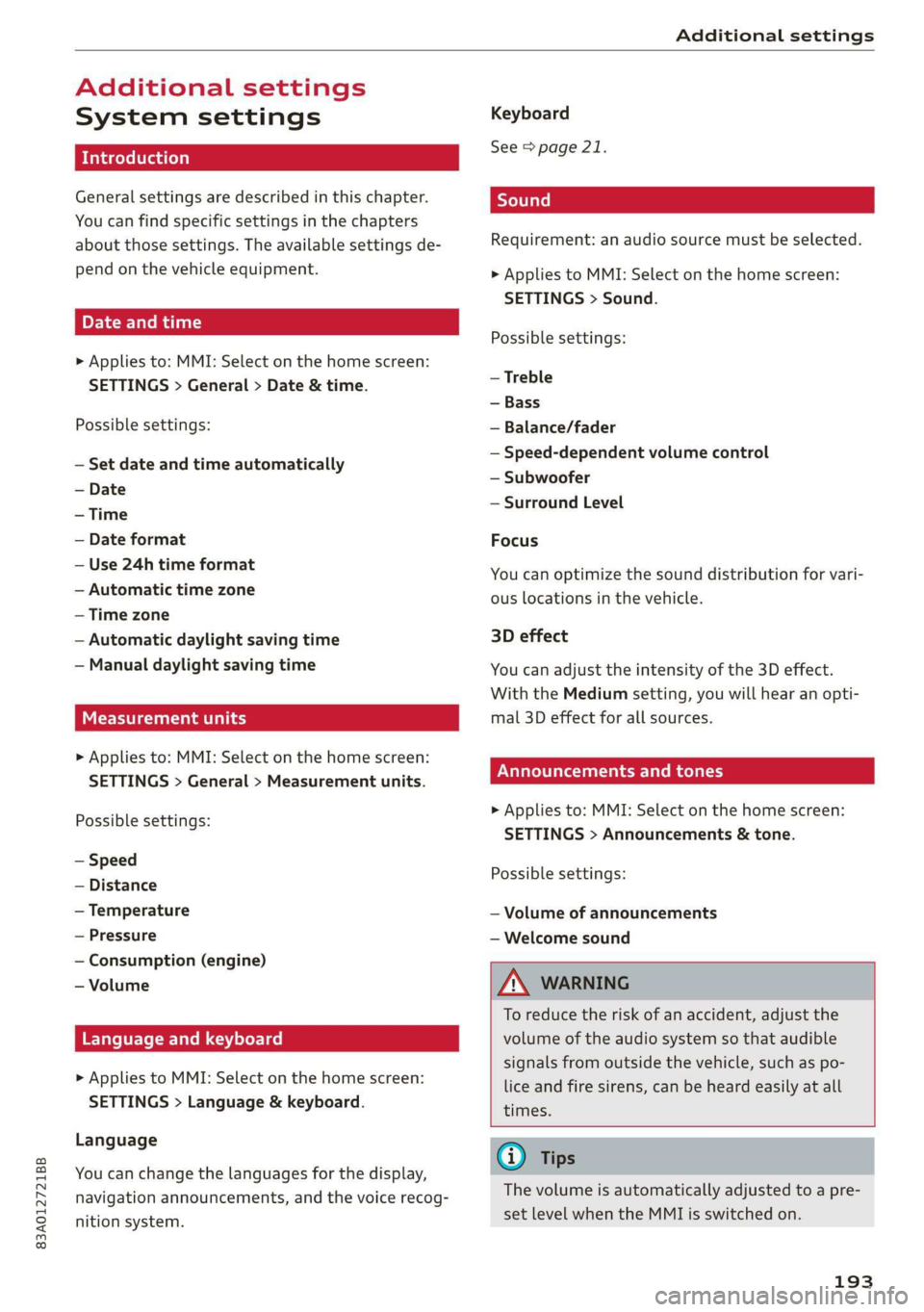
System settings
Introduction
General settings are described in this chapter.
You can find specific settings in the chapters
about
those settings. The available settings de-
pend on the vehicle equipment.
Date and time
> Applies to: MMI: Select on the home screen:
SETTINGS > General > Date & time.
Possible settings:
— Set date and time automatically
— Date format
— Use 24h time format
— Automatic time zone
— Time zone
— Automatic daylight saving time
— Manual daylight saving time
CERT Taal lat ae ay
> Applies to: MMI: Select on the home screen:
SETTINGS > General > Measurement units.
Possible settings:
— Speed
— Distance
— Temperature
— Pressure
— Consumption (engine)
— Volume
Language and keyboard
> Applies to MMI: Select on the home screen:
SETTINGS > Language & keyboard.
Language
You can change the languages for the display,
navigation announcements, and the voice recog-
nition system.
Keyboard
See > page 21.
Requirement: an audio source must be selected.
> Applies to MMI: Select on the home screen:
SETTINGS > Sound.
Possible settings:
— Treble
— Bass
— Balance/fader
— Speed-dependent volume control
— Subwoofer
— Surround Level
Focus
You can optimize the sound distribution for vari-
ous locations in the vehicle.
3D effect
You can adjust the intensity of the 3D effect.
With the Medium setting, you will hear an opti-
mal 3D effect for all sources.
Announcements and tones
> Applies to: MMI: Select on the home screen:
SETTINGS > Announcements & tone.
Possible settings:
— Volume of announcements
— Welcome sound
ZA\ WARNING
To reduce the risk of an accident, adjust the
volume of the audio system so that audible
signals from outside the vehicle, such as po-
lice and fire sirens, can be heard easily at all
times.
G) Tips
The volume is automatically adjusted to a pre-
set level when the MMI is switched on.
193
Page 270 of 278

Index
Internet radio
refer to Online radio..............005- 176
iPhone
refer to Audi music interface........... 182
J
Jump starting ......... 2... eee eee ee eee 244
K
Key... eee eee eee eee 28, 32
Convenience opening and closing......... 39
Key replacement............. cece ee eee 32
PANIC button.....................000. 32
Replacing the battery.................. 34
Unlocking and locking................0. 33
Vehicle code... 66... cece eee eee eee ee 32
Kick-down ... 2... eee ee eee 87
L
Lane assist
refer to Lane departure warning......... 120
Lane departure warning...............-. 120
Cleaning the camera area.............. 235
LATCH (securing child safety seats)......... 69
Leather care and cleaning............... 237
Legal information
License subscriptions................. 195
Software information...............05 195
Software licenses..................0-. 195
Version information..............000 195
License plate bracket...............0005 258
Lifting points (vehicle jack).............. 241
Light/rain sensor
Headlights << ¢ secss veea ss besa es Fees = 44
Intermittent mode (windshield wipers).... 50
Light functions
Triterion LIQhtingsses «+ coun « x sunsens 5 sxsinas 6 ws 47
Lighting
Exterior... 0... . cece eee eee 44
TNt@riGk seam = = see ¢ ¢ came 5 s eee ss eee ex 47
Lights... 2... ee eee eee eee 44
Listening to music
referto Mediate: « «sexs se enes 3s eee 180, 184
LOdd 's ceux : sees = wees ce pees se mE ee 262
268
Locking and unlocking
By remote control. ..... 2... eee eee 33
Using the lock cylinder. .........00..008 30
With the convenience key............... 33
Low beam headlights.................... 44
Lowering the cargo floor................. 77
Luggage compartment...........0....0% 74
GOVE lisse © 2 messes ae semeen ooo mae on ve oo we 75
Double cargo floor............. eee eae 76
Increasing the siz@s.« : sus « : yauu & s wom » 76
also refer to Luggage compartment...... 74
Luggage compartment lid
Closing button.................000000. 36
General information..............00005 34
Mechanically unlocking..........-....-- 37
Opening and closing...............005- 35
Opening and closing with foot motion..... 37
Power opening and closing.............. 36
Lumbar support’: : sess ss een ee ees ses 55, 56
M
Maiiitenance:: « « sans + s sana ss eee s caer ae 256
Maintenance intervals.................. 213
Malfunction Indicator Lamp (MIL)........ 200
Manual shifting..............0.00ee eee 86
Map
Changing thescale................... 162
Display’: = seen = ¢ seus 5 o ooops 5 Fes oe ee 164
Operating ’s « « wie ao caosis 6 7 soexine wv Hee vo 163
Setting the destination................ 162
MAP
refer to Message Access Profile......... 147
Map preview........ 0.0. cee cece eee 161
Map update.......... 0... eee eee 168
ONLNG: « meee 2 y wom 2 Rew g 2 BOR eo Ha 168
SD card/USB connection............... 168
Melia « sumcm 2 0 sane oo ms oo em 2 8 ae 180, 184
Supported formats................04- 188
Media Centel ns + cena + 4 amu « semen = 2 ence 184
Memory card
SD card reader (MMI)...........-00005 180
Supported types and formats........... 188
Menu language
refer to Setting the language........... 193
Message Access Profile................. 147
MESSaGeSine « ¢ seins 2 3 ems so Bae germ 147
Page 273 of 278
83A012721BB
Index
Receptionsranges wecsier + wes as cose a 4 suevem L73
Recirculation: Mode voi. s visi ss eee. 6 ween 80
RecUPElatlOltss « ¢ ewe + + mesg + + cous os cee 15
REfWelinig x cums a x seen & x seems 2B aooee Fe ee 198
Remote control
Garage door opener............-22+000- 40
Remote control key............. ee eee ee 32
Remote control key..............0000005 32
Convenience opening and closing......... 39
Key replacement..............---00 eee 32
LED ssiccns x a ascuaen oo snaneen a a ocanone wrenii ee aeons 34
Replacing the battery................2. 34
SYNCHTONIZACION's « smu: & = seus 4 equ 4 ee 34
Unlocking and locking............-...0. 33
also refer to Vehicle key.............00. 32
Removing the caps (wheel bolts)......... 240
REPailS sovss 2 smemus © anes ow temom @ H aneReN § 2 256
Repeats. « sans « s sane os ames o 2 nee o meee 186
Replacement key.............0 00 eevee 32
Replacement parts............---.2+--- 258
Replacing: BULBS! 2. « sw « ¢ wees se eee ge 251
Replacing fuses ........ 00.0 cc eeee renee 249
Reporting
Safety Defects................ 258
Reverse gear
refer to Gears sees = eee ¢ s seen co wees: 2: 85
Rewinding (media files)................. 184
RIMS 0... eee eee 229
Cleaning « + sess « = sews ¢ e pees ce ewe se 235
Roof
refer to Panoramic glass roof............ 40
ROOF lOdd « saves 4 & owe 3 2 wom oy pews oe 77,262
Roof tackswe = » aewis = & seme : 5 cee ee Bee SE ae 77
also refer to Roof rack......... ce ee sees 77
Route guidance
Stopping...............0... 22 eee 162
also refer to Navigation............... 157
Running direction (tires).............-.. 243
S
Safety belts. ...... 2... eee eee eee eee 59
GLEAMING « « suns x & mere oe eae & 2 aR w 2 oe 236
LOCKING c= sosesie = ot areueoe =o eeaveue aw coenace a 8 aoe 70
Securing child safety seats.............. 70
Satellite map........ 0... cece eee ee eee 167
Saving fuel
Energy consumers ...... 0.0020 se eee eee 15
REGUPERStION » : anew s x eaves 3 & eae 2 eee 8 15
Screen
refer to Touch display................-. 16
SChewWarivel's « = wees ¢ 2 pwn = ¢ seu + eto 2 240
SD.catd reader (MMI) sus x = gawy x x seme 4 e 180
Searcharea (POD) sca ¢ « gaceu 3 2 seme 3 § aaa 160
Search function
refer to Free text search............... 187
Seat heating -wes z + sen es pean 2 ees ees 80
Seats
ACIUStINGicus x 5 xa @ 3 eum 4 & aos sy ow 55
Adjusting the front seats................ 56
Adjusting the rear seats.............00- 56
ClOANING's = + swap yo ewe yo ees oo ewe oe 237
Folding. ........... cee eee 76
Head restraints ..............00e eee eee 58
Selecting a source (media)............-. 184
Selector lever. ... 0.0... cece eee eee eee 85
Self-learning navigation
refer to Personal route assistance....... 165
Sensors
GOVEFAGE St6aS sxe x s wees 5 2 ween 5s eRES 106
LOCATIONS iis o secnces oo weasane ow inane © @ onavEKe 106
Service interval display................. 213
Setting measurement units.............. 193
Settings = = sews ¢ = wees 5s eed ts em ey oe 193
Announcements and tones............. 195
Bluetooth........................00. 194
Date anid tim@tan » s waiss < ¢ aeeon ¢ § saree x Ss 193
LANGUAGE cssrc 5 o soem: oo cormee & 3 cms WH Heats 193
Measurement units...............005. 193
Media........... 00.00 188
NaVvigatiOnios ¢ « wean 2 » mewn oo meen 2 reeey 170
RAGIO bcs sx sxewsas 2 4 secs a anemone wo a samme © 5 3 178
Sound... . eee eee 193
SYStEMs
« aes + eanem 4 s ews oe eeu 2 2 193
TiIMO2ZOMC isi ao cnereos « w sranie © avai eo Heese 193
Wi-Fi hotspot .......... 0.00 eee eee ee 155
Setting the language.............e eevee 193
Setting thetime.............0...00 eee 193
SHIPE paddlestencu « a meus x svexems w © wnaznos ve ¥ struese 86
Shortcut
refer to Shortcuts...........0.... eee 21
SHOPECUESH. 1 « seesnan so sueseos « & anenne cn w woesene © «au 21
Shuffle... 2... eee cee eee ee 186