phone AUDI Q3 2020 Service Manual
[x] Cancel search | Manufacturer: AUDI, Model Year: 2020, Model line: Q3, Model: AUDI Q3 2020Pages: 278, PDF Size: 72.66 MB
Page 196 of 278
Additional settings
Bluetooth
Applies to: vehicles with Bluetooth
> Applies to: MMI: Select on the home screen:
SETTINGS > Connection settings > Bluetooth.
Bluetooth
You can select a setting for visibility of the MMI
to other Bluetooth devices. To connect a new
Bluetooth device, the Visible setting must be se-
lected. If Invisible is selected, a Bluetooth con-
nection will only be possible with paired devices.
If Off is selected, no Bluetooth device can be con-
nected.
Bluetooth audio player
When this function is switched on, the profile
will load automatically when your Bluetooth au-
dio player is within range.
Bluetooth name
The MMI’s Bluetooth name is displayed and can
be changed.
Toya MU olor ha)
> Applies to: MMI: Select on the home screen:
SETTINGS > System maintenance > Software
update.
> If necessary, insert a storage medium with the
update data into the corresponding drive
=> page 188.
> Press Search for updates.
> Select the corresponding update.
> Press Next.
> Follow the system instructions.
A WARNING
— Perform the installation only when the vehi-
cle is stationary. Otherwise, this increases
the risk of an accident
— If the installation fails, contact an author-
ized Audi dealer or authorized Audi Service
Facility immediately to have the malfunction
corrected.
194
@) Note
The connection costs for the software update
are included in the Audi connect pricing.
G) Tips
The length of the process depends on the size
of the update.
Factory default settings
Restore factory settings
> Applies to: MMI: Select on the home screen:
SETTINGS > System maintenance > Restore
factory settings.
> Select the desired functions individually, or
> Select the option Select all.
> Press Apply. The settings will be reset.
> To completely delete a smartphone that is
paired with the Audi smartphone interface, re-
set Audi smartphone interface and Bluetooth.
G) Tips
— Make sure that not only the settings were
deleted but also the stored data, if necessa-
ry.
— The system may restart when the settings
are reset. This may take a few minutes.
Connected devices
(atau ele (1s
Requirement: the vehicle must be stationary and
the ignition must be switched on.
> Applies to: MMI: Select on the home screen:
SETTINGS > Connected devices.
Possible menu items:
— Telephone 1
— Telephone 2
— Audio player
— WLAN hotspot
— Headset
myAudi app
This function is available if the myAudi app is in-
stalled on your mobile device and started, andif >
Page 197 of 278
83A012721BB
Additional settings
the mobile device is connected with the vehicle’s
Wi-Fi hotspot.
Audi smartphone interface
You can connect your smartphone to the MMI
=>page 191.
@) Note
Read the information about Audi connect, and
be sure to note the connectivity costs section
=>page 152.
Connection options
Requirement: the connected devices menu must
be displayed > page 194.
Connecting a device
Requirement: Bluetooth visibility must be acti-
vated in the MMI & page 194 and mobile device.
> Select a menu item, for example Telephone 1.
> To search for and connect your mobile device,
press the New connection button > page 139.
Selecting a connected device
> Select a menu item, for example Telephone 1.
> Select your mobile device from the list of con-
nected devices. The connection will be made.
Disconnecting a connected device
> Select a menu item, for example Telephone 1.
> Press on the connected mobile device. The se-
lected mobile device will be disconnected from
the MMI.
Additional options
Depending on the selected function, additional
options
may be available.
> Applies to: MMI: Press and hold a Bluetooth de-
vice until the Options menu is displayed.
> Select one of the items in the menu.
Bluetooth profiles
You can switch desired profiles on or off sepa-
rately in the MMI.
Favorite
To set a paired mobile device as the default
phone, activate this function in the MMI.
When the mobile device is in range and the Blue-
tooth function on the mobile device and in the
MMI is switched on, the default phone will be
given priority over the other Bluetooth devices
and will be connected directly to the MMI.
Legal information
General information
Information on the software licenses can be
found online at www.audi.com/softwareinfo.
Accessing information in the MMI
— Applies to: MMI: Select on the home screen:
SETTINGS > General.
License subscription
Version information
Legal information
Possible options:
— Software information
— About Audi connect
Audi smartphone interface
Applies to: vehicles with Audi smartphone interface
Requirement: a smartphone must be connected
to the MMI S page 191.
> Applies to: MMI: Select on the home screen:
SETTINGS > Connected devices > Audi smart-
phone interface.
> Press and hold an item until the associated op-
tions are displayed.
> Press Legal notes.
Requirement: the vehicle must be stationary.
> Select in the instrument cluster: vehicle func-
tions tab 9 page 12.
195
Page 257 of 278
83A012721BB
Data privacy
@) Note
You are responsible for all precautions taken
for data protection, anti-virus protection, and
protection against loss of data on mobile de-
vices that are used to access the Internet
through the Wi-Fi hotspot.
@ Tips
— The following interfaces are not affected by
changes to the privacy settings: Bluetooth,
Bluetooth Low Energy (BLE), Wi-Fi, Audi
smartphone interface (ASI), Near Field
Communication (NFC), charging communi-
cation (high-voltage system), Electronic Toll
Collect (ETC), On-Board Diagnostic System
(OBD) if equipped.
— If the maximum privacy settings are switch-
ed on, your vehicle may not receive security
updates and certificates for establishing an
encrypted connection, depending on vehicle
equipment. In order to receive security up-
dates and certificates, switch the maximum
privacy settings off for at least ten minutes
every six months. Make sure that your vehi-
cle is connected to the Internet. A symbol in
the MMI status bar indicates if the required
data connection is available > page 20.
— If the transmission of data is limited, it will
have the following effects on the exchange
of data for Audi connect services, if equip-
ped:
— Stored destinations (favorites, last desti-
nations) are only stored in the vehicle. If
you allow transmission of data again,
these destinations will be synchronized via
the myAudi account. To prevent synchroni-
zation of destinations, delete the destina-
tions before you allow data to be trans-
mitted again.
Applies to: vehicles with Audi connect Infotainment
AUDI AG collects, uses, stores and shares your
personal information, such as contact data, vehi-
cle data, usage data, driving data and precise ge-
olocation, in order to provide you with the prod-
ucts and services you have purchased or request-
ed, and for a number of other purposes, for ex-
ample, to track quality issues, to performance
and safety, to meet our internal compliance or le-
gal requirements and to market to customers
and potential customers. For a more complete
list of the data we collect, how we use it and with
whom we share it, please visit your Audi nation-
al/sales region website at www.audi.com.
The collection, use and sharing may vary depend-
ing on your model and model year, your subscrip-
tion status, or the service offering. For example,
collection, use and sharing may vary between
Audi connect services, if you have designated a
key user, or if you are driving a model equipped
with persistent data logging. Please review the
complete Privacy Statement to understand our
data handling practices with respect to a particu-
lar service.
You can find additional information about our da-
ta privacy practices in your MMI.
> Applies to: MMI: On the home screen, select:
SETTINGS > General > Legal notes > About
Audi connect.
Information about our privacy practices in con-
junction with the mobile Audi connect applica-
tion can be found in the Application’s Privacy
Statement.
For additional information about the privacy
practices relating to Audi connect, myAudi, or
other websites, applications or online services as
well as your obligations with respect to using
these services, and for additional information re-
garding Audi connect terms and conditions,
please visit your Audi national/sales region web-
site at www.audi.com.
255
Page 260 of 278

Accessories and technical changes
Service Facility, who will perform the work ac-
cording to Audi factory specifications. Only
Audi Genuine Parts are used when Audi ex-
perts perform repair or service procedures.
Failure to use Audi Genuine Parts or Audi Gen-
uine Accessories or performing repairs incor-
rectly may result in severe vehicle damage,
such as corrosion.
Accessories and parts
Consult with an authorized Audi dealer or author-
ized Audi Service Facility before purchasing ac-
cessories or replacement parts. We recommend
that you have your vehicle serviced by an author-
ized Audi dealer or authorized Audi Service Facili-
ty and that Audi Genuine Parts and Audi Genuine
Accessories are used.
Audi does not endorse the use of products and
accessories that it has not evaluated, even if the
product is approved by a certified testing agency
or government agency.
ZA WARNING
— Installing unapproved accessories or incor-
rect replacement parts can cause vehicle
damage and can increase the risk of an acci-
dent.
— Never attach accessories, such as telephone
holders or cup holders, to the airbag covers
or within the airbag deployment zone, be-
cause this increases the risk of injury if the
airbag deploys.
— Do not use a license plate bracket different
from the one installed by the factory in the
front of the vehicle, because it may impair
the function of some systems.
@) Note
A correctly-installed exterior antenna is re-
quired for operating radio equipment in the
vehicle. Otherwise, the increased electromag-
netic waves can cause malfunctions in the ve-
hicle. Observe the regulations in the country
where the vehicle is being operated and the
instructions from the radio equipment manu-
facturer.
258
Reporting Safety Defects
Applicable to U.S.A.
If you believe that your vehicle
has a defect which could cause a
crash or could cause injury or
death, you should immediately in-
form the National Highway Traffic
Safety Administration (NHTSA) in
addition to notifying
Audi of America, Inc.
2200 Ferdinand Porsche Drive
Herndon, VA 20171
If NHTSA receives similar com-
plaints, it may open an investiga-
tion, and if it finds that a safety
defect exists in a group of
vehicles, it may order a recall and
remedy campaign. However,
NHTSA cannot become involved in
individual problems between you,
your dealer, or Audi of America,
Inc.
To contact NHTSA, you may call
the Vehicle Safety Hotline toll-
free at 1-888-327-4236 (TTY: 1-
800-424-9153); go to http://
www.safercar.gov;
Page 261 of 278
83A012721BB
Accessories and technical changes
or write to:
Administrator NHTSA
1200 New Jersey Ave.,
S.E. West Building
Washington, DC
20590.
You can also obtain other infor-
mation about motor vehicle safe-
ty from http://www.safercar.gov.
Applicable to Canada
If you live in Canada and you be-
lieve that your vehicle has a de-
fect that could cause a crash, in-
jury or death, you should immedi-
ately inform Transport Canada,
Defect Investigations and Recalls.
You should also notify Audi Cana-
da.
Canadian customers who wish to
report a safety-related defect to
Transport Canada, Defect Investi-
gations and Recalls, may either
call Transport Canada toll-free at:
Tel.: 1-800-333-0510 or
Tel.: 1-819-994-3328 (Ottawa re-
gion and from other countries)
TTY for hearing impaired:
1-888-675-6863
or contact Transport Canada by
mail at:
Transport Canada
Motor Vehicle Safety Investiga-
tions Laboratory
80 Noel Street
Gatineau, QC
J8Z OA1
For additional road safety infor-
mation, please visit the Road
Safety website at:
English:
http://www.tc.gc.ca/eng/
motorvehiclesafety/menu.htm
French:
http://www.tc.gc.ca/fra/
securiteautomobile/menu.htm
Declaration of
compliance for telecom-
munications equipment
and electronic systems
The manufacturer is not liable for radio malfunc-
tions that are caused by unauthorized changes to
the equipment.
Equipment
The following equipment complies with FCC sec-
tion 15 and RSS-Gen:
— Adaptive cruise assist*
— Remote control key
— Cell phone package*
— Garage door opener (HomeLink)*
— Side assist*
— Rear cross-traffic assist*
— WLAN hotspot*
FCC Part 15.19
This device complies with part 15 of the FCC
Rules. Operation is subject to the following two
conditions: (1) This device may not cause harmful >
259
Page 265 of 278
83A012721BB
Index
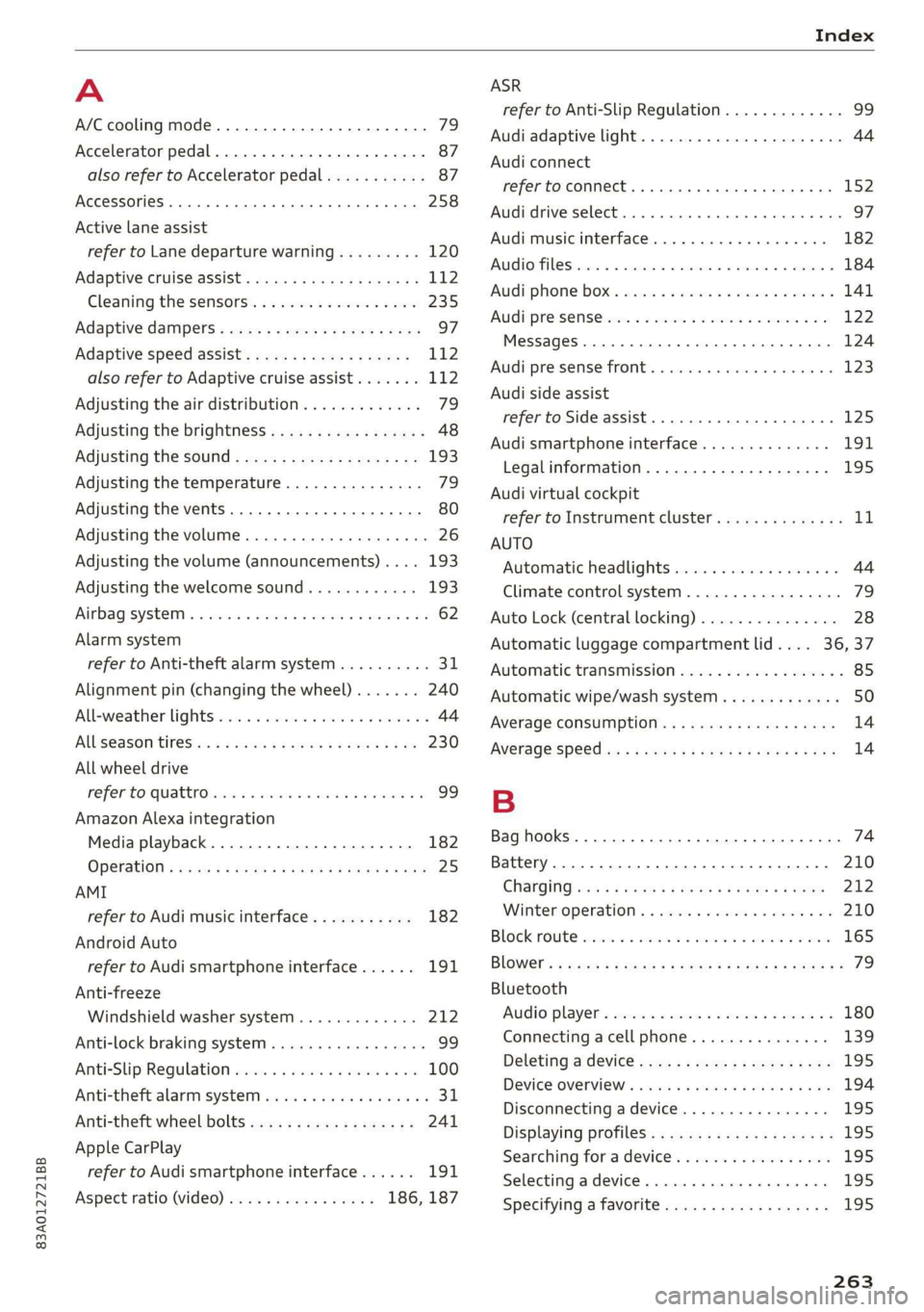
A
A/C cooling mode............. ee eee eee ee 79
Accelerator pedal.............--00000005 87
also refer to Accelerator pedal........... 87
AccessorieS .. 0.00... cece eee eee ee 258
Active lane assist
refer to Lane departure warning......... 120
Adaptive cruise assist................00. 112
Cleaning the sensors...............--- 235
Adaptive dampers...........--000e-0 eee 97
Adaptive speed assist.................. 112
also refer to Adaptive cruise assist....... 112
Adjusting the air distribution. ............ 79
Adjusting the brightness................. 48
Adjusting the sound..............-...-- 193
Adjusting the temperature............... 79
Adjusting the vents............. eee eee 80
Adjusting the volume..............000005 26
Adjusting the volume (announcements) .... 193
Adjusting the welcome sound............ 193
Airbagisystem « s sesuew « wainwn @ + ween eo scams sw 0 62
Alarm system
refer to Anti-theft alarm system.......... 31
Alignment pin (changing the wheel)....... 240
Alleweather lights:esi: « s mss « © seve ov ewes 6 y 44
AL S@aSON IFES a5 6s caenu vs saws oe Hews oo He 230
All wheel drive
He fer Co quattro cies cv cess wv cero « 0 nsw oo 99
Amazon Alexa integration
Media playback.................00000. 182
OPCTATION ¢ cows « y wasps 5 ¥ eves s 7 ew ea ee 25
AMI
refer to Audi music interface........... 182
Android Auto
refer to Audi smartphone interface...... 191
Anti-freeze
Windshield washer system............. 212
Anti-lock braking system.............0005 99
AntisSlip: Regulation sso ss sissies 0 seme 6 8 os 100
Anti-theft alarm system..............005. 31
Anti-theft wheel bolts.................. 241
Apple CarPlay
refer to Audi smartphone interface...... 191
Aspect ratio (video)................ 186, 187
refer to Anti-Slip Regulation
Audi adaptive light
Audi connect
refer to connect
Audi drive select
Audi music interface
Audio files
Audi phone box
Audi pre sense
Messages
Audi pre sense front
Audi side assist
refer to Side assist
Audi smartphone interface
Legal information
Audi virtual cockpit
refer to Instrument cluster
AUTO
Automatic headlights
Climate control system
Auto Lock (central locking)
Automatic luggage compartment lid....
Automatic transmission
Automatic wipe/wash system
Average consumption
Average speed
Bag hooks
Battery
Charging
Winter operation
Block route
Bluetooth
Audio player
Connecting a cell phone
Deleting a device
Device overview
Disconnecting a device
Displaying profiles
Searching for a device
Selecting a device
Specifying a favorite
263
Page 266 of 278
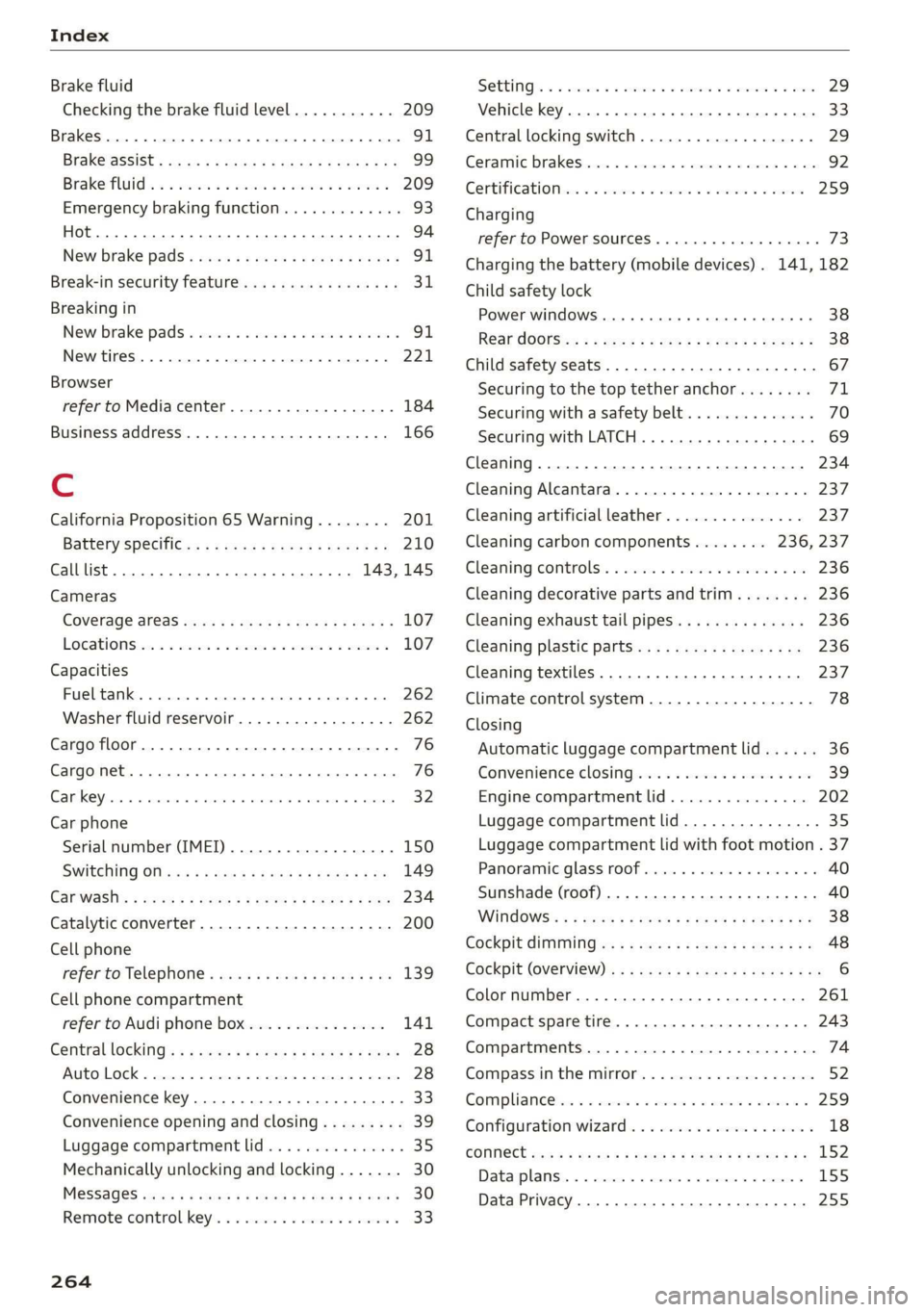
Index
Brake fluid
Checking the brake fluid level........... 209
Brakes... 2... eee eee 91
BrakevassiSt': scase < « seme 2s ae a eee eB: 99
Brakerflidl: «2 cso 2 assim 2 a conse oo emai 9 209
Emergency braking function............. 93
Le (0) 94
New brake pads « sisi: ss esos se cees s ween e 91
Break-in security feature.............0004 31
Breaking in
New brake pads « snessis se were sv awa wenn « 91
Newtires. 2... 0.0... cee cece ee eee 221
Browser
refer to Media center...............005 184
Business address...........00--0000eee 166
Cc
California Proposition 65 Warning........ 201
Battery SpecifiCes ¢ 2 cee s vowed pasa as 210
Calllist.. 0... eee eee ee 143,145
Cameras
Coverage areaS...... eee cee eee eee 107
LOCATIONS ics. 6 6 sciewe os wwnee oo eee wo wee 107
Capacities
Fueltank... 00.0.0... cee eee eee ee eee 262
Washer fluid reservoir...............-- 262
Cargo floor......... eee eee eee eee 76
Cargonet.... 2... cece eee ee 76
Car key... eee eee eee eee 32
Car phone
Serial number (IMEI) .................. 150
SWITCHING Olljews « « asus = ayew 2 = gees se ae 149
Car WaShis < cca = = sees 5 ¢ hes oe ees yo cee 234
Catalytic converter..................00. 200
Cell phone
refer to Telephone...........eee eee eae 139
Cell phone compartment
refer to Audi phone box............... 141
Central locking): ss sep 5 sees so eaes ve ees 28
Auto Lock... .. 0... cee eee eee 28
Convenience key............ 0 eee eee ees 33
Convenience opening and closing......... 39
Luggage compartment lid............... 35
Mechanically unlocking and locking....... 30
MESSAGES saris + ¢ Haven o & eee © e ewe oe ews 30
Remote control key... vss ve ewe ee eee o 33
264
SCC: 2 x cusewes o 2 somuses wow sarees 4 o seamen oo awe
Vehicle key
Central locking switch...............0--. 29
Ceramic brakes.........0 00.000 e eee eee 92
Certificationvins «6 cscs x + emcee ve eoenene ve esecene 259
Charging
refer to Power sourceS.........-- 00s eee 73
Charging the battery (mobile devices). 141, 182
Child safety lock
Power WINdOWS........ 0. eee cece e ee eens 38
ReardOOrSicn s = wey sv aes s Hom oo Kee ee 38
Child
safety seats................-00000- 67
Securing to the top tether anchor........ 71
Securing with a safety belt.............. 70
Securing with LATCH................00. 69
Cleaning... 2.2... . cee eee eee eee 234
Cleaning Alcantara.............-.00000. 237
Cleaning artificial leather............... 237
Cleaning carbon components........ 236, 237
Cleaning controls:. « sw se ewes «sens oo ov 236
Cleaning decorative parts andtrim........ 236
Cleaning exhaust tail pipes.............. 236
Cleaning plastic parts.................. 236
Cleaning textiles...................00, 237
Climate control system...........2.0000. 78
Closing
Automatic luggage compartment lid...... 36
Convenience closing.............+-.04. 39
Engine compartment lid............... 202
Luggage compartment lid............... 35
Luggage compartment lid with foot motion . 37
Panoramic glass roof.............000005 40
Sunshade (roof) ......... 0.000 e eee eee 40
WINdOWSS x 2 ones 5 2 awe & 2 yasew ¢ e came * 38
Cockpit GIMMMING e: « 2 ses ¢ ¢ owes ¢ o ews a ys 48
COCKPIT OVEFVIEW)'s « x eas 5 2 neue ot ees ge 6
Color number............ 2.02. cece eee 261
Compact spare tire...............000004 243
Compartments..............0 0.0.00 0005 74
Compass inthe mirror...............00-. 52
Compliance tse: « « ssccav: so aes
Configuration wizard.................00. 18
CONMECE cams + nary & + ewe a x mew at eR eee 152
Data:plans). « » svat « 0 wenn » 4 sae 6 2 sommes 155
Data Privacy.... 0.2... cece eee eee eee 255
Page 270 of 278

Index
Internet radio
refer to Online radio..............005- 176
iPhone
refer to Audi music interface........... 182
J
Jump starting ......... 2... eee eee ee eee 244
K
Key... eee eee eee eee 28, 32
Convenience opening and closing......... 39
Key replacement............. cece ee eee 32
PANIC button.....................000. 32
Replacing the battery.................. 34
Unlocking and locking................0. 33
Vehicle code... 66... cece eee eee eee ee 32
Kick-down ... 2... eee ee eee 87
L
Lane assist
refer to Lane departure warning......... 120
Lane departure warning...............-. 120
Cleaning the camera area.............. 235
LATCH (securing child safety seats)......... 69
Leather care and cleaning............... 237
Legal information
License subscriptions................. 195
Software information...............05 195
Software licenses..................0-. 195
Version information..............000 195
License plate bracket...............0005 258
Lifting points (vehicle jack).............. 241
Light/rain sensor
Headlights << ¢ secss veea ss besa es Fees = 44
Intermittent mode (windshield wipers).... 50
Light functions
Triterion LIQhtingsses «+ coun « x sunsens 5 sxsinas 6 ws 47
Lighting
Exterior... 0... . cece eee eee 44
TNt@riGk seam = = see ¢ ¢ came 5 s eee ss eee ex 47
Lights... 2... ee eee eee eee 44
Listening to music
referto Mediate: « «sexs se enes 3s eee 180, 184
LOdd 's ceux : sees = wees ce pees se mE ee 262
268
Locking and unlocking
By remote control. ..... 2... eee eee 33
Using the lock cylinder. .........00..008 30
With the convenience key............... 33
Low beam headlights.................... 44
Lowering the cargo floor................. 77
Luggage compartment...........0....0% 74
GOVE lisse © 2 messes ae semeen ooo mae on ve oo we 75
Double cargo floor............. eee eae 76
Increasing the siz@s.« : sus « : yauu & s wom » 76
also refer to Luggage compartment...... 74
Luggage compartment lid
Closing button.................000000. 36
General information..............00005 34
Mechanically unlocking..........-....-- 37
Opening and closing...............005- 35
Opening and closing with foot motion..... 37
Power opening and closing.............. 36
Lumbar support’: : sess ss een ee ees ses 55, 56
M
Maiiitenance:: « « sans + s sana ss eee s caer ae 256
Maintenance intervals.................. 213
Malfunction Indicator Lamp (MIL)........ 200
Manual shifting..............0.00ee eee 86
Map
Changing thescale................... 162
Display’: = seen = ¢ seus 5 o ooops 5 Fes oe ee 164
Operating ’s « « wie ao caosis 6 7 soexine wv Hee vo 163
Setting the destination................ 162
MAP
refer to Message Access Profile......... 147
Map preview........ 0.0. cee cece eee 161
Map update.......... 0... eee eee 168
ONLNG: « meee 2 y wom 2 Rew g 2 BOR eo Ha 168
SD card/USB connection............... 168
Melia « sumcm 2 0 sane oo ms oo em 2 8 ae 180, 184
Supported formats................04- 188
Media Centel ns + cena + 4 amu « semen = 2 ence 184
Memory card
SD card reader (MMI)...........-00005 180
Supported types and formats........... 188
Menu language
refer to Setting the language........... 193
Message Access Profile................. 147
MESSaGeSine « ¢ seins 2 3 ems so Bae germ 147
Page 271 of 278
83A012721BB
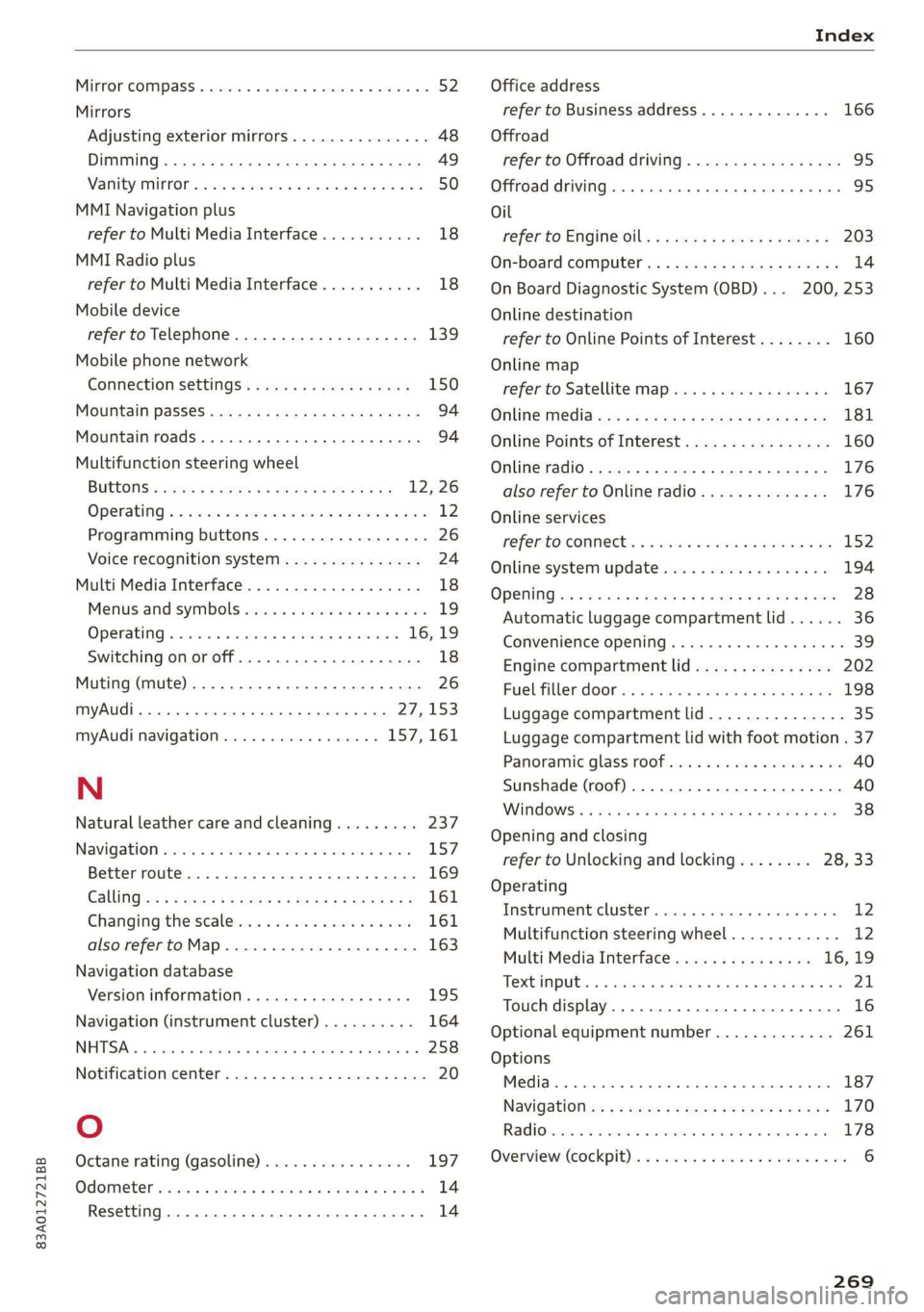
Index
MInrOr COMPASS « ses 2s asians 4 0 wsesens oe somes 52
Mirrors
Adjusting exterior mirrors.............-. 48
DINING » scam 9 < noms ss ROR FF Ree 4b aR 49
Nanity(Mit ror cco 2s omen 2s onemn 3 o wean © 6s 50
MMI Navigation plus
refer to Multi Media Interface........... 18
MMI Radio plus
refer to Multi Media Interface........... 18
Mobile device
refer to Telephone...........-..2.-00. 139
Mobile phone network
GONNECtION SELEINGSs 2 caw « & gewa s ¢ aaws 150
Mouihitain Passes « sees sz sews ss wea ke oes 94
Mountain roads......... eee eee eee eee 94
Multifunction steering wheel
Buttons « weer: « x eee 4 s Queen yo ew 2 a 12,26
Operating « « sew +o waues v a nese + eawem 3 + eos 12
Programming buttons...............00 26
Voice recognition system............... 24
Multi Media Interface................... 18
Menus and symbols.............00e-0 08 19
OPeKabiING 4 « cassac o « sesame w 6 peonein 6 ceartene a 16,19
Switching on or off.................... 18
Muting (mute) ............. 000s 26
myAudi...
2.2... eee eee eee 27,153
myAudi navigation................. 157,161
N
Natural leather care andcleaning......... 237
NaVIQation sescans c+ asin ov coieas « ¥ suena © ¥ un 157
Better route............. 00 ee eee eee 169
GAlinGixe: « 5 wom 5 x epee e MemE E YEE ES 161
Changing the scale................005 161
also referto Map..................00. 163
Navigation database
Version information...............565 195
Navigation (instrument cluster) .......... 164
NHTSA... 22.0... c eee eee eee 258
Notificationscemter rcs x svexue 2 0 cumneue © 0) exe 20
Oo
Octane rating (gasoline)................ 197
OdOMELER seems so seein 6H areowe 6% svat Fa ERO a 14
Resetting .......... 0.0 e eee eee eee eee 14
Office address
refer to Business address.............. 166
Offroad
refer to Offroad driving...............-- 95
Offroad driving. ......... 0. eee e eee 95
Oil
referto Engine oil................-.-- 203
On-board computer..............0.-000. 14
On Board Diagnostic System (OBD)... 200, 253
Online destination
refer to Online Points of Interest........ 160
Online map
refer to Satellite map................. 167
Online Media xcs « s sees = v gems ep ewe se 181
Online Points of Interest................ 160
Online radio...................0.00005 176
also refer to Online radio.............. 176
Online services
WEFErTOXCONNEEE:: © = scevcix « 5 wees ¥ reevenere © HH 152
Online system update.................. 194
OPGNING a5 & eemes x were « + oem 6 x ReeR 9 tre 28
Automatic luggage compartment lid...... 36
Convenience opening............eee eee 39
Engine compartment lid............... 202
Fuel filler door. ... 0.0.0... cece e eee ee 198
Luggage compartment lid............... 35
Luggage compartment lid with foot motion . 37
Panoramic glass roof.............000005 40
Sunshade (roof) ................00000 ee 40
WiNdOWS!: 2 acum: « ¢ waey 3 o cee § 5 ARO gb ae 38
Opening and closing
refer to Unlocking and locking........ 28, 33
Operating
Tastrumenticluster sisson «0 evans + ¥ cvenee © a oe 12
Multifunction steering wheel............ 12
Multi Media Interface............... 16,19
TOEXTIMPUEEs 3 cunsens so coven as: scams a @ seawo @ it 21.
Touch display............-..0 eee eee ee 16
Optional equipment number............. 261
Options
Media... .... cece eee ee eee eee 187
NavigatiOties « « saws + s ween 5 s meek s Rees 170
Radio... cece 178
Overview! (Cockpit): ox ici a a cosmo a aos vw ae 6
269
Page 272 of 278
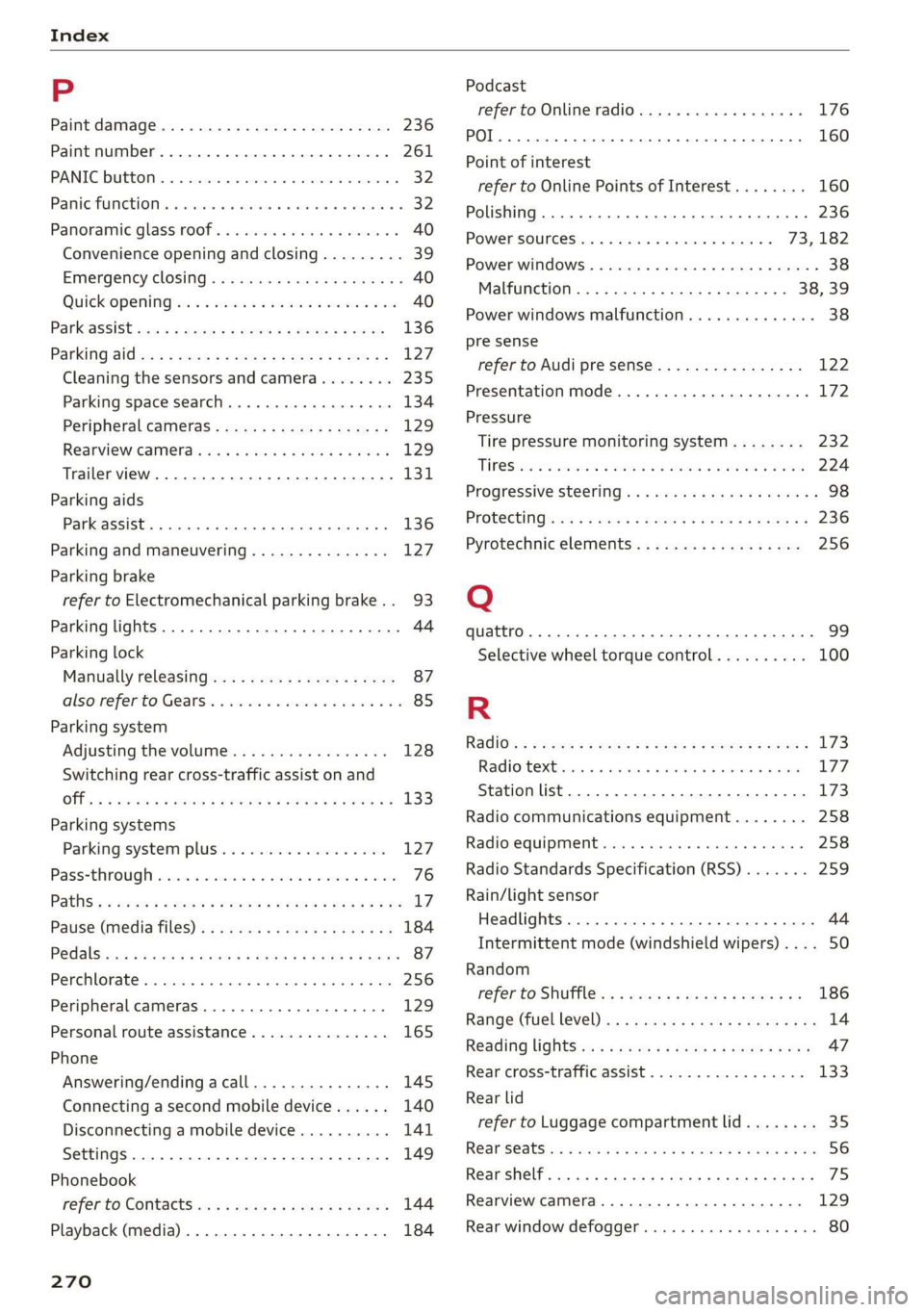
Index
P
Paint damage............2.- cee eee eae 236
Paint number............. 00. e ee eee eee 261
PANIC-DUEEOMY: » « seswees «a cameice = x omewene 0 semen & 32
Panic FUMGtiOn & sews « a amwene + a sswone a o ctiteoue oo 32
Panoramic glass roof..............000005 40
Convenience opening and closing......... 39
Emergency closing........-..seeeeeeees 40
Quickopening ie: = svc es wee se ore eo oe 40
Parktassist «ce: ¢ 2 sam « x nese & 2 Roe & ¢ see 136
Parking aid es « » exes ¢ e seen ¢ ees so ees 127
Cleaning the sensors and camera........ 235:
Parking space search...............05. 134
Peripheral cameras. ..............0005 129
Rearview camerabiies os saves oo sere ao aero 129
Trailer view...............0000000 eee 131
Parking
aids
Park assist... 0.2.0.0... eee eee ee eee 136
Parking and maneuvering............... 127
Parking brake
refer to Electromechanical parking brake.. 93
Parking lights. ............ 00 eee e eee ee 44
Parking lock
Manually releasing..............-..00- 87
alsovreferto Gears. « cmes ss van vo ewe ewe 85
Parking system
Adjusting the volume................. 128
Switching rear cross-traffic assist on and
Offs « = noms & 2 sume 4 e Beene x 2 Keo ae a 133
Parking
systems
Parking system plus...............0.. 127
Pass=through sissies 2s seeone 2 eens = sateen ee ae 76
Paths: « auws 2 2 anew 2 8 cagon ¢ Kamps 5 Heme & 3 BY L?
Pause (media files). ss wens oy eeea a been a es 184
P@dalSizaie x samm = seesu ¢ 2 Rass 3 F NaUER 3 t cere 87
Perchlorate. ... 0.2... 0c cee eee eee eee 256
Peripheral cameras...............0000. 129
Personal route assistance............... 165
Phone
Answering/ending acall............... 145
Connecting a second mobile device...... 140
Disconnecting a mobile device.......... 141
Settings ........ 0.0.2. ee eee eee eee 149
Phonebook
refer to ContactSies « s seas sc pees se ewes a 144
Playback (media) ..............2--00005 184
270
Podcast
refer to Online radio........... 2... eee 176
10) 160
Point of interest
refer to Online Points of Interest........ 160
Polishing .... 0.6.00. cece eee eee eens 236
Power sourceS.........000 eee eee 73,182
Power windows ...........--00 eee eee eee 38
Malfunction .......... 0.0 e eee eee 38,39
Power windows malfunction............05 38
pre sense
refer to Audi presense................ 122
Presentation mode............0e eee ane 172
Pressure
Tire pressure monitoring system........ 232
TIPO Sivas & axes 6 w amines 6 a omnes ow earn oH are 224
Progressive StGGringis + ewes s + wees s & wes sé 98
PFOtGCtinGhwes « 2 gama < 2 mama & BOER Fs HOR 8 8 236
Pyrotechnic elements...........--00 00 256
Q
quattro... 2... ee eee eee eee 99
Selective wheel torque control.......... 100
R
Radio’: = s sss = + eeree 5 ¢ eve + & eee 3s ew 173
RAGIOPOKE ics 1 5 senses © x samesne » v aenowms & 7 eaten 177
Station list... 2.0... 2. cee ee eee eee 173
Radio communications equipment........ 258
Radio equipment..................0 0 258
Radio Standards Specification (RSS) ....... 259
Rain/light sensor
Headlights............ 0.0.0 e eee eee 44
Intermittent mode (windshield wipers).... 50
Random
refer to Shuffle... cscseeeveasveeweaes 186
Range (fueLlevel)inu se wswa a wae x 2 mem a 6 we 14
Reading lightSis« < = cess s & ees se ees 3 ves 47
Rear cross-traffic assist............00005 133
Rear lid
refer to Luggage compartment lid........ 35
REanSEStS:: « = suas & Ga & © HGH & E SES 4s ES 56
Rear shelf... ..... ccc cece e ee eee eee eee 75
Rearview camera.......... 0. eee eee ee 129
Rear window defogger...............000 80