phone AUDI Q5 2021 Owner´s Manual
[x] Cancel search | Manufacturer: AUDI, Model Year: 2021, Model line: Q5, Model: AUDI Q5 2021Pages: 332, PDF Size: 118.86 MB
Page 236 of 332
Audi smartphone interface
Audi smartphone
interface
Setup
Applies to: vehicles with Audi smartphone interface
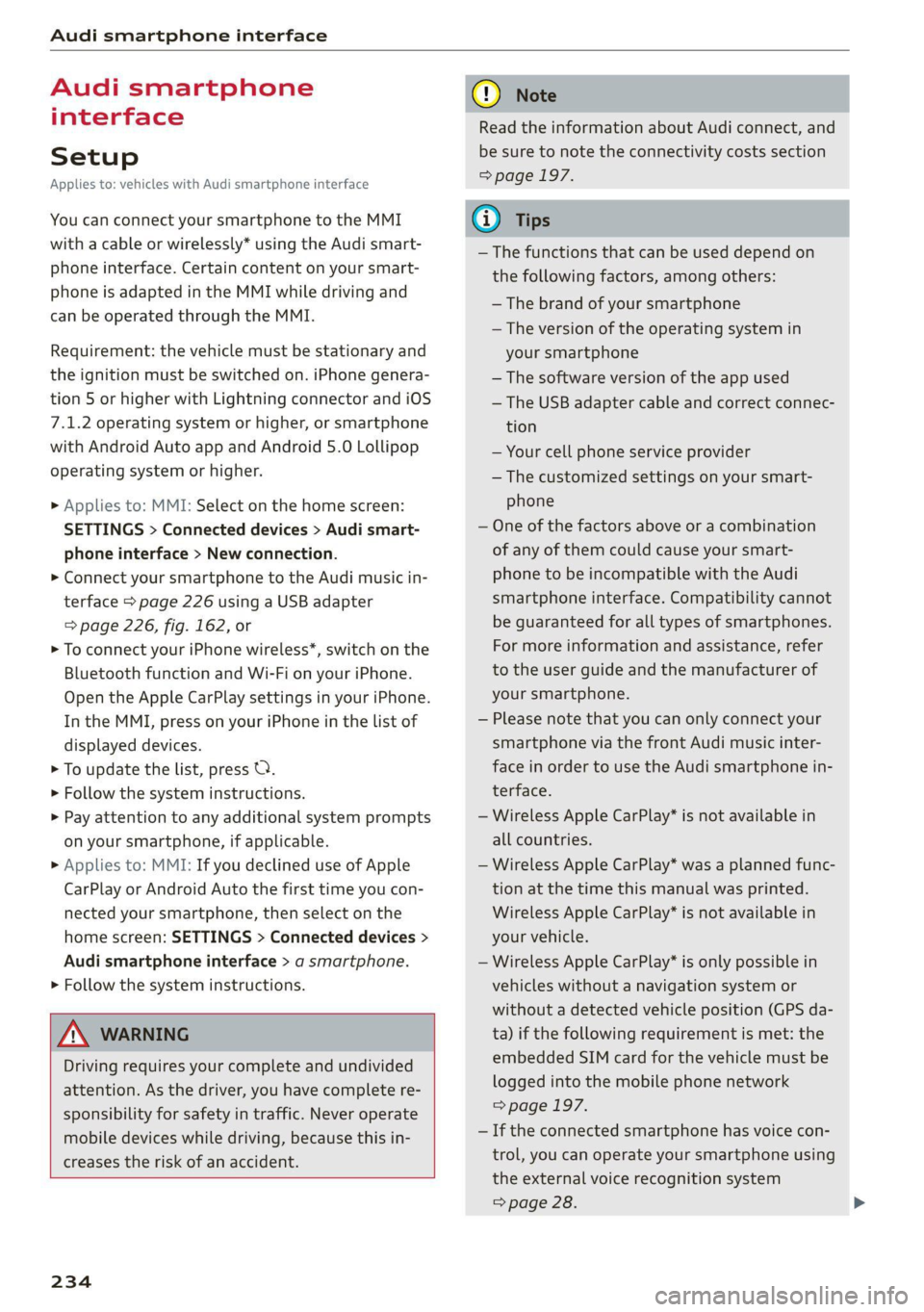
You can connect your smartphone to the MMI
with a cable or wirelessly* using the Audi smart-
phone interface. Certain content on your smart-
phone is adapted in the MMI while driving and
can be operated through the MMI.
Requirement: the vehicle must be stationary and
the ignition must be switched on. iPhone genera-
tion 5 or higher with Lightning connector and iOS
7.1.2 operating system or higher, or smartphone
with Android Auto app and Android 5.0 Lollipop
operating system or higher.
> Applies to: MMI: Select on the home screen:
SETTINGS > Connected devices > Audi smart-
phone interface > New connection.
> Connect your smartphone to the Audi music in-
terface > page 226 using a USB adapter
=> page 226, fig. 162, or
> To connect your iPhone wireless*, switch on the
Bluetooth function and Wi-Fi on your iPhone.
Open the Apple CarPlay settings in your iPhone.
In the MMI, press on your iPhone in the list of
displayed devices.
> To update the list, press O.
> Follow the system instructions.
> Pay attention to any additional system prompts
on your smartphone, if applicable.
> Applies to: MMI: If you declined use of Apple
CarPlay or Android Auto the first time you con-
nected your smartphone, then select on the
home screen: SETTINGS > Connected devices >
Audi smartphone interface > a smartphone.
> Follow the system instructions.
Z\ WARNING
Driving requires your complete and undivided
attention. As the driver, you have complete re-
sponsibility for safety in traffic. Never operate
mobile devices while driving, because this in-
creases the risk of an accident.
234
@) Note
Read the information about Audi connect, and
be sure to note the connectivity costs section
=> page 197.
@) Tips
— The functions that can be used depend on
the following factors, among others:
— The brand of your smartphone
— The version of the operating system in
your smartphone
— The software version of the app used
— The USB adapter cable and correct connec-
tion
— Your cell phone service provider
— The customized settings on your smart-
phone
— One of the factors above or a combination
of any of them could cause your smart-
phone to be incompatible with the Audi
smartphone interface. Compatibility cannot
be guaranteed for all types of smartphones.
For more information and assistance, refer
to the user guide and the manufacturer of
your smartphone.
— Please note that you can only connect your
smartphone via the front Audi music inter-
face in order to use the Audi smartphone in-
terface.
— Wireless Apple CarPlay* is not available in
all countries.
— Wireless Apple CarPlay* was a planned func-
tion at the time this manual was printed.
Wireless Apple CarPlay* is not available in
your vehicle.
— Wireless Apple CarPlay* is only possible in
vehicles without a navigation system or
without a detected vehicle position (GPS da-
ta) if the following requirement is met: the
embedded SIM card for the vehicle must be
logged into the mobile phone network
=> page 197.
— If the connected smartphone has voice con-
trol, you can operate your smartphone using
the external voice recognition system
=> page 28.
Page 237 of 332
80B012721BA
Audi smartphone interface
— The menu language shown in the MMI is
based on the settings in your smartphone.
— Some MMI functions are not available when
there is an active Audi smartphone interface
connection.
— You cannot connect any mobile devices via
Bluetooth when an Audi smartphone inter-
face connection is active.
Do It Yourself
Applies to: vehicles with Audi smartphone interface
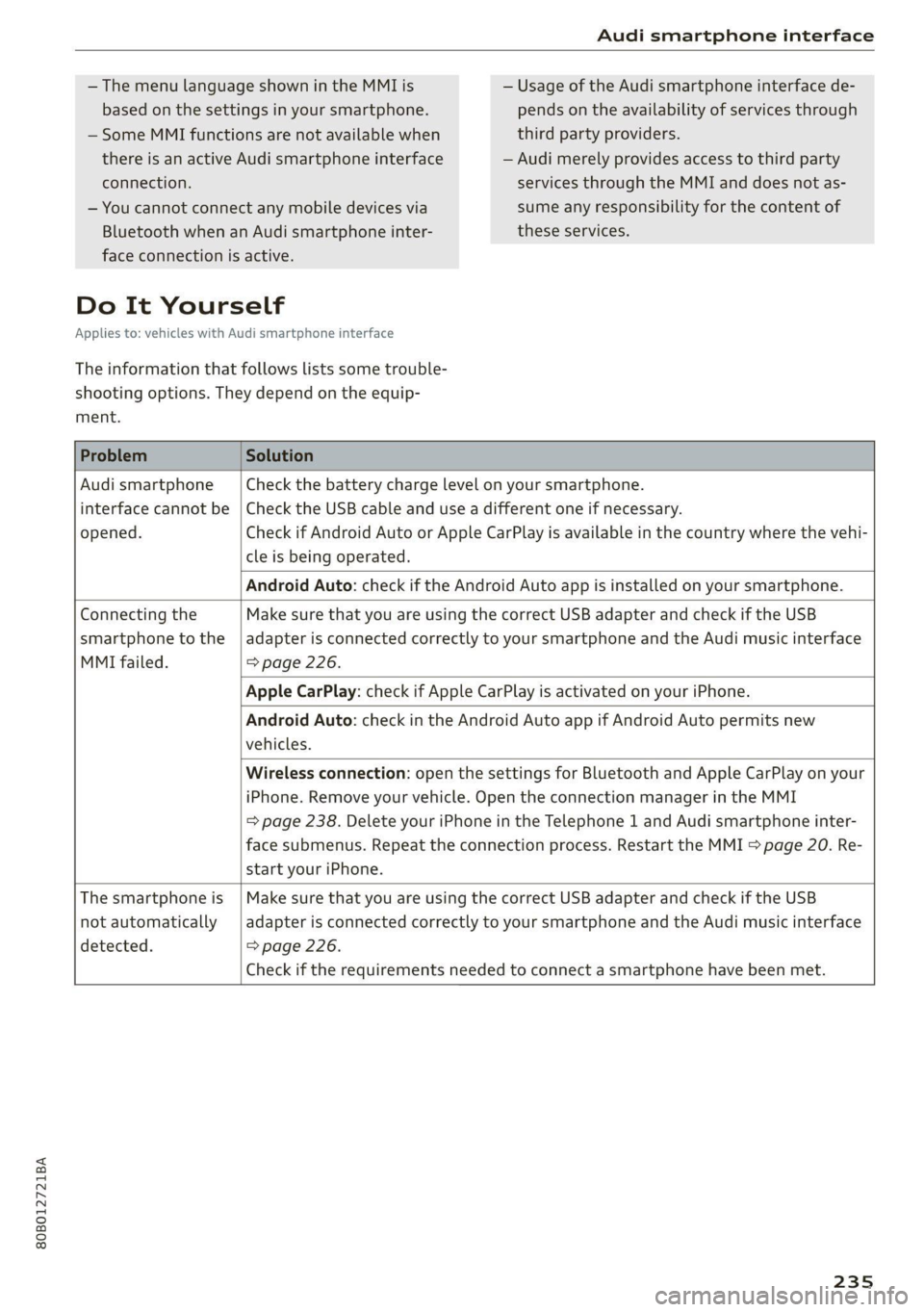
The information that follows lists some trouble-
shooting options. They depend on the equip-
ment.
— Usage of the Audi smartphone interface de-
pends on the availability of services through
third party providers.
— Audi merely provides access to third party
services through the MMI and does not as-
sume any responsibility for the content of
these services.
Problem Solution
Audi smartphone
opened.
cle is being operated.
Check the battery charge level on your smartphone.
interface cannot be | Check the USB cable and use a different one if necessary.
Check if Android Auto or Apple CarPlay is available in the country where the vehi-
Android Auto: check if the Android Auto app is installed on your smartphone.
Connecting the
smartphone to the
MMI failed. => page 226.
Make sure that you are using the correct USB adapter and check if the USB
adapter is connected correctly to your smartphone and the Audi music interface
Apple CarPlay: check if Apple CarPlay is activated on your iPhone.
vehicles.
Android Auto: check in the Android Auto app if Android Auto permits new
start your iPhone.
Wireless connection: open the settings for Bluetooth and Apple CarPlay on your
iPhone. Remove your vehicle. Open the connection manager in the MMI
= page 238. Delete your iPhone in the Telephone 1 and Audi smartphone inter-
face submenus. Repeat the connection process. Restart the MMI > page 20. Re-
The smartphone is
not automatically
detected. => page 226.
Make sure that you are using the correct USB adapter and check if the USB
adapter is connected correctly to your smartphone and the Audi music interface
Check if the requirements needed to connect a smartphone have been met.
235
Page 240 of 332
Additional settings
> Press on the notification, or
> Open the notification in the notification center
on > page 23 and press on the notification.
> Follow the system instructions.
Depending on the scope of the update, the online
system update may only be started if you follow
these instructions:
> Switch the emergency flashers off, if necessary
> Make sure that the starter battery is charged.
> To start the update, exit and lock the vehicle.
The MMI will start the installation. When the up-
date has ended, a notification will be displayed.
Z\ WARNING
Depending on the scope of the installation,
the ignition must not be switched on during
the installation to ensure the installation
completes successfully.
©) Note
Read the information about Audi connect, and
be sure to note the connectivity costs section
=@ in General information on page 197.
@ Tips
The software update may take some time.
WEE Tel
Applies to: vehicles with online system update
Online system update: incomplete. Warning!
Vehicle functions limited
If an error occurs when installing an online sys-
tem update, certain functions such as the emer-
gency call function may not be available. Drive to
an authorized Audi dealer or authorized Audi
Service Facility immediately to have the error cor-
rected.
Connected devices
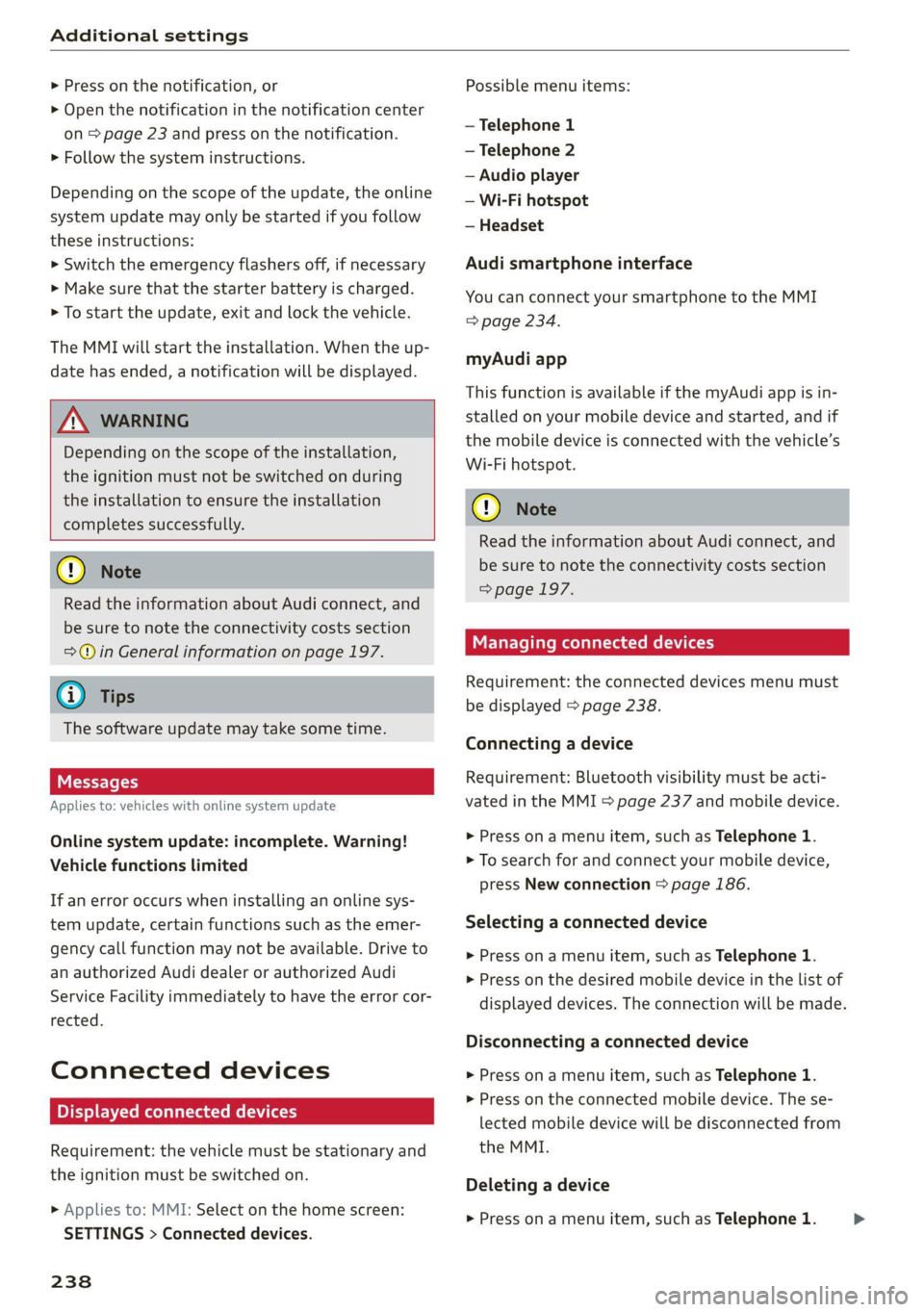
Displayed connected devices
Requirement: the vehicle must be stationary and
the ignition must be switched on.
> Applies to: MMI: Select on the home screen:
SETTINGS > Connected devices.
238
Possible menu items:
— Telephone 1
— Telephone 2
— Audio player
— Wi-Fi hotspot
— Headset
Audi smartphone interface
You can connect your smartphone to the MMI
=> page 234.
myAudi app
This function is available if the myAudi app is in-
stalled on your mobile device and started, and if
the mobile device is connected with the vehicle’s
Wi-Fi hotspot.
() Note
Read the information about Audi connect, and
be sure to note the connectivity costs section
=> page 197.
Managing connected devices
Requirement: the connected devices menu must
be displayed > page 238.
Connecting a device
Requirement: Bluetooth visibility must be acti-
vated in the MMI & page 237 and mobile device.
> Press on a menu item, such as Telephone 1.
> To search for and connect your mobile device,
press New connection > page 186.
Selecting a connected device
> Press on a menu item, such as Telephone 1.
> Press on the desired mobile device in the list of
displayed devices. The connection will be made.
Disconnecting a connected device
> Press on a menu item, such as Telephone 1.
> Press on the connected mobile device. The se-
lected mobile device will be disconnected from
the MMI.
Deleting a device
> Press on a menu item, such as Telephone 1. >
Page 241 of 332
80B012721BA
Additional settings
> Press and hold an element until the Options
menu is displayed.
> Press Delete.
If a device is listed multiple times, it will be de-
leted from all menu items.
PXe Keli a Cela] Mey Lately
Depending on the selected function, additional
options
may be available.
Requirement: the connected devices menu must
be displayed > page 238.
> Press ona menu item, such as Telephone 1.
» Press and hold an element until the Options
menu is displayed.
Bluetooth profile
You can switch desired profiles on or off sepa-
rately in the MMI.
Favorite
To set a paired mobile device as the default
phone, activate this function in the MMI.
When the mobile device is in range and the Blue-
tooth function on the mobile device and in the
MMI is switched on, the default phone will be
given priority over the other Bluetooth devices
and will be connected directly to the MMI.
Legal information
General information
Information on the software licenses can be
found online at www.audi.com/softwareinfo.
Multi Media Interface
> Applies to: MMI: Select on the home screen:
SETTINGS > General.
Subscriptions
Version information
Legal notes
Possible options:
— Software information
— About Audi connect
ONC lad nel M nail
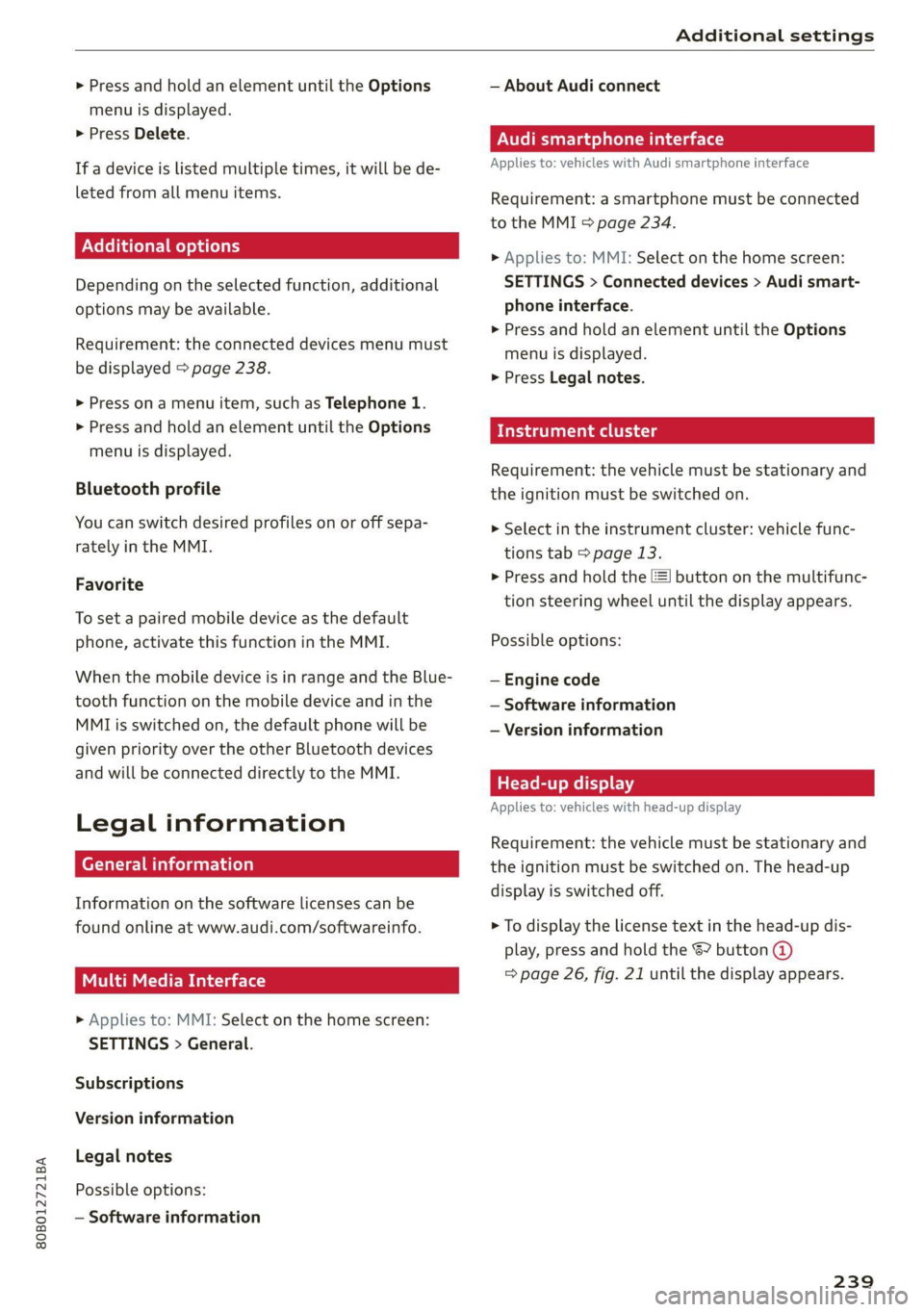
Applies to: vehicles with Audi smartphone interface
Requirement: a smartphone must be connected
to the MMI > page 234.
> Applies to: MMI: Select on the home screen:
SETTINGS > Connected devices > Audi smart-
phone interface.
> Press and hold an element until the Options
menu is displayed.
> Press Legal notes.
Requirement: the vehicle must be stationary and
the ignition must be switched on.
> Select in the instrument cluster: vehicle func-
tions tab > page 13.
>» Press and hold the E=] button on the multifunc-
tion steering wheel until the display appears.
Possible options:
— Engine code
— Software information
— Version information
Head-up display
Applies to: vehicles with head-up display
Requirement: the vehicle must be stationary and
the ignition must be switched on. The head-up
display is switched off.
> To display the license text in the head-up dis-
play, press and hold the S? button @
=> page 26, fig. 21 until the display appears.
239
Page 242 of 332
Additional information
Additional information
Brands and licenses
This manual does not contain any symbols, such
as ® or ™, to identify trademarks or registered
trademarks. However, the absence of these sym-
bols does not constitute a waiver of any rights as-
sociated with these names.
Apple, iPhone, iPod touch, Apple CarPlay, Light-
ning, and iTunes Radio are trademarks of Apple
Inc.
10S is a trademark or, in the USA and other coun-
tries, a registered trademark of Cisco and is used
under license.
Other product and manufacturer names may be
trademarks of their respective owners.
240
Page 305 of 332
80B012721BA
Fuses and bulbs
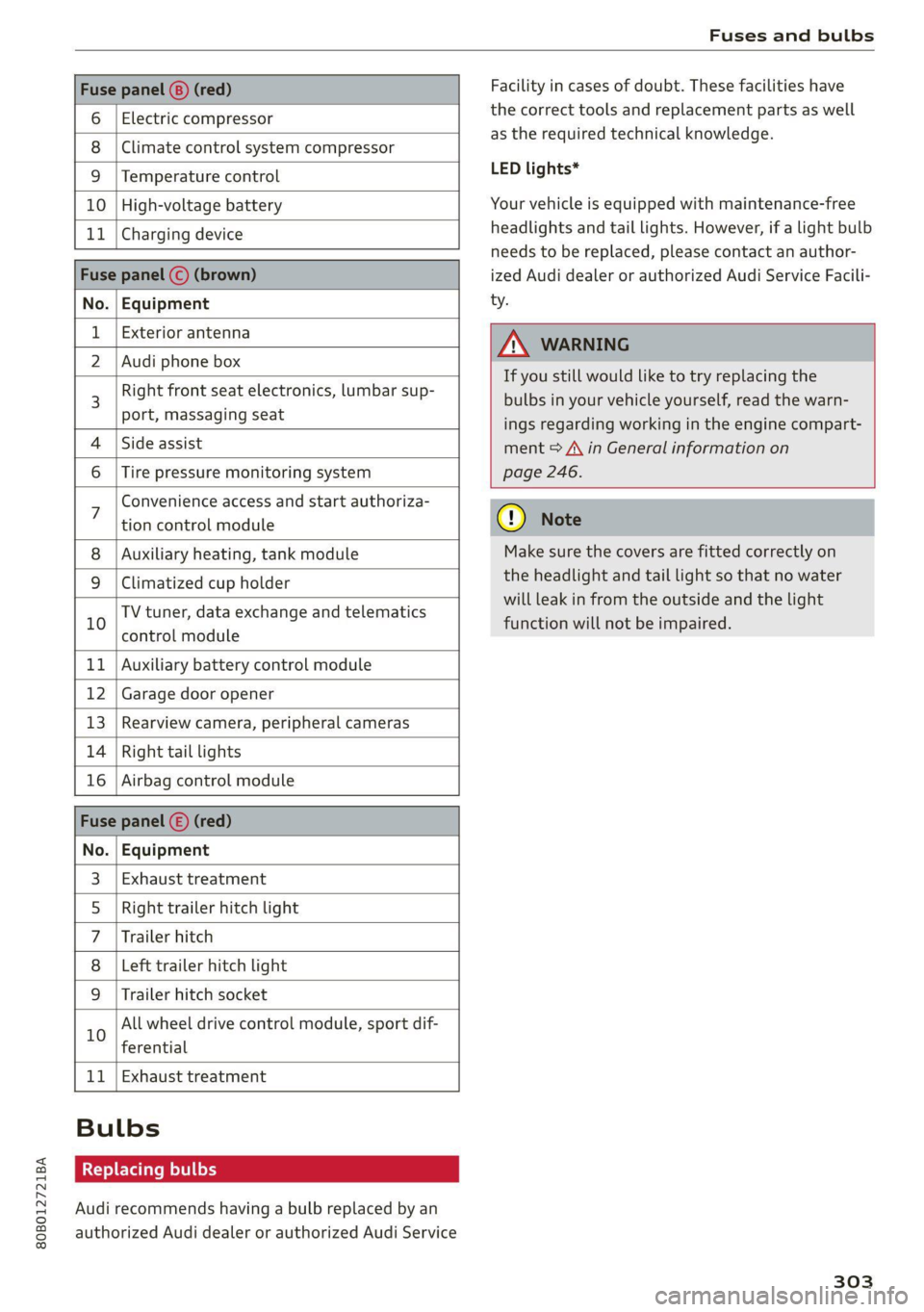
Fuse panel (8) (red)
6 | Electric compressor
8 |Climate control system compressor
9 |Temperature control
10 | High-voltage battery
11 | Charging device
Fuse panel © (brown)
No. | Equipment
Exterior antenna
2 | Audi phone box
Right front seat electronics, lumbar sup-
port, massaging seat
4 |Side assist
6 | Tire pressure monitoring system
Facility in cases of doubt. These facilities have
the correct tools and replacement parts as well
as the required technical knowledge.
LED lights*
Your vehicle is equipped with maintenance-free
headlights and tail lights. However, if a light bulb
needs to be replaced, please contact an author-
ized Audi dealer or authorized Audi Service Facili-
ty.
Z\ WARNING
If you still would like to try replacing the
bulbs in your vehicle yourself, read the warn-
ings regarding working in the engine compart-
ment > A\ in General information on
page 246.
Convenience access and start authoriza-
tion control module
Auxiliary heating, tank module
9 |Climatized cup holder
TV tuner, data exchange and telematics
” control module
11 | Auxiliary battery control module
12 | Garage door opener
13 | Rearview camera, peripheral cameras
14 | Right tail lights
16 | Airbag control module
Fuse panel (£) (red)
No. | Equipment
Exhaust treatment
Right trailer hitch light
Trailer hitch
Left trailer hitch light
WO)
O;N]/
Mm|w
Trailer hitch socket
All wheel drive control module, sport dif-
10
ferential
11 | Exhaust treatment
Bulbs
Replacing bulbs
Audi recommends having a bulb replaced by an
authorized Audi dealer or authorized Audi Service
cy Note
Make sure the covers are fitted correctly on
the headlight and tail light so that no water
will leak in from the outside and the light
function will not be impaired.
303
Page 308 of 332
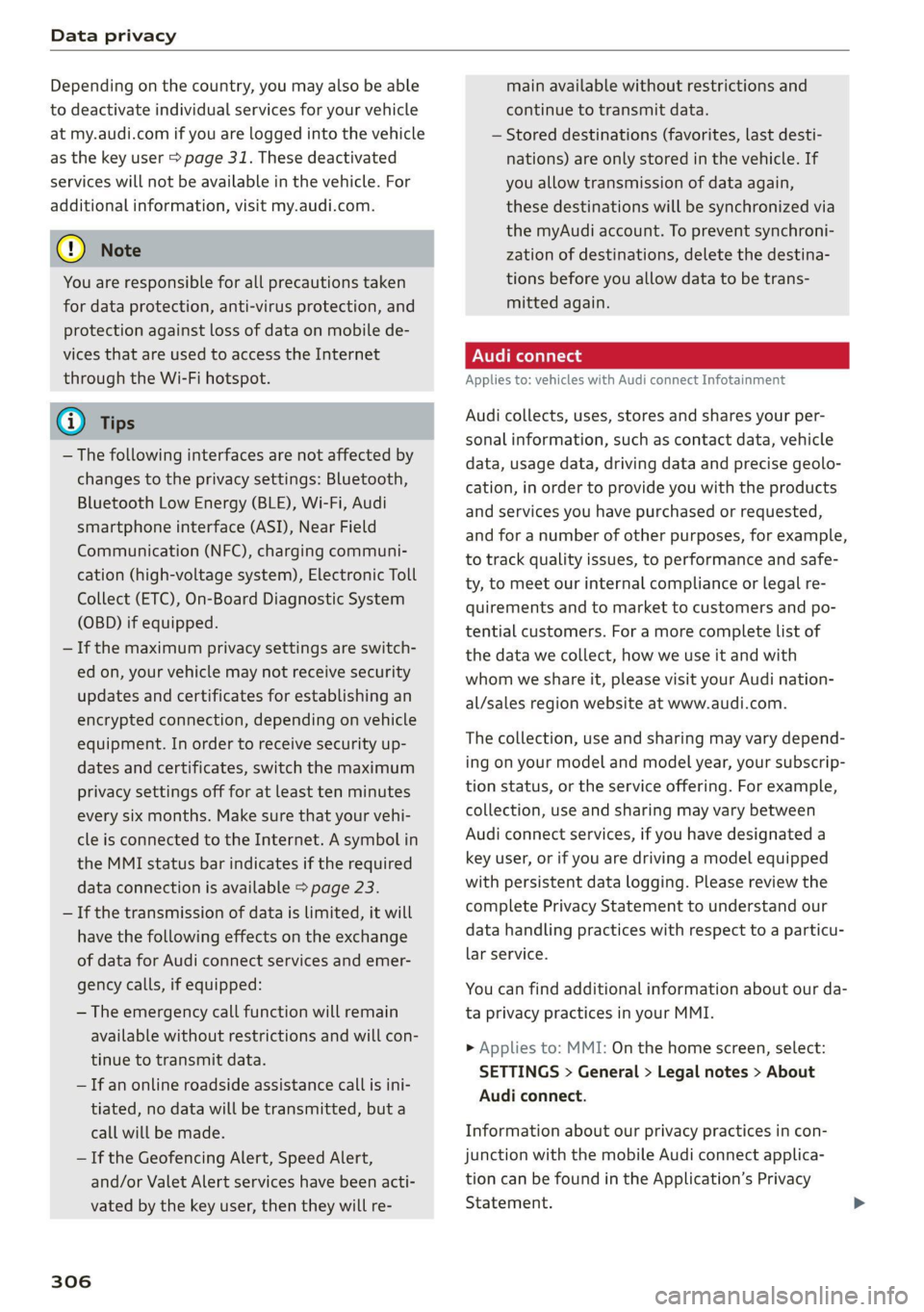
Data privacy
Depending on the country, you may also be able
to deactivate individual services for your vehicle
at my.audi.com if you are logged into the vehicle
as the key user > page 31. These deactivated
services will not be available in the vehicle. For
additional information, visit my.audi.com.
@) Note
You are responsible for all precautions taken
for data protection, anti-virus protection, and
protection against loss of data on mobile de-
vices that are used to access the Internet
through the Wi-Fi hotspot.
G) Tips
— The following interfaces are not affected by
changes to the privacy settings: Bluetooth,
Bluetooth Low Energy (BLE), Wi-Fi, Audi
smartphone interface (ASI), Near Field
Communication (NFC), charging communi-
cation (high-voltage system), Electronic Toll
Collect (ETC), On-Board Diagnostic System
(OBD) if equipped.
— If the maximum privacy settings are switch-
ed on, your vehicle may not receive security
updates and certificates for establishing an
encrypted connection, depending on vehicle
equipment. In order to receive security up-
dates and certificates, switch the maximum
privacy settings off for at least ten minutes
every six months. Make sure that your vehi-
cle is connected to the Internet. A symbol in
the MMI status bar indicates if the required
data connection is available > page 23.
— If the transmission of data is limited, it will
have the following effects on the exchange
of data for Audi connect services and emer-
gency calls, if equipped:
— The emergency call function will remain
available without restrictions and will con-
tinue to transmit data.
— If an online roadside assistance call is ini-
tiated, no data will be transmitted, but a
call will be made.
— If the Geofencing Alert, Speed Alert,
and/or Valet Alert services have been acti-
vated by the key user, then they will re-
306
main available without restrictions and
continue to transmit data.
— Stored destinations (favorites, last desti-
nations) are only stored in the vehicle. If
you allow transmission of data again,
these destinations will be synchronized via
the myAudi account. To prevent synchroni-
zation of destinations, delete the destina-
tions before you allow data to be trans-
mitted again.
Applies to: vehicles with Audi connect Infotainment
Audi collects, uses, stores and shares your per-
sonal information, such as contact data, vehicle
data, usage data, driving data and precise geolo-
cation, in order to provide you with the products
and services you have purchased or requested,
and for a number of other purposes, for example,
to track quality issues, to performance and safe-
ty, to meet our internal compliance or legal re-
quirements and to market to customers and po-
tential customers. For a more complete list of
the data we collect, how we use it and with
whom we share it, please visit your Audi nation-
al/sales region website at www.audi.com.
The collection, use and sharing may vary depend-
ing on your model and model year, your subscrip-
tion status, or the service offering. For example,
collection, use and sharing may vary between
Audi connect services, if you have designated a
key user, or if you are driving a model equipped
with persistent data logging. Please review the
complete Privacy Statement to understand our
data handling practices with respect to a particu-
lar service.
You can find additional information about our da-
ta privacy practices in your MMI.
> Applies to: MMI: On the home screen, select:
SETTINGS > General > Legal notes > About
Audi connect.
Information about our privacy practices in con-
junction with the mobile Audi connect applica-
tion can be found in the Application’s Privacy
Statement.
Page 317 of 332
80B012721BA
Index
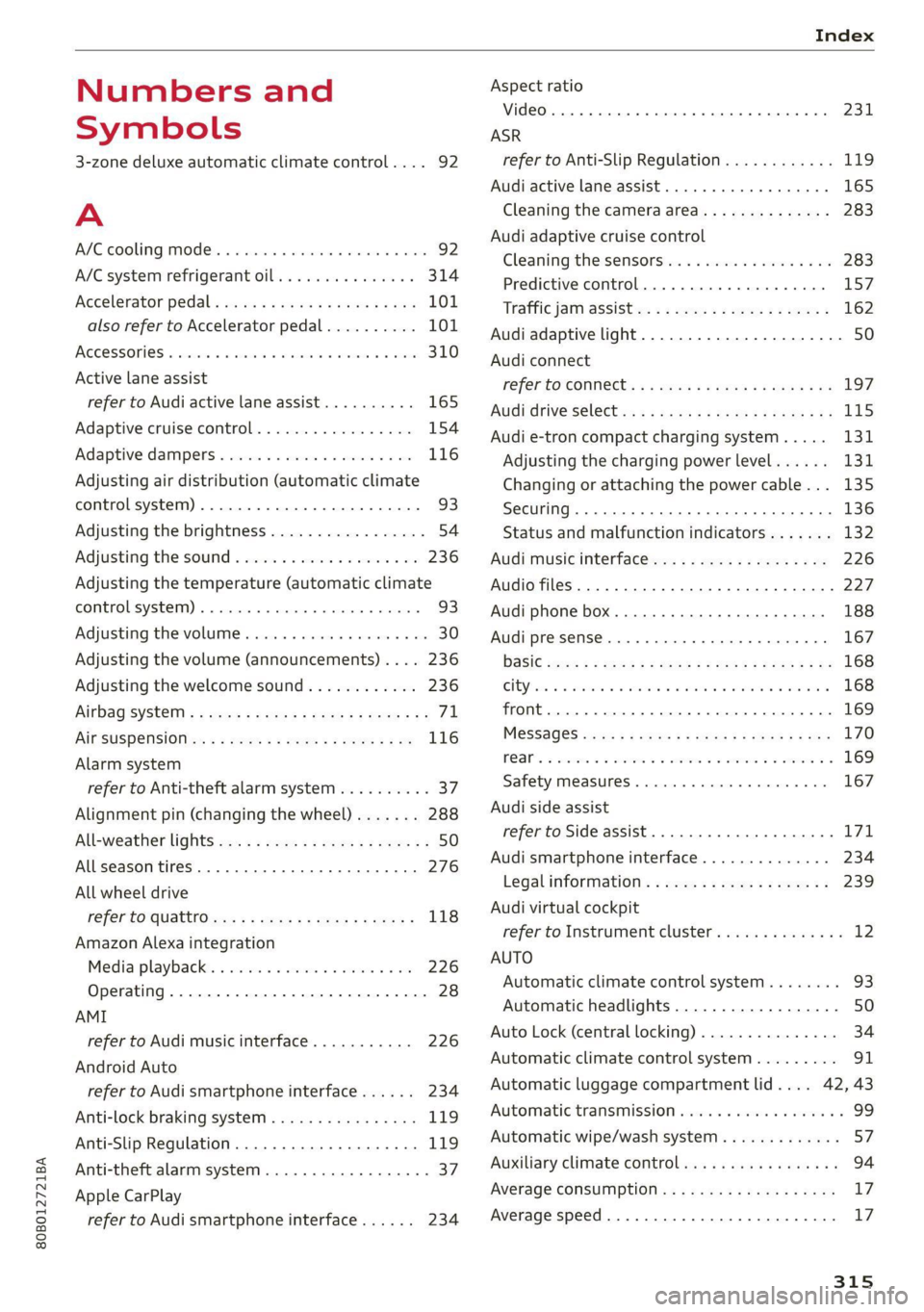
Numbers and
Symbols
3-zone deluxe automatic climate control.... 92
A
AIC cooling MOde:. « « vesiare «sas © wrens 6 avers 92
A/C system refrigerant oil............005 314
Accelerator pedals sseis so esas x & eases 8 & exes 101
also refer to Accelerator pedal.......... 101
ACCESSORIES « sssiers oo: seaues + exsusunn + wane a 6 esine 310
Active lane assist
refer to Audi active lane assist.......... 165
Adaptive cruise control................. 154
Adaptive dampers ............-..2+-05- 116
Adjusting air distribution (automatic climate
control system) ...... 0.0.0. e cee eee eee 93
Adjusting the brightness................. 54
Adjusting the sound..............-..00- 236
Adjusting the temperature (automatic climate
control system) ......... 0.0.00. e ee ee eee 93
Adjusting the volume ............ eee ee eee 30
Adjusting the volume (announcements) .... 236
Adjusting the welcome sound............ 236
Airbag'system ; « eses s saves s eee ss veep eee 71
AICSUSPENSION ex « = som « = nee Hg Ses SE Be 116
Alarm system
refer to Anti-theft alarm system.......... 37
Alignment pin (changing the wheel)....... 288
All-weather lights...............-..20--- 50
Allseason tires............220202220005 276
All wheel drive
refer tOQUAtEOmms: 5 = woos + 5 ewe so ewe 118
Amazon Alexa integration
Media playback’. « oii. eons 6 6 cris 6 0 ow 226
Operating...............0..0 000.0000. 28
AMI
refer to Audi music interface........... 226
Android Auto
refer to Audi smartphone interface...... 234
Anti-lock braking system............0005 119
Anti-Slip Regulation.................05. 119
Anti-theft alarm system...............00 37
Apple CarPlay
refer to Audi smartphone interface...... 234 ASR
refer to Anti-Slip Regulation.........
Audi active lane assist................
Cleaning the camera area............
Audi adaptive cruise control
Cleaning the sensors...............
Predictive control..............0005
Traffic jam assist............00.-00.
Audi adaptive light..................
Audi connect
FefEr LO CONNEC: = « gaws + = eames v news
Audi drive select =: ss g2c8 ss peau s i deme
Audi e-tron compact charging system...
Adjusting the charging power level....
Changing or attaching the power cable... .
SeCUrINg.. 2... cee eee eee eee
Status and malfunction indicators ....
Audi music interface.................
Audio files..............00 eee eee ee
Safety measures........ 0.0... e ee ee
Audi side assist
refer to Side assist..............0..
Audi smartphone interface............
Legalinformation..................
Audi virtual cockpit
refer to Instrument cluster..........
AUTO
Automatic climate control system.....
Automatic headlights...............
Auto Lock (central locking) ............
Automatic climate control system......
Automatic luggage compartment lid....
Automatic transmission..............
Automatic wipe/wash system..........
Auxiliary climate control..............
Average consumption................
Average speed... ..... 2.2.02
315
Page 318 of 332
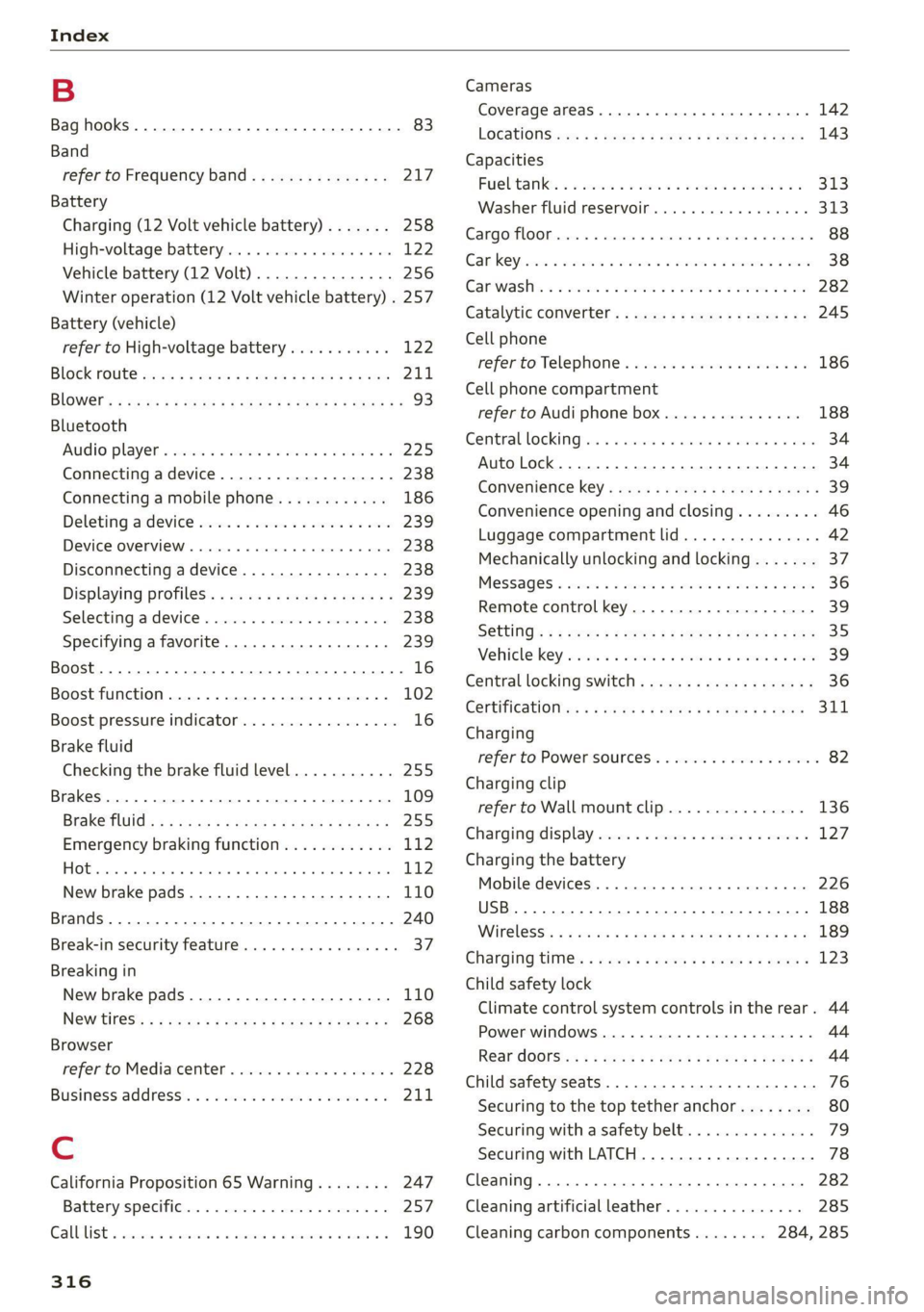
Index
B
Bag hooks .......... 0... c eee eee eee ee 83
Band
refer to Frequency band............... 217
Battery
Charging (12 Volt vehicle battery)....... 258
High-voltage battery...............0.. 122
Vehicle battery (12 Volt)............0.8. 256
Winter operation (12 Volt vehicle battery) . 257
Battery (vehicle)
refer to High-voltage battery........... 122
BLOCK FOULS caus + & eau o » Rees ov REwW 3 eR 211
BlOWEP's = sours = © egups 3 ¥ saws 7 e Seon ze pees ze 93
Bluetooth
‘Audio player « sii 3 6 wes ao nese ee wenn o 225
Connecting adevice...............00-. 238
Connecting a mobile phone............ 186
Deleting
adevice................0000- 239
Device overview... . 6... 00. eee eee eee 238
Disconnecting a device................ 238
Displaying Profiles « caves x « xayre a 2 waurs a « 239
Selecting adevice.................00. 238
Specifying a favorite.............0000- 239
Boost... 2... cece 16
Boost function.................000000. 102
Boost pressure indicator................. 16
Brake fluid
Checking the brake fluid level........... 255
Brakes... 2... eee 109
Brake tluidis « « mays ¢ gave © saan ¢ 8 meres F 255
Emergency braking function............ 112
HOt. cece eee eee eee 112
New brake pads..............----000-- 110
Brands............2..02. 000 e cece ee 240
Break-in security feature..............00- 37
Breaking in
New brake pads..............---000-- 110
New tires’: « + soe « + cagme 5 2 eeuwe oe ae oo 268
Browser
refer to Mediacenter.................. 228
Business. addressii. : viii 6 < aes eo soaom oo 211,
Cc
California Proposition 65 Warning........ 247
Battery specific.................-000. 257
CALGUISE & cciwass so cusetie oo examen sa avawans & @ wesw a 190
Cameras
Coverage areaS.... 6... eee eee eee 142
LOGALIONS ccm s 2 wom « § aoe 5s REE 3s eee 143
Capacities
Fuel tant. so wesc oo seems o wand ov sae 2 2 313
Washer fluid reservoir.............0005 313
Carg@Plembiscns x x cscacn wx rans we re oe Moa 88
Cat KO Ybiwiue © sveveware o seam @ 6 anccoms a 8 asuwone ww vomeT 38
Gar WaShiy 2 aicscs ss swcna © & swam wo orem © oe 282
Catalytic converter.............--00000- 245
Cell phone
refer to Telephone............00eee eae 186
Cell phone compartment
refer to Audi phone box............... 188
Central lockingeins «+ ccs + 2 ances 0 comsens « & ose 34
Auto Lock... 0... cece eee eee eee eee 34
Convenience key...... 0... eseee eevee 39
Convenience opening and closing......... 46
Luggage compartment lid.............0. 42
Mechanically unlocking and locking....... 37
Messages « anise «seas 3 3 mara @ wavimin © wave 36
Remote control key.............--.00-- 39
SECUG: o x sure x = swe & a eR Fe ee 2 5 ee 35
Vehicle key sais xs cers se namie 6 ceri wo rete 39
Central locking switch.............000005 36
COrtifiCatienins « « waws « « eews 4 e cows 9 o eee 311
Charging
refer to Power sourceS..............00-- 82
Charging clip
referto Wall mount clip............... 136
Charging display ccc. «eves ao eases oo oes x 127,
Charging the battery
Mobile devices. ..........00 cece eee 226
USB... eee 188
Wirelessi: = » aeons « 2 waves x 5 wayne 4 & Haus 8 = 189
GharGiniG titties: « sass = 2 neue x = neem & o weer 2 123
Child safety lock
Climate control system controls in the rear. 44
Power windows............00000e eee ee 44
Rear dOGrsion x s anan ¢ a ecwe i Kamen ¢ BORE Ee 44
Child safety seats........ 0... cece eee eee 76
Securing to the top tether anchor........ 80
Securing with a safety belt.............. 79
Securing with LATCH.............000005 78
Cleaning... 0... . cece eee 282
Cleaning artificial leather............... 285
Cleaning carbon components........ 284, 285
Page 321 of 332
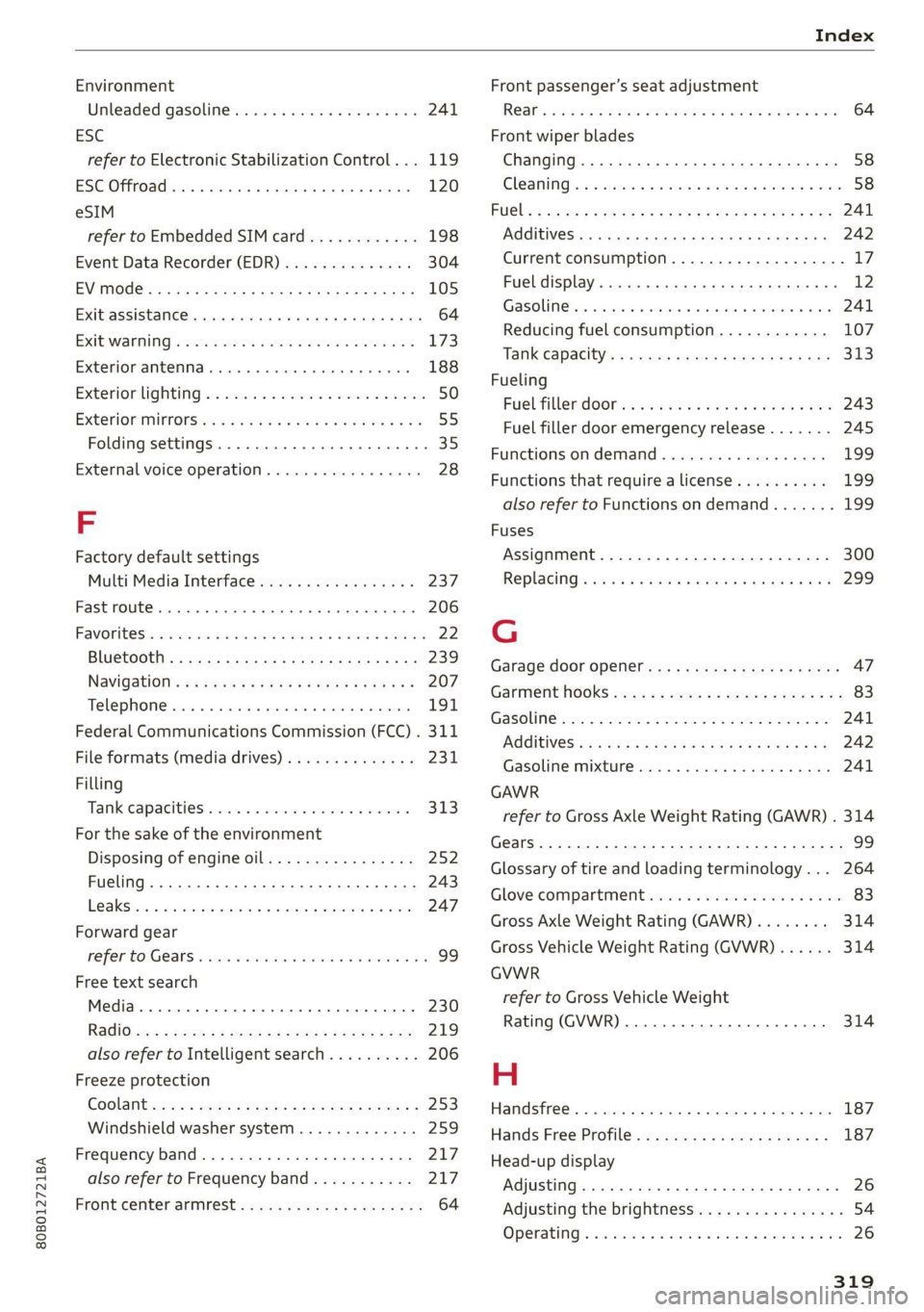
80B012721BA
Index
Environment
Unleaded gasoline.............. eee eee 241
ESC
refer to Electronic Stabilization Control... 119
ESC Offroad... .. eee eee eee 120
eSIM
refer to Embedded SIM card............ 198
Event Data Recorder (EDR).............. 304
EV mode......... cee cece eee eee 105
Exit assistance... 0... cece ee eee 64
EXtEWAETIIG)s « » cases w + ansunas 4 u annanoe #8 sommes 173
EX€CHIOMANTCNNA sinciis « 6 ocnin +s coesan © 6 axesors 188
Exteniorlightiing’ sxcsc: x «suas 2 + menawe ox awweom 50
Exterior itrOrsic. « 2 sor © somes vo orem 9 © ony 55
Folding settings................00 ee eee 35
External voice operation................. 28
F
Factory default settings
Multi Media Interface..............0.. 237
Fast route... .. eee eee eee 206
FAVOTIECSS. 5 2 rccass « « ormane « o: snwanen = suscewone 5 mouse 22
Bluetooth. ........ 0... cee eee 239
Navigation’: « s sae 5 ¢ cews + + sawie « o tems = 207
Telephone cris « «cose « srcusne to wrasse @ 6 oneenie 191
Federal Communications Commission (FCC) . 311
File formats (media drives).............. 231
Filling
Tank. capacities: cu: 2 ewin ee cna ee amor « 313
For the sake of the environment
Disposing of engine oil................ 252
PUGUING's = asses ¢ & aves & © Sates ¢ § Repos 5 E Ber 243
LO aKSiics = 2 ees ee sew 2 wane © were © ¥ were 247
Forward gear
refer to Gears. 1... eee 99
Free text search
Media... .... eee ee eee 230
Ra@iGvcs « = wcme « = wome 5 2 was ¢ 2 wae x coe 219
also refer to Intelligent search.......... 206
Freeze protection
Coolant...... 2... eee eee eee 253
Windshield washer system............. 259
Frequency band.............00--00 ees 217
also refer to Frequency band........... 217
Front center armrest .s..5 0c cces ese as 64
Front passenger’s seat adjustment
Rear... eee eee eee 64
Front wiper blades
CHANGING ss + s weae + 5 wees s ERee a eee Ges 58
Cleaning’: «2 see 2 ¢ swe 2 2 een ooo eee © 2 oe 58
FUG: ¢ agers ¢ ¢ saws oy eee 2s Hee zd ee Yoo 241
AGGIES «scone + cneusne « 1 emowom © eyenems te te 242
Current consumption................... 17
Eueldisplay’: saws x sess «smu te gs ges 12
Gasoline... .... cece eee eee 241
Reducing fuel consumption............ 107
Tank:capacity’s « « weiss s eecew s eeee oe ee 313
Fueling
Fuel filler dor ei ¢ s sissow 2 ena ss wesem a wc 243
Fuel filler door emergency release....... 245
Functions:on demands « + cic + 6 ware © vere 199
Functions that require a license.......... 199
also refer to Functions on demand....... 199
Fuses
Assignment .............0..0.0020005 300
Replacing « seis « enews + g nee + comm & + Her 299
G
Garage door opener............-.000000- 47
GarMenthOOKks some « says ov eee 2 esa 2 ee 83
Gasoline... 2.0.6... cee eee eee eee 241
CGIRIVGS » weiss 3 2 mewn 4 » ney & Pee @ ewe 242
Gasolime MiXtUne cosine =o sewers « 9 sense « 0 one 241
GAWR
refer to Gross Axle Weight Rating (GAWR) . 314
Gears... eee 99
Glossary of tire and loading terminology... 264
Glove compartment.............-0.00005 83
Gross Axle Weight Rating (GAWR)........ 314
Gross Vehicle Weight Rating (GVWR)...... 314
GVWR
refer to Gross Vehicle Weight
Rating (GVWR) ....... 0.0. e cee eee eee 314
H
Handsfree..................0.00000005 187
Hands:Free/Profilez. s . sxiuis so neieos «x semen = 187
Head-up display
Adjusting ........... cece eee eee eee 26
Adjusting the brightness................ 54
Operating’: « = soe « sicsees w snawens ow omens wv on 26